
25 Best AI Tools for MBA Students in 2026
AI tools for MBA students are no longer optional. Whether you are working on a case study, preparing a pitch deck, analyzing financial data, writing a research paper, or managing a group project, the right AI tools can save time and improve the quality of your work.
But there is one important rule: AI should support your thinking, not replace it.
The best MBA students use AI to research faster, organize ideas, test assumptions, improve communication, visualize data, and prepare better presentations. They still verify sources, apply business judgment, and follow their university’s academic integrity policy.
This guide covers the best AI tools for MBA students in 2026, including tools for research, writing, presentations, analytics, finance, productivity, marketing, and career growth.

Best AI Tools for MBA Students
The best AI tools for MBA students include ChatGPT, Claude, Gemini, Perplexity, NotebookLM, Grammarly, Notion AI, Gamma, Canva AI, Tableau, Power BI, Otter.ai, Fireflies.ai, Microsoft Copilot, Zapier, HubSpot, LinkedIn, and Excel with AI features.
Best Starter Toolkit for MBA Students
For most MBA students, this simple toolkit is enough to handle research, writing, presentations, data analysis, meeting notes, and organization.
ChatGPT or Claude
For brainstorming, business analysis, case study breakdowns, and idea generation.
Perplexity
For cited research, market trends, competitor analysis, and source discovery.
NotebookLM
For studying documents, PDFs, lecture notes, case studies, and research material.
Grammarly
For writing polish, grammar correction, clarity, tone, and professional reports.
Gamma or Canva
For presentations, pitch decks, visual storytelling, infographics, and class projects.
Excel, Tableau, or Power BI
For data analysis, dashboards, financial models, charts, and business reports.
Otter.ai or Fireflies.ai
For meeting notes, lecture transcription, group discussions, and action items.
Notion AI
For organizing class notes, project plans, research, deadlines, and MBA resources.
Why MBA Students Need AI Tools
MBA programs require a strong mix of research, analysis, communication, teamwork, and decision-making. AI tools can support all of these areas by helping students work faster, organize ideas better, and improve the quality of their academic and professional output.
MBA students commonly use AI tools for:
- Summarizing long case studies
- Researching industries and competitors
- Drafting business reports
- Preparing investor-style presentations
- Analyzing survey or financial data
- Building marketing ideas
- Creating meeting summaries
- Managing group projects
- Practicing interview answers
- Improving resumes and LinkedIn profiles
Best AI Tools for MBA Students
Compare the best AI tools for MBA students by use case, free plan availability, and practical MBA applications.
| Tool | Best For | Free Plan | MBA Use Case |
|---|---|---|---|
| ChatGPT | Research, writing, brainstorming | Yes | Case analysis, summaries, business ideas |
| Claude | Long documents and reasoning | Yes | Strategy reports, detailed analysis |
| Gemini | Google ecosystem users | Yes | Research, Docs, Sheets support |
| Perplexity | Cited research | Yes | Market research and source discovery |
| NotebookLM | Document-based study | Yes | Case notes, PDFs, lectures |
| Grammarly | Writing improvement | Yes | Reports, emails, assignments |
| Notion AI | Notes and organization | Limited | MBA knowledge base |
| Gamma | Presentations | Limited | Pitch decks and class presentations |
| Canva AI | Visual design | Yes | Infographics, slides, posters |
| Tableau | Data visualization | Trial / student options vary | Dashboards and analytics |
| Power BI | Business intelligence | Free desktop version | Financial and business dashboards |
| Otter.ai | Transcription | Limited | Lecture and meeting notes |
| Fireflies.ai | Meeting assistant | Limited | Group project documentation |
| Microsoft Copilot | Office productivity | Paid / institutional access | Excel, Word, PowerPoint workflows |
| Zapier | Automation | Limited | Automating repetitive tasks |
| HubSpot AI | Marketing and CRM | Limited | Sales and marketing projects |
| Career growth | Yes | Networking and personal branding |
Note: Free plan details may change over time. Always check each tool’s official pricing page before choosing a paid plan.
Best Free AI Tools for MBA Students
These free or freemium AI tools can help MBA students with research, writing, presentations, note-taking, analytics, career growth, and productivity.
ChatGPT
Best for brainstorming, case analysis, summaries, and study support.
Free + PaidClaude
Useful for long documents, reasoning, business reports, and strategy drafts.
Free + PaidGemini
Good for research, planning, writing help, and Google ecosystem users.
Free + PaidPerplexity
Great for cited research, market trends, competitor research, and sources.
Free + PaidNotebookLM
Best for studying PDFs, notes, lectures, case studies, and research material.
Free + PaidGrammarly
Helps improve grammar, clarity, tone, emails, reports, and assignments.
Free + PaidCanva
Useful for presentations, infographics, posters, pitch decks, and visuals.
Free + PaidNotion
Helps organize notes, assignments, project plans, and MBA knowledge bases.
Free + PaidOtter.ai
Useful for lecture notes, meeting transcription, summaries, and interviews.
Free + PaidFireflies.ai
Records, transcribes, summarizes, and organizes team meeting discussions.
Free + PaidPower BI Desktop
Best for dashboards, business analytics, reports, and data visualization.
Free DesktopGoogle Scholar
Useful for finding academic papers, citations, journals, and research sources.
FreeHelpful for networking, internships, career growth, and personal branding.
Free + PaidStudent tip: Free plans are enough for many MBA students. Paid plans may help if you work with long documents, advanced analytics, frequent presentations, or heavy meeting transcription.
Best AI Tools for Research and Case Studies
1. ChatGPT

ChatGPT is one of the most useful AI tools for MBA students because it can help with brainstorming, summarizing, outlining, and analyzing business problems.
Use it for:
Breaking down case studies
Creating SWOT, PESTLE, and Porter’s Five Forces analysis
Brainstorming strategy options
Drafting research questions
Simplifying complex business concepts
Practicing interview answers
Example MBA prompt:
Act as an MBA strategy professor. Analyze this case using SWOT, Porter’s Five Forces, and a recommendation matrix. Highlight assumptions, risks, and missing data. Do not invent facts.
Best practice: Use ChatGPT as a thinking partner, not as a final-answer machine.
2. Claude
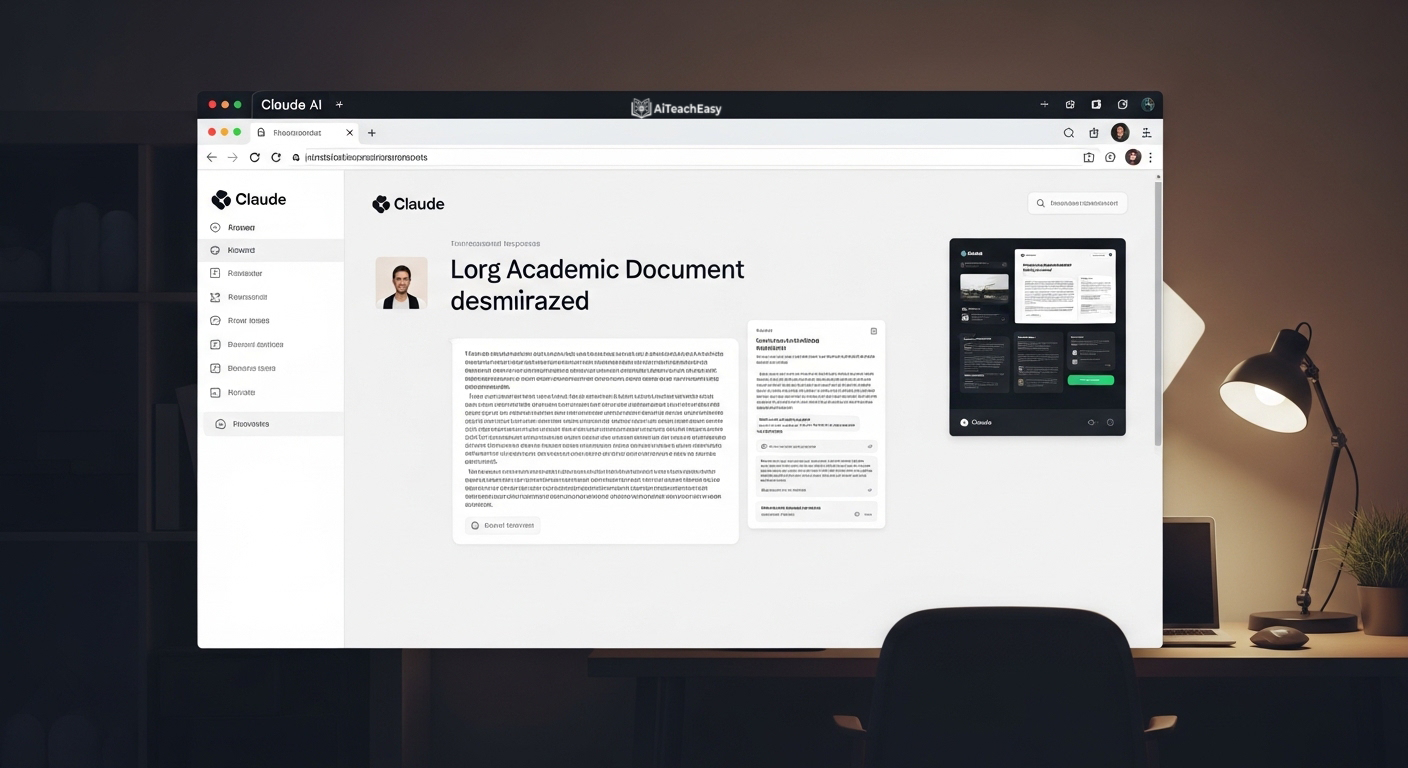
Claude is strong for long documents, detailed analysis, and structured writing. MBA students can use it to analyze long case studies, compare strategic options, and refine reports.
Use it for:
Long case study summaries
Strategic recommendations
Business memo drafting
Pros and cons analysis
Board-style briefing notes
Daniels College mentions Claude, ChatGPT, Gemini, and Perplexity as useful research and summarization tools for business students. (Daniels College of Business)
3. Perplexity
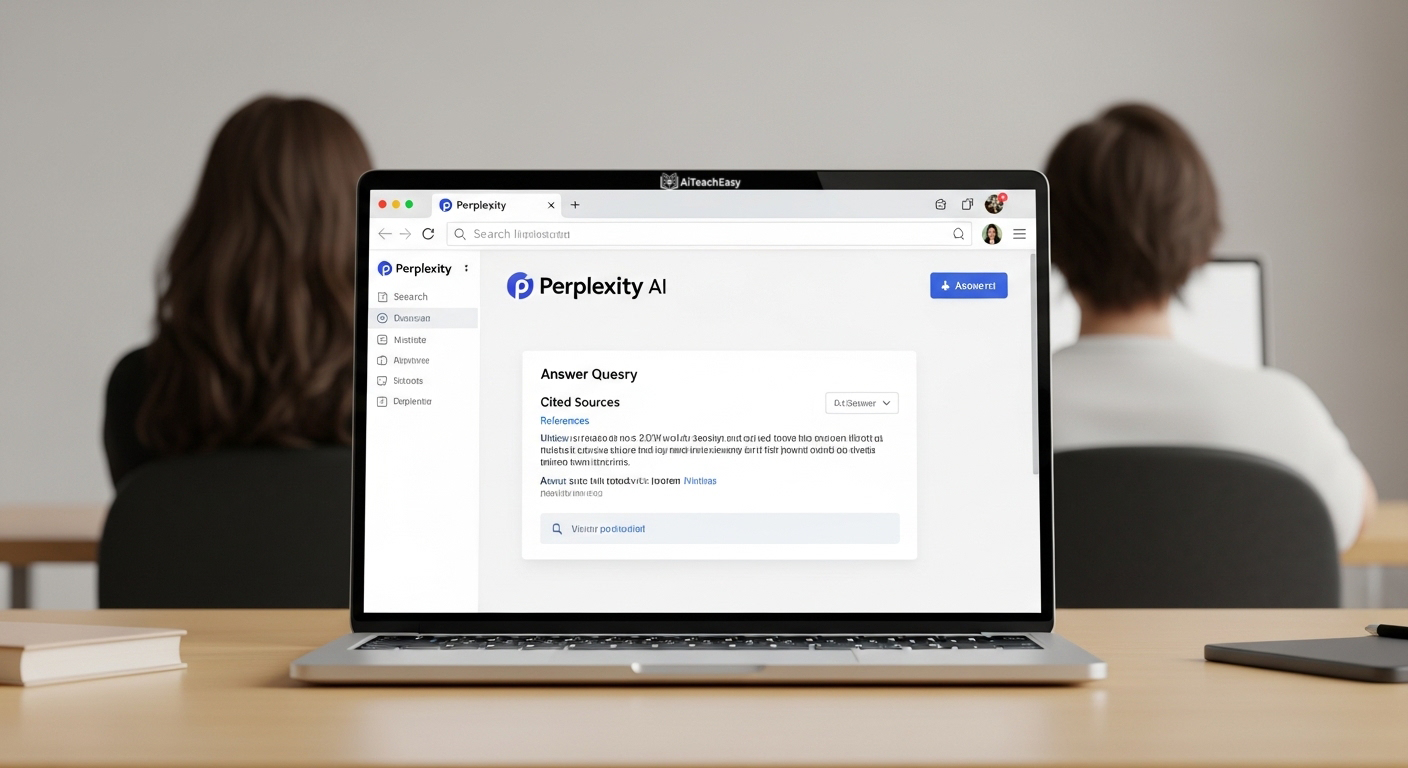
Perplexity is useful when you need research with sources. It can help MBA students find recent information on industries, companies, competitors, and market trends.
Use it for:
Market research
Competitor analysis
Industry trends
Finding sources for reports
Understanding current business news
Important: Always open and verify the original sources before citing them in an assignment.
4. NotebookLM

NotebookLM is excellent for studying your own material. You can upload notes, PDFs, lecture documents, or case readings and ask questions based on those sources.
Use it for:
Summarizing class readings
Creating study guides
Asking questions from uploaded material
Preparing for exams
Turning notes into revision outlines
Taxila and Daniels both mention NotebookLM as useful for organizing and summarizing documents. (Taxila Business School)
Best AI Tools for Writing and Editing
5. Grammarly
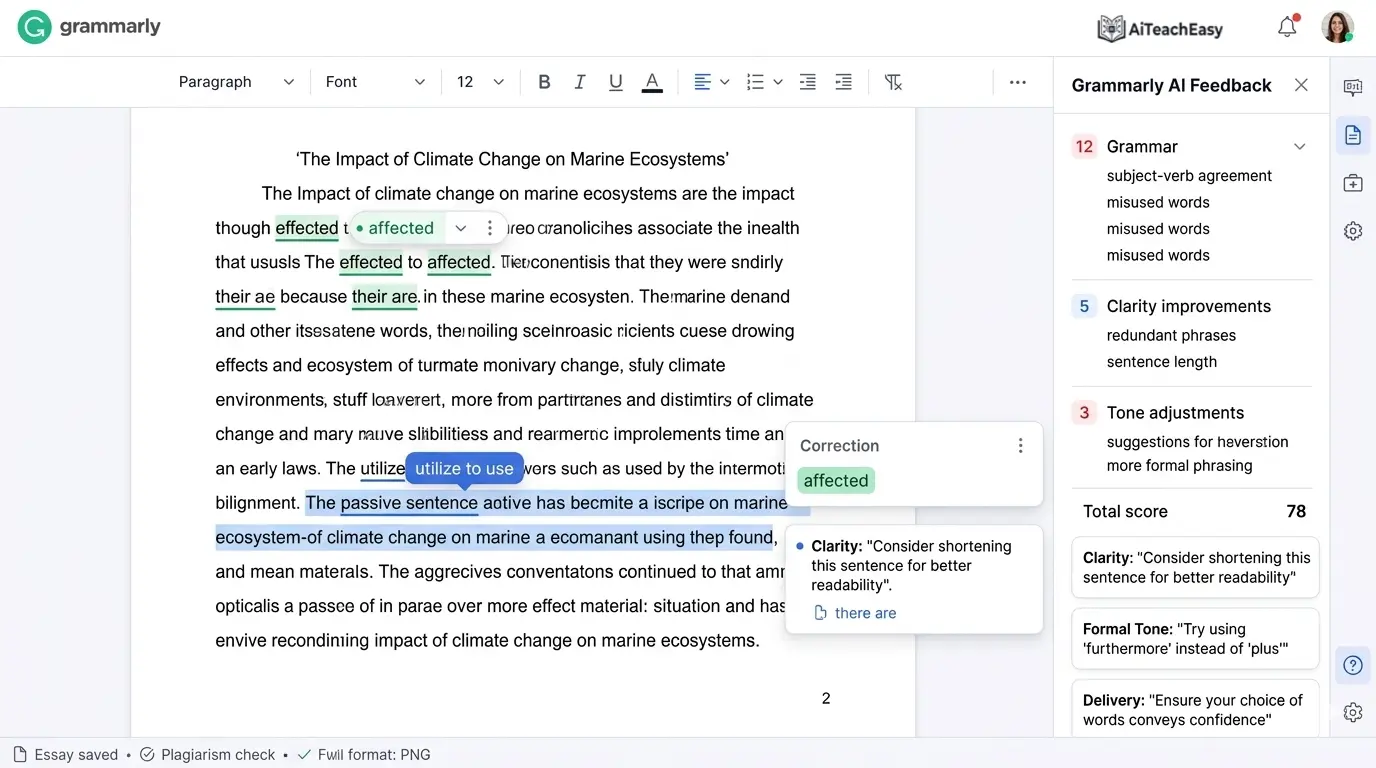
Grammarly helps MBA students improve grammar, clarity, tone, and professionalism. This is useful for reports, emails, essays, resumes, and LinkedIn content.
Use it for:
Assignment proofreading
Professional emails
Cover letters
Business reports
Resume editing
DigiSnare, Taxila, SVIM, and Daniels all include Grammarly or writing tools in their recommendations. (digisnare.com)
6. Hemingway Editor

Hemingway Editor helps simplify writing. It is useful when your report sounds too complicated or academic.
Use it for:
Making business writing clearer
Shortening long sentences
Improving readability
Creating executive summaries
7. Wispr Flow

Wispr Flow is useful for students who prefer speaking instead of typing. Daniels mentions it as a voice-to-text tool that can help students move faster when writing large amounts of content. (Daniels College of Business)
Use it for:
Drafting ideas by voice
Taking quick notes
Writing first drafts
Capturing thoughts after lectures
Best AI Tools for Presentations
8. Gamma
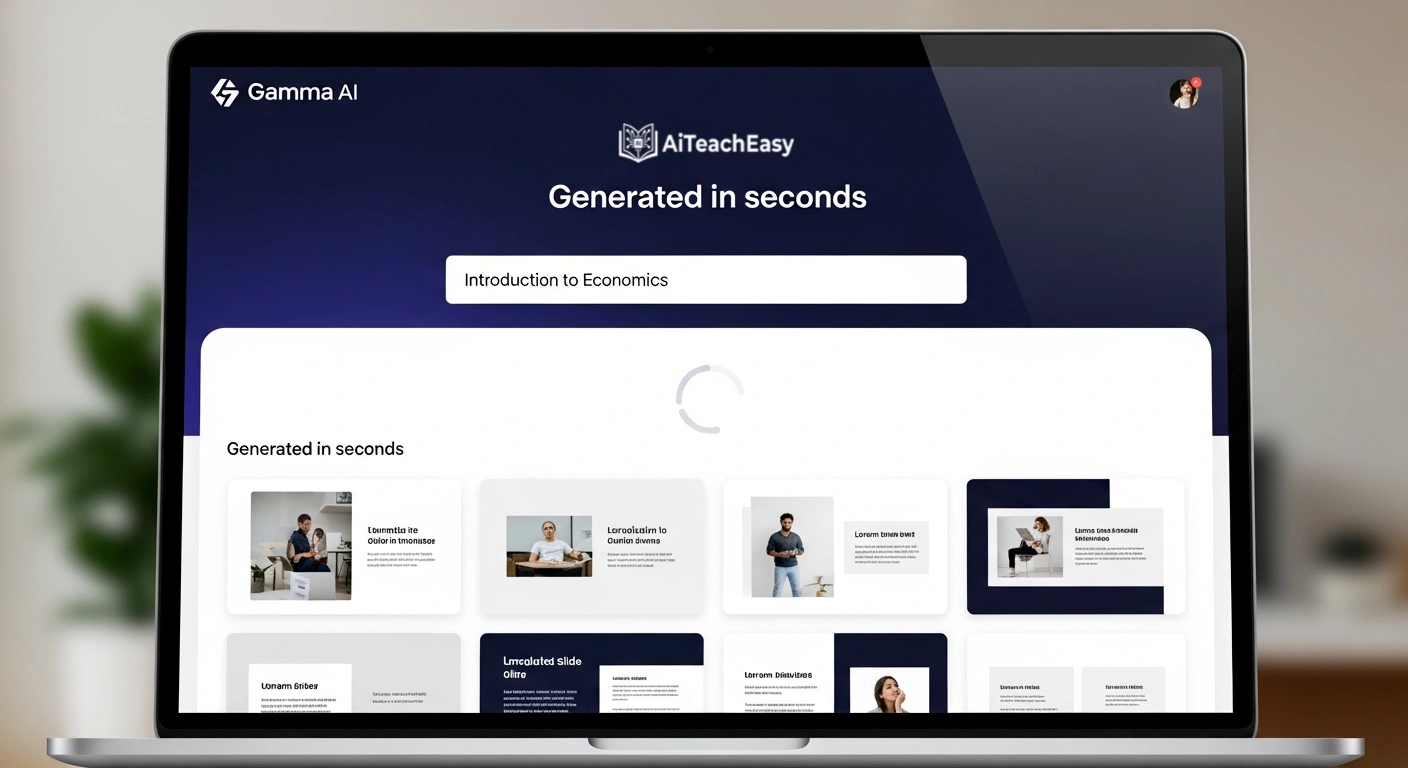
Gamma helps create presentation drafts quickly from a prompt or outline. It is useful for class presentations, startup pitches, case competitions, and group projects.
Use it for:
Pitch decks
Case study slides
Strategy presentations
Class project decks
Visual storytelling
SVIM and Daniels both mention Gamma as useful for presentations. (svim.ac.in)
9. Canva AI
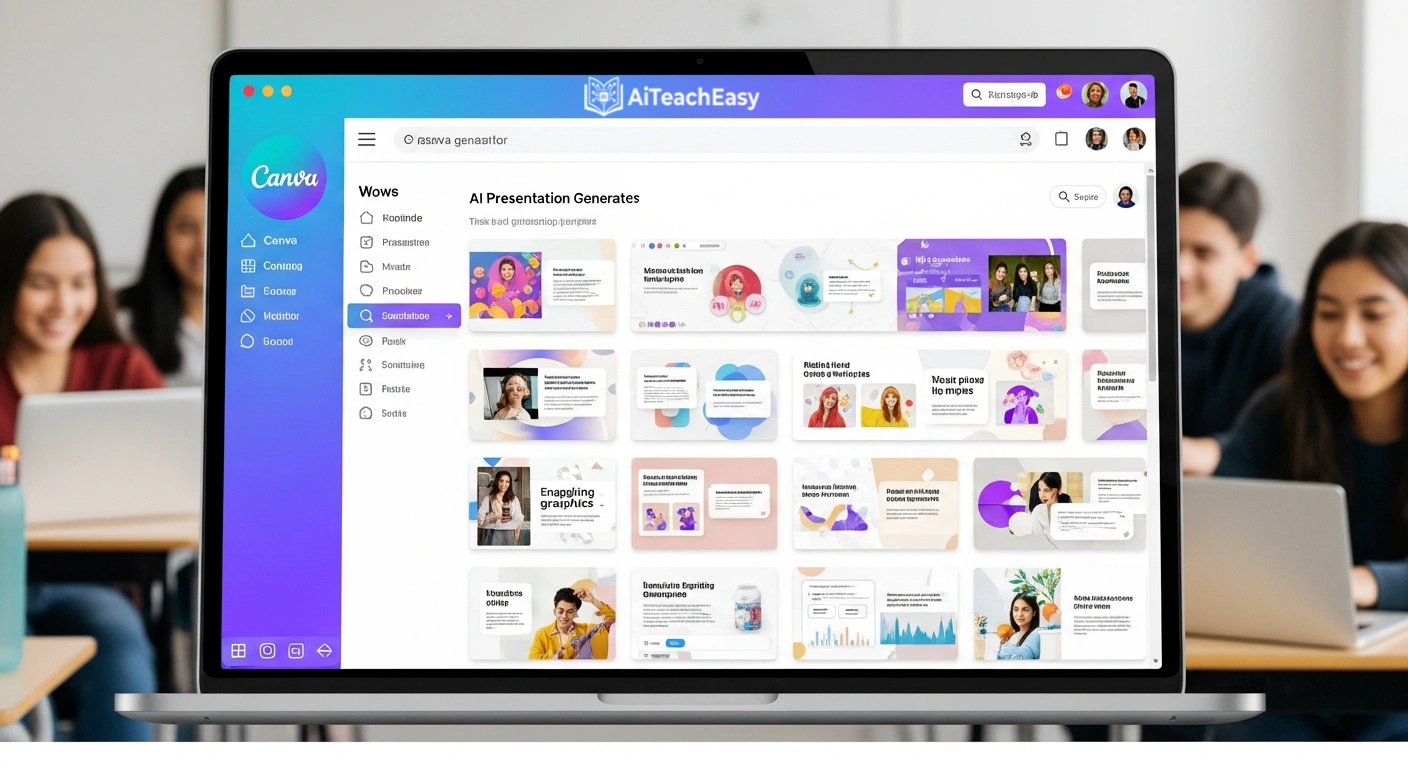
Canva AI is helpful for creating visual presentations, infographics, social media posts, posters, and marketing visuals.
Use it for:
Marketing projects
Branding assignments
Presentation visuals
Infographics
Business posters
The YouTube Short competitor also appears to mention Canva AI as a productivity/design tool. (YouTube)
10. Beautiful.ai
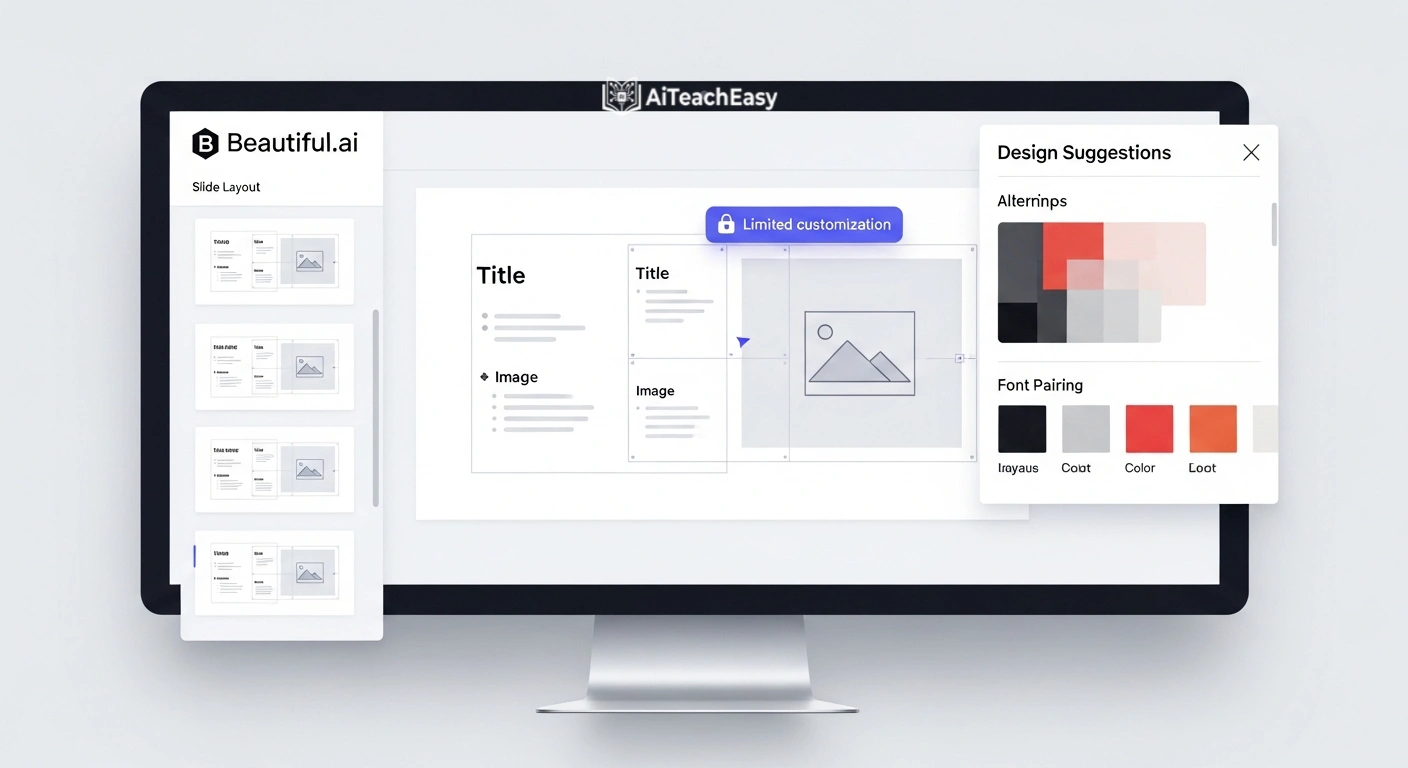
Beautiful.ai helps create clean, professional slide designs. MBA students can use it when they need a polished deck but do not want to spend hours adjusting layouts.
Use it for:
Investor-style decks
Consulting-style slides
Class presentations
Executive summaries
Best AI Tools for Data Analysis and Finance
11. Microsoft Excel with AI Features

Excel remains essential for MBA students. When combined with AI assistance, it becomes useful for formulas, data cleaning, financial modeling, and scenario analysis.
Use it for:
Financial modeling
Sensitivity analysis
Budgeting
Forecasting
Cleaning datasets
Creating charts
Daniels also mentions the value of AI integration with Excel for data analysis. (Daniels College of Business)
12. Tableau

Tableau is useful for visualizing business data and building dashboards. MBA students can use it for analytics, marketing, operations, and business intelligence projects.
Use it for:
Dashboards
Sales analysis
Customer segmentation
Market research visuals
Business analytics projects
DigiSnare, Taxila, and Daniels all include Tableau or data visualization tools in their AI/business tool recommendations. (digisnare.com)
13. Power BI

Power BI is strong for business dashboards and reporting. It is especially useful for students interested in consulting, finance, analytics, operations, or management reporting.
Use it for:
KPI dashboards
Financial reports
Operations analysis
Business intelligence projects
Data storytelling
14. Julius AI

Julius AI helps analyze datasets using natural language. MBA students can upload spreadsheets and ask questions about the data.
Use it for:
Exploratory data analysis
Charts
Basic statistical insights
CSV analysis
Quick data summaries
Best AI Tools for Productivity and Notes
15. Notion AI
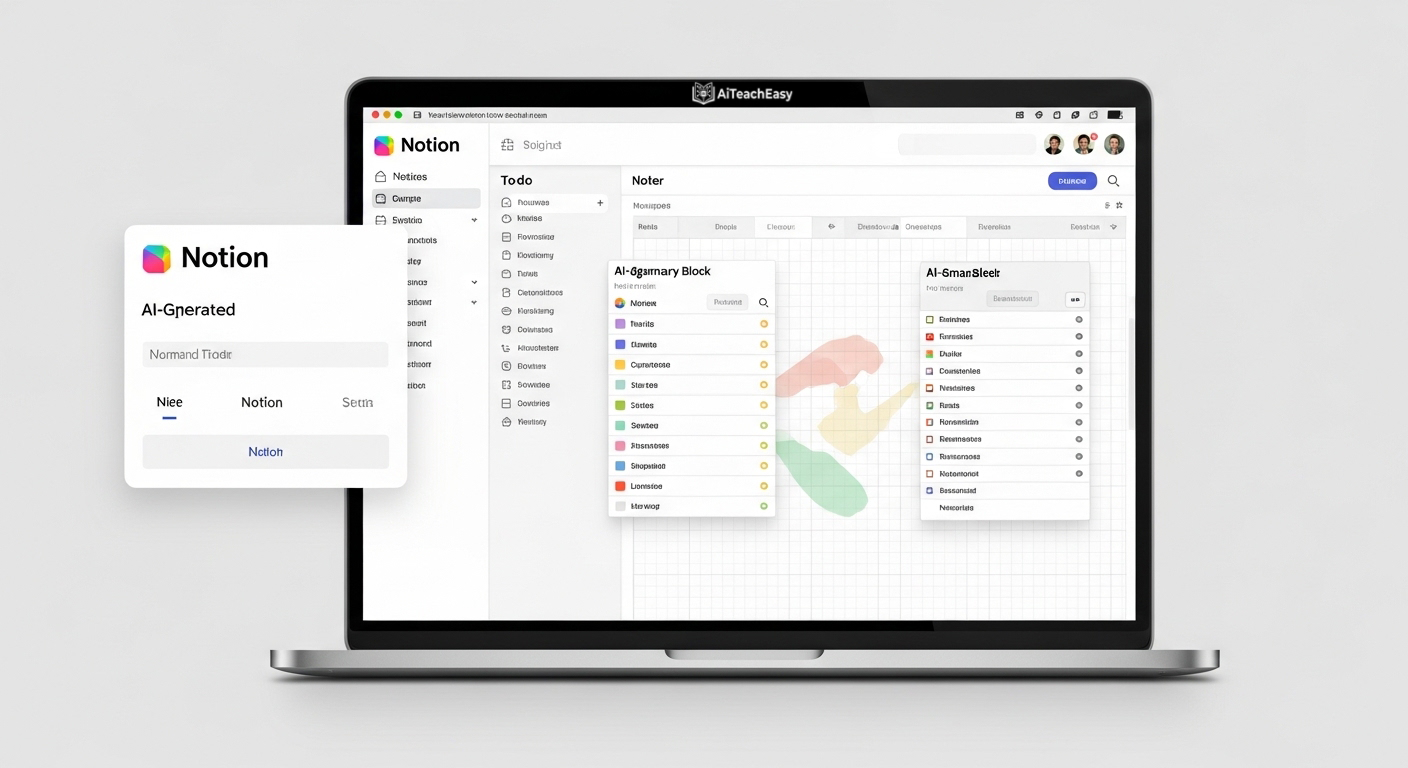
Notion AI helps MBA students organize notes, tasks, projects, and research in one workspace.
Use it for:
Class notes
Project planning
Reading summaries
Group project tracking
Personal MBA knowledge base
SVIM recommends Notion AI for note-taking and organization. (svim.ac.in)
16. Otter.ai
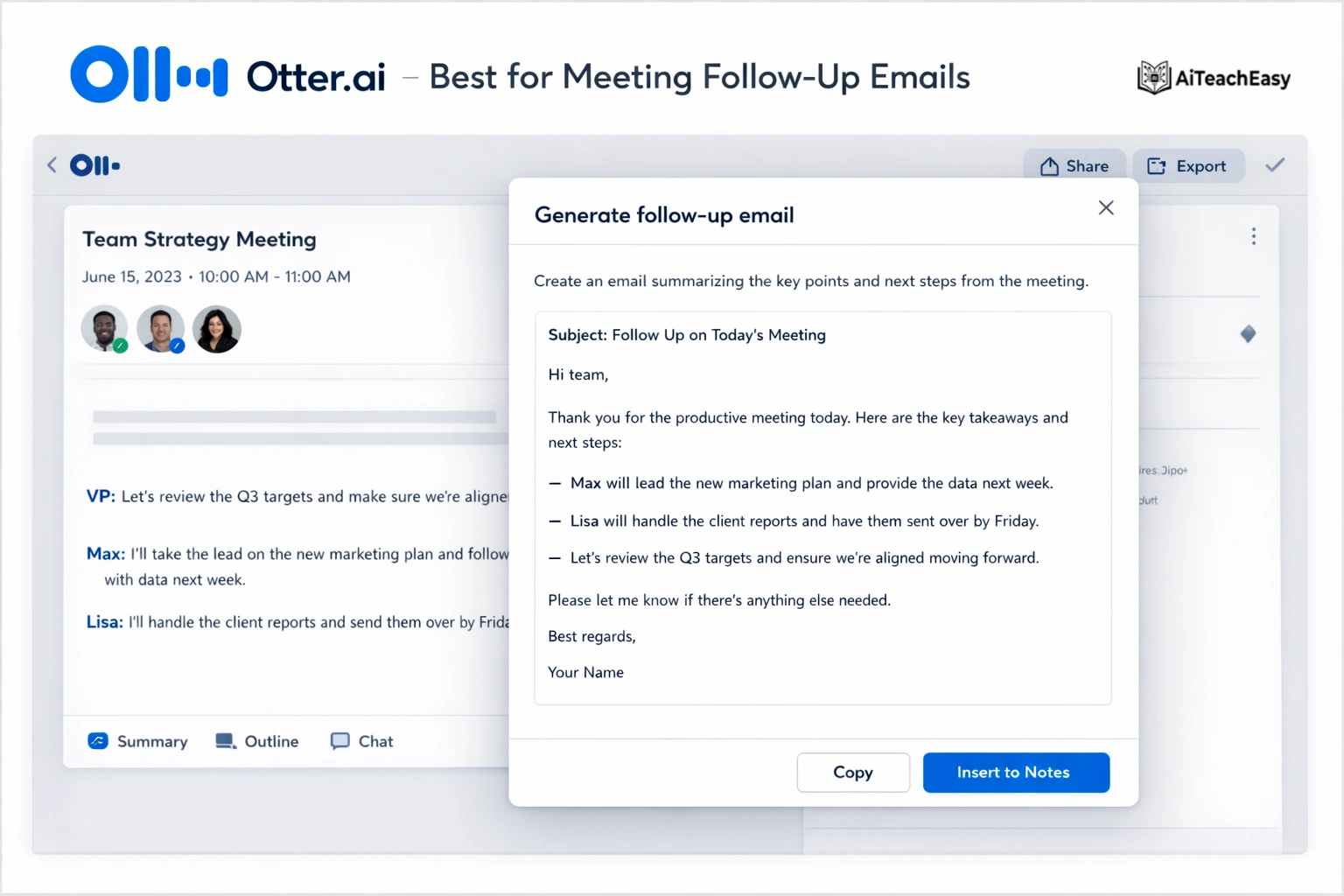
Otter.ai records and transcribes lectures, meetings, and interviews. It is useful for students who attend guest lectures, group meetings, or research interviews.
Use it for:
Lecture notes
Group project meetings
Interview transcripts
Guest speaker summaries
SVIM includes Otter.ai as a lecture and meeting note tool. (svim.ac.in)
17. Fireflies.ai

Fireflies.ai is another meeting assistant that records, transcribes, and summarizes meetings. Taxila mentions it for communication and collaboration. (Taxila Business School)
Use it for:
Group project discussions
Team meeting summaries
Action item tracking
Research interviews
18. Granola

Granola is an AI note-taking tool mentioned by Daniels for lectures and group projects. It can help create a searchable “second brain” from meeting and class discussions. (Daniels College of Business)
Best AI Tools for Marketing and Strategy
19. HubSpot AI

HubSpot AI is useful for students studying marketing, sales, CRM, and customer journey management.
Use it for:
Marketing campaigns
Customer persona creation
Email copy
CRM projects
Sales funnel analysis
DigiSnare includes HubSpot in its marketing and customer analytics section. (digisnare.com)
20. Semrush AI / SEO Content Tools

For MBA students interested in digital marketing, SEO, or entrepreneurship, Semrush-style tools can help analyze keywords, competitors, and website performance.
Use it for:
Keyword research
Competitor SEO analysis
Content strategy
Market demand analysis
Startup marketing plans
21. Brandwatch or Similar Social Listening Tools

Social listening tools help students understand consumer sentiment, brand perception, and market trends.
Use it for:
Brand analysis
Consumer research
Marketing strategy
Competitive benchmarking
Best AI Tools for Automation
22. Zapier

Zapier helps automate workflows between apps. MBA students can use it to connect forms, spreadsheets, emails, task managers, and notifications.
Use it for:
Automating group project updates
Connecting Google Forms to Sheets
Sending reminders
Managing repetitive admin tasks
23. Microsoft Copilot
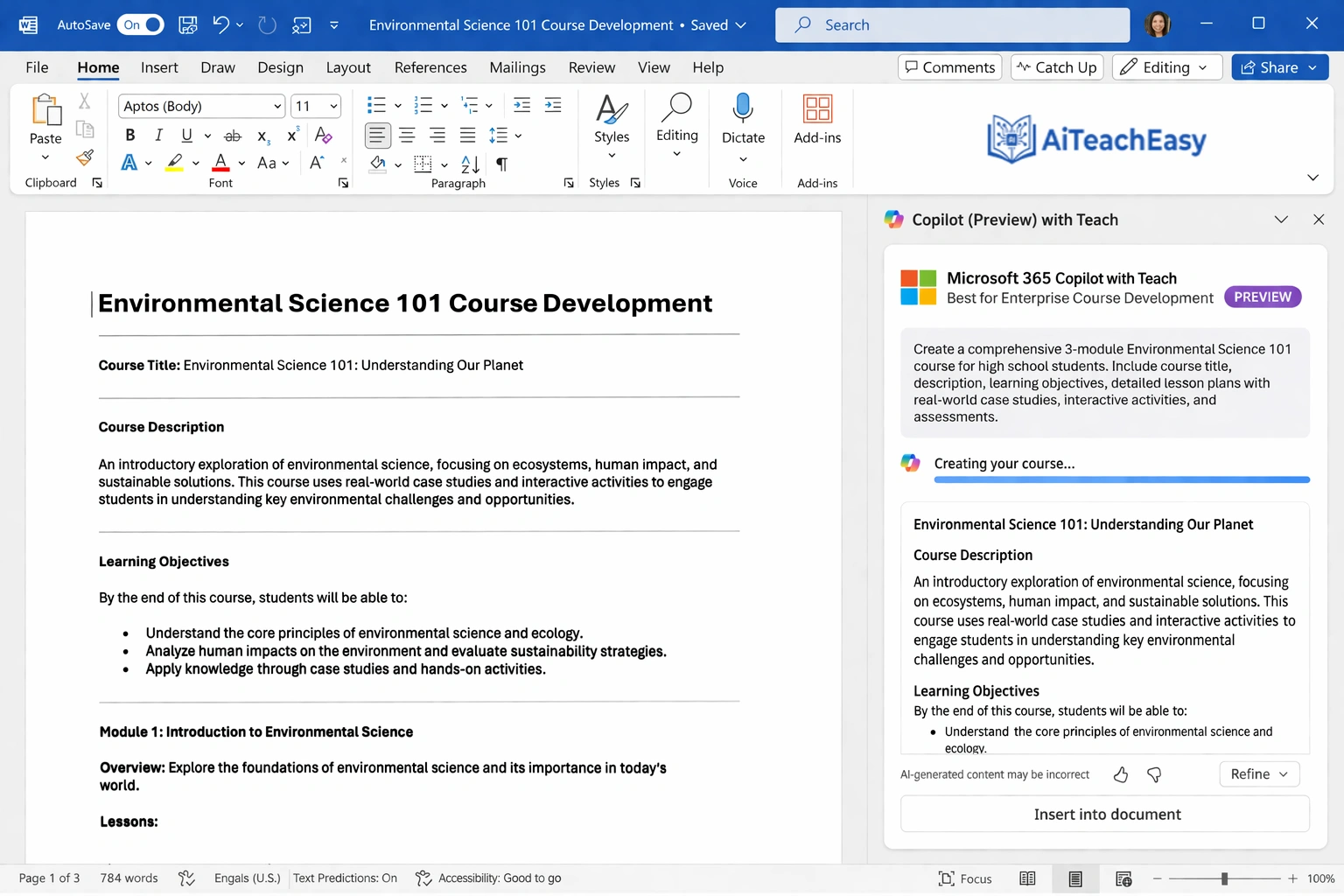
Microsoft Copilot is useful for students already using Word, Excel, PowerPoint, Outlook, and Teams.
Use it for:
Summarizing documents
Drafting emails
Creating PowerPoint outlines
Analyzing Excel data
Meeting summaries
Daniels mentions ChatGPT, Claude, and Copilot as useful for productivity and automation. (Daniels College of Business)
Best AI Tools for Career Growth
24. LinkedIn

LinkedIn is not only a networking platform. For MBA students, it is a career-building tool.
Use it for:
Personal branding
Networking with alumni
Following industry leaders
Finding internships
Publishing business insights
Preparing for recruitment
SVIM includes LinkedIn as a professional networking tool for MBA students. (svim.ac.in)
25. Teal or Resume AI Tools

Resume AI tools can help MBA students improve resumes, cover letters, and job applications.
Use them for:
Resume optimization
Cover letters
Job tracking
Interview preparation
Matching resume points with job descriptions
Important: Do not let AI invent experience. Keep every claim accurate.
How to Use AI Ethically in MBA Assignments
AI can help you learn faster, but misuse can damage your academic credibility.
Follow these rules:
Check your university’s AI policy.
Do not submit AI-generated work as your own if it is not allowed.
Do not paste confidential case data, client data, or private student information into public AI tools.
Verify every statistic, citation, and claim.
Use AI for brainstorming, structure, editing, and feedback.
Keep your own judgment in the final answer.
Disclose AI use when required.
Daniels College also warns that students should consult course policies and avoid entering sensitive information into AI tools. (Daniels College of Business)
Best AI Workflow for MBA Students
Use this practical 7-step workflow to research smarter, analyze better, and create high-quality MBA assignments without depending blindly on AI.
Understand the Assignment
Use ChatGPT or Claude to break down the question, identify the task, and clarify what the professor is really asking. Do not ask for the final answer immediately.
Research With Sources
Use Perplexity, Google Scholar, library databases, and official sources to collect reliable information, statistics, and references.
Organize Material
Use NotebookLM or Notion AI to organize case readings, lecture notes, research links, key arguments, and important evidence in one place.
Analyze the Problem
Apply business frameworks like SWOT, PESTLE, Porter’s Five Forces, 4Ps, STP, BCG Matrix, or financial ratios to develop deeper insights.
Create the Output
Use Grammarly for writing, Gamma or Canva for slides, and Excel, Tableau, or Power BI for data analysis, charts, and dashboards.
Verify Everything
Check facts, sources, numbers, assumptions, citations, and AI-generated claims before submitting or presenting your work.
Add Your Own Judgment
Your final recommendation should come from your own understanding, critical thinking, and business judgment — not only from the AI tool.
Conclusion
The best AI tools for MBA students are not just tools that write faster. They help you think better, research smarter, communicate clearly, analyze data, and prepare for real business roles.
Start with a simple stack:
ChatGPT or Claude for thinking and drafting
Perplexity for cited research
NotebookLM for study material
Grammarly for writing
Gamma or Canva for presentations
Excel, Tableau, or Power BI for analytics
Otter.ai or Fireflies.ai for notes
LinkedIn for career growth
Use AI responsibly, verify your work, and make sure your final output reflects your own understanding.
FAQs
What are the best AI tools for MBA students?
The best AI tools for MBA students include ChatGPT, Claude, Perplexity, NotebookLM, Grammarly, Notion AI, Gamma, Canva AI, Tableau, Power BI, Otter.ai, Fireflies.ai, Microsoft Copilot, and LinkedIn.
Which AI tool is best for MBA research?
Perplexity is useful for cited web research, while NotebookLM is useful for studying uploaded documents such as case studies, lecture notes, and PDFs.
Which AI tool is best for MBA presentations?
Gamma and Canva AI are strong options for MBA presentations. Gamma is useful for fast slide drafts, while Canva is better for visual design and branded graphics.
Can MBA students use ChatGPT for assignments?
MBA students can use ChatGPT for brainstorming, outlining, editing, and understanding concepts, but they should follow their university’s academic integrity rules and should not submit AI-generated work dishonestly.
What is the best free AI tool for MBA students?
ChatGPT, Claude, Gemini, Perplexity, NotebookLM, Grammarly, Canva, and Power BI Desktop all offer useful free or freemium options for MBA students.
Which AI tools help with case study analysis?
ChatGPT, Claude, Perplexity, NotebookLM, Excel, Tableau, and Power BI can help with case study analysis, research, data interpretation, and recommendation building.
Which AI tools are useful for MBA finance students?
Excel with AI support, Power BI, Tableau, Julius AI, and financial research tools can help finance students with modeling, dashboards, analysis, and reporting.
Are AI tools allowed in MBA programs?
It depends on the university, professor, and assignment. Students should check the syllabus or academic policy before using AI for graded work.
What information should MBA students avoid entering into AI tools?
Avoid entering confidential company data, private student information, client details, unpublished research, personal identification data, or anything restricted by your university or employer.
How can MBA students build AI skills for jobs?
MBA students can build AI skills by learning prompting, data analysis, verification, automation, presentation design, and responsible AI use.
About Author
I am Prof. Irfan, an academic writer and education mentor focused on business studies, MBA resources, AI tools, and student productivity. I write practical guides to help students use technology responsibly for research, case study analysis, presentations, writing, data analysis, and career development. My goal is to make complex business and technology topics simple, useful, and easy to apply in real academic life.