
35 AI Tools for Special Education Teachers
You’re managing 20+ Lectures , juggling compliance deadlines, running differentiated instruction for students with wildly different needs – and somehow you’re still expected to be everywhere at once. Sound familiar?
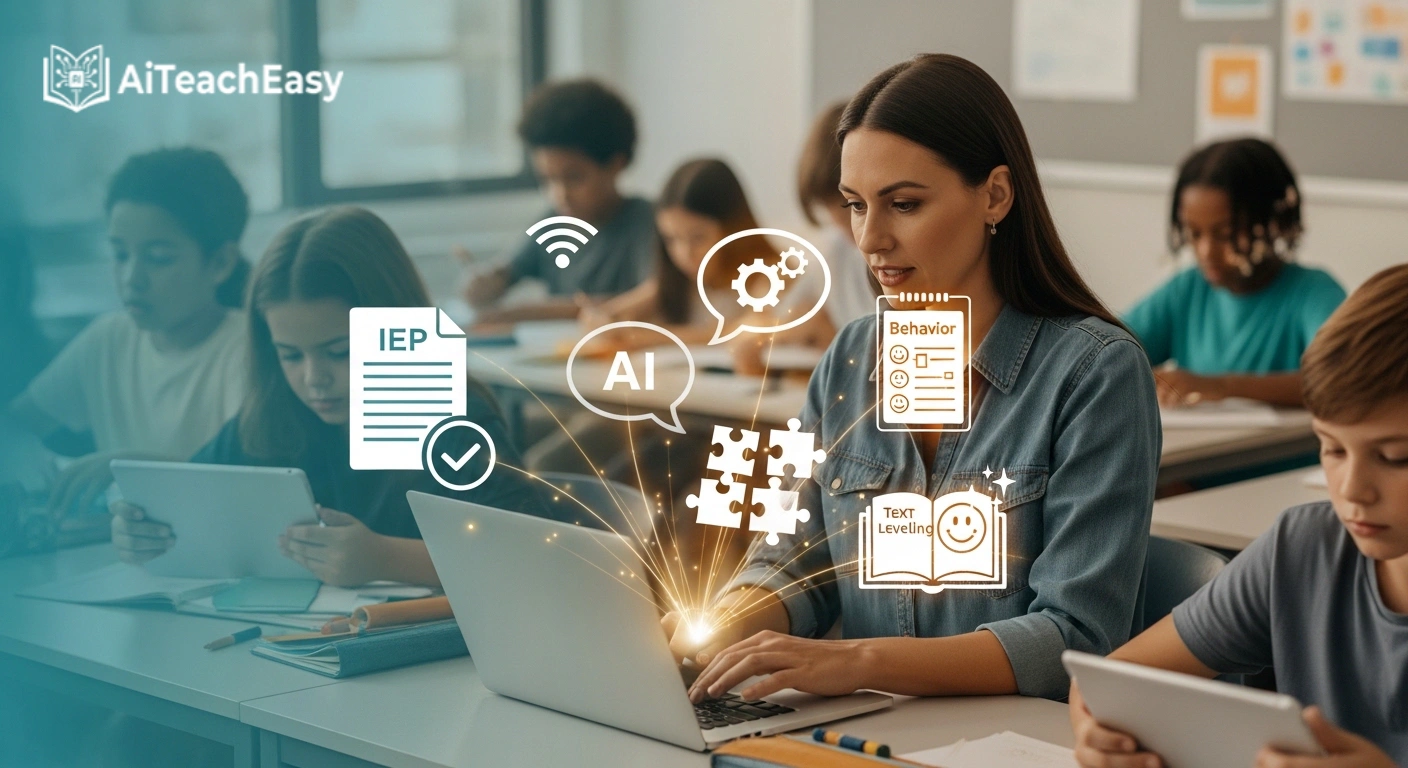
Artificial intelligence isn’t going to replace you. But it can give you back time you didn’t think was possible. The right AI tools can draft your IEP goals in minutes, generate behavior intervention plans, write social stories for your students with autism, level reading passages, and even suggest evidence-based accommodations – so you can redirect every saved hour back to what actually matters: teaching.
This guide covers 35+ AI tools built for special education teachers in 2026, organized by exactly what you need them to do. We’ve also included what competitors leave out: legal compliance notes, FERPA guidance, pricing breakdowns, and real tips from SPED classrooms. For more ways to boost your overall teaching efficiency, check out our guide on best AI productivity tools for teachers.
Key Statistics
| 57–60% | 7.5M | 1–2.5 hrs | 68% |
|---|---|---|---|
| of SPED teachers used AI for IEPs in 2024–25 (CDT / Open Minds) | students receive special ed services under IDEA (NCES) | average time to write one IEP per student | cite ‘overwhelming paperwork’ as burnout driver (CEC) |
Why Are Special Education Teachers Turning to AI?
Special education is uniquely demanding. Unlike general education teachers, SPED educators carry documentation requirements that are legally mandated under IDEA (Individuals with Disabilities Education Act): individualized goals for every student, accommodation plans, progress monitoring records, behavior plans, 504s, and more – on top of actually teaching.
AI tools don’t make educational decisions. You do. But they eliminate the blank-page problem: they generate structured first drafts, scaffold compliance language, and automate documentation so your professional expertise gets applied where it matters most.
Here’s what AI can realistically handle for you:
- Draft SMART IEP goals with present levels, baselines, and timelines
- Generate Behavior Intervention Plans from your FBA findings
- Write social stories for students with autism or communication challenges
- Create 504 plan accommodation drafts by disability category
- Level reading passages to match each student’s Lexile range
- Build UDL-aligned lesson plans with built-in access features
- Suggest evidence-based accommodations for new referrals
- Simplify complex text for students with cognitive processing challenges
- Translate materials for ELL students with IEPs
- Automate progress report comments and report card narratives – learn more in our best AI report writing tools for teachers guide
AI Tools for IEP Writing & Documentation
IEP documentation consumes an estimated 5–10 hours per week for the average special education teacher. These tools reduce that burden while keeping you in full professional control.
MagicSchool AI – IEP Generator
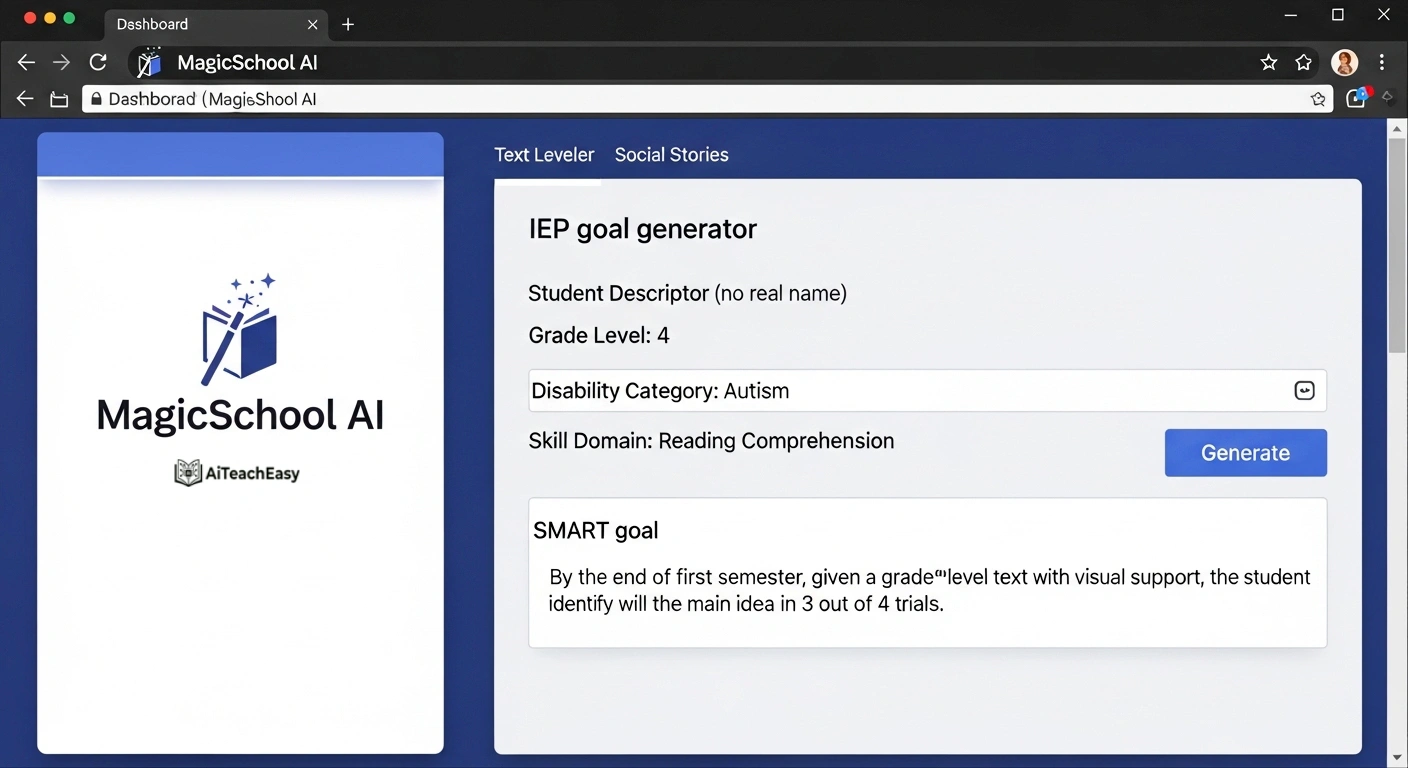
Category: IEP Writing & Documentation | Pricing: Free tier + paid plans | Best For: SPED teachers who want an all-in-one AI platform with 80+ tools
Visit MagicSchool AI is the most widely used AI platform among special education teachers. Its IEP Generator creates SMART goals that are legally compliant with IDEA requirements, supports all disability categories, and includes a Chrome extension so you can access accommodations directly within your workflow. It also offers a Text Leveler Tool, multilingual support, and over 80 additional tools for lesson planning, quizzes, and communication.
EasyClass AI – IEP Goal Generator
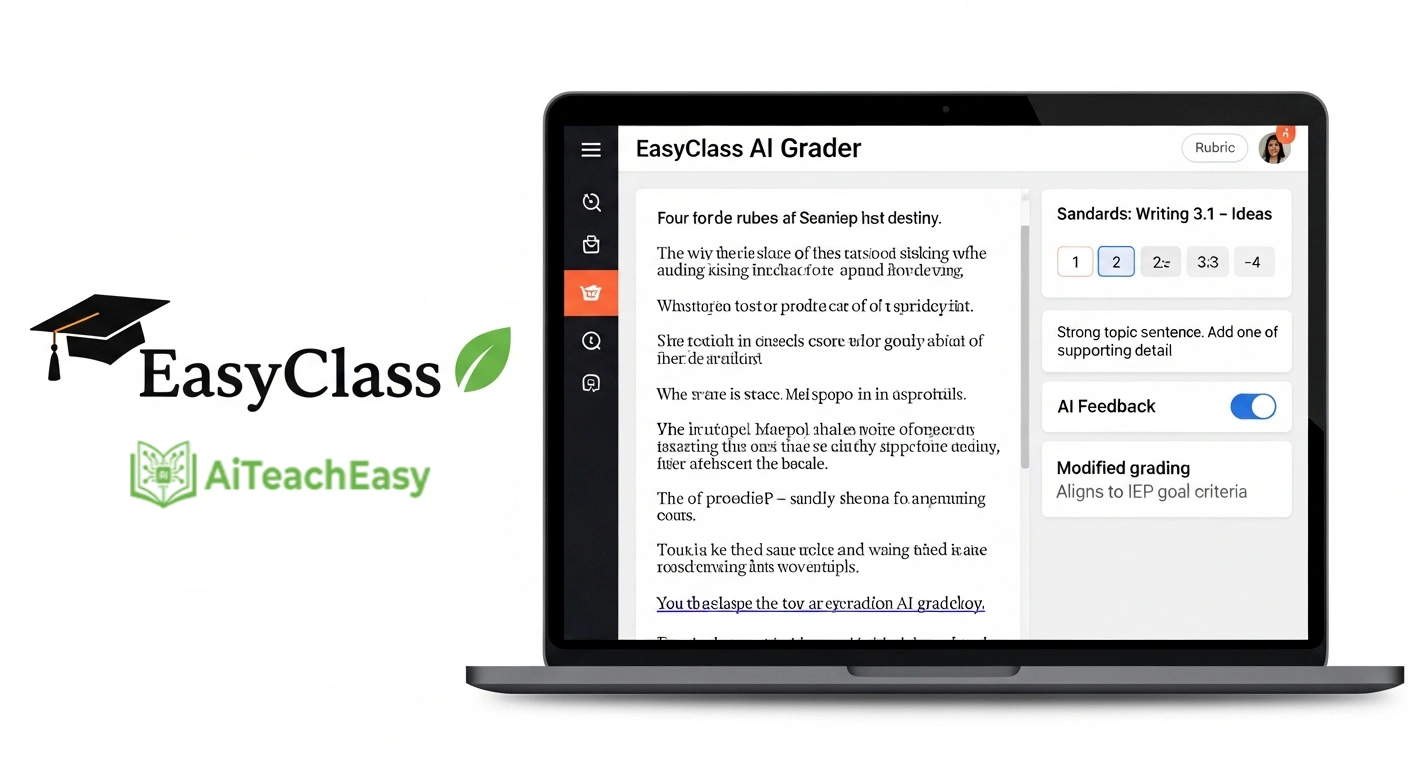
Category: IEP Writing & Documentation | Pricing: Free (no credit card) + paid tiers | Best For: Teachers who want dedicated SPED tools without a general-education platform
Try EasyClass AI is the only platform that combines a full suite of SPED-specific tools in one place – IEP Goal Generator, BIP Generator, 504 Plan Generator, Social Stories, and an Accommodations tool – alongside general teaching tools like worksheets and lesson plans. Input disability category, grade level, and skill domain; receive SMART goals instantly. Free to start.
Playground IEP / IEP CoPilot
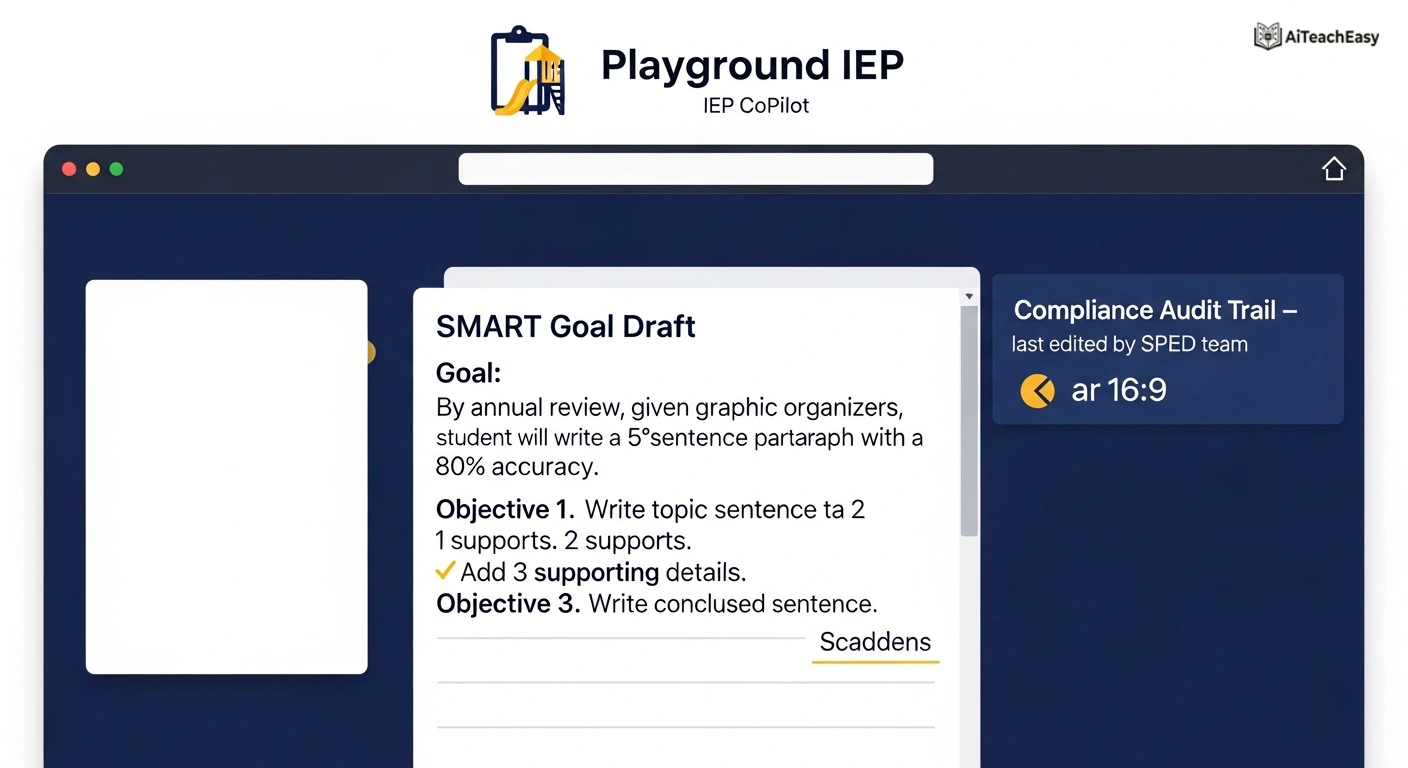
Category: IEP Writing & Documentation | Pricing: Paid subscription | Best For: Compliance-heavy districts needing structured audit trails
IEP CoPilot generates SMART goals with scaffolded objectives and measurable benchmarks, making it ideal for districts where documentation must survive audits. Strong on compliance formatting and systematic goal structure across multiple disability categories.
OpenEduCat – IEP Generator
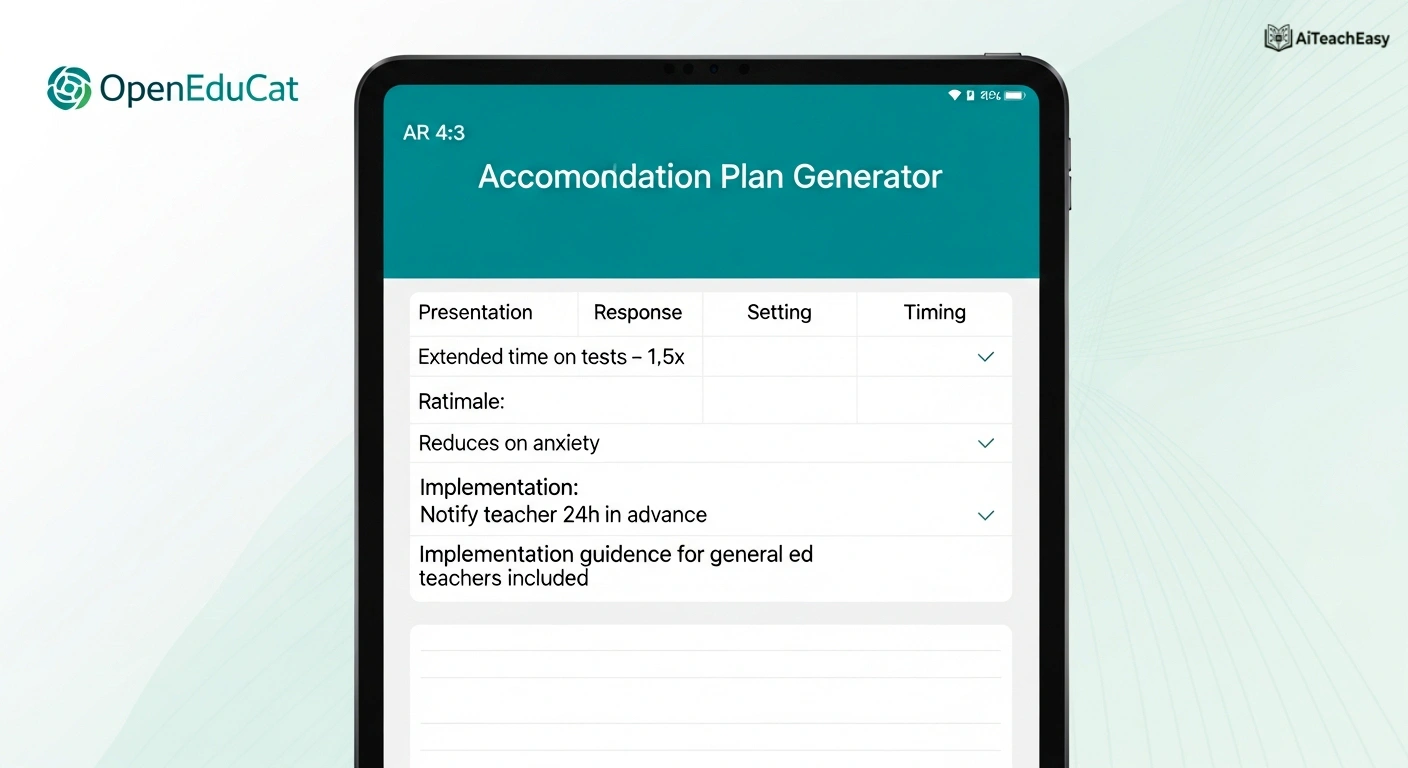
Category: IEP Writing & Documentation | Pricing: Included in OpenEduCat platform | Best For: Schools already using OpenEduCat’s LMS ecosystem
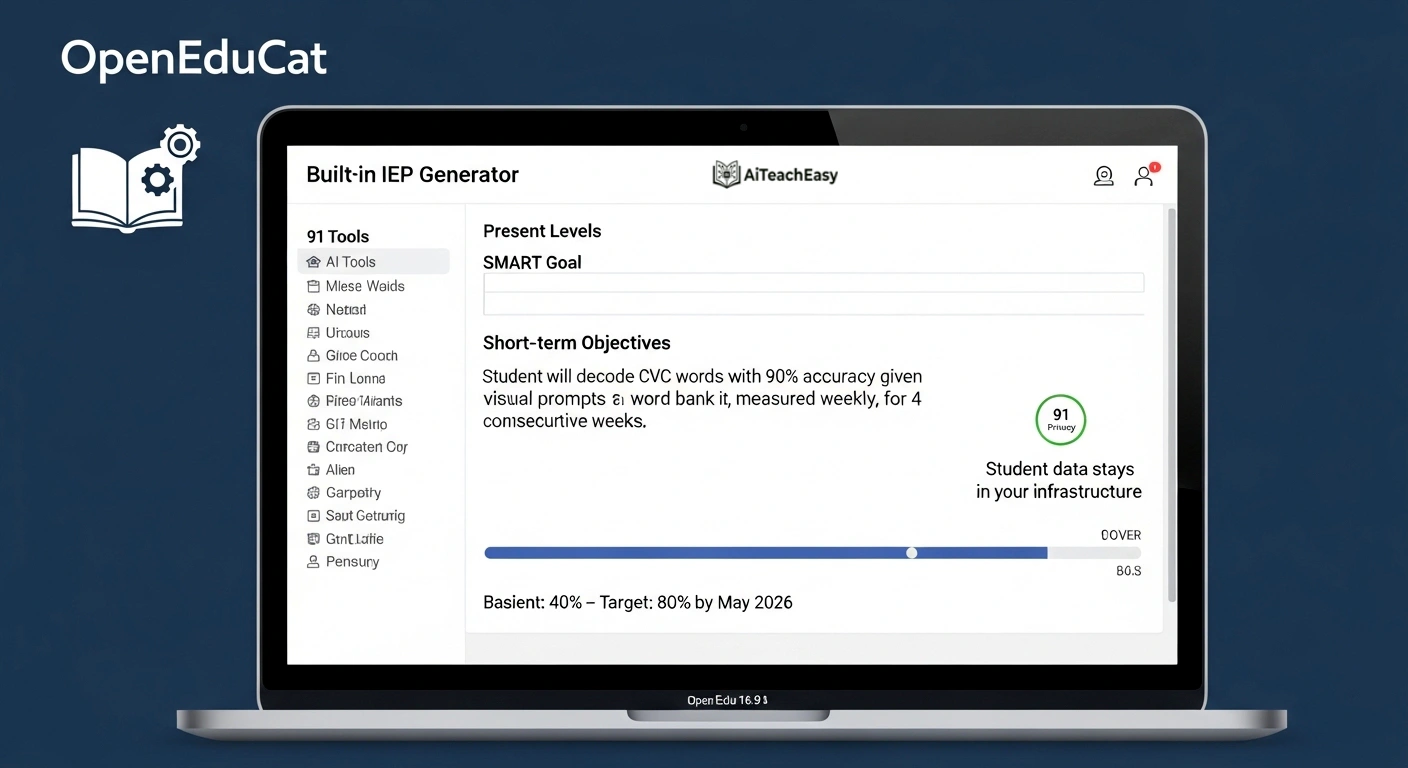
OpenEduCat’s built-in IEP Generator produces the full SMART structure – specific behavior, measurement method, baseline, target criteria, and timeline – plus present levels of academic achievement statements and short-term objectives. No extra subscription and student data stays within your infrastructure. Includes 91 AI tools total.
ChatGPT (with SPED Prompts)
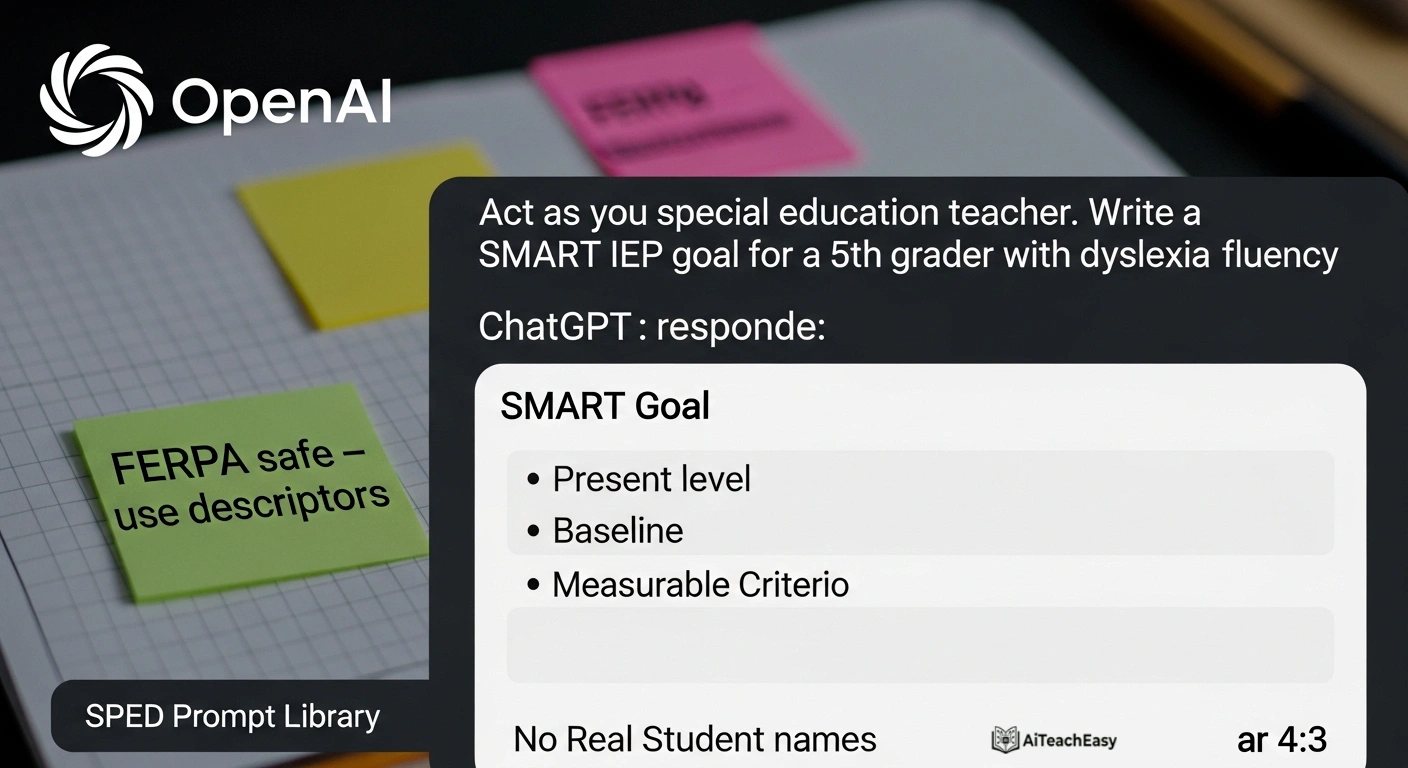
Category: IEP Writing & Documentation | Pricing: Free + $20/mo (Plus) | Best For: Budget-conscious teachers willing to build their own prompt library
ChatGPT isn’t purpose-built for SPED but remains powerful when used with the right prompts. Teachers use it to draft IEP goal language, accommodation lists, and parent communication. Key advantage: flexibility. Key limitation: requires manual prompting expertise and FERPA-safe practices (never enter student-identifying information). For ready‑to‑use prompts, see our ChatGPT prompts for answering assignments.
IDEA Compliance Reminder
AI generates drafts – the IEP team reviews, customizes, and approves. The team’s signature makes the document legal. Never enter student names, IDs, or diagnoses tied to a specific student into any third-party AI tool. Use descriptors instead: ‘a 4th-grade student with autism who struggles with transitions.’ – This protects families under FERPA. For more on student data safety, read our privacy-first AI tools for students guide.
AI Tools for Behavior Intervention Plans (BIPs)
A BIP requires a function-of-behavior hypothesis, antecedent identification, replacement behaviors, reinforcement strategies, and a data collection plan. Writing this after completing an FBA can take 60–90 minutes. AI drafts the structure from your FBA findings in seconds.
EasyClass – BIP Generator
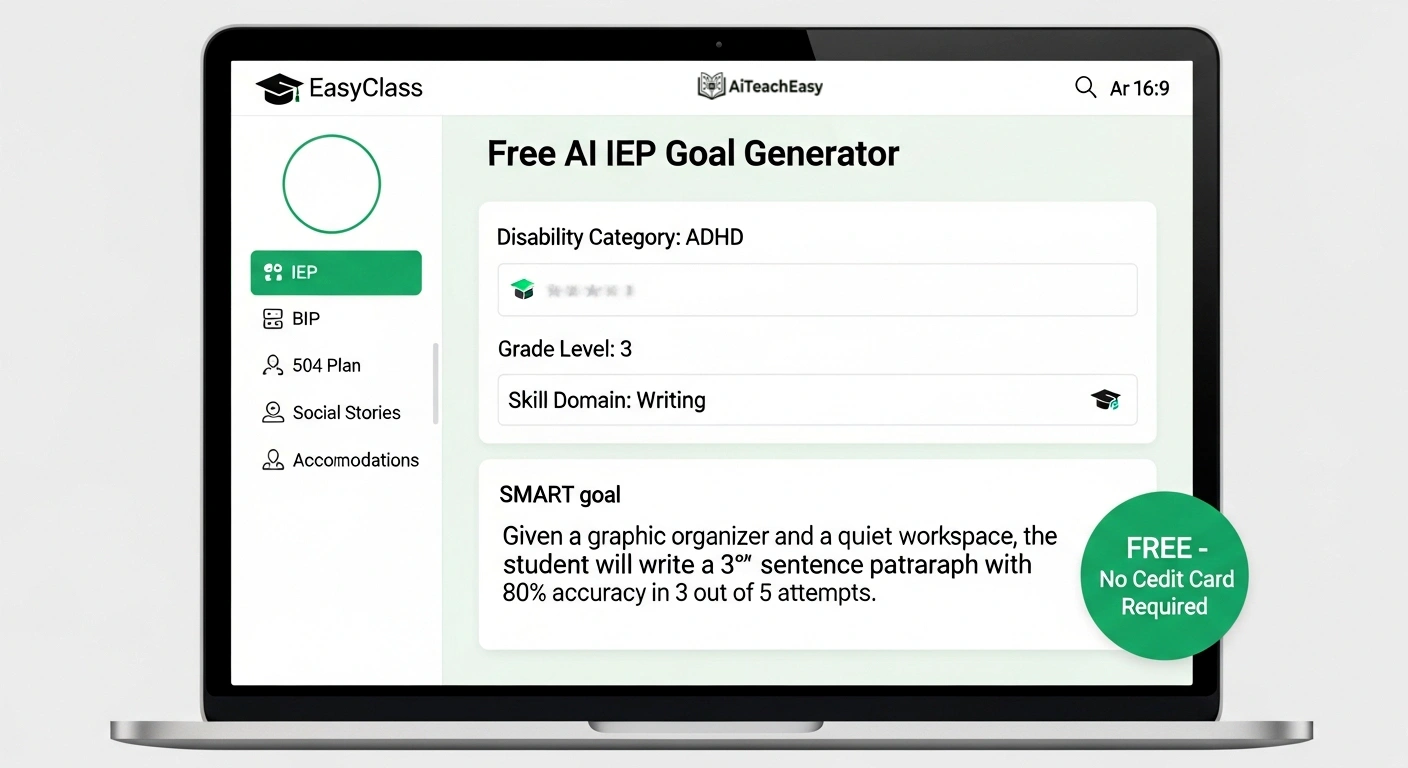
Category: Behavior Intervention Plans | Pricing: Free (no credit card) | Best For: SPED teachers completing FBAs and needing BIP documentation scaffolding
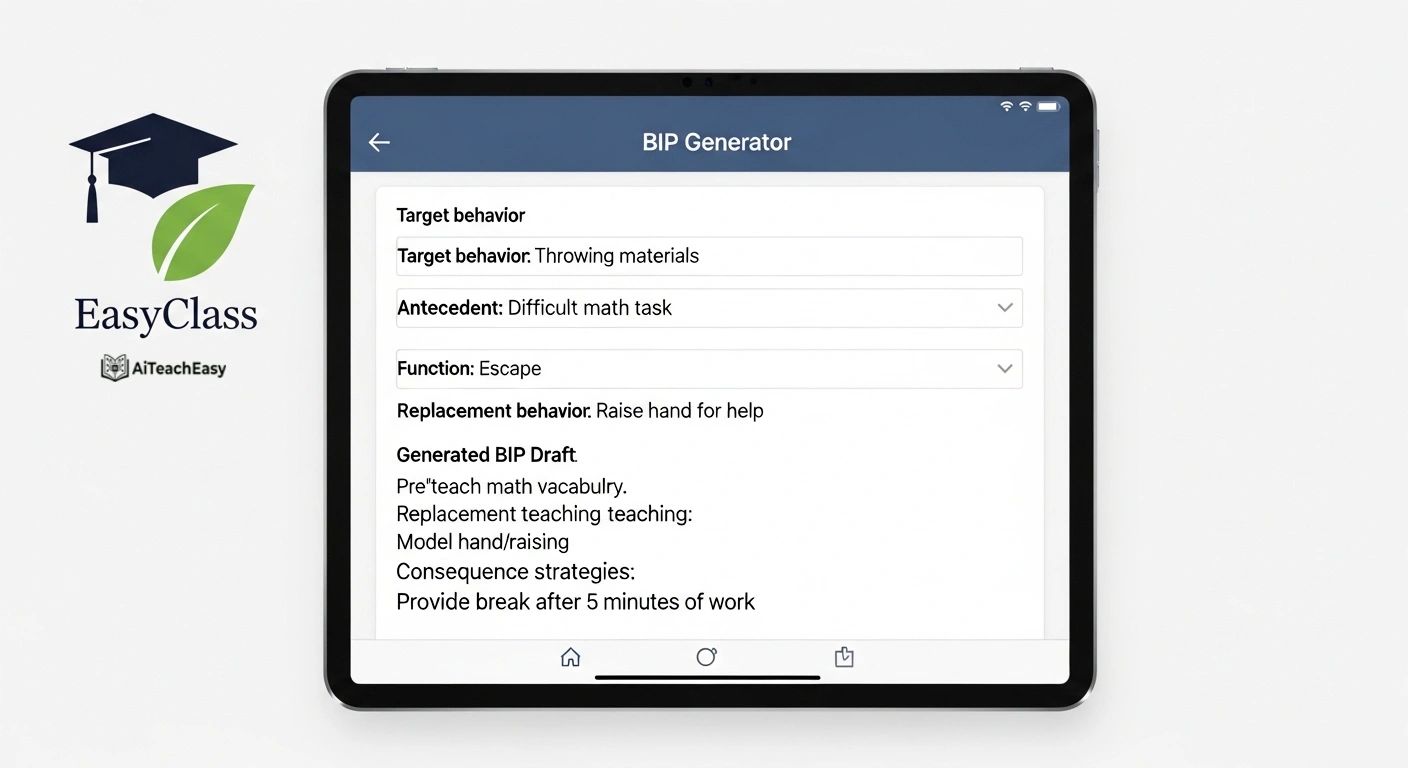
Input the target behavior, identified antecedents, function of behavior (escape, attention, sensory, tangible), and replacement behaviors – the AI generates a structured BIP draft aligned to FBA findings. Always requires teacher review and IEP team approval before implementation. The tool does not replace the FBA process – it drafts documentation after your FBA is complete. Pair this with our AI classroom management tools for teachers for a complete behavior support system.
Eduaide.AI
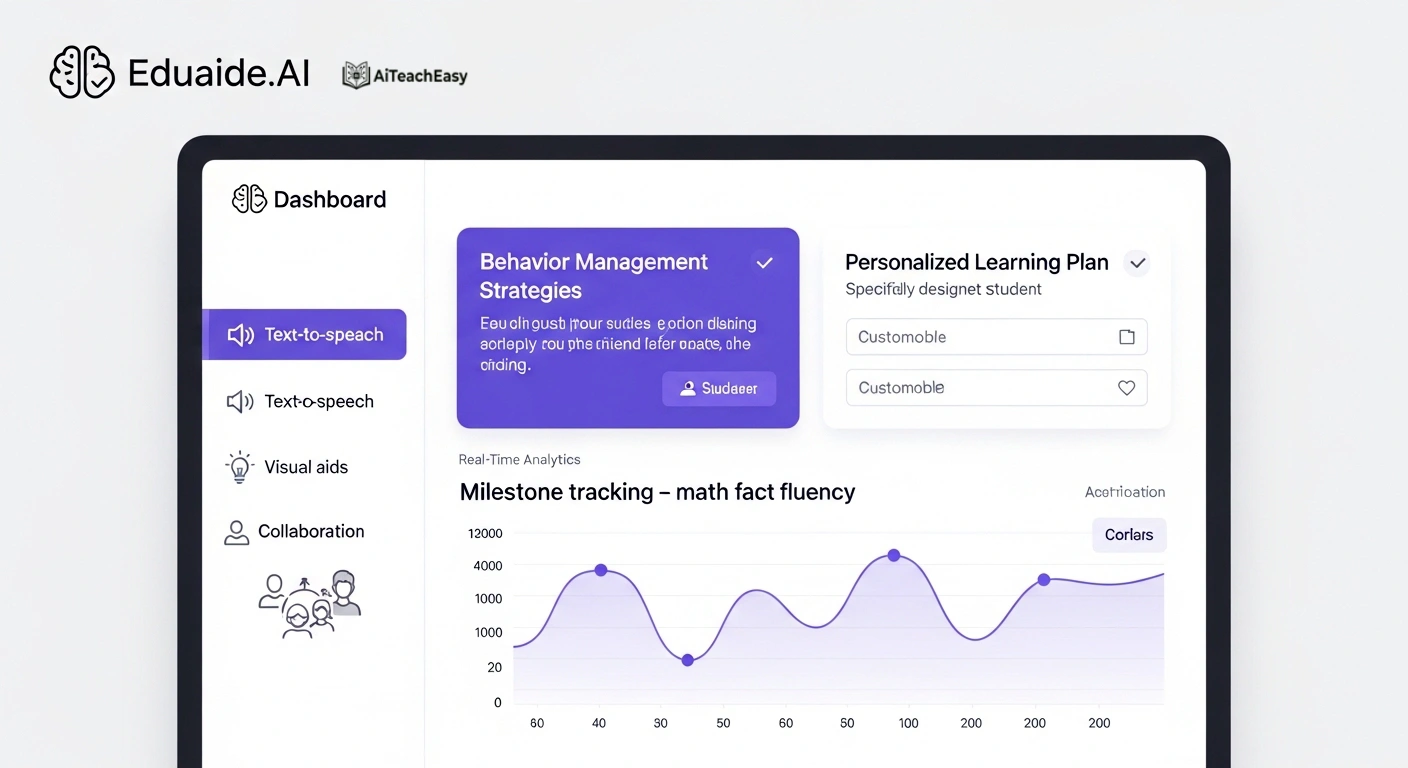
Category: Behavior & Adaptive Learning | Pricing: Free + paid plans | Best For: Teachers needing behavior management + learning support in one platform
Explore Eduaide.AI goes beyond BIPs: it provides personalized learning plans, progress tracking, behavior management strategies, automatic content simplification, text-to-speech, and visual learning aids. Real-time analytics track milestones, and collaboration tools enable seamless communication between teachers, therapists, and parents – making it a strong all-in-one platform for complex SPED cases.
AI Tools for 504 Plans & Accommodation Suggestions
EasyClass – 504 Plan Generator
Category: 504 Plans & Accommodations | Pricing: Free | Best For: 504 coordinators and SPED teachers writing accommodation drafts
Covers the most common 504 disability categories: ADHD, anxiety, dyslexia, processing disorders, and chronic illness. Generates accommodation recommendations organized by academic, behavioral, and environmental domains. Draft is reviewed and edited by the 504 coordinator and team before finalization – the tool scaffolds, it does not decide.
OpenEduCat – Accommodation Plan Generator
Category: 504 Plans & Accommodations | Pricing: Included in OpenEduCat | Best For: Schools needing detailed accommodation plans general ed teachers can implement
Produces comprehensive accommodation plans addressing presentation, response, setting, and timing categories. For each accommodation, the tool explains the rationale and implementation guidance – so general ed teachers receiving the plan understand HOW to apply it, not just that it exists. This cross-team communication function sets it apart.
OpenEduCat – Accommodation Suggestion Tool
Category: 504 Plans & Accommodations | Pricing: Included in OpenEduCat | Best For: New SPED teachers who need guidance on evidence-based accommodations
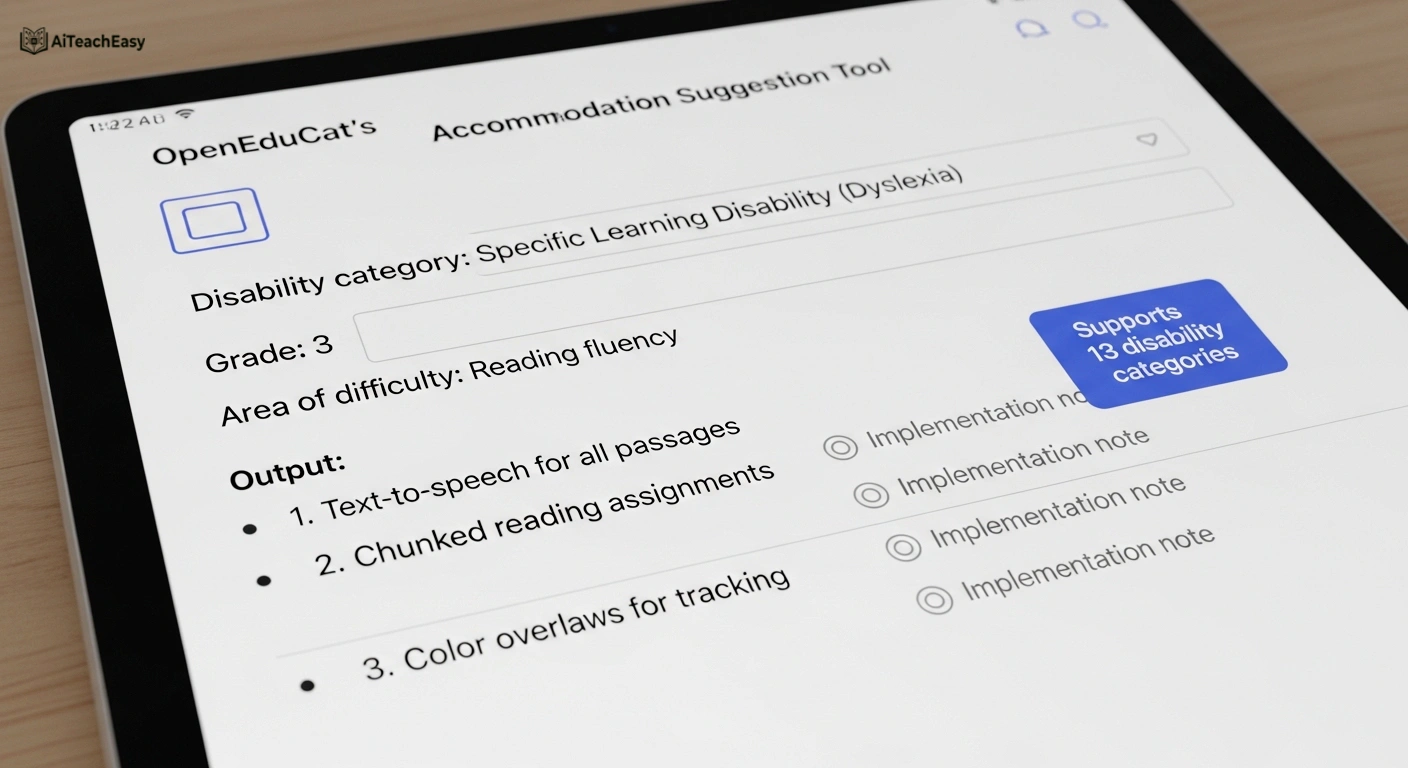
Input a student profile (disability category, current grade level, primary area of difficulty) and receive a prioritized list of evidence-based accommodations with implementation notes. Supports 13 disability categories. Ideal for teachers new to a case or unfamiliar with a specific disability presentation.
AI Tools for Social Stories & Communication Support
EasyClass – Social Stories Generator
Category: Social Stories & Communication | Pricing: Free | Best For: Teachers supporting students with autism, ASD, or social-communication needs
Social stories (developed by Carol Gray) traditionally take 30–60 minutes to craft. Input the social scenario, student’s communication level, and any specific context – the AI generates a personalized social story using first-person, concrete language with positive framing and ‘I can’ statements. Always use with visual supports for non-verbal or early-reader students.
Otsimo
Category: Communication & Speech Therapy Support | Pricing: Free + paid | Best For: Students with autism, Down syndrome, or non-verbal communication challenges
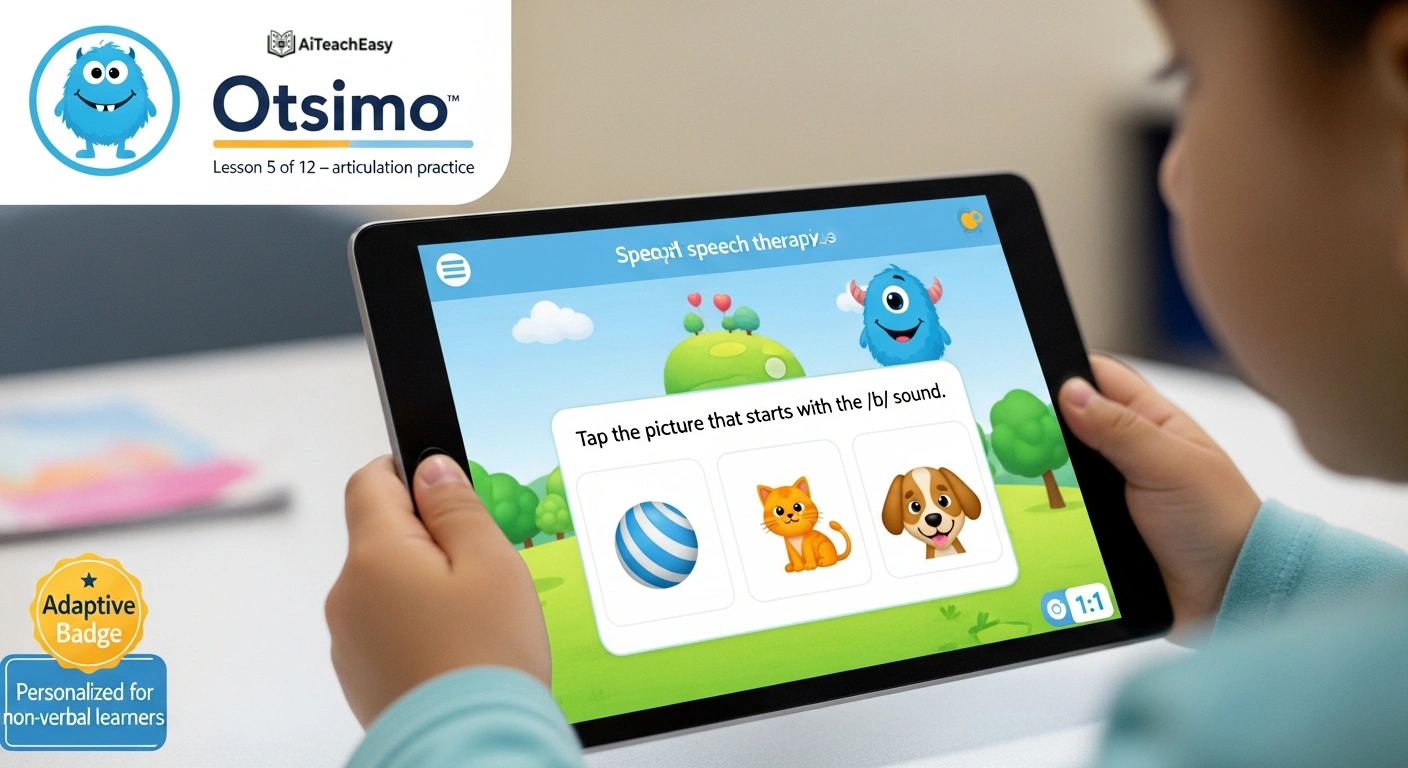
Visit Otsimo is an educational app specifically designed for speech therapy, offering personalized lessons and games based on research. Kids explore colorful worlds, play interactive games, and develop communication skills at their own pace. Supports students who are non-verbal and adapts to individual communication goals. Loved by families and educators alike.
Voiceitt
Category: Assistive Communication Technology | Pricing: Paid subscription | Best For: Students with non-standard or atypical speech patterns
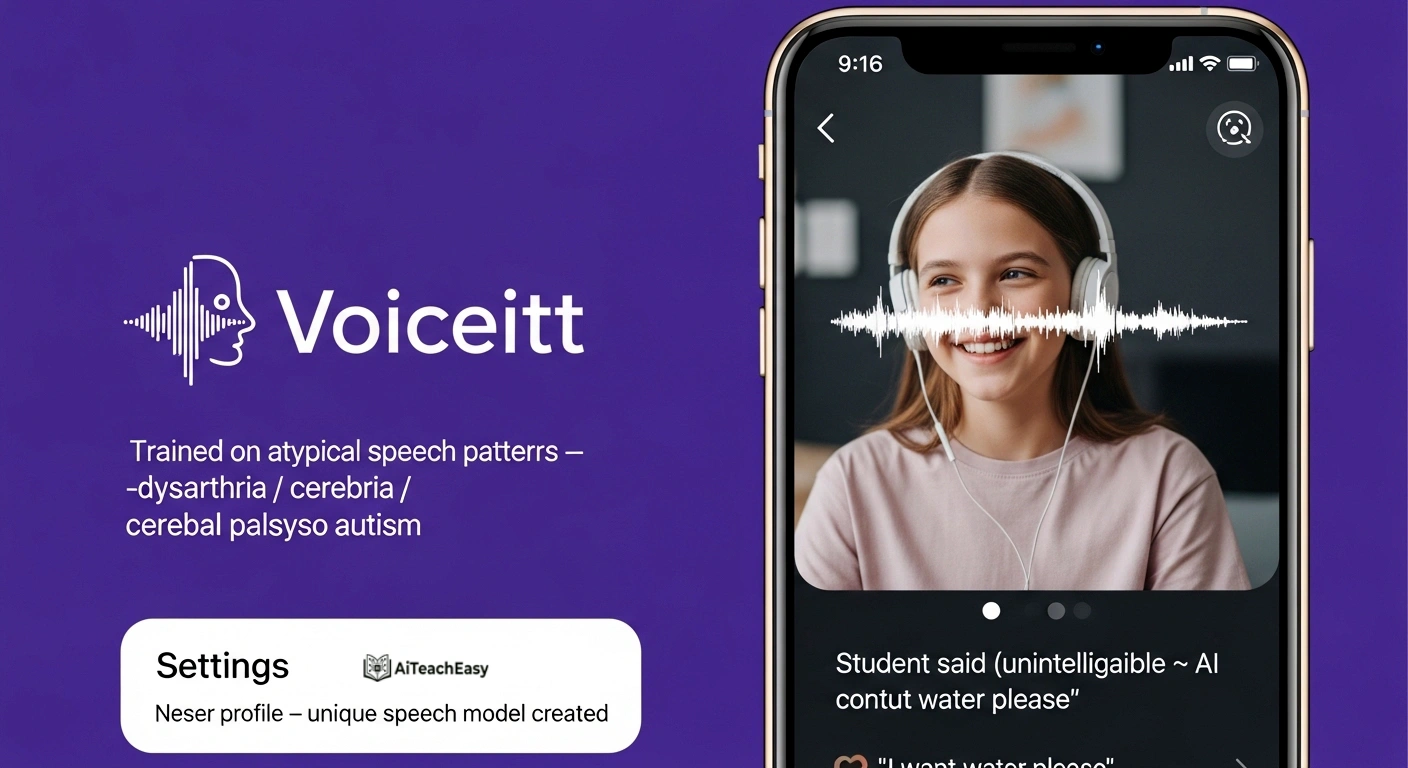
Try Voiceitt uses AI-driven speech recognition that adapts to unique speech patterns – making it possible for students with dysarthria, cerebral palsy, autism, or other speech differences to be understood by standard voice interfaces. It bridges the gap between non-standard speech and standard voice technology, dramatically improving independence.
Microsoft Immersive Reader
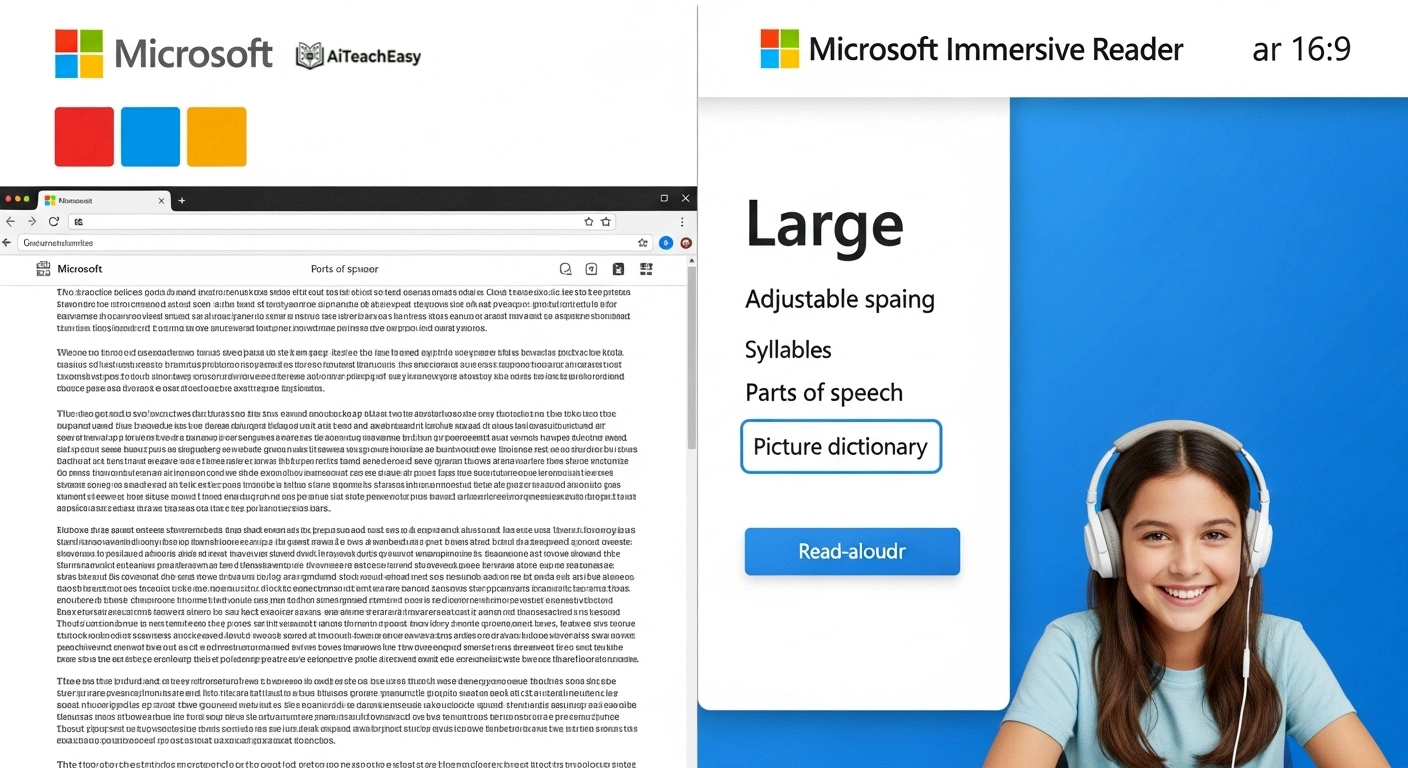
Category: Reading & Communication Support | Pricing: Free (part of Microsoft 365) | Best For: Students with dyslexia, reading disabilities, or language processing challenges
Microsoft Immersive Reader simplifies complex text and offers visual aids that make content digestible for students with cognitive or language processing challenges. Adjust font size, spacing, and background color. Generate text summaries, alternate formats, and read aloud in multiple voices – all within Microsoft Office and Teams.
AI Tools for Differentiated Instruction & UDL
OpenEduCat – UDL Lesson Planner
Category: Universal Design for Learning | Pricing: Included in OpenEduCat | Best For: Inclusion teachers who want to proactively reduce barriers (not retrofit)
Designs lessons that embed Universal Design for Learning principles from the start: multiple means of representation, action and expression, and engagement. Rather than retrofitting accommodations after the fact, UDL-designed lessons reduce barriers for ALL students before any individual needs to request them. A paradigm shift from accommodation to design. For even more planning help, see our best AI lesson plan generators for teachers.
Diffit
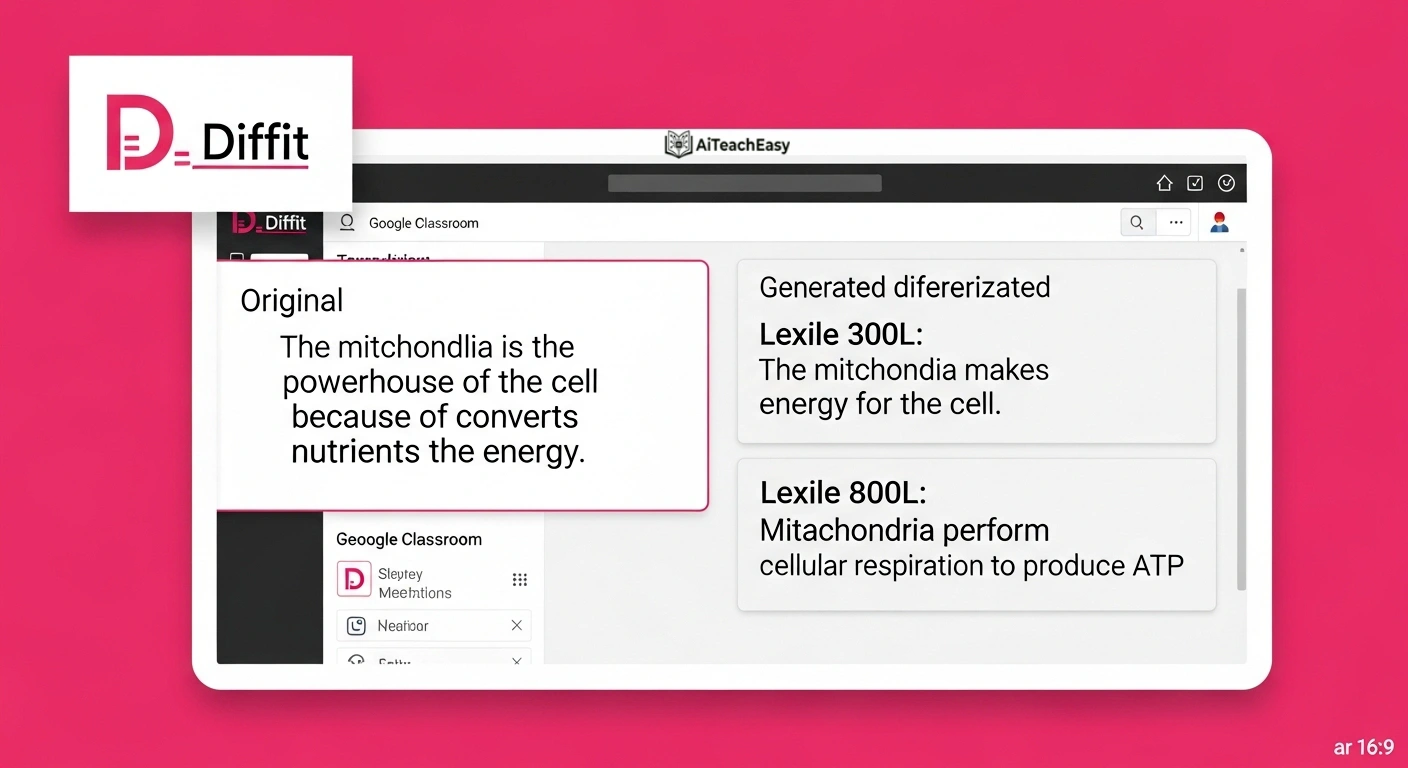
Category: Differentiated Materials | Pricing: Free + paid | Best For: Teachers who need to quickly adapt existing content at multiple Lexile levels
Use Diffit lets teachers take any text, article, or topic and instantly generate differentiated versions at different reading levels. It creates full sets of materials – vocabulary lists, comprehension questions, summaries – all aligned to the same learning objective. A major time-saver for inclusion co-teaching models where students need the same content at different entry points.
EasyClass – Text Leveler
Category: Reading Level Adaptation | Pricing: Free | Best For: Inclusion teachers adjusting reading passages for students below grade level
Adjust any reading passage to a lower Lexile level without changing the content or learning objective. Critical for inclusion settings where students with learning disabilities may read multiple grade levels below their enrolled grade but need access to the same curriculum.
OpenEduCat – Differentiated Instruction Planner
Category: Differentiated Instruction | Pricing: Included in OpenEduCat | Best For: Co-teachers planning parallel instruction for inclusion classrooms
Generates instructional variations for the same lesson objective across readiness levels, learning profiles, and interest areas. For inclusion settings, produces parallel activities that let students with and without IEPs work on the same concept at appropriate challenge levels – reducing stigma while maintaining rigor.
OpenEduCat – Multiple Explanations Generator
Category: Differentiated Instruction | Pricing: Included in OpenEduCat | Best For: Teachers supporting students with processing differences or language needs
Generates five different ways to explain any concept – a breakthrough for students with learning disabilities who benefit from encountering the same idea through multiple entry points. Particularly powerful for students with dyscalculia, language processing disorders, or those who are English language learners.
EasyClass – Lesson Plan Generator (UDL mode)
Category: Lesson Planning | Pricing: Free + paid | Best For: Teachers who want UDL-aligned lesson plans with built-in accommodations
Build UDL-aligned lesson plans by specifying accommodations and modifications in the prompt. The generator produces a differentiation-ready lesson plan with built-in access features – not bolted-on afterthoughts. Works for any grade level and subject area.
Education CoPilot
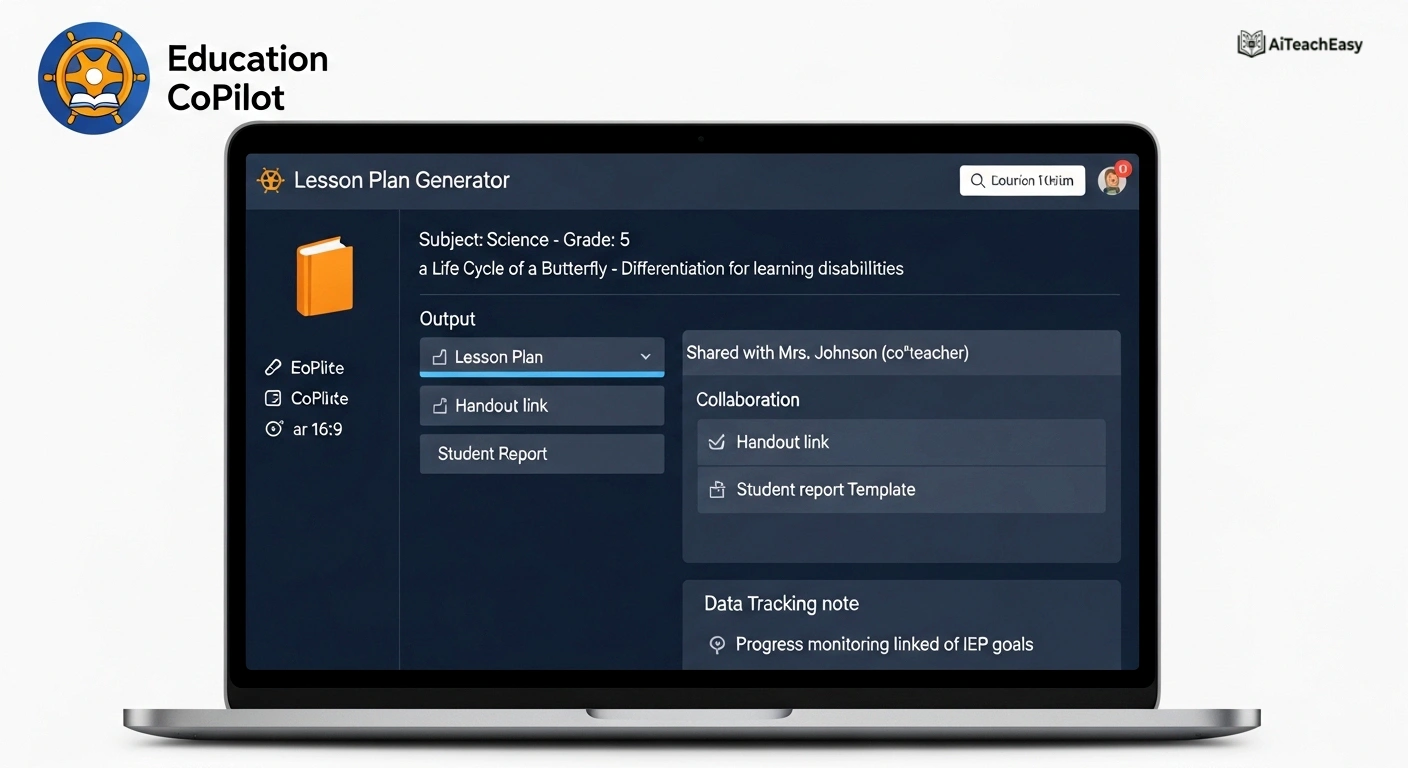
Category: Lesson Planning & Materials | Pricing: Paid subscription | Best For: Teachers who need AI-generated lesson plans, handouts, and student reports
Education CoPilot uses machine learning to generate lesson plans and educational materials including handouts and student reports. For special education teachers, it streamlines the complex planning process and enables collaboration with colleagues on lesson development and data-driven student progress tracking.
AI Tools for Adaptive Learning & Student Engagement
MentalUP
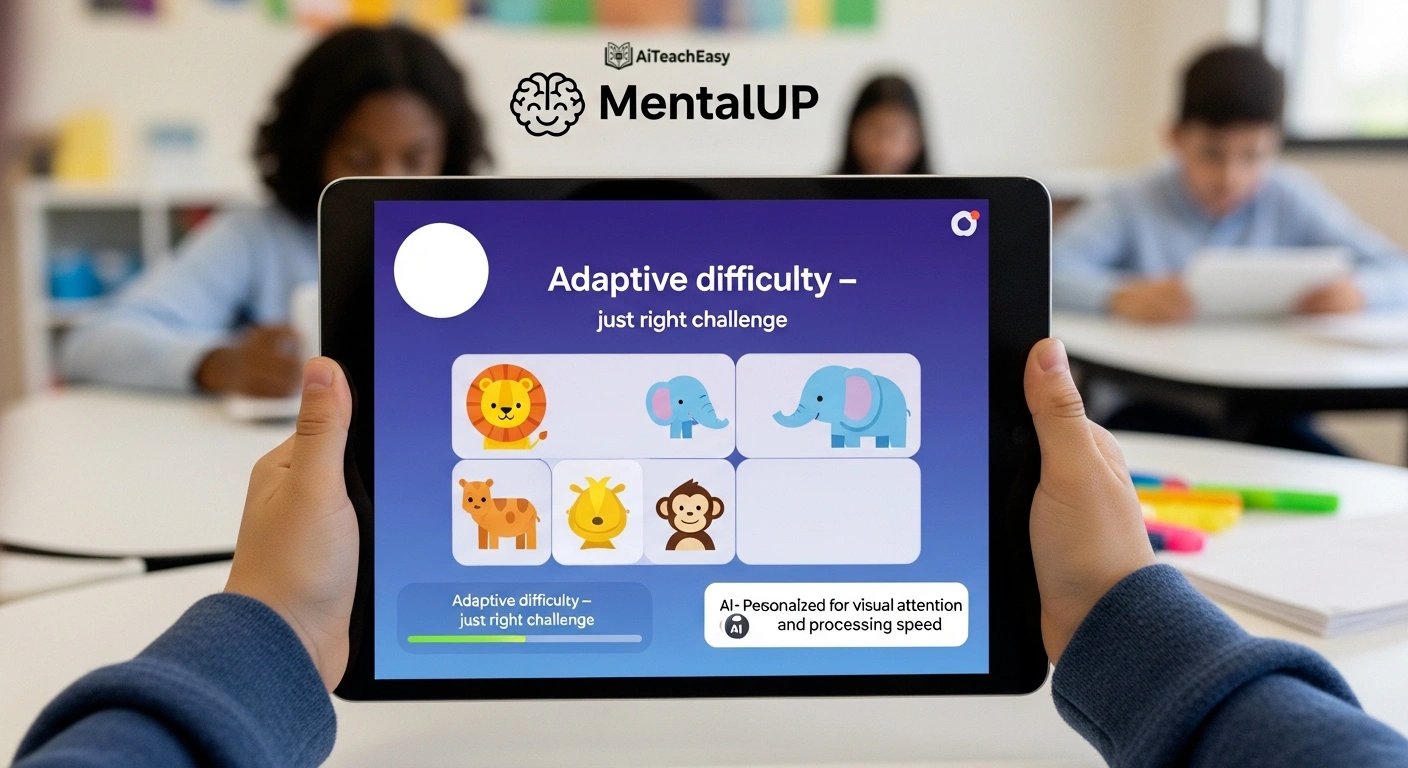
Category: Adaptive Learning & Cognitive Development | Pricing: Free + paid | Best For: SPED teachers wanting gamified, AI-personalized cognitive exercises
Discover MentalUP is designed by child development experts to revolutionize SPED lessons through AI-powered gamification. It analyzes student data, understands how each student learns, and selects game levels that are the right challenge – not too easy, not frustrating. Supports cognitive, emotional, and physical development needs. Students with diverse learning profiles love the gamified approach. For more memory support, check out best AI tools for memorization.
Kahoot! (with adaptive features)
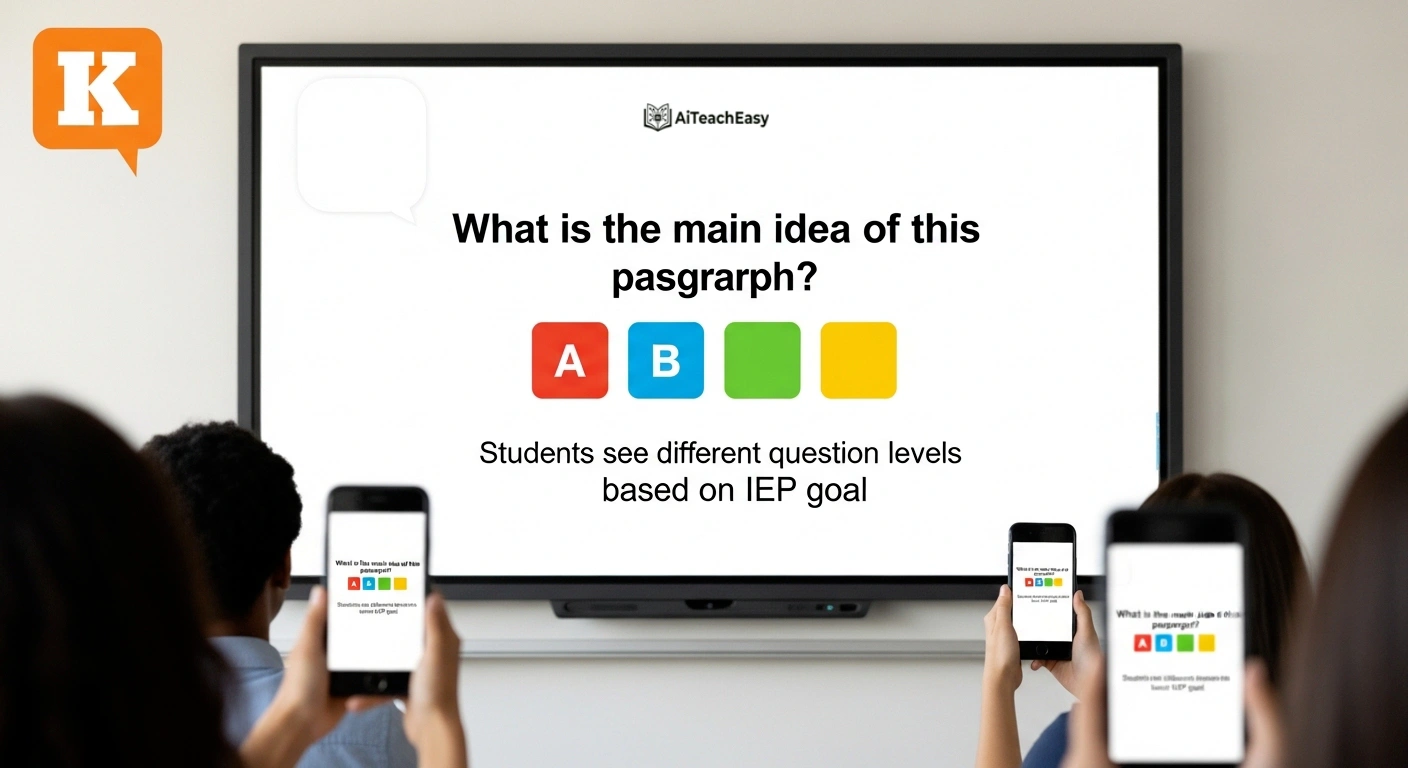
Category: Student Engagement & Formative Assessment | Pricing: Free + paid | Best For: Teachers who want adaptive quizzes and gamified learning paths
Try Kahoot! crafts adaptive quizzes and challenges tailored to individual learning paths. In special education contexts, you can create differentiated game sets – different question levels for different students – while keeping the entire class engaged in the same activity. The gamification approach is especially motivating for students with ADHD.
Quizizz (adaptive)
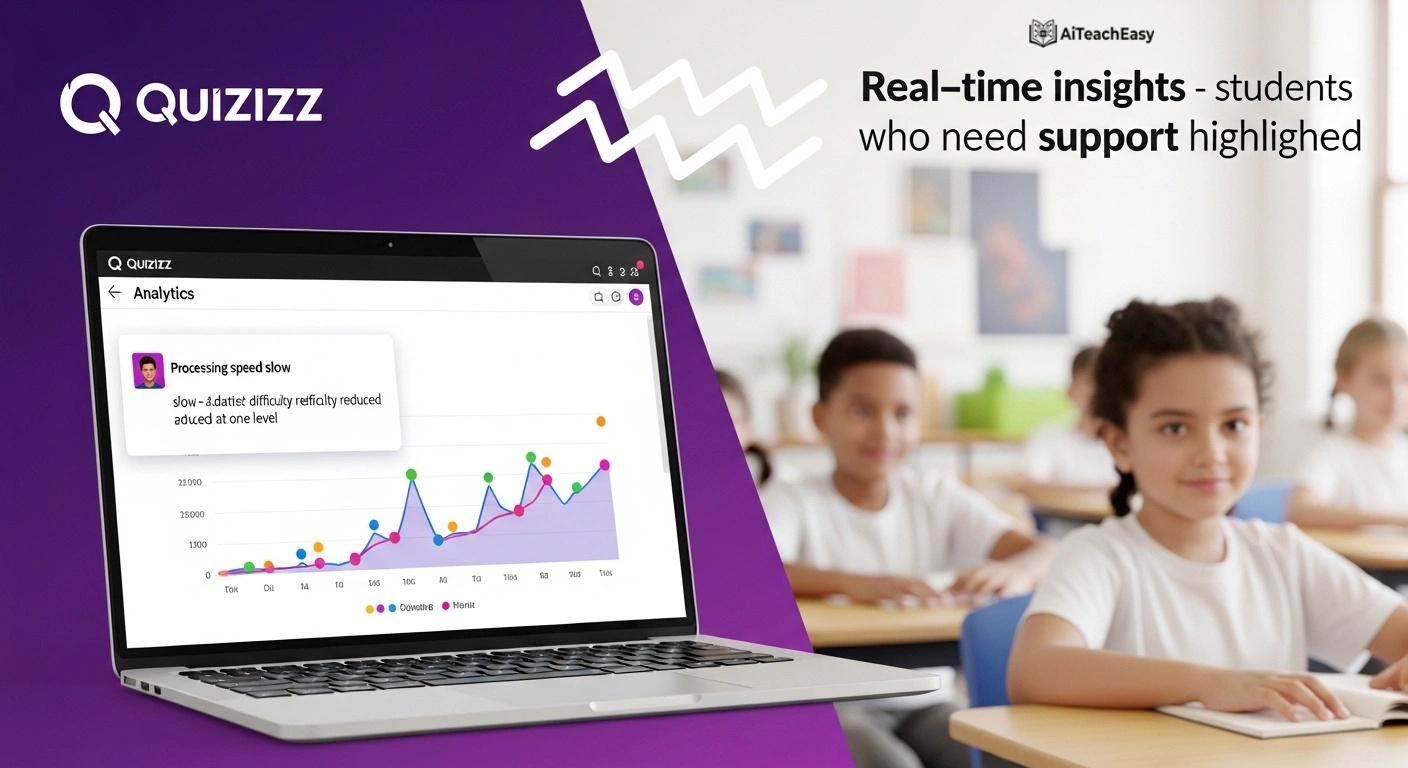
Category: Formative Assessment & Engagement | Pricing: Free + paid | Best For: Teachers who want self-paced, differentiated quizzes
Use Quizizz allows students to work through quizzes at their own pace with adaptive difficulty, making it ideal for classrooms where students have very different processing speeds and learning levels. Detailed analytics help teachers identify students who are struggling in real-time.
Khanmigo by Khan Academy
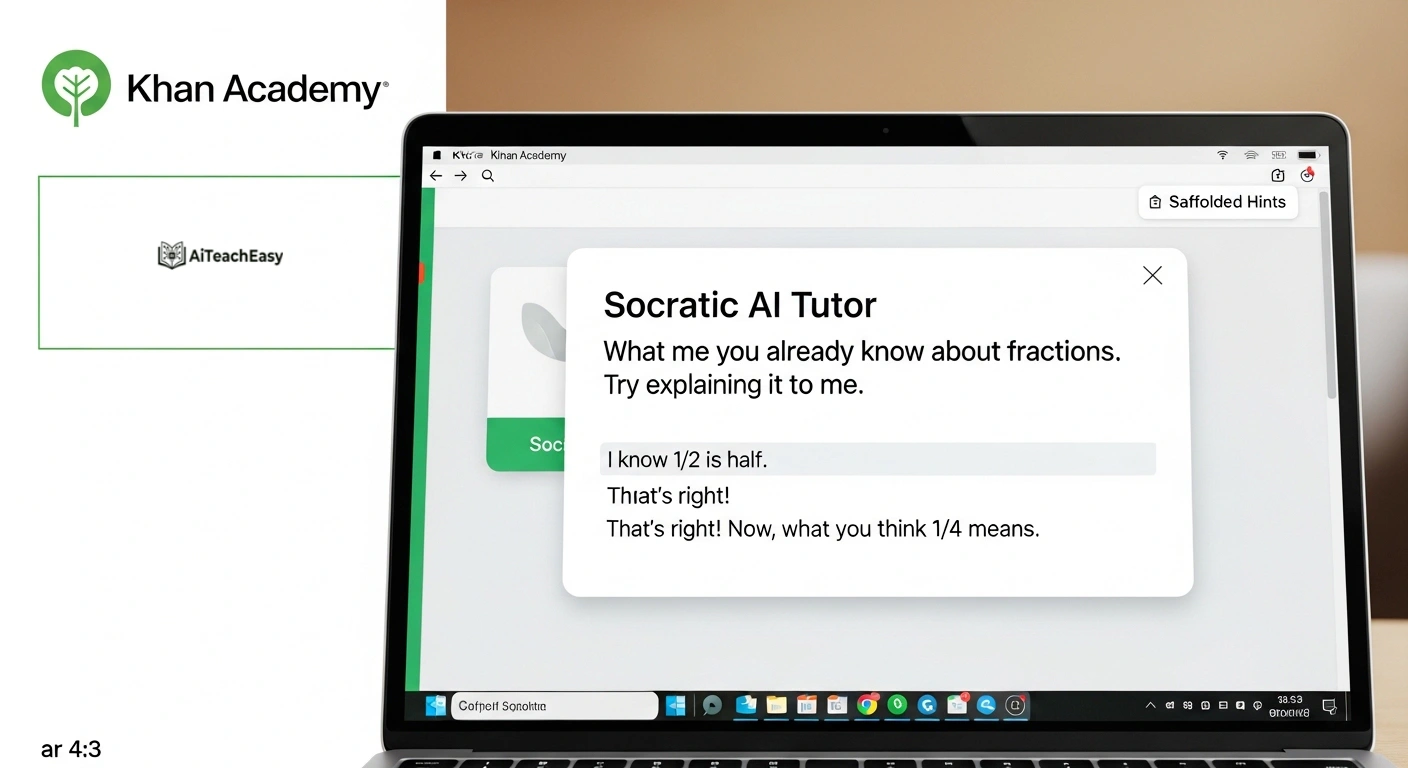
Category: AI Tutoring & Scaffolded Learning | Pricing: Paid (Khan Academy subscription) | Best For: Students who need personalized, on-demand tutoring and scaffolded explanations
Khanmigo is Khan Academy’s AI tutor, designed to ask guiding questions rather than give answers – a Socratic approach that supports deeper understanding. For SPED students who need repeated, patient explanations with scaffolding, Khanmigo’s conversational approach reduces frustration and builds self-efficacy.
SchoolAI
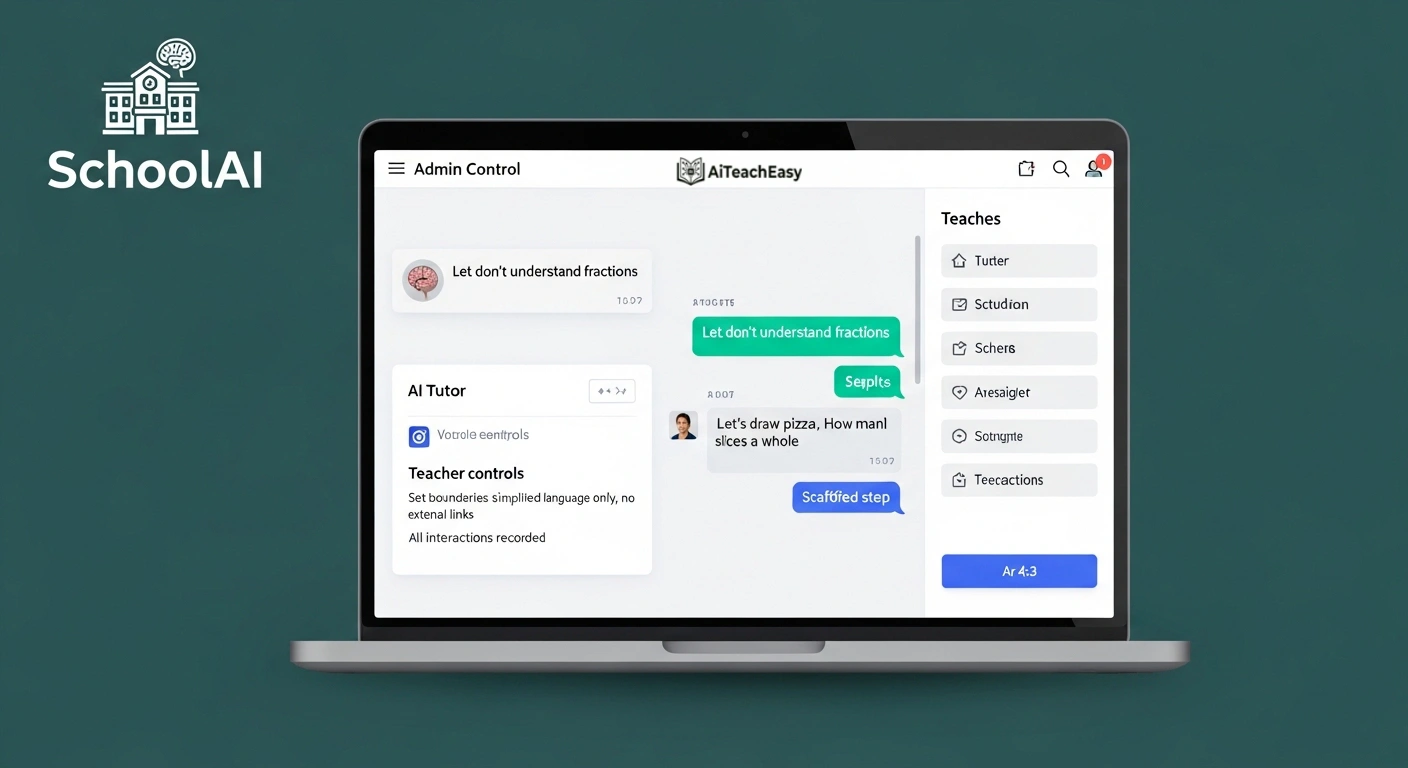
Category: AI-Powered Student Support | Pricing: Paid subscription | Best For: Schools wanting a safe, admin-controlled AI environment for SPED students
SchoolAI provides a teacher-controlled AI environment where students can interact with AI tutors within boundaries you set. For SPED students, you can configure the AI to provide extra scaffolding, simplified language, and step-by-step support – all while maintaining full oversight of student interactions.
General AI Assistants Used by SPED Teachers
Microsoft Copilot for Education
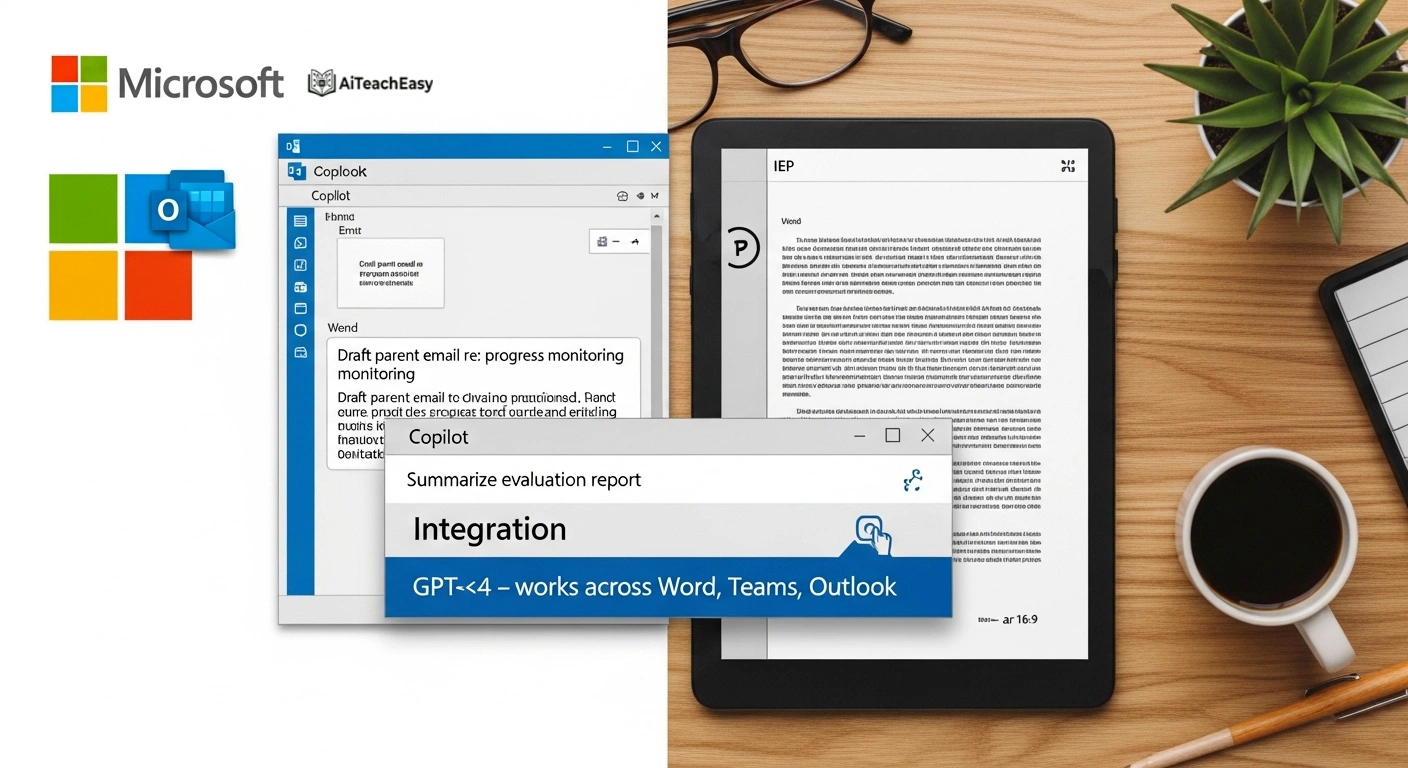
Category: General AI Assistant | Pricing: Free (Microsoft account) | Best For: Teachers in Microsoft 365 ecosystems who want AI built into their workflow
Microsoft Copilot is powered by GPT-4 and integrates directly into the Microsoft ecosystem – Word, Teams, Outlook – so SPED teachers can draft IEP language, write parent emails, summarize evaluation reports, and generate accommodation ideas without switching between apps. Searches the web for current information and can analyze uploaded documents. To manage your overall workload, see best AI time management tools for teachers.
Claude by Anthropic
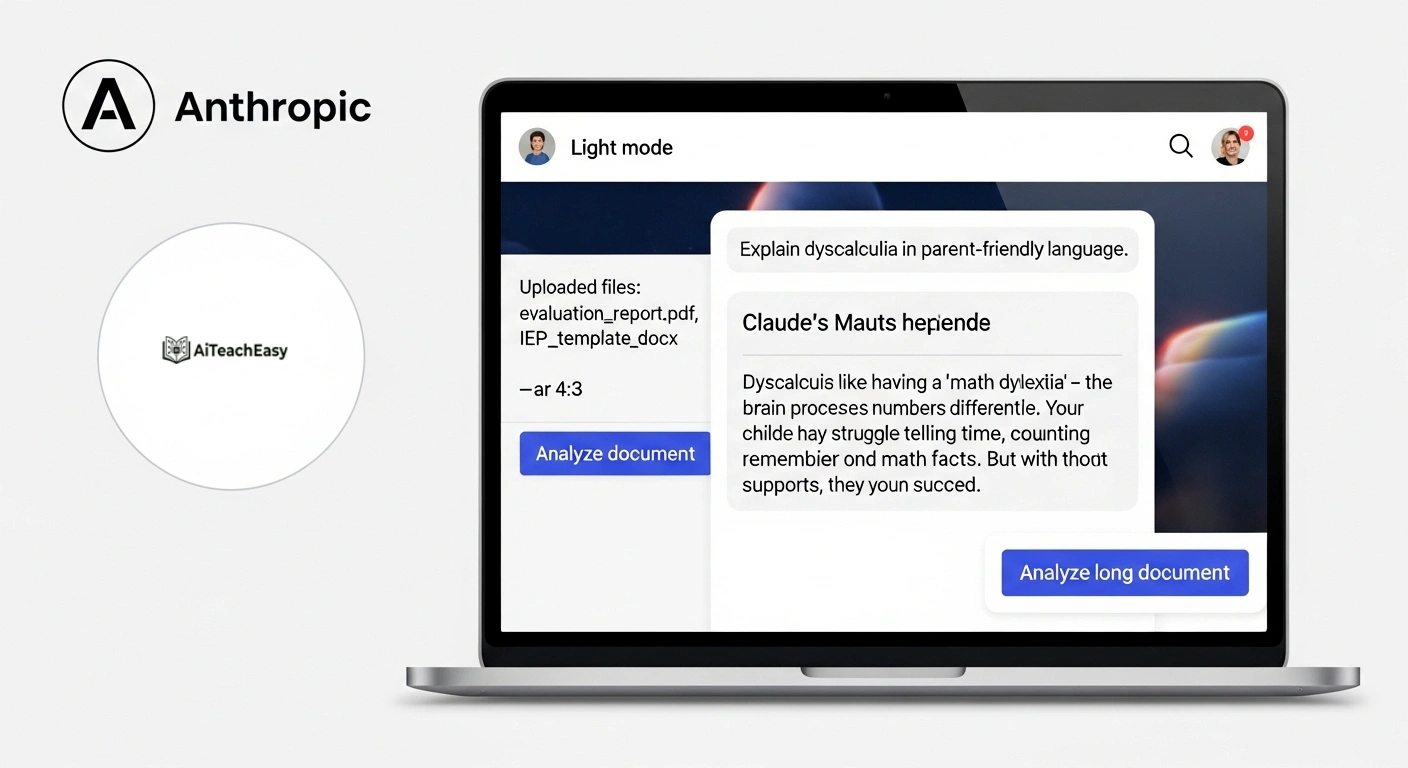
Category: General AI Assistant | Pricing: Free + Pro ($17/mo) | Best For: Teachers who need thoughtful, long-document AI assistance with strong accuracy
Claude by Anthropic is known for its careful reasoning, long-context handling, and accuracy – making it excellent for complex SPED tasks like reviewing evaluation reports, drafting detailed IEP goal language, writing thorough parent communication letters, or explaining complex disability-related concepts in parent-friendly language.
Google Gemini for Education
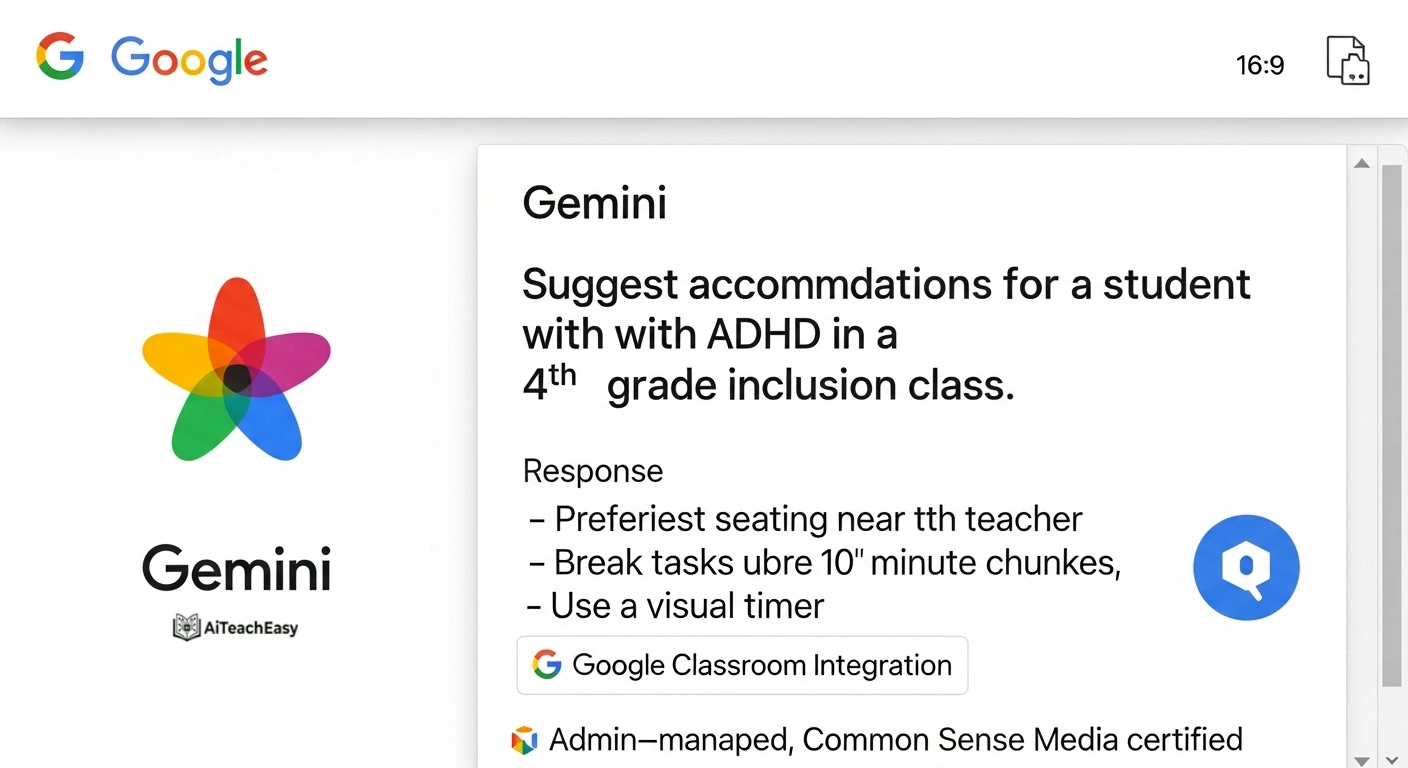
Category: General AI Assistant + Google Integration | Pricing: Free (Google Workspace for Education) | Best For: Schools using Google Workspace for Education
Gemini for Education offers Gemini 2.5 Pro free to all Google Workspace for Education users, with admin-managed access and built-in privacy protections certified by Common Sense Media. Integrates directly into Google Docs, Slides, Forms, and Google Classroom – so SPED teachers can draft, edit, and share materials within their existing Google workflow.
Perplexity AI
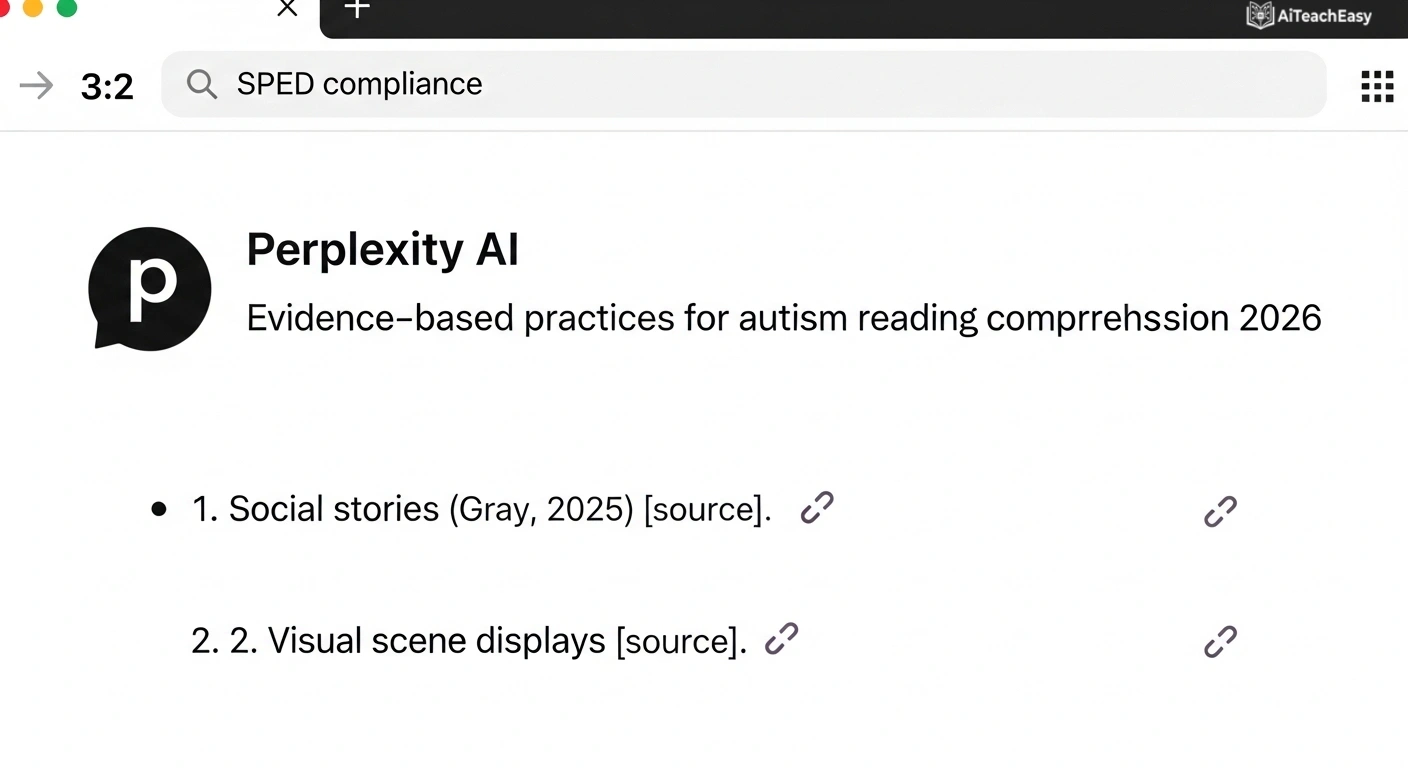
Category: Research & Information Retrieval | Pricing: Free + Pro ($20/mo) | Best For: SPED teachers who need current, cited information quickly
Perplexity is an AI search engine that cites its sources – critical for SPED teachers researching evidence-based practices, new assistive technologies, disability-specific strategies, or compliance updates. Unlike standard chatbots, every claim is backed by a clickable source you can verify.
📬 AI Tools for Parent Communication & Administrative Documentation
EasyClass – Report Card Comments Generator
Category: Parent Communication | Pricing: Free | Best For: SPED teachers writing progress narratives across large caseloads
Generates professional, personalized report card comments for special education students – reflecting progress toward IEP goals, areas of strength, and areas for continued growth. Reduces the time spent on end-of-term narrative writing from hours to minutes. For more on grading and reporting, see best AI grading tools for teachers.
Bloomz
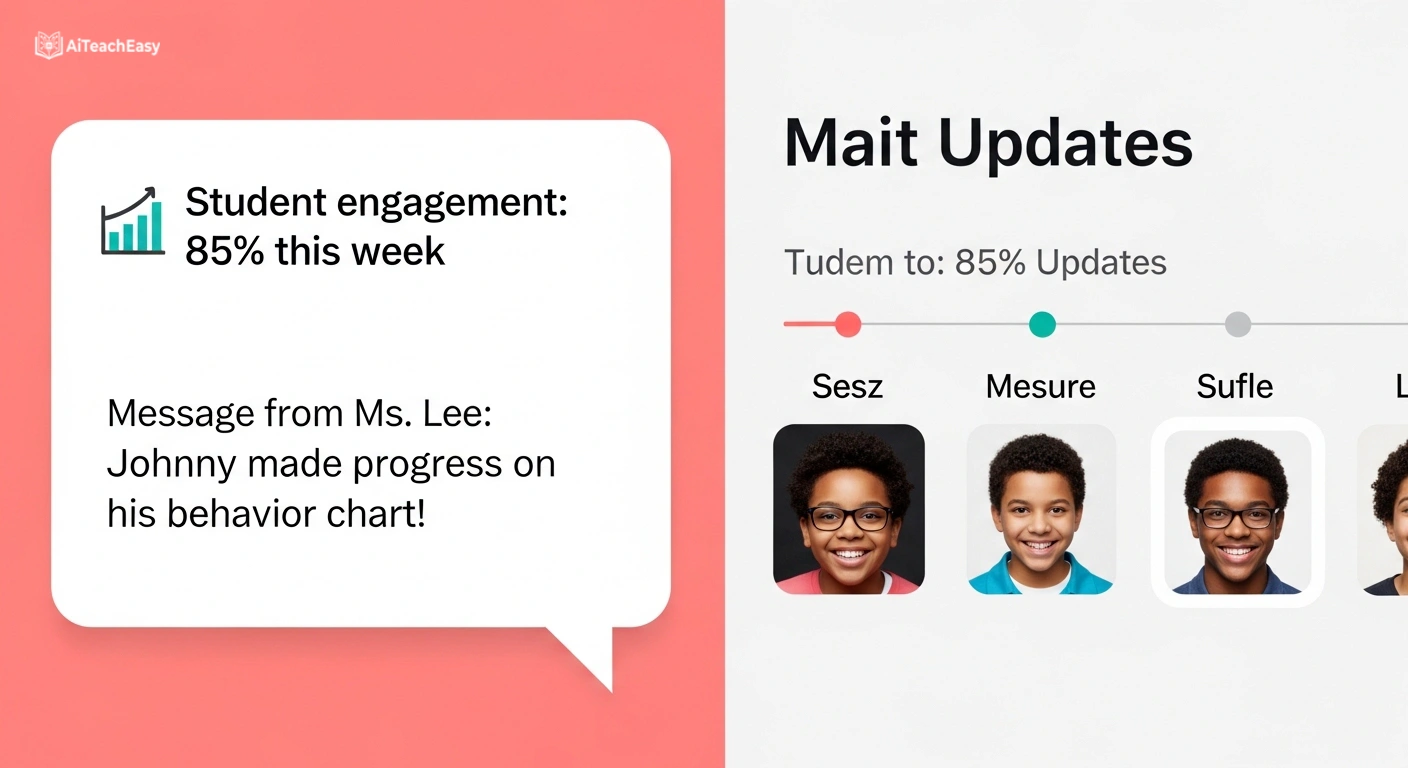
Category: Family Engagement & Communication | Pricing: Free + paid | Best For: Teachers managing ongoing parent communication about SPED students
Bloomz provides AI-powered insights into student engagement and behavior patterns, helping teachers communicate with families using data. It tracks parent communication logs and sends automated updates – essential for SPED teachers who need documentation of every parent interaction for compliance.
Grammarly
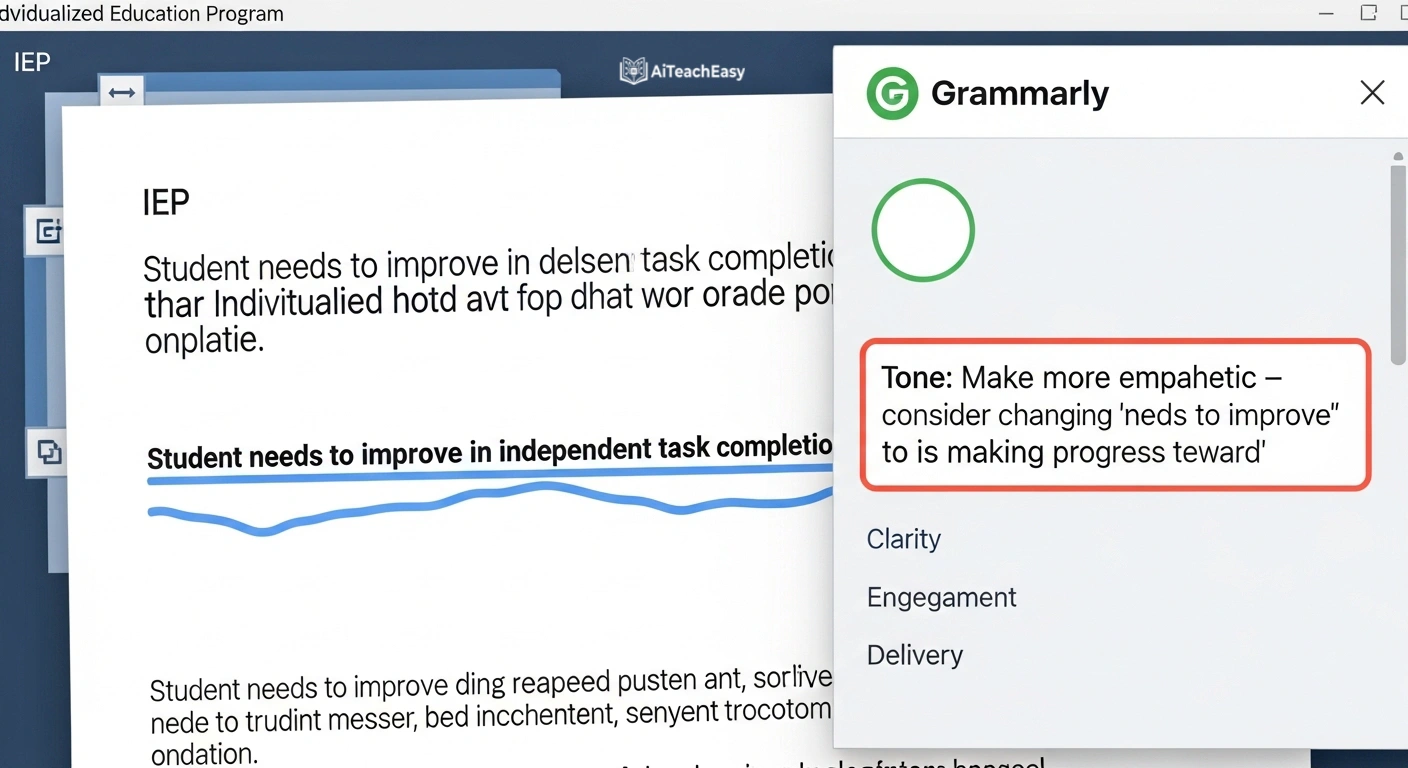
Category: Writing Assistance & Professionalism | Pricing: Free + paid | Best For: SPED teachers who want polished, error-free professional writing
Grammarly’s AI writing assistant ensures that IEP documents, parent letters, and evaluation reports are clear, professional, and free of grammatical errors. Its tone detection feature helps SPED teachers write parent communication that is empathetic, clear, and legally appropriate.
AI Design Tools for SPED Classroom Materials
Canva AI / Canva Magic Studio
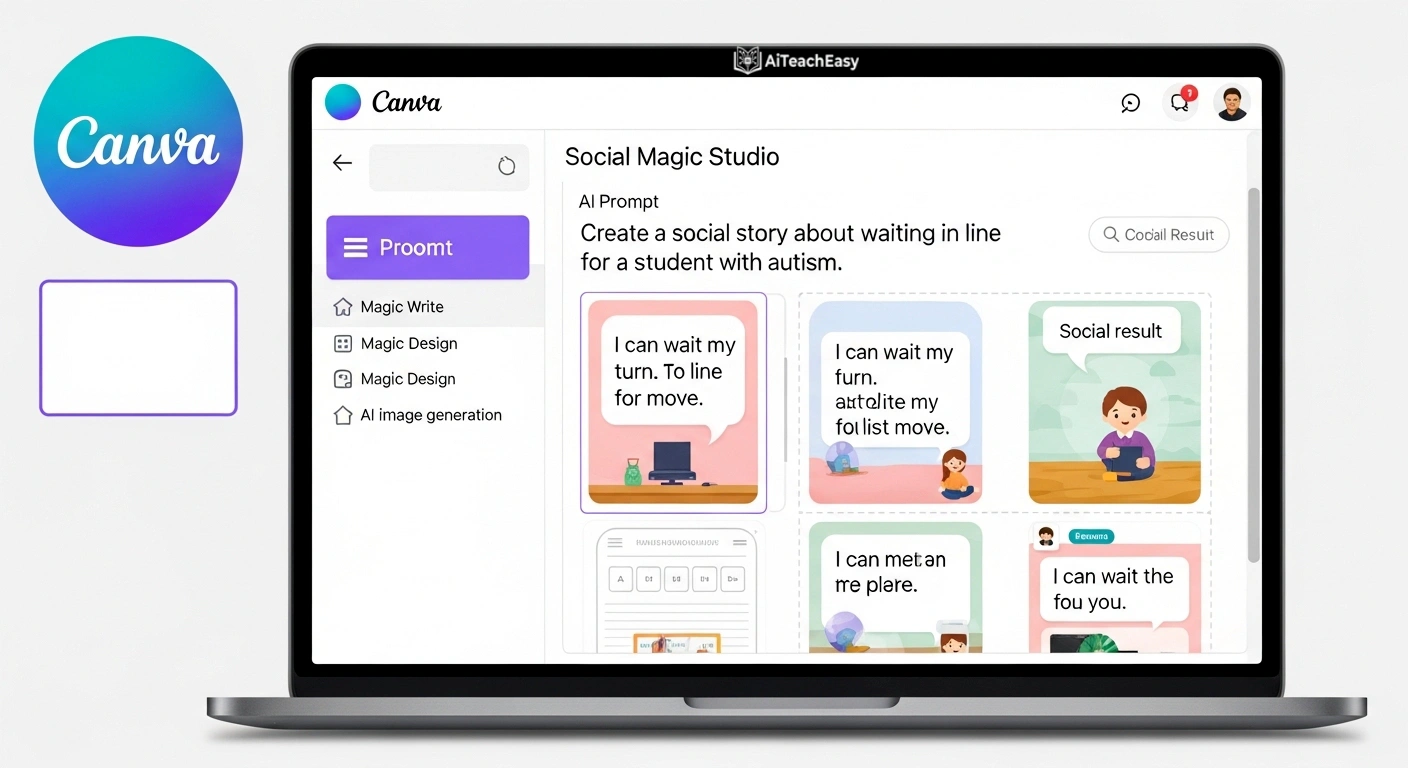
Category: Visual Materials & Design | Pricing: Free + paid (Canva Pro) | Best For: Teachers who need visually engaging, accessible materials for diverse learners
Canva Magic Studio brings AI design into special education. Use Magic Write to generate stories or poems at specific reading levels, Magic Design to transform content into visual presentations, and AI image generation to create illustrations for social stories, visual schedules, and behavior charts. For students with visual impairments, create large-print materials and tactile graphic layouts.
Microsoft Designer
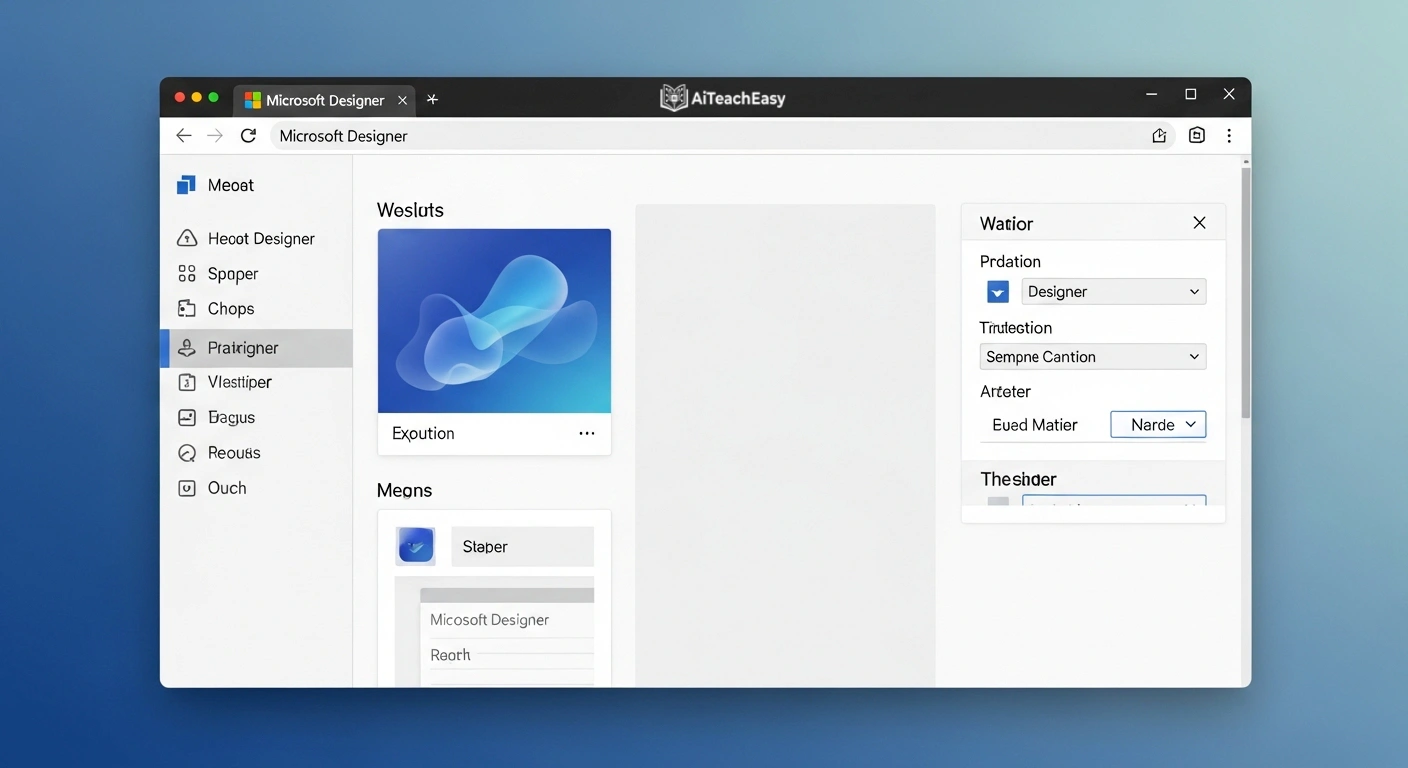
Category: Visual Materials | Pricing: Free (Microsoft account) | Best For: Teachers in Microsoft ecosystems who need quick, professional visual materials
Microsoft Designer uses AI to generate posters, worksheets, and classroom materials from text prompts. Integrates with Microsoft 365 for seamless sharing across teams. Useful for creating visual supports, social story illustration frames, and accessible classroom displays.
Adobe Express
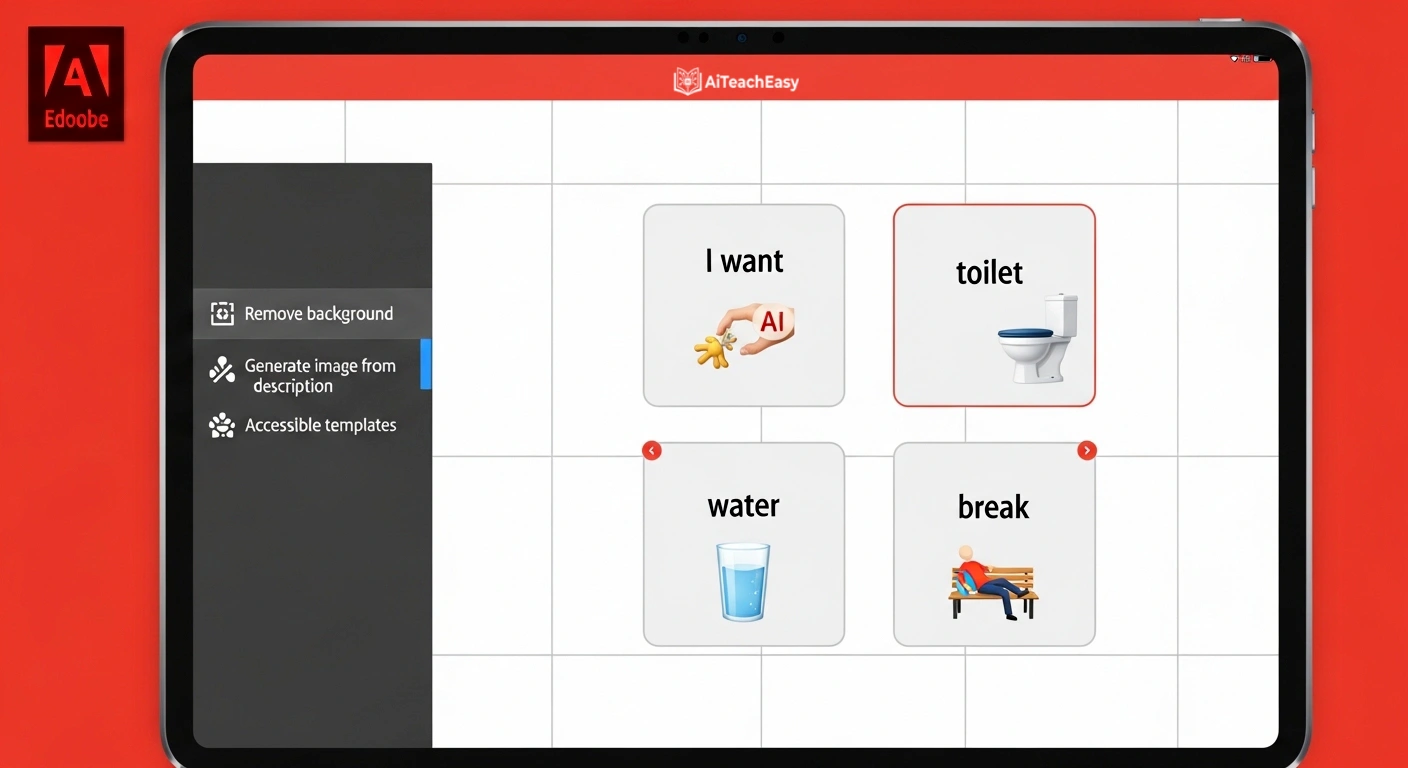
Category: Visual Content Creation | Pricing: Free + paid | Best For: Teachers who need professional-quality visual materials quickly
Adobe Express offers AI-powered templates for educational posters, visual schedules, and communication boards. The AI removes backgrounds, generates images from descriptions, and applies accessible design principles. Particularly useful for creating AAC-style visual supports.
AI Tools for Assessment & Progress Monitoring
Formative AI
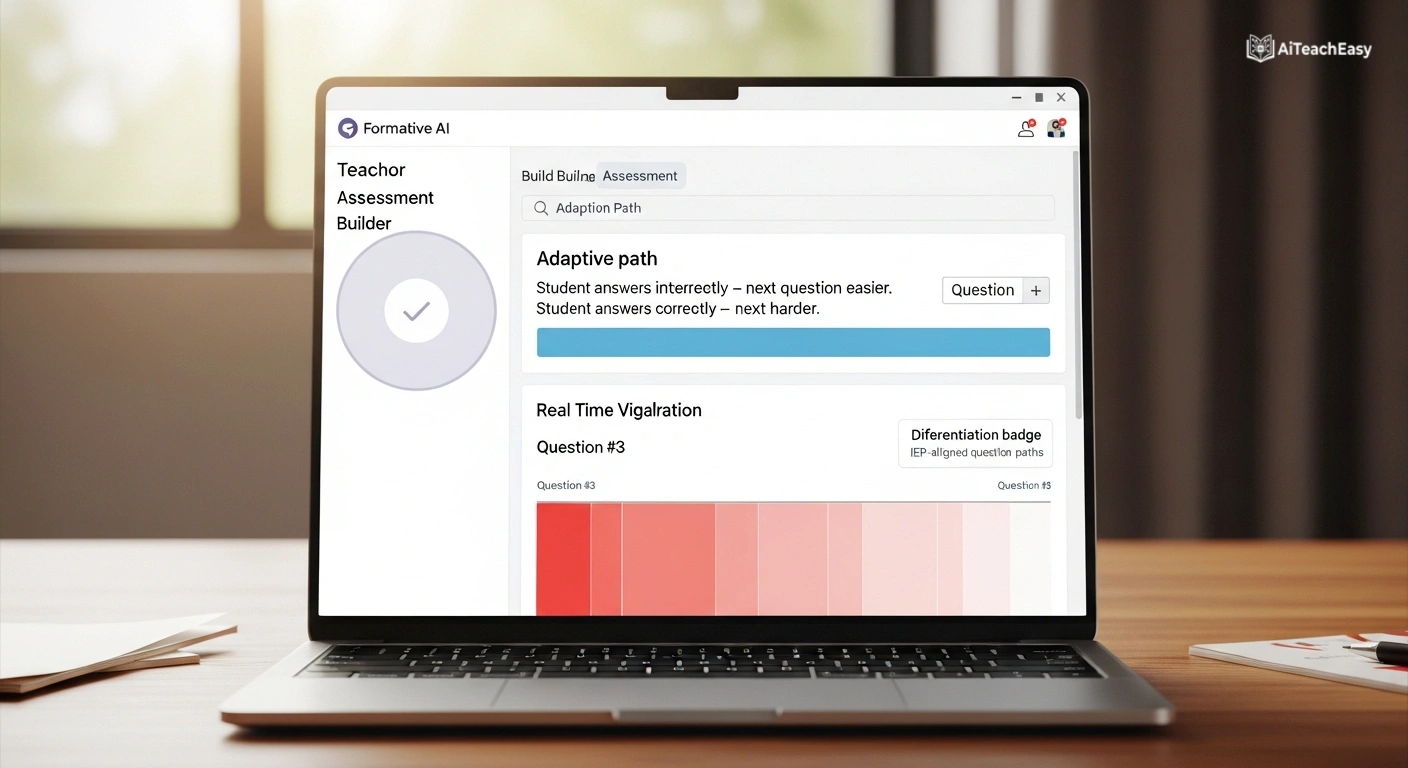
Category: Formative Assessment | Pricing: Free + paid | Best For: Teachers who want real-time insight into student understanding during lessons
Formative AI allows teachers to build adaptive assessments that adjust in real-time based on student responses. For SPED students, you can set differentiated question paths that accommodate different learning needs while still measuring progress toward IEP goals.
QuestionWell
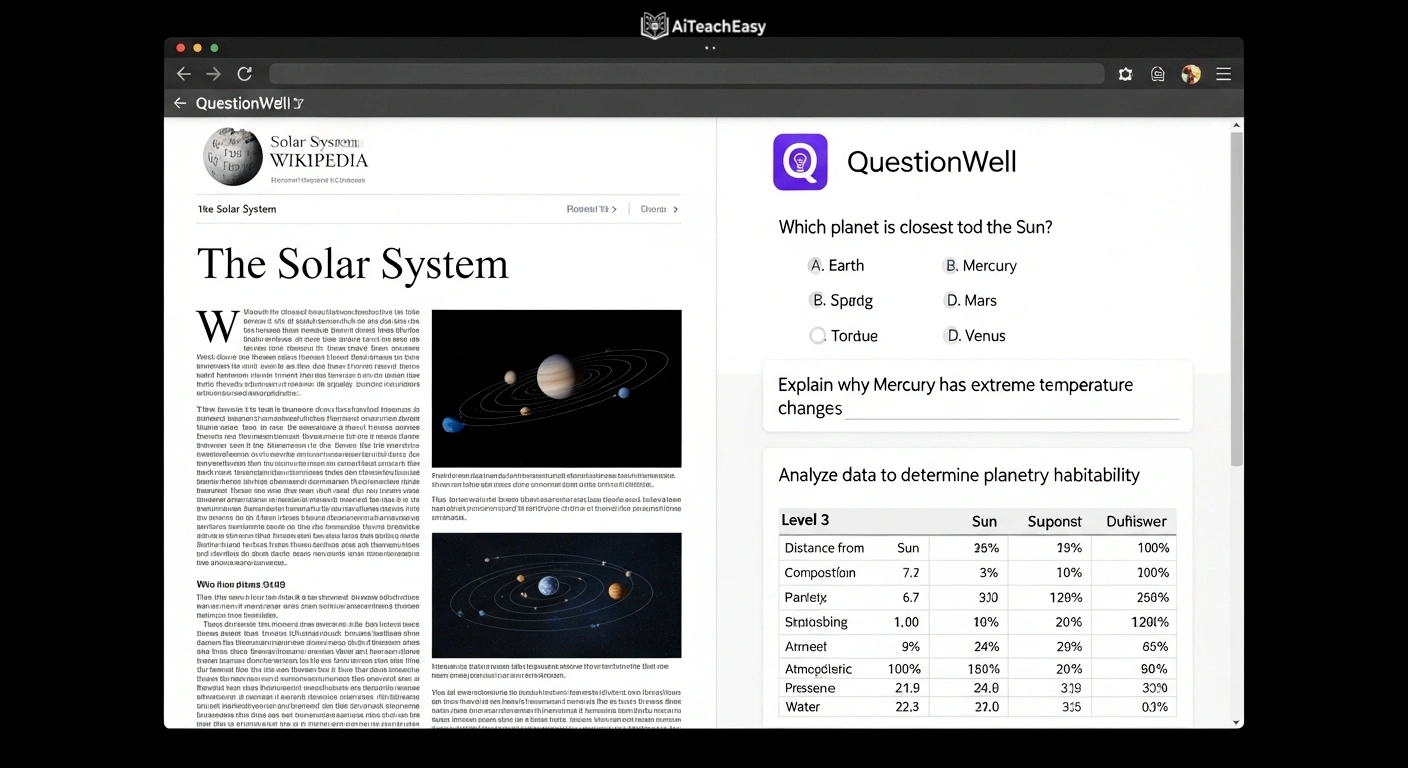
Category: Assessment & Quiz Generation | Pricing: Free + paid | Best For: Teachers who need to quickly generate differentiated quiz questions
QuestionWell generates high-quality assessment questions at multiple difficulty levels from any text or topic. For SPED teachers, this means quickly producing modified assessments aligned to IEP goals – without the hours of manual question-writing.
EasyClass – AI Grading & Rubric Generator
Category: Assessment & Feedback | Pricing: Free + paid | Best For: Teachers who want AI-assisted grading with standards-aligned rubrics
EasyClass’s AI Grader assesses student work against rubrics instantly, providing detailed feedback. For SPED students, teachers can build rubrics that align to modified grading expectations or IEP goal criteria – ensuring fair, consistent evaluation. For more automated grading options, see AI auto grading tools.
Google NotebookLM
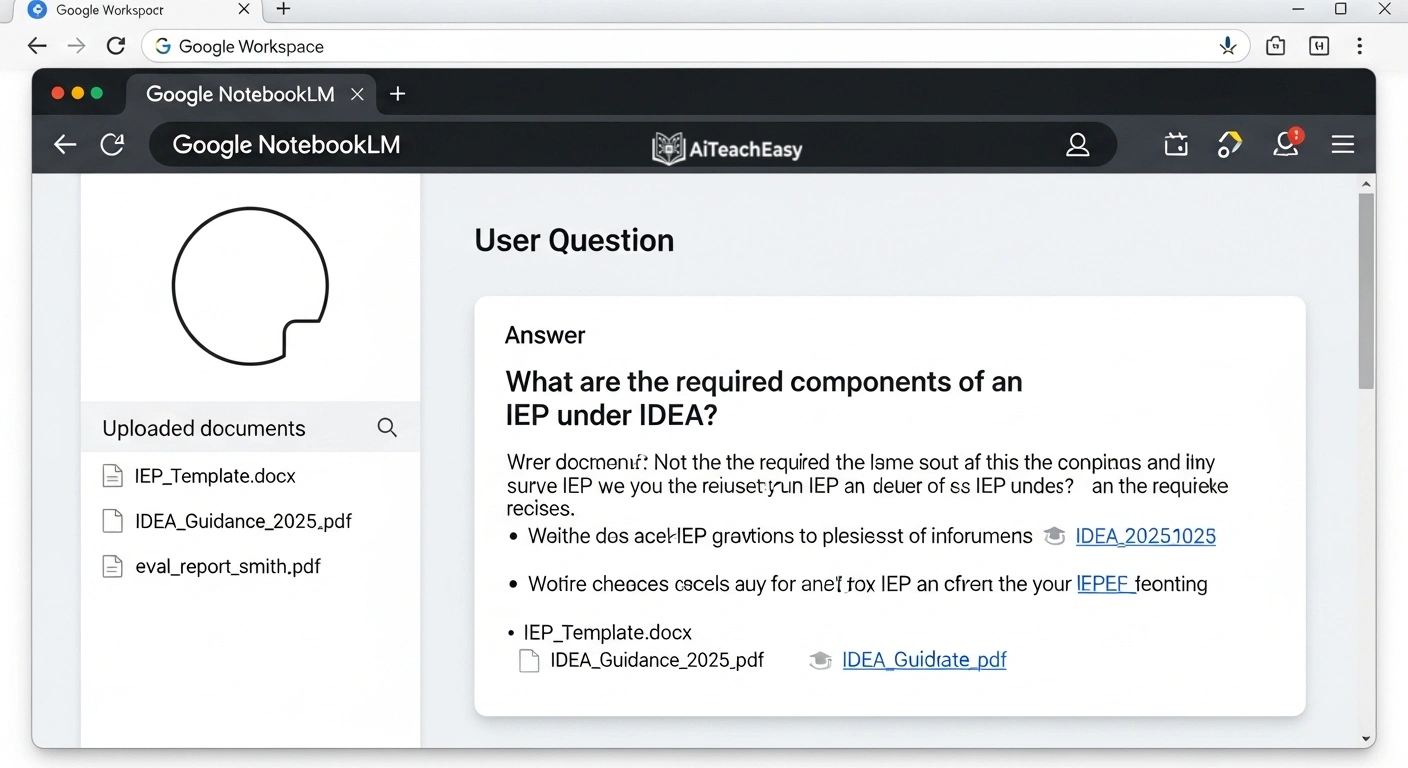
Category: Research & Document Analysis | Pricing: Free (Google account) | Best For: SPED teachers analyzing evaluation reports, research articles, or policy documents
NotebookLM lets you upload documents – evaluation reports, IEP templates, IDEA guidance documents, research articles – and ask questions about them. For SPED teachers, this means quickly extracting key information from lengthy psychological evaluations or making sense of complex policy documents.
AI Productivity Tools for SPEED Teachers
Brisk Teaching
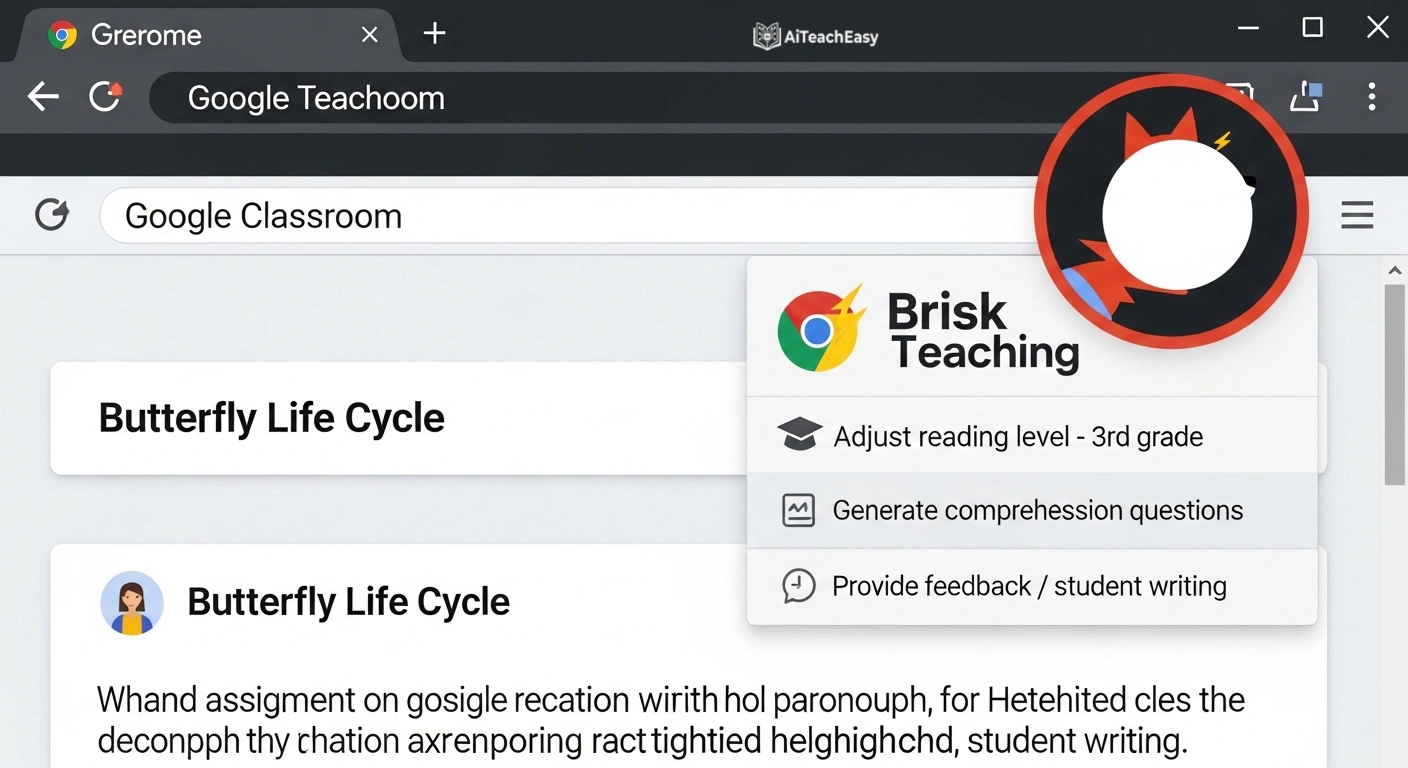
Category: Teacher Productivity & Content Creation | Pricing: Free + paid | Best For: Teachers who want AI assistance built directly into Google Chrome
Brisk Teaching is a Chrome extension that brings AI tools directly into your browser. SPED teachers use it to instantly adjust reading levels of any web content, provide feedback on student writing, create differentiated materials from any webpage, and generate reports – all without switching apps. Pairs well with Google Classroom. For more browser‑based tools, see browser-based AI tools for students.
Goblin Tools
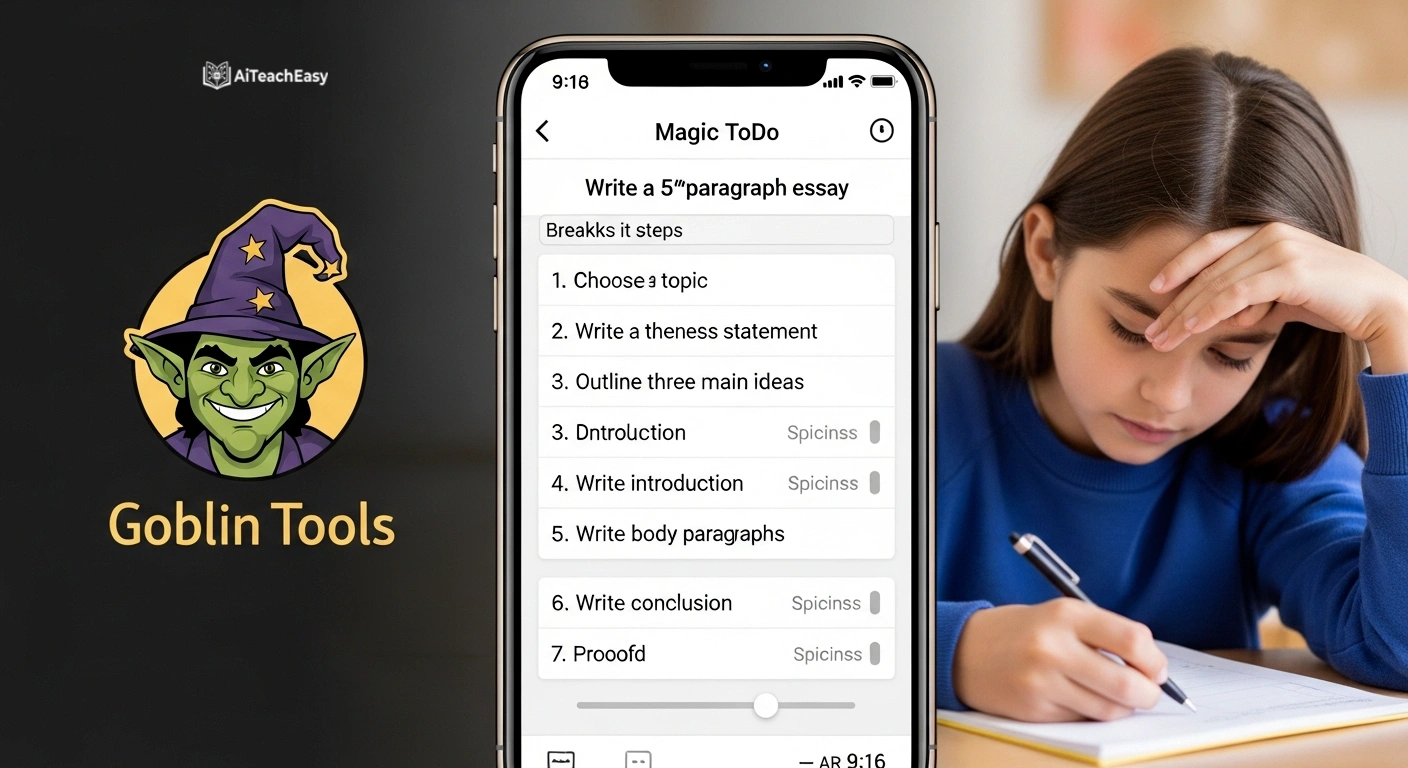
Category: Executive Function & Task Planning | Pricing: Free | Best For: Students and teachers with ADHD or executive function challenges
Goblin Tools is a free, neurodivergence-friendly tool that helps break overwhelming tasks into small, manageable steps. Its ‘Magic ToDo’ feature is particularly powerful for SPED students with ADHD or executive function challenges – and for SPED teachers who need to model task decomposition for their students.
Gamma
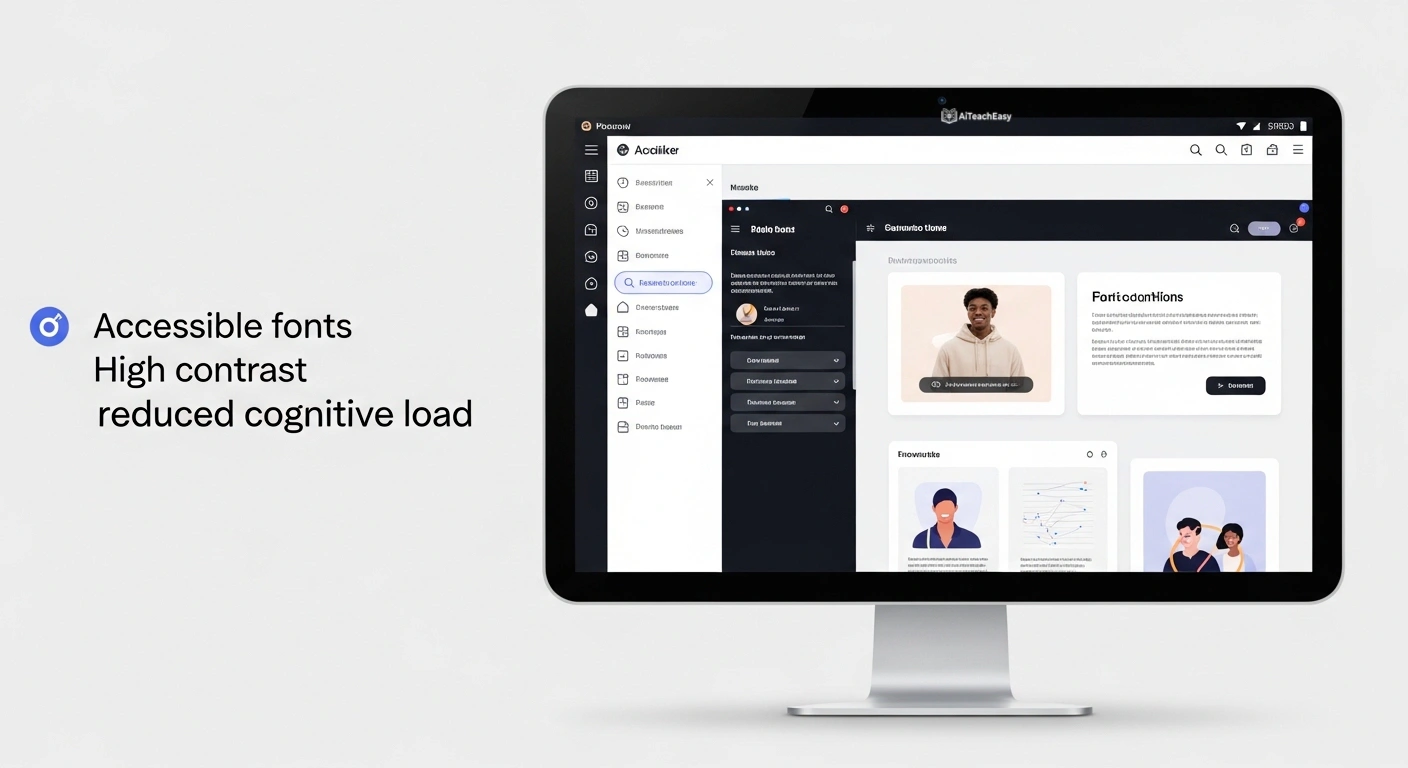
Category: AI-Powered Presentation Creation | Pricing: Free + paid | Best For: Teachers creating engaging, accessible slide-based content
Gamma uses AI to create beautiful presentations from text prompts – perfect for building visual supports, lesson decks with built-in accommodations, and parent training materials. The AI-designed slides are clean and accessible, reducing cognitive load for students with visual processing challenges.
Curipod
Category: Interactive Lesson Design | Pricing: Free + paid | Best For: Teachers who want interactive, engaging SPED-friendly lessons
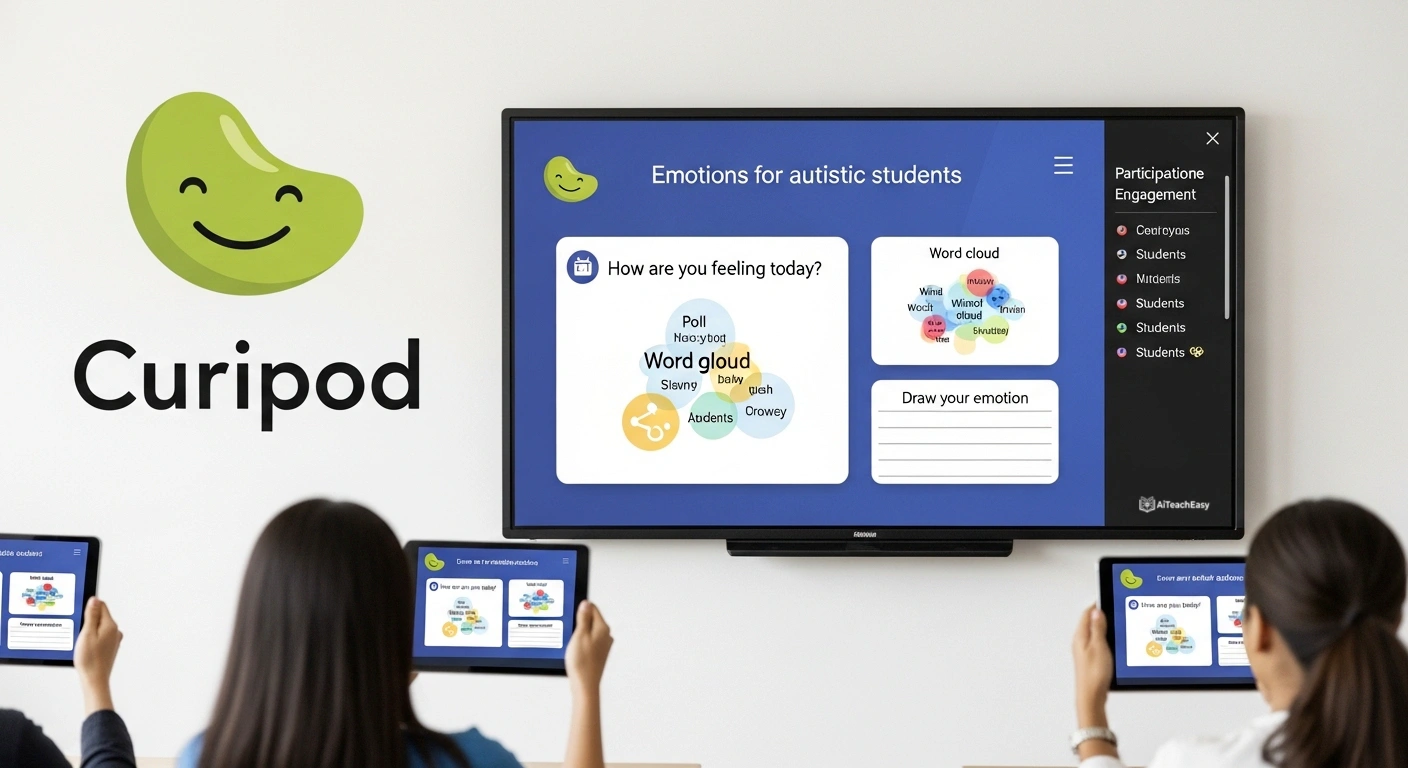
Curipod generates fully interactive lessons with polls, word clouds, and reflection activities. For SPED students who struggle with passive learning, Curipod’s interactive format increases engagement and provides teachers with real-time participation data across their class.
SPED AI Tools Comparison Table
Here’s how the most commonly used SPED tools compare across key special education tasks:
| Feature | EasyClass | MagicSchool | ChatGPT | OpenEduCat | MentalUP |
|---|---|---|---|---|---|
| IEP Goal Generator | ✅ Free | ✅ Paid | ⚠️ Manual | ✅ Platform | ❌ |
| BIP Generator | ✅ Free | ⚠️ Limited | ⚠️ Manual | ❌ | ❌ |
| 504 Plan Generator | ✅ Free | ⚠️ Limited | ⚠️ Manual | ✅ Platform | ❌ |
| Social Stories | ✅ Free | ✅ Paid | ⚠️ Manual | ❌ | ❌ |
| UDL Lesson Planner | ✅ Free | ✅ Paid | ⚠️ Manual | ✅ Platform | ❌ |
| Adaptive Learning | ❌ | ⚠️ Limited | ❌ | ⚠️ Limited | ✅ Core Feature |
| Text Leveler | ✅ Free | ✅ Paid | ⚠️ Manual | ❌ | ❌ |
| Accommodation Suggestions | ✅ Free | ✅ Paid | ⚠️ Manual | ✅ Free | ❌ |
| No Login Required | ✅ | ❌ | ❌ | ❌ | ❌ |
| FERPA Guidance Provided | ✅ | ✅ | ⚠️ User’s duty | ✅ | ✅ |
*✅ = built-in dedicated tool | ⚠️ = possible with extra effort | ❌ = not available. Based on publicly available plans, April 2026.*
Legal & Ethical Considerations for AI in Special Education
Before adopting any AI tool in your SPED workflow, understand these three pillars:
FERPA: Protect Student Identity
Never enter student names, ID numbers, or diagnoses tied to a specific student’s identity into any AI tool. Use descriptors: ‘a 4th-grade student with autism who struggles with transitions.’ Most AI tools process data on third-party servers – FERPA applies regardless of how good the tool is. For more, see our privacy-first AI tools for students.
IDEA: Teams Decide, AI Assists
AI generates drafts. The IEP team – including parents – reviews, customizes, and approves. No AI tool can make legally binding educational decisions under IDEA. The team’s signature is what makes the document legal. AI is a drafting accelerator, not a decision-maker.
District AI Policy: Verify Before Adopting
33 states now have official AI guidance for educators as of 2026. Verify your district’s AI use policy before adopting new tools in your SPED workflow. Most policies permit AI for planning and documentation assistance – but some restrict specific platforms or require data processing agreements.
10 Practical Tips for SPED Teachers Using AI
- Always review and customize AI-generated IEP goal language to reflect the actual student – AI gives you a draft, not a final document.
- Never use a student’s real name, date of birth, ID number, or identifiable diagnosis in any AI prompt. Use descriptors like ‘a 3rd-grade student with ADHD.’
- Start with one tool, master it, then expand – trying 10 tools at once leads to abandonment of all of them.
- Use AI text leveling to create multiple versions of the same passage for co-teaching inclusion settings.
- Social stories should always be reviewed for accuracy to the student’s specific situation – AI generates structure, you add the authentic detail.
- Document your AI use in your workflow logs if your district requires transparency in AI-assisted IEP documentation.
- Use AI-generated accommodation lists as a starting menu – always select and prioritize based on your knowledge of the individual student.
- Share AI tools with parents where appropriate – AI social story generators can empower families to create home-support narratives.
- Combine AI-generated materials with sensory-friendly design (high contrast, sans-serif fonts, white space) for students with visual processing needs.
- Use AI for the paperwork, save your energy for the relationship-building – that’s what changes student outcomes.
Frequently Asked Questions
1. What are the best AI tools for special education teachers in 2026?
The best AI tools for special education teachers include: MagicSchool AI (80+ SPED-specific tools, IEP generator, Chrome extension), EasyClass AI (free IEP goal generator, BIP generator, 504 plan generator, social stories – all free with no credit card), OpenEduCat (UDL planner, accommodation suggestion, differentiated instruction planner), MentalUP (AI-powered gamified adaptive learning), Diffit (reading level adaptation), and Eduaide.AI (behavior management, learning plans, analytics). The best tool depends on your most time-consuming task – start there.
2. Can AI legally help me write IEP goals?
Yes – using AI as a drafting tool is not prohibited by IDEA or FERPA. AI can help generate SMART goal language, which the IEP team then reviews, edits, and approves. The legal requirement is that the IEP must be individualized and determined by the IEP team. AI provides a starting draft, not a finished legal document. The critical rule: never enter student-identifiable information (names, IDs, specific diagnoses tied to a name) into third-party AI tools. Use descriptors instead.
3. What is the best free AI tool for writing IEP goals?
EasyClass offers a free AI IEP goal generator that creates SMART goals for any disability category and grade level in seconds – no credit card required. MagicSchool AI also has a free tier with IEP generation capabilities. For budget-conscious SPED teachers, EasyClass is particularly strong because its free plan includes BIP generation, 504 plan generation, and social stories alongside the IEP goal tool – giving you an entire SPED documentation suite for free.
4. How is AI being used in special education classrooms right now?
Special education teachers use AI in several ways: writing IEP goals and 504 accommodations (used by nearly 60% of SPED teachers in 2024–25), generating behavior intervention plans from FBA findings, creating social stories for students with autism, producing differentiated worksheets and reading passages at multiple Lexile levels, writing report card comments and progress reports, analyzing assessment trends, building UDL-aligned lesson plans, and generating accessible materials for students with visual or sensory processing challenges.
5. Is it safe to use AI for special education documents?
It can be safe, with the right precautions. The most important rule: never enter student-identifiable information into AI tools – this may violate FERPA. Use descriptors like ‘a 3rd-grade student with dyslexia who struggles with phonics.’ Also verify your district’s AI use policy and check whether the AI tool has signed a FERPA-compliant data processing agreement with your district. AI-generated IEP and BIP language should always be reviewed and approved by the IEP team before inclusion in official documents.
6. How much time can AI realistically save SPED teachers?
Special education teachers report spending 5–10 hours per week on IEP documentation and compliance paperwork alone. Research from the Council for Exceptional Children found that 68% of SPED teachers cite overwhelming paperwork as a primary driver of burnout. AI tools that streamline IEP goal writing, BIP drafting, accommodation planning, and progress reporting can realistically reclaim 2–4 hours per week for the average SPED teacher – without sacrificing quality or compliance.
7. What’s the difference between an IEP and a 504 plan, and can AI help with both?
An IEP (Individualized Education Program) is authorized under IDEA and provides specialized instruction for students with qualifying disabilities. A 504 Plan is authorized under the Rehabilitation Act and provides accommodations for students whose disability substantially limits a major life activity, without requiring specialized instruction. Both require individualization – and AI can help draft both. EasyClass and OpenEduCat both offer dedicated tools for IEP goal writing and 504 accommodation planning. The drafts must always be reviewed and approved by the appropriate team before becoming official documents.
8. Can AI tools support students with autism specifically?
Yes – several AI tools are particularly well-suited to autism support. Social story generators (EasyClass, MagicSchool AI) help students with autism learn specific social situations through personalized narratives. Otsimo provides gamified speech therapy and communication support for non-verbal students. MentalUP offers adaptive cognitive exercises. Voiceitt adapts to non-standard speech patterns. Canva AI creates visual schedules and communication boards. And general AI tools like ChatGPT and Claude can help teachers write detailed, student-specific social stories with the right prompts. For more specialized help, see our AI tools for special needs students 2026 guide.
9. What AI tools help with behavior management in special education?
For behavior support, EasyClass’s BIP Generator drafts behavior intervention plans from your FBA findings. Eduaide.AI provides behavior management strategies, real-time analytics, and collaboration tools for communicating with behavior support teams. Bloomz tracks student engagement patterns and supports data-documented parent communication. For students with ADHD and executive function challenges, Goblin Tools breaks overwhelming tasks into manageable steps – a practical skill-building tool students can use independently.
10. How do I choose the right AI tool for my SPED classroom?
Start by identifying your biggest time drain. If it’s IEP documentation – start with EasyClass or MagicSchool AI. If it’s differentiating materials – start with Diffit or EasyClass’s Text Leveler. If it’s student engagement – try MentalUP or Kahoot! If it’s behavior planning – use EasyClass’s BIP Generator or Eduaide.AI. Pick one tool, spend two weeks mastering it, document the time savings, then expand. Avoid tool overload – the best AI tool is the one you actually use consistently. To build a complete toolkit, explore our best AI tools for online classes as well.
Final Thoughts from Prof. Irfan
Special education is, at its heart, a deeply human profession. No AI tool will ever replace the relationship between a skilled SPED teacher and a student who finally understands something – that moment of breakthrough that comes from knowing the student, understanding their needs, and finding exactly the right approach.
What AI can do is give you back the hours that paperwork, documentation, and compliance work have taken from you. Those hours belong in your classroom, not in a documentation loop.
Start with the tool that addresses your biggest pain point. Use it ethically. Review everything it generates. And remember: AI drafts, you decide – that’s the professional standard that protects your students and your practice.
If you found this guide helpful, share it with your SPED department. Every colleague you share it with is one more teacher who might reclaim their time – and redirect it to the students who need them most.
About the Author: Prof. Irfan
Prof. Irfan is a special education researcher, educator, and technology integration specialist with over 15 years of experience in adaptive learning, IEP development, and assistive technology implementation across K–12 special education settings.
His work focuses on the intersection of artificial intelligence and inclusive education – helping special education teachers leverage emerging technologies to reduce administrative burden, improve compliance outcomes, and create more personalized, accessible learning experiences for students with disabilities.
Prof. Irfan has advised school districts on AI adoption frameworks, developed SPED teacher training programs on assistive technology, and published research on UDL implementation in resource-constrained settings.
He is a passionate advocate for the idea that technology should serve teachers – not the other way around – and that the ultimate beneficiary of every tool in this guide is a student with a disability who deserves an educator with enough time, energy, and resources to truly show up for them.
Follow Prof. Irfan for more guides on AI in special education, assistive technology, and inclusive classroom design.