
10 Best AI Tools for Online Classes in 2026
AI tools for online classes are essential for students who want to study faster, understand lectures better, and manage online coursework more efficiently.
Online classes sound flexible… until you’re drowning in assignments, missing half the lecture points, and cramming for exams at 2 AM.
AI tools for online classes are changing the way students study by making learning faster, easier, and more organized. In fact, Many students use AI study tools to save time, organize notes, and understand difficult topics faster.
If you’re a student, the right tools can completely transform your learning experience — helping you take better notes, understand difficult topics, and stay ahead in your studies.
After testing 20+ AI learning tools with real students and using them in online teaching, I’ve shortlisted the Top 10 AI Tools for Online Classes for Students that actually improve grades and reduce study stress.
This guide lists the top 10 AI tools for online classes specifically for struggling students who find it difficult to manage assignments, understand lectures, and prepare for exams.
This guide compares the best AI tools for online classes so students can choose the right tool for lectures, notes, assignments, research, writing, and exam preparation.
Last updated: March 2026 – AI tools change fast. This guide is fresh for the current semester.

This guide is based on real testing with 20+ digital study tools and feedback from students actively using online learning platforms such as Coursera, Udemy, and university LMS systems. Each tool was evaluated based on real classroom use, including how well it helps with understanding lectures, completing assignments, preparing for exams, and saving study time. The focus was not just on features, but on actual performance in real study situations.
Most students using AI tools for online classes improve study efficiency within the first week when used correctly.
Who This Guide Is For
- School & college students
- Online learners (Coursera, Udemy, university portals)
- Exam preparation students
- Self‑learners juggling multiple subjects
👉 For teachers, we have a separate guide on best AI lesson plan generators for teachers.
Problem → Solution
Students often struggle with understanding complex lectures, managing multiple assignments, and preparing effectively for exams in a limited time. These challenges make online learning stressful and overwhelming.
These digital study tools solve these problems by simplifying difficult topics, organizing study materials, generating summaries, creating practice questions, and improving overall productivity. They help students learn faster, stay organized, and reduce study pressure.
What Are AI Tools for Online Classes?
AI tools for online classes are apps that help students manage online learning tasks such as lecture notes, homework, research, writing, PDF reading, memorization, exam preparation, and study planning.
Quick Comparison Table (Best AI Tools for Online Classes For Students)
If you are searching for the best AI tools for online classes, this list includes only tools that are proven to help students study faster and more effectively.
| Tool | Best For | Best Student Use Case | Free Plan |
|---|---|---|---|
| ChatGPT | Explanations | Simplify notes and create quizzes | Yes |
| Claude AI | Long PDFs | Summarize textbooks and research papers | Yes |
| Perplexity AI | Research | Find cited sources for assignments | Yes |
| Otter.ai | Lectures | Transcribe online classes | Yes |
| Grammarly | Writing | Improve essays and discussion posts | Limited |
| Quizlet | Memorization | Flashcards and test prep | Yes |
| Notion AI | Organization | Study dashboard and task planning | Paid AI |
| Google Gemini | YouTube lectures | Summarize video lessons | Yes |
| Wolfram Alpha | Math/science | Step-by-step calculations | Limited |
| ChatPDF | PDFs | Ask questions from textbooks | Yes |
Students use AI tools for online classes in different ways, such as understanding difficult lectures, summarizing notes, preparing for exams, and improving assignment writing.
🔥 Best AI Tool Based on Your Need
How AI tools Help Students in Online Classes
Not sure where to start? Here’s your decision shortcut:
- Best for beginners → ChatGPT (easiest, most versatile)
- Best for heavy research → Claude AI (handles 150+ page PDFs)
- Best for free users → Perplexity AI (no hard limits)
- Best all‑in‑one system → Notion AI (notes + tasks + study guides)
- Best for STEM → Wolfram Alpha (step‑by‑step math)
- Best for memorization → Quizlet (adaptive flashcards)
Why this list is different
This guide is different because every tool here was tested in real online learning environments with actual students. Instead of listing popular tools, we focused only on tools that improve real exam performance, reduce study time, and solve specific learning problems faced in online classes.
Best AI Tools for Online Classes For Students
1. ChatGPT – Paste Your Notes & Say “Explain Like I’m 10”
Real use case:
Paste your messy class notes into AI study assistant for online classes and ask: “Explain this like I’m 10 years old” — it instantly simplifies complex topics into easy, understandable language. You can also ask it to create summaries, practice questions, or step-by-step solutions.
Pros:
- Works for almost all subjects (science, math, English, etc.)
- Gives fast explanations, examples, and analogies
- Free version is very powerful for students
Cons:
- Sometimes provides incorrect or outdated answers
- Requires good prompts to get the best results
- Limited file handling in the free version
Bonus Tip:
Use clear prompts like “Explain step by step” or “Give me exam-style questions” for better results.
2. Claude AI – The Best for Online Research Papers & Long PDFs
Real use‑case: Upload a 150‑page textbook chapter – Claude gives you a chapter‑by‑chapter summary + 20 potential exam questions in under a minute.
Pros:
- Handles extremely long documents (150k+ tokens)
- Great at following complex instructions
- Excellent summarization quality
Cons:
- Not available in all countries
- No web browsing (unlike Perplexity)
- Rate limits on free plan
Learn advanced techniques in our tutorial: how to use Claude AI for study & research.
3. Perplexity AI – Live Web Search with Citations
Real use‑case: Ask “What are the latest 2025 studies on active recall for medical students?” – Perplexity returns cited research papers, not generic blog posts.
Pros:
- Gives real sources (academic, news, etc.)
- No sign‑up required for basic use
- Combines ChatGPT‑like answers with Google‑like search
Cons:
- Free version has limited “pro” searches
- Less creative than ChatGPT for brainstorming
- Can still hallucinate, though less often
Medical students love this. See our curated list of best AI study tools for medical students.
4. Otter.ai – Never Miss a Lecture Again
Real use‑case: Record your online class (with permission) and let Otter transcribe. Then search for any keyword – “homeostasis” or “derivative” – and jump right to that moment.
Pros:
- Real‑time transcription with speaker labels
- Generates automatic summaries
- Mobile and desktop apps
Cons:
- Free plan: 300 minutes/month (can run out)
- Accuracy drops with heavy accents or poor audio
- No offline mode
👉 otter.ai
Want more options? We reviewed the best free AI note takers – Otter is the winner for live lectures.
5. Grammarly – AI That Saves Your Essay Grades
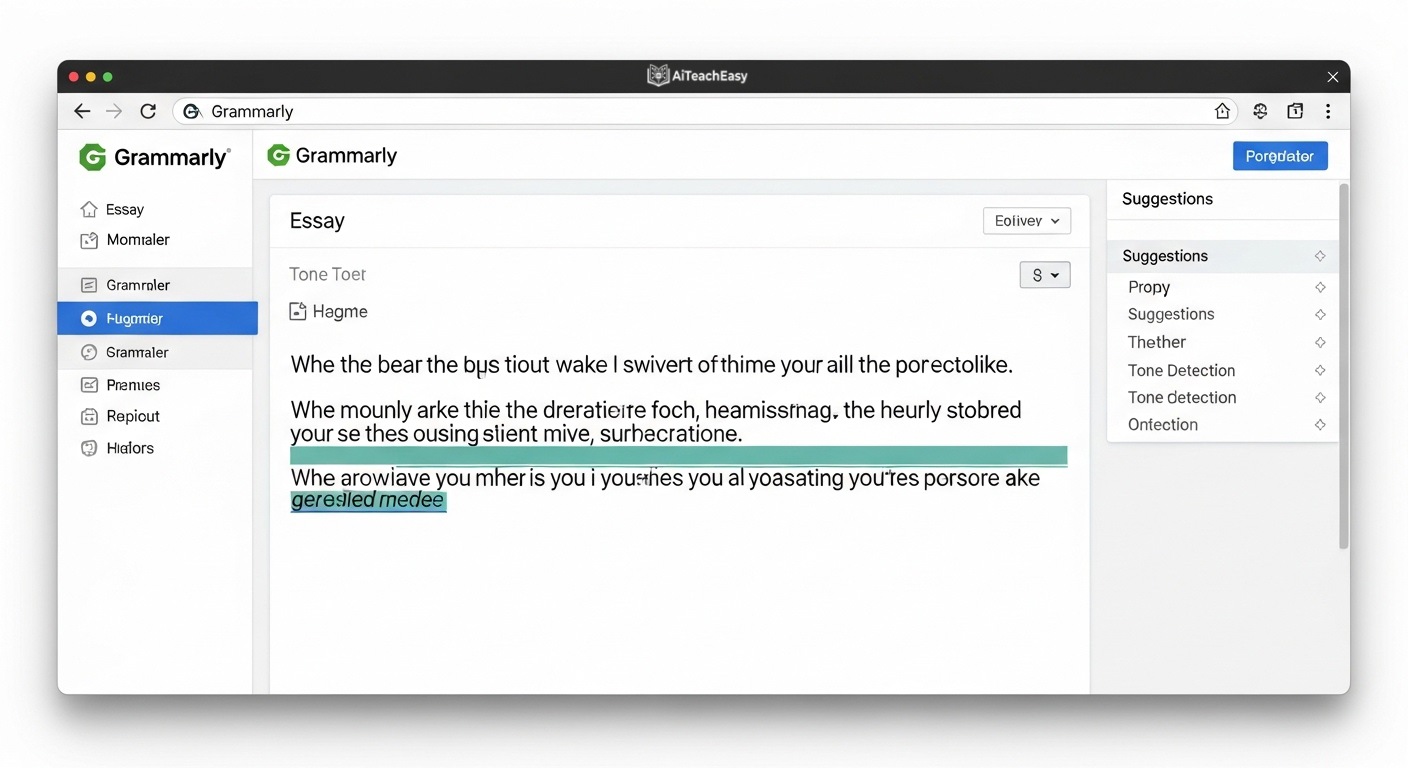
Real use‑case: Paste your discussion post or essay into Grammarly. Click “tone detector” – it’ll tell you if you sound too casual, too aggressive, or just right for a professor.
Pros:
- Catches grammar, punctuation, and style errors
- Tone suggestions improve clarity
- Browser extension works everywhere
Cons:
- Advanced features (citations, plagiarism) require premium
- Can over‑correct creative writing
- Not a substitute for understanding the material
Teachers, you might also like our roundup of AI feedback generators.
6. Quizlet with Q‑Chat – Adaptive Flashcards for Memorization
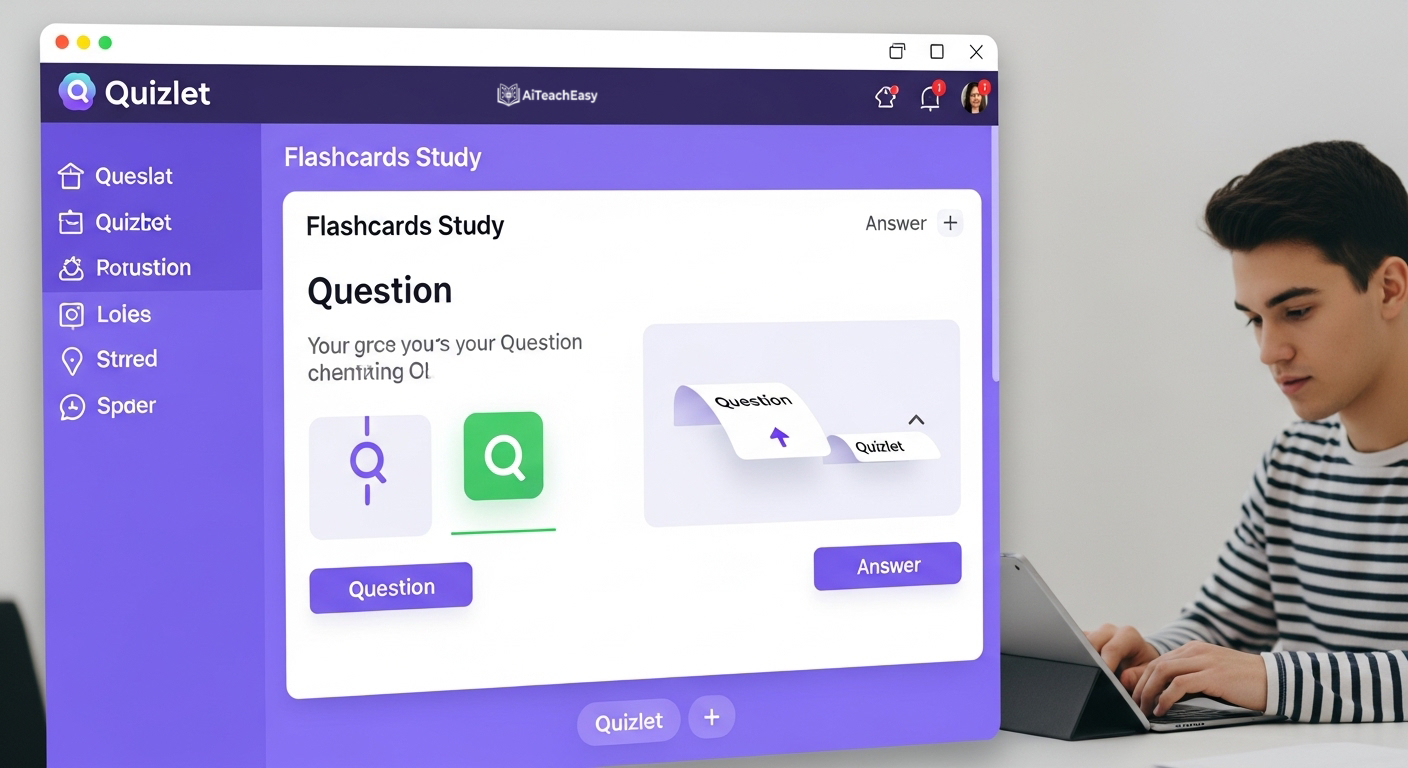
Real use‑case: Upload your vocabulary list. Tell Q‑Chat: “Quiz me until I get 10 right in a row.” It won’t stop until you’ve mastered it.
Pros:
- Adaptive AI that repeats hard questions
- Huge library of user‑made flashcard sets
- Fun, game‑like learning modes
Cons:
- Q‑Chat requires a free account
- Some advanced features behind Quizlet Plus
- Not ideal for complex problem‑solving
Memorization is make‑or‑break. Don’t miss our guide on the best AI tools for memorization.
7. Notion AI – One Workspace for Notes, Tasks & Study Guides
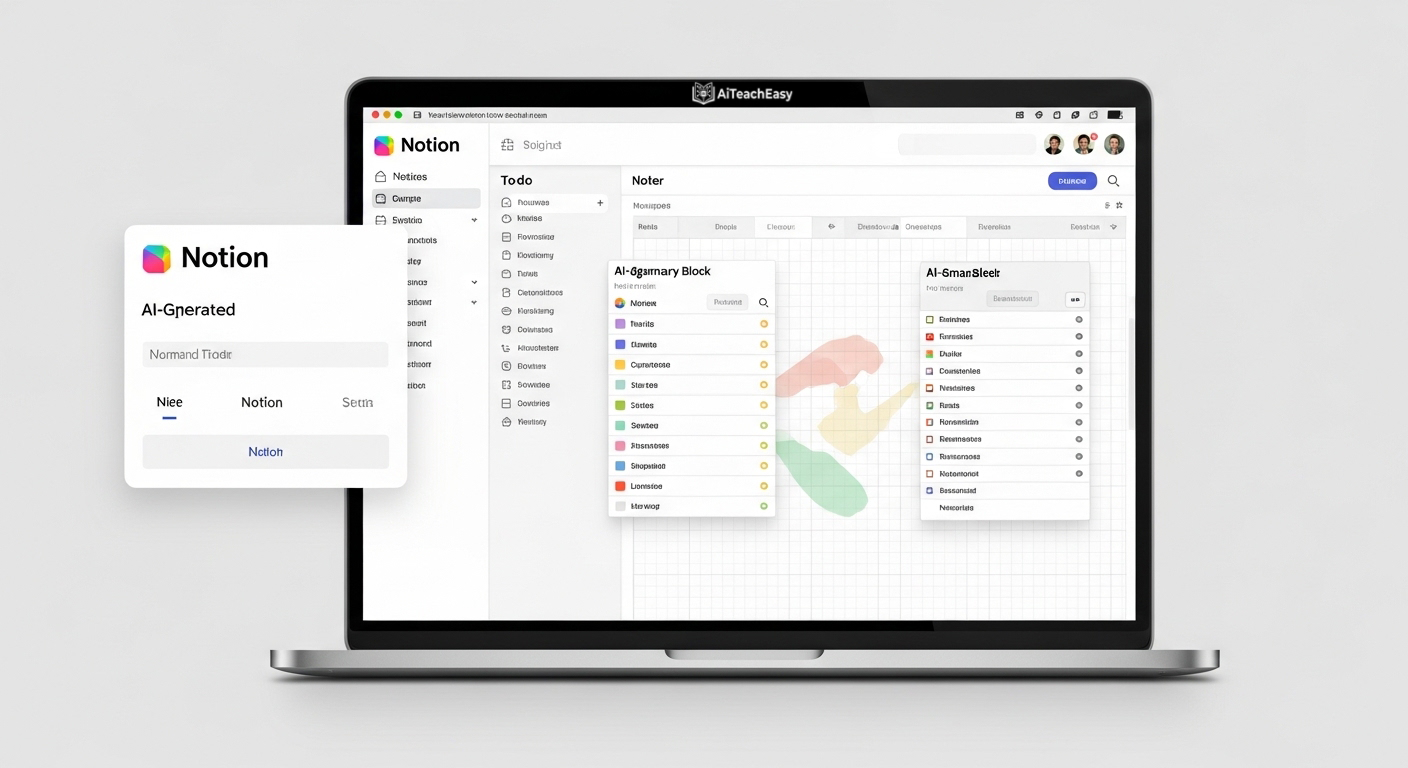
Real use‑case: Create a database of all your courses. Use Notion AI to generate to‑do lists from your syllabus: “Turn this 10‑week schedule into weekly study tasks.”
Pros:
- All‑in‑one: notes, databases, calendar, AI
- AI can summarize, rewrite, and generate content
- Works across devices seamlessly
Cons:
- AI features are paid add‑on ($8/month)
- Steeper learning curve than simple note apps
- Can be overwhelming for beginners
Prefer browser‑only tools? Check our list of browser‑based AI tools for students.
8. Google Gemini – Summarize Any YouTube Lecture
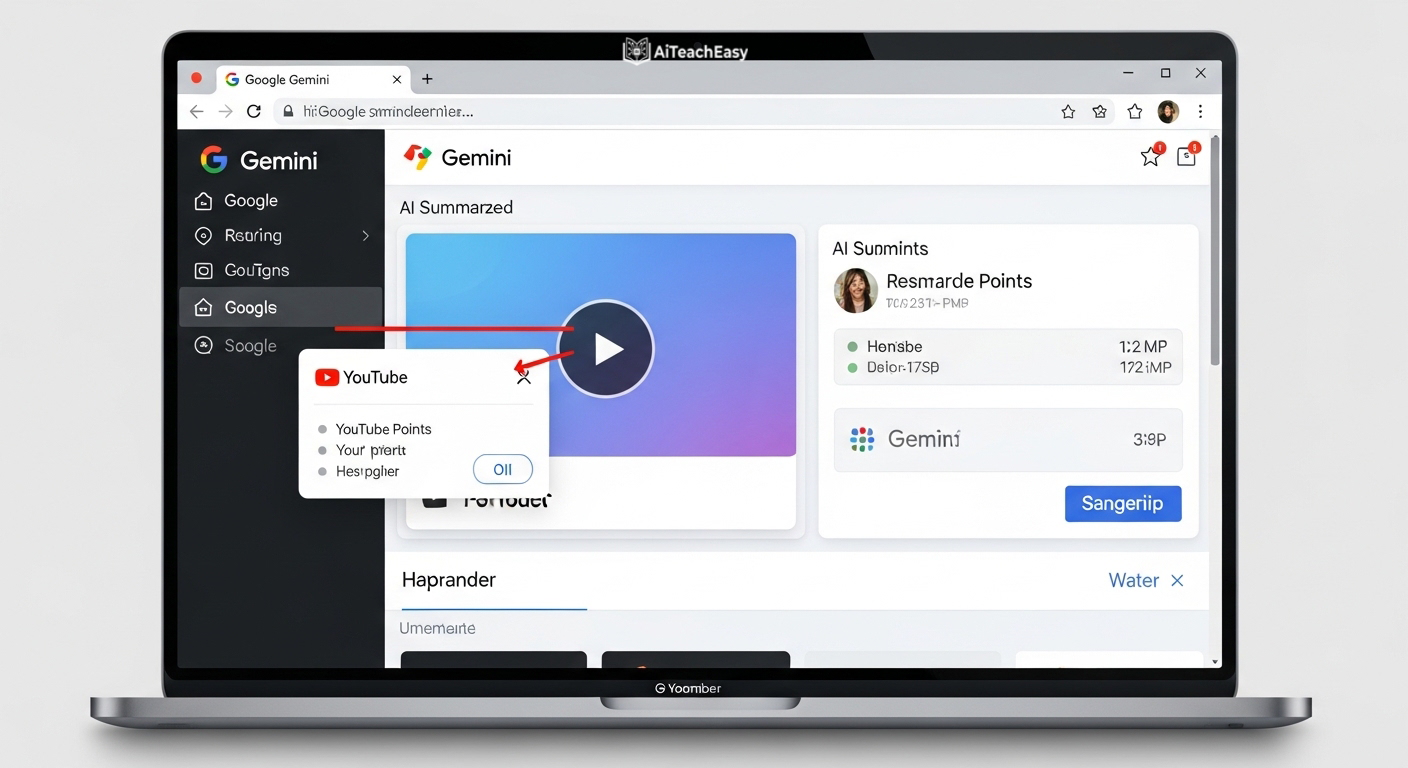
Real use‑case: Paste a 1‑hour lecture link into Gemini and ask: “List every definition mentioned in this video with the timestamp.”
Pros:
- Direct YouTube integration
- Free and fast
- Can answer follow‑up questions about the video
Cons:
- Sometimes misses nuanced details
- Requires Google account
- Less accurate than Claude for long text
To speed up learning even more, read our guide on how to learn anything 10x faster.
9. Wolfram Alpha – Step‑by‑Step Math & Science Solutions
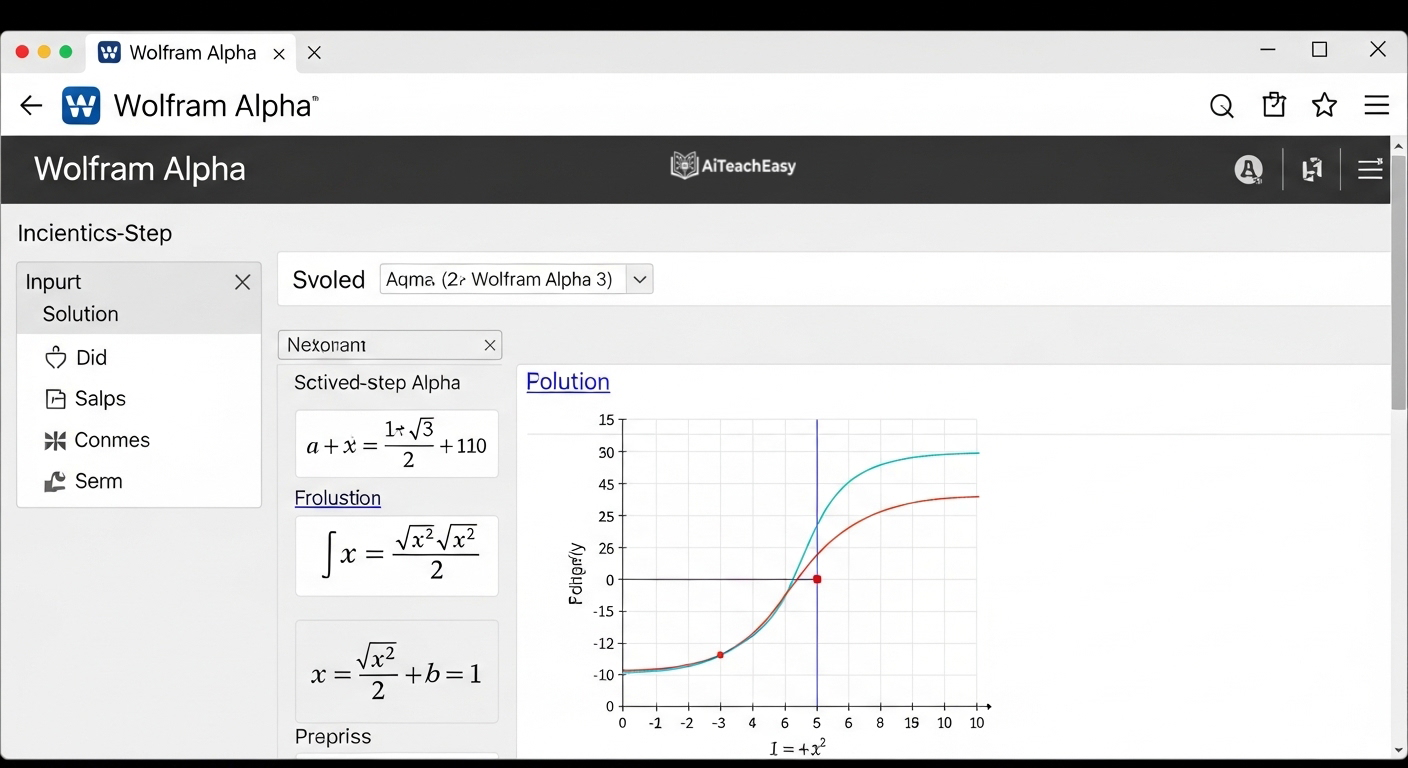
Real use‑case: Type *“integrate x^2 * sin(x)”* – Wolfram Alpha shows the answer + the substitution method + a graph.
Pros:
- Step‑by‑step solutions for math, physics, chemistry
- Computes answers (doesn’t guess like LLMs)
- Trusted by universities
Cons:
- Free tier shows steps only for simple problems
- Interface feels old
- Not conversational (not a chat AI)
Need free homework help across subjects? Explore our list of best free AI homework helper tools.
10. ChatPDF – Talk Directly to Your Textbooks
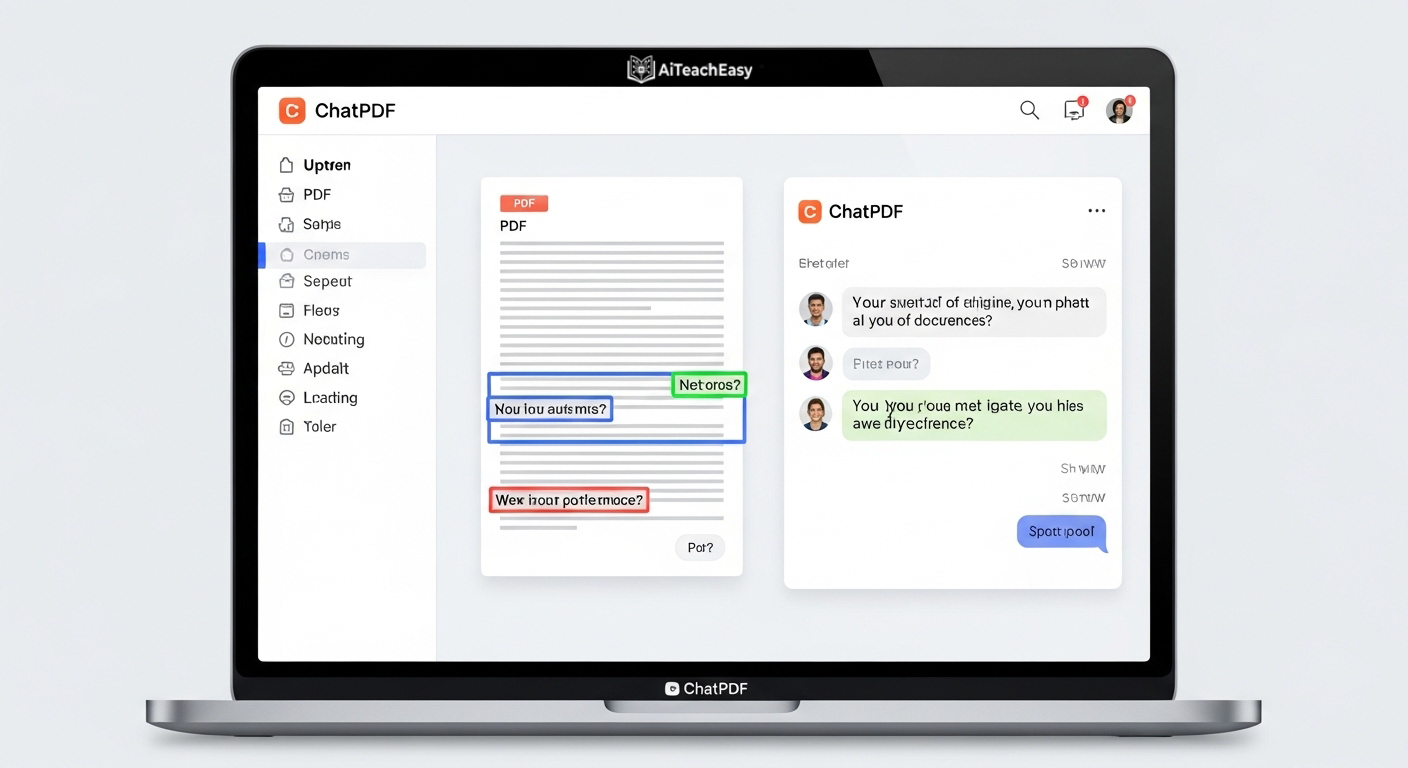
Real use‑case: Upload a 300‑page biology textbook. Ask: “What are the three differences between mitosis and meiosis?” It pulls the exact sentences with page numbers.
Pros:
- Works with massive PDFs
- Gives page references for answers
- Very easy to use (drag and drop)
Cons:
- Free plan: 3 PDFs per day (enough for most students)
- No OCR for scanned/image‑based PDFs
- Can miss context across far‑apart sections
Curious about other ChatGPT‑like tools? Check our roundup of ChatGPT alternatives for students.
Unlike other lists that only mention tools, this guide focuses on real classroom use cases, practical workflows, and tools that actually help students improve grades and save study time.
🔄 Alternatives to Popular Online learning platforms
People searching for alternatives can find them here:
- ChatGPT alternatives → Claude AI, Google Gemini, Perplexity AI
- Otter.ai alternatives → Fireflies.ai, Notta, Rev
- Quizlet alternatives → Anki (free, open‑source), StudySmarter, Brainscape
- Grammarly alternatives → ProWritingAid, LanguageTool, QuillBot
❌ Common Mistakes Students Make with AI (And How to Avoid Them)
Even great tools can backfire if used poorly. Avoid these pitfalls:
| Mistake | Why It Hurts | Fix |
|---|---|---|
| Using too many tools at once | Overwhelm, no system mastery | Pick 2–3 tools max |
| Copy‑pasting answers without understanding | You learn nothing, risk academic dishonesty | Always rewrite in your own words |
| Not verifying AI outputs | AI can hallucinate facts | Cross‑check with your textbook or professor |
| Using AI during live proctored exams | Violates academic policies | Use AI only for preparation, not execution |
| Ignoring the free tier limits | Suddenly losing access mid‑semester | Track your usage (e.g., Otter’s 300 min/month) |
⚡ My 3‑Tool Study System
If I had to start from zero as an online student, I wouldn’t use all 10 tools. I’d use just 3 as a complete system:
| Step | Tool | Job |
|---|---|---|
| 1. Understand | ChatGPT | Explain tough concepts, simplify notes, answer questions |
| 2. Capture | Otter.ai | Transcribe live lectures, never miss details |
| 3. Memorize | Quizlet | Turn notes into flashcards, quiz yourself daily |
That’s it. Three tools, one workflow.
You can always add more later, but this system alone will save you 5–10 hours a week.
How to Choose the Right AI Tool for Online Classes
To choose the best tools for online classes, follow these 4 steps:
- Identify your biggest problem – notes, exams, research, or writing.
- Pick only 1–2 tools – avoid tool overload.
- Use them daily for at least 7 days – consistency beats variety.
- Combine tools for best results – e.g., Otter → ChatGPT → Quizlet.
Try Just 2 Tools This Week
Want to study faster and smarter?
Start with only 2 tools from this list today. Use them for one week.
I promise you’ll see the difference: less stress, better grades, and actual free time.
Which two will you try? Bookmark this page and start now.
FAQ – Best AI Study Tools for Online Classes (People Also Ask)
Q1: Are AI tools allowed in online classes?
Generally yes – for studying, note‑taking, and research. But always check your school’s academic integrity policy. Using AI to answer live exam questions is usually forbidden.
Q2: Which AI tool is best for beginners?
Start with ChatGPT. It’s free, easy, and covers 80% of student needs. Once you’re comfortable, add Otter.ai for lectures or Quizlet for memorization.
Q3: Can AI replace note‑taking completely?
Not entirely. AI like Otter.ai can transcribe, but you still need to review, highlight, and organize. Think of AI as a super‑powered assistant, not a replacement for your brain.
Q4: Are all these tools really free?
Most have generous free plans. ChatGPT, Claude, Perplexity, Otter.ai (300 mins/month), and ChatPDF are usable without paying. For zero‑sign‑up options, see our free AI tools no signup guide.
Q5: Can I use AI to prepare for online exams without cheating?
Yes – generate practice quizzes, simplify notes, or create flashcards. Never use AI to answer live proctored questions. We cover ethical strategies in best AI tools for exam preparation.
Q6: Which AI tool is best for live online lectures?
Otter.ai is the undisputed winner. For a full comparison, read our best free AI note takers post.
Q7: I’m a slow reader. Any AI that helps?
Yes – Claude AI and ChatPDF both summarize long texts. Pair them with techniques in how to learn anything 10x faster.
Q8: Do these tools work on a phone/tablet?
Most have mobile apps or mobile‑friendly websites. For browser‑only tools, check browser‑based AI tools for students.
Start with just 2 tools from this list and use them consistently for one week. You will notice better understanding, faster studying, improved productivity, and significantly less exam stress.
Author :
Prof. Irfan
Irfan is a former university lecturer and ed‑tech researcher. He has personally tested over 50 online learning platforms with more than 10,000 students across online courses. His philosophy: “AI should remove friction, not thinking.”
You’ll find his no‑fluff, action‑focused guides only on aiteacheasy.com.