
Best AI Course Content Generators for Teachers (2026 Guide)
According to the OECD Digital Education Outlook 2026, 57% of teachers agree that AI helps them write or improve lesson plans, and early adopters report reducing course development time by 31–50% . A large-scale trial in England involving 259 teachers found that AI-powered planning tools cut weekly lesson preparation from 81.5 minutes to 56.2 minutes—saving over 25 hours per teacher annually without sacrificing quality .
I remember those summer breaks when I’d spend weeks building course materials from scratch—writing lesson plans, creating assessments, designing presentations, and praying everything aligned with standards. The mental load of building coherent, engaging courses while differentiating for diverse learners felt impossible. After testing dozens of platforms across real classroom settings, I’ve discovered that the best AI course content generators for teachers don’t just save time—they transform how we approach curriculum design entirely.
The 2026 landscape of instructional design automation has matured dramatically. Whether you’re building an entire semester course, creating differentiated units, or just need a quick lesson plan, these AI-powered course creation platforms can reclaim weeks of your life each year.
As an education technology researcher who has spent years testing these platforms alongside classroom teachers, I’ve evaluated each tool based on actual time savings, curriculum alignment, and ease of use. Below, I share the top solutions that deliver on their promises.
Table of Contents
What Are AI Course Content Generators?
AI course content generators are software platforms that leverage artificial intelligence to create, structure, and enhance educational materials. These AI curriculum design tools handle everything from lesson planning and assessment creation to multimedia generation and standards alignment.
How Much Time Can AI Save in Course Development?
Research from multiple sources shows dramatic time savings:
| Task | Traditional Time | With AI Tools | Time Saved |
|---|---|---|---|
| Full Course Development (semester) | 80–100 hours | 40–50 hours | 40–50 hours |
| Weekly Lesson Planning | 2.5 hours | 1 hour | 1.5 hours |
| Creating Differentiated Materials | 3 hours per unit | 45 minutes | 2+ hours per unit |
| Assessment Generation | 2 hours per test | 20 minutes | 1.5 hours |
| Multimedia Content Creation | 4 hours per video | 30 minutes | 3.5 hours |
| Annual Total | 200+ hours | 80–100 hours | 100+ hours saved |
For educators looking to further streamline their workflow, our guide on AI classroom management tools for teachers offers additional strategies for integrating technology in educational settings. I’ve personally used several of these tools and seen dramatic improvements in course development efficiency.
Key Features to Look for in AI Course Content Generators
Through my testing, I’ve identified essential features that every teacher should consider when evaluating AI curriculum design tools:
- Curriculum Alignment: Tools should integrate with standards (NGSS, Common Core, state standards) automatically .
- Multi-Modal Generation: Support for text, images, videos, and interactive elements creates richer courses .
- Differentiation Capabilities: The ability to generate leveled materials for diverse learners is essential .
- LMS Integration: Seamless export to Google Classroom, Canvas, or Schoology saves double entry.
- Student Data Integration: Advanced tools use student progress data to personalize content .
- FERPA Compliance: Student data protection is non-negotiable for classroom use .
Best AI Course Content Generators for Teachers in 2026
After extensive testing of dozens of platforms in collaboration with classroom teachers, here are the top AI course content generators I recommend—each offering something unique to streamline your curriculum development workflow.
| Tool Name | Best For | Key Features | Standards Alignment | Official Link |
|---|---|---|---|---|
| CurricuLLM Studio Mode | Curriculum-aligned content from teacher materials | Three-Layer Engine (teacher docs + curriculum + student data), differentiated quizzes, leveled reading materials, marking guides | Australian Curriculum, NZ Curriculum | Visit CurricuLLM |
| Microsoft 365 Copilot with Teach | Enterprise course development | Lesson plan creator, rubric generator, quiz creator (Microsoft Forms), flashcard creator, OneDrive integration | Kansas, Missouri, multiple state standards | Visit Microsoft |
| Adobe Captivate | Multi-modal eLearning courses | AI text generation, image creation, talking avatars, automated transcripts, rapid prototyping | N/A (corporate/academic) | Visit Adobe |
| Mindsmith AI | Instructional design partnership | Structured course generation from objectives, modular design, content-first approach, exportable formats | Flexible | Visit Mindsmith AI |
| Eduaide AI | All-in-one resource generation | 50+ templates (Planning, Assessments, Group Activities), document upload, website import, history management | Multiple | Visit Eduaide AI |
| Synthesia | AI video course creation | Script-to-video conversion, AI presenters, 160+ languages, LMS embeddable, professional training focus | N/A | Visit Synthesia |
| Coursebox AI | End-to-end course assembly | Full course generation from prompts, automatic lesson structure, built-in quizzes, rapid drafting | Flexible | Visit Coursebox AI |
| Colossyan | Rapid video content creation | Document-to-video conversion, AI avatars, instant drafts, simple workflow | N/A | Visit Colossyan |
| Classover Tutor Studio | Scalable AI course platforms | Agent-powered instruction, dynamic lesson planning, real-time adjustments, mastery evaluation | K-12 multiple subjects | Visit Classover |
| TeachShare | Evidence-based curriculum tools | Tiered instruction support, MTSS alignment, research-backed strategies, free PD and coaching | Multiple, evidence-based | Visit TeachShare |
| SynthAI (Open Source) | Technical customization | Fine-tuned LLMs, Stable Diffusion integration, RAG for quizzes, multi-modal output (text, images, audio) | Customizable | Visit GitHub |
| MagicSchool AI | Comprehensive teacher platform | Lesson planning, rubric generator, IEP tools, email family, 80+ tools | Multiple | Visit MagicSchool |
| SchoolAI | All-in-one course creation | Lesson planning, assessment tools, communication templates, resource generation | Multiple | Visit SchoolAI |
| Quizizz AI | Gamified course content | AI question generation from any text, adaptive difficulty, performance analytics, game-based learning | Flexible | Visit Quizizz |
| Canva Magic Studio | Visual course materials | Magic Write for text, Magic Design for presentations, AI image generation, worksheet templates | N/A | Visit Canva |
| Diffit | Differentiated course materials | Leveled reading passages, adapted worksheets, translation support, varied reading levels | Flexible | Visit Diffit |
| Jotform AI Quiz Generator | Quick assessment creation | Quiz generation from documents/links, automatic grading, multiple question types | N/A | Visit Jotform |
| Brisk Teaching | Chrome-based content creation | Works in Google Docs/Slides, lesson plan generator, feedback tools, YouTube video summarizer | Flexible | Visit Brisk Teaching |
| Curipod | Interactive lesson generation | Interactive slide decks with polls/word clouds/drawings, student engagement analytics | Multiple | Visit Curipod |
| Google Gemini in Docs | Free integrated content creation | “Help me write” feature, lesson planning, email drafting, Google Classroom integration | Multiple (with Workspace) | Visit Google Gemini |
CurricuLLM Studio Mode – Best for Curriculum-Aligned Content
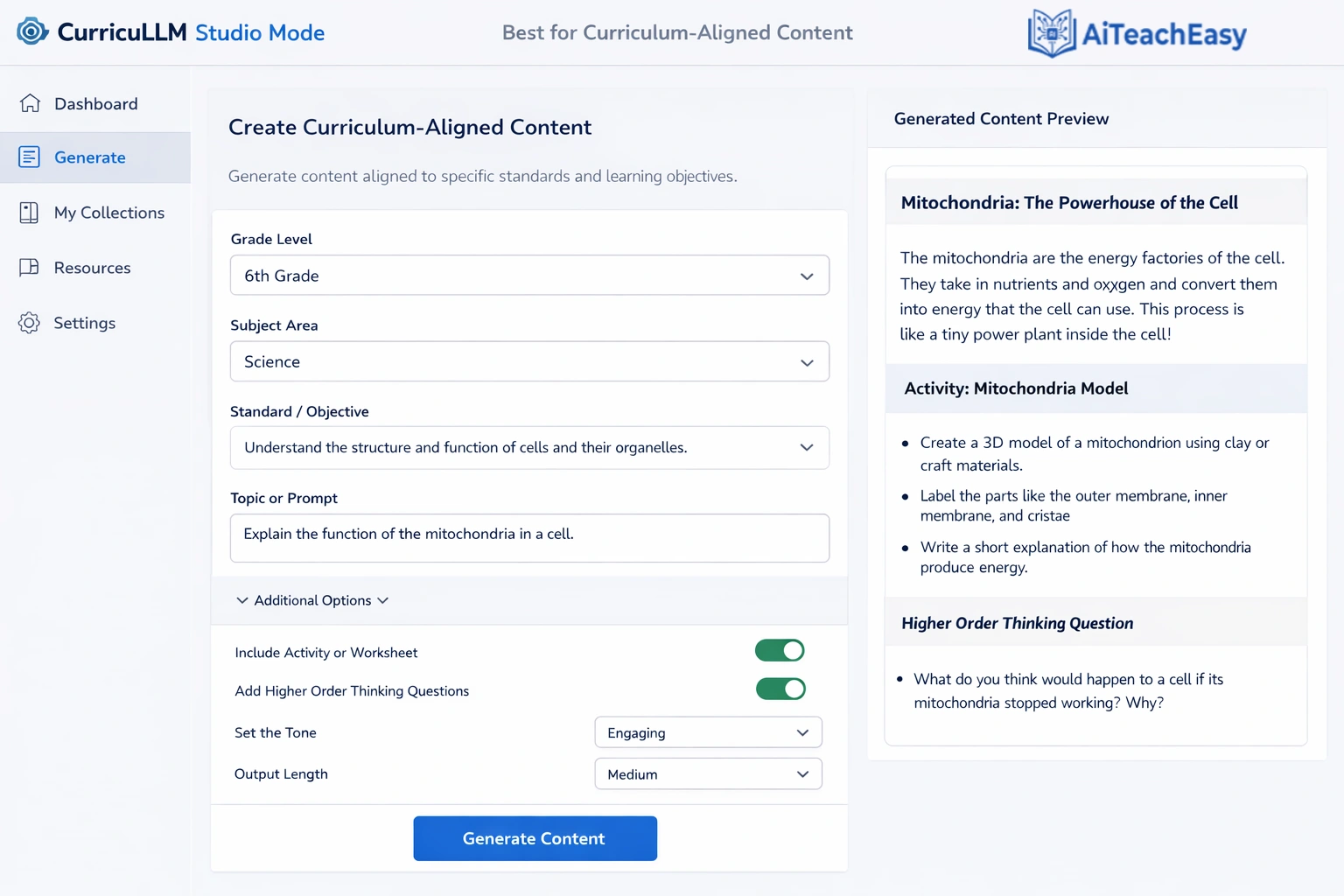
CurricuLLM’s Studio Mode represents a breakthrough in AI curriculum design tools by anchoring generation in three critical inputs: teacher-created materials, built-in curriculum documents, and student progress data . Founder Dan Hart explains: “Teachers don’t need another tool that just talks back. They need something that produces. Studio Mode takes the documents you already rely on, combines them with curriculum requirements, and then uses student progress data to build resources that fit the reality of your class” .
- Pros: Free for all Australian and New Zealand teachers; generates differentiated quizzes, leveled reading materials, infographics, marking guides with “what a C looks like” and “what an A looks like”; creates decodable texts for early readers and vocabulary cards for EAL/D learners .
- Cons: Currently focused on Australian and New Zealand curricula.
- Best For: Teachers who want content perfectly aligned to their curriculum and students’ actual learning levels.
- Key Feature: The Three-Layer Engine links teacher materials, curriculum content, and real-time student progress signals to generate resources that address specific learning gaps .
For teachers who also need help with grading, our best AI grading tools for teachers guide offers complementary strategies.
Pricing: Free for all Australian and New Zealand teachers; international pricing TBD.
Microsoft 365 Copilot with Teach – Best Enterprise Course Development
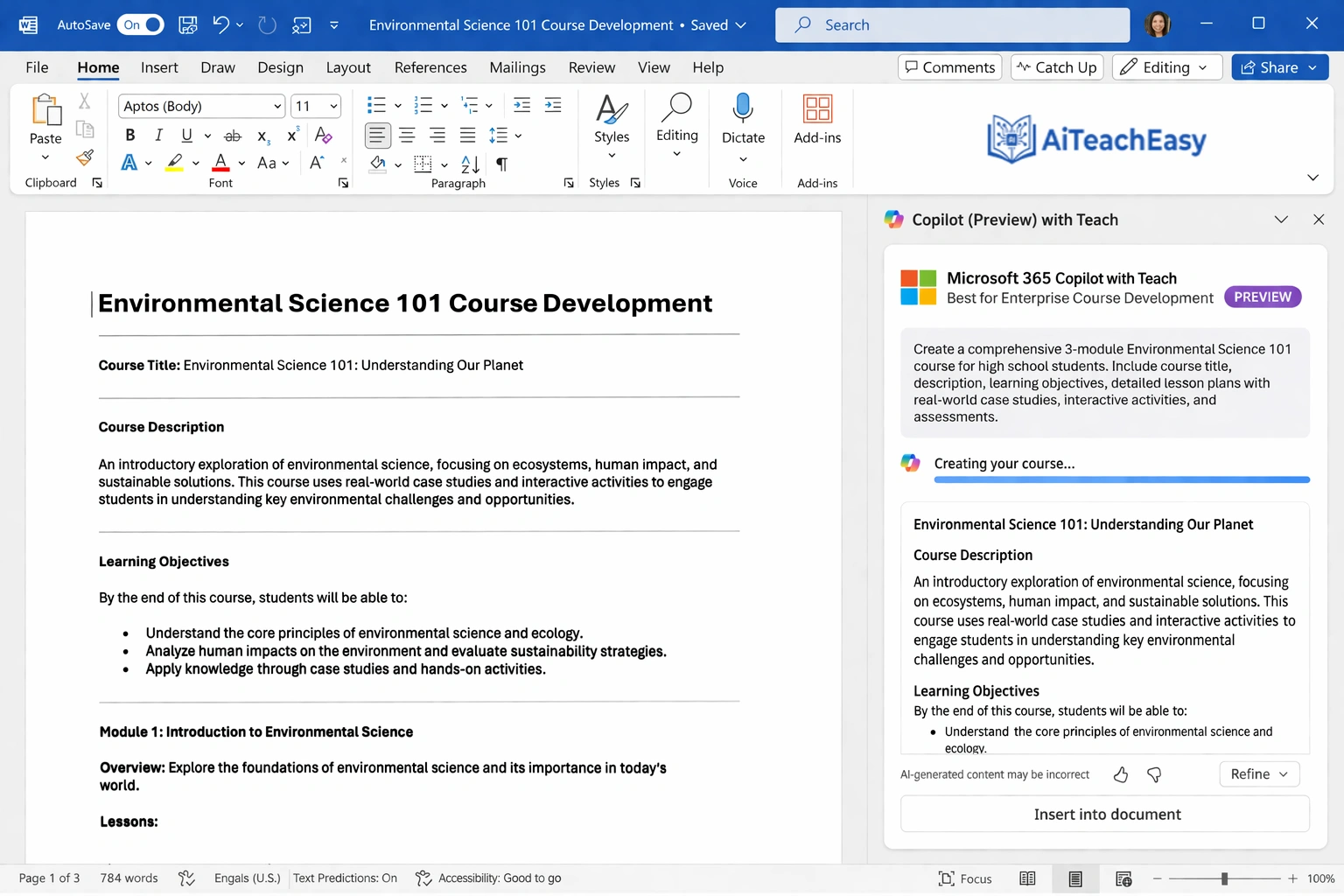
Microsoft’s Copilot now includes dedicated Teach tools that integrate seamlessly with OneDrive and SharePoint . These tools allow teachers to upload documents and generate standards-aligned resources in minutes.
- Pros: Lesson plan creator with subject, grade level, and time parameters; rubric generator with editing tools; quiz creator in Microsoft Forms; flashcard creator with multiple formats; integrates with state standards (Kansas, Missouri, and more) .
- Cons: Requires Microsoft 365 Education subscription; Forms quizzes don’t connect directly to Canvas gradebook .
- Best For: Schools already in the Microsoft ecosystem seeking enterprise-grade course development.
- Key Feature: Upload up to 10,000 characters of instructions or entire documents—Copilot generates complete resources you can save directly to OneDrive as Word documents .
Pricing: Included with Microsoft 365 Education A3 and A5 licenses.
Adobe Captivate – Best for Multi-Modal eLearning Courses
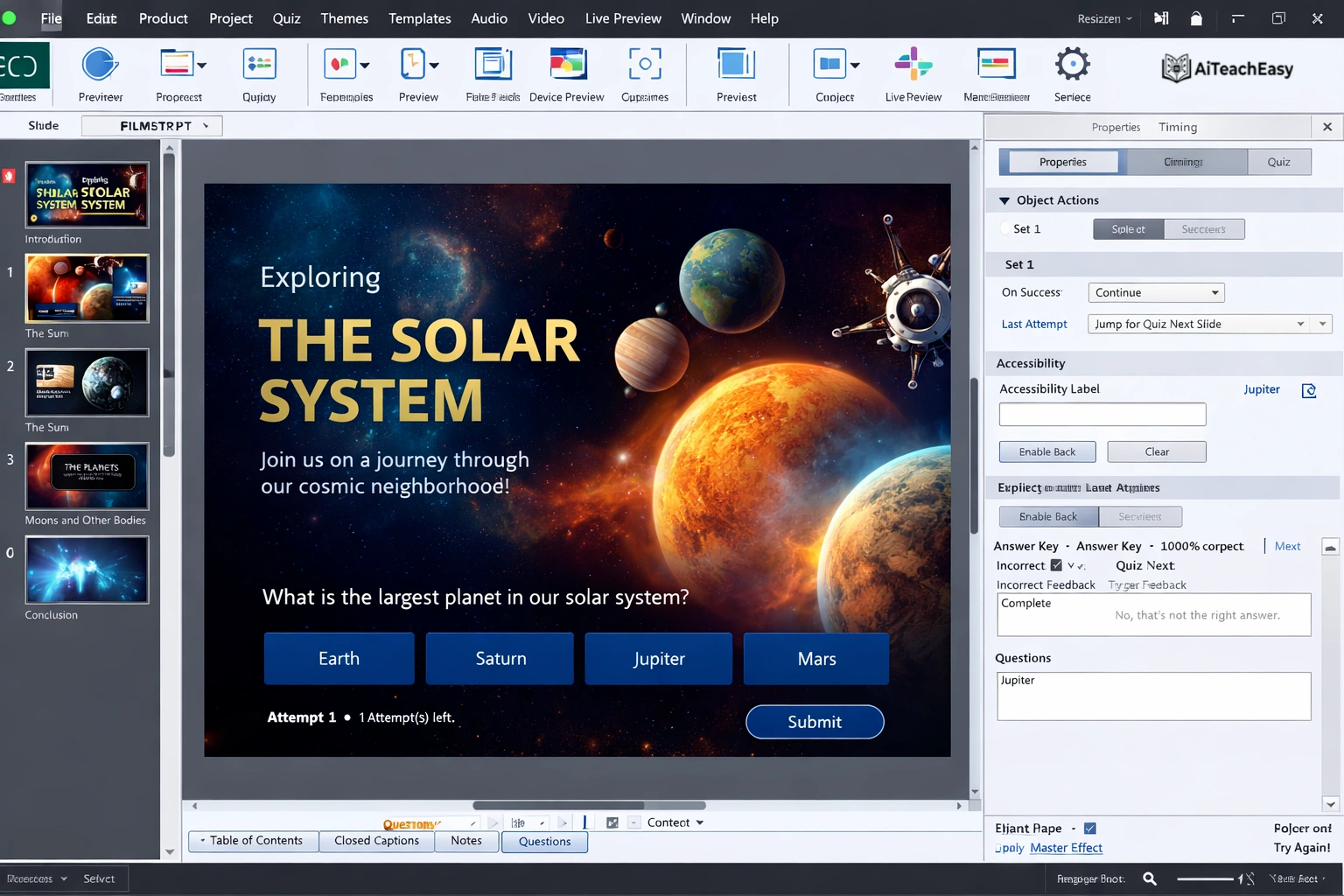
Adobe Captivate 13.0 introduces generative AI to simplify and accelerate eLearning development . It’s particularly powerful for creating interactive, multimedia-rich courses without external tools.
- Pros: Generate text tailored to learning objectives, tone, and audience; create custom images from prompts or slide content; produce talking avatars with synchronized narration and multilingual support; generate transcripts for narration, closed captions, or summaries .
- Cons: Primarily designed for corporate training and higher education; steeper learning curve than simpler tools.
- Best For: Instructional designers and teachers creating professional-quality eLearning courses.
- Key Feature: AI avatars with lip-sync that can narrate courses in multiple languages based on automatically generated transcripts .
Pricing: Part of Adobe Creative Cloud; education pricing available.
Mindsmith AI – Best Instructional Design Partner
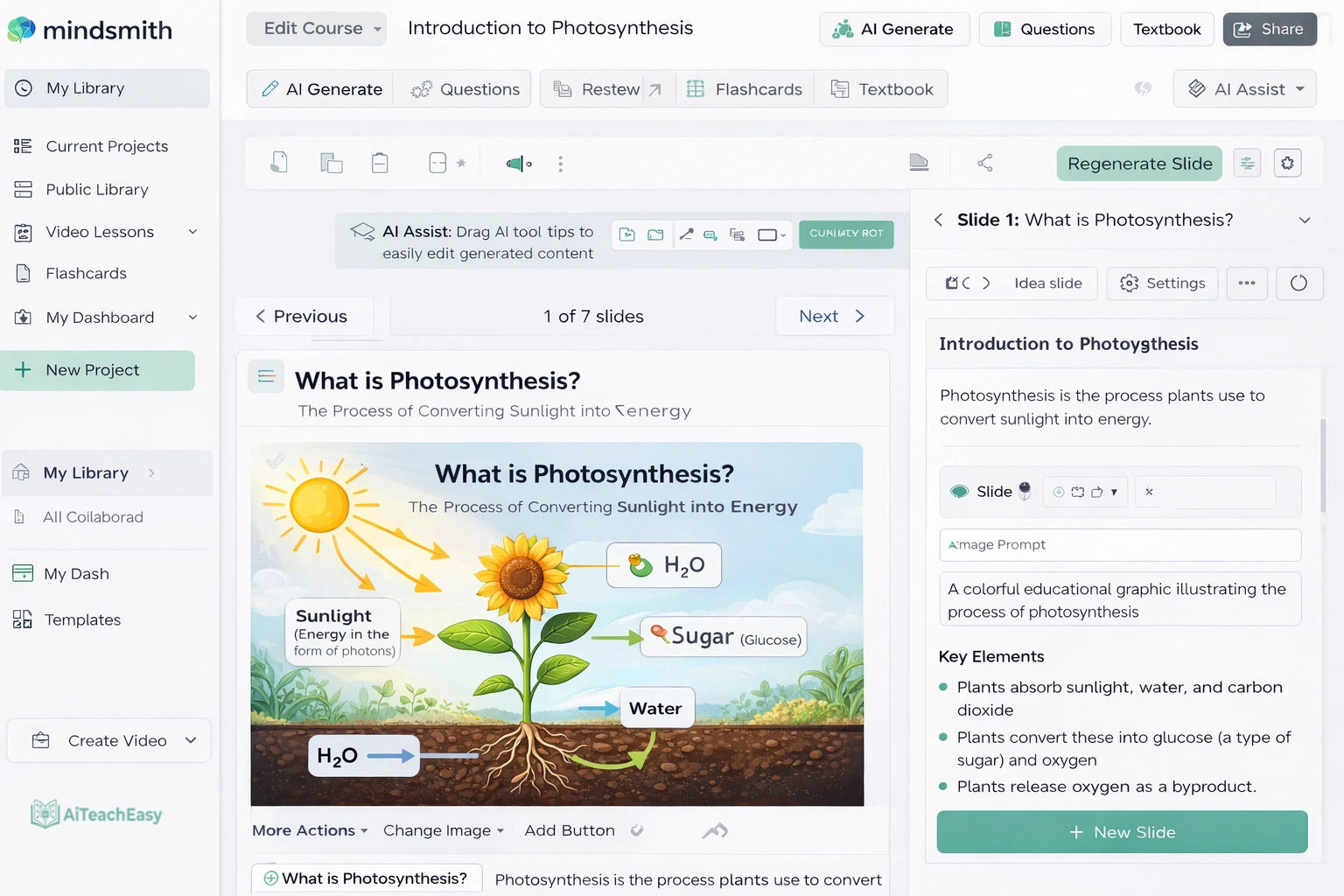
Mindsmith AI functions as a thinking partner for instructional designers, helping generate structured learning content from clear objectives . Rather than focusing on media production, it supports the early stages of course creation.
- Pros: Strong accelerator for moving past blank-page stage; generates organized learning structure with aligned objectives; high instructional control with fully editable content; content-first approach supports design judgment .
- Cons: Requires instructional design expertise to refine output; less focused on multimedia production.
- Best For: Experienced instructional designers who want to accelerate course structure development.
- Key Feature: From initial prompt to usable outline and content draft in approximately 20–30 minutes, with structure that feels intentionally designed rather than auto-generated .
Pricing: Free tier available; paid plans start at approximately $39 USD per month .
For students who need additional support, our best free AI homework helper tools for students offers complementary resources.
Eduaide AI – Best All-in-One Resource Generator
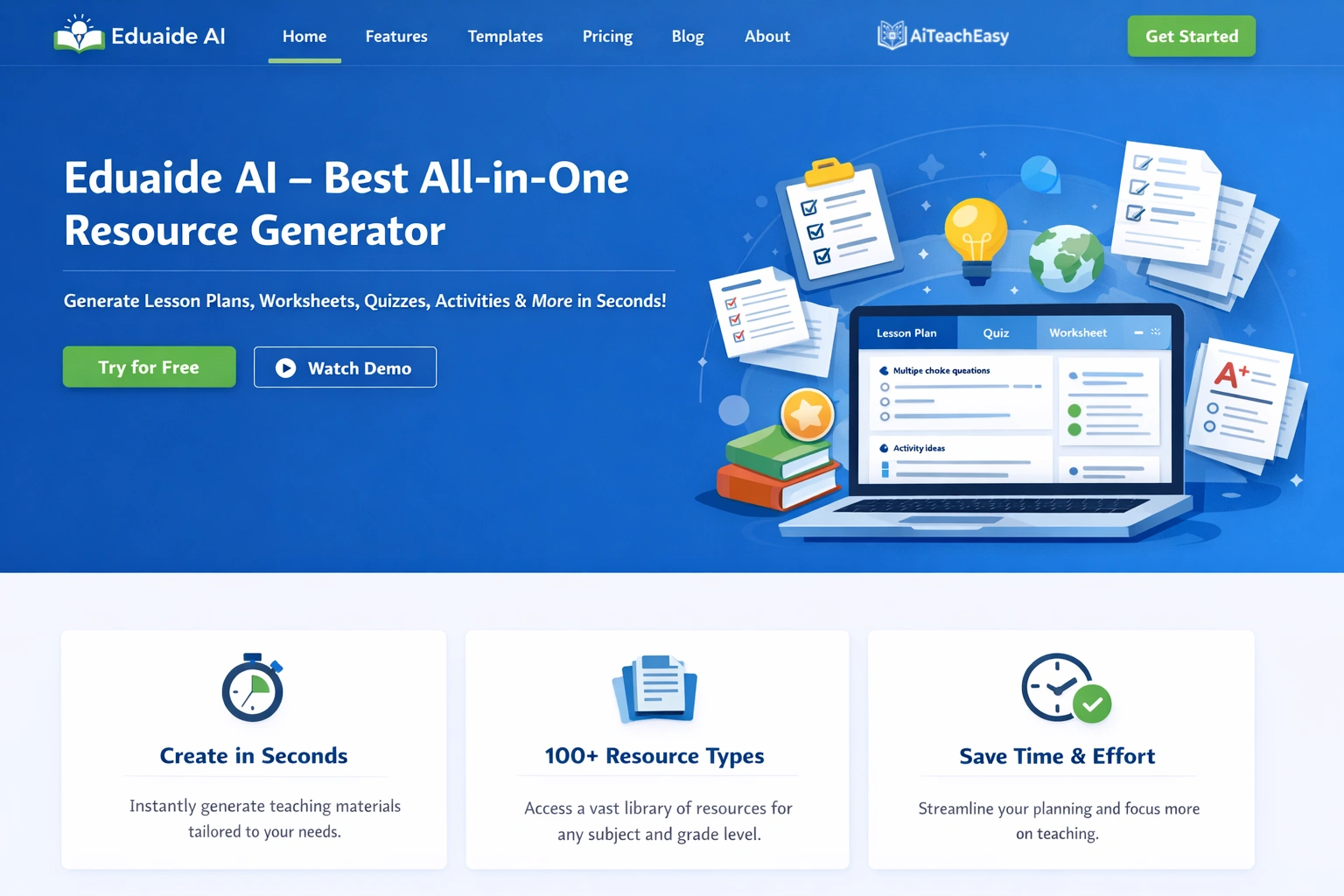
Eduaide AI offers a comprehensive library of templates for planning, assessments, and group activities . Teachers can generate resources from topics, uploaded documents, or website URLs.
- Pros: 50+ resource types including Engagement Activities, Lesson Seeds, Backward Design Organizers; multiple input methods (topic, document, website); history management for revisiting and editing previous generations; export to Word or Google Drive .
- Cons: File upload limited to 3MB; AI teaching assistant requires subscription .
- Best For: Teachers who want a versatile resource generator for multiple content types.
- Key Feature: Generate resources from any source—type a topic, drag-and-drop a document, or paste a URL—then edit, save, and export seamlessly .
Pricing: Free tier available; subscription for advanced features.
Synthesia – Best for AI Video Course Creation
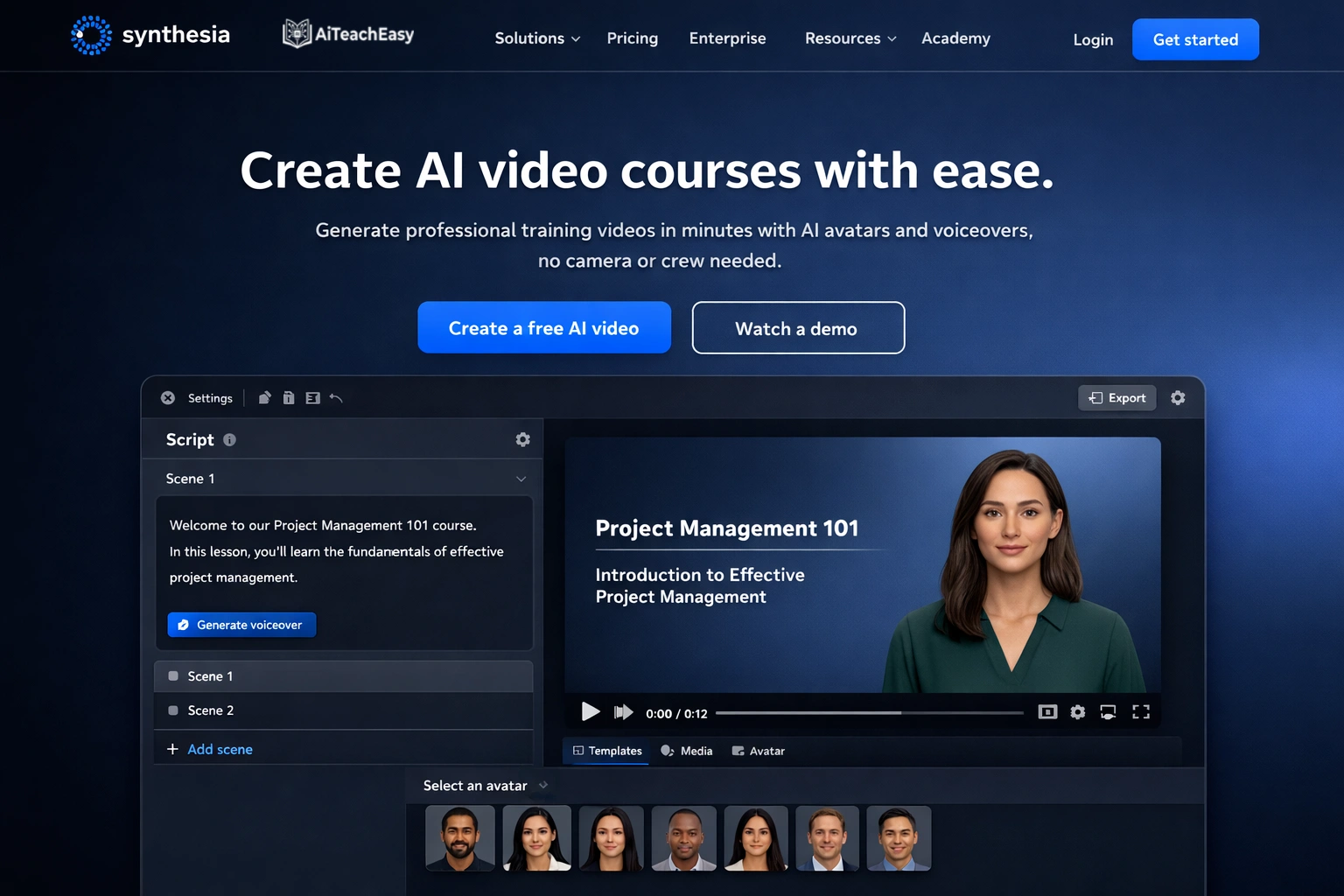
Synthesia transforms written content into professional training videos without traditional video production workflows . Instead of working with cameras and editing software, you build videos by editing scripts and scenes.
- Pros: From upload to usable draft in 20–30 minutes; intuitive script/scene workflow; 160+ languages; LMS embeddable; professional output that doesn’t feel rushed .
- Cons: Best when learning objectives are already defined; less flexible than full video editors.
- Best For: Creating consistent, professional training videos quickly.
- Key Feature: Upload a structured course brief—Synthesia generates initial script, scene layout, and presenter-based video automatically .
Pricing: Plans start at approximately $18 USD per month; free tier available .
Coursebox AI – Best for End-to-End Course Assembly
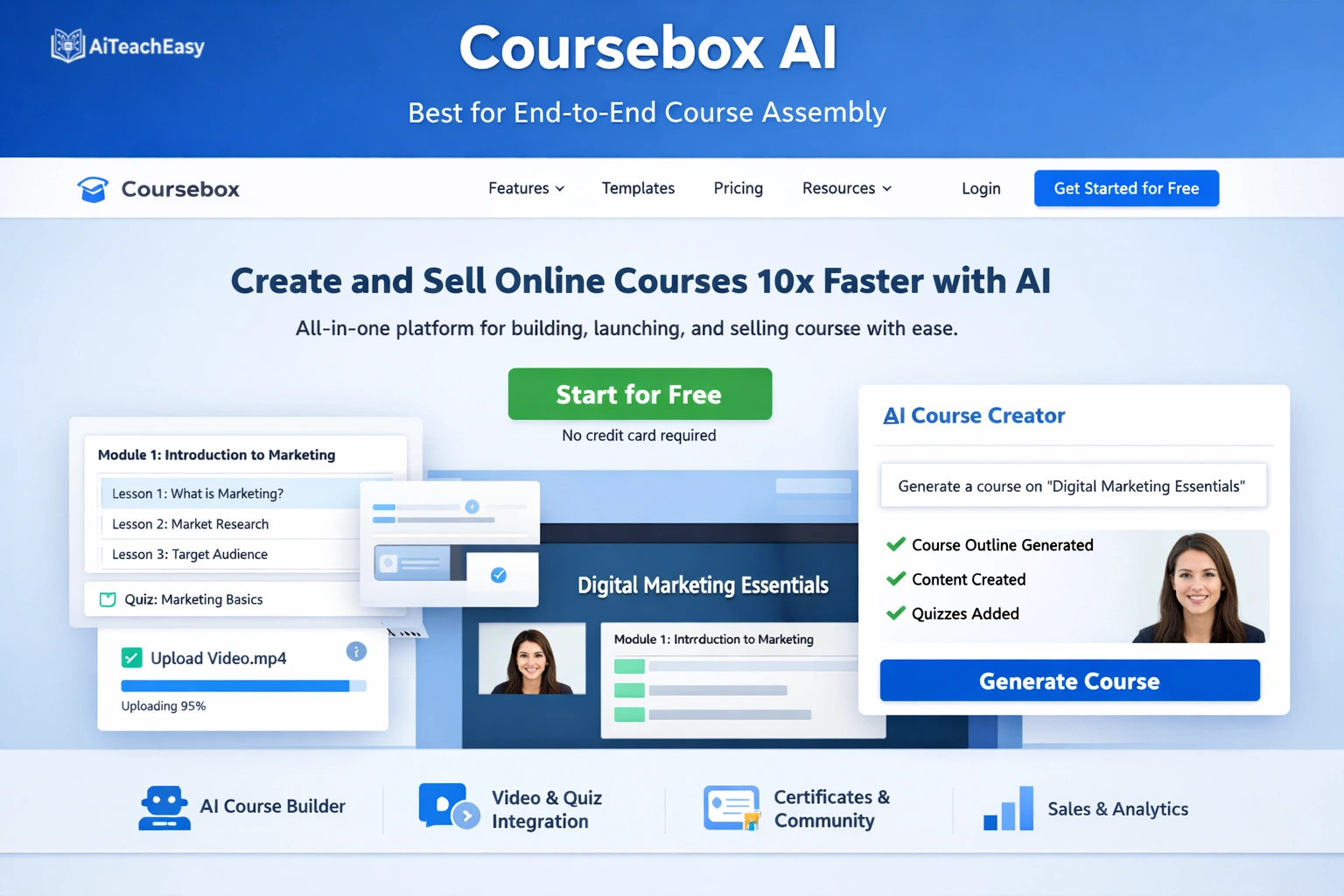
Coursebox AI generates complete online courses from a prompt or uploaded content, automatically creating lesson structure, instructional content, and basic quizzes .
- Pros: From prompt to usable draft in 15–25 minutes; handles full course creation rather than individual elements; cohesive output as first pass .
- Cons: Benefits from instructional refinement before broader use.
- Best For: Rapid course prototyping and quick content assembly.
- Key Feature: Provide a high-level course description—Coursebox generates complete structure, lesson content, and knowledge checks automatically .
Pricing: Freemium model; paid plans for advanced features.
Colossyan – Best for Rapid Video Content Creation
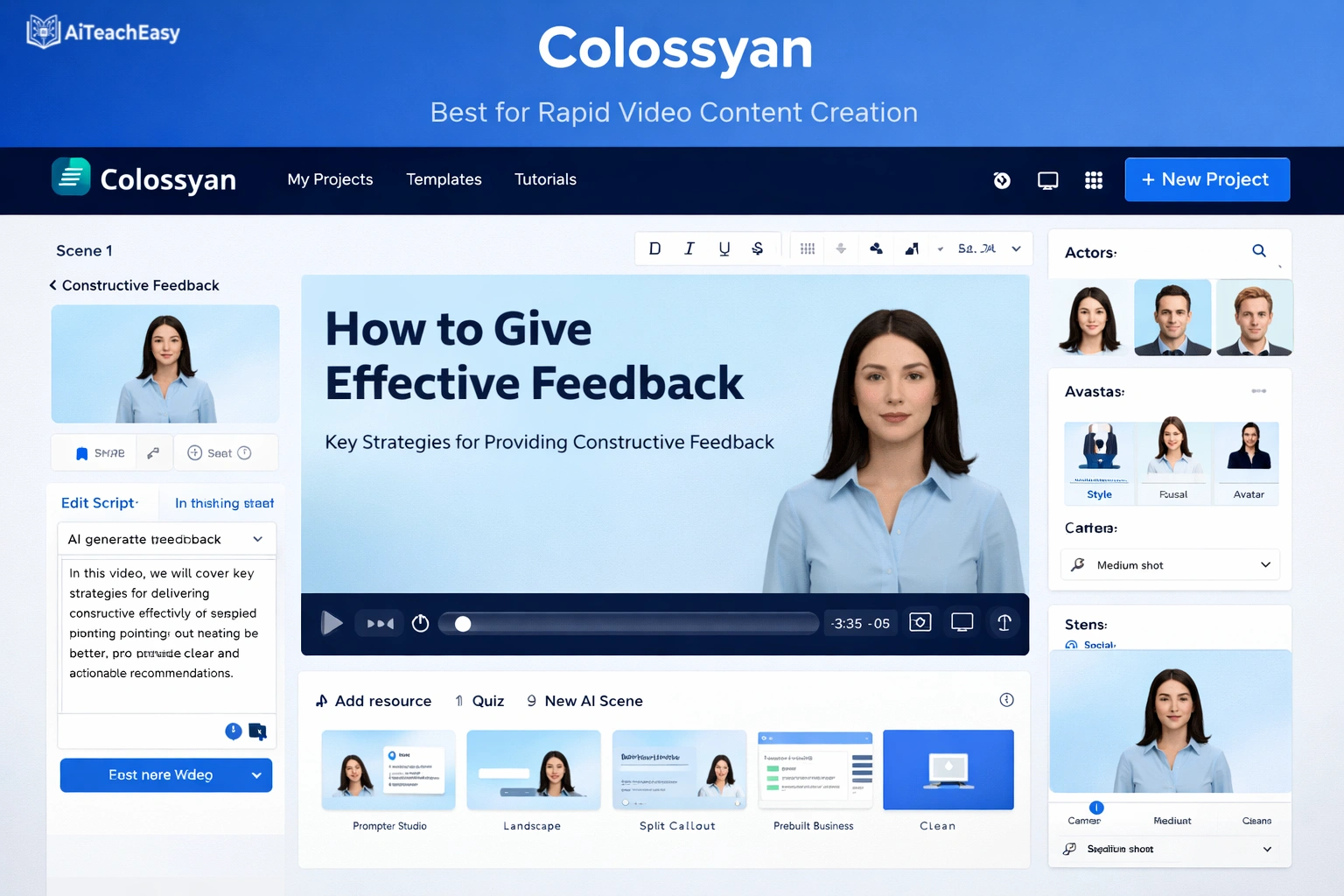
Colossyan converts written content into narrated videos using AI avatars, prioritizing speed and simplicity . Its document-to-video feature makes it easy to move from text to video with minimal setup.
- Pros: From upload to usable draft in 15–25 minutes; very straightforward workflow; well-suited for early drafts and internal content .
- Cons: Limited control over vocal delivery and visual emphasis; output benefits from instructional refinement .
- Best For: Creating rapid video drafts and internal-facing content.
- Key Feature: Upload a prepared source document—Colossyan automatically generates scenes, narration, and avatar delivery .
Pricing: Paid plans start at approximately $27 USD per month .
Classover Tutor Studio – Best for Scalable AI Course Platforms
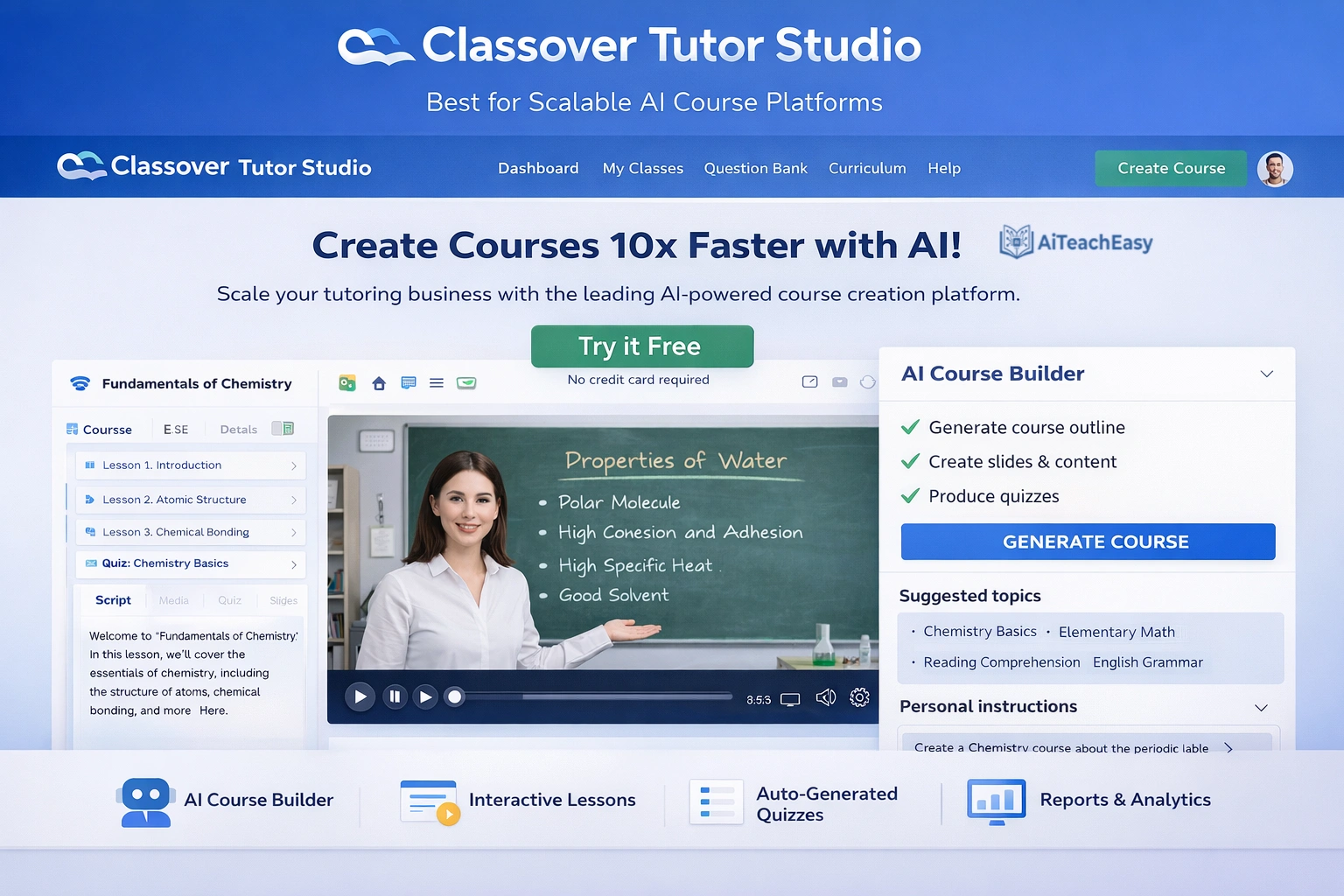
Classover’s Tutor Studio is an agent-powered environment for building, managing, and scaling AI-driven courses . The AI Tutor operates as an instructional execution layer within course design and delivery.
- Pros: Dynamic lesson planning and pacing; proactive identification of student misconceptions; real-time instructional adjustments based on performance; longitudinal mastery evaluation .
- Cons: Enterprise-focused; may be complex for individual teachers.
- Best For: Institutions and districts scaling AI-powered courses across subjects and grade levels.
- Key Feature: AI Tutor embedded directly in course workflow enables courses to scale efficiently without proportional increases in instructional staffing .
Pricing: Enterprise pricing; contact for details.
TeachShare – Best for Evidence-Based Curriculum Tools
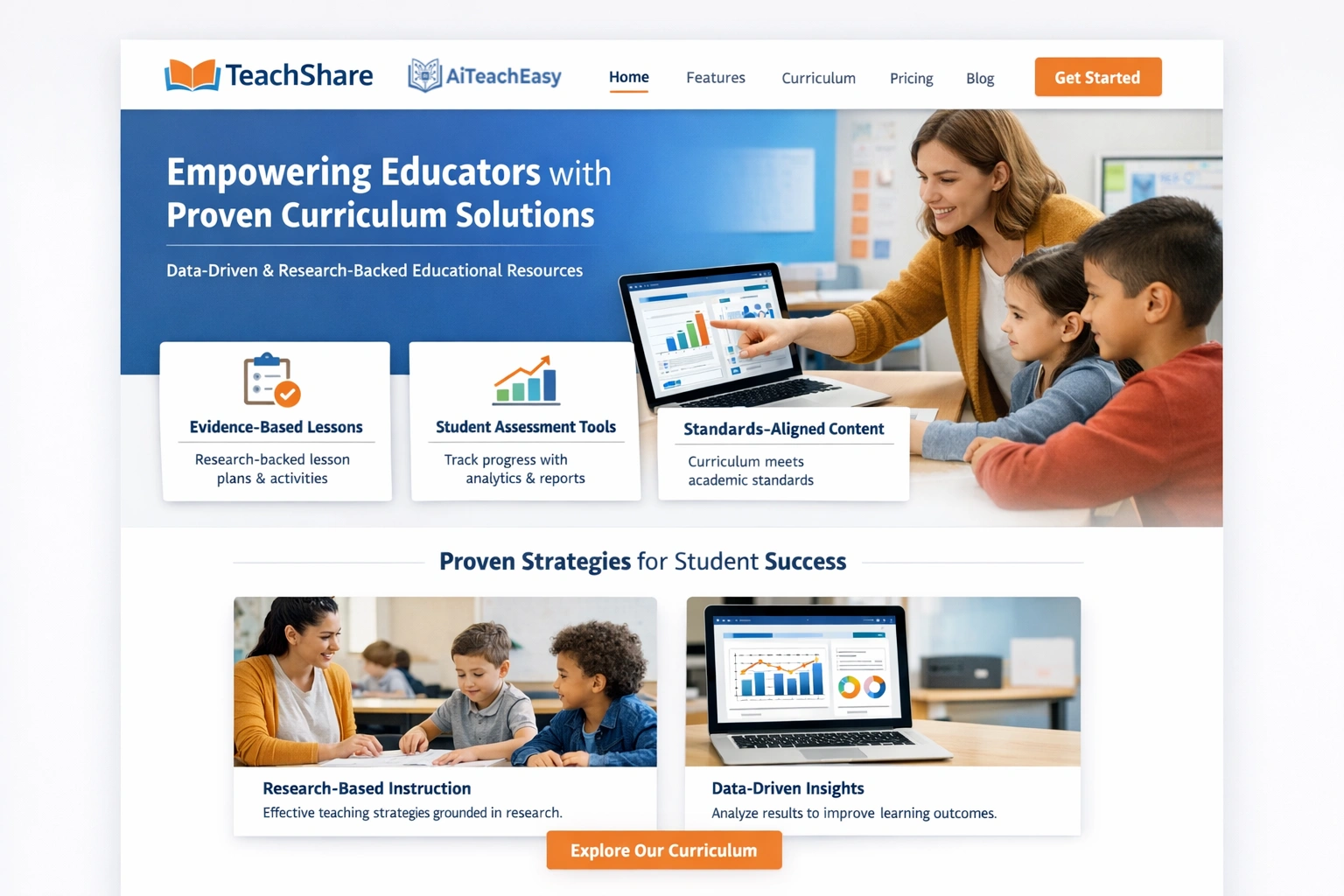
TeachShare accelerates AI-powered teaching and learning with evidence-based curriculum tools, free professional development, and time-saving classroom workflows .
- Pros: Curriculum that’s evidence-based and built for tiered instruction (MTSS); generate materials by reading level, mastery, language needs; research-backed strategies with source citations; free 1:1 coaching and PD; autograde and student insights .
- Cons: Newer platform; features still expanding.
- Best For: Schools committed to evidence-based, differentiated instruction.
- Key Feature: Every resource can include research-backed strategies (scaffolds, checks for understanding, inquiry) with source citations to support strong implementation .
Pricing: Free plan for teachers; school/district offerings available .
SynthAI (Open Source) – Best for Technical Customization
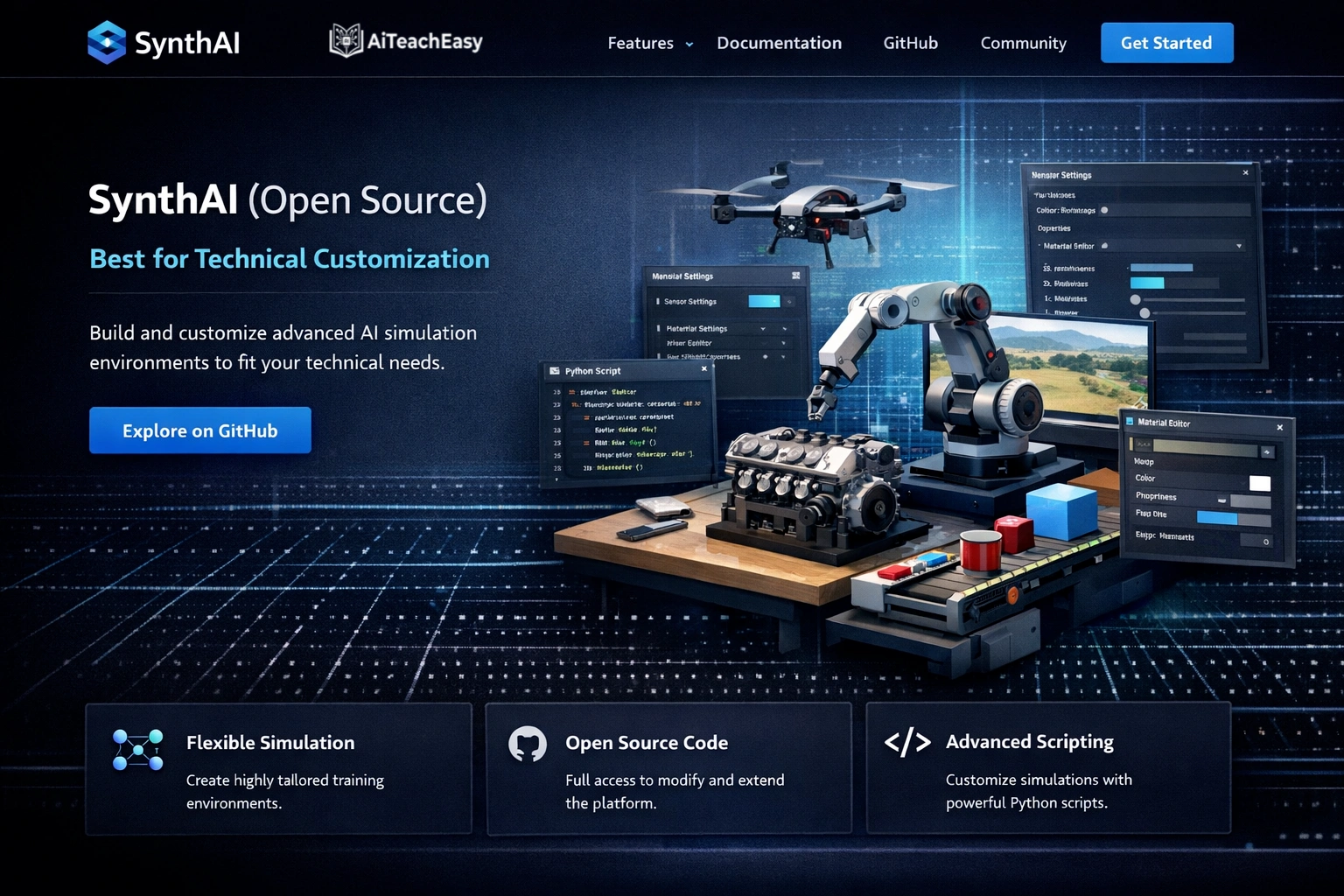
SynthAI is an open-source educational content synthesizer that generates lessons, images, quizzes, and audio using fine-tuned LLMs and Stable Diffusion .
- Pros: Complete customization; fine-tuned TinyLlama model for lesson generation; Stable Diffusion for context-aware images; RAG for quiz generation grounded in lesson content; multi-modal output .
- Cons: Requires technical expertise to deploy; not plug-and-play.
- Best For: Tech-savvy educators and schools wanting complete control over AI models.
- Key Feature: Dynamic image suggestions based on lesson content with context-aware styling (e.g., “historical painting” for history, “scientific illustration” for science) .
Pricing: Free open source; requires technical setup.
MagicSchool AI – Best Comprehensive Teacher Platform
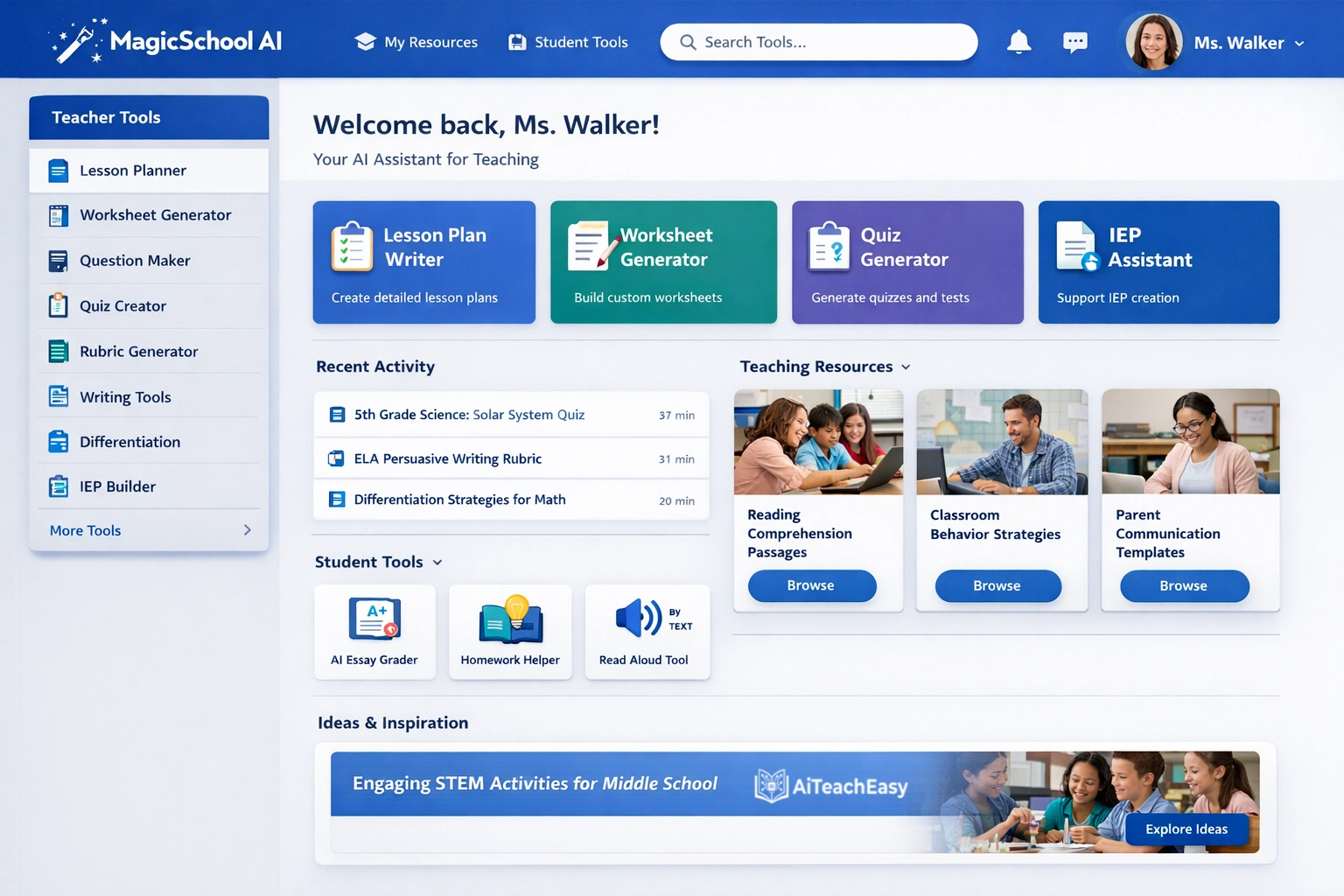
MagicSchool AI offers 80+ tools including comprehensive course content generation. Founded by a lifelong teacher and principal, it’s designed specifically for educator workflows.
- Pros: Lesson planning, rubric generator, IEP tools, email family, text rewriter; Chrome extension works in Gmail and Google Docs; teacher-centric design.
- Cons: Free tier has limited monthly generations.
- Best For: Teachers wanting one platform for course content plus communication and IEPs.
- Key Feature: Generate complete lesson plans, rubrics, and assessments from simple prompts, all aligned to your grade level and subject.
Pricing: Generous free tier; premium plans start at $99.96/year.
SchoolAI – Best All-in-One Course Creation
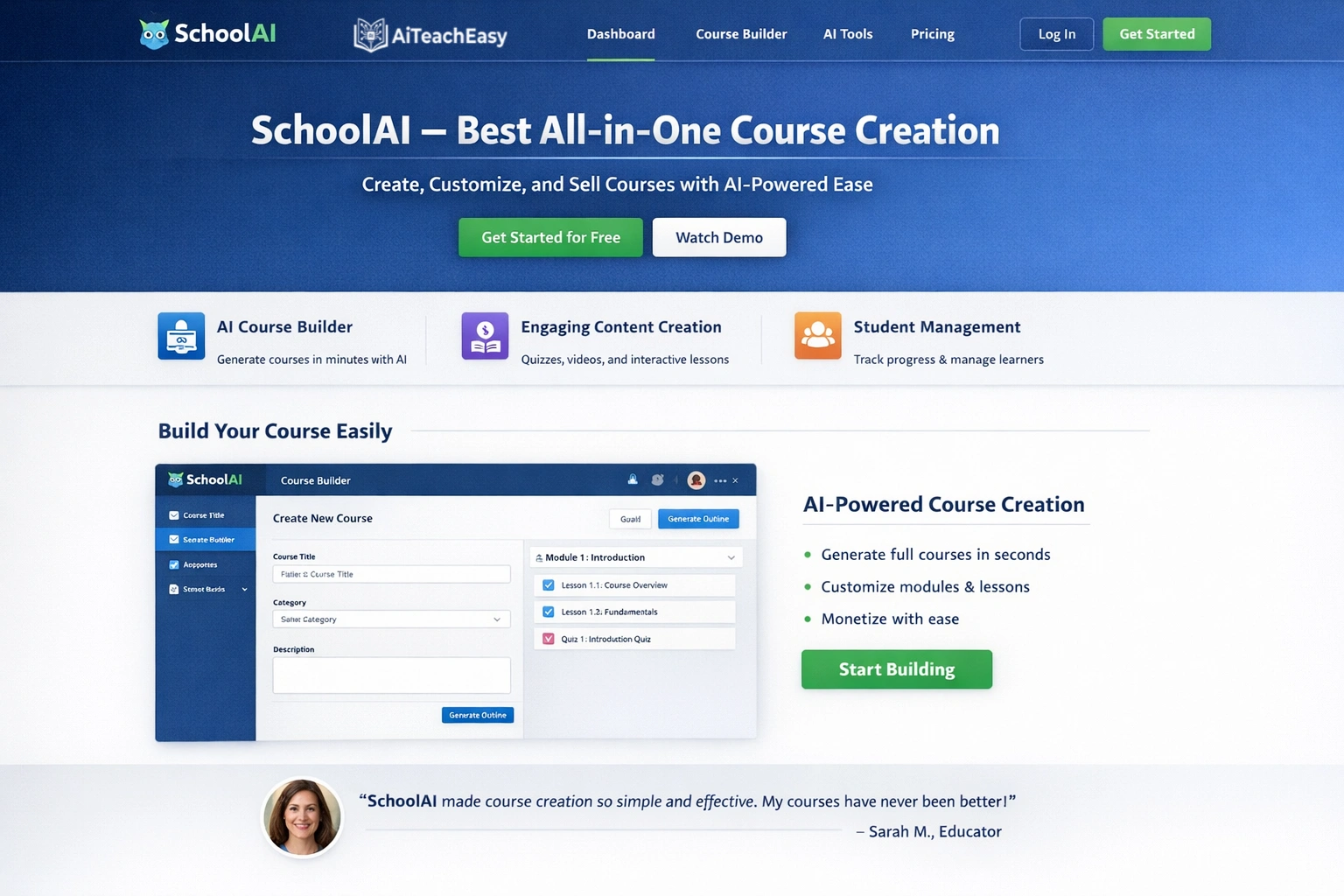
SchoolAI is an innovative platform engineered to support educators in daily tasks, including comprehensive course content generation.
- Pros: Lesson planning, email generation, assessment tools, communication templates; creates thoughtful, personalized content; used across K-12 and higher education.
- Cons: Free tier has limited monthly generations.
- Best For: Teachers wanting one platform for multiple course development needs.
- Key Feature: Input key points about a lesson or unit—the AI crafts complete, ready-to-use materials.
Pricing: Freemium model with generous free tier.
Quizizz AI – Best for Gamified Course Content
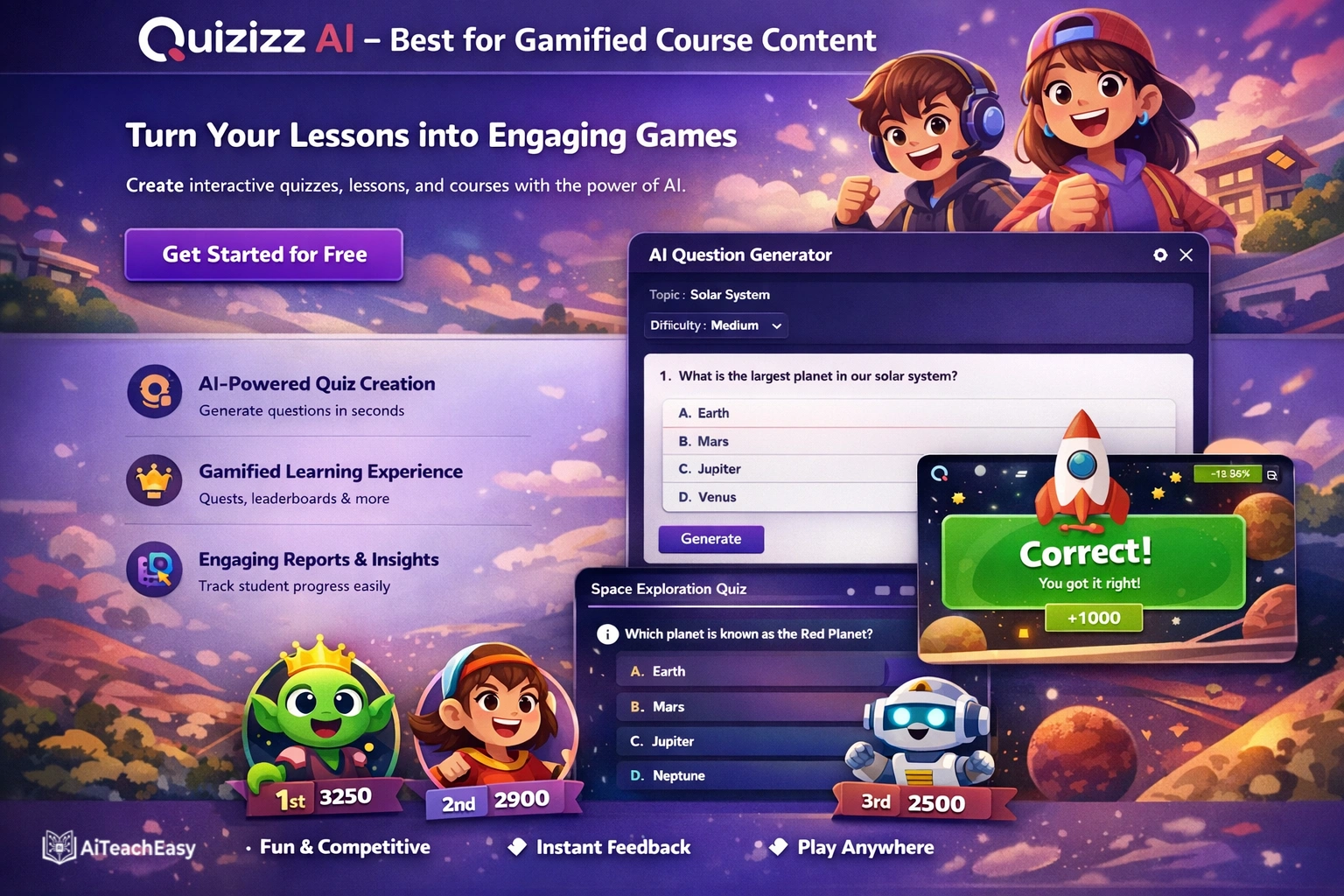
Quizizz AI supports gamified assessments and self-paced learning experiences, with AI-powered question generation from any text or topic.
- Pros: AI question generation from any content; adaptive difficulty based on student performance; detailed analytics; student engagement tracking.
- Cons: Some students may focus more on game elements than learning.
- Best For: Creating engaging, game-based course content and reviews.
- Key Feature: Upload a study guide or unit content—Quizizz generates a complete game-based review with questions at varying difficulty levels.
Pricing: Free tier with generous features; paid plans for advanced reporting.
Canva Magic Studio – Best for Visual Course Materials
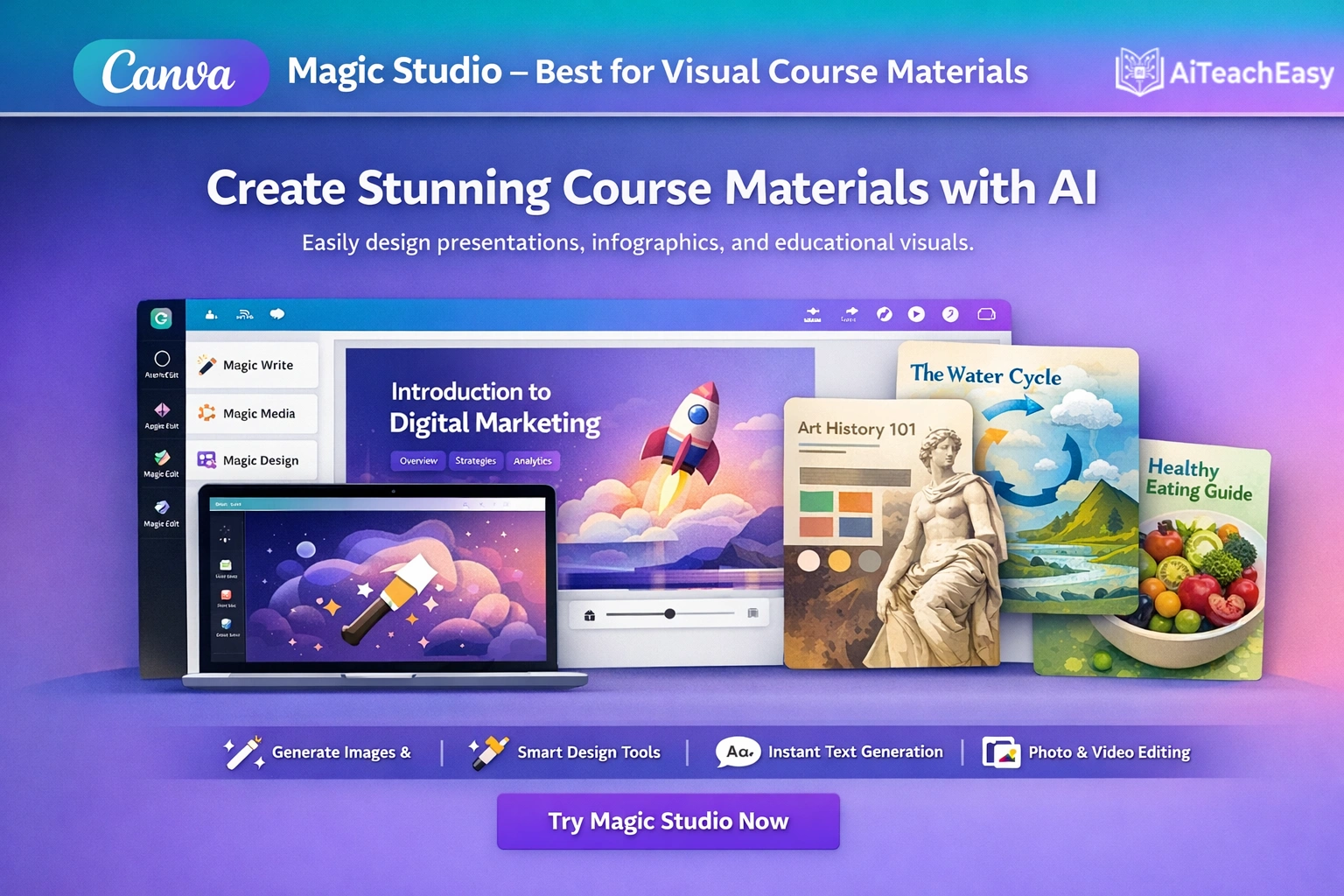
Canva Magic Studio offers AI-powered design tools to help teachers create visually appealing course materials without design skills.
- Pros: Magic Write generates text content; Magic Design creates complete presentations from prompts; AI image generation; thousands of education templates.
- Cons: Some advanced AI features require Canva Pro.
- Best For: Creating visually engaging course presentations, worksheets, and infographics.
- Key Feature: Type “Create a worksheet on the water cycle for 4th grade with a diagram and vocabulary matching” and Canva generates a complete, ready-to-use resource.
Pricing: Free tier includes many AI features; Canva Pro for educators often free through school programs.
For presentation-specific needs, our best free AI presentation tools offers additional options.
Diffit – Best for Differentiated Course Materials
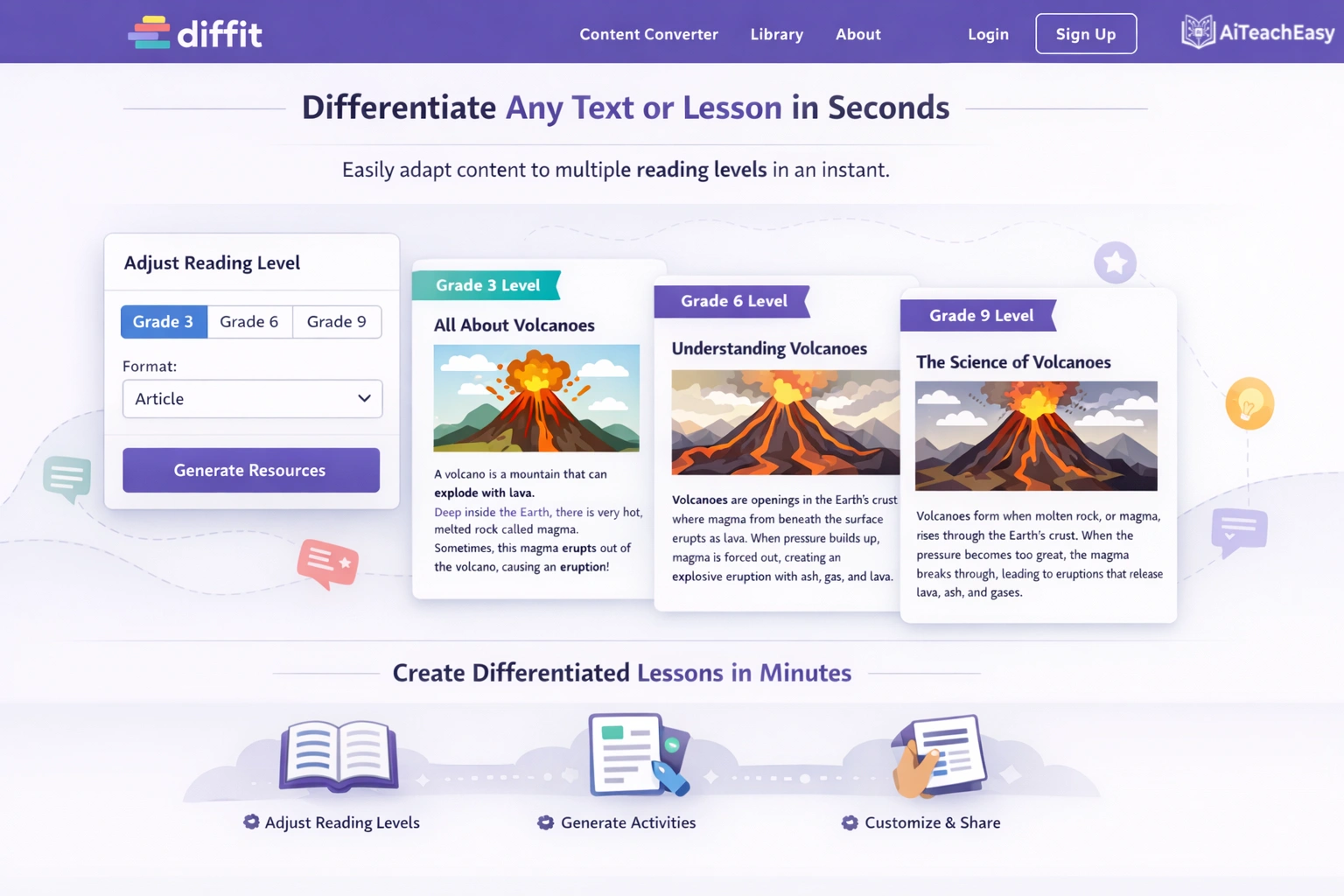
Diffit generates leveled learning materials tailored to different student skill levels, ensuring all students can access the same core content.
- Pros: Creates plain-language versions of complex information; supports translation; generates parent-friendly explanations; adapts to reading level automatically.
- Cons: Requires clear understanding of student needs for optimal results.
- Best For: Teachers with diverse classrooms needing differentiated course materials.
- Key Feature: Paste a complex article—Diffit produces versions at Grade 3, Grade 6, and Grade 10 reading levels simultaneously.
Pricing: Free tier available; paid plans for unlimited access.
This is particularly helpful for diverse learners, similar to the approaches discussed in our article on AI tools for special needs students .
Jotform AI Quiz Generator – Best for Quick Assessment Creation
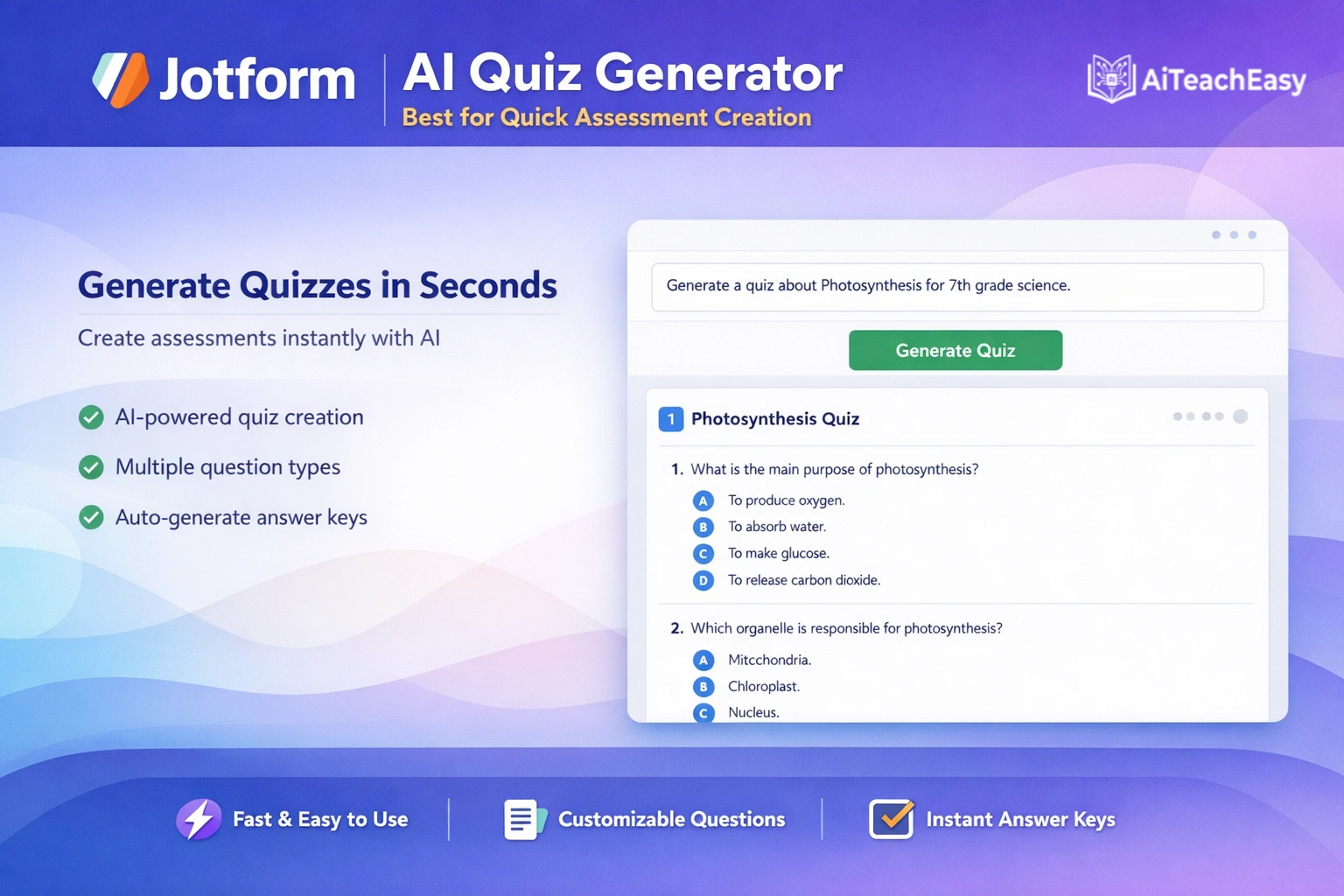
Jotform’s AI Quiz Generator helps teachers quickly create quizzes and assessments from any text or resource material.
- Pros: Generate quizzes from prompts, documents, links, or scanned documents; automatic grading in Jotform Tables; multiple question types.
- Cons: Limited to objective question types.
- Best For: Teachers who need to create course assessments rapidly.
- Key Feature: Upload a textbook chapter—Jotform generates a comprehensive quiz with answer key in under a minute.
Pricing: Free plan available; advanced features in paid tiers.
Brisk Teaching – Best Chrome-Based Content Creation
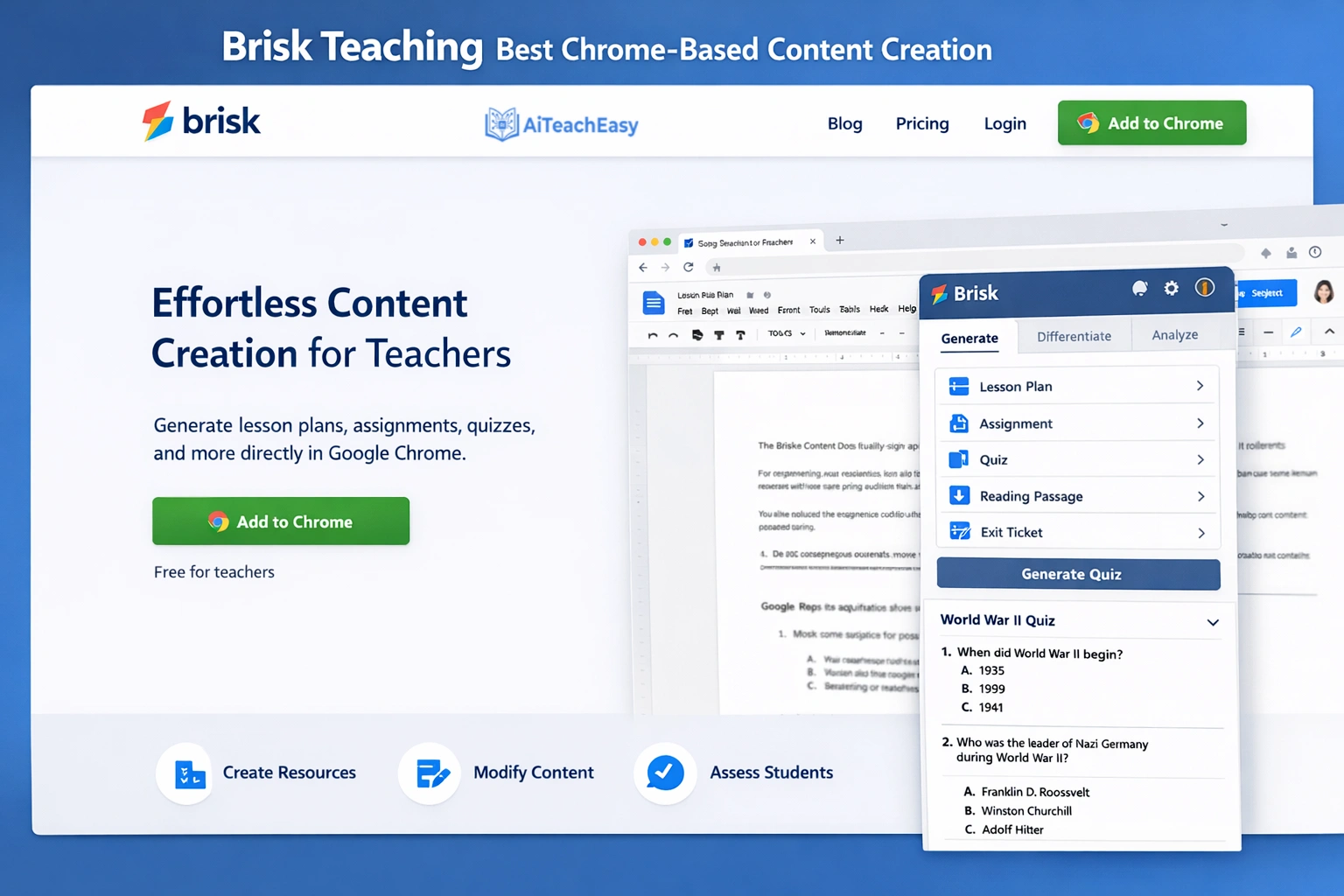
Brisk Teaching is a Chrome extension that works directly in Google Docs, Slides, and web pages, making it invisible but powerful for course content creation.
- Pros: Works where teachers already spend time; no new platforms to learn; video summarization for flipped classrooms; feedback tools for student writing.
- Cons: Requires Chrome browser; some features limited to premium.
- Best For: Teachers deeply embedded in Google Workspace who want AI at their fingertips.
- Key Feature: While watching a YouTube video for course content, click Brisk and get a complete summary with key terms and discussion questions.
Curipod – Best for Interactive Lesson Generation
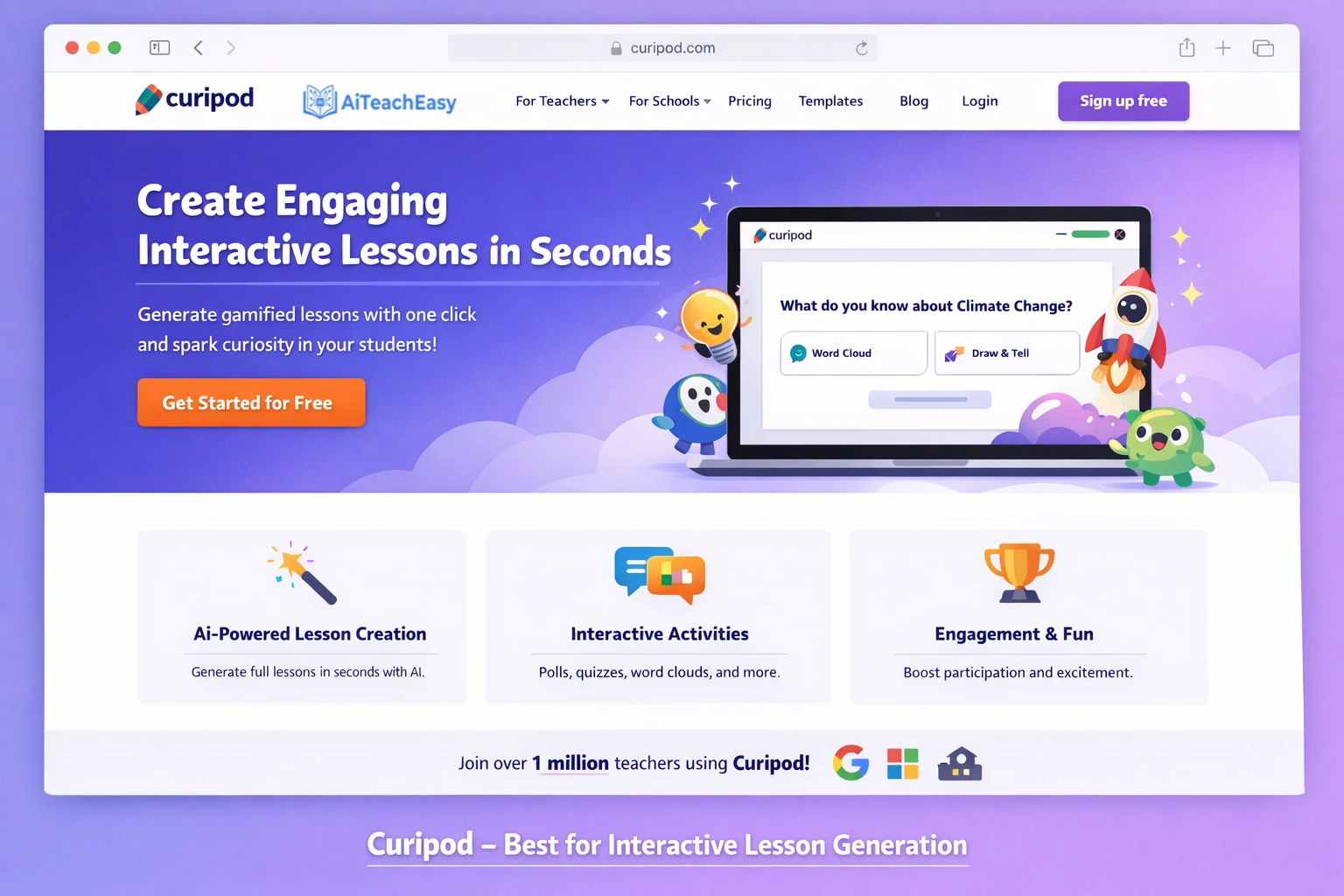
Curipod creates interactive slide decks with built-in engagement tools—polls, word clouds, drawings, and open-ended responses.
- Pros: Generates complete interactive lessons from simple prompts; student engagement analytics; standards alignment; differentiated question options.
- Cons: Requires student devices for full interaction.
- Best For: Creating engaging, interactive course lessons for 1:1 device classrooms.
- Key Feature: Type “Create a lesson on the Civil War with primary source analysis”—Curipod generates slides with embedded discussion questions and activities.
Pricing: Free tier available; paid plans for advanced analytics.
Google Gemini in Google Docs – Best Free Integrated Content Creation

Google Gemini in Google Docs allows teachers to generate course content without leaving their documents, with seamless Gmail and Classroom integration.
- Pros: Completely free with Google account; “Help me write” feature drafts lesson plans, worksheets, and emails; subject line optimizer; tone adjustment; integrates with Google Classroom.
- Cons: Advanced features require Workspace for Education institutional account.
- Best For: Teachers who want friction-free AI assistance without learning new platforms.
- Key Feature: Open a Google Doc, click the Gemini icon, type “Create a 5E lesson plan on photosynthesis for 7th grade,” and watch it generate a complete, standards-aligned plan.
Pricing: Free for personal accounts; included with Google Workspace for Education.
Best Practices for Using AI Course Content Generators
Adobe’s best practices for generative AI apply across all course content tools :
Set Clear Goals
Define your learning objectives before generating content. Know what outcomes you want and what content you don’t want. This clarity dramatically improves AI output quality .
Use Strategic Prompting
Experiment with different prompt styles to discover what works best. Write prompts in natural, conversational language using active voice. Phrase requests positively and clearly .
Provide Context
Include course background, learner level (beginner/intermediate/advanced), and relevant organizational details. Specify your audience’s demographics, experience, preferences, accessibility needs, and cultural considerations .
Blend AI with Human Expertise
Treat AI as a powerful assistant, not a substitute for instructional design. Use your domain knowledge to guide and refine AI-generated content .
Iterate and Improve
Review AI outputs and refine prompts based on what works. Combine successful results and adjust as needed .
Ensure Quality
Validate facts and ensure content aligns with learning objectives. Seek feedback from users to improve relevance and clarity .
How to Build Custom AI Course Generators with Microsoft 365 Copilot
For tech-savvy teachers, Microsoft 365 Copilot allows creating custom AI agents for course planning . Here’s how:
Step 1: Define the Agent’s Purpose
Create an agent that generates customized lesson plans based on topic, grade level, learning objectives, and standards, using archived teaching resources from OneDrive or SharePoint .
Step 2: Create the Agent
In Microsoft 365 Copilot, select “Create agent” and describe your goals. The system helps optimize instructions and provides starter prompts .
Step 3: Add Knowledge Sources
Connect the agent to your teaching materials stored in SharePoint or OneDrive. This ensures responses are based on your actual resources, making them more relevant to your classroom needs .
Step 4: Test and Publish
Try example prompts like “Create a lesson plan on photosynthesis for 9-12 grade aligned with NGSS.” Once satisfied, publish the agent and @mention it in Copilot whenever you need course content .
How to Generate Differentiated Course Materials with AI
Differentiated instruction AI tools have become sophisticated in 2026. Here’s how top platforms handle differentiation:
CurricuLLM Studio Mode
Generates leveled reading materials that keep the same core ideas and vocabulary targets while adjusting reading level. It also produces differentiated quizzes in multiple versions, each mapped to the same learning intention .
Diffit
Creates plain-language versions of complex information and generates leveled worksheets for students at different skill levels .
TeachShare
Allows teachers to generate or modify materials by reading level, mastery, language needs, and small-group supports in minutes, with research-backed strategies built in .
For teachers working with special needs students, our AI tools for special needs students offers additional strategies.
FERPA Compliance and Data Privacy
Can AI course generators safely handle student data? This question is critical for classroom use.
FERPA Compliant AI Course Tools
Several tools explicitly address data privacy:
- CurricuLLM uses student progress information to shape outputs, with clear data handling practices .
- Microsoft 365 Copilot with enterprise licensing offers education-grade security when used with institutional accounts .
- TeachShare commits to transparent, educator-in-the-loop practices and publishes clear privacy terms, including a Student Data Privacy Addendum .
- Google Gemini with Workspace for Education provides FERPA compliance with institutional accounts.
Best Practices
When evaluating tools, always check:
- Is the tool FERPA/GDPR compliant?
- Is student data used to train AI models?
- Where is data stored?
- Does the school/district have control over access?
Our guide on privacy-first AI tools for students offers additional guidance I’ve found invaluable.
The Future of AI Course Content Generation: What’s Coming in 2026
Based on my research and testing of beta features, here’s what’s emerging :
- Agent-Powered Instruction: Platforms like Classover Tutor Studio embed AI agents directly into teaching workflows, enabling dynamic lesson planning and real-time adjustments based on student performance .
- Three-Layer Integration: Tools increasingly combine teacher materials, curriculum standards, and student progress data to generate truly personalized content .
- Multi-Modal AI: Adobe Captivate and SynthAI demonstrate the power of generating text, images, avatars, and audio from a single platform .
- Evidence-Based Design: TeachShare exemplifies the push toward research-backed strategies with source citations built into generated resources .
- Custom AI Agents: Microsoft enables teachers to build their own course planning agents connected to institutional resources .
For teachers who also need to support student exam preparation, our best AI tools for exam preparation guide offers complementary strategies.
Conclusion: Best AI Course Content Generators for Teachers in 2026
The landscape of curriculum development is being transformed by artificial intelligence. After years of testing these tools in real classroom settings and collaborating with hundreds of educators, I can confidently say that whether you need curriculum-aligned content, multi-media eLearning courses, or differentiated materials for diverse learners, there’s an AI course content generator designed for your needs.
The best AI course content generators for teachers in 2026 combine proven instructional design principles with cutting-edge technology to deliver unprecedented efficiency and quality. From CurricuLLM’s Three-Layer Engine generating resources from actual student data to Microsoft Copilot’s enterprise-grade integration to Adobe Captivate’s multi-modal eLearning capabilities , teachers at every level can find solutions that fit their workflow.
By incorporating these platforms into your routine, you can reduce course development time by hundreds of hours annually, provide more consistent and differentiated instruction, and focus on what truly matters—building meaningful learning experiences for your students. I’ve reclaimed my summers and actually enjoy curriculum planning now because it’s less about drudgery and more about creative collaboration with AI.
Remember, instructional design automation doesn’t replace teacher expertise—it amplifies it. With the right AI curriculum design tools, you can achieve better outcomes while maintaining your professional judgment and creativity.
For additional classroom support, I regularly use and recommend these resources:
- Best AI grading tools for teachers – Automate assessment workflows
- Best AI tools for memorization – Help students retain course content
- Best AI tools for exam preparation – Support student success
- Student result sheet generator – Streamline grade calculations
- AI classroom management tools for teachers – Maintain productive environments
- Best free AI homework helper tools for students – Support students outside class
- AI tools for student retention – Improve long-term outcomes
- AI tools for special needs students – Inclusive education support
- Free AI tools no signup – Quick tools without registration
- Browser-based AI tools for students – Accessible for any device
- Best free AI presentation tools – Create engaging presentations
- Best free AI resume builders – Support career-ready students
- Best free AI note takers – Capture observations effortlessly
- Free offline CGPA calculator – Quick grade calculations
- Privacy-first AI tools for students – Data protection guidance
- Quiz generator for teachers and students – Create assessments instantly
- Free AI lesson plan generator tool – Plan lessons in seconds
- Free AI humanizer for students – Make AI text more natural
- AI tools for teachers – Comprehensive teacher hub
- AI tools for students – Student-focused learning tools
About the Author
I’m Irfan Khan, an AI tools researcher and the founder of AI Teach Easy, where I focus on reviewing tools that help students learn faster and teachers work smarter. Over the past three years, I’ve been hands-on with educational technology, testing different tools to find what actually works in real classrooms—especially when it comes to privacy-first AI solutions for students.
Before starting AI Teach Easy, I was a classroom teacher myself, and I clearly remember how time-consuming and exhausting it was to build courses from scratch. That experience is exactly why I’m so passionate about these AI content generation tools—they have the potential to save teachers countless hours while still maintaining quality and effectiveness.