
10 Best AI Note Takers for Students Tested 20+ in 2026
By Prof. Irfan | AITeachEasy.com | Last Updated: April 2026
I Tested 20+ AI Note Takers So You Don’t Have To
Let me be honest with you from the start.
Most “best AI note taker” articles are written by people who spent 20 minutes reading product pages. They haven’t sat through a real lecture with these tools running. They haven’t tested how badly most of them crash when a STEM professor starts deriving equations at speed. They haven’t tried to use the “free plan” and discovered it runs out after two lectures.
I have.
Over several months, I tested more than 20 AI note-taking tools specifically in student scenarios — live lectures, recorded Zoom classes, in-person seminars, STEM sessions, multilingual environments, and offline settings. I evaluated every tool on accuracy, note quality, exam utility, privacy, ease of setup, and whether the free plan is genuinely usable or just a teaser.
What you’re reading now is the result of that testing — not marketing copy, not paraphrased press releases. Real evaluation from someone who has used these tools the way students actually use them.
Let’s get into it.
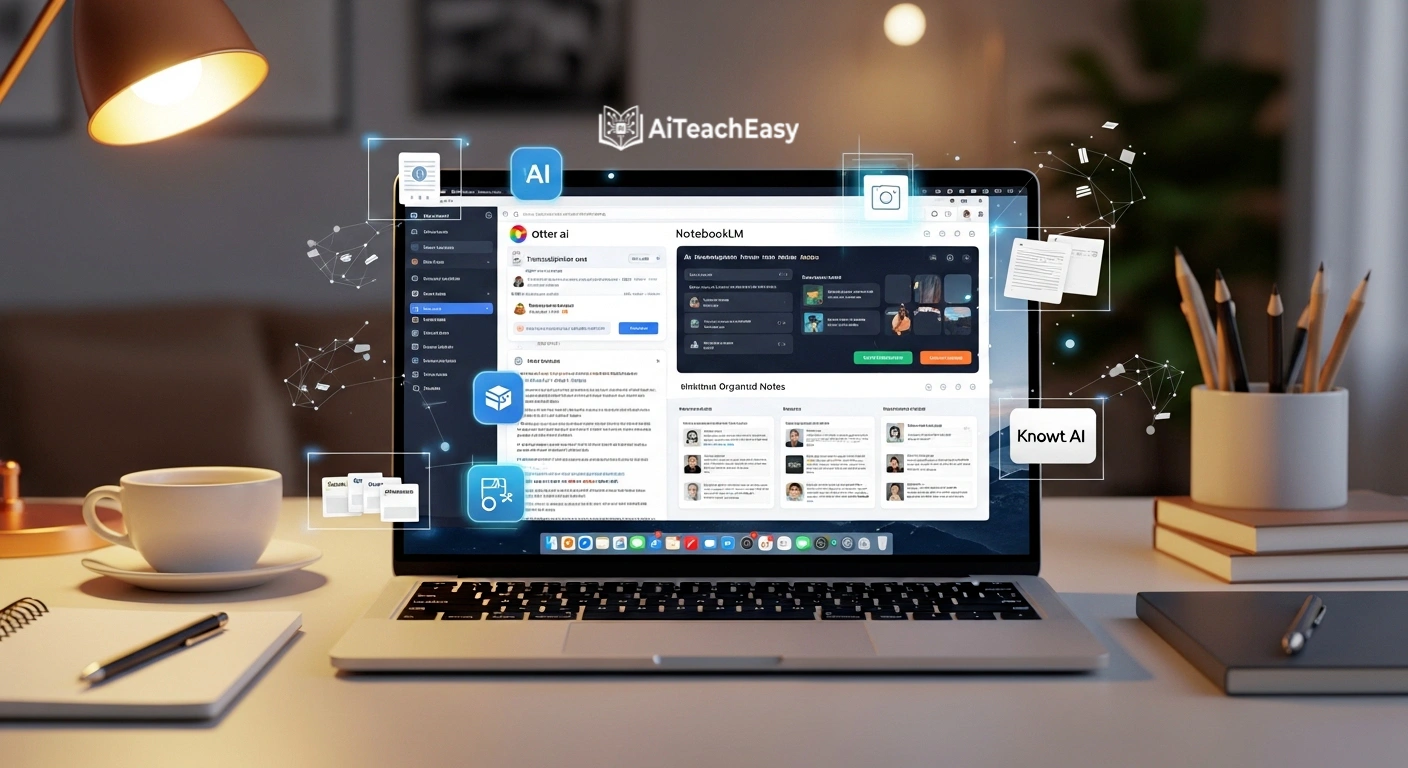
Table of Contents
✅ Best AI Note Taker for Students
If you’re in a hurry, here’s the short version:
| Need | Best Tool |
|---|---|
| Best overall (free) | NotebookLM by Google |
| Best for live lectures | Otter.ai |
| Best for exam prep + flashcards | Knowt AI |
| Best for STEM subjects | Jamworks |
| Best for Apple users offline | https://www.getaiko.com/ |
| Best second brain / long-term notes | Mem AI |
| Best for international students | Notta |
| Best Zoom-native option | Zoom AI Companion |
| Best for simplicity (Mac) | Granola |
| Best for hands-free recording | PLAUD AI |
What Makes an AI Note Taker Actually Good for Students?
Before the full list, here are the exact criteria I used to evaluate every tool. These are student-specific — not corporate meeting room metrics.
Transcription accuracy — Can it handle fast speech, strong accents, and subject-specific terminology like “myocardial infarction” or “Keynesian multiplier effect”?
Lecture compatibility — Does it work for live in-person classes, Zoom lectures, uploaded recordings, and YouTube videos?
Note quality — Does it produce organized, scannable notes or just a wall of raw text?
Exam utility — Can it generate flashcards, summaries, practice questions, or concept explanations from your notes?
Privacy — Where does your audio go? Is it stored on servers? Used for AI training?
Ease of use — Can you set it up in under two minutes before a 9 AM lecture?
Free plan honesty — Is the free tier genuinely usable, or does it cut off after 3 minutes?
Student-realistic pricing — Is it affordable on a student budget?
Every tool on this list scored well across most of these criteria. The ones that didn’t make the list — and there were many — failed in ways that would genuinely hurt a student’s study experience.
Quick Comparison Table: All 10 Tools at a Glance
| Tool | Best For | Free Plan | Offline | Flashcards | Starting Price |
|---|---|---|---|---|---|
| 🎙️ Otter.ai | Live lectures | ✅ 300 min/mo | ❌ | ❌ | $16.99/mo |
| 📚 NotebookLM | Research & synthesis | ✅ Fully free | ❌ | ❌ | Free |
| 🃏 Knowt AI | Flashcards + revision | ✅ Limited | ❌ | ✅ | $1.99/mo |
| 🧠 Mem AI | Long-term knowledge | ✅ Full free | ✅ | ❌ | Free |
| 🍎 Granola | Clean Mac note-taking | ✅ 25 meetings | ❌ | ❌ | $18/mo |
| ⚗️ Jamworks | STEM + equations | ❌ Trial only | ❌ | ✅ | $14.99/mo |
| 📱 Aiko | Offline Apple transcription | ✅ 14-day trial | ✅ | ❌ | $22 one-time |
| 📎 PLAUD AI | Wearable recording | ❌ Device needed | ✅ | ❌ | $159 device |
| 🌍 Notta | Multi-language classes | ✅ 120 min/mo | ❌ | ❌ | $13.99/mo |
| 🎥 Zoom AI | Zoom-native classes | ❌ Paid Zoom only | ❌ | ❌ | $10/mo |
Quick Start: Best Tool by Student Type
Not every student needs the same thing. Here’s my one-line recommendation before the full breakdown:
- On zero budget → NotebookLM (completely free, no limits)
- Need live real-time transcription → Otter.ai
- Studying for exams, want auto-flashcards → Knowt AI
- STEM student — equations and formulas matter → Jamworks
- Apple user, needs offline support → Aiko
- Takes notes on everything, wants it connected → Mem AI
- Most classes are on Zoom → Zoom AI Companion
- Wants simplest possible experience on Mac → Granola
- International student, studying in second language → Notta
- Wants completely hands-free recording → PLAUD AI
The 10 Best AI Note Takers for Students in 2026
1. Otter.ai — Best for Real-Time Transcription in Live Classes
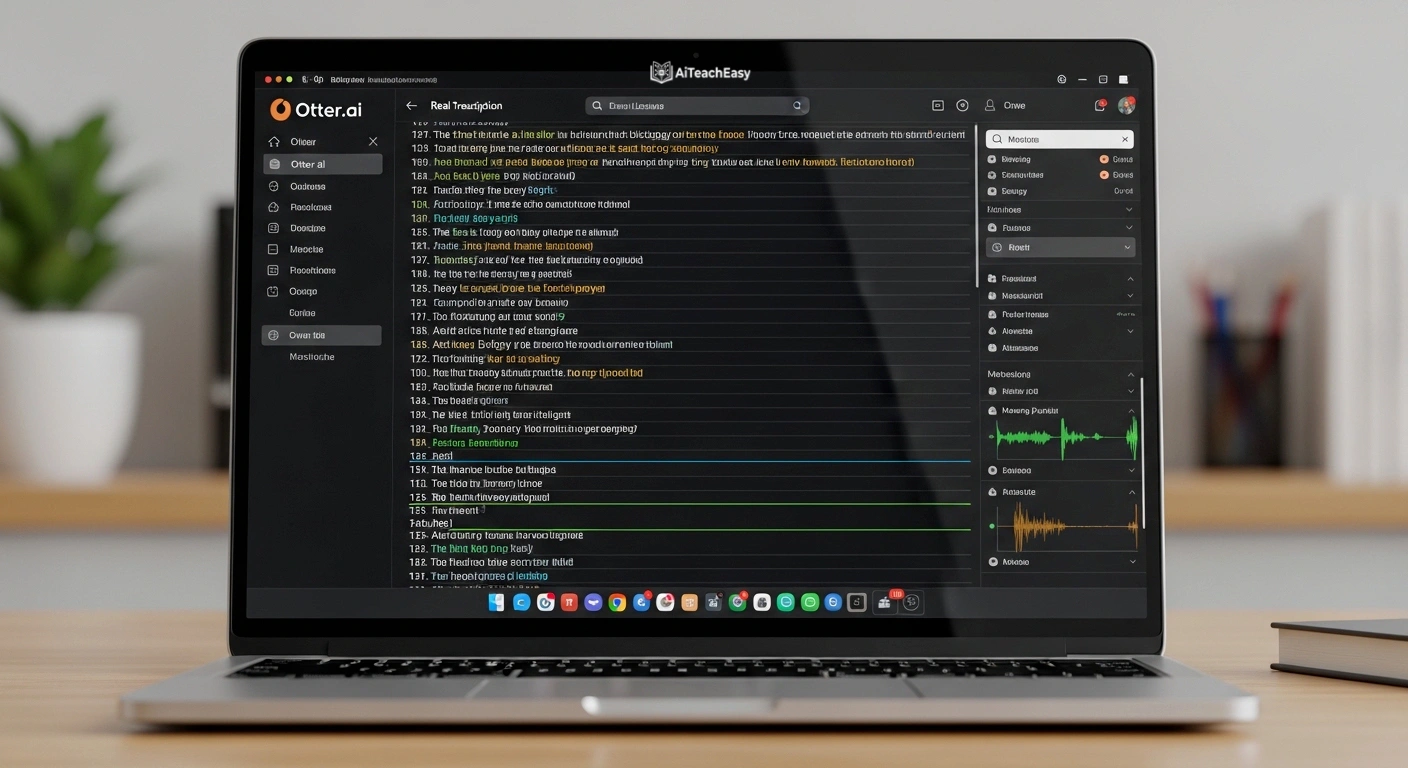
If you attend physical lectures or live Zoom classes and need notes appearing on screen in real time as your professor speaks, Otter.ai is the most reliable live transcription tool available in 2026.
I’ve run Otter through multiple lecture formats — fast-talking professors, group seminars, panel discussions, and Zoom classes with multiple speakers — and what consistently impresses me is the speed. There’s almost no perceivable lag between speech and text appearing on screen. In a live lecture where a professor mentions something critical and moves on in ten seconds, having it already transcribed on your screen is genuinely different from scrambling to write it down.
The slide capture feature for virtual classes is where Otter genuinely separates itself. When you’re in a Zoom session, Otter automatically captures the slides being displayed and embeds them into your notes at the exact timestamp they appeared. You don’t just get the spoken words — you get them in the visual context they were delivered. When you’re revising three weeks later and trying to remember why a particular diagram mattered, that context is everything.
The collaborative features are also built with students in mind. You can highlight a section of transcript, tag a classmate, add a comment, and ask a question — all without leaving the note. For group study sessions or moments where you missed a point and want someone to clarify later, this workflow is seamless.
Who should NOT use Otter.ai:
- ❌ Students with unreliable internet — it requires a solid connection throughout
- ❌ Students in heavy STEM subjects — technical jargon accuracy drops noticeably
- ❌ Students who need more than 300 minutes/month on the free plan — you’ll hit the ceiling within a week of regular lectures
Otter.ai Pricing:
- Free: 300 minutes/month, 30-minute session limit
- Pro: $16.99/month — 1,200 minutes, 90-minute sessions
- Business: $30/month — 6,000 minutes, 4-hour sessions
⭐ Quick Verdict — Otter.ai
| ⭐ Rating | 8.5/10 |
| 🎯 Best for | Live in-person and Zoom lectures, collaborative study groups |
| ✅ Strengths | Real-time speed, slide capture, clean interface |
| ⚠️ Avoid if | You need offline access, study STEM heavily, or have limited internet |
Otter fits naturally into a broader AI learning workflow. For the full picture of how transcription tools connect with study systems, best AI tools for online classes places Otter alongside every other tool students use across a complete workflow.
2. NotebookLM by Google — Best Free Tool for Research-Heavy Students

Here is a genuinely surprising truth: the best completely free AI note-taking tool for students in 2026 is made by Google, and most students still haven’t discovered it.
NotebookLM, powered by Gemini 2.0, doesn’t just transcribe — it thinks across multiple sources simultaneously. Upload your textbook PDFs, paste lecture transcripts, add YouTube video links, drop in your own handwritten notes as images — and NotebookLM weaves everything into a connected, conversational knowledge base.
When I tested this with three journal articles and a lecture transcript on the same topic, I asked: “What are the points of agreement and disagreement between these sources?” It returned a nuanced, cited comparison in under 15 seconds, with direct quotes from each source clearly labeled. Research work that would take a student 45 minutes — done in under a minute.
The Audio Overview feature is worth mentioning specifically because it’s unlike anything else on this list. It converts your uploaded materials into a podcast-style conversation between two AI voices discussing and debating your content. This sounds gimmicky until you use it on a commute and realize you’ve just reviewed your entire week’s readings without opening a single document.
Every single response includes citations linked to the exact source and page. Academic integrity starts with knowing where your information came from — and NotebookLM never lets you lose track of that.
Who should NOT use NotebookLM:
- ❌ Students who need live real-time transcription during class — it doesn’t capture live audio
- ❌ Students who want auto-generated flashcards or spaced repetition — that’s not its function
- ❌ Students managing large-scale ongoing research with complex organization needs — tagging and filtering are limited
NotebookLM Pricing: Completely free with a Google account.
⭐ Quick Verdict — NotebookLM
| ⭐ Rating | 9/10 |
| 🎯 Best for | Research synthesis, essay writing, multi-source study, zero-budget students |
| ✅ Strengths | Fully free, citation accuracy, multi-source intelligence, Audio Overview |
| ⚠️ Avoid if | You need live transcription or flashcard generation |
3. Knowt AI — Best for Turning Lecture Notes into Exam-Ready Flashcards
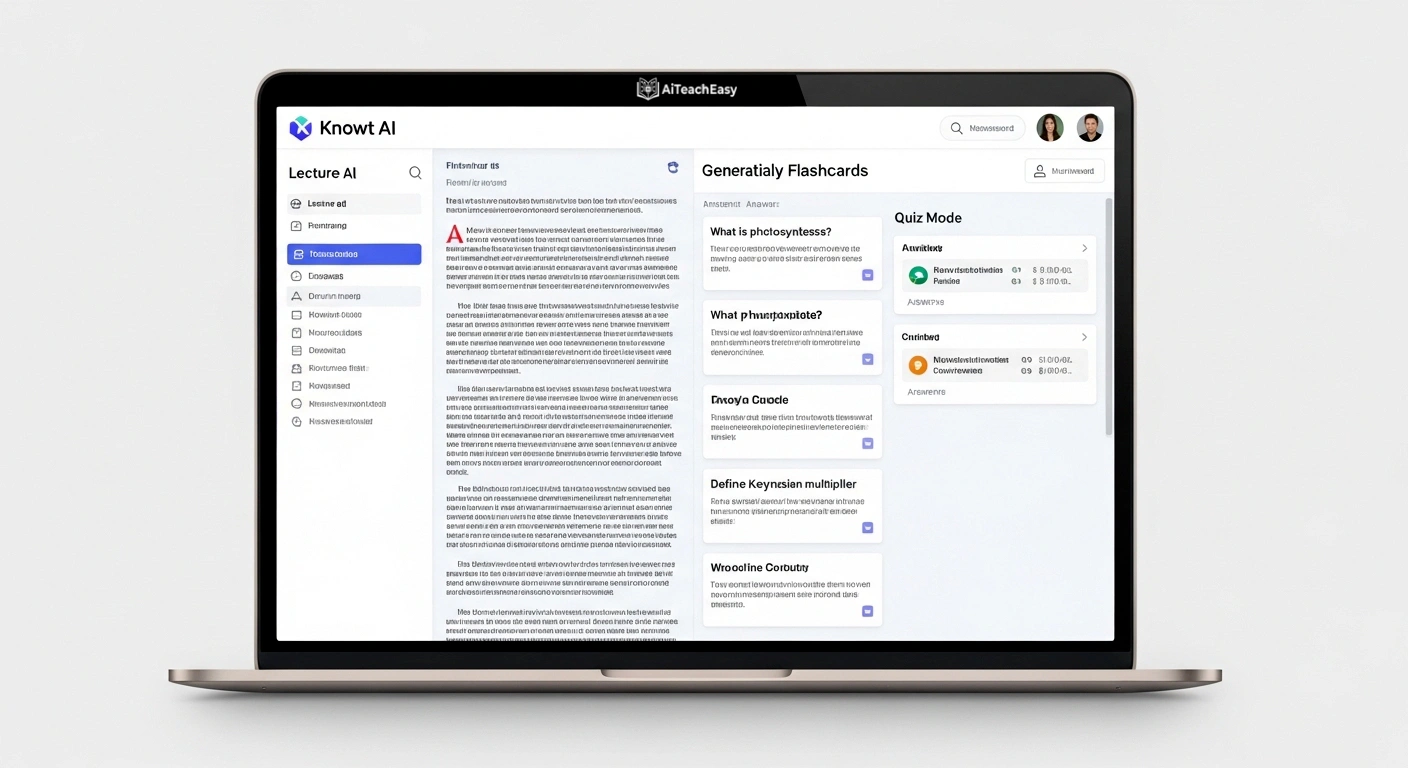
Most AI note takers stop at transcription. Knowt AI goes all the way to revision — and that complete loop is what earns it a top-three position on this list.
After transcribing and summarizing your lecture, Knowt automatically generates flashcards from the content, identifies key terms and definitions, and lets you test yourself through its built-in quiz mode. The entire journey from lecture capture to self-testing happens inside one tool without manually creating a single flashcard.
When I tested Knowt with a dense pharmacology lecture uploaded as audio, it produced 34 usable flashcards covering every key drug name, mechanism, and clinical use — in approximately 90 seconds. A handful of highly technical terms needed manual correction, but generating 34 exam-ready flashcards from a 50-minute lecture in 90 seconds is a transformation for anyone who has spent hours building Anki decks by hand.
Ask Kai — Knowt’s built-in AI assistant — lets you chat with your own lecture content. Ask it to explain a concept you didn’t understand, generate practice questions on a specific topic, or simplify complex ideas into plain language. This effectively gives you a personal tutor embedded inside your notes, available at any hour.
The PPT summarizer is also worth highlighting separately. Upload your professor’s PowerPoint slides and Knowt converts them into organized, readable notes instantly. No more staring at slide decks trying to decide what’s actually important.
This pairs powerfully with the active recall and spaced repetition strategies in how to learn anything 10x faster — combining Knowt’s automatic flashcard generation with deliberate retrieval practice is one of the highest-efficiency study combinations I’ve tested.
Who should NOT use Knowt AI:
- ❌ Students who prefer visual, interface-clean tools — it’s slightly cluttered
- ❌ Students who want deep research synthesis across multiple sources — use NotebookLM for that
- ❌ Students who need live transcription as their primary use case
Knowt AI Pricing:
- Free: Limited features
- Plus: $1.99/month (billed annually)
- Ultra: $4.99/month (billed annually)
⭐ Quick Verdict — Knowt AI
| ⭐ Rating | 8.5/10 |
| 🎯 Best for | Exam preparation, memorization-heavy subjects, capture-to-flashcard workflow |
| ✅ Strengths | Auto flashcards, built-in quiz mode, PPT summarizer, affordable |
| ⚠️ Avoid if | You want a clean minimal interface or deep research synthesis |
4. Mem AI — Best for Students Who Take Notes on Everything
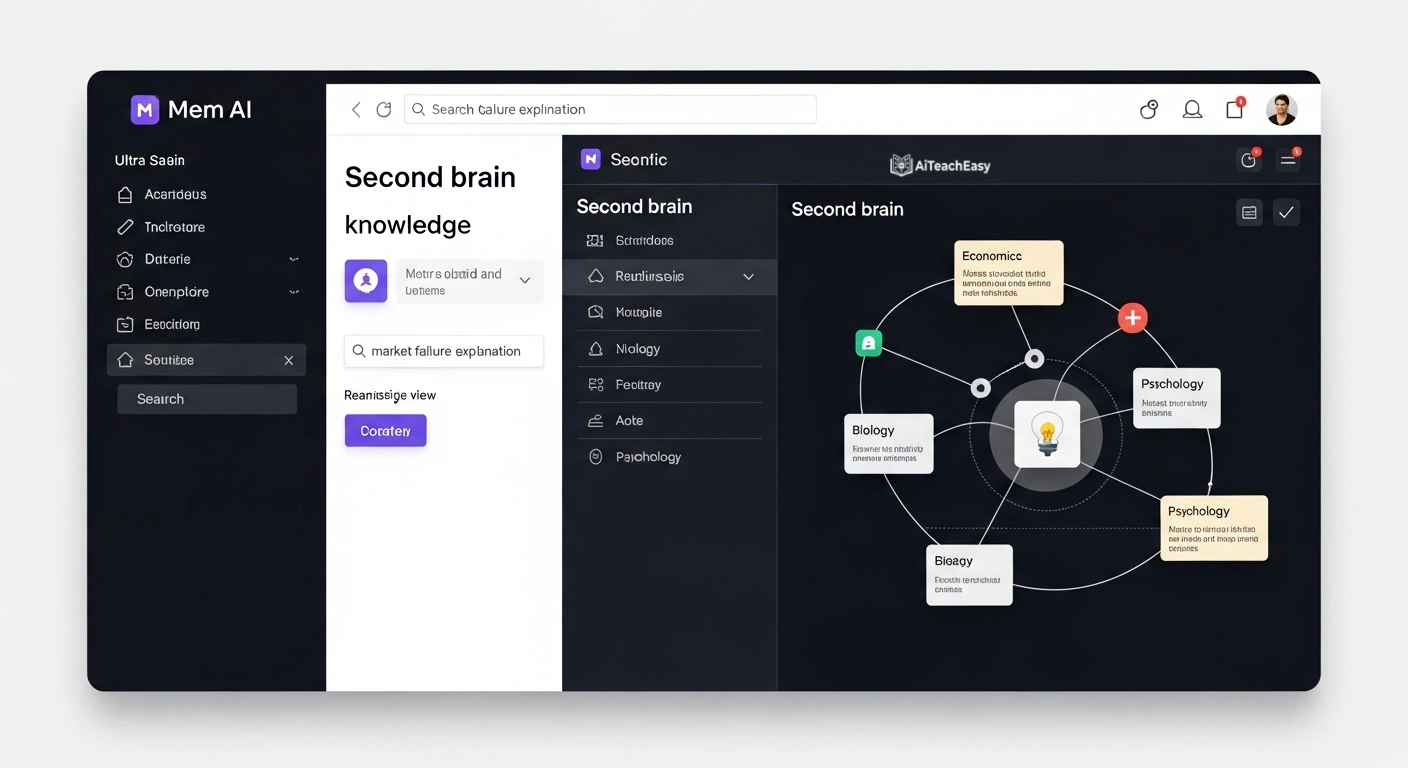
Some students have the opposite problem from not taking enough notes. They take notes on everything — lectures, readings, random thoughts at 11pm, YouTube videos, books — and then can’t find anything when it actually matters.
Mem AI was built precisely for this problem.
It functions as a second brain. You drop information in from any source — voice memos, quick text notes, pasted content, meeting summaries — and Mem’s AI works continuously in the background connecting related ideas across everything you’ve ever stored. Its Related Notes feature surfaces connections you would never find manually.
Here’s a practical scenario that illustrates this: In October you take a note about a concept from your economics lecture. In March you’re writing a final essay on a connected topic. Mem automatically surfaces that October note alongside three other related notes you’d completely forgotten — without you searching for any of them. That connection potentially strengthens your essay with evidence and ideas you’d otherwise have lost entirely.
Smart Search combines semantic AI with filters — meaning you search by meaning and concept, not just exact words. Searching “what did I learn about market failure?” will find relevant notes even if you never wrote those exact words anywhere.
Mem AI also works fully offline, with notes syncing when you reconnect. For students with unreliable connectivity, that reliability is a genuine advantage.
Who should NOT use Mem AI:
- ❌ Students who need live lecture transcription — Mem is for storing and connecting, not capturing audio
- ❌ Students who want auto-generated flashcards within the same tool
- ❌ Students who prefer a heavily structured folder system — Mem’s AI organization won’t appeal to everyone
Mem AI Pricing: Free — full core functionality.
⭐ Quick Verdict — Mem AI
| ⭐ Rating | 8/10 |
| 🎯 Best for | Long-term knowledge building, students juggling many subjects, second brain approach |
| ✅ Strengths | Fully free, offline support, semantic search, automatic idea connections |
| ⚠️ Avoid if | You need live transcription or prefer rigid folder-based organization |
5. Granola — Best for Mac Students Who Want Pure Simplicity

Every tool so far has been feature-rich. Granola is intentionally not — and that restraint is exactly why it earns its spot.
Granola does one thing with elegance: it transcribes your computer’s audio during a class or meeting, then enhances the rough notes you jotted during the session with AI to produce clean, polished notes automatically when the session ends.
The insight behind this design is smart: most students still want to write some notes themselves during class because the act of writing aids encoding. But those notes are inevitably incomplete and abbreviated. Granola takes what you wrote and fills in the gaps using the full transcription — producing notes that feel like yours, but complete.
The interface resembles Apple Notes, which means Apple users face essentially zero learning curve. You’ll be set up before the lecture starts.
It captures system audio directly without deploying bots into your Zoom call. No “Granola is recording this meeting” notification visible to everyone. For students who find those bots embarrassing or disruptive to class dynamics, this matters.
Who should NOT use Granola:
- ❌ Windows students — it’s Mac and iOS only
- ❌ Students who need flashcards or exam prep features
- ❌ Students on tight budgets — $18/month is expensive after the 25-meeting free trial
Granola Pricing:
- Free: First 25 meetings
- Individual: $18/month
- Business: $14/month per user
⭐ Quick Verdict — Granola
| ⭐ Rating | 7.5/10 |
| 🎯 Best for | Mac users who want the cleanest, simplest note-taking experience |
| ✅ Strengths | Beautiful interface, bot-free, enhances your own notes |
| ⚠️ Avoid if | You use Windows, need flashcards, or want a generous free plan |
6. Jamworks — Best for STEM Students
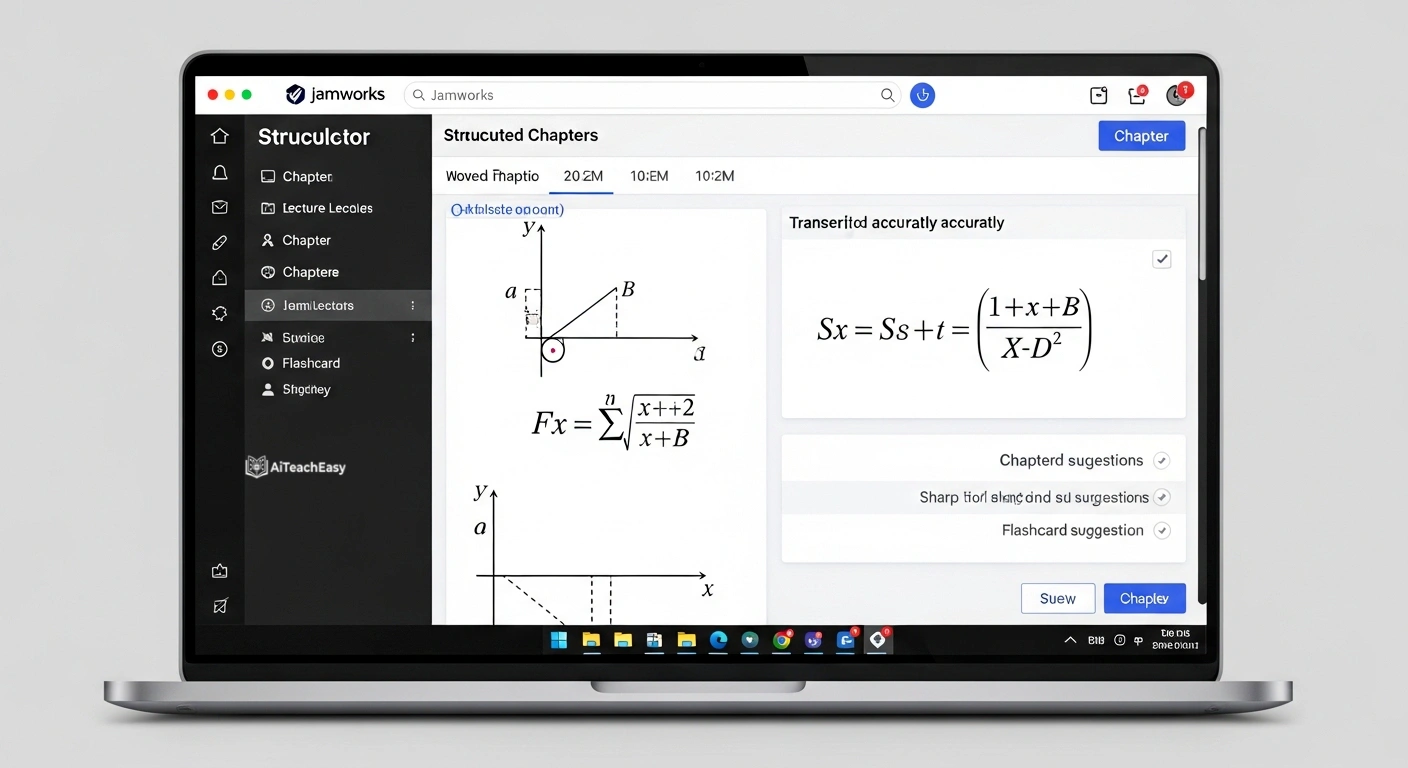
If you study mathematics, physics, chemistry, or engineering, you’ve probably noticed that standard transcription tools fail badly with technical content. They turn equations into gibberish and miss notation entirely.
Jamworks was built specifically for this. It’s engineered to capture and represent complex STEM content accurately — handling equations, formulas, and technical notation in a way no general-purpose tool comes close to.
Beyond accuracy, Jamworks structures lectures into chapters automatically. You can navigate directly to the segment where a specific theorem was proven rather than scrubbing through 90 minutes of recording. Each chapter can be reviewed as a video clip, audio highlight, or text summary — a flexibility that genuinely serves different learning styles.
The flashcard generation from STEM lecture content is also strong — particularly useful for memorizing formulas, definitions, and theorems.
For students in online STEM programs, combining Jamworks with the strategies in best AI tools for online exam preparation creates a complete workflow from lecture capture to exam practice.
Who should NOT use Jamworks:
- ❌ Students on tight budgets — no free plan, only a 14-day trial
- ❌ Students in arts, humanities, or social sciences where STEM-specific features aren’t needed
- ❌ Students who need offline access
Jamworks Pricing:
- 14-day free trial
- Pro: $14.99/month
⭐ Quick Verdict — Jamworks
| ⭐ Rating | 8.5/10 |
| 🎯 Best for | STEM students — math, physics, chemistry, engineering |
| ✅ Strengths | Equation capture, lecture chapters, flashcard generation |
| ⚠️ Avoid if | You’re not in STEM, on a tight budget, or need a free tier |
7. Aiko — Best Offline Transcription for Apple Users
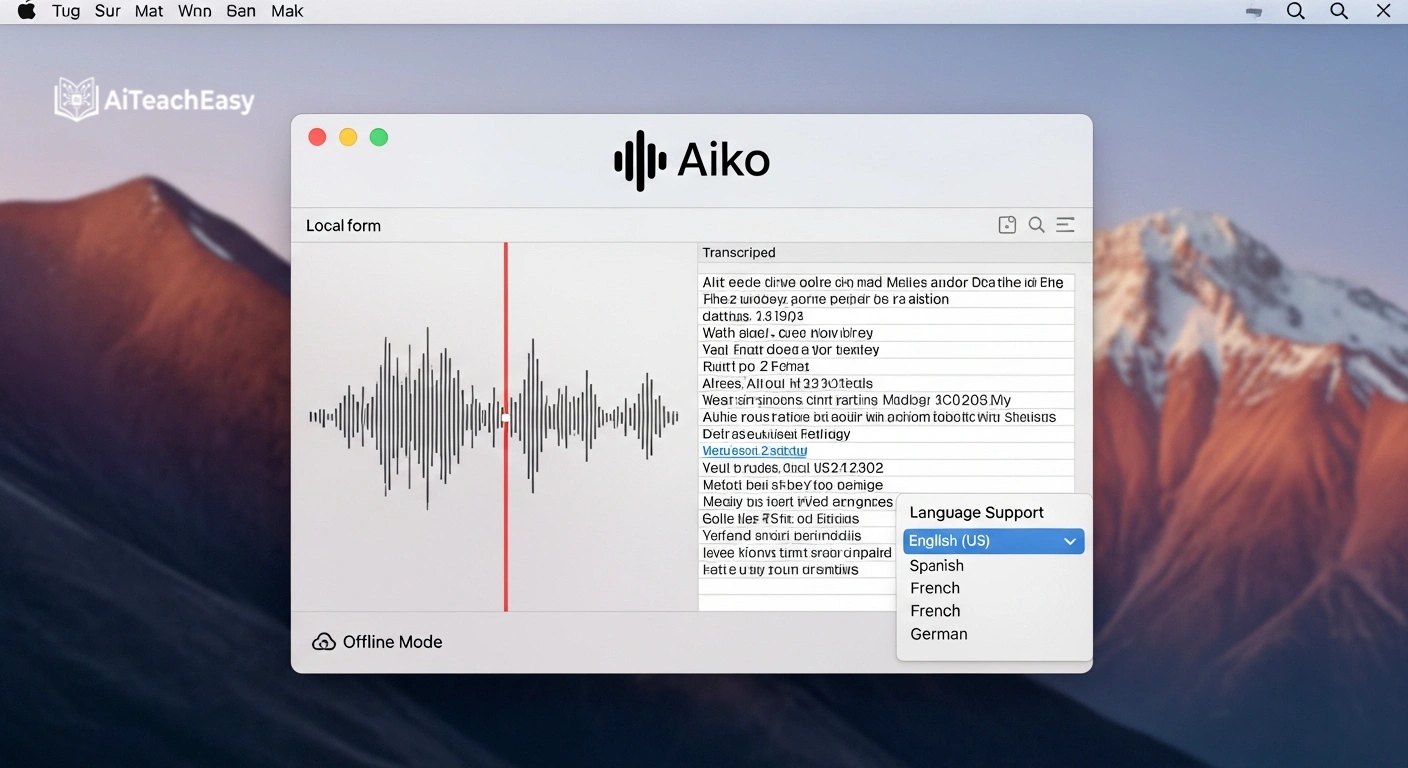
If you’re an Apple user who needs offline transcription — nothing sent to any server, no internet required — Aiko is the cleanest solution available anywhere.
Built on OpenAI’s Whisper model running entirely on-device, Aiko converts your audio to text locally. Your lecture recordings never leave your phone or Mac. For students in areas with unreliable internet, students studying in countries with strict data laws, or anyone recording sensitive seminars they don’t want on a cloud server, this matters enormously.
The accuracy is remarkable for on-device processing — genuinely competitive with cloud tools for standard speech. It supports 100+ languages and handles most common audio formats.
The one-time $22 payment model is also a significant advantage. No subscription, no monthly fee, no usage limits after purchase. Spread across a four-year degree, that’s essentially free.
Who should NOT use Aiko:
- ❌ Windows students — Apple only
- ❌ Students who need AI-organized summaries, flashcards, or study features — you get raw transcription text
- ❌ Students who want a live transcription experience during class
Aiko Pricing: $22 one-time payment (14-day free trial)
⭐ Quick Verdict — Aiko
| ⭐ Rating | 8/10 |
| 🎯 Best for | Privacy-conscious Apple users, offline students, one-time payment seekers |
| ✅ Strengths | Fully private, offline, 100+ languages, no subscription |
| ⚠️ Avoid if | You use Windows, need summaries/flashcards, or want live transcription |
8. PLAUD AI — Best for Completely Hands-Free Recording
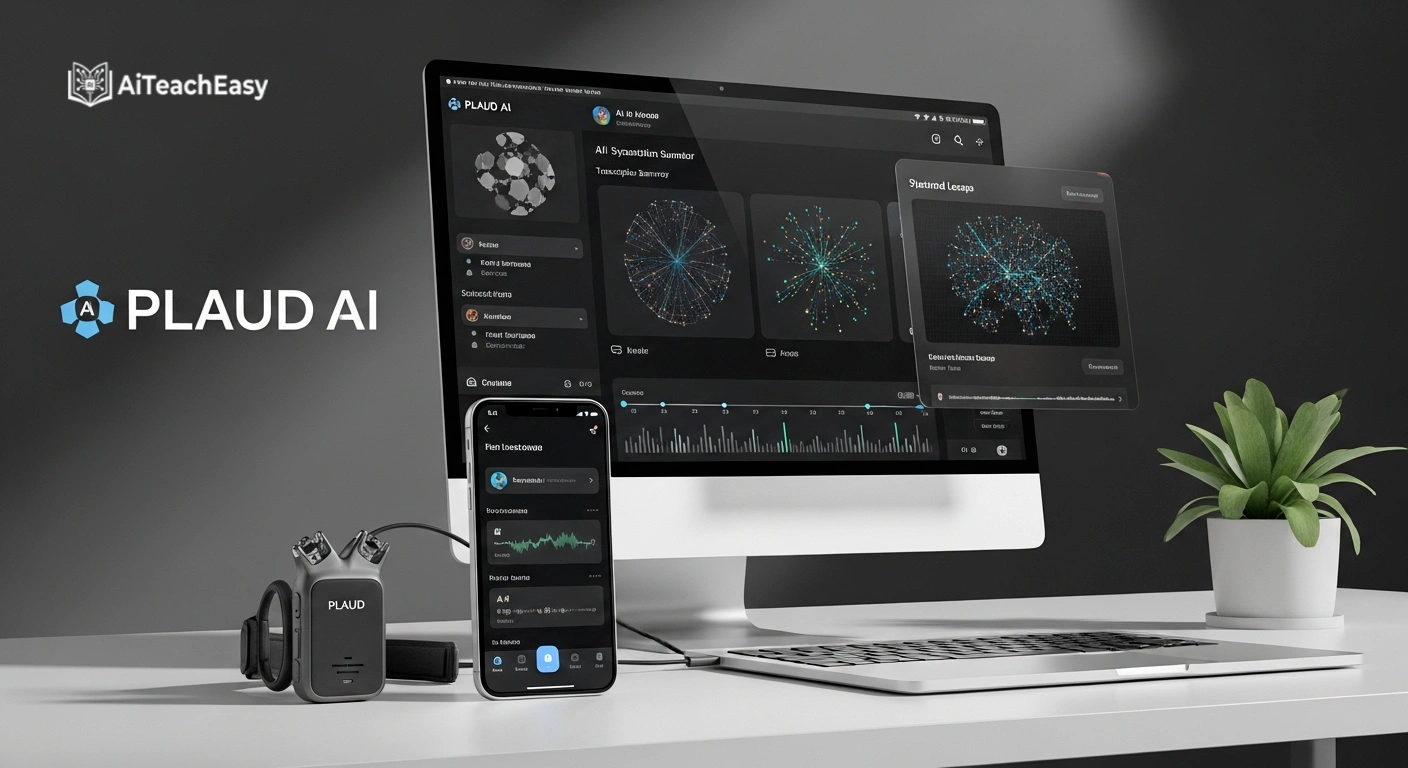
PLAUD AI approaches the note-taking problem from a completely different angle. Instead of software on your device, it’s a physical wearable — a slim card or pin you carry — that records audio at the press of a single button.
The appeal is pure simplicity: clip it on, press record, and forget about it. No fumbling with apps, no worrying about your phone battery dying mid-lecture, no screen in front of you during class. Just one button and a device doing its job quietly.
The audio syncs to the PLAUD app, which uses GPT-4o and Claude 3.5 Sonnet to transcribe, summarize, and organize recordings into searchable notes. Mind map generation from recordings is also available — useful for subjects with heavily interconnected concepts.
For students who attend back-to-back lectures all day and want to capture everything without managing multiple apps, this device-first approach has genuine, practical appeal.
Who should NOT use PLAUD AI:
- ❌ Students who can’t afford the $159 upfront device cost
- ❌ Students who want free or low-cost software solutions
- ❌ Students who want integrated flashcard or exam prep features
PLAUD AI Pricing:
- PLAUD Note: $159
- PLAUD NotePin: $159
⭐ Quick Verdict — PLAUD AI
| ⭐ Rating | 7.5/10 |
| 🎯 Best for | Students who want completely hands-free, device-based lecture recording |
| ✅ Strengths | Physical device simplicity, offline recording, no app management |
| ⚠️ Avoid if | Budget is tight, you want software-only, or need exam prep features |
9. Notta — Best for International and Multilingual Students
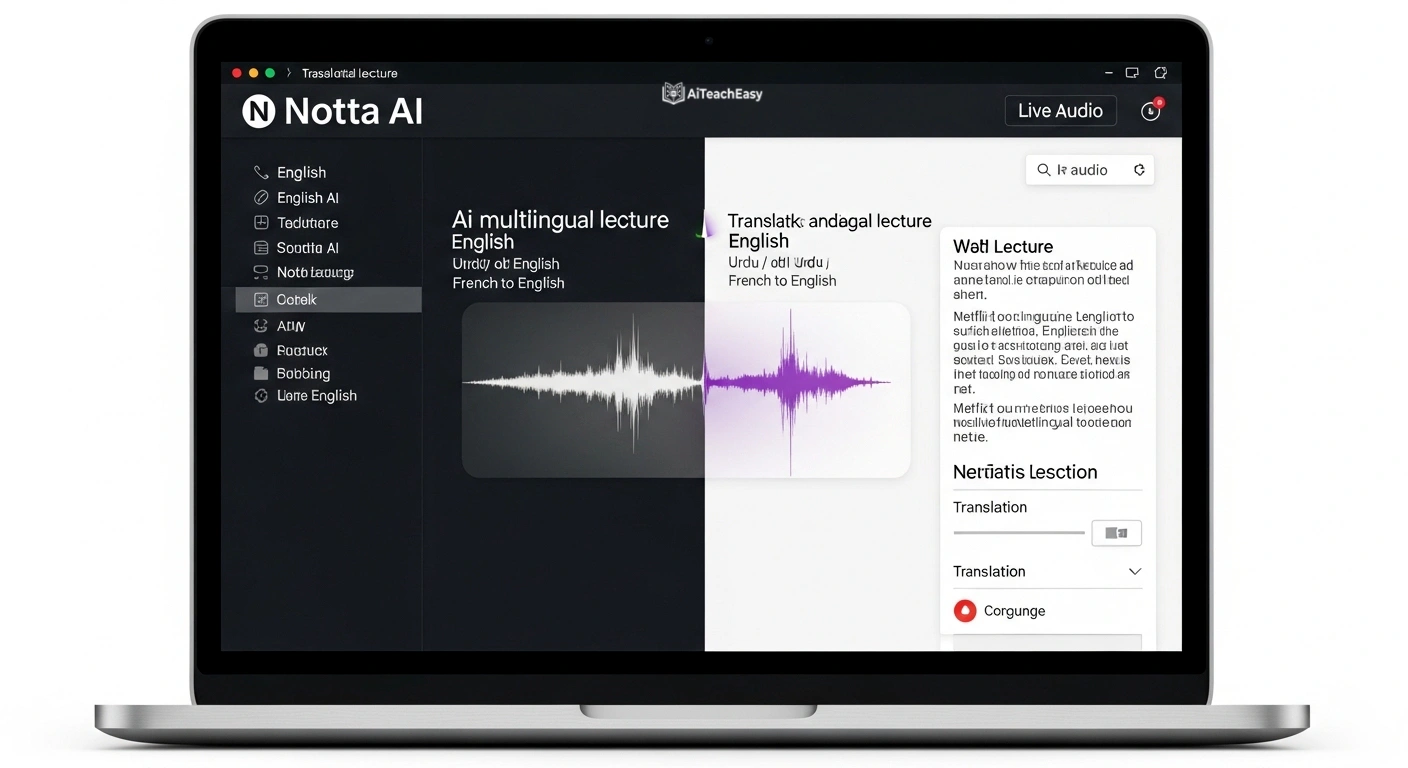
If you study in a language that isn’t your first, or attend universities where lectures happen in one language while you think in another, Notta is the tool built for exactly your situation.
Notta supports transcription in 104 languages with real-time translation built in. Record a lecture in French — have notes appear in English, Arabic, Urdu, or Mandarin simultaneously. For international students studying abroad or in programs where academic language doesn’t match their native one, this real-time translation capability can genuinely change how manageable the workload feels.
Beyond multilingual strength, Notta works across in-person recordings, uploaded audio files, YouTube videos, and live virtual meetings — making it one of the most versatile capture tools on this list.
Export options are generous: notes push to Notion, Google Docs, Word, and several other formats in one click.
Who should NOT use Notta:
- ❌ Students who only study in one language — multilingual strength isn’t a differentiator for you
- ❌ Students with heavy usage needs — 120 free minutes per month runs out very quickly
- ❌ Students who need flashcard generation or exam prep features
Notta Pricing:
- Free: 120 minutes/month
- Pro: $13.99/month
- Business: $27.99/month per user
⭐ Quick Verdict — Notta
| ⭐ Rating | 8/10 |
| 🎯 Best for | International students, multilingual learners, students studying in second language |
| ✅ Strengths | 104 languages, real-time translation, versatile file compatibility |
| ⚠️ Avoid if | You study in one language only, need generous free minutes, or want flashcards |
10. Zoom AI Companion — Best for Students Whose Classes Run on Zoom
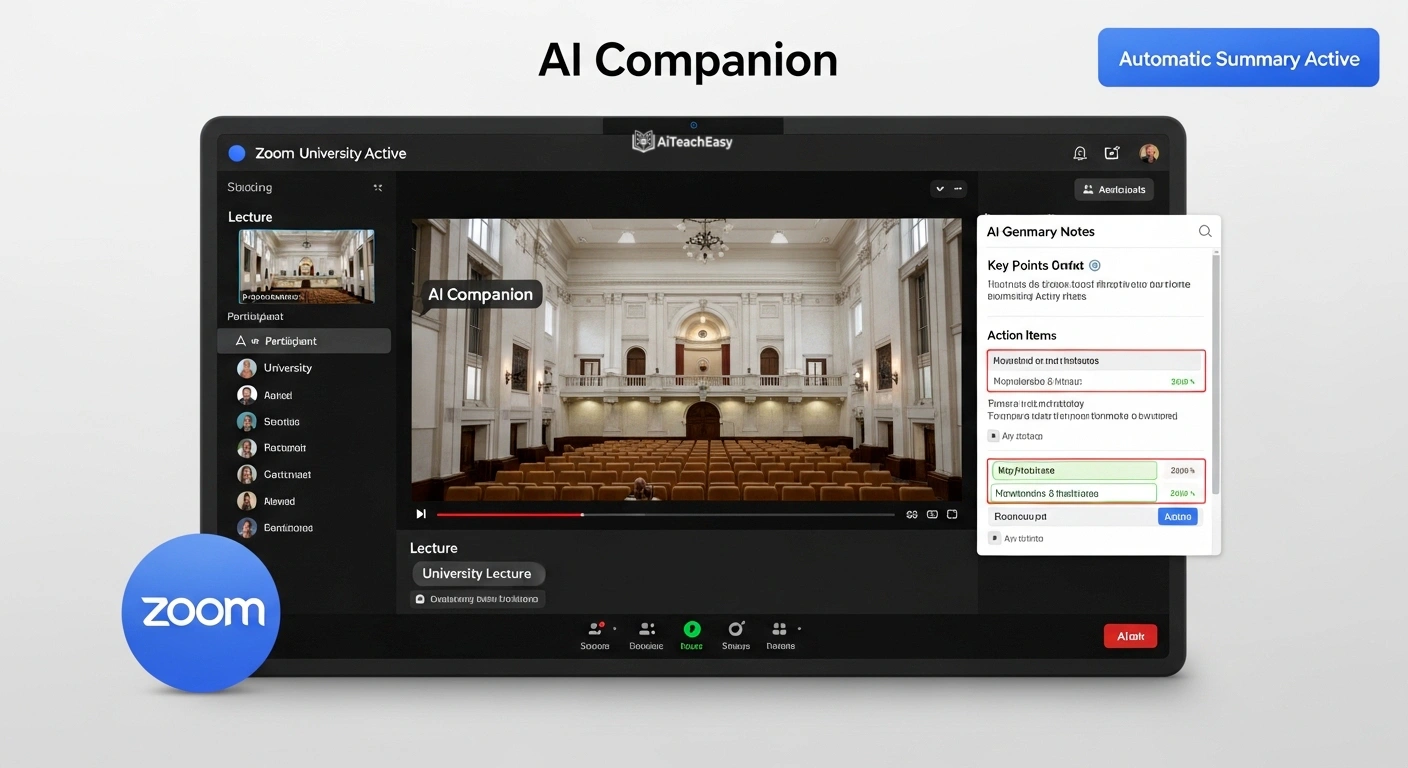
If your university or program runs primarily on Zoom, Zoom AI Companion deserves consideration simply because of its native, zero-friction integration.
It auto-generates summaries at the end of each class session, organizes recordings into smart chapters you can navigate by topic, detects and tracks assignments or deadlines mentioned during class, and lets you ask questions about a session’s content after it ends.
The core advantage is pure frictionlessness. Nothing extra to install. No setup before class. No compatibility questions. If you’re in a Zoom class, it’s already available.
Who should NOT use Zoom AI Companion:
- ❌ Students whose classes don’t use Zoom — it is completely Zoom-specific
- ❌ Students whose institutions haven’t purchased Zoom paid plans — you can’t activate it independently
- ❌ Students who need offline support or flashcard generation
Zoom AI Companion Pricing:
- School and Campus: $10/month per license
- School and Campus Plus: $15/month per license
- Enterprise: Custom pricing
⭐ Quick Verdict — Zoom AI Companion
| ⭐ Rating | 7/10 |
| 🎯 Best for | Students in fully online Zoom-based programs with institutional access |
| ✅ Strengths | Zero setup, native integration, automatic summaries and action items |
| ⚠️ Avoid if | Your classes aren’t on Zoom, you need offline support, or you’re on a free plan |
✅ vs ❌ — What to Look For and What to Avoid
Before you commit to any tool, here is the honest breakdown of what separates genuinely useful AI note takers from the ones that will waste your time:
❌ Tools that only give you a wall of raw transcript text ✅ Tools that organize notes into sections, headings, and summaries
Raw transcription alone is not a study aid. The structure is what makes notes actually useful for revision.
❌ Tools that send your audio to unknown third-party servers ✅ Tools that are transparent about data storage and privacy
Your lecture recordings contain your professor’s voice, potentially copyrighted material, and private class discussions. Check privacy policies before trusting any tool with that audio.
❌ “Free” plans that cut off after 10 minutes of recording ✅ Free plans that are genuinely usable for student workloads
Some tools use free plans purely as demos. The tools on this list have free tiers that are actually functional for real lecture loads.
❌ Tools optimized for business meetings, not student learning ✅ Tools that generate flashcards, practice questions, and exam-focused summaries
Your notes exist to help you pass exams — not to recap decisions from a sales call. Choose tools built with student outcomes in their design.
❌ Using an AI note taker passively — recording and never reviewing ✅ Using notes as active revision material with recall testing
Recording a lecture and never opening the notes is worse than useless — it gives you false confidence without any learning. The tool is only as good as how you use it afterward.
How to Build a Complete AI Note-Taking Workflow
The secret most “best tools” lists never tell you: the real power isn’t in any single tool — it’s in combining two or three of them into a consistent workflow.
Here is the student workflow I recommend. It costs as little as $0, covers the entire journey from raw lecture to exam-ready knowledge, and takes about 30 minutes of active effort per lecture:
Step 1 — Capture (during class): Use Otter.ai for live lectures. For recorded video classes, use Notta or upload the audio file to Knowt AI afterward.
Step 2 — Organize (within 2 hours): Paste your transcript into NotebookLM or Claude AI with: “Organize these notes into main topics, key definitions, and the most important points for an exam.”
Step 3 — Generate flashcards (same day): Import your organized notes into Knowt AI for automatic flashcard generation, or push them to Anki manually.
Step 4 — Review (every 48 hours): Spend 15–20 minutes on spaced repetition review of flashcards from recent lectures.
Step 5 — Synthesize (weekly before exams): Use NotebookLM to connect your notes with textbook chapters and past exam papers for comprehensive revision.
For the complete system that takes this workflow and extends it across every study phase — from understanding to exam production — my guide on how to build a complete AI study system step by step walks through it in full detail.
If you want to go deeper on using AI specifically for research and document analysis, how to use Claude AI for study and research is the most comprehensive guide I’ve written on that specific skill.
Are AI Note Takers Worth It in 2026?
This is a question I get asked constantly, and I want to give you an honest answer rather than a promotional one.
Yes — if you use them actively.
The students I’ve seen get transformational results from AI note takers share one thing in common: they treat the notes as a starting point for active engagement, not a finished product to passively consume. They use the transcription as raw material, then process it with AI, turn it into flashcards, test themselves on it, and build genuine understanding from it.
Used this way, AI note takers genuinely compress the time between “sitting in a lecture” and “exam-ready on that material” by a remarkable degree. The cognitive load of transcription is removed, organization is handled automatically, and revision materials are generated from the same session.
No — if you use them passively.
The students I’ve seen get no benefit from AI note takers also share something in common: they record everything, review nothing, and then open the notes for the first time the night before the exam. The AI did all the work. The human brain did none. No encoding happened. No retention occurred.
An AI note taker can capture a lecture perfectly. It cannot learn it for you.
The honest verdict: AI note takers are absolutely worth it in 2026 — but only as tools within a deliberate study system, not as a substitute for one.
Best Alternatives to Traditional AI Note-Taking (Hybrid Approaches)
Sometimes the best solution isn’t a dedicated note-taking app. Here are three hybrid alternatives worth knowing:
Manual notes + AI summary: Write your own rough notes during class (which aids encoding), then paste them into Claude AI or ChatGPT afterward for organization and gap-filling. Free, private, and cognitively engaged.
Voice recording + ChatGPT processing: Record your lecture on your phone’s native voice recorder, then upload the audio or transcript to ChatGPT for summarization and flashcard generation. Works offline during the class, uses AI only in post-processing.
YouTube transcript + NotebookLM: For recorded lectures posted on YouTube, copy the auto-generated transcript (found under every video’s “…” menu → Show Transcript), paste it into NotebookLM along with related textbook PDFs, and build a multi-source study resource in minutes. Completely free, no additional tools needed.
These hybrid approaches are especially useful for students who want to keep their tool count low while still getting the core benefits of AI-assisted note processing. For more creative and lesser-known AI study approaches, hidden AI tools students are using in 2026 covers several methods that most students still haven’t discovered.
A Note on Privacy: What Happens to Your Audio?
Almost no AI note-taker review takes this seriously. I want to.
When you record a lecture, you’re capturing your professor’s voice, the voices of classmates, and potentially copyrighted course materials. Before choosing any tool, ask these specific questions:
Where is my audio stored? Cloud-based tools store audio on servers. On-device tools like Aiko process everything locally — nothing leaves your device.
Is my audio used to train AI models? Many tools do this by default unless you opt out. Read the privacy policy before assuming otherwise.
Is the tool GDPR compliant? Relevant for students in the EU and UK — check before sharing recordings involving other people.
Does the tool delete audio after transcription? Some retain audio indefinitely. Others delete it immediately after processing, which is significantly safer.
If privacy is a priority for you, privacy-first AI tools for students covers tools specifically evaluated for their data handling practices.
Final Verdict: My Honest Recommendation for Each Type of Student
After testing more than 20 tools over several months, here’s where I land:
Zero budget: Start with NotebookLM. It’s completely free, research-grade quality, and handles everything from PDF analysis to multi-source synthesis. Nothing else at its price point (free) comes close.
Need live transcription: Otter.ai is still the best for real-time, live lecture notes. The free plan covers moderate use. The Pro plan is worth it if you’re in multiple lectures per day.
Exam-focused revision: Knowt AI gives you the complete loop — capture to flashcard to self-testing — at under $2 a month. For the price of a coffee, it’s the best exam-prep value on this list.
STEM subjects: Jamworks is worth $14.99/month given how badly every other tool handles equations and technical notation. For STEM students, this isn’t optional — it’s the only tool that actually works well for your subject.
Apple, privacy, offline: Aiko at $22 one-time is the cleanest, most private solution available. It pays for itself within two months compared to any subscription alternative.
Long-term knowledge building: Mem AI’s free second-brain approach, combined with Otter for live capture, is one of the most powerful long-term study systems you can build at zero cost.
Pick one. Use it consistently for three weeks. Then layer in a second tool once the first is a genuine daily habit.
That’s how you build a study system that actually compounds — and if you want the complete blueprint, how students can use ChatGPT for study and best free AI homework helper tools together cover every angle of AI-powered student workflows.
Frequently Asked Questions
Q1: Are AI note takers allowed in university lectures?
Most universities allow AI note takers for personal learning use — they’re functionally similar to a voice recorder, which has been standard practice for decades. However, policies vary by institution and professor. Some lectures contain sensitive discussions or copyrighted content where recording restrictions apply. Always check your institution’s academic integrity policy and ask your professor directly when in doubt, especially before recording seminars with other students.
Q2: Which is the genuinely best free AI note taker for students right now?
NotebookLM is the best completely free option with no meaningful limitations for standard student use. For live transcription specifically, Otter.ai’s free plan (300 minutes/month) covers moderate lecture loads. If you’re an Apple user, Aiko’s 14-day unlimited trial is worth starting with before deciding whether to pay the one-time fee.
Q3: Can AI note takers handle technical subjects like medicine, law, or engineering?
Yes, but with significant variation. General-purpose tools struggle with heavy jargon. For medicine, adding custom vocabulary to Otter helps. Jamworks is purpose-built for STEM. For medical students specifically, best AI study tools for medical students covers tools designed for the medical curriculum’s unique combination of volume and technical depth.
Q4: What is the best AI note taker that works completely offline?
Aiko (Apple only) is the gold standard for offline transcription — nothing ever leaves your device. PLAUD AI’s physical device also records offline. Mem AI stores notes locally with offline access and syncs when reconnected. For students with genuinely unreliable connectivity, browser-based AI tools for students covers lightweight options with minimal bandwidth requirements.
Q5: Do AI note takers make students lazier in class?
Only if you let them. Research on learning consistently shows that active attention, real-time sense-making, and genuine engagement with a lecturer produces deeper knowledge encoding than passive recording. The best use of AI note takers is to free you to listen more actively — not to give you permission to check your phone during lectures. Your notes are a revision resource, not a substitute for presence.
Q6: Can I use these tools for recorded lectures and YouTube videos?
Yes. Otter, NotebookLM, Notta, and Knowt all handle uploaded audio and video files. NotebookLM directly accepts YouTube links without any download needed. For students whose entire curriculum runs on recorded lectures, this flexibility makes these tools just as powerful as for live capture.
Q7: Which AI note taker is best for international students studying in a second language?
Notta is the strongest option with 104 languages and real-time translation. You can record in the lecture language and have your notes appear in your native language simultaneously. For students navigating both academic workload and language barriers simultaneously, this capability is genuinely significant.
About the Author
Prof. Irfan is an educator, AI integration specialist, and founder of AITeachEasy.com — a platform dedicated to helping students and teachers across Pakistan and internationally use artificial intelligence to learn smarter and teach better. He tests AI tools personally in real educational environments and writes from direct experience, not marketing copy. His guides are built on the principle that practical, honest advice is more valuable than comprehensive feature lists.
Follow his complete library of guides, tool reviews, and AI learning strategies at AITeachEasy.com.
Found this useful? Share it with a classmate who’s still taking notes the hard way — they’ll thank you before the next exam.