
7 Best AI Tools Students Are Using in 2026 (Save 10+ Study Hours Weekly)
By Prof. Irfan | April 11, 2026 | 14 min read Primary Keyword: hidden AI tools for students 2026 URL Slug: /hidden-ai-tools-for-students-2026

Table of Contents
What Are Hidden AI Tools for Students?
Hidden AI tools for students are AI-powered applications that most students have never heard of — but that quietly outperform popular tools like ChatGPT for specific academic tasks like research, note-taking, literature reviews, and exam preparation.
Unlike mainstream tools, these are purpose-built. They do one or two things exceptionally well, and that narrow focus is exactly what makes them powerful for academic work.
The short answer: If ChatGPT is a Swiss Army knife, hidden AI tools for students are scalpels — and in academic work, precision beats general purpose every single time.
Why Most Students Are Using the Wrong AI Tools
I’ve been teaching for over a decade. I’ve watched students burn out over research papers, pull all-nighters before exams, and struggle with assignments that the right hidden AI tool could help them crack in twenty minutes flat.
Here’s what frustrates me: every student I talk to knows ChatGPT. Maybe Grammarly. That’s their entire AI toolkit — and honestly, they are leaving an enormous amount of value on the table.
I’ve spent the last several months personally testing dozens of tools. Not for fun — because my students kept asking: “Sir, are there hidden AI tools for students that actually help with studying, not just writing essays?”
The answer is yes. Seven of them. None of them are ChatGPT.
If you want a broader overview before diving in, I’ve already covered how students can use ChatGPT for study and the best ChatGPT alternatives for students — read those first if you’re newer to AI study tools. This post goes deeper into the hidden AI tools for students that most people haven’t discovered yet.
Which AI Tool Is Best for Studying in 2026?
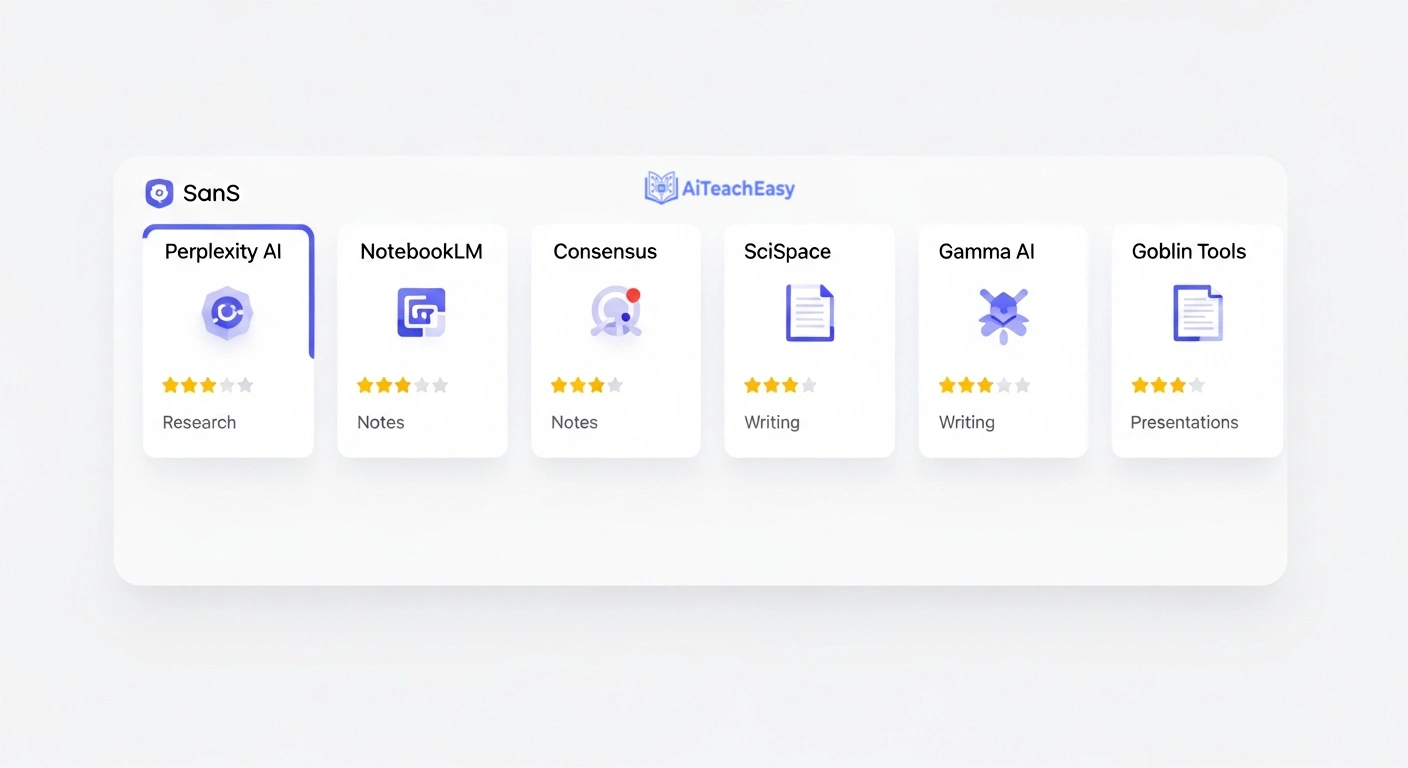
Based on my personal testing, NotebookLM is the single best hidden AI tool for studying your own material, while Perplexity AI wins for research and finding sources. The best results come from using a small stack of two or three tools — each assigned to a specific task — rather than forcing one tool to do everything.
Here’s the full breakdown before we go deep on each:
| Tool | Best For | Free Plan? | Difficulty | Replaces |
|---|---|---|---|---|
| Perplexity AI | Research with real citations | ✅ Yes | Easy | Google Search |
| NotebookLM | Studying your own notes & PDFs | ✅ Yes | Easy | Re-reading + highlighting |
| Consensus | Finding peer-reviewed evidence fast | ✅ Limited | Easy | Google Scholar hunting |
| Elicit | Literature reviews | ✅ Limited | Medium | Hours of paper skimming |
| Goblin Tools | Breaking down overwhelming tasks | ✅ Yes | Easy | Procrastination spiral |
| SciSpace | Reading & understanding papers | ✅ Yes | Easy | Dense academic jargon |
| Gamma AI | Presentations from notes | ✅ Limited | Easy | Hours on PowerPoint |
1. Perplexity AI — Hidden AI Tool for Student Research That Replaces Google (2026)
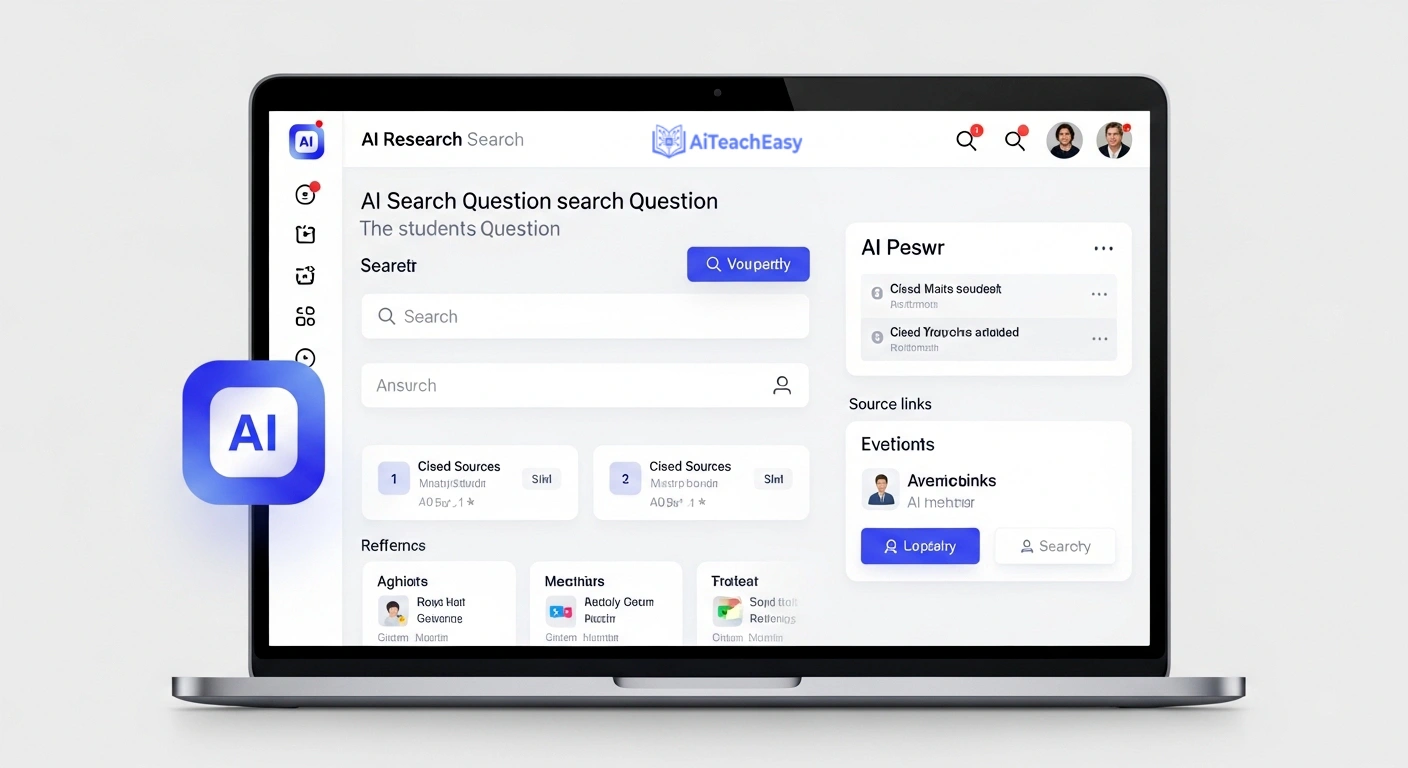
Website: perplexity.ai
I’ll be direct — I use Perplexity AI more than Google now. And I’ve been a Google user since 2004.
Perplexity AI is an AI-powered search engine that doesn’t just show you links. It reads those links, synthesizes the information, and gives you a clear answer with cited, numbered sources directly in the response. Every claim is verifiable. You can click through and confirm anything it tells you.
Perplexity AI is the first hidden AI tool for students I recommend to anyone who complains about fake ChatGPT citations. Perplexity AI doesn’t hallucinate sources. It finds real ones, reads them, and attributes them accurately. For students writing research-backed assignments, that difference is enormous.
The first time one of my students used Perplexity AI for a research paper introduction, she came back and said: “Sir, I found more relevant sources in 10 minutes than I did in 3 hours on Google.” That’s not an exaggeration. That’s what a purpose-built research tool feels like compared to a general-purpose chatbot.
If you’re also preparing for tests using research-backed material, pair Perplexity AI with the best AI tools for exam preparation I’ve reviewed separately — that combination is genuinely powerful for high-pressure academic periods.
How to Use Perplexity AI (Hidden AI Tools Students Are Using) — Step by Step
- Go to perplexity.ai and create a free account
- Type your research question in plain language — e.g., “What is the impact of social media on adolescent mental health?”
- Switch to Academic mode in the left panel for peer-reviewed sources only
- Review the AI-generated answer and scroll down to check all cited sources
- Click any source number to open the original article and verify the claim
- Copy the source links and build your references list from verified papers
- Use follow-up questions: “What does the opposing research say?” — Perplexity AI will source counterarguments too, which strengthens academic writing significantly
Perplexity AI vs. ChatGPT for Student Research
| Feature | Perplexity AI | ChatGPT |
|---|---|---|
| Real-time web search | ✅ Always | ⚠️ Paid only |
| Cites sources automatically | ✅ Yes | ❌ Often fabricates them |
| Free plan quality | ✅ Excellent | ⚠️ Limited (GPT-3.5) |
| Academic mode available | ✅ Yes | ❌ No |
| Best for research | ✅ Yes | ❌ Not recommended |
| Conversational follow-ups | ✅ Yes | ✅ Yes |
Free plan: Yes, and it’s genuinely excellent. There’s also a 50% student discount on the Pro plan.
2. NotebookLM — Hidden AI Tool for Students Who Want to Study Smarter (2026)
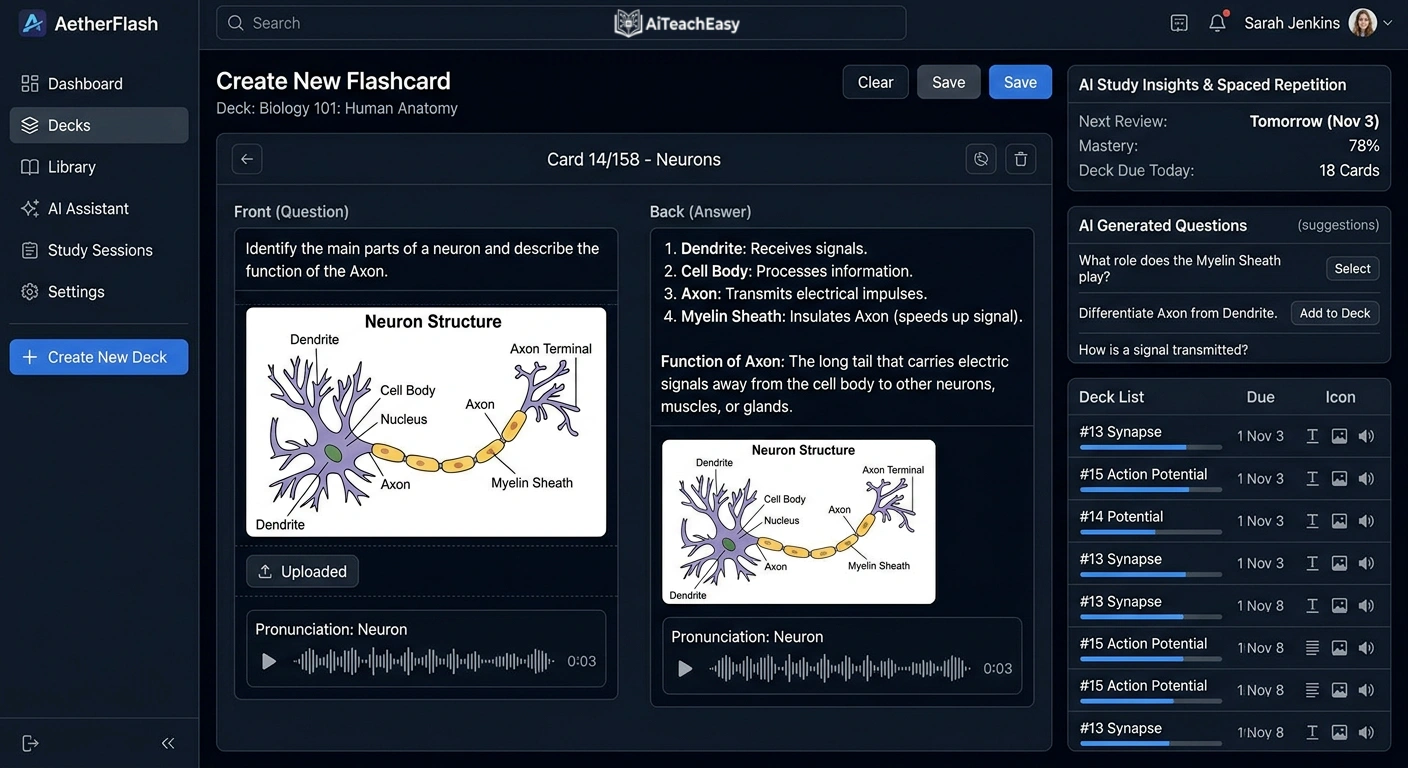
Website: notebooklm.google.com
NotebookLM genuinely surprised me. I uploaded a 200-page textbook PDF, three sets of my own lecture notes, and a research paper. NotebookLM read all of it — and then I could ask it questions about the combined content, with answers grounded entirely in my uploaded material.
It’s like having a study partner who has actually read everything you gave them and remembers it perfectly. Except this study partner never gets tired, never misremembers, and never goes off-topic.
What makes NotebookLM fundamentally different from asking ChatGPT? It only uses your documents. It doesn’t pull from the internet. It doesn’t hallucinate outside sources. Everything it tells you comes directly from the material you uploaded — which means for exam revision, NotebookLM is an almost unfair advantage over re-reading alone.
Students who want to go further with AI note-taking should also look at my roundup of the best free AI note takers — several of those pair beautifully with NotebookLM in a complete study workflow.
The Audio Overview feature inside NotebookLM is something I didn’t expect to love. It converts your notes into a podcast-style conversation between two AI hosts discussing your material. That sounds strange. But students who commute are now revising on the bus without looking at their phones. It works.
How to Use NotebookLM (Hidden AI Tool for Students) — Step by Step
- Go to notebooklm.google.com — sign in with any Google account
- Create a New Notebook and name it by subject or topic
- Upload your lecture slides, PDF textbooks, or typed notes — multiple files work simultaneously
- Wait 60–90 seconds for NotebookLM to process all uploaded documents
- In the chat panel, ask specific questions: “Summarize the three main theories in Chapter 4”
- Ask it to quiz you: “Give me 10 exam-style questions based on my uploaded notes”
- Generate an Audio Overview for passive revision during commutes or breaks
- Pin key answers as Notebook Guide entries for quick reference before the exam
NotebookLM vs. Traditional Study Methods
| Method | Time per Chapter | Retention Aid | Source Accuracy |
|---|---|---|---|
| Re-reading notes | 45–90 min | Low | Depends on you |
| Highlighting + summaries | 30–60 min | Medium | Depends on you |
| NotebookLM Q&A | 10–15 min | High | 100% your source |
| NotebookLM Audio Revision | Passive (commute) | Medium–High | 100% your source |
Free plan: Completely free. No credit limits, no payment required. This is the most generous free tier of any hidden AI tool for students on this list.
3. Consensus — Hidden AI Tool for Students Who Need Real Academic Evidence (2026)
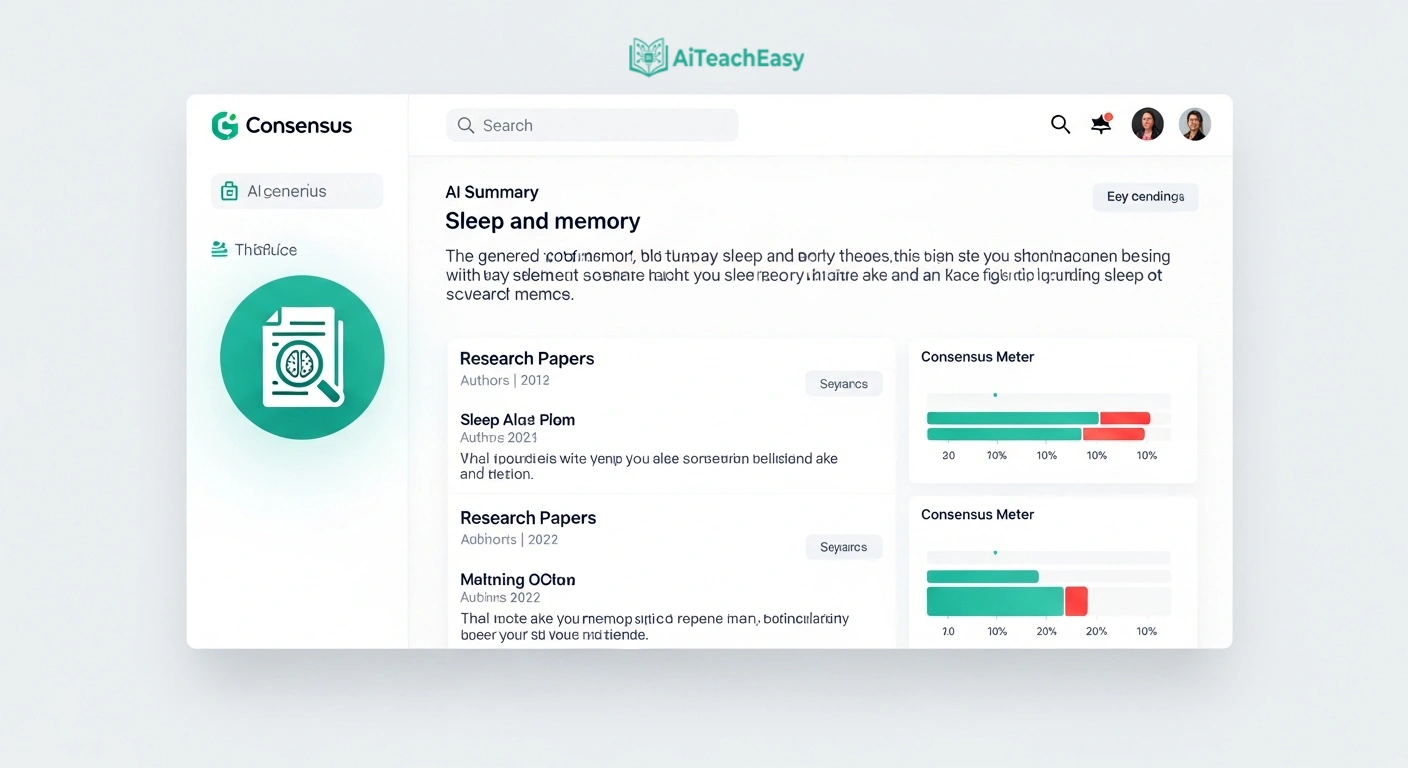
Website: consensus.app
Most students search for evidence online and end up on random blogs, Wikipedia, or sites that look academic but aren’t peer-reviewed. Consensus eliminates this problem at the root.
Consensus is an AI search engine that only indexes peer-reviewed research papers. You type a question — “Does sleep deprivation affect memory consolidation?” — and Consensus synthesizes an answer pulled exclusively from published studies. It cites the papers, notes their methodology, and displays a consensus meter showing whether the evidence broadly agrees or remains mixed.
I had a student last semester who built his entire literature review introduction using Consensus as the starting point. His supervisor commented that the source quality was noticeably stronger than his previous submissions. He didn’t explain why. Smart student.
For medical students especially, Consensus is a serious upgrade over generic search — I’ve covered the best AI study tools for medical students in more depth if that’s your field, and Consensus features prominently there for exactly this reason.
How to Use Consensus (Hidden AI Tool for Students) — Step by Step
- Go to consensus.app and create a free account
- Type your research question as a full sentence — specificity improves results significantly
- Review the Consensus Meter — it shows whether studies broadly agree, disagree, or are mixed
- Browse the paper list and click any result to read the abstract and key findings
- Use the Synthesize feature to get a paragraph summarizing what the research collectively says
- Export citations directly in APA, MLA, or Chicago format for your bibliography
Consensus vs. Google Scholar for Students
| Feature | Consensus | Google Scholar |
|---|---|---|
| AI-synthesized answer | ✅ Yes | ❌ No |
| Consensus meter across studies | ✅ Yes | ❌ No |
| Plain-language summaries | ✅ Yes | ❌ No |
| Citation export | ✅ Yes | ✅ Yes |
| Time to find relevant evidence | 5–10 min | 30–60 min |
Free plan: Limited searches per month — more than enough for most students to complete a full assignment.
4. Elicit — Hidden AI Tool for Students Writing Literature Reviews (2026)
Website: elicit.com
Literature reviews are the bane of every postgraduate student’s life. Elicit was built specifically to make them survivable.
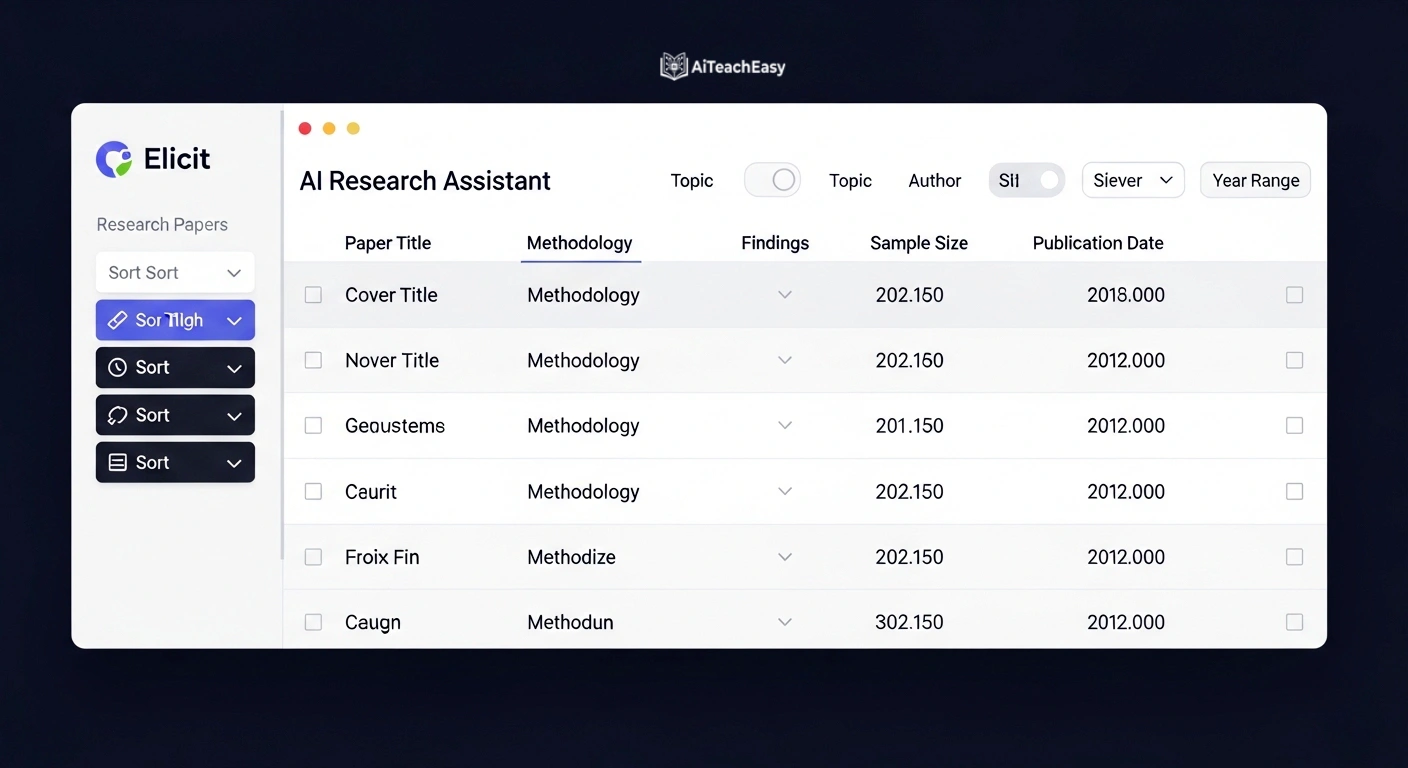
You enter a research question. Elicit searches millions of academic papers and returns the most relevant ones — already organized by methodology, findings, sample size, and relevance to your query. It extracts key information from each paper into a structured comparison table so you can evaluate studies side by side without reading each one cover to cover first.
To be clear: Elicit doesn’t replace reading papers. You still need to read the ones that matter. What Elicit removes is the bottleneck of figuring out which ones matter — and that bottleneck used to cost students days, sometimes weeks.
One of my PhD students cut his initial literature scan from three weeks to four days using Elicit. He spent the time saved going deeper into the twenty most relevant papers rather than skimming two hundred mediocre ones.
How to Use Elicit (Hidden AI Tool for Students) — Step by Step
- Go to elicit.com and sign up for a free account
- Enter your research question — the more specific, the better the results Elicit returns
- Review returned papers sorted by relevance to your question
- Select columns to extract: methodology, sample size, key findings, limitations
- Use the Summary tab to get a synthesized paragraph across all returned results
- Star the most relevant papers and export them with full citations included
- Use those starred papers as your reading list — already in priority order
Elicit vs. Manual Literature Review
| Task | Manual Method | With Elicit |
|---|---|---|
| Finding 50 relevant papers | 8–15 hours | 20–40 minutes |
| Extracting key findings | 2–4 hours | Automatic table |
| Comparing methodologies | Manual notes | Side-by-side columns |
| Identifying research gaps | Weeks | Hours |
Free plan: Limited searches — enough to complete one solid literature review section per month.
5. Goblin Tools — Hidden AI Tool for Students Who Feel Overwhelmed (2026)
Website: goblin.tools
This one is personal for me to recommend — because I’ve watched many students silently struggle with executive function: the ability to start tasks, break them down, and follow through. It’s far more common than most educators acknowledge, and most AI tools do absolutely nothing to address it.
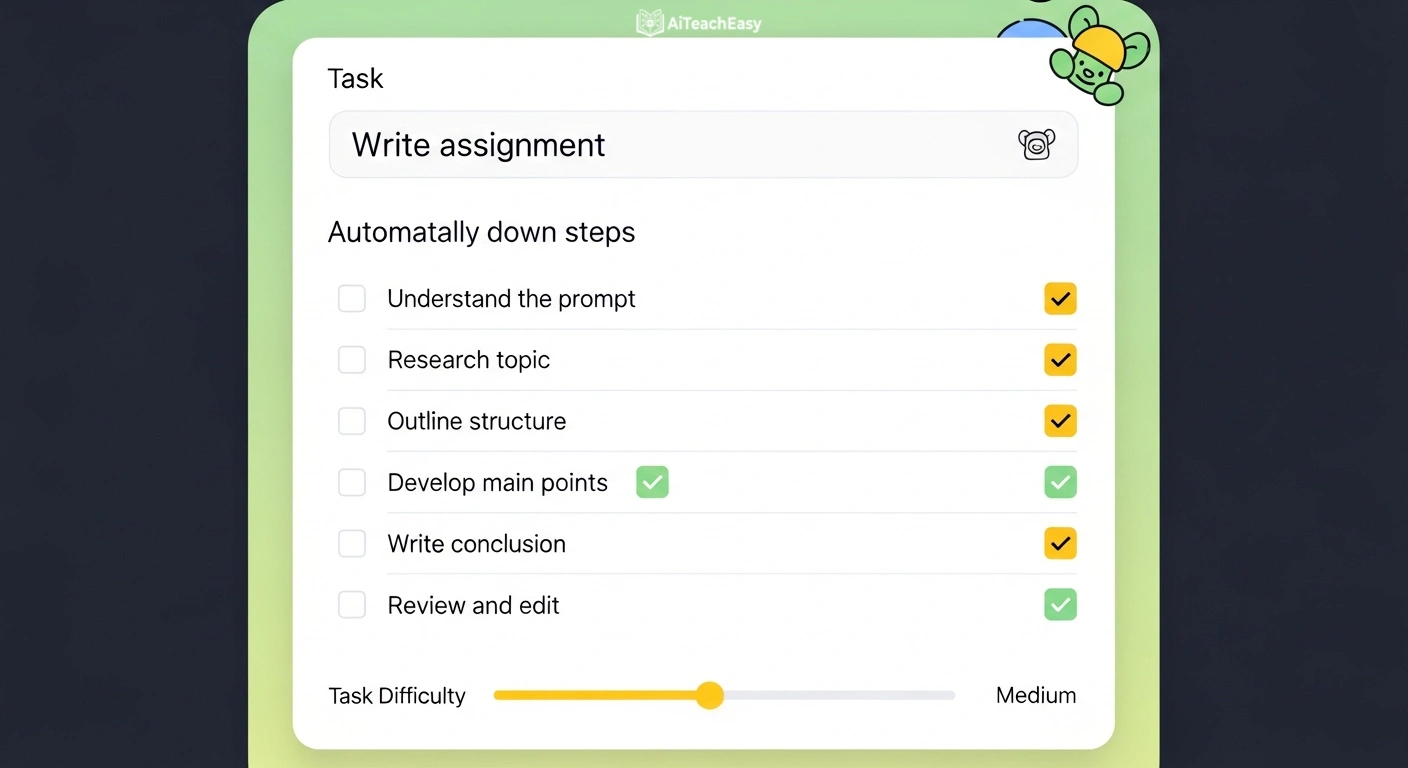
Goblin Tools was originally built for neurodivergent people, but I recommend it to every student I teach. The core feature — Magic ToDo — lets you type any task, however vague, and breaks it into specific, small, actionable steps. You control how granular the breakdown gets with a simple spiciness dial.
“Write my psychology assignment” becomes: open your notes, identify the three core theories covered, write one paragraph per theory, find one supporting source for each, write the introduction last. Suddenly it isn’t a mountain. It’s a checklist. That psychological shift is more powerful than it sounds.
For students who struggle with getting started, Goblin Tools pairs well with the best free AI homework helper tools for students I’ve reviewed — together they handle both the planning and the execution sides of getting academic work done on time.
There’s also a tone detector (useful for checking if an email to a professor sounds too aggressive), an email rewriter, and a task timer built in. But Magic ToDo inside Goblin Tools alone is worth bookmarking right now.
How to Use Goblin Tools (Hidden AI Tool for Students) — Step by Step
- Go to goblin.tools — no account or signup required
- Click Magic ToDo from the homepage
- Type your overwhelming task in one sentence — “Prepare for my history presentation next week”
- Adjust the spiciness dial to control how granular the step breakdown gets
- Review the generated step list — each step should feel completable in under 30 minutes
- Check off steps as you complete them — visual progress builds momentum
- If any single step still feels too large, paste it back in and break it down again
Free plan: Completely free. No account needed. The most frictionless hidden AI tool for students on this entire list.
6. SciSpace — Hidden AI Tool for Students Reading Research Papers (2026)
Website: scispace.com
I have a confession. Even I find dense methodology sections difficult to parse on first read. If that’s true for a professor, I can imagine what an undergraduate feels opening their first peer-reviewed journal article without any guidance.
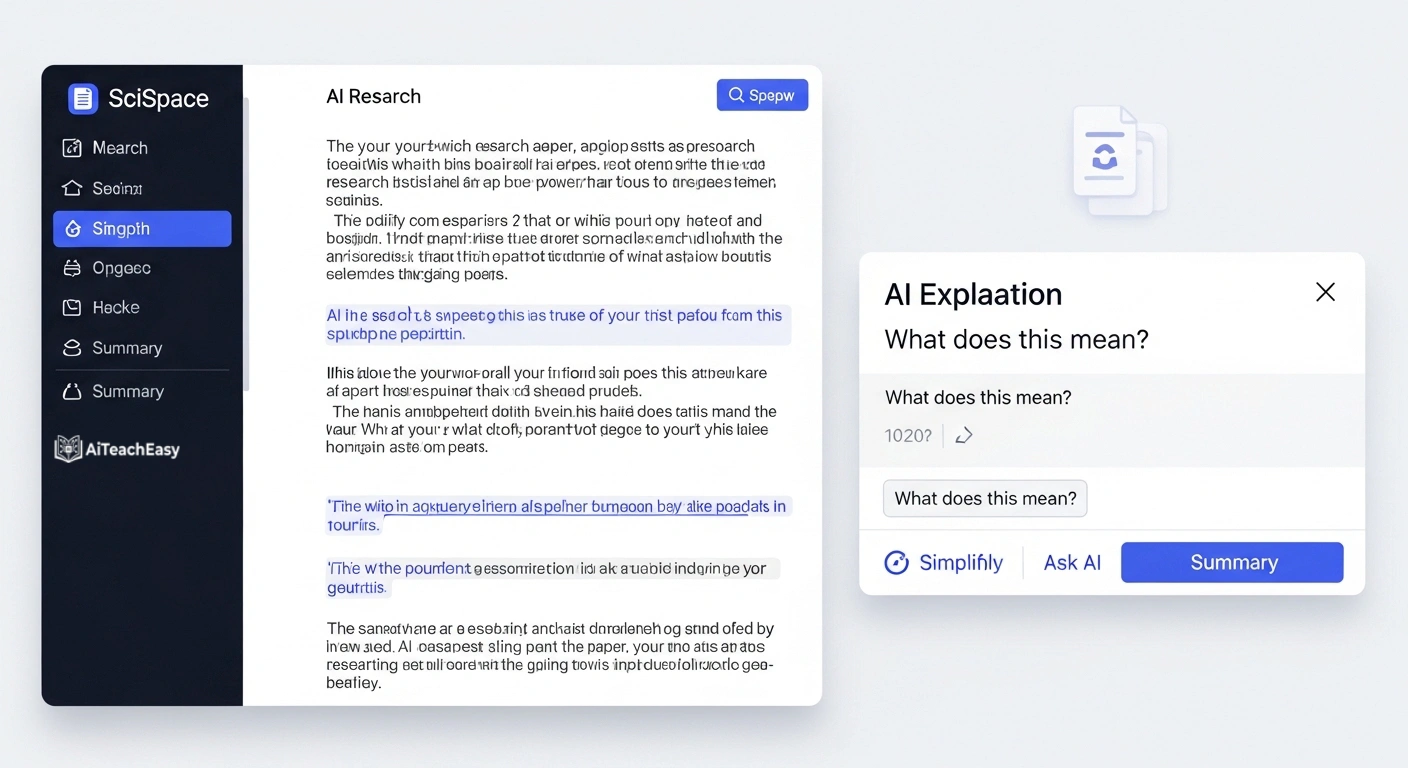
SciSpace is an AI tool that sits alongside any research paper and lets you ask questions about it in real time. You highlight a confusing sentence and ask “what does this mean?” You ask “what is the significance of this finding?” You ask “what are the limitations of this study?” SciSpace answers in plain English, using the paper itself as context — not the internet in general, not its training data. The actual paper.
The browser extension for SciSpace is particularly powerful — it works on PDFs directly from journal websites, so you don’t download or upload anything. It’s just there, next to the paper, ready to explain whatever you’re stuck on.
Students preparing for exams who need to cover dense reading material quickly should also look at the best AI tools for online exam preparation — SciSpace fits naturally into that kind of intensive study period when you need to move through papers fast without missing key findings.
How to Use SciSpace (Hidden AI Tool for Students) — Step by Step
- Go to scispace.com and create a free account
- Install the SciSpace browser extension for Chrome or Firefox
- Open any research paper PDF in your browser — from a journal, ResearchGate, or university database
- The SciSpace panel opens automatically on the right side of the page
- Highlight any sentence or paragraph you find confusing
- Click Ask AI and type your specific question about the highlighted text
- Read the plain-language explanation — then continue to the next section
- Use the Summary tab to get key takeaways from the whole paper before reading in full
SciSpace vs. Reading a Paper Alone
| Experience | Reading Alone | With SciSpace |
|---|---|---|
| Understanding jargon | Dictionary + Google | Instant in-context answer |
| Grasping methodology | Re-read 3–5 times | One question, plain answer |
| Identifying key findings | Manual highlighting | Automated summary |
| Average time per paper | 45–90 minutes | 20–35 minutes |
Free plan: Yes, with a generous free tier that covers the majority of students’ reading needs.
7. Gamma AI — Hidden AI Tool for Students Who Hate Making Presentations (2026)
Website: gamma.app
I saved this one for last because the reaction I get when I show Gamma AI to students is always the most dramatic.
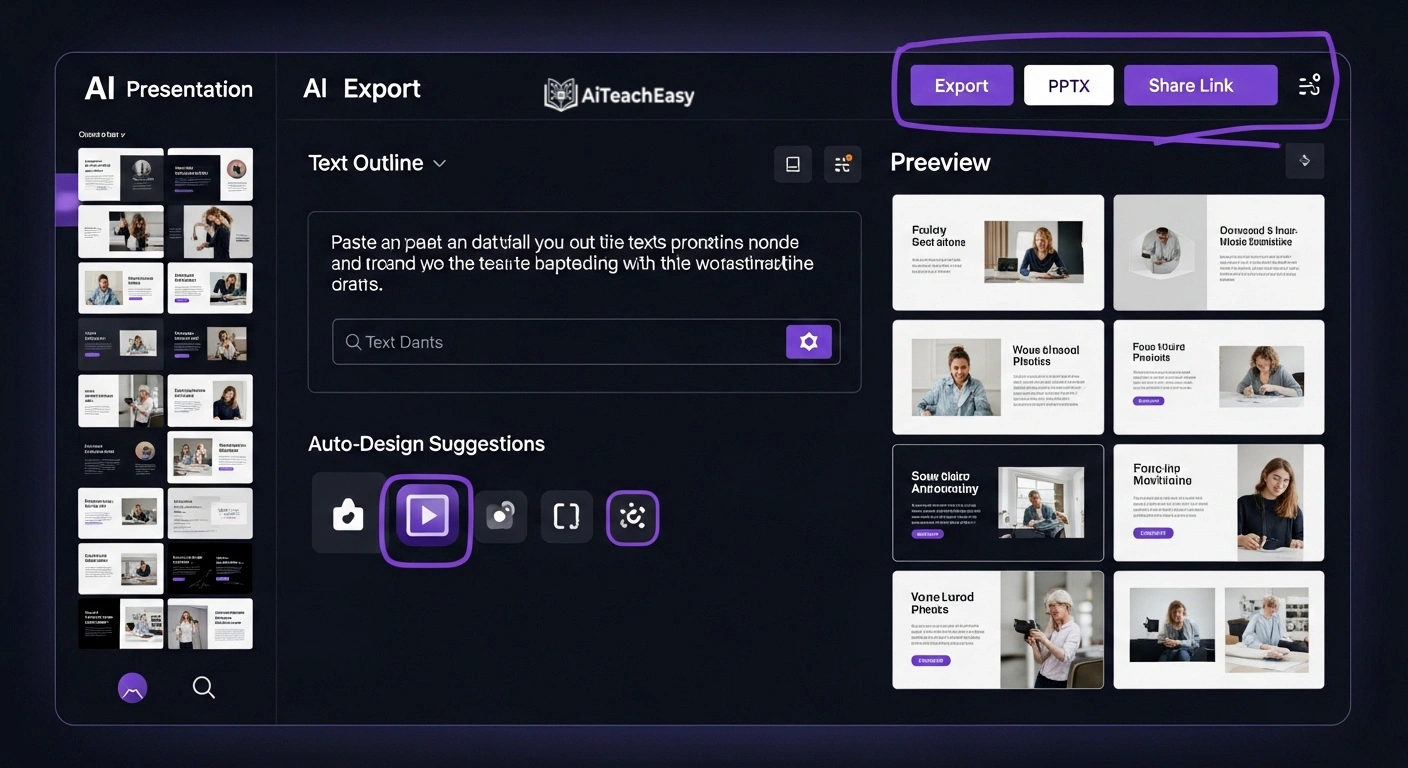
You paste in your essay, your bullet points, or even just a topic title — and Gamma AI builds a complete, professionally designed presentation. Not a blank template. An actual deck, with structured slides, visual layouts, content pulled from your input, and design choices that would take an hour in PowerPoint to replicate manually.
I’m not suggesting students use Gamma AI to avoid learning presentation skills. But for the fifth group project this semester, or the week three deadlines collide at once, Gamma AI means the deck doesn’t take four hours anymore. It takes twenty minutes. You spend the rest of that time preparing what you’re going to say — which is the part that actually determines your grade.
For teachers or students who want to go further with AI-built slides, I’ve written about AI lecture slide creators and AI teaching presentation tools in detail — both expand on what Gamma AI does and where alternatives might serve you better depending on your specific needs.
How to Use Gamma AI (Hidden AI Tool for Students) — Step by Step
- Go to gamma.app and sign up for a free account
- Click Create New and choose Generate with AI
- Paste in your essay, notes, or type a topic title — be specific about scope and audience
- Choose your preferred visual theme and number of slides
- Review the Gamma AI-generated deck — every single slide is fully editable
- Customize key slides: adjust wording, swap images, reorder sections as needed
- Export as PDF or PowerPoint, or present directly from Gamma AI in the browser
Gamma AI vs. Building Slides Manually
| Task | Manual (PowerPoint) | With Gamma AI |
|---|---|---|
| Initial structure and layout | 30–60 min | 2–3 minutes |
| Design and formatting | 45–90 min | Automatic |
| Content from your notes | Manual copy-paste | AI-generated |
| Total time for a 10-slide deck | 2–4 hours | 15–25 minutes |
Free plan: Limited credits per month — enough to evaluate it properly and complete one or two full presentations.
My Recommended Hidden AI Tool Stack for Students (By Task)
| What You’re Doing | Best Hidden AI Tool | Second Choice |
|---|---|---|
| Researching a topic | Perplexity AI | Consensus |
| Studying your own notes | NotebookLM | SciSpace |
| Finding academic evidence | Consensus | Elicit |
| Literature review | Elicit | Consensus |
| Feeling overwhelmed | Goblin Tools | — |
| Reading a research paper | SciSpace | NotebookLM |
| Building a presentation | Gamma AI | — |
| General writing assistance | Claude / ChatGPT | — |
| Memorizing content fast | NotebookLM quizzes | See best AI tools for memorization |
| Special needs or accessibility | Goblin Tools | See AI tools for special needs students |
Are These Hidden AI Tools Ethical to Use?

This is the question I get every time I discuss AI with students, and it deserves a direct answer rather than a vague disclaimer.
Using AI to help you understand, organize, research, and structure your work is not cheating. It is a study skill — exactly the same way using a library database, a calculator, or a citation manager is a study skill. The hidden AI tools for students listed here do not write your assignments for you. They help you read faster, find evidence more accurately, and manage the cognitive load that comes with heavy academic workloads.
What is a problem: submitting AI-written text as your own thinking, fabricating citations, or using AI to bypass the learning process entirely. Universities are improving at detecting this, and more importantly — you are cheating yourself out of the education you are paying for.
If you are concerned about data privacy while using these tools, I’ve written specifically about privacy-first AI tools for students — worth reading before you start uploading sensitive material to any platform.
Use these hidden AI tools to learn more, not less. That is the only principle that matters here.
FAQs
Q: Which hidden AI tool for students is best with zero budget? NotebookLM and Goblin Tools are completely free with no credit limits whatsoever. Perplexity AI‘s free tier is also excellent. Start with those three and you have a complete hidden AI toolkit without spending anything at all.
Q: Can I use these hidden AI tools for students without any technical background? Yes, every tool on this list requires nothing beyond signing up and typing. No coding, no configuration, no technical knowledge of any kind required.
Q: Are these AI tools safe to use with my university notes? All seven hidden AI tools for students listed here are widely used in education globally. As a general practice, avoid uploading sensitive personal data to any online platform. For a full breakdown of safe options, see my post on privacy-first AI tools for students.
Q: Will using hidden AI tools hurt my independent thinking over time? Only if you use them to replace thinking rather than support it. Used correctly — for research assistance, comprehension, and organization — they sharpen your academic skills. Every tool on this list is built to help you understand material, not produce text on your behalf.
Q: What is the best hidden AI tool for writing essays? None of the seven hidden AI tools for students listed here are essay writers, by design. For writing assistance that improves your own draft, Claude and Grammarly are strong choices. But these seven tools handle the research, comprehension, and planning that happens before writing — which is where most students genuinely struggle.
Q: Can I use these tools at university without violating academic integrity policies? Most universities permit AI for research and study assistance. Always check your institution’s specific policy. Using these hidden AI tools to find information and understand material — rather than generating submitted text — is broadly accepted. When in doubt, ask your lecturer directly.
Q: Is Perplexity AI actually better than Google for student research? For academic research questions, yes — in my experience. Google is better for finding specific websites. Perplexity AI is faster at synthesizing a sourced answer to a research question. They serve different purposes, and for academic work, Perplexity AI wins clearly.
Q: How do I combine these hidden AI tools into a full study workflow? Use Perplexity AI or Consensus to find sources → SciSpace or Elicit to read and extract findings → NotebookLM to study your combined notes → Goblin Tools to plan and break down assignments → Gamma AI when you need to present your work. That full stack of hidden AI tools for students covers every phase of academic work from research to presentation.
About the Author
Prof. Irfan is an educator and academic researcher with over a decade of experience in higher education. He writes at aiteacheasy.com about AI in education, learning strategies, and the practical tools that help students and teachers perform at their best. His goal is straightforward: close the gap between knowing and doing for every student and educator he works with.
Explore more: Best free homework helper tools | AI tools for exam preparation | AI lecture summary tools | Best free AI presentation tools