
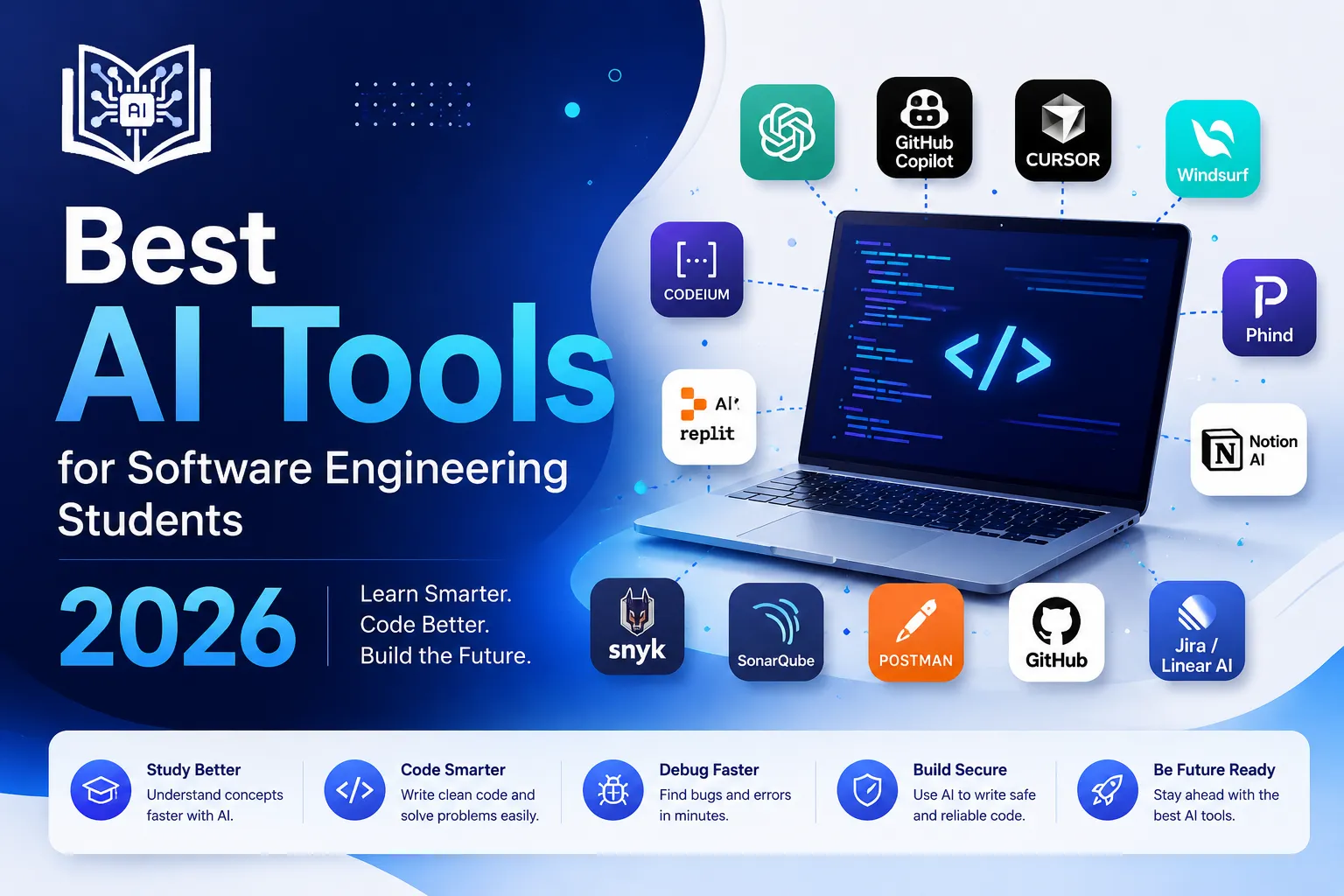
Best AI Tools for Software Engineering Students 2026
Quick Summary
- The best AI tools for software engineering students help with coding, debugging, testing, documentation, architecture, code review, DevOps, APIs, Git, and project planning.
- AI can make software engineering practice faster, but students still need to understand logic, design patterns, security, testing, maintainability, and teamwork.
- A strong student toolkit includes one AI coding assistant, one AI code editor, one debugging/search tool, one testing tool, one documentation helper, and one project management tool.
Software engineering is not just “writing code.” That’s the cute version people imagine before they meet merge conflicts, broken builds, unclear requirements, weird bugs, missing tests, and a project folder named final_final_latest_real_version.
That’s why the best AI tools for software engineering students are so useful in 2026. These tools can help students write cleaner code, debug errors, generate tests, understand unfamiliar codebases, document projects, plan features, review pull requests, and build portfolio-ready software.
What is an AI tool for software engineering students?
An AI tool for software engineering students is software that uses artificial intelligence to help with programming, debugging, code review, testing, documentation, software design, DevOps, and project workflows.
Which AI tool is best for software engineering students?
For most students, ChatGPT is the best starting point because it explains concepts, reviews code, helps debug, and supports project planning. For coding inside an editor, GitHub Copilot, Cursor, Windsurf, Codeium, Tabnine, and Sourcegraph Cody are strong options.
Will AI replace software engineers?
AI will not replace strong software engineers, but it will change how software is built. Stack Overflow’s 2025 Developer Survey reports that 84% of respondents use or plan to use AI tools in their development process, and 51% of professional developers use AI tools daily. That means AI is already part of modern development work. (Stack Overflow Insights)
What Are AI Tools for Software Engineering Students?
AI tools for software engineering students are coding assistants, AI editors, chatbots, search tools, testing tools, documentation tools, and automation platforms that help students learn and practice real software development.
They can help with:
- Programming fundamentals
- Debugging
- Software architecture
- Data structures and algorithms
- Object-oriented programming
- Web development
- Mobile app development
- API design
- Unit testing
- Integration testing
- Code review
- DevOps workflows
- Git and GitHub
- Documentation
- Security checks
- Project planning
- Technical interview practice
A normal tutorial teaches one clean example. Real software engineering is different. A real project has old code, unclear names, bugs hiding in corners, dependencies that break randomly, and requirements that change right after you finish.
AI helps reduce friction. It can explain error messages, generate boilerplate, suggest tests, summarize documentation, and help you understand a codebase faster.
But AI is not a replacement for engineering judgment. It can write code quickly, but it does not always know whether the code is correct, secure, maintainable, scalable, or appropriate for your assignment.
Think of AI like a very fast junior assistant. Helpful? Yes. Always right? No. Needs supervision? Absolutely.
Why Software Engineering Students Need AI Tools
Software engineering students need AI tools because the field has become wider and faster. A student may need to learn programming, databases, frameworks, APIs, testing, Git, deployment, cloud basics, UI design, security, and teamwork — often in the same semester.
AI helps students practice more without getting stuck on every tiny error.
AI helps software engineering students with:
- Code generation
- Bug fixing
- Refactoring
- Unit test generation
- Code explanation
- Pull request review
- Software design discussion
- API documentation
- Git command help
- DevOps pipeline support
- Security review
- Project planning
- Interview preparation
GitHub’s research found that developers using Copilot completed a coding task faster and reported benefits like reduced mental effort and more focus on satisfying work. For students, the main lesson is not “AI writes code, so relax.” It is “AI can reduce boring friction so you can focus on understanding and building.” (The GitHub Blog)
Google’s 2025 DORA report on AI-assisted software development also makes an important point: AI is not just a tool problem. It works best when teams have good systems, clear workflows, and strong engineering practices. In simple words, AI can amplify good habits — and bad ones too. (Dora)
Best AI Tools for Software Engineering Students in 2026
1. ChatGPT — Best Overall AI Tutor for Software Engineering
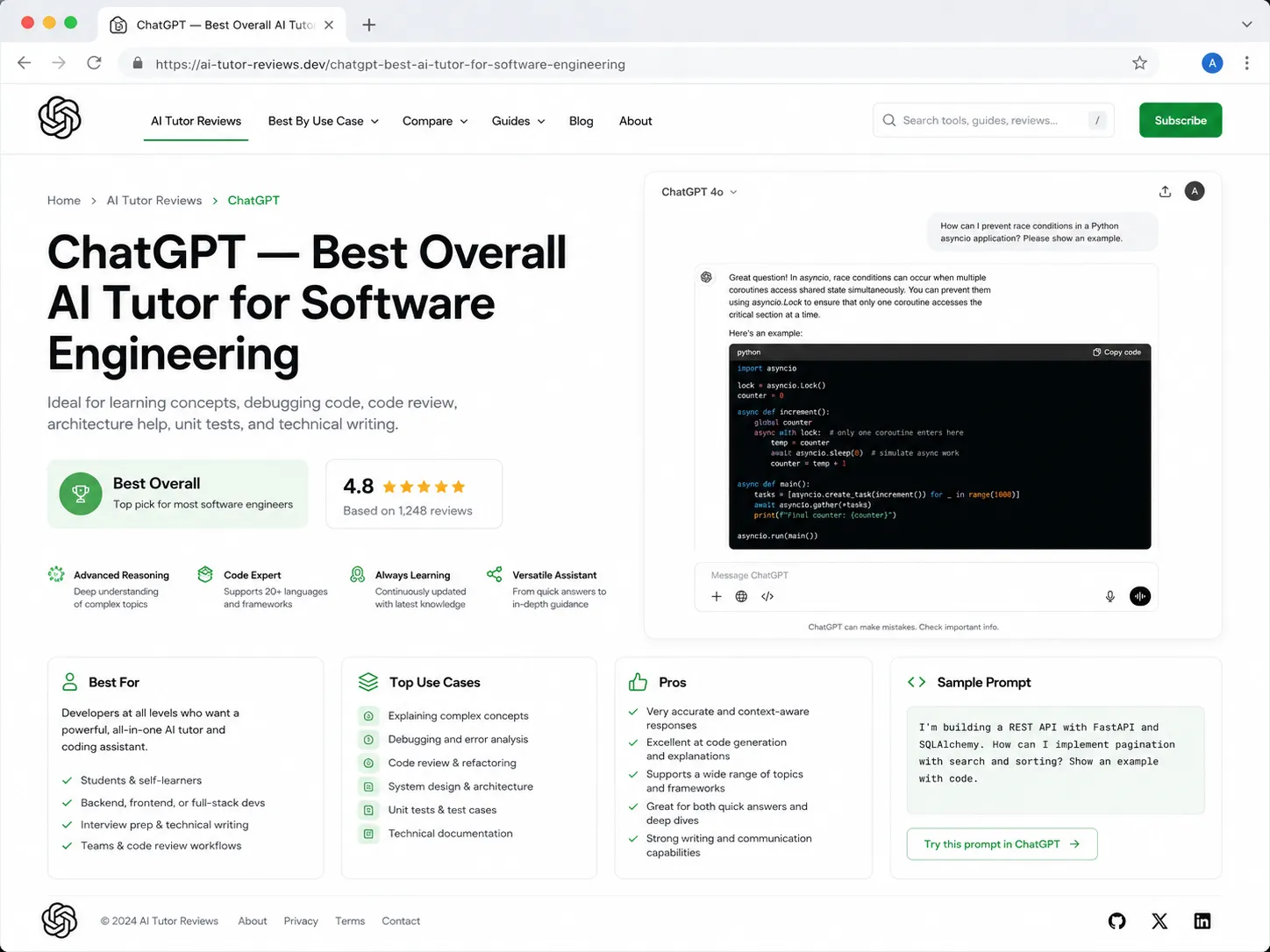
ChatGPT is one of the best AI tools for software engineering students because it can explain concepts, debug code, generate project ideas, review architecture, create test cases, and help prepare for interviews.
Best for
- Explaining programming concepts
- Debugging errors
- Code review
- Software design planning
- API design help
- Writing pseudocode
- Generating practice problems
- Learning frameworks
- Git help
- Interview preparation
- Documentation drafts
Example prompt
Act as a software engineering tutor. Explain MVC architecture in simple words, show a small example, and then quiz me with 5 questions.
Why it helps
Software engineering topics can feel abstract. ChatGPT can explain them in a simple way.
For example:
MVC separates an app into three parts: Model for data, View for what the user sees, and Controller for handling actions. It keeps your code cleaner because each part has a job.
That is easier to understand than a long textbook paragraph full of formal terms.
Weak point
ChatGPT can produce code that looks correct but has bugs, security issues, or weak structure. Always test the output and ask it to explain each decision.
Students who want a broader AI learning approach can also read how students can use ChatGPT for study.
2. GitHub Copilot — Best AI Coding Assistant Inside Your IDE
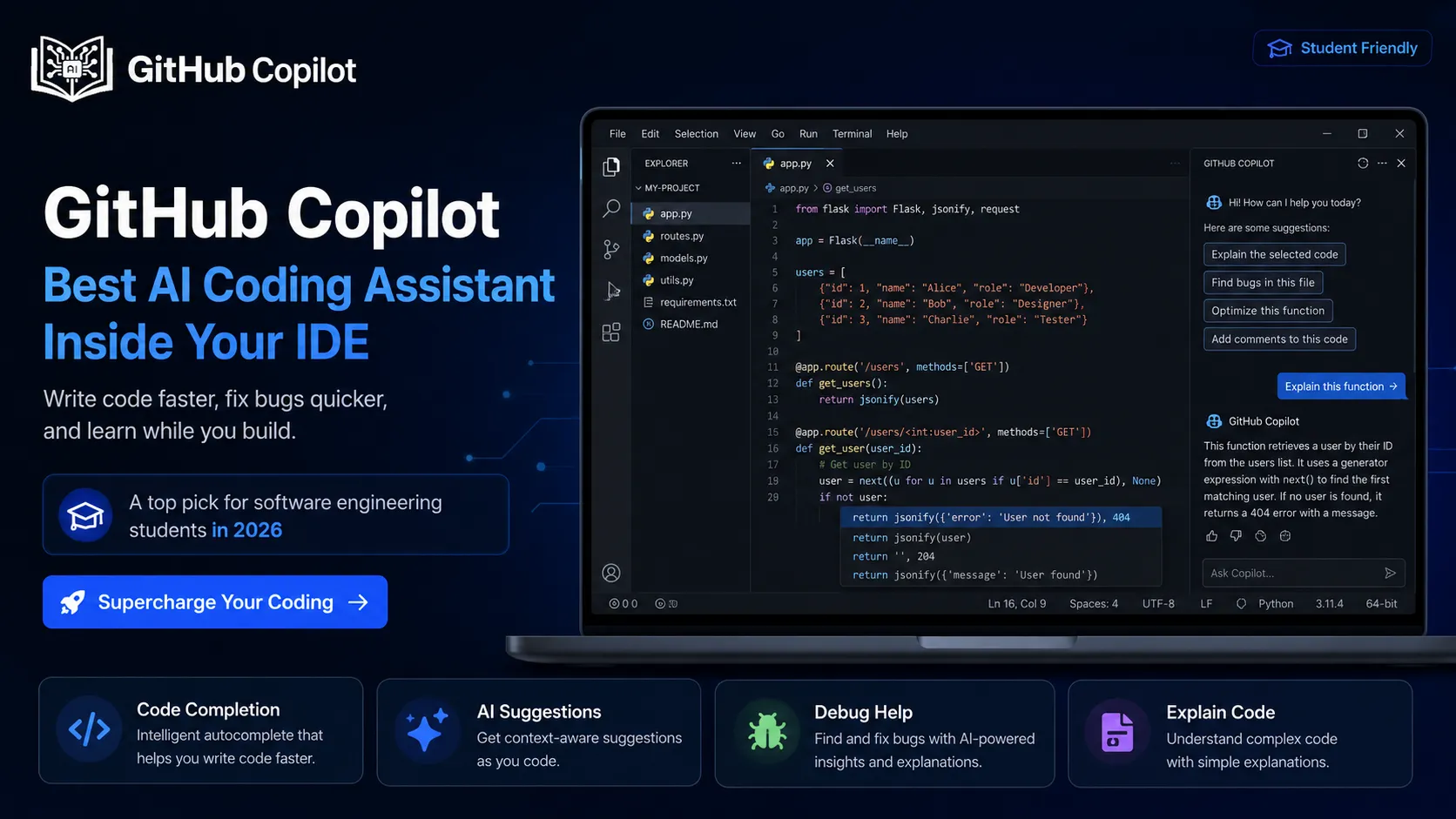
GitHub Copilot is one of the most popular AI coding assistants. It works inside editors and suggests code as you type.
Best for
- Code autocomplete
- Boilerplate generation
- Function writing
- Test suggestions
- Documentation comments
- Repetitive code
- Learning syntax
- API usage examples
Why it helps
Students waste a lot of time writing repeated code. Copilot can help with common patterns, such as:
- Creating React components
- Writing CRUD functions
- Generating API routes
- Building form validation
- Writing SQL queries
- Creating unit test templates
- Adding comments
Good student workflow
Use Copilot like this:
- Write the problem in your own words.
- Write pseudocode first.
- Let Copilot suggest code.
- Read every line.
- Run tests.
- Ask, “Why does this work?”
- Rewrite it yourself later without Copilot.
Weak point
Copilot can make students dependent. If you can’t solve simple problems without suggestions, switch it off during practice.
3. Cursor — Best AI Code Editor for Full Projects
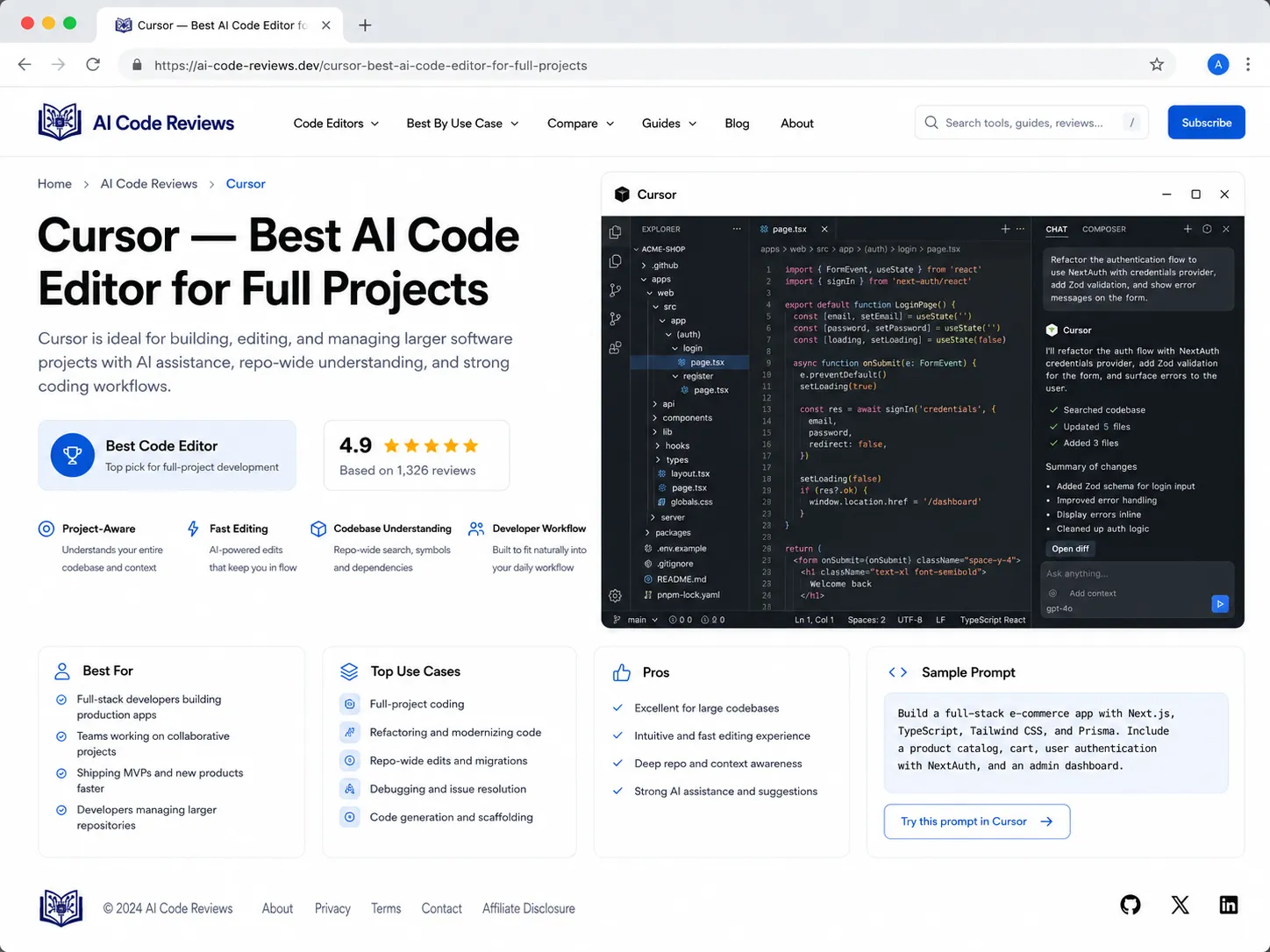
Cursor is an AI-powered code editor that can understand and edit across your project files. It is useful when your assignment or portfolio project has multiple folders, components, routes, database files, and configuration files.
Best for
- Full-stack projects
- Multi-file debugging
- Codebase explanation
- Refactoring
- Adding features
- Project structure review
- README improvements
- Fixing build errors
Why it helps
Beginner coding problems are small. Real software projects are not. A full project may include:
- Frontend components
- Backend routes
- Database models
- Authentication
- API calls
- Environment variables
- Package files
- Tests
- Deployment config
Cursor can help explain how everything connects.
Example prompt
Explain this project structure. Tell me which files handle routing, database access, authentication, and UI components.
Weak point
Cursor can make large changes quickly. Use Git before accepting big edits so you can undo mistakes.
4. Windsurf / Codeium — Best Free AI Coding Assistant for Students
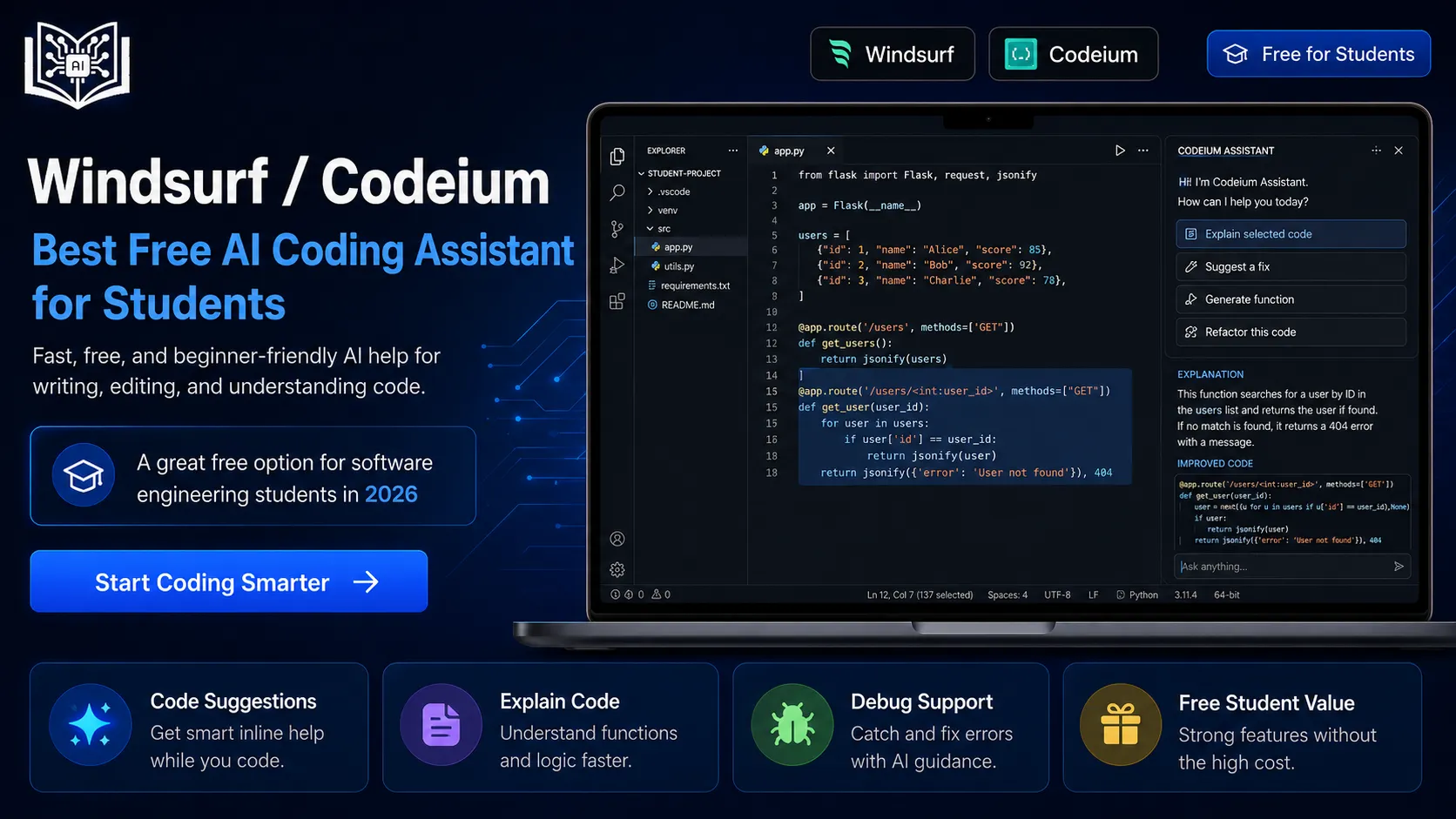
Windsurf and Codeium are popular options for students who want AI coding support without immediately paying for premium tools.
Best for
- Free AI code completion
- Beginner coding practice
- Explaining code
- Writing small functions
- Learning new languages
- Refactoring simple code
- Productivity support
Why it helps
Not every student has a budget for paid AI tools. Free coding assistants make AI-assisted development more accessible.
Students can use these tools while learning:
- Python
- JavaScript
- Java
- C++
- HTML/CSS
- SQL
- React
- Node.js
Weak point
Free does not mean risk-free. Students should still check privacy policies and avoid pasting private code, passwords, API keys, or client data into AI tools.
Students looking for low-cost learning options may also like free AI tools with no signup.
5. Tabnine — Best Privacy-Focused AI Coding Assistant
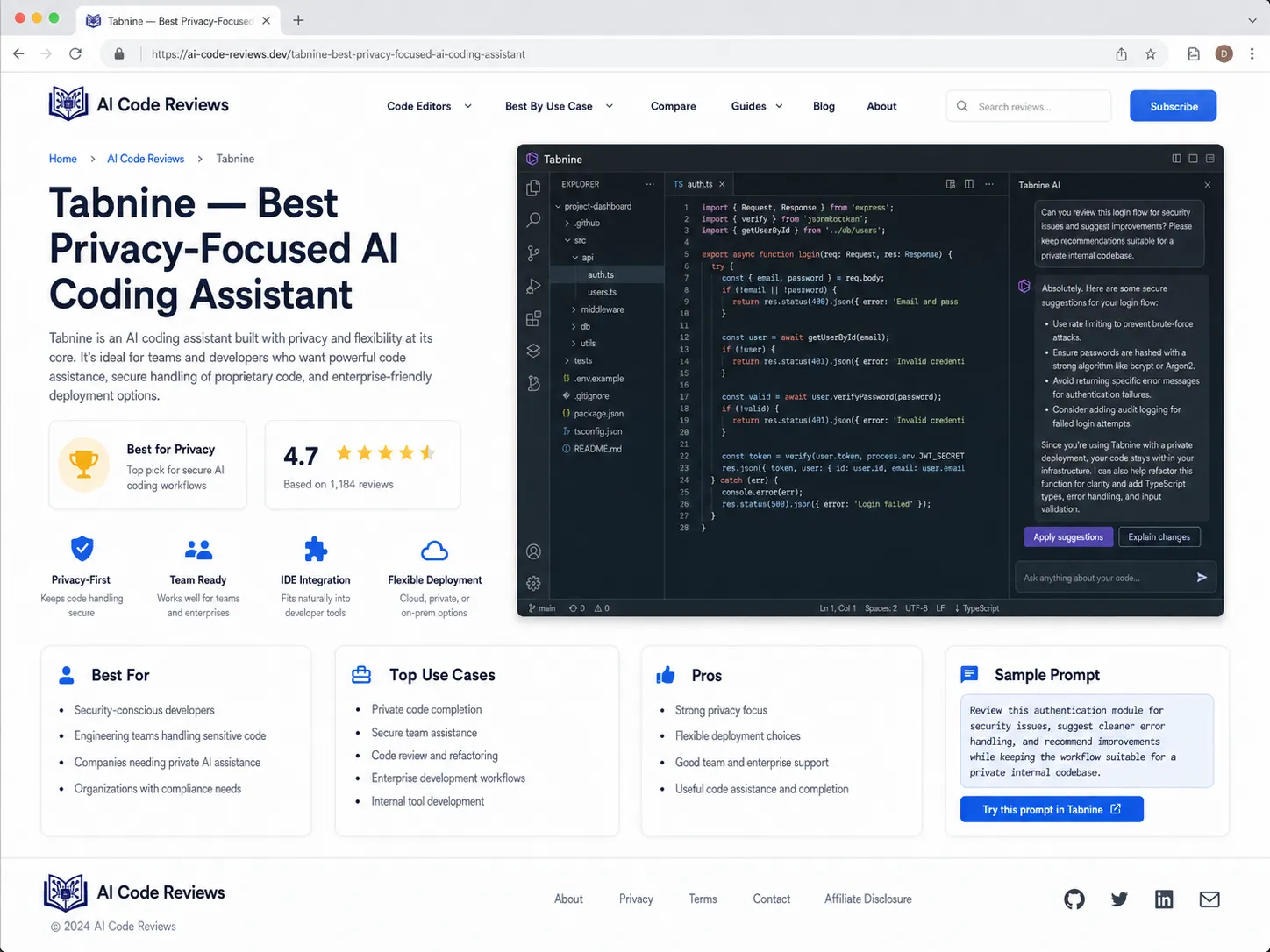
Tabnine is an AI coding assistant known for privacy-focused options and team control. It can help students who care about code privacy or work on university, client, or private projects.
Best for
- Code completion
- Privacy-conscious development
- Team coding environments
- Enterprise-style workflows
- Controlled AI suggestions
- Secure coding habits
Why it helps
Software engineering students should learn early that code privacy matters. A private repository, API key, client project, or university research project should not be pasted into random AI tools.
Tabnine helps students think beyond convenience and consider responsible AI use in development.
Weak point
Some privacy and advanced features may depend on plan settings. Always check the tool’s current policy and configuration.
For safer AI use, students can read privacy-first AI tools for students.
6. Sourcegraph Cody — Best for Understanding Large Codebases
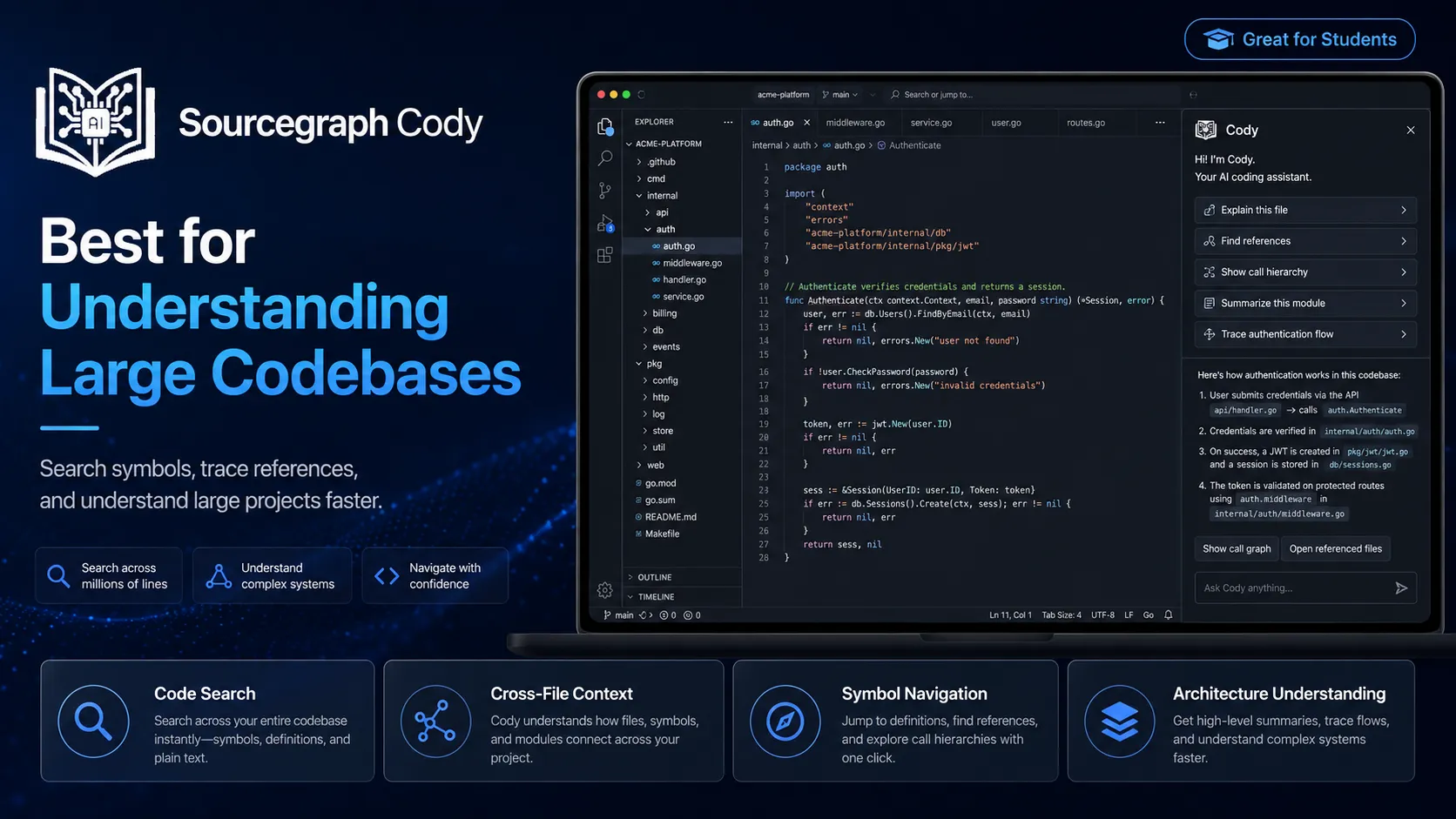
Sourcegraph Cody is useful for searching, explaining, and navigating large codebases. It is especially helpful when students work on open-source projects, internships, or larger team projects.
Best for
- Codebase search
- Code explanation
- Understanding dependencies
- Finding function usage
- Refactoring support
- Onboarding to projects
- Large repository navigation
Why it helps
Many students can write new code but panic when they must understand existing code. Real engineering often means reading code before writing code.
Cody can help answer:
- Where is this function used?
- What does this file do?
- How does this API flow work?
- Which module handles authentication?
- What might break if I change this?
Weak point
Codebase tools are powerful, but they cannot replace reading the code yourself. Use them to guide your exploration, not avoid it.
7. Replit AI — Best Browser-Based Coding Tool for Beginners
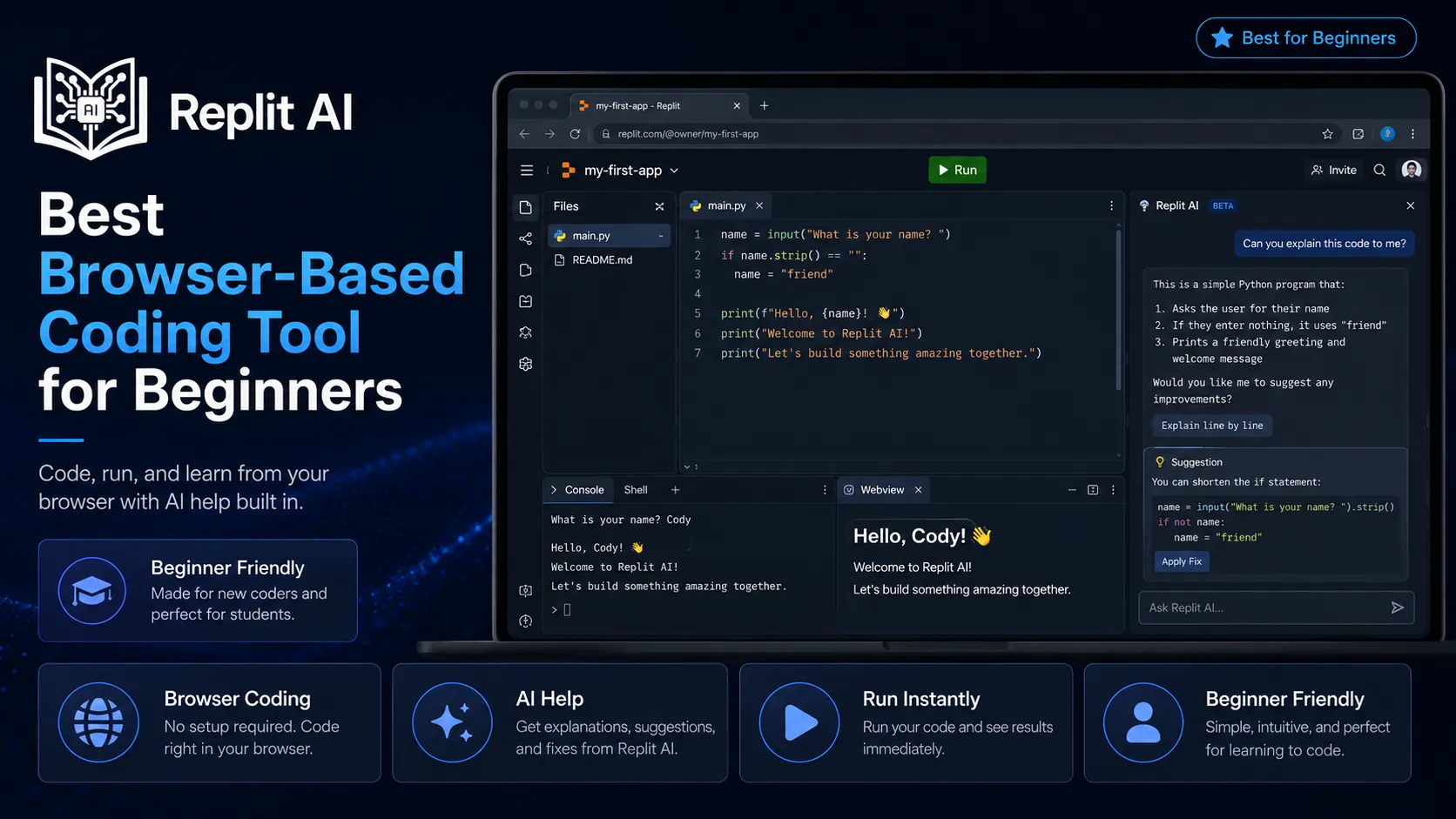
Replit is a browser-based coding platform with AI features. It is useful for students who want to code without setting up a full local environment.
Best for
- Beginner projects
- Quick coding practice
- Small web apps
- Python exercises
- JavaScript projects
- Sharing project links
- Classroom coding
- Prototypes
Why it helps
Setup can stop beginners before they even start. Replit lets students write and run code in the browser.
This is useful for projects like:
- Calculator app
- To-do list
- Quiz app
- Weather app
- Simple chatbot
- Portfolio page
- API practice project
Weak point
Browser-based tools are great for learning, but serious software engineering also requires local development, Git, terminal basics, and deployment skills.
Students who prefer web-based study tools can explore browser-based AI tools for students.
8. Phind — Best AI Search Engine for Developers
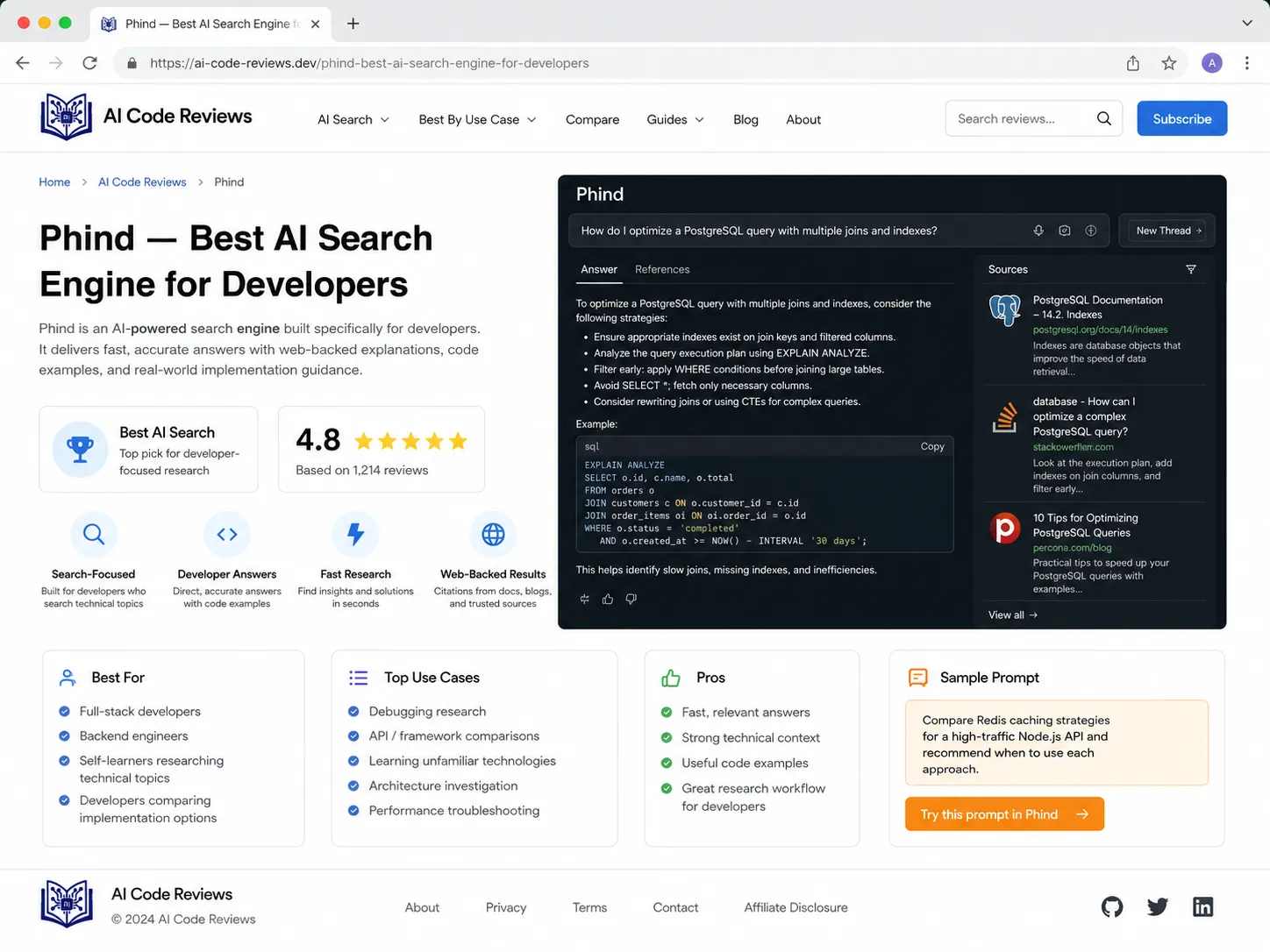
Phind is designed for technical questions and developer searches. It can help students understand errors, frameworks, APIs, and programming concepts with source-style answers.
Best for
- Debugging errors
- Framework questions
- API usage
- Technical explanations
- Comparing libraries
- Developer research
- Fixing setup issues
Example query
Why does my React app show “Cannot read properties of undefined” when using map?
Why it helps
Students often search errors and find ten Stack Overflow answers from different years. Phind can summarize possible causes and suggest fixes.
Weak point
Always check whether the answer applies to your framework version. Software changes fast.
9. Qodo — Best for AI Code Review and Test Generation
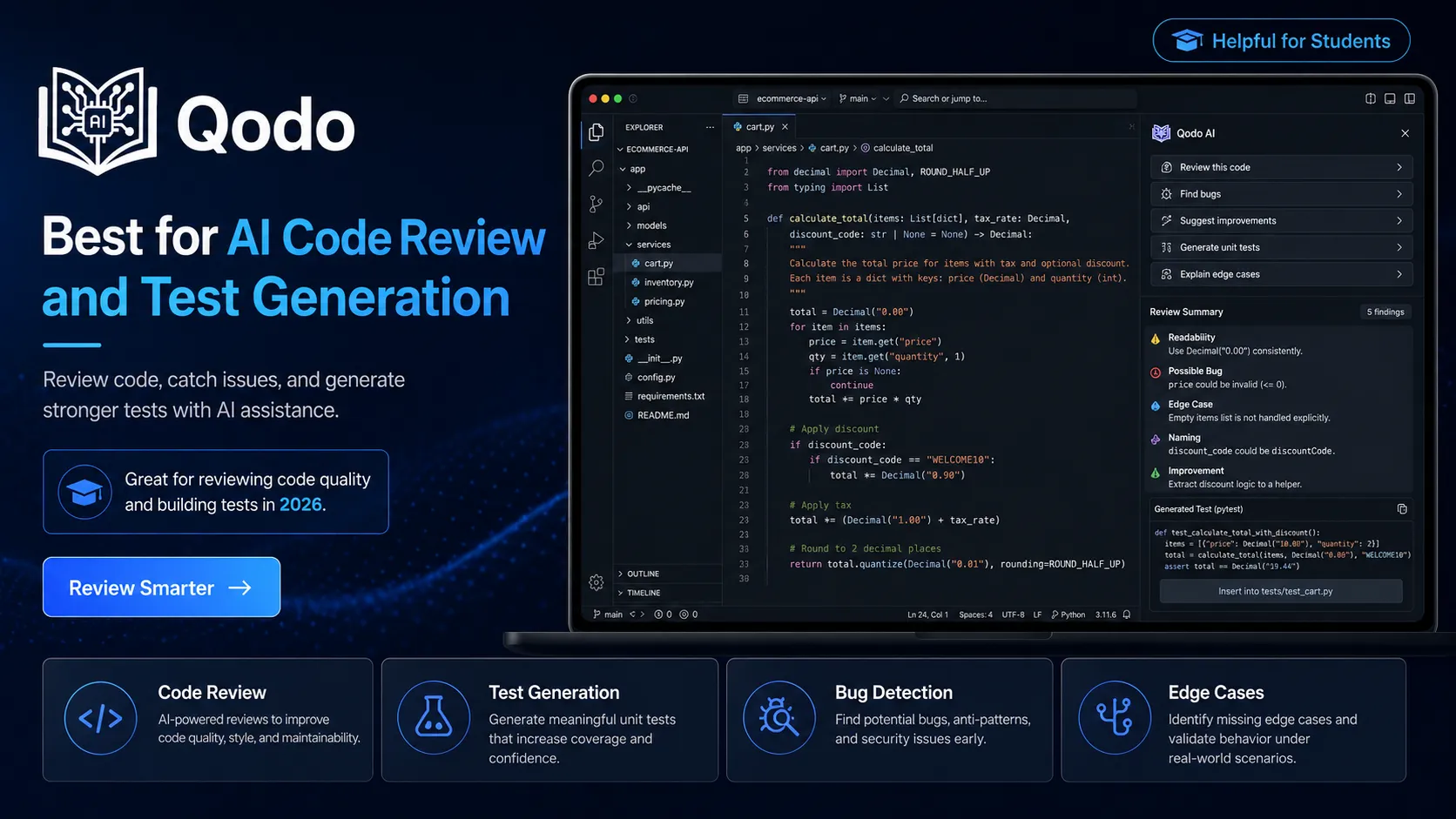
Qodo, formerly known as CodiumAI, focuses on code quality, test generation, and reviewing code behavior.
Best for
- Unit test generation
- Code behavior analysis
- Edge case discovery
- Pull request review
- Test coverage ideas
- Code quality improvement
Why it helps
Many students write code that works for the happy path only. Then the teacher tests edge cases and the project collapses like a cheap chair.
Qodo can help students think about:
- What happens with empty input?
- What happens with null values?
- What happens with invalid user data?
- What happens at boundary limits?
- What should the function return on failure?
Weak point
Generated tests may not cover every real scenario. Students still need to understand testing strategy.
10. Snyk — Best AI-Assisted Security Tool for Students
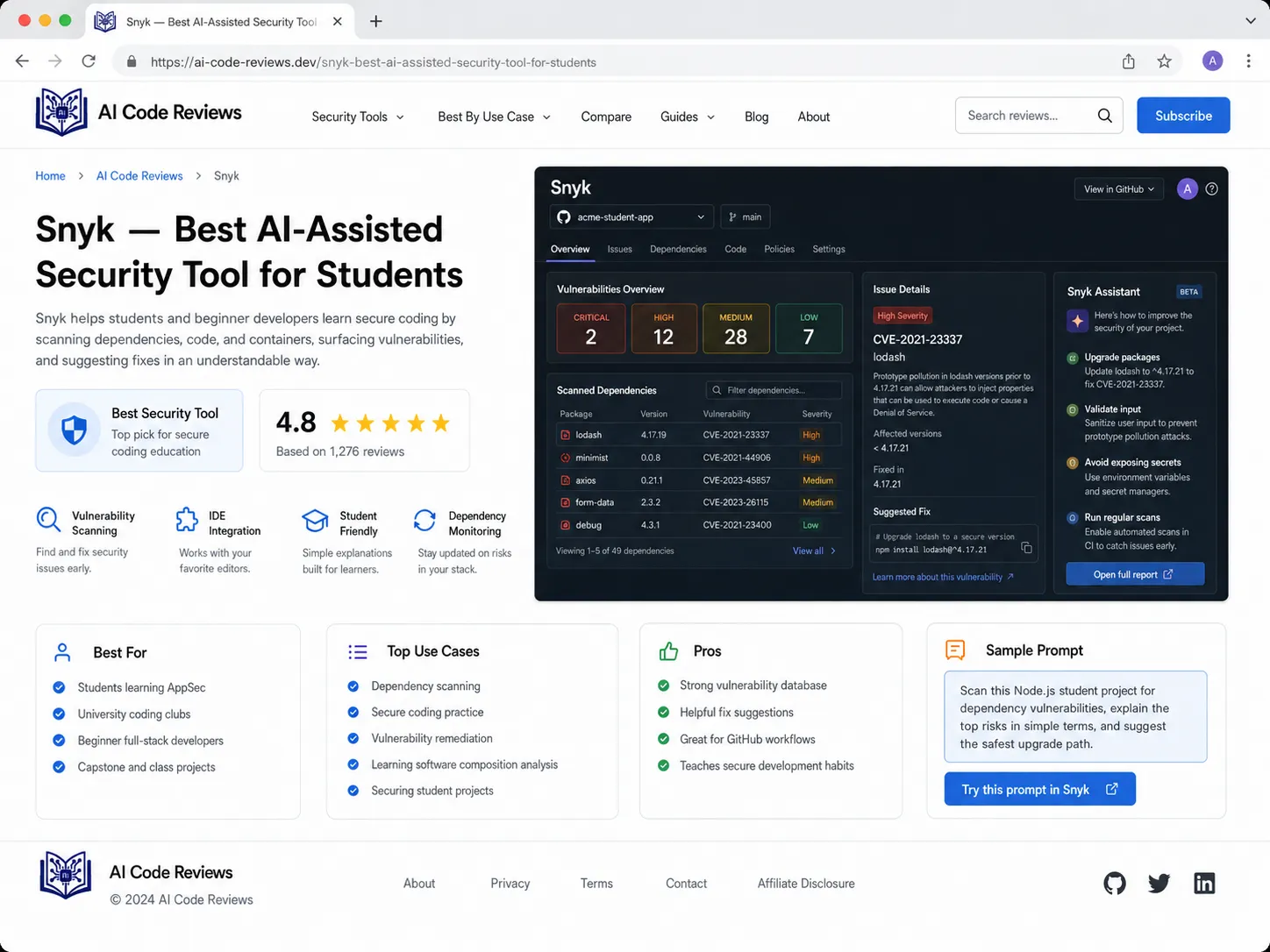
Snyk helps identify security issues in code, dependencies, containers, and infrastructure. For software engineering students, it is useful for learning secure development habits.
Best for
- Dependency scanning
- Vulnerability detection
- Secure coding practice
- Open-source package checks
- Container security
- Security awareness
Why it helps
Students often install packages without checking them. In real projects, dependencies can create security risks.
Snyk helps students learn to ask:
- Is this package safe?
- Does it have known vulnerabilities?
- Is my dependency outdated?
- Is my code exposing secrets?
- Is my Docker image secure?
Weak point
Security tools can produce warnings that beginners don’t understand. Use them as learning prompts, not panic buttons.
11. SonarQube / SonarCloud — Best for Code Quality
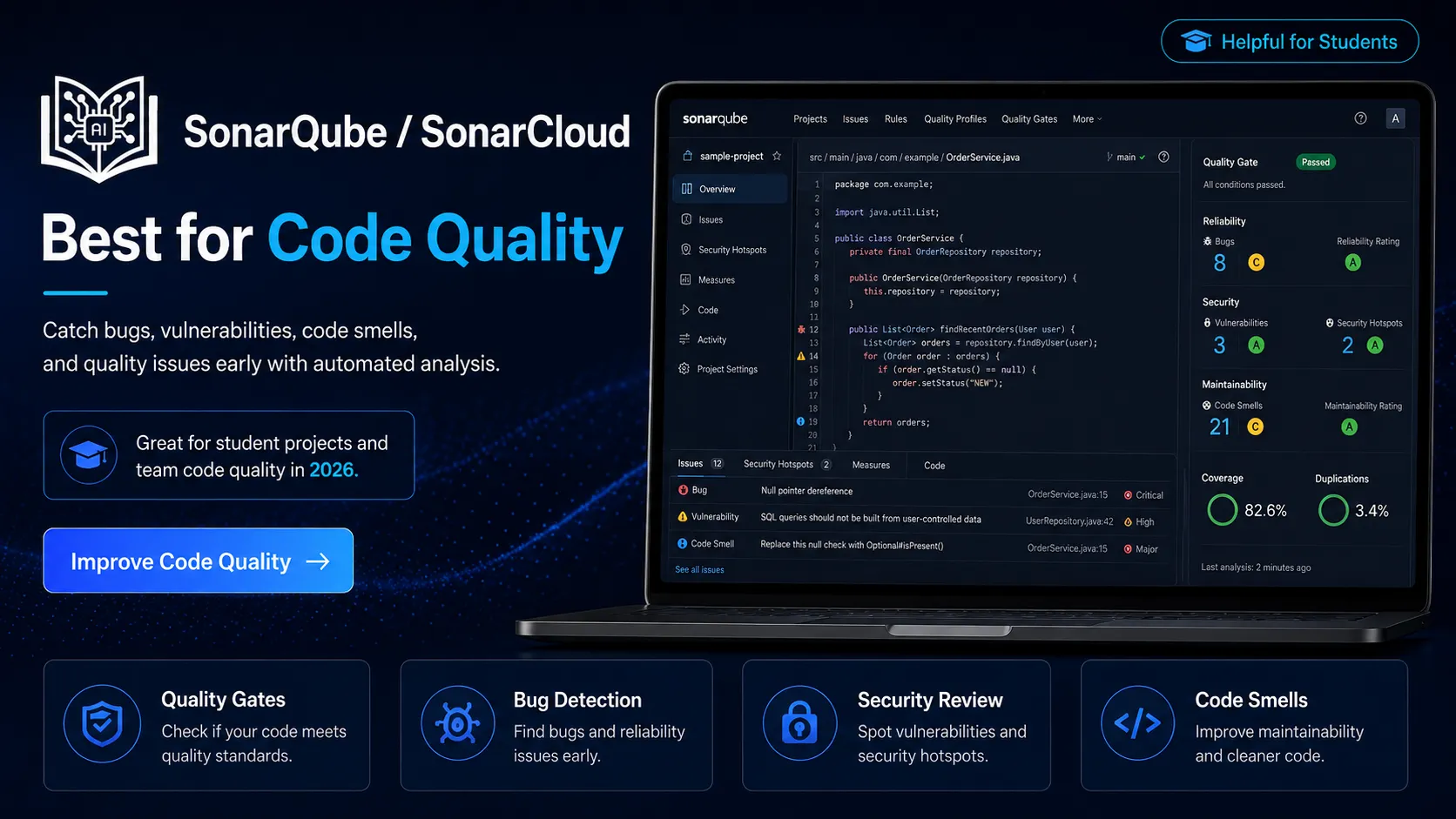
SonarQube and SonarCloud help detect bugs, code smells, duplication, and security issues. They are useful for learning professional code quality standards.
Best for
- Static code analysis
- Code smells
- Duplicate code detection
- Maintainability review
- Security hotspots
- Pull request quality checks
Why it helps
Software engineering is not only about “it works.” Good software should be readable, maintainable, and safe.
Sonar tools help students see issues like:
- Repeated code
- Complex functions
- Unused variables
- Hardcoded secrets
- Poor naming
- Risky logic
- Weak error handling
Weak point
Do not fix issues blindly. Understand why the tool is warning you.
12. Postman AI — Best for API Testing and Documentation
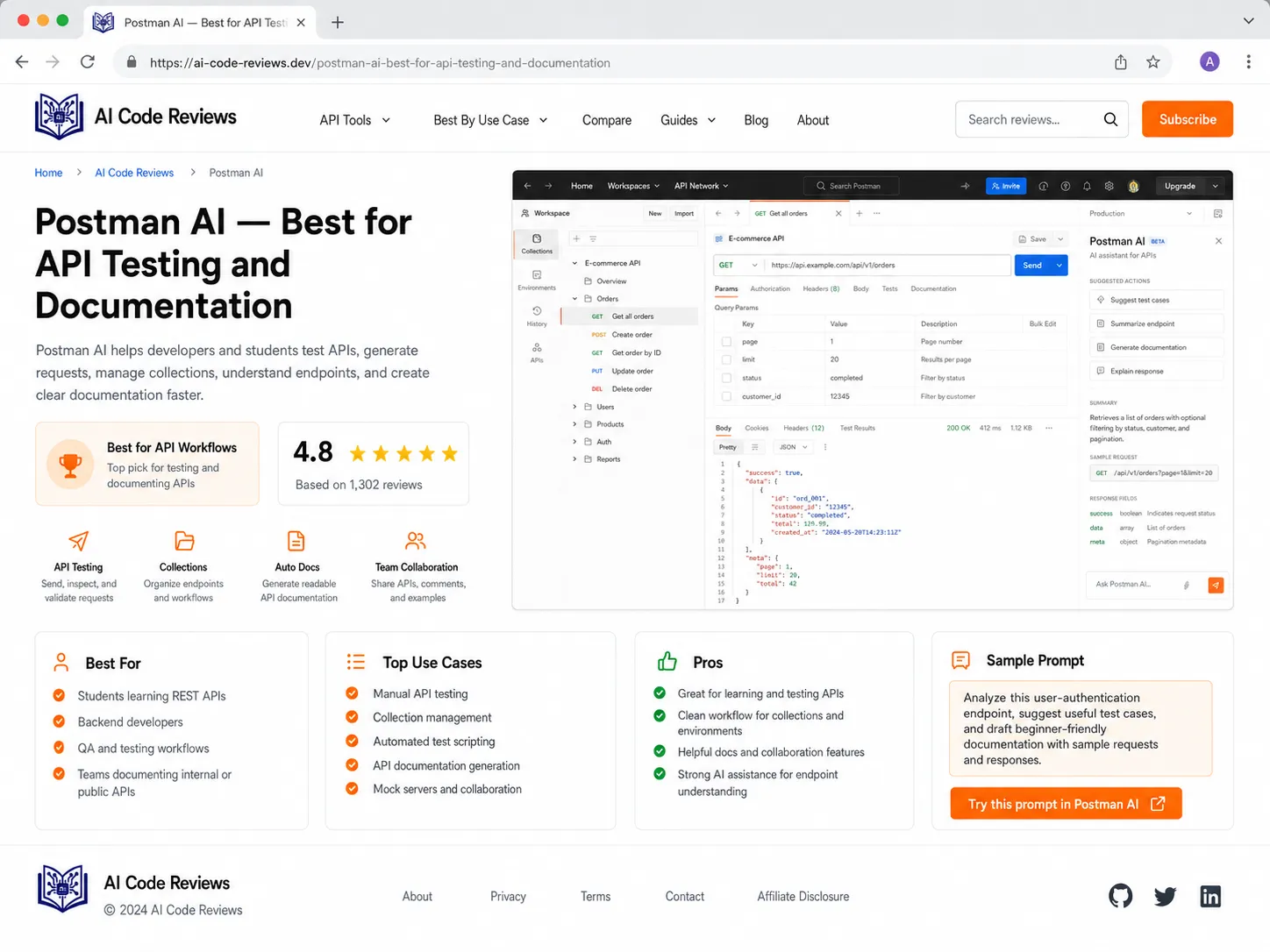
Postman is a popular API platform. Its AI features can help with API testing, documentation, and request generation.
Best for
- API testing
- REST API practice
- Request collections
- Documentation
- Backend development
- Team collaboration
- Test automation basics
Why it helps
Software engineering students should know how APIs work. Postman helps test endpoints before connecting frontend and backend.
Students can test:
- Login routes
- User registration
- Product APIs
- Payment test endpoints
- Search endpoints
- CRUD operations
- Authentication headers
Weak point
Postman does not replace automated tests in code. Use it for exploration and API understanding, then write real tests.
13. Notion AI — Best for Project Planning and Documentation
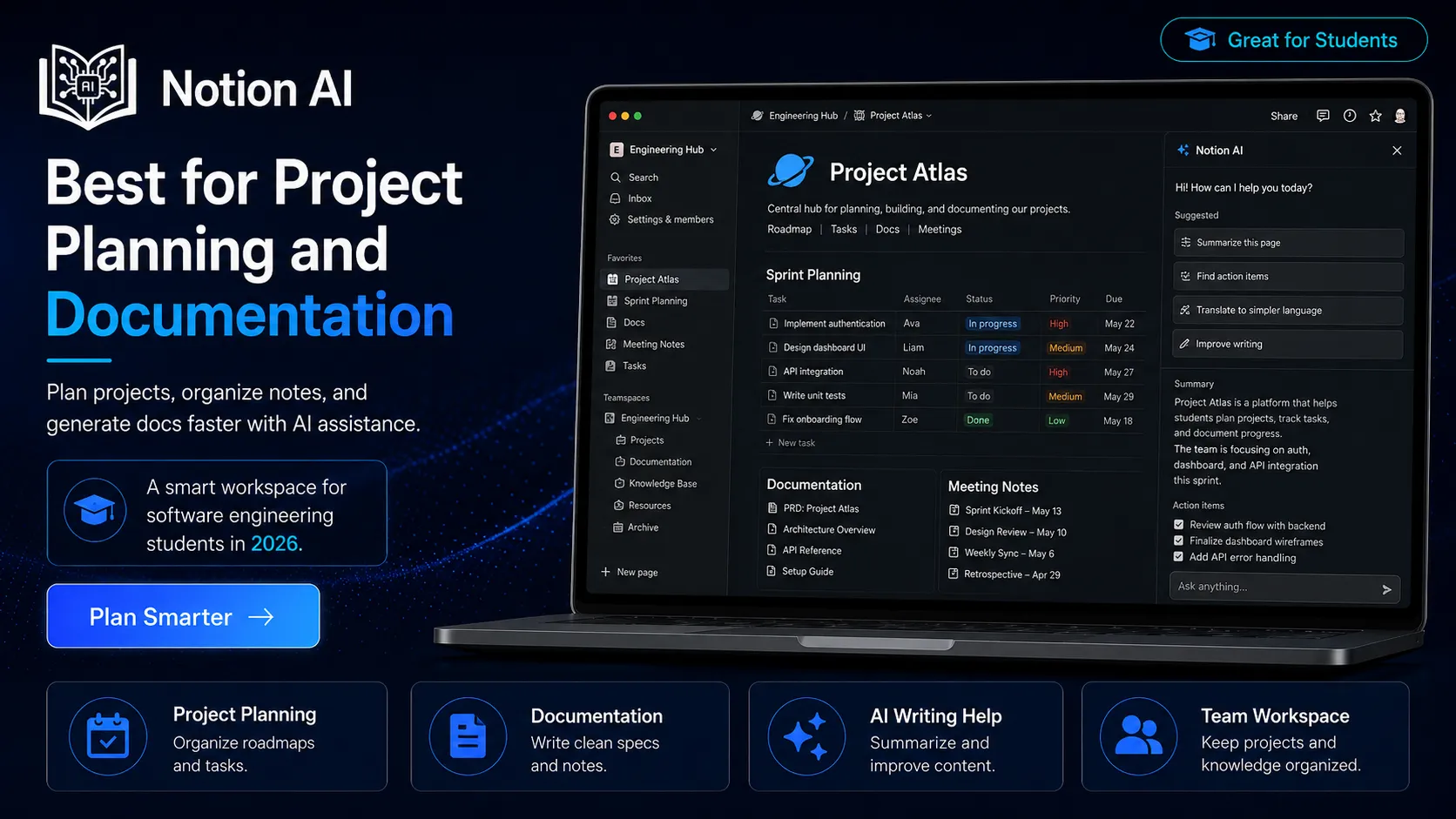
Notion AI helps students organize software projects, tasks, notes, feature lists, bug reports, and documentation.
Best for
- Project planning
- Sprint notes
- Feature lists
- Bug tracking
- Meeting notes
- Documentation drafts
- Learning roadmaps
- Portfolio organization
Why it helps
Software projects fail when planning is messy. Notion AI helps students structure their work.
Example project workspace
Create pages for:
- Project overview
- Requirements
- User stories
- Database design
- API endpoints
- Frontend tasks
- Backend tasks
- Bugs
- Test cases
- Deployment notes
- README draft
Weak point
Planning tools can become procrastination. Don’t spend three days designing a perfect dashboard before writing one line of code.
14. GitHub — Best for Portfolio, Collaboration, and AI Workflows
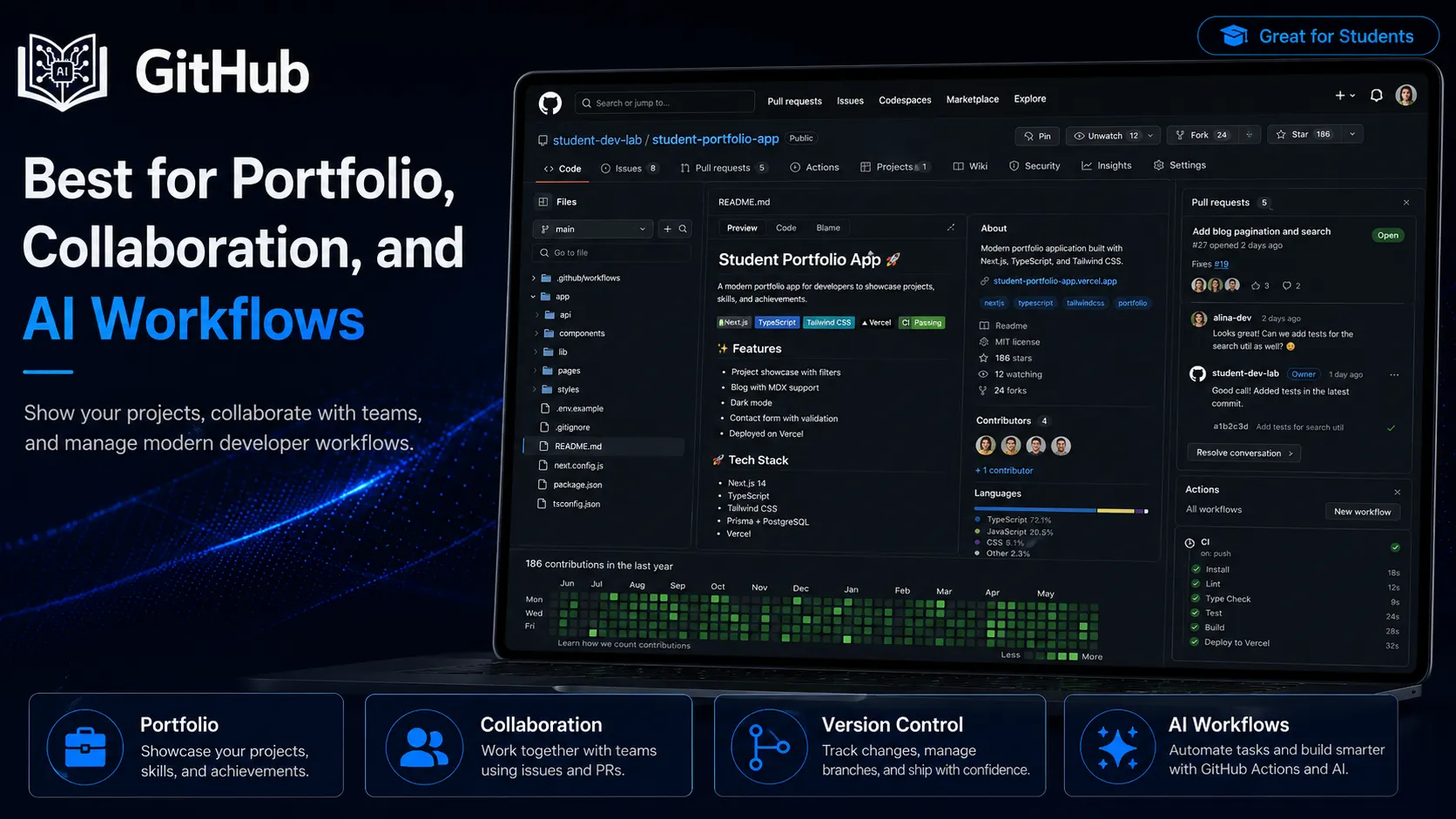
GitHub is essential for software engineering students. It supports version control, collaboration, pull requests, issues, GitHub Actions, and AI tools like Copilot.
Best for
- Portfolio projects
- Version control
- Collaboration
- Pull requests
- Issue tracking
- GitHub Actions
- Open-source contribution
- README files
Why it helps
A student with projects on GitHub looks much stronger than a student who only says “I know coding.”
Use GitHub to show:
- Clean commits
- README files
- Project screenshots
- Installation steps
- Live demo links
- Issues and improvements
- Tests
- Documentation
Weak point
Never upload secrets. Learn .gitignore, environment variables, and secret scanning basics.
15. Linear / Jira AI — Best for Software Project Management
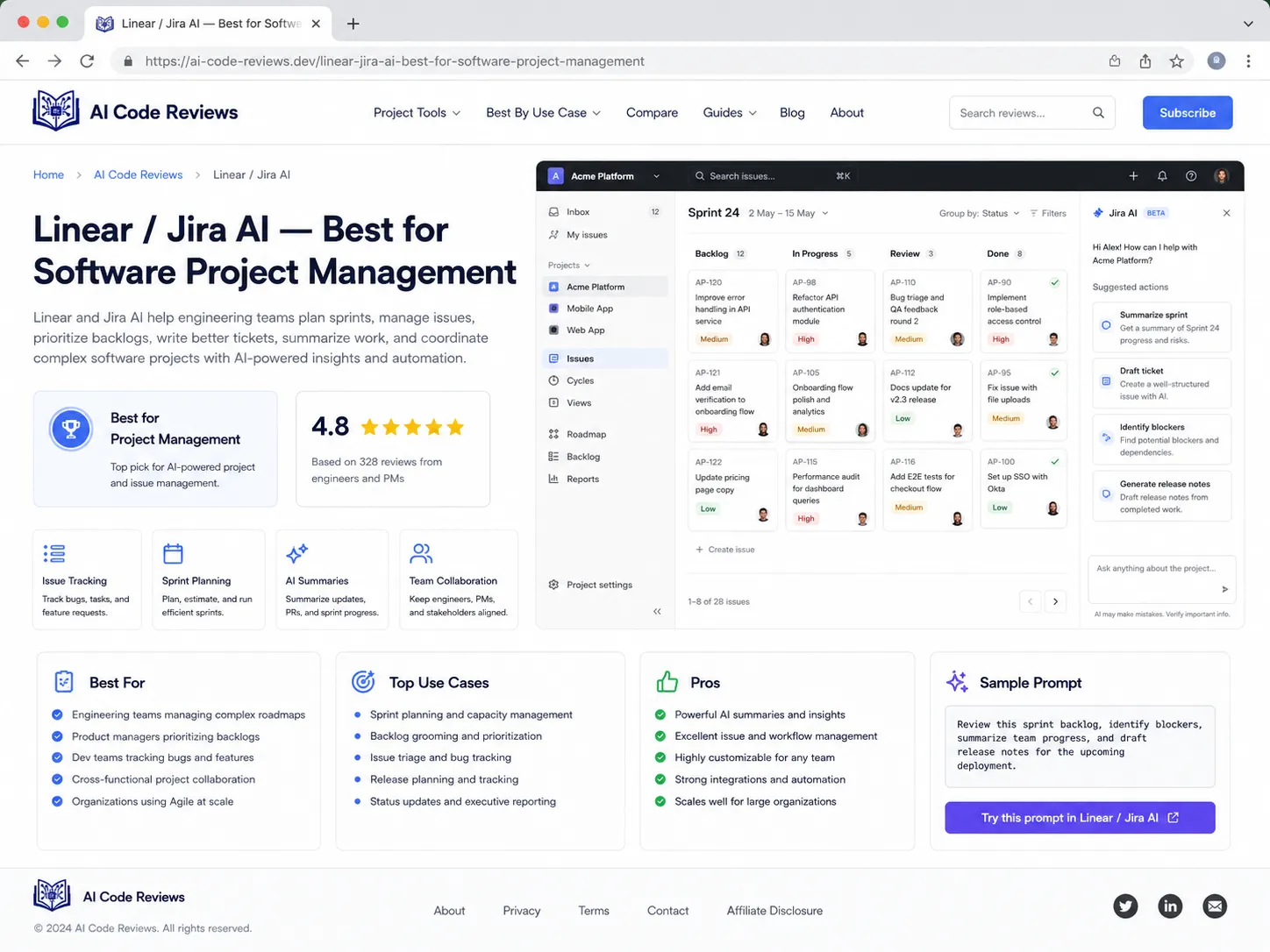
Linear and Jira are project management tools used by software teams. Their AI features can help summarize issues, create tasks, and organize workflows.
Best for
- Task tracking
- Sprint planning
- Bug reports
- User stories
- Team projects
- Agile practice
- Product planning
Why it helps
Software engineering is teamwork. Students should learn how teams organize work.
A simple issue should include:
- Title
- Problem
- Expected behavior
- Actual behavior
- Steps to reproduce
- Priority
- Acceptance criteria
- Screenshot or logs if useful
Weak point
Tools do not make a team agile. Clear communication does.
16. Docker AI / DevOps Assistants — Best for Deployment Practice
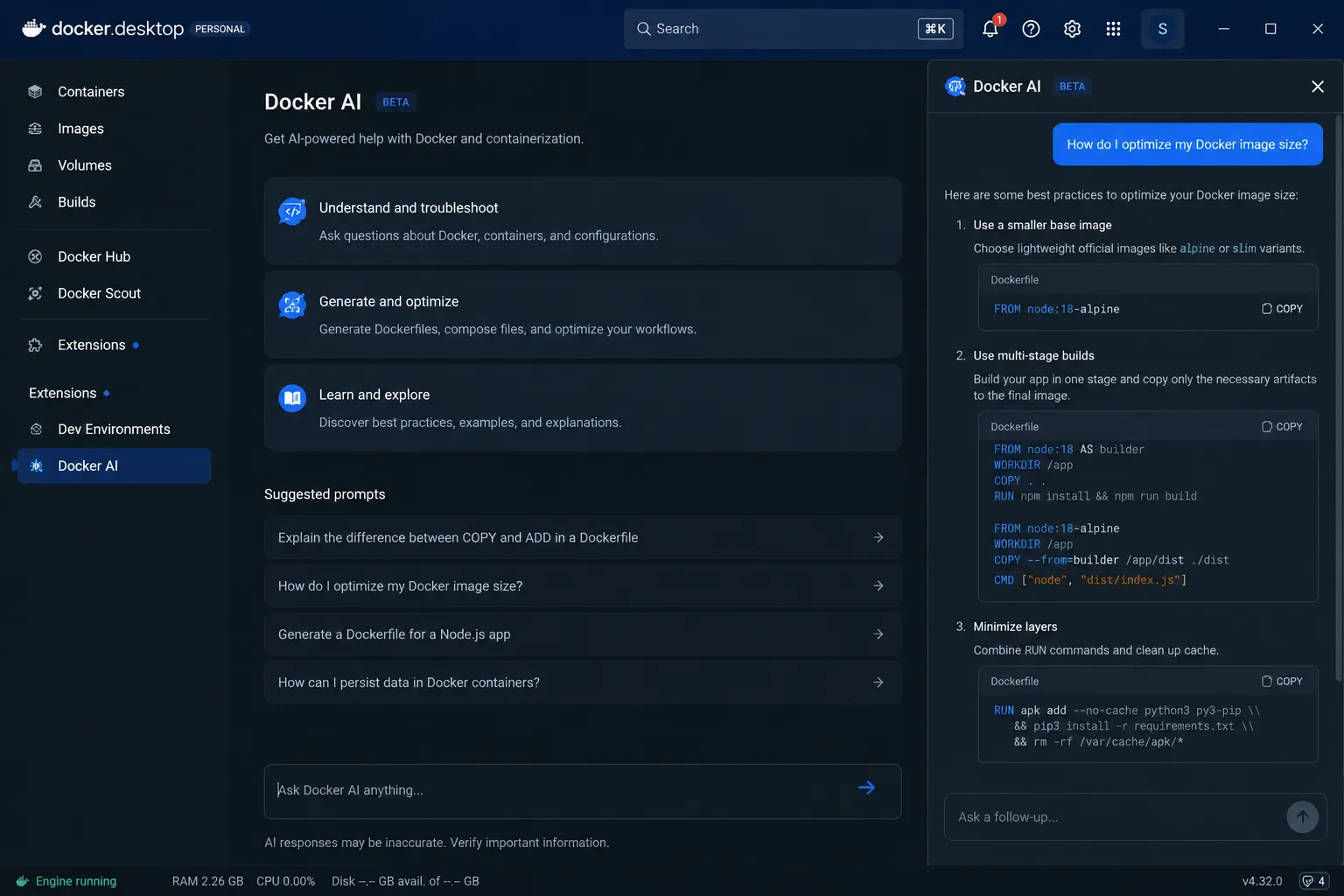
Docker and cloud-related AI assistants can help students understand containers, environment setup, and deployment workflows.
Best for
- Dockerfile help
- Container basics
- Environment setup
- Deployment support
- CI/CD practice
- DevOps learning
- Local development consistency
Why it helps
Many student projects work locally but fail during deployment. Docker helps make environments more consistent.
AI can help explain:
- Dockerfile steps
- Docker Compose
- Environment variables
- Port mapping
- Container logs
- Build errors
- Deployment issues
Weak point
Do not copy Docker commands blindly. Misconfigured containers can expose secrets or create security problems.
How to Use AI for Software Engineering Without Cheating
AI can help students learn faster, but it can also make cheating easier. The difference is how you use it.
Good uses of AI
Use AI to:
- Explain code
- Debug your own work
- Create practice problems
- Generate test cases
- Review your solution
- Improve documentation
- Compare design options
- Explain framework errors
- Help plan projects
- Prepare for interviews
Bad uses of AI
Avoid using AI to:
- Submit generated code you don’t understand
- Fake project work
- Copy full assignments
- Generate hidden plagiarism
- Skip testing
- Invent documentation
- Paste private code without permission
- Ignore your university’s AI policy
Simple rule
If AI helps you learn and improve your own work, it is a tool. If AI replaces your thinking, it becomes a shortcut that will hurt you later.
This matters because software engineering is cumulative. If you skip fundamentals now, future topics will feel impossible.
Best AI Prompts for Software Engineering Students
These practical AI prompts can help students learn programming concepts, debug errors, review code, write tests, design APIs, prepare documentation, and improve interview preparation.
For learning a concept
Use this when you want to understand a programming topic in simple language with a small practical example.
Explain dependency injection in simple words. Use a small JavaScript example and explain why it helps testing.
For debugging
Use this when you have an error and want to understand the meaning, possible causes, and fixes.
I’m getting this error. Explain what it means, list likely causes, and suggest fixes. Don’t rewrite the whole code unless necessary.
For code review
Use this before submitting code, pushing to GitHub, or sharing your project with a teacher or team member.
Review this code like a senior software engineer. Check readability, bugs, edge cases, performance, security, and maintainability.
For unit tests
Use this when you want to test your function properly with normal, edge, and invalid cases.
Generate unit test cases for this function. Include normal cases, edge cases, invalid inputs, and expected outputs.
For architecture
Use this when you want a clear project structure before starting development.
Help me design a simple e-commerce app. Include frontend pages, backend routes, database tables, user roles, and API endpoints.
For Git
Use this when you are stuck with Git commands, merge conflicts, or version control workflow.
Explain how to fix a merge conflict step by step. Use a simple example.
For API design
Use this when building backend projects, REST APIs, or database-connected applications.
Design REST API endpoints for a student management system. Include method, route, request body, response, and status codes.
For documentation
Use this to make your GitHub project look more professional and easy to understand.
Write a professional README for this project. Include overview, features, tech stack, setup, environment variables, screenshots, and future improvements.
For security
Use this before submitting login, authentication, or user account features.
Check this login flow for security risks. Consider password storage, input validation, session handling, rate limits, and error messages.
For interview prep
Use this when preparing for beginner software engineering interviews, internships, or entry-level developer roles.
Give me 10 software engineering interview questions about system design for beginners. Include hints but hide final answers until I ask.
How to Choose the Right AI Tool for Software Engineering
The best tool depends on what you are building.
If you are a beginner
Start with:
- ChatGPT
- Replit AI
- GitHub
- Grammarly
- NotebookLM
Focus on fundamentals, small projects, and clean explanations.
If you are coding daily
Use:
- GitHub Copilot
- Cursor
- Windsurf / Codeium
- Tabnine
- Phind
Focus on writing, debugging, and understanding code.
If you are building full-stack projects
Use:
- Cursor
- GitHub Copilot
- Postman
- GitHub
- Docker
- Notion AI
Focus on frontend, backend, database, API testing, and deployment.
If you want better code quality
Use:
- Qodo
- SonarQube / SonarCloud
- Snyk
- GitHub pull requests
- AI code review prompts
Focus on tests, maintainability, and security.
If you are working in a team
Use:
- GitHub
- Linear or Jira
- Notion AI
- Postman
- Sourcegraph Cody
Focus on communication, issues, pull requests, and documentation.
AI Workflow for Software Engineering Students
Here is a simple workflow for building projects with AI.
Step 1: Define the problem
Ask AI to help clarify requirements.
Prompt:
Turn this app idea into clear requirements, user roles, core features, and success criteria.
Step 2: Plan the architecture
Ask for a simple structure.
Prompt:
Suggest a beginner-friendly architecture for this app using React, Node.js, Express, and MongoDB.
Step 3: Write pseudocode
Before coding, write the logic in plain English.
Prompt:
Convert this feature into pseudocode before writing actual code.
Step 4: Code in small parts
Use Copilot, Cursor, or ChatGPT to help with one function or file at a time.
Step 5: Test early
Ask AI to generate edge cases.
Prompt:
Create test cases for this function, including invalid inputs and boundary cases.
Step 6: Review security
Ask for a basic security check.
Prompt:
Review this code for common security issues and explain each risk simply.
Step 7: Document the project
Use AI to improve your README, but make sure the details are true.
Step 8: Publish and reflect
Upload to GitHub. Add screenshots, demo link, setup steps, and a “What I learned” section.
This workflow turns AI into a learning assistant, not a cheating machine.
Students who want a complete learning system can also read how to build an AI study system.
Common Mistakes to Avoid
AI tools can help software engineering students learn faster, write better code, and debug problems. But using AI without understanding, testing, and security awareness can create serious problems.
Copying code without understanding it
If you can’t explain the code, it is not really your skill yet. AI should support your learning, not replace your thinking.
Explain this code line by line and then quiz me on it.
Skipping testing
AI code can look right and still fail. Always test normal cases, edge cases, and invalid inputs before trusting the final result.
Ignoring security
Never paste or commit private information into AI tools, public repositories, or shared projects.
- API keys
- Passwords
- Private tokens
- Database credentials
- Client data
- University login details
- Private repository code without permission
Letting AI design everything
AI can suggest architecture, but you must understand trade-offs. A simple project does not need microservices, Kubernetes, and twelve databases.
Not learning Git properly
AI can help with Git commands, but you should still understand the core Git workflow.
- commit
- branch
- merge
- pull
- push
- rebase
- pull requests
- merge conflicts
Trusting AI-generated packages
AI may suggest outdated, unnecessary, or unsafe packages. Always verify a package before installing it in your project.
- Official documentation
- Downloads and usage
- Maintenance activity
- License terms
- Security warnings
Measuring productivity only by speed
Fast code is not always good code. AI-assisted development should improve the full engineering process, not just make typing faster.
Mini Project Ideas for Software Engineering Students
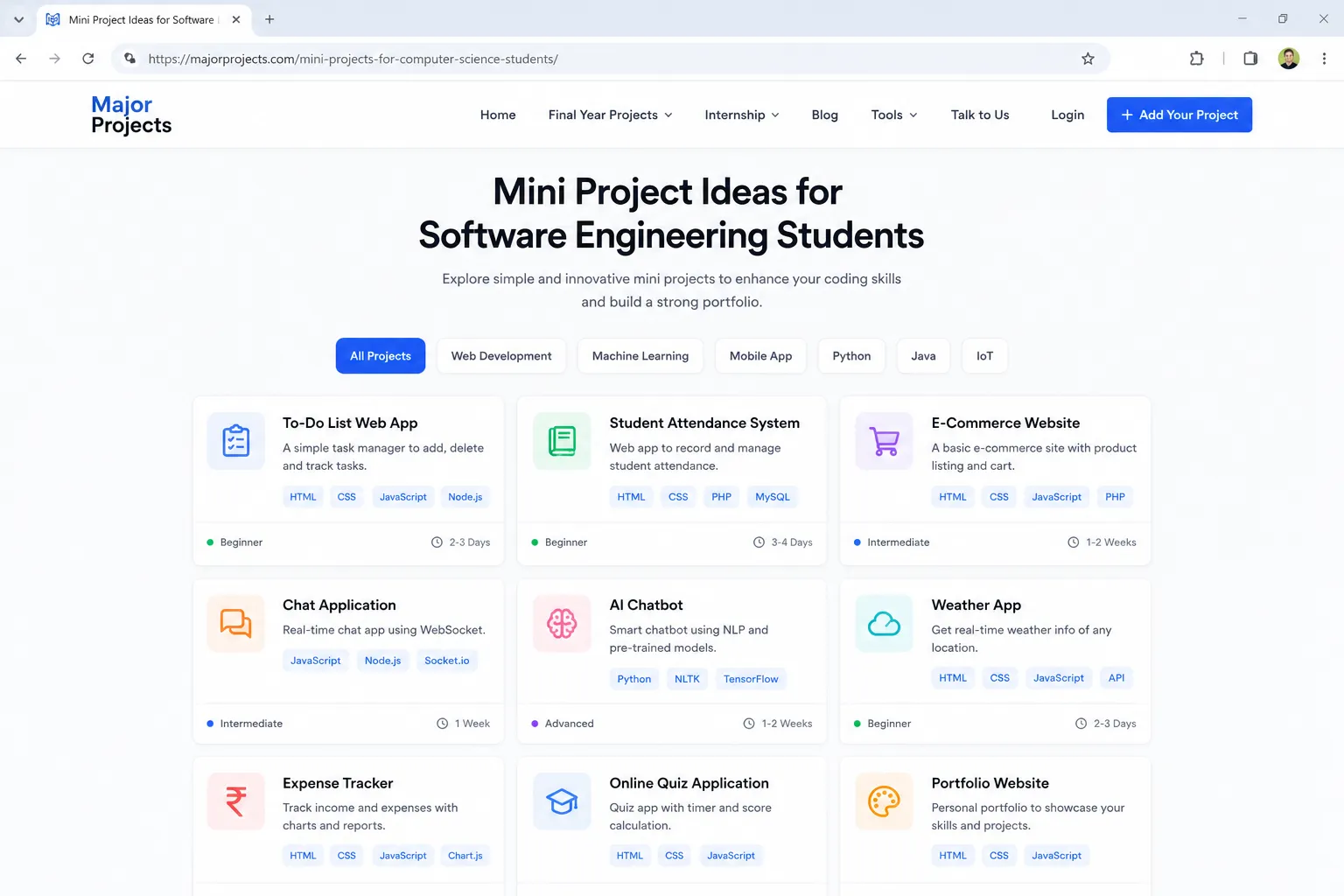
Use AI to support these projects, but build and understand them yourself.
Beginner projects
- To-do list app
- Calculator
- Quiz app
- Weather app
- Notes app
- Portfolio website
- Expense tracker
Intermediate projects
- Student management system
- Blog CMS
- E-commerce demo
- Job board
- Chat app
- Restaurant ordering app
- Car booking system
- Inventory management system
Advanced projects
- Real-time collaboration app
- Learning management system
- CI/CD deployment pipeline
- Role-based admin dashboard
- AI-powered code reviewer
- API monitoring dashboard
- Microservice-based demo app
Best project format
For each project, include:
- Problem statement
- Features
- Tech stack
- Architecture diagram
- Database schema
- API documentation
- Screenshots
- Tests
- Deployment link
- README
- Future improvements
This makes your portfolio look professional instead of random.
FAQ
What are the best AI tools for software engineering students?
The best AI tools for software engineering students include ChatGPT, GitHub Copilot, Cursor, Windsurf, Codeium, Tabnine, Sourcegraph Cody, Replit AI, Phind, Qodo, Snyk, SonarQube, Postman, Notion AI, GitHub, and Jira or Linear AI.
Which AI tool is best for coding?
GitHub Copilot is one of the best AI coding assistants inside an IDE. Cursor is better for full project editing and multi-file understanding. ChatGPT is best for explanations, debugging help, and learning concepts.
Can AI help with software testing?
Yes. AI can generate unit tests, edge cases, mock data, and test ideas. Tools like Qodo, GitHub Copilot, ChatGPT, and Cursor can help, but students should review every test.
Is using AI for software engineering assignments cheating?
It depends on your school policy. Using AI to explain, debug, test, and improve your own work is usually safer. Submitting AI-generated code you don’t understand may be considered cheating.
Can AI replace software engineers?
No. AI can automate parts of coding, but software engineers still need problem-solving, system design, testing, security awareness, communication, and product judgment.
What is the best free AI tool for software engineering students?
Good free or beginner-friendly options include ChatGPT free plan, Windsurf/Codeium free options, Replit free features, Phind, GitHub free tools, and some free tiers of documentation or testing tools.
Conclusion
The best AI tools for software engineering students in 2026 can make coding, debugging, testing, documentation, and project building much easier. ChatGPT helps explain concepts. GitHub Copilot and Cursor support coding. Windsurf and Codeium are useful for students on a budget. Tabnine supports privacy-focused coding. Sourcegraph Cody helps with large codebases. Qodo, Snyk, and SonarQube improve testing, security, and code quality.
But AI is not a replacement for engineering skill. The best software engineering students still understand requirements, logic, architecture, testing, Git, security, documentation, and teamwork.
Use AI as your assistant, not your autopilot. Build projects. Test your code. Review every AI suggestion. Upload clean work to GitHub. That is how AI becomes a career advantage instead of a bad habit.
About Prof. Irfan
About Prof. Irfan
Prof. Irfan is an AI in education researcher and former classroom teacher. He helps educators and students integrate AI tools ethically and effectively. His work focuses on practical AI study systems, responsible classroom use, software learning workflows, and career-ready digital skills for modern students.