
Best AI Tools for Computer Science Students in 2026
Quick Summary
- The best AI tools for computer science students help with coding, debugging, algorithms, data structures, documentation, research, GitHub projects, interview prep, and exam revision.
- AI can make CS learning faster, but students still need to understand logic, syntax, complexity, testing, and problem-solving.
- A strong CS student toolkit includes one AI coding assistant, one AI tutor, one notebook/research tool, one debugging helper, one documentation tool, and one portfolio/project tool.
Computer science is exciting until your code runs perfectly on your laptop and then breaks the moment you submit it. Or worse, it works but you have no idea why. That is where the best AI tools for computer science students can help.
AI tools can explain algorithms, generate starter code, debug errors, create test cases, summarize lecture notes, write documentation, help with Git commands, and even prepare you for coding interviews. But there’s a catch: if you let AI do all the thinking, you may pass one assignment and fail the real skill.
What is an AI tool for computer science students?
An AI tool for computer science students is software that uses artificial intelligence to support learning tasks such as coding, debugging, explaining algorithms, reviewing code, creating study notes, generating tests, and planning software projects.
Which AI tool is best for CS students?
For most students, ChatGPT is the best starting tool because it can explain concepts, help debug, create examples, and teach step by step. For coding inside an editor, GitHub Copilot, Cursor, Codeium, and Tabnine are strong options.
Can CS students use AI without cheating?
Yes. Use AI to explain, guide, test, review, and improve your work. Do not submit AI-written code you don’t understand. UNESCO’s generative AI guidance stresses that AI in education should support human learning, not replace human judgment or critical thinking. (UNESCO)
What Are AI Tools for Computer Science Students?
AI tools for computer science students are apps, coding assistants, chatbots, IDE plugins, research helpers, and study platforms that help students learn CS skills faster.
They can support many areas of computer science, including:
- Programming fundamentals
- Data structures
- Algorithms
- Object-oriented programming
- Web development
- App development
- Databases
- Operating systems
- Computer networks
- Software engineering
- Machine learning
- Cybersecurity basics
- Version control
- Technical writing
- Interview preparation
A normal search engine gives you links. An AI coding tutor can explain why your recursion never stops. An AI code assistant can suggest the next line. An AI research tool can summarize a paper. An AI notebook can turn lectures into revision notes.
But here is the honest truth: AI is powerful, not magical. If your concept is weak, AI can help. If your thinking is lazy, AI can hide the problem for a while. Then the exam, interview, or real project will expose it. Very rude, but very true.
Why Computer Science Students Need AI Tools
Computer science students need AI tools because CS learning has many moving parts. You are not just memorizing facts. You are learning to think logically, solve problems, write code, test assumptions, debug errors, and build systems.
The demand for AI literacy is also rising. Stanford HAI’s 2025 AI Index notes that AI and computer science education are expanding, while gaps in access and readiness still remain. It also reports that many K–12 CS teachers believe AI should be part of foundational CS education, but fewer feel fully equipped to teach it. (Stanford HAI)
For students, that means AI is not just a side topic anymore. It is becoming part of how programming, software development, and technical problem-solving are taught.
AI helps CS students with:
- Code generation
- Bug fixing
- Algorithm explanation
- Complexity analysis
- Unit test creation
- Project planning
- Documentation writing
- Research summaries
- Git and terminal commands
- Interview practice
- Exam revision
- Learning new frameworks
GitHub’s research on Copilot reported that developers using Copilot completed a coding task faster and also described benefits such as reduced mental effort and more focus on satisfying work. For students, the lesson is not “AI writes code, so relax.” The lesson is “AI can reduce friction so you can focus on understanding.” (The GitHub Blog)
Best AI Tools for Computer Science Students in 2026
1. ChatGPT — Best Overall AI Tutor for CS Students
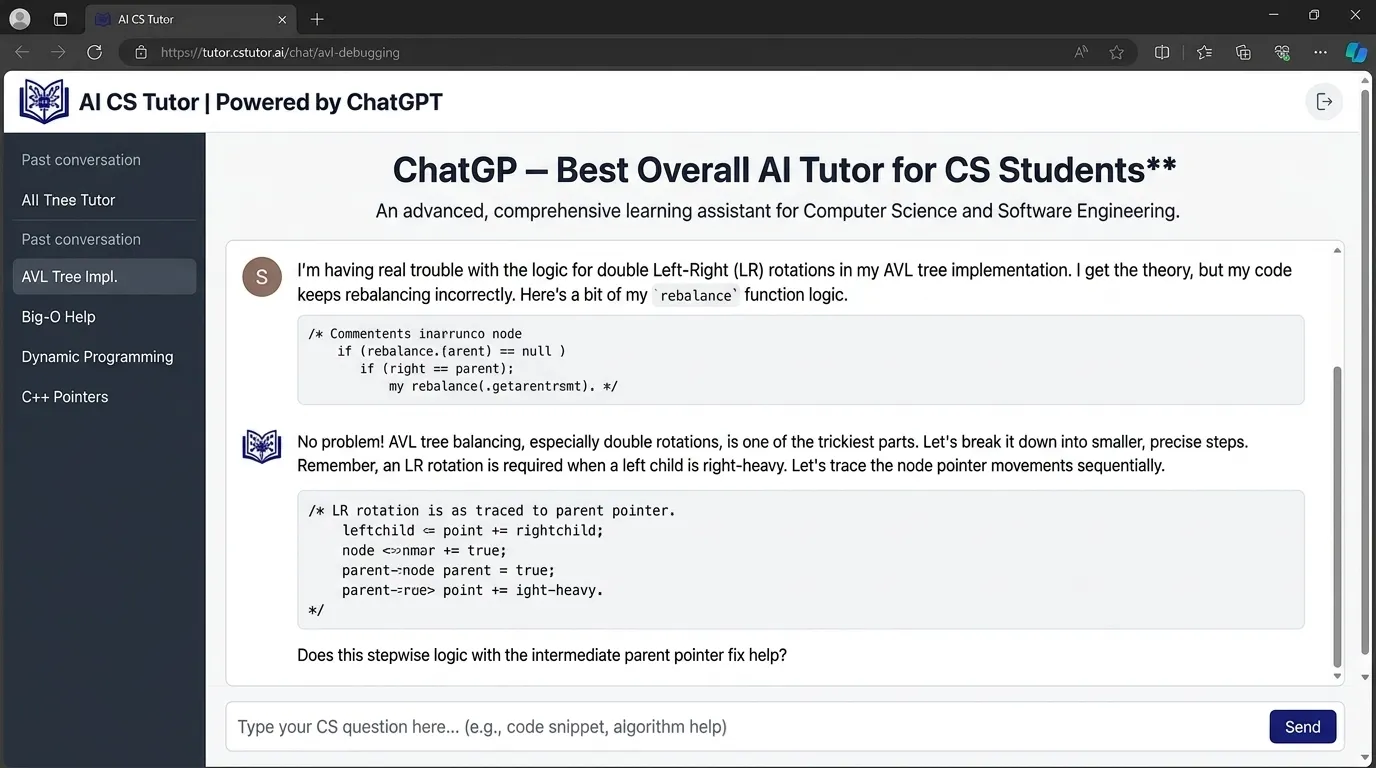
ChatGPT is one of the best AI tools for computer science students because it can explain almost any CS topic in simple language. It can help with Python, Java, C++, JavaScript, SQL, algorithms, databases, operating systems, networking, and software engineering.
Best for
- Explaining programming concepts
- Debugging code
- Writing pseudocode
- Understanding algorithms
- Creating practice problems
- Reviewing assignments
- Explaining error messages
- Learning frameworks
- Preparing for interviews
- Writing documentation
Example prompt
Explain recursion like I’m a beginner. Use a simple Python example, show the call stack, and then give me 3 practice problems.
Why it helps
Many CS students get stuck because explanations move too fast. A teacher may explain recursion once. The textbook may explain it in a formal way. But ChatGPT can explain it in five different ways until it finally clicks.
For example, recursion can be explained as:
A function that solves a problem by calling itself on a smaller version of the same problem until it reaches a stopping point.
Simple. Clear. Less scary.
Weak point
ChatGPT can produce code that looks correct but has hidden bugs. Always test the output. Ask it to explain each line. Then try to rewrite the solution yourself.
Students who want a broader guide can also read how students can use ChatGPT for study.
2. GitHub Copilot — Best AI Coding Assistant Inside Your Editor
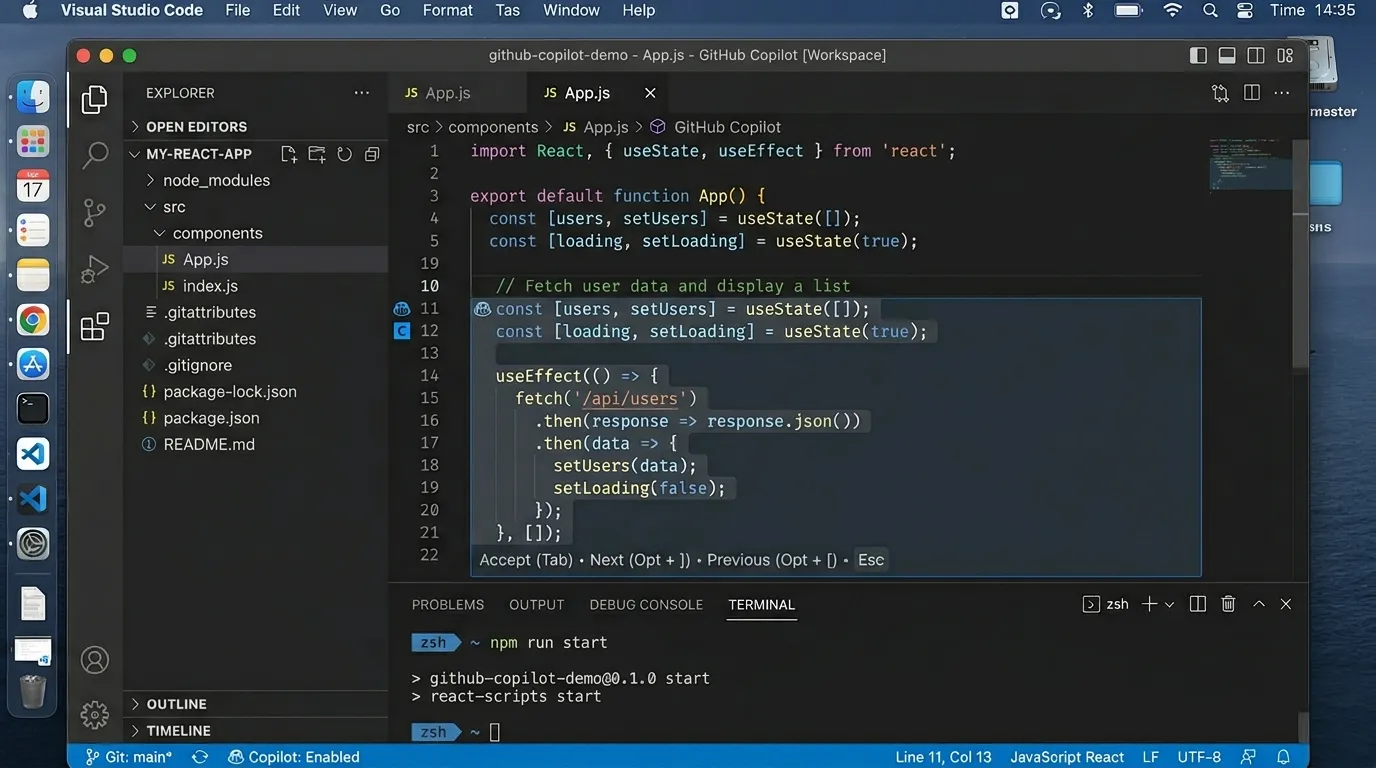
GitHub Copilot is one of the most popular AI coding assistants. It works inside code editors and suggests code as you type.
Best for
- Code suggestions
- Autocomplete
- Boilerplate code
- Function generation
- Documentation comments
- Unit test suggestions
- Learning syntax
- Working in real projects
Why it helps
CS students often waste time on syntax and repeated patterns. Copilot can help with the boring parts, such as writing a basic API route, generating a class, or suggesting a loop structure.
For example, if you write a comment:
# function to check if a number is prime
Copilot may suggest the function body.
That is useful. But don’t just accept it. Read it. Test it. Ask why it works.
Best student use
Use Copilot after you understand the basic idea. For example:
- Write pseudocode yourself.
- Start the function.
- Let Copilot suggest code.
- Check each line.
- Write test cases.
- Explain the solution in your own words.
Weak point
Copilot can make students dependent. If you can’t solve a simple problem without suggestions, turn it off for practice sessions.
3. Cursor — Best AI Code Editor for Projects
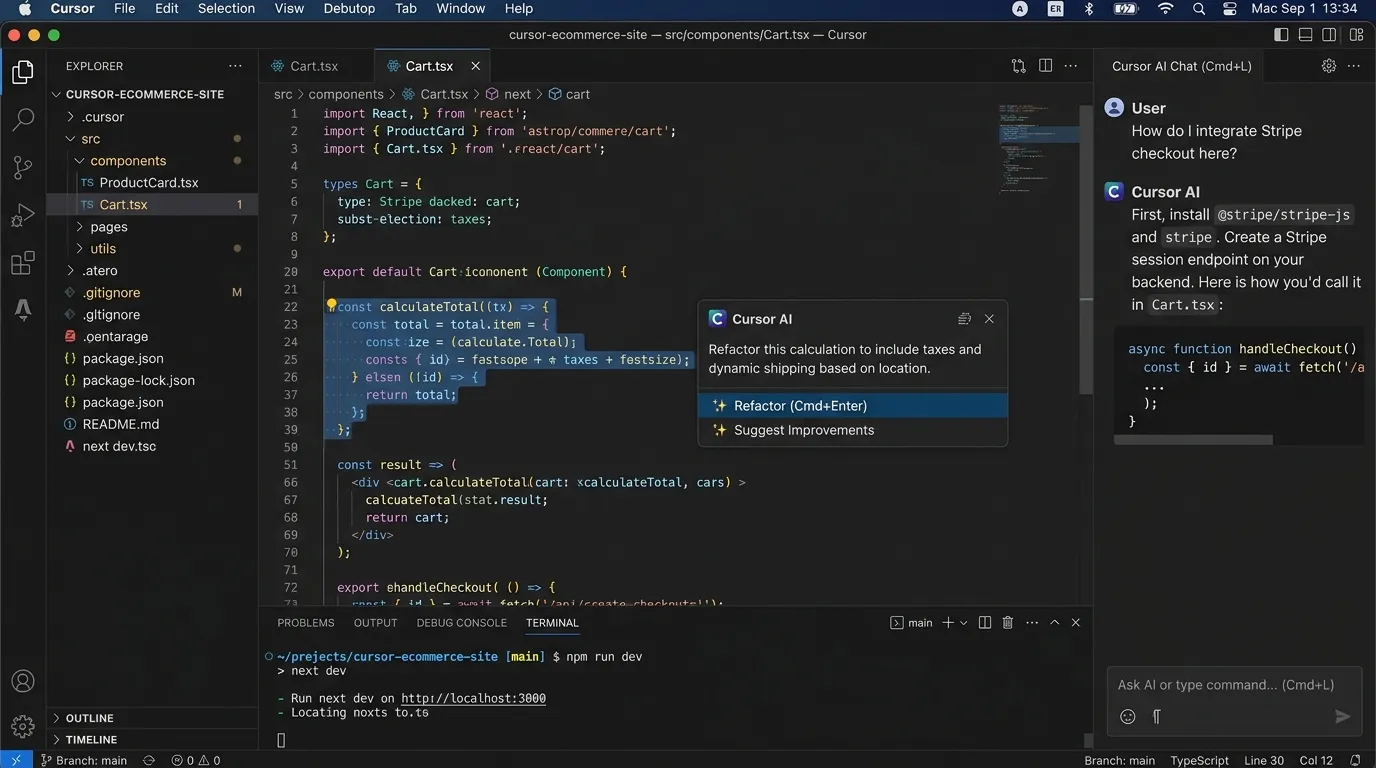
Cursor is an AI-powered code editor that helps students work with full projects. Unlike a simple chatbot, it can understand files in your project and help edit code across them.
Best for
- Full-stack projects
- Refactoring
- Debugging multiple files
- Understanding unfamiliar codebases
- Adding features
- Explaining project structure
- Fixing errors across files
Why it helps
Many students can solve small coding problems but struggle with real projects. A project has folders, routes, components, APIs, packages, environment files, and errors that come from nowhere like surprise guests.
Cursor helps because it can answer questions about your actual codebase.
Example prompt
Explain how this project works. Start with the folder structure, then explain the main files, then tell me where I should add a login page.
Weak point
Cursor can make big edits quickly. That is powerful but risky. Use Git before making AI-assisted changes so you can undo mistakes.
4. Codeium / Windsurf — Best Free AI Coding Assistant
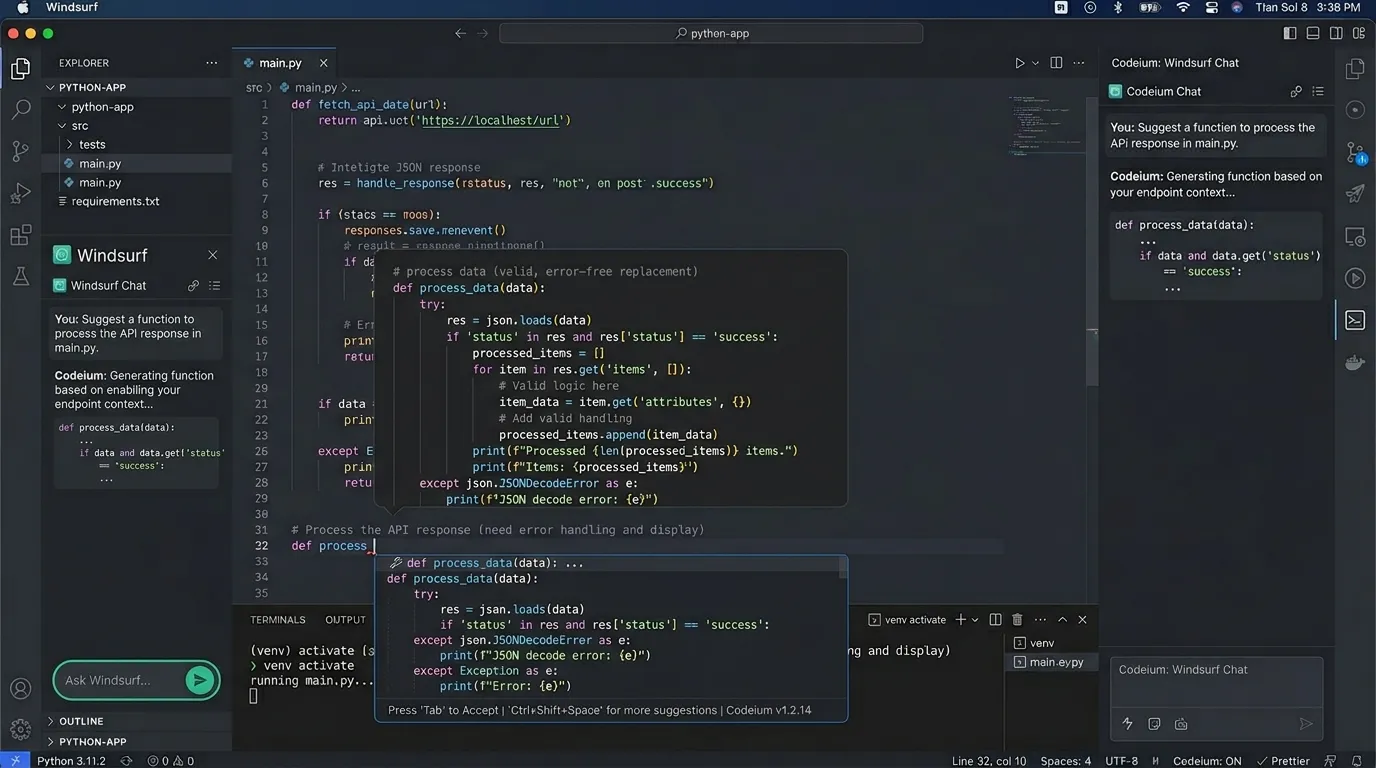
Codeium, now linked with the Windsurf editor ecosystem, is a popular AI coding assistant with free options for individual developers. It helps with autocomplete, chat, and code generation.
Best for
- Students on a budget
- Code completion
- Explaining code
- Writing small functions
- Learning syntax
- Improving productivity
Why it helps
Not every student can pay for premium tools. Codeium gives many students access to AI coding help without starting with expensive subscriptions.
Good use case
Use it while learning a new language. For example, if you know Python but are learning JavaScript, the tool can help you understand syntax patterns faster.
Weak point
Like any coding assistant, it can suggest code you don’t fully understand. The fix is simple: ask it to explain the code before using it.
Students searching for low-cost tools may also find this guide helpful: free AI tools with no signup.
5. Replit AI — Best for Beginner Coding Practice
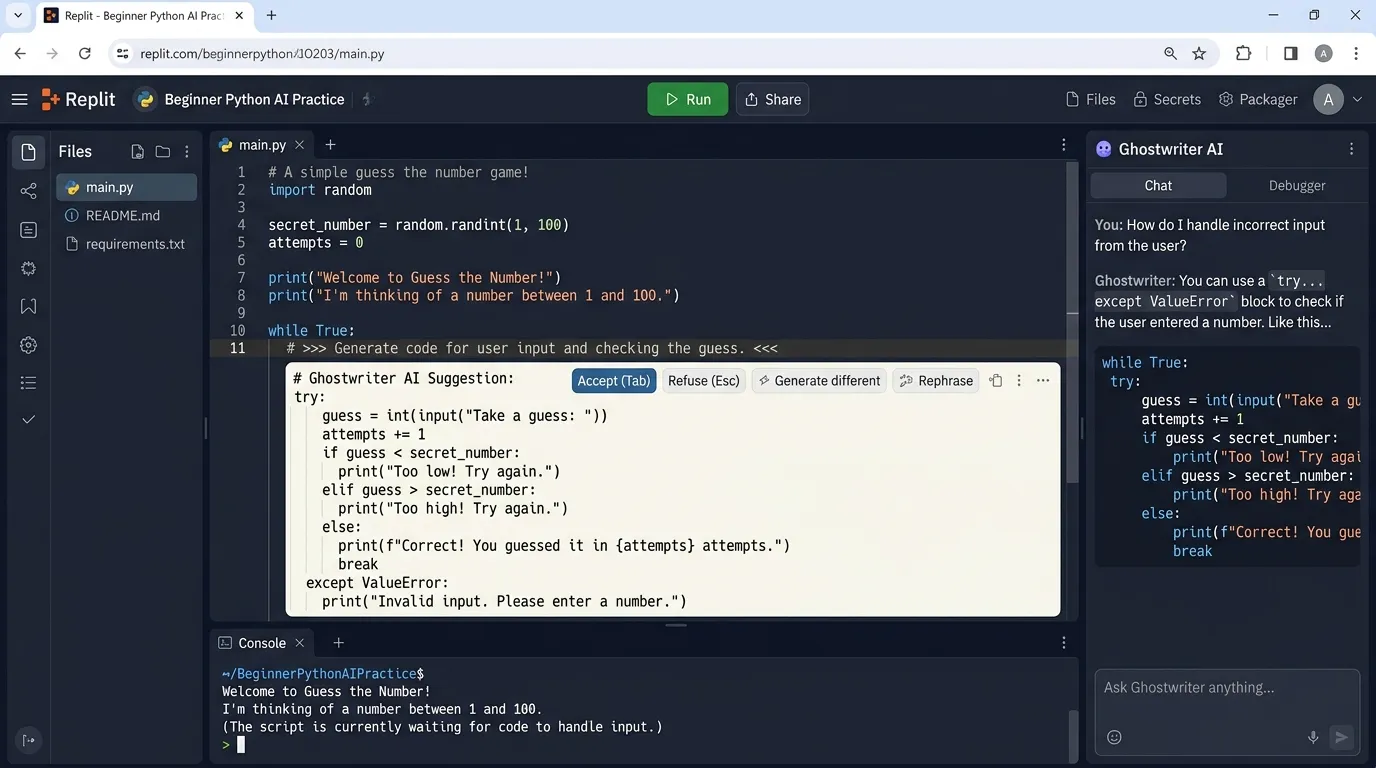
Replit is a browser-based coding platform, and its AI features help students write, debug, and understand code directly in the browser.
Best for
- Beginner programming
- Browser-based coding
- Python practice
- JavaScript practice
- Small projects
- Quick experiments
- Class assignments
- Sharing code links
Why it helps
Many beginners struggle with setup before they even write code. Installing Python, fixing PATH issues, setting up VS Code, dealing with packages — it can be a mess.
Replit removes much of that setup. You open the browser and start coding.
Example project ideas
- Calculator
- To-do list
- Quiz app
- Weather app
- Simple chatbot
- Basic Flask app
- HTML/CSS landing page
Weak point
Browser tools are great for learning, but advanced projects may still need local development skills.
For browser-friendly learning, students can also explore browser-based AI tools for students.
6. Claude — Best for Explaining Long Code and CS Concepts
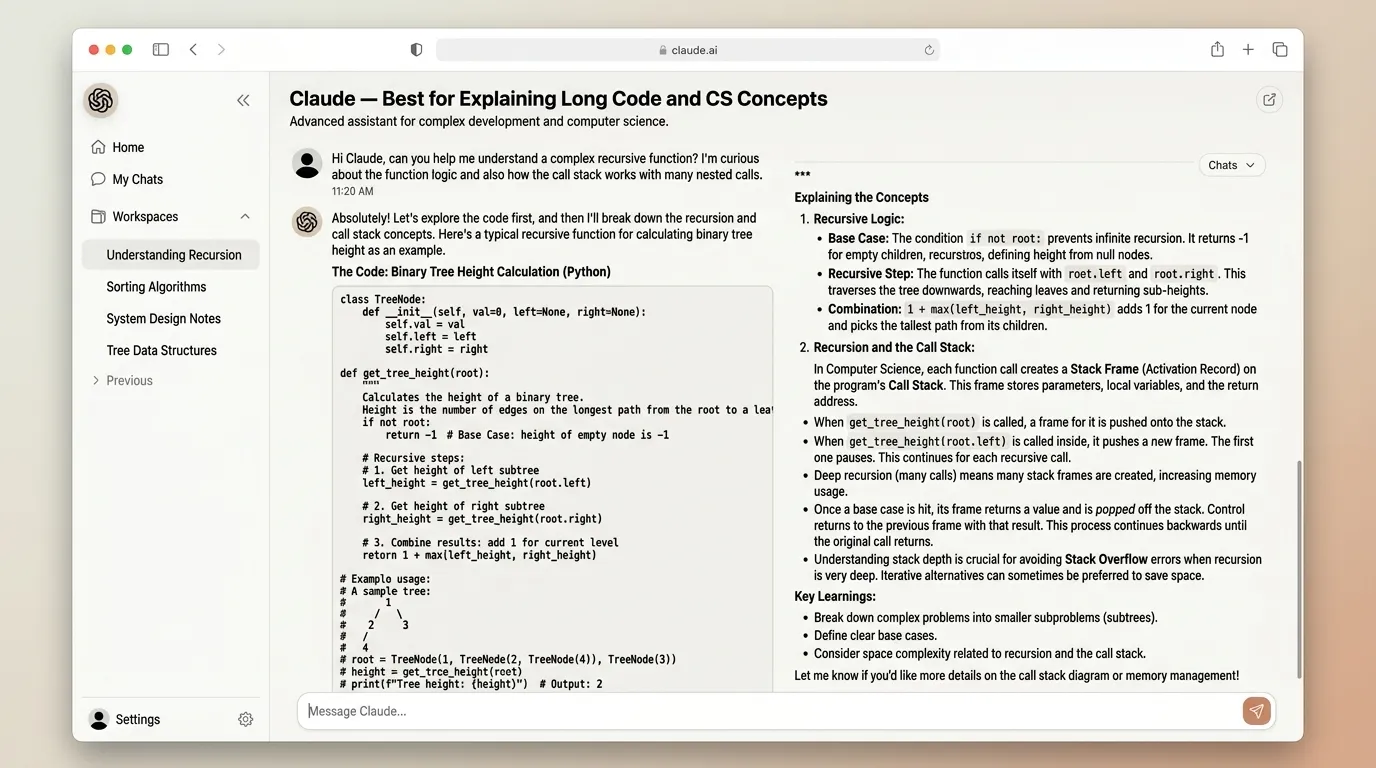
Claude is useful for reading and explaining long text, code, notes, and documentation. It is strong for careful explanations and structured thinking.
Best for
- Long code explanation
- Algorithm comparison
- Research paper summaries
- Software design discussion
- Essay-style CS assignments
- Technical writing
- Ethics in AI discussions
Why it helps
Some CS topics need careful explanation, not just code. For example:
- What is the difference between threads and processes?
- Why is deadlock hard to solve?
- How does public-key cryptography work?
- Why does database normalization matter?
- What is the difference between BFS and DFS?
Claude can explain these in a clear, organized way.
Example prompt
Compare BFS and DFS using a table. Include time complexity, space complexity, use cases, and one simple graph example.
Weak point
Claude can still hallucinate. Use it to understand, not as a final source for citations or technical claims.
Students doing deeper research can read how to use Claude AI for study and research.
7. Perplexity — Best for CS Research With Sources
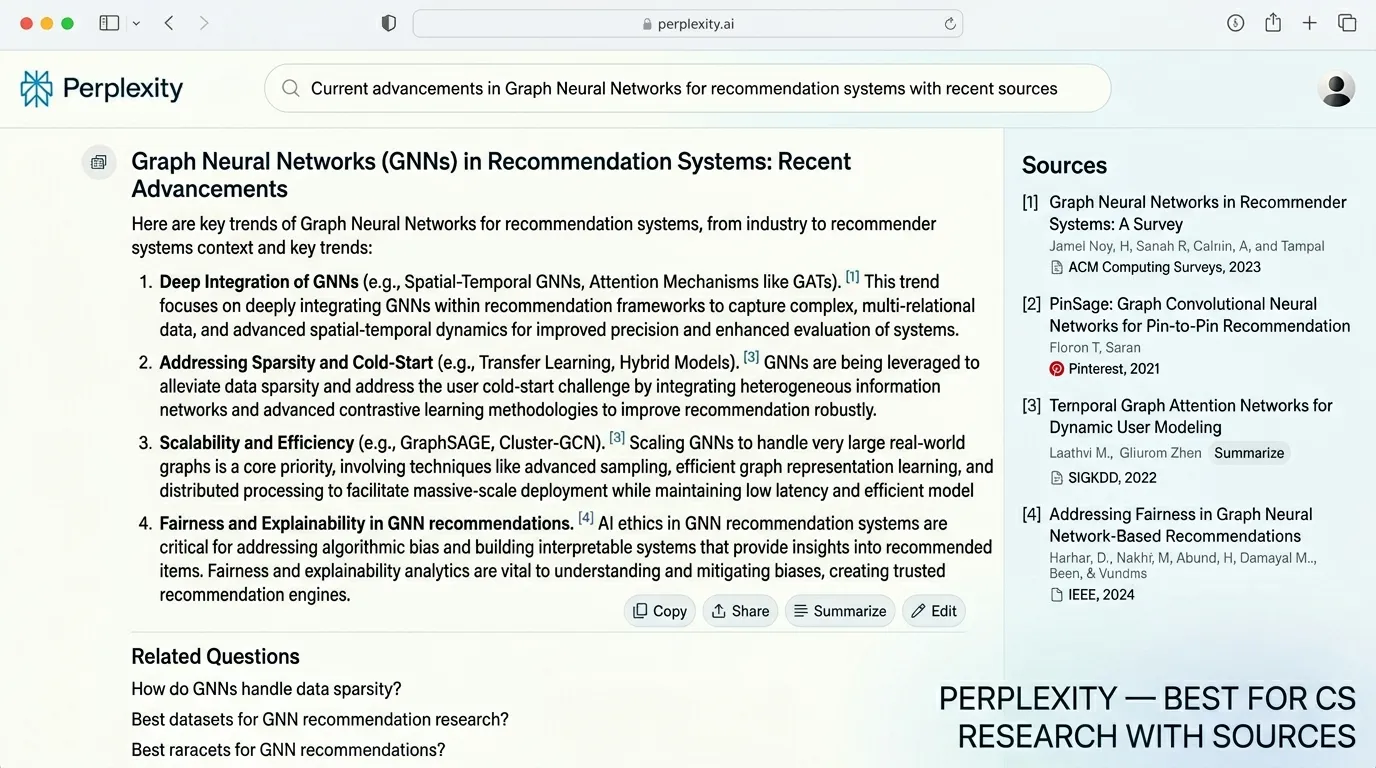
Perplexity is useful for finding source-backed explanations. It can help students research programming tools, frameworks, algorithms, AI trends, and academic concepts.
Best for
- Source-based answers
- Research summaries
- Comparing tools
- Finding documentation
- Learning new frameworks
- Exploring current tech trends
Why it helps
Computer science changes fast. A Python library, JavaScript framework, or AI tool can change within months. Perplexity helps students find more current answers with citations.
Example use
Ask:
What are the main differences between Next.js and React for beginner web developers? Use current sources.
Weak point
A cited answer is not automatically correct. Always open important sources, especially official documentation.
8. Phind — Best AI Search Engine for Developers
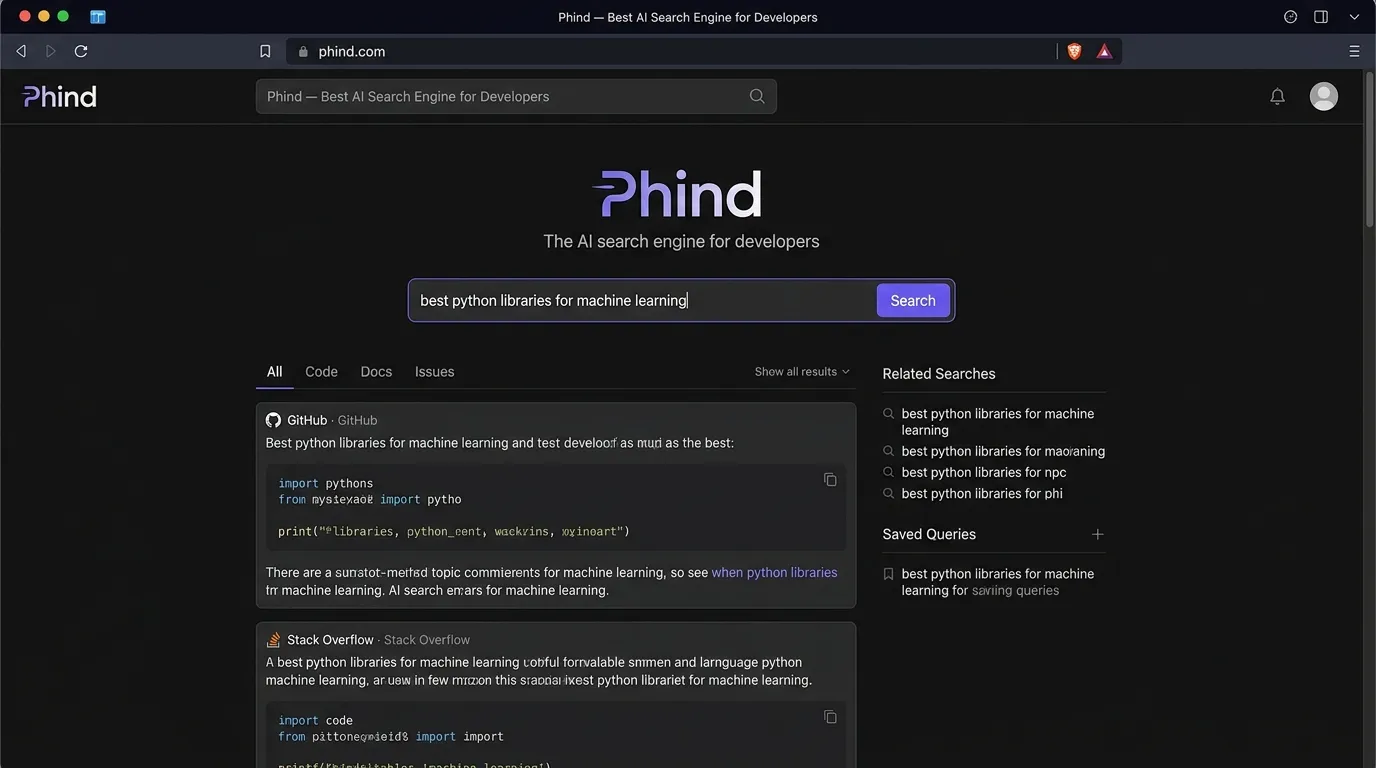
Phind is designed for developers and technical searches. It gives answers for coding questions and often links to useful sources.
Best for
- Debugging errors
- Programming questions
- Framework help
- Developer research
- API usage
- Technical explanations
Why it helps
Stack Overflow is helpful, but beginners often struggle to know which answer applies to their case. Phind can summarize possible solutions and explain them.
Example query
Why am I getting “TypeError: cannot read property map of undefined” in React?
It can explain the likely cause and suggest fixes.
Weak point
You still need to understand your own code. Copying a fix without knowing the issue can create new bugs.
9. Tabnine — Best Privacy-Focused Coding Assistant
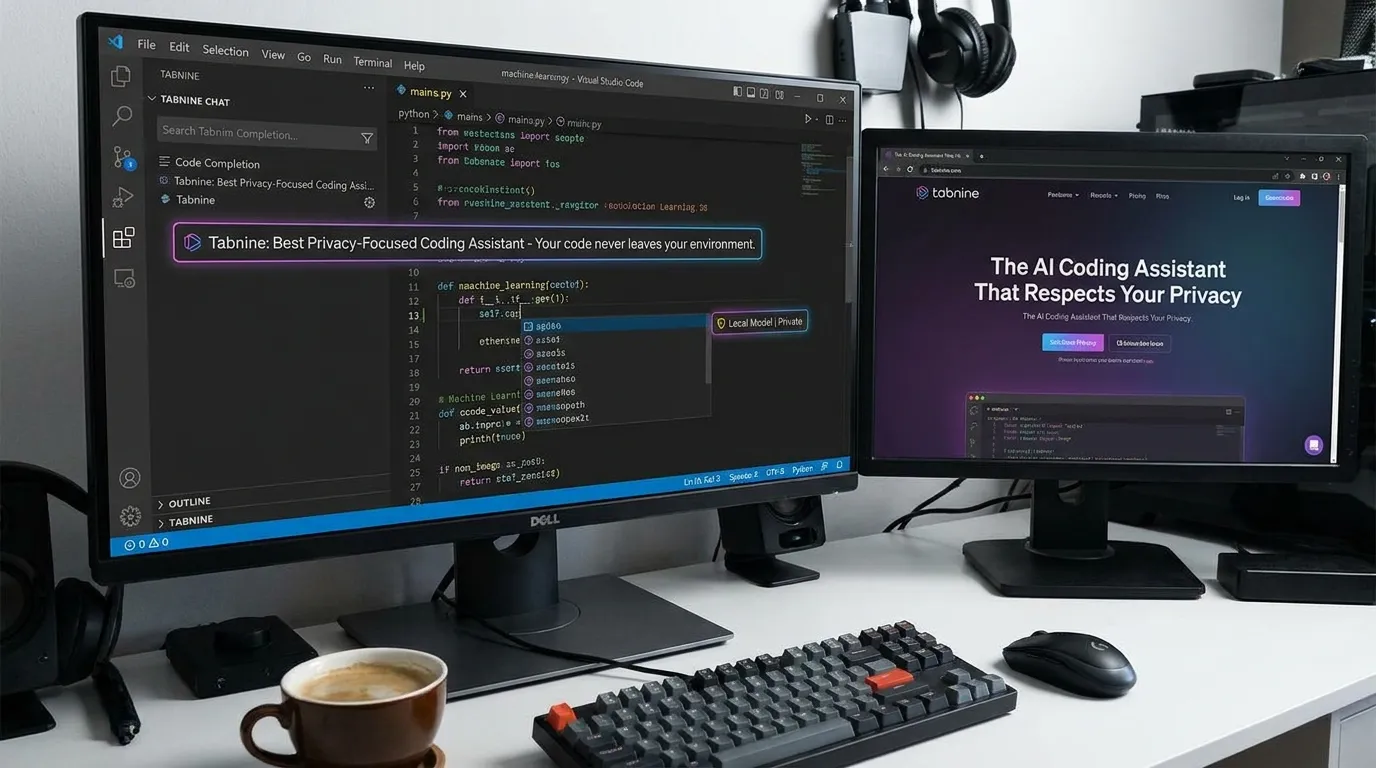
Tabnine is an AI coding assistant that focuses strongly on privacy and team control. It can be useful for students who care about data protection or work on private projects.
Best for
- Code completion
- Privacy-conscious coding
- Team environments
- Local or controlled suggestions
- Enterprise-style workflows
Why it helps
CS students should learn early that code privacy matters. Not every project should be pasted into random AI tools, especially if it includes API keys, client data, private repositories, or university research.
Weak point
Some advanced features may be paid. Also, privacy settings vary by plan, so students should read the tool’s policy before using it for sensitive work.
For privacy-focused studying, read this related guide on privacy-first AI tools for students.
10. NotebookLM — Best for CS Lecture Notes and PDFs
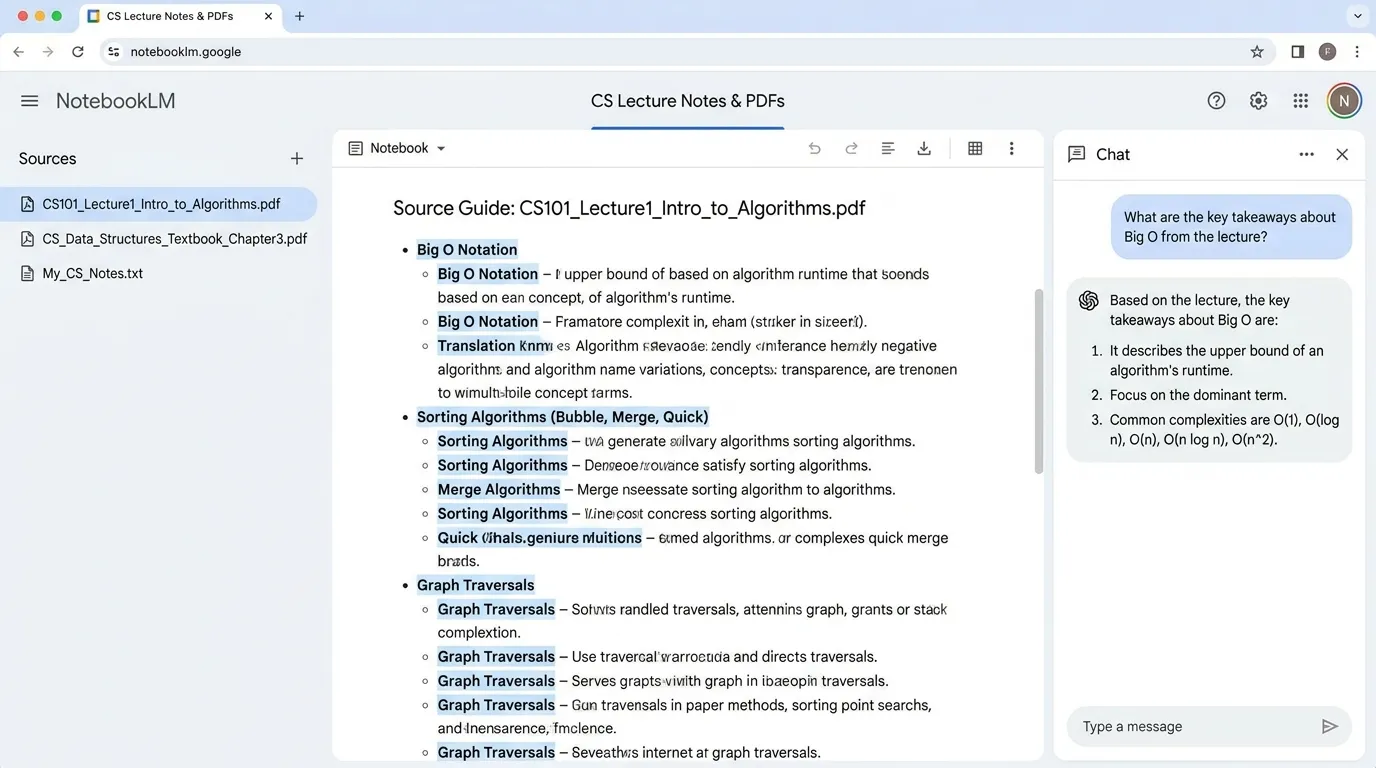
NotebookLM is excellent for studying your own CS notes, PDFs, slides, and class materials. You upload sources, then ask questions based on them.
Best for
- Lecture summaries
- PDF study guides
- Exam revision
- Asking questions from class notes
- Creating quizzes
- Reviewing textbook chapters
- Understanding assignments
Why it helps
Computer science notes can become scattered fast. One file for algorithms, one for OS, one for database slides, one PDF for networking, and a random screenshot of a whiteboard from three weeks ago.
NotebookLM helps turn those materials into study guides and questions.
Example prompt
Use these lecture notes to create a revision sheet for operating systems. Include definitions, diagrams to draw, key processes, and 15 exam questions.
Weak point
NotebookLM depends on your uploaded material. If your notes are incomplete, it may not fill every gap correctly.
11. Mindgrasp — Best for Turning CS Notes Into Study Materials
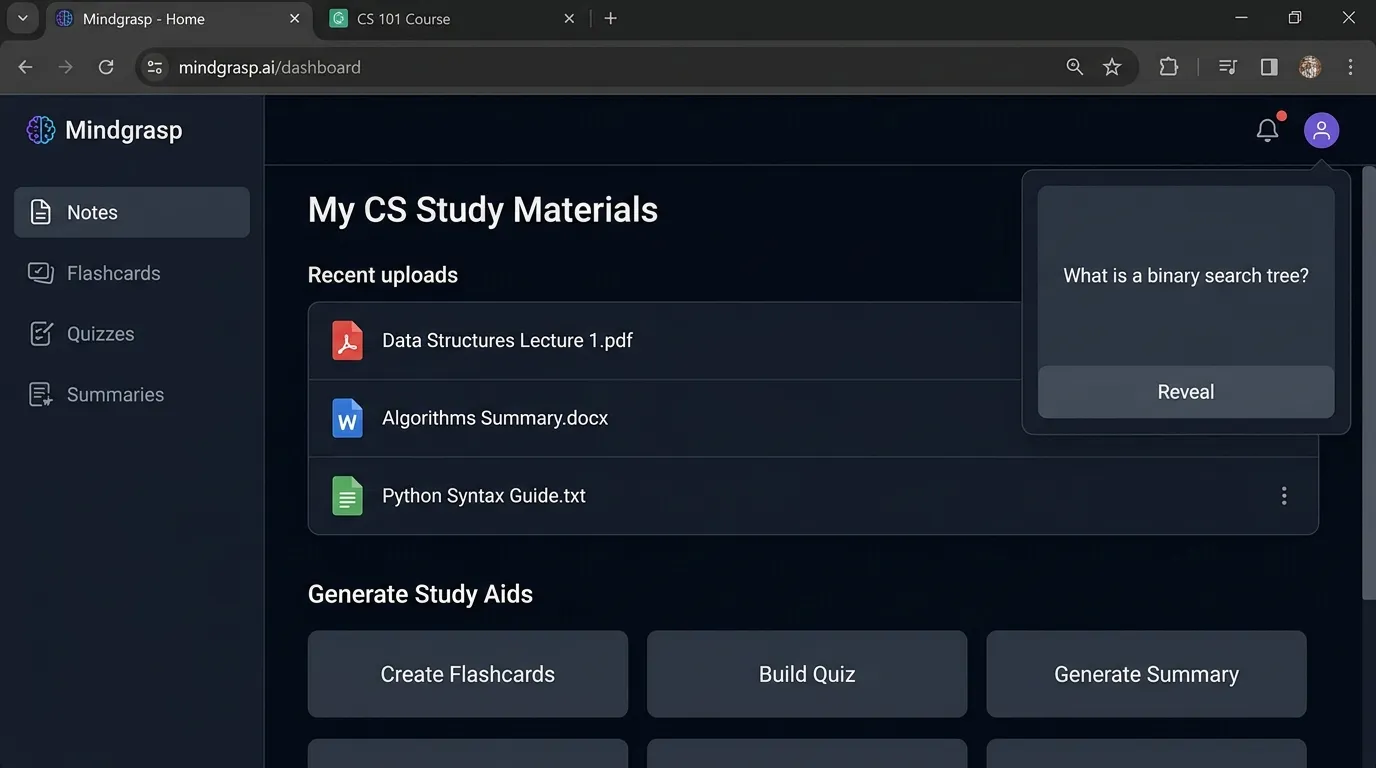
Mindgrasp helps students turn notes, PDFs, lectures, and documents into summaries, flashcards, quizzes, and study guides.
Best for
- CS flashcards
- Lecture summaries
- Quiz generation
- Exam prep
- Reading support
- Study guides
Why it helps
CS is not only coding. You also need to memorize and explain concepts:
- TCP/IP
- Big O notation
- Normalization
- Deadlock
- Hash tables
- Trees
- Stacks
- Queues
- Encryption
- CPU scheduling
Mindgrasp can help turn these topics into active recall practice.
Weak point
AI-generated flashcards may be too simple. Ask for beginner, medium, and advanced questions.
Students who like flashcard learning can use this guide on how to convert notes into flashcards.
12. GitHub — Best for AI-Assisted Portfolio Building
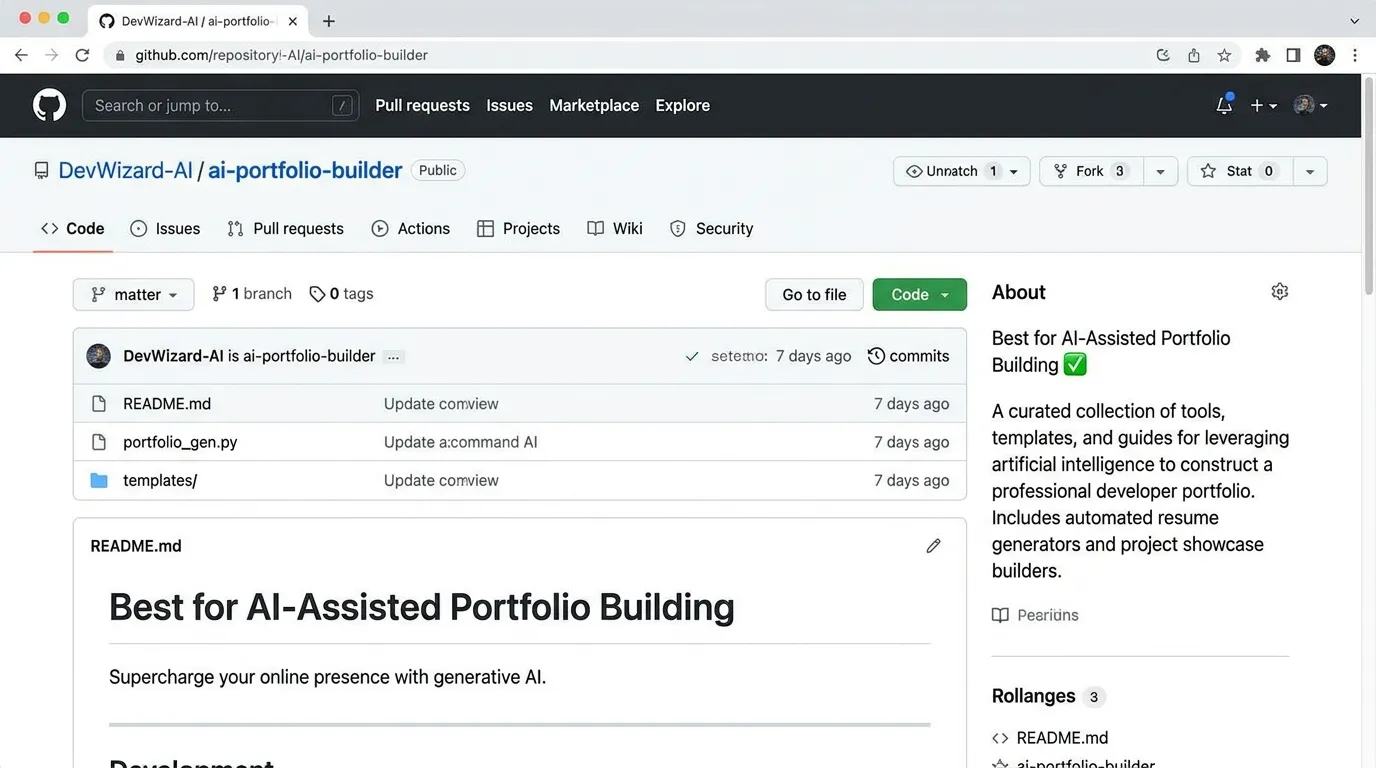
GitHub is not only a place to store code. For CS students, it is a portfolio. Recruiters, teachers, and collaborators often look at your GitHub to see what you build.
AI helps when you use GitHub with tools like Copilot, code review bots, README generators, and project planning assistants.
Best for
- Portfolio projects
- Version control
- Collaboration
- Open-source practice
- README files
- Issue tracking
- Code review habits
Why it helps
A CS student with projects looks stronger than a student with only course names. AI can help write README files, generate test cases, explain code, and structure issues.
Portfolio project ideas
- Personal portfolio website
- Student result management system
- Expense tracker
- Chat app
- E-commerce demo
- Weather dashboard
- AI study planner
- Library management system
- Quiz app
- Flutter app with Firebase
Weak point
Do not upload private keys, passwords, or secret files. Learn .gitignore early.
13. Google Colab — Best for Python, Data Science, and ML Practice
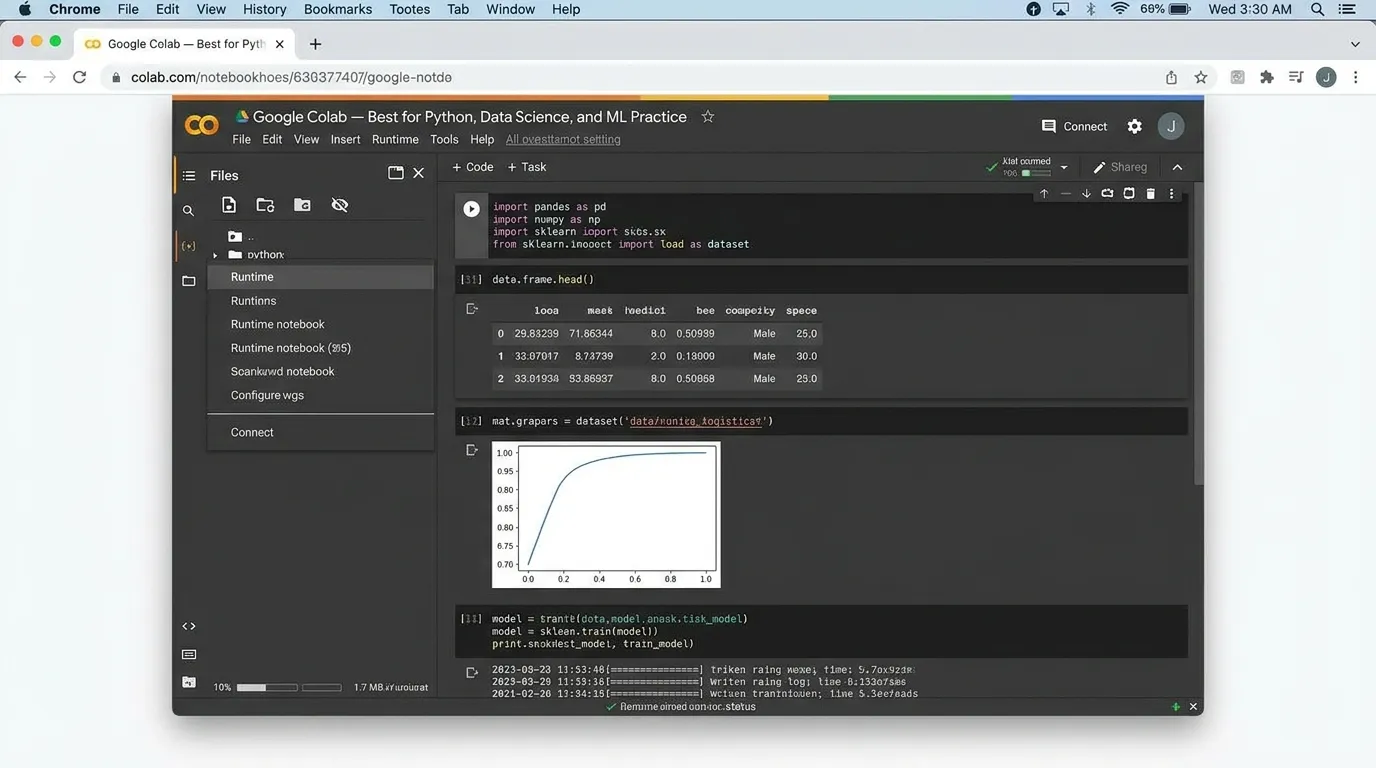
Google Colab is a browser-based notebook tool for Python, data science, and machine learning. It is very useful for CS students learning AI, ML, data analysis, or Python.
Best for
- Python practice
- Data science
- Machine learning
- Jupyter notebooks
- Pandas and NumPy
- Visualization
- Sharing notebooks
- GPU-based experiments
Why it helps
Machine learning setup can be difficult on a local computer. Colab lets students run notebooks in the browser and practice with datasets.
Example projects
- Student grade prediction
- Image classification
- Sentiment analysis
- Data cleaning project
- Linear regression demo
- Neural network basics
- CSV analysis dashboard
Weak point
Colab is great for learning, but production software development requires other skills too, such as APIs, deployment, testing, and databases.
14. LeetCode AI / Interview Tools — Best for Coding Interview Prep
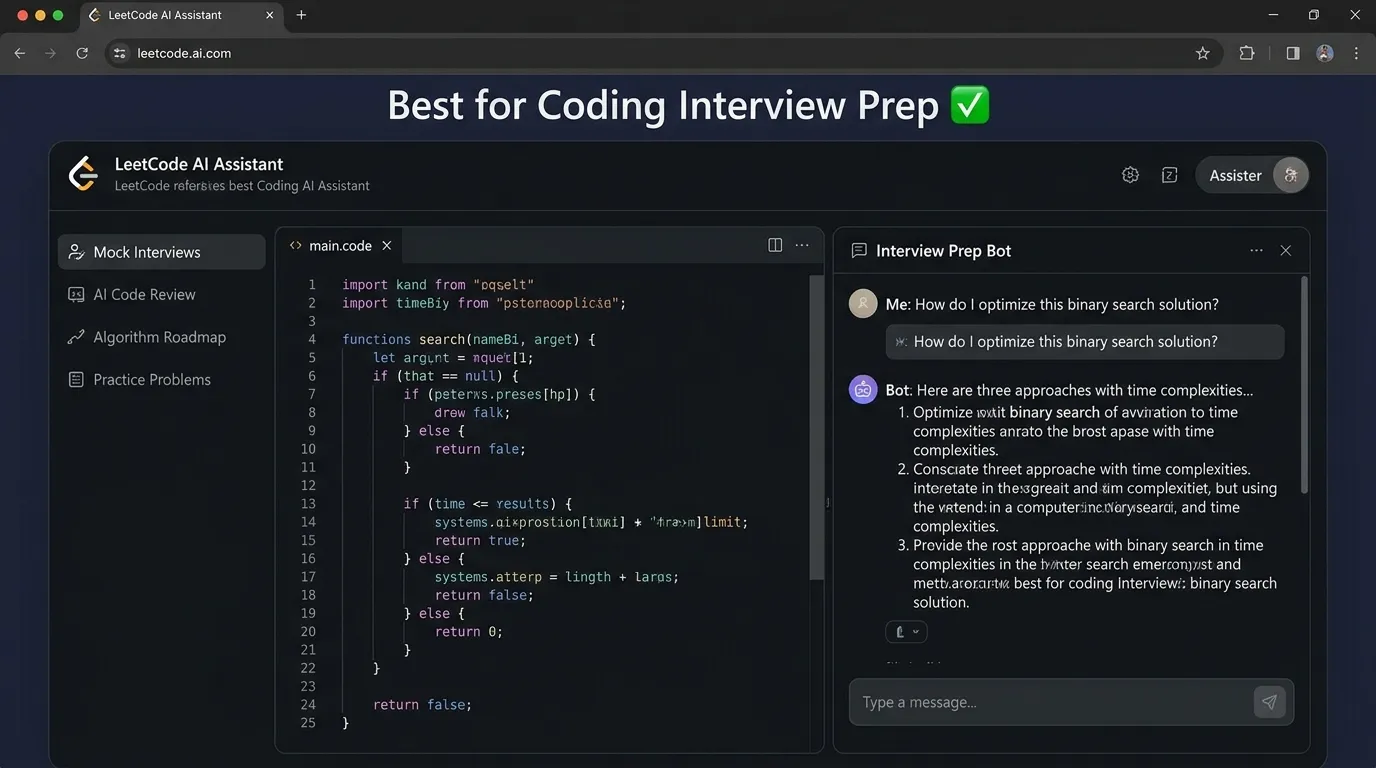
Many students use AI to prepare for coding interviews. Some platforms now include hints, explanations, and AI-guided practice.
Best for
- Data structure practice
- Algorithm problems
- Interview-style questions
- Complexity analysis
- Pattern recognition
- Step-by-step hints
Why it helps
Coding interviews are not just about knowing syntax. They test problem-solving patterns:
- Two pointers
- Sliding window
- Binary search
- Recursion
- Dynamic programming
- Graph traversal
- Greedy algorithms
- Backtracking
AI can explain why one approach works better than another.
Best student use
Do not ask AI to solve the problem first. Try this method:
- Read the problem.
- Write examples.
- Think of brute force.
- Ask AI for a hint only.
- Solve it yourself.
- Ask AI to review complexity.
- Rewrite the solution cleanly.
Weak point
If AI gives you full solutions too early, your brain skips the struggle. Unfortunately, the struggle is where the skill grows.
15. Grammarly / QuillBot — Best for Technical Writing
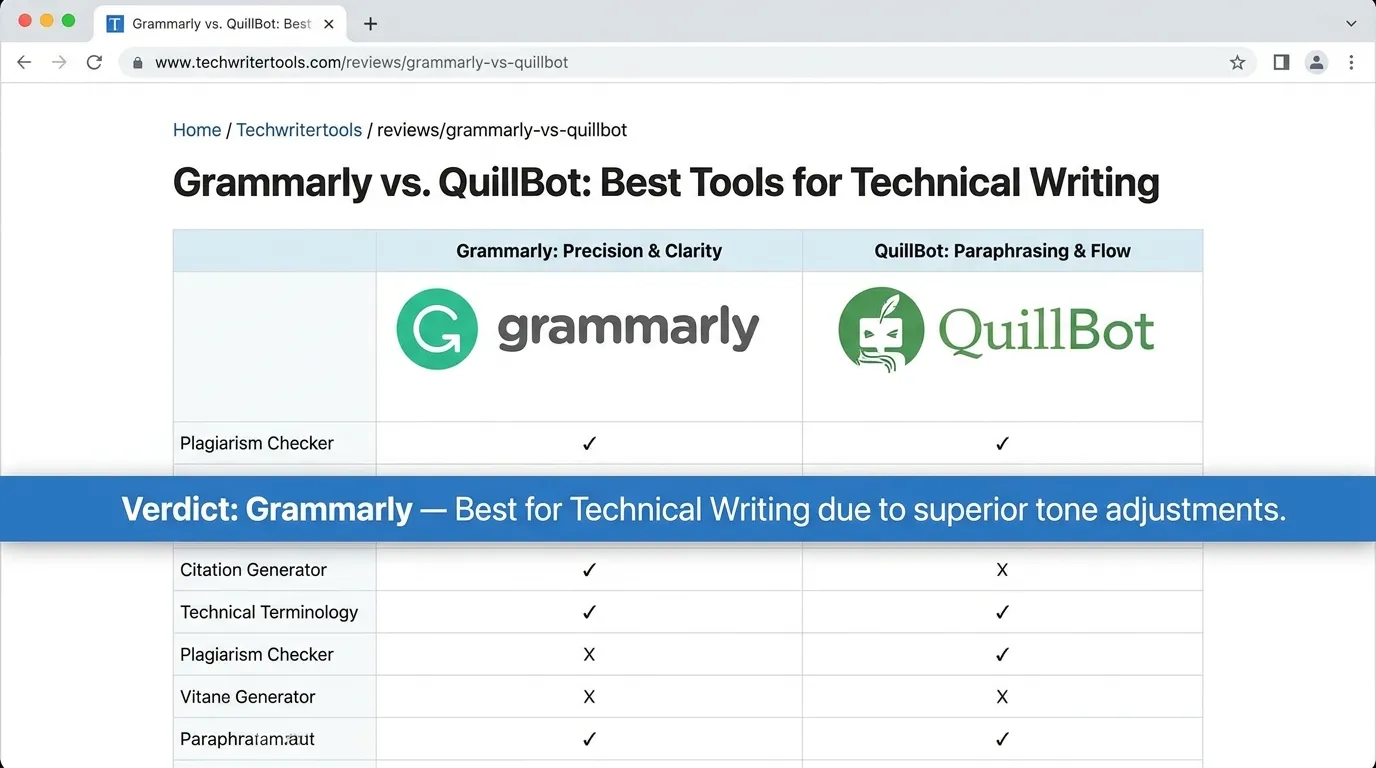
CS students often forget that writing matters. You need clear writing for reports, documentation, README files, research summaries, project proposals, and emails.
Best for
- README files
- Project reports
- Documentation
- Research summaries
- Internship emails
- Technical explanations
- Grammar checking
Why it helps
Good code with bad documentation is hard to understand. Grammarly and similar tools can improve clarity.
For example:
Weak:
This project is doing attendance using face and it is good for students.
Better:
This project uses face recognition to mark student attendance and reduce manual record keeping.
Clear writing makes your projects look more professional.
Weak point
Do not let writing tools remove your meaning. Technical writing must stay accurate.
How to Use AI for CS Without Cheating
AI can help CS students learn faster, but it can also make cheating easier. The line is simple: use AI to understand and improve, not to hide the fact that you don’t understand.
Good uses of AI
Use AI to:
- Explain code
- Debug errors
- Create practice problems
- Suggest test cases
- Review your solution
- Explain algorithms
- Compare approaches
- Summarize notes
- Improve documentation
- Practice interview questions
Bad uses of AI
Avoid using AI to:
- Submit generated code as your own
- Skip learning syntax and logic
- Fake project work
- Generate assignments without understanding
- Invent citations
- Hide plagiarism
- Paste private code without permission
- Avoid debugging practice
A 2025 discussion of computer science education in the age of generative AI highlights both opportunities and risks, including academic integrity concerns, over-reliance on AI, and the challenge of verifying originality. (arXiv)
Simple rule
If AI helps you learn, it’s a tutor. If AI replaces your thinking, it’s a shortcut that will hurt later.
Best AI Prompts for Computer Science Students
These practical AI prompts can help you understand concepts, debug code, review projects, prepare for interviews, and improve your programming skills without blindly copying answers.
For learning a concept
Use this when you want AI to explain a topic clearly and then test your understanding.
For debugging
Use this when your code shows an error and you want to understand the problem before fixing it.
For code review
Use this before submitting or improving your project code.
For algorithms
Use this when you want a step-by-step explanation instead of only getting the final answer.
For data structures
Use this when you want to compare different data structures and understand where each one is useful.
For project planning
Use this when you want to turn a project idea into a clear development plan.
For Git and GitHub
Use this when Git commands feel confusing and you want simple examples.
For interview prep
Use this when you want practice questions with hints instead of direct answers.
For documentation
Use this when your project is complete but your README file needs a clean structure.
Tip: Ask AI to teach, not just answer
The best prompts do not simply ask AI to solve your work. They ask AI to explain, quiz, review, compare, and guide you so your real programming skills improve over time.
How to Choose the Right AI Tool for CS
The best AI tool depends on what you are trying to do.
If you are a beginner programmer
Choose:
- ChatGPT
- Replit AI
- NotebookLM
- Mindgrasp
- Grammarly
Focus on understanding logic first.
If you are building projects
Choose:
- Cursor
- GitHub Copilot
- GitHub
- Replit
- ChatGPT
Focus on project structure, debugging, and documentation.
If you are learning data structures and algorithms
Choose:
- ChatGPT
- Claude
- LeetCode tools
- Phind
- NotebookLM
Focus on dry runs and complexity analysis.
If you are learning data science or machine learning
Choose:
- Google Colab
- ChatGPT
- Claude
- Perplexity
- GitHub
Focus on Python, datasets, notebooks, and model evaluation.
If you care about privacy
Choose:
- Tabnine
- Local tools where possible
- University-approved platforms
- Tools with clear privacy policies
Avoid pasting private code, passwords, datasets, or client information into public AI tools.
AI Study Workflow for Computer Science Students
Here is a simple weekly workflow.
Day 1: Learn the concept
Use ChatGPT or Claude to explain the topic in simple language.
Example:
Explain hash tables using a real-life example and code in Python.
Day 2: Practice manually
Solve problems without AI first. Struggle a little. That struggle is not failure; it is the gym workout for your brain.
Day 3: Ask for hints
Use AI only for hints, not full answers.
Prompt:
Give me a small hint, not the full solution.
Day 4: Debug and test
Use AI to create test cases and edge cases.
Prompt:
Create edge cases for this function and explain why each one matters.
Day 5: Summarize notes
Use NotebookLM or Mindgrasp to turn lectures into revision notes and quizzes.
Day 6: Build a mini project
Apply the topic to a small project.
Example:
- Use arrays in a quiz app
- Use hash maps in a word counter
- Use databases in a library system
- Use APIs in a weather app
Day 7: Document and upload
Use GitHub. Write a README. Explain what you learned.
This system helps students build both understanding and portfolio evidence.
7 Mistakes Computer Science Students Should Avoid When Using AI
AI can make learning programming easier, but only if you use it the right way. These are the common mistakes students make when they depend on AI without building real understanding.
Copying code without understanding it
This is the biggest mistake. If you cannot explain what the code does, it is not really yours. AI can write code quickly, but your job is to understand the logic behind it.
Skipping programming fundamentals
AI can generate React apps, APIs, database queries, and complete projects. But if you do not understand variables, loops, functions, arrays, objects, and logic, you will struggle later in real development work.
Trusting AI debugging blindly
AI may fix one error and create another. Always run your code, test the output, check edge cases, and understand why the bug happened before accepting the solution.
Ignoring security and privacy
Never paste sensitive information into AI tools. Once private data is shared, you may lose control over it.
- API keys
- Passwords
- Private tokens
- Client data
- University login details
- Private repository code without permission
Using AI only during assignments
Use AI while learning, not only when deadlines are close. If you only use AI at the last minute, it becomes a rescue tool instead of a learning partner.
Not building real projects
Watching tutorials and chatting with AI is not enough. You need to build projects, break things, fix errors, and improve your code. That is how computer science skills become real.
Forgetting academic rules
Every university has different AI policies. Some allow AI for brainstorming and debugging. Some require disclosure. Some ban AI use for graded assignments. Always check your course rules first.
Use AI to learn, not to escape learning
The smartest students do not use AI to avoid hard work. They use it to ask better questions, understand mistakes, practice concepts, and become more confident programmers.
FAQ
What are the best AI tools for computer science students?
The best AI tools for computer science students include ChatGPT, GitHub Copilot, Cursor, Codeium, Replit AI, Claude, Perplexity, Phind, Tabnine, NotebookLM, Mindgrasp, GitHub, Google Colab, and Grammarly.
Which AI tool is best for coding?
GitHub Copilot, Cursor, Codeium, and Tabnine are among the best AI coding tools. ChatGPT is also excellent for explaining code and debugging, especially for beginners.
Can AI help with data structures and algorithms?
Yes. AI can explain data structures, create examples, show dry runs, compare algorithms, and generate practice questions. Students should still solve problems manually before asking for full solutions.
Is using AI for programming assignments cheating?
It depends on your school’s policy. Using AI to understand concepts, debug your own code, or create practice problems is usually safer. Submitting AI-generated code as your own may be considered cheating.
Can AI replace learning programming?
No. AI can help you learn programming faster, but it cannot replace problem-solving practice. You still need to understand logic, syntax, debugging, testing, and software design.
What is the best free AI tool for CS students?
ChatGPT free plan, Codeium, Replit free features, Google Colab, Perplexity, and NotebookLM are useful free or beginner-friendly options, depending on availability and limits.
Conclusion
The best AI tools for computer science students in 2026 can make learning faster, clearer, and more practical. ChatGPT helps explain concepts. GitHub Copilot and Cursor support coding. Replit makes beginner practice easier. Claude and Perplexity help with research and long explanations. NotebookLM and Mindgrasp turn notes into study materials. Google Colab supports Python and machine learning practice.
But AI is not a replacement for your brain. It is a powerful assistant. Use it to understand, test, debug, document, and build. Don’t use it to avoid thinking.
The students who win in 2026 will not be the ones who copy the fastest. They will be the ones who combine AI tools with real skill: logic, problem-solving, debugging, communication, ethics, and project building.
Start small. Pick one tool for learning, one for coding, and one for notes. Then build projects and upload them to GitHub. That is how AI becomes a career advantage, not just a homework shortcut.
About Prof. Irfan
About Prof. Irfan
Prof. Irfan is an AI in education researcher and former classroom teacher. He helps educators and students integrate AI tools ethically and effectively. His work focuses on practical AI study systems, responsible classroom use, and career-ready digital skills for modern learners.