
10 Best AI Lesson Plan Generators for Teachers(Tested and Trusted)
I Tested AI Lesson Plan Generators for 30 Days — Here’s What Actually Happened
It’s 7 PM on a Sunday. Three preps to plan. A stack of unmarked essays. Cold coffee going colder.
That was my life every single week — until I ran an experiment.
For 30 days, I refused to write a single lesson plan from scratch. Every plan had to start with an AI lesson plan generator. I would edit, refine, and adapt — but I would not stare at a blank page again.
The results genuinely surprised me. Some AI lesson plan generators produced better-structured plans than I had been writing myself. Others were slick-looking time-wasters. A few sat somewhere in the middle — useful for specific tasks but disappointing as complete solutions.
I’ve been testing these tools steadily over the past few months, including updates that several dropped in early 2026. This guide reflects what they actually produce today — not what the marketing pages claim.
This is written for K–12 teachers, college educators, homeschooling parents, and curriculum designers who are time-poor and skeptical of hype. If you want the best AI lesson plan generators that work in a real classroom — not a demo video — you’re in the right place.
⚠️ Important: AI lesson plan generators assist your planning, but your professional judgment is irreplaceable. Always review AI output for accuracy, cultural fit, and alignment with your curriculum, district standards, and student needs.

Table of Contents
Quick Comparison: Best AI Lesson Plan Generators for Teachers (2026)
(External tool links appear in each detailed review section below)
| Tool | Best For | Price | Free Tier | Learning Curve | Output Quality |
|---|---|---|---|---|---|
| MagicSchool AI | Full K-12 planning suite | Freemium | Yes | Low | ⭐⭐⭐⭐⭐ |
| Eduaide.Ai | Standards-aligned planning | Freemium | Yes | Low | ⭐⭐⭐⭐½ |
| ChatGPT | Flexible custom planning | Freemium | Yes | Medium | ⭐⭐⭐⭐ |
| Diffit | Differentiated materials | Freemium | Yes | Low | ⭐⭐⭐⭐ |
| Curipod | Interactive lesson slides | Freemium | Yes | Low | ⭐⭐⭐⭐ |
| Almanack | UK/International curriculum | Freemium | Yes | Low | ⭐⭐⭐⭐ |
| TeachMate AI | Quick no-fuss plans | Paid | Limited | Low | ⭐⭐⭐½ |
| LessonPlans.ai | Template-based planning | Paid | Trial | Low | ⭐⭐⭐½ |
| Twee | EFL/ESL teachers | Freemium | Yes | Low | ⭐⭐⭐⭐ |
| Microsoft Copilot | Microsoft 365 users | Freemium | Yes | Medium | ⭐⭐⭐⭐ |
Top 10 AI Lesson Plan Generators for Teachers — Full Reviews
1. MagicSchool AI — Best Overall AI Lesson Plan Generator for K–12 Teachers
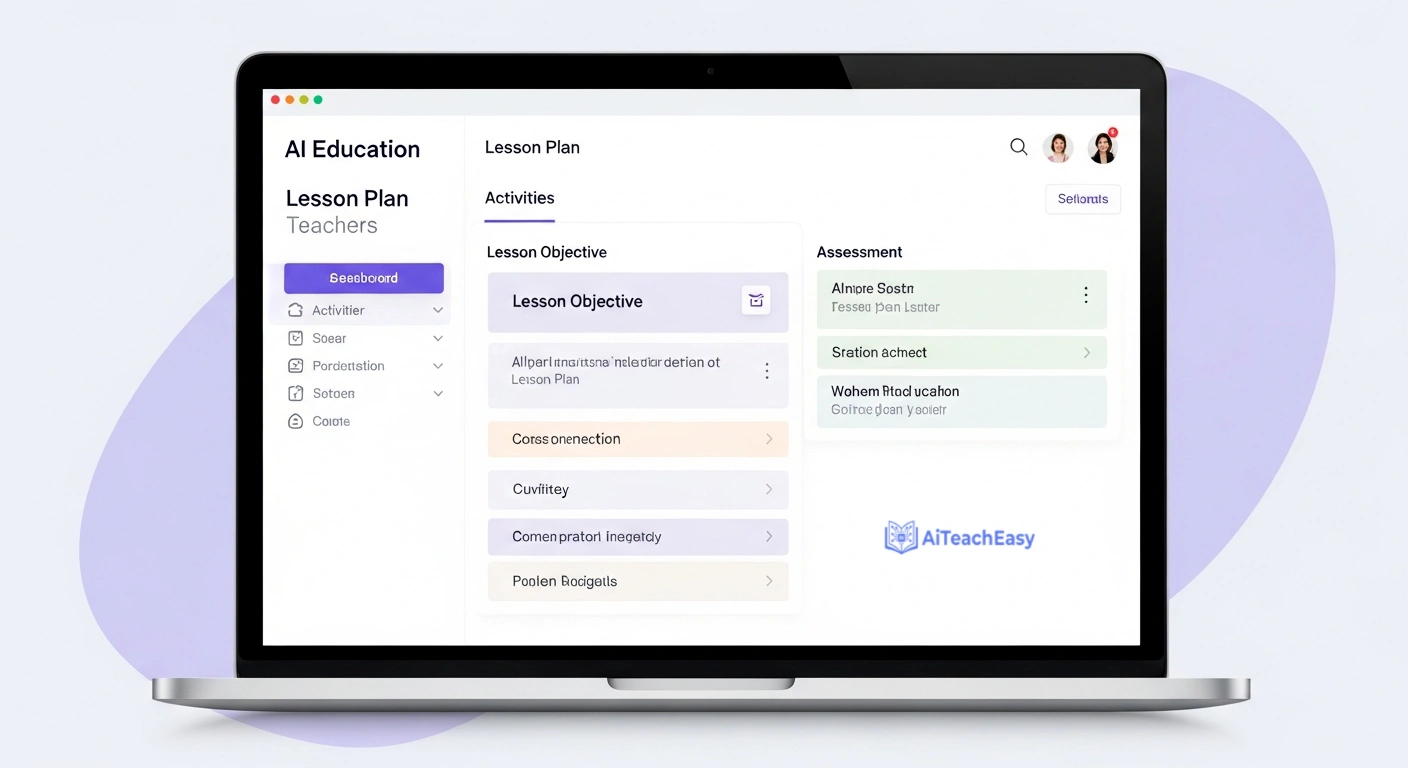
Best For: K–12 teachers who need a complete AI lesson plan generator suite — lesson plans, rubrics, IEPs, differentiation notes, and parent communication — all from a single platform.
Real Classroom Test: “Create a 5E lesson plan on fractions for 4th grade, aligned to Common Core.”
A complete plan appeared in under 60 seconds. The Engage hook was genuinely creative — a pizza-splitting scenario children actually connect with, not the tired “discuss what you know” opener. Learning objectives cited specific CCSS standards. The Evaluate section was slightly generic, but five minutes of editing made it observation-ready.
What stood out was the depth. This wasn’t a skeleton plan. Suggested questions, timing guidance, and differentiation notes appeared without me asking for them. If you’ve been using basic AI content tools for teachers that only handle one task at a time, MagicSchool AI will feel like a significant step up.
Key Features:
- 60+ educator-specific tools covering planning, assessment, and communication
- FERPA compliant — safe for schools handling student data
- Google Classroom integration added in late 2025
- Generates rubrics, IEPs, and parent-facing summaries alongside lesson plans
- Supports 5E, Bloom’s Taxonomy, and UDL planning frameworks
- School and team accounts for collaborative planning
Pricing: Freemium. The free tier is genuinely functional — not a teaser. Pro plan pricing on website.
Speed Test: Outstanding. Full structured lesson plan in under 60 seconds.
Quality Test: Yes — with light editing, this is principal-observation ready.
Usability Test: Very accessible. Would not intimidate a first-time EdTech user.
Where It Stumbles: The free tier caps your daily generations. If you’re planning across five subjects every day, you’ll hit the limit and need to consider upgrading. It also handles grading-adjacent tasks at a surface level — teachers who need serious assessment support should pair it with dedicated AI grading tools for teachers for deeper functionality.
The Verdict: After 30 days of using AI lesson plan generators exclusively, MagicSchool AI was the tool I kept returning to. The combination of breadth, output quality, and safety compliance puts it clearly ahead of everything else I tested. If you’re only trying one AI lesson plan generator this term, start here.
2. Eduaide.Ai — Best AI Lesson Plan Generator for Curriculum Depth
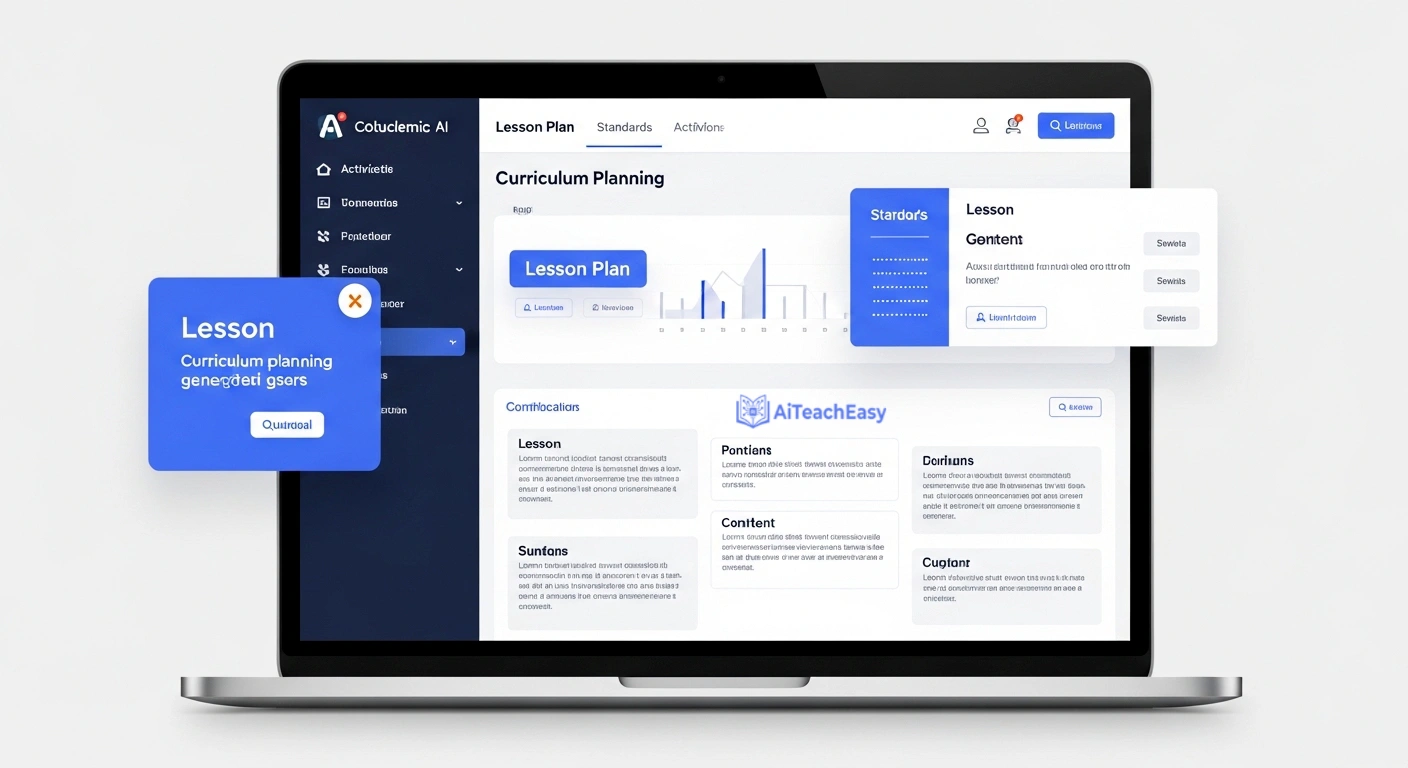
Best For: Middle and high school teachers who need an AI lesson plan generator that produces genuine curriculum depth — content that could survive a department review, not just a tidy structure.
Real Classroom Test: “Generate a debate lesson on the causes of WWII for 9th grade history.”
The output went further than I expected. Multiple historiographical perspectives appeared — not just the Treaty of Versailles talking point that weaker AI lesson plan generators produce, but economic factors, nationalist movements, and the appeasement debate. Structured debate sides, evidence prompts, and a built-in rubric were included without extra prompting. Differentiation notes for struggling readers came automatically.
For teachers who are also investing time in best AI course content generators for teachers, Eduaide’s depth in curriculum content generation is particularly worth exploring.
Key Features:
- 200+ resource types across lesson plans, assessments, and projects
- Strong standards alignment: Common Core, NGSS, and international frameworks
- Automatic differentiation suggestions integrated into every output
- Multilingual support for diverse classrooms
- February 2026 update: added co-planning mode for two teachers to build units collaboratively in real time
Pricing: Freemium. Free tier is meaningful. Paid tier unlocks additional resource types.
Speed Test: Fast — detailed plans consistently in under 90 seconds.
Quality Test: Strong. Content depth regularly exceeded what I’ve seen from paid textbook supplements.
Usability Test: Straightforward. The interface has improved noticeably over the past year.
Where It Stumbles: Eduaide’s AI lesson plan generator tends to over-scaffold. Plans for mixed-ability classes often front-load so much support that little productive struggle remains for capable students. You’ll need to consciously strip back the scaffolding for higher-attaining groups.
The Verdict: For secondary teachers in academic subjects, Eduaide is the most rigorous free AI lesson plan generator available right now. It doesn’t just generate lesson structure — it generates subject knowledge. Pair it with MagicSchool AI for administrative tasks and you have a genuinely strong planning stack.
MagicSchool AI vs Eduaide — Which AI Lesson Plan Generator Should You Use?
This is the comparison most teachers actually need, because these two tools dominate the free AI lesson plan generator space.
MagicSchool AI wins on: Breadth of tools, ease of use, FERPA compliance, parent communication, IEP generation, and Google Classroom integration. If you need an AI lesson plan generator that assists across the whole job — not just lesson content — MagicSchool AI is the stronger choice.
Eduaide wins on: Content depth, subject-specific accuracy, and pedagogical nuance for secondary and post-secondary teachers. If the quality of the content inside your plan matters as much as the format, Eduaide produces better material.
The practical answer: Use both. They’re both free at the entry level. Use MagicSchool AI for structure and admin tasks. Switch to Eduaide when content rigor is the priority.
3. ChatGPT — Most Flexible AI Lesson Plan Generator for Teachers

Best For: Teachers comfortable with prompting who want an AI lesson plan generator with no topic, format, or subject restrictions.
Real Classroom Test: “Produce a vocabulary-building activity for ESL beginners at A1 level using context clues and visual scaffolds.”
The result was solid — a matching exercise, a fill-in-the-blank component, and a visual-supported mini story. One revision pass was needed to tighten the reading level, but the structure was usable from the first attempt. The real strength of ChatGPT as an AI lesson plan generator is iteration: you stay in the same conversation and keep refining until the output fits exactly.
Since many students are now using ChatGPT independently for their own study, it’s worth reading our guide on how students can use ChatGPT for study — understanding how they use it helps you plan around it more effectively.
Key Features:
- No topic, format, or subject restrictions whatsoever
- Can generate full multi-week unit plans, not just single lessons
- Excellent for differentiation when prompted with enough specificity
- GPT-4o (current default) is considerably more capable than earlier versions
- Iteration within a single conversation is where it genuinely excels
Pricing: Freemium. Free tier uses GPT-4o mini. ChatGPT Plus gives faster, more capable output.
Speed Test: Fast, but developing strong prompting instincts takes a few sessions. Budget extra time initially.
Quality Test: Entirely prompt-dependent. Vague prompt equals a mediocre plan. Specific, detailed prompt equals something genuinely strong.
Usability Test: Moderate learning curve. The interface is simple; the skill is learning to prompt well.
Where It Stumbles: ChatGPT carries no curriculum knowledge by default. It doesn’t know your standards, your school’s lesson format, or your students. Every piece of relevant context must come from you. This is the core trade-off of using it as an AI lesson plan generator: maximum flexibility, maximum responsibility.
The Verdict: ChatGPT is the most flexible AI lesson plan generator on this list and the least opinionated about how you should teach. That’s both its strength and its limitation. It works best alongside a dedicated tool — use MagicSchool AI for structure and reach for ChatGPT when you need something more customized. If you’re also exploring other options beyond ChatGPT, our guide to ChatGPT alternatives for students covers several tools that teachers find equally useful.
ChatGPT vs MagicSchool AI — Which AI Lesson Plan Generator Is Better?
ChatGPT wins on: Flexibility, customization depth, no format restrictions, and the ability to generate extended unit plans with nuanced subject content when prompted well.
MagicSchool AI wins on: Speed, simplicity, curriculum alignment, and reliability. You don’t need prompting skills — the interface guides you through.
Who should use which: New to AI lesson plan generators? Start with MagicSchool AI. Using AI tools confidently and want more control? Add ChatGPT to your workflow. They complement each other well and the combination covers nearly every planning scenario.
4. Diffit — Best AI Lesson Plan Generator for Differentiated Materials
Best For: Teachers whose biggest planning headache is producing the same material across multiple reading levels — a task that can eat 30–45 minutes when done manually.
Real Classroom Test: “Adapt this news article about the water cycle for 3rd grade struggling readers, grade-level readers, and advanced readers.”
Three leveled versions appeared in approximately 40 seconds. Each had automatically adjusted vocabulary, appropriately varied comprehension questions, and a key term list calibrated to that reading level. I’ve spent a full prep period doing this by hand before. The time difference is not subtle.
Key Features:
- Instantly differentiates any text, article, URL, or topic prompt across multiple reading levels
- Generates vocabulary support, comprehension questions, and key terms for each level
- Multilingual differentiation available
- Works with pasted text, web links, or direct topic searches
- Both printable and digital sharing formats supported
- Strong free tier with premium upgrades available
Pricing: Freemium. The free tier is sufficient for regular classroom use.
Speed Test: The fastest tool on this list for its specific purpose — three leveled versions in under 45 seconds.
Quality Test: Excellent for differentiation. Not designed to produce a complete AI-generated lesson plan — just the content scaffold.
Usability Test: Possibly the simplest interface on this entire list. Minimal setup, immediate results.
Where It Stumbles: Diffit is a differentiation tool, not a full AI lesson plan generator. There’s no learning objective builder, no hook, no assessment structure. It does one thing exceptionally well and nothing else.
The Verdict: If differentiated materials are your biggest weekly time drain, Diffit removes that problem faster than any other AI lesson plan generator I tested. It’s not a complete planning solution — pair it with MagicSchool AI or Eduaide for full lesson structure and you have a genuinely powerful combination.
5. Curipod — Best AI Lesson Plan Generator for Interactive Delivery
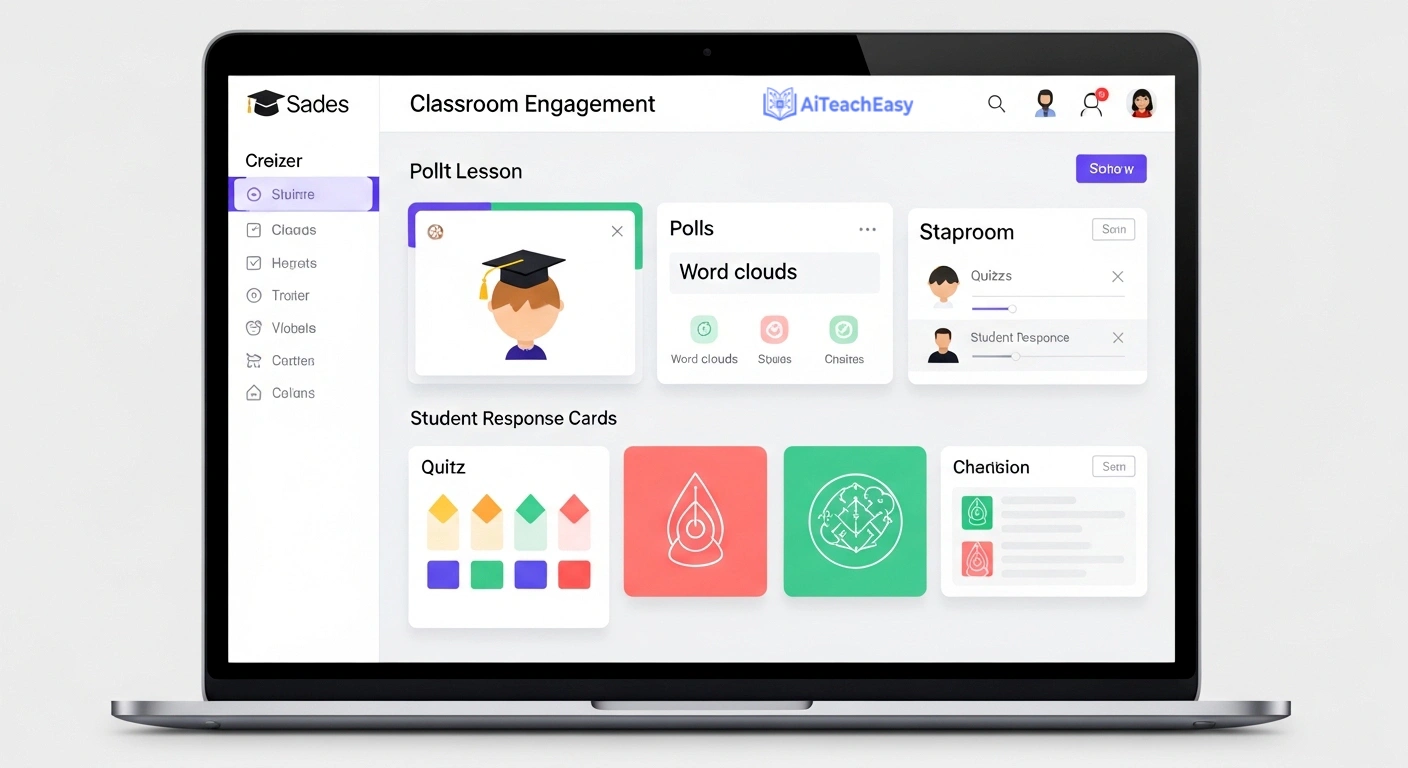
Best For: Teachers who want their AI lesson plan generator to produce something students actually interact with on their devices — not just a document the teacher reads before class.
Real Classroom Test: “Create an interactive lesson on photosynthesis for 7th grade science.”
A complete interactive slide deck appeared in about 75 seconds. The deck included a live poll, a vocabulary word cloud, a quick-write prompt, and a comprehension check — all embedded and ready for students to join on their own devices. The visual design was clean and engagement in a trial class was noticeably higher than a standard slideshow.
If you’re regularly building presentation-heavy lessons and want to compare the wider options beyond Curipod, our roundup of AI teaching presentation tools covers the full landscape. We’ve also reviewed dedicated AI lecture slide creators separately for teachers who want more design control over their slides.
Key Features:
- Generates interactive slide decks with live polls, word clouds, drawing activities, and quizzes
- Students join and respond in real time from their own devices
- Anonymous response option encourages participation from quieter students
- January 2026 update: AI-powered exit ticket generator added
- SEL check-ins can be embedded within academic content
Pricing: Freemium. Core features accessible on the free plan. Premium unlocks unlimited slide generation and analytics.
Speed Test: Fast — a complete interactive deck in 60–90 seconds.
Quality Test: High for engagement. Academic rigor depends on the quality of your prompt.
Usability Test: Very easy. Students in trial classes needed no instruction to join and participate.
Where It Stumbles: Curipod produces an interactive deck, not a written lesson plan. There’s no standards alignment, no lesson plan document structure, and no built-in differentiation. As a standalone AI lesson plan generator it’s incomplete — as part of a planning stack it adds genuine value.
The Verdict: Curipod is genuinely different from the other AI lesson plan generators on this list — it produces something students interact with, not just something you read beforehand. Worth using alongside a full planning tool if student engagement during whole-class teaching is something you’re actively working on.
6. Almanack — Best AI Lesson Plan Generator for UK and International Teachers
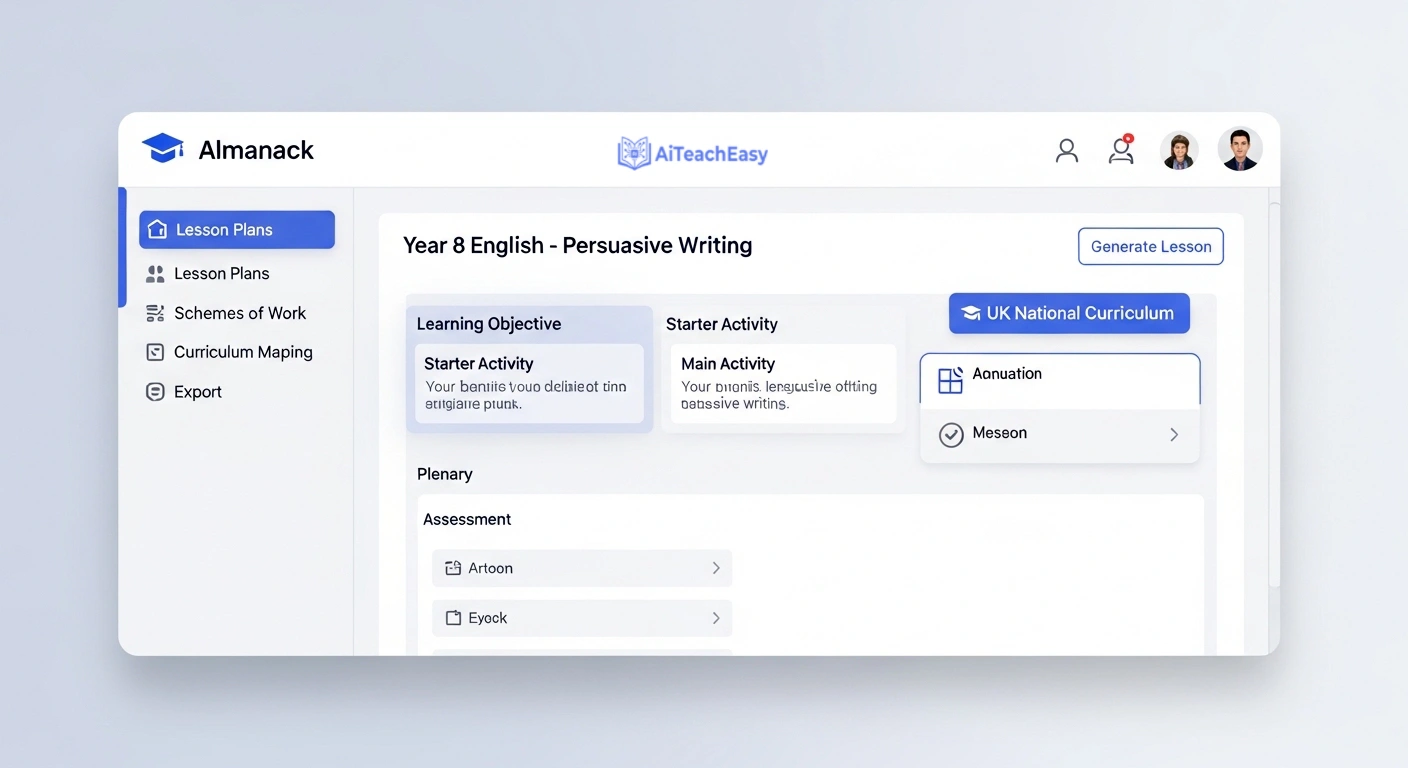
Best For: UK teachers and international educators who are frustrated by AI lesson plan generators built entirely around US curriculum frameworks.
Real Classroom Test: “Build a lesson on persuasive writing techniques for Year 8 English.”
Clean, well-structured output with an accurate learning objective, sensibly sequenced activities, and a structured plenary. The UK National Curriculum alignment was correct — which sounds like a low bar until you’ve tested how many AI lesson plan generators confidently produce plans misaligned to frameworks they don’t actually know. Concise without feeling thin.
Key Features:
- Strong UK National Curriculum alignment alongside other international frameworks
- Generates lesson plans, unit overviews, and scheme of work outlines
- Clean, minimal interface with a low time-to-output
- Export to Word or PDF
- Designed for speed rather than feature volume
Pricing: Freemium. Check website for current tier details — the offering has evolved in early 2026.
Speed Test: Fast — complete plans in approximately 60 seconds.
Quality Test: Reliable and accurate. Not the most feature-rich output but consistently dependable.
Usability Test: Clean and uncomplicated. One of the faster interfaces to navigate on this list.
Where It Stumbles: Almanack is narrower in scope than MagicSchool AI. If you need an AI lesson plan generator that also handles rubrics, IEPs, and parent communication, you’ll outgrow it quickly. For email writing specifically, the dedicated AI email writing tools for teachers we’ve reviewed do that job more thoroughly.
The Verdict: For UK and international teachers, Almanack is a genuinely practical AI lesson plan generator that gets overlooked because the EdTech press defaults to US-built tools. It won’t do everything, but what it does, it does accurately and quickly.
7. TeachMate AI — Fastest AI Lesson Plan Generator for Routine Planning
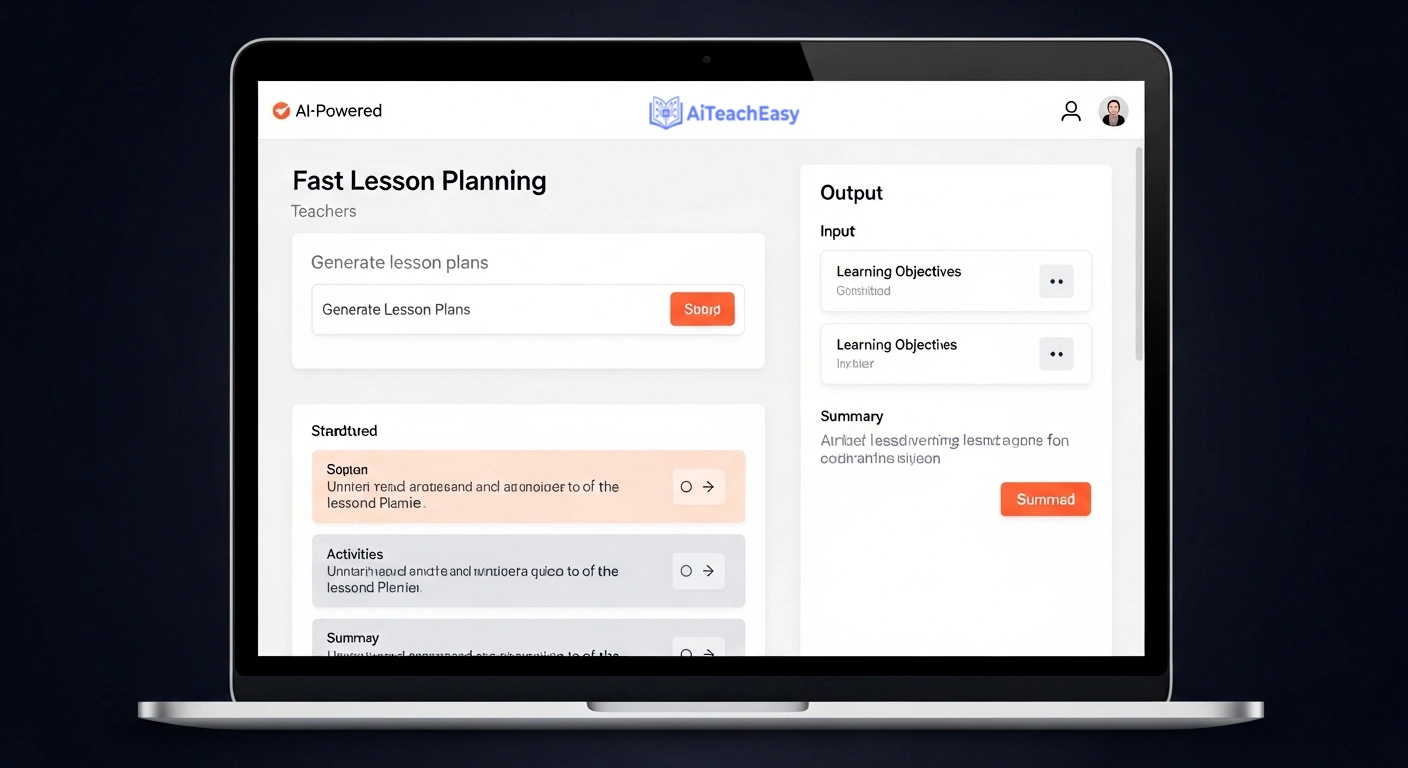
Best For: Teachers who need a workable lesson plan quickly on a busy day, without extensive customization or a complex interface.
Real Classroom Test: “Generate a lesson on the properties of matter for 5th grade.”
Fast, structurally clean output. Not the most creative plan produced during my 30-day AI lesson plan generator test, but accurate, safe, and requiring only minor edits. Adequate for routine planning days when efficiency is the goal.
Key Features:
- Rapid plan generation with minimal prompting required
- Multiple lesson formats: direct instruction, inquiry-based, project-based
- Subject-specific template options
- In-platform editing interface
- PDF and Google Docs export
Pricing: Paid with a limited free trial. Check website for current pricing.
Speed Test: Among the fastest on this list for producing a basic, usable plan.
Quality Test: Functional. Good for everyday lessons, less suited to high-stakes observations.
Usability Test: Extremely accessible. Possibly the most beginner-friendly AI lesson plan generator I tested.
Where It Stumbles: With extended daily use, structural patterns become repetitive. Plans start to feel like variations on the same template — noticeable within a few weeks of regular use.
The Verdict: Solid for what it is. A dependable, fast AI lesson plan generator for routine planning days. But given MagicSchool AI’s free tier offers more depth at no cost, the value proposition here depends on how much the specific TeachMate interface appeals to you.
8. LessonPlans.ai — Best AI Lesson Plan Generator for Polished, Shareable Plans
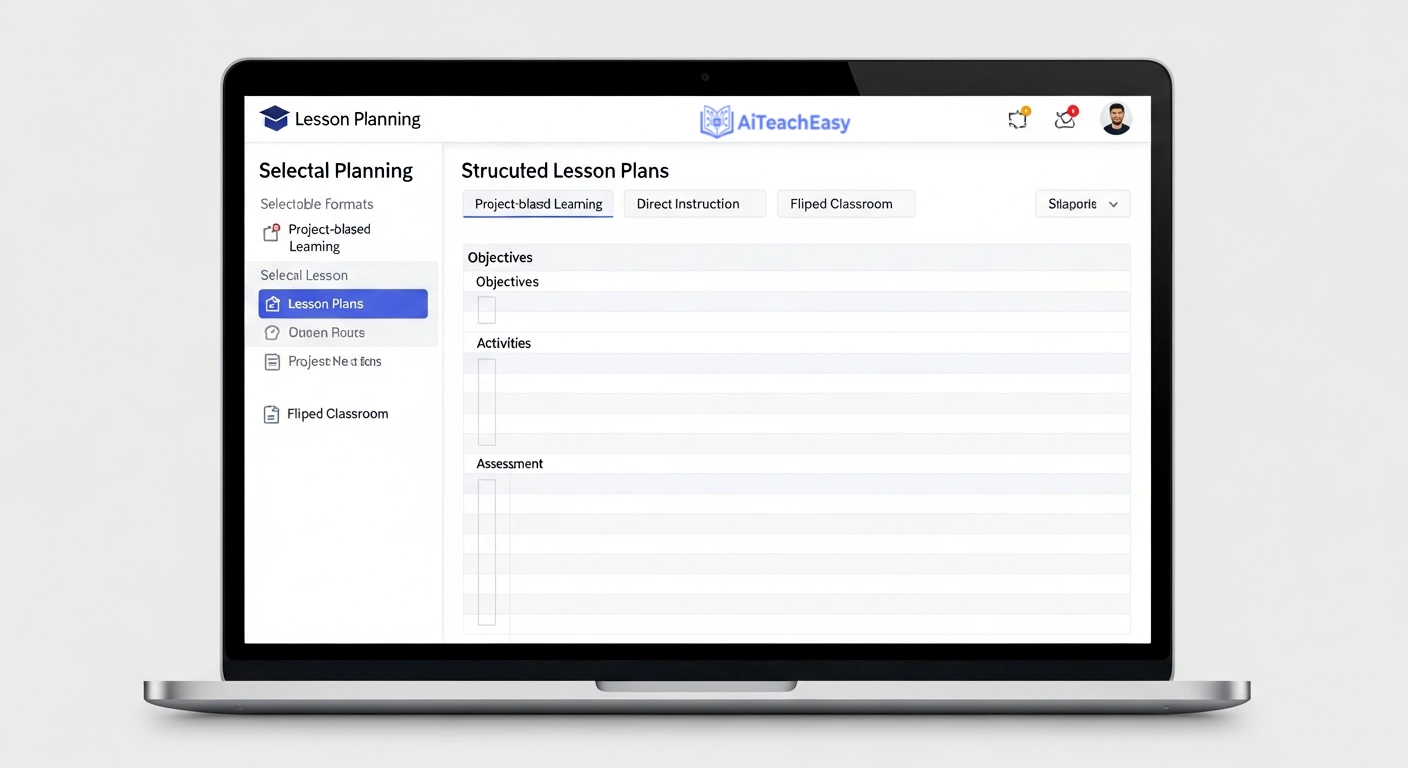
Best For: Teachers who need professionally formatted lesson plans they can hand directly to a substitute teacher, department head, or administrator without further editing.
Real Classroom Test: “Create a project-based learning lesson on local community mapping for 2nd grade social studies.”
Tidy, well-formatted output. The PBL structure was logical and the formatting was clean enough to share immediately. The content depth was moderate — competent rather than impressive — but the presentation quality was consistently the strongest of any AI lesson plan generator I tested.
Key Features:
- Template-based generation producing consistently formatted outputs
- Range of lesson types: PBL, direct instruction, flipped classroom
- Simple grade and subject filter system
- Straightforward export and sharing options
- Designed for quick generation without complex prompting
Pricing: Paid with a free trial period. Check website for current pricing.
Speed Test: Fast. Formatted plans in approximately 60 seconds.
Quality Test: Strong on presentation. Content depth is moderate compared to Eduaide or MagicSchool AI.
Usability Test: Very easy. The template structure removes most of the guesswork.
Where It Stumbles: The rigidity of the template system is both its strength and its limitation. If your school uses a non-standard lesson format, you’ll spend time reformatting outputs to match expectations.
The Verdict: LessonPlans.ai earns its place for teachers who regularly share plans with others and need them to look professionally formatted immediately. For raw planning depth and flexibility, MagicSchool AI and Eduaide remain the stronger AI lesson plan generators.
9. Twee — Best AI Lesson Plan Generator for EFL and ESL Teachers
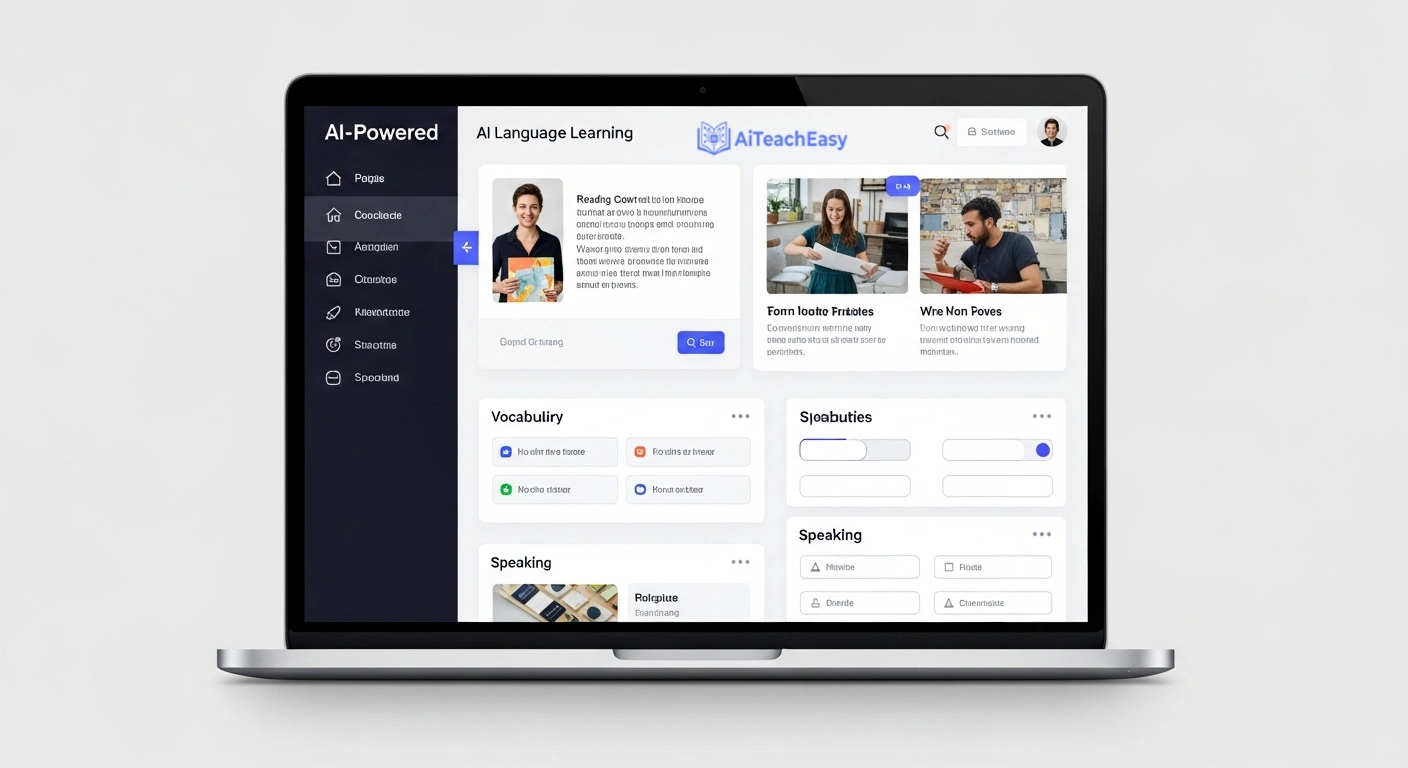
Best For: EFL, ESL, and foreign language teachers who need level-accurate reading, listening, vocabulary, and speaking activities built fast.
Real Classroom Test: “Generate a reading comprehension activity on climate change for B1 English learners.”
This was the clearest example of a specialist AI lesson plan generator outperforming generalist tools in its own domain. The reading text was calibrated accurately to B1 level — not approximately B1, actually B1. Vocabulary was appropriately challenging without tipping into C1 territory. Comprehension questions used genuinely varied formats, not just multiple choice. A speaking activity was appended without me requesting it.
Key Features:
- Purpose-built for English language teaching across A1 to C1 levels
- Generates complete activity sets: reading texts, comprehension questions, vocabulary exercises, and speaking tasks
- Multiple question format types: gap-fill, multiple choice, open-ended, matching
- Late 2025 update: listening activity generator with AI-generated audio scripts added
- Clean, subject-specific interface that stays uncluttered
Pricing: Freemium. The free tier is generous enough for regular classroom use.
Speed Test: Fast — complete, level-accurate activity sets in approximately 60 seconds.
Quality Test: Among the best on this list within its specific area. Demonstrates clear understanding of language teaching methodology.
Usability Test: Clean and intuitive. The purpose-built focus keeps the interface simple.
Where It Stumbles: Outside of language teaching, Twee’s specialist design becomes a limitation. If you teach across multiple subjects, most of its features simply won’t apply to your planning needs.
The Verdict: For EFL and ESL teachers, Twee is the most domain-accurate AI lesson plan generator on this list. It understands language pedagogy in a way that general tools don’t even attempt. If activity creation for language classes is consuming your prep time, this is the most direct solution available.
10. Microsoft Copilot — Best AI Lesson Plan Generator for Microsoft 365 Schools
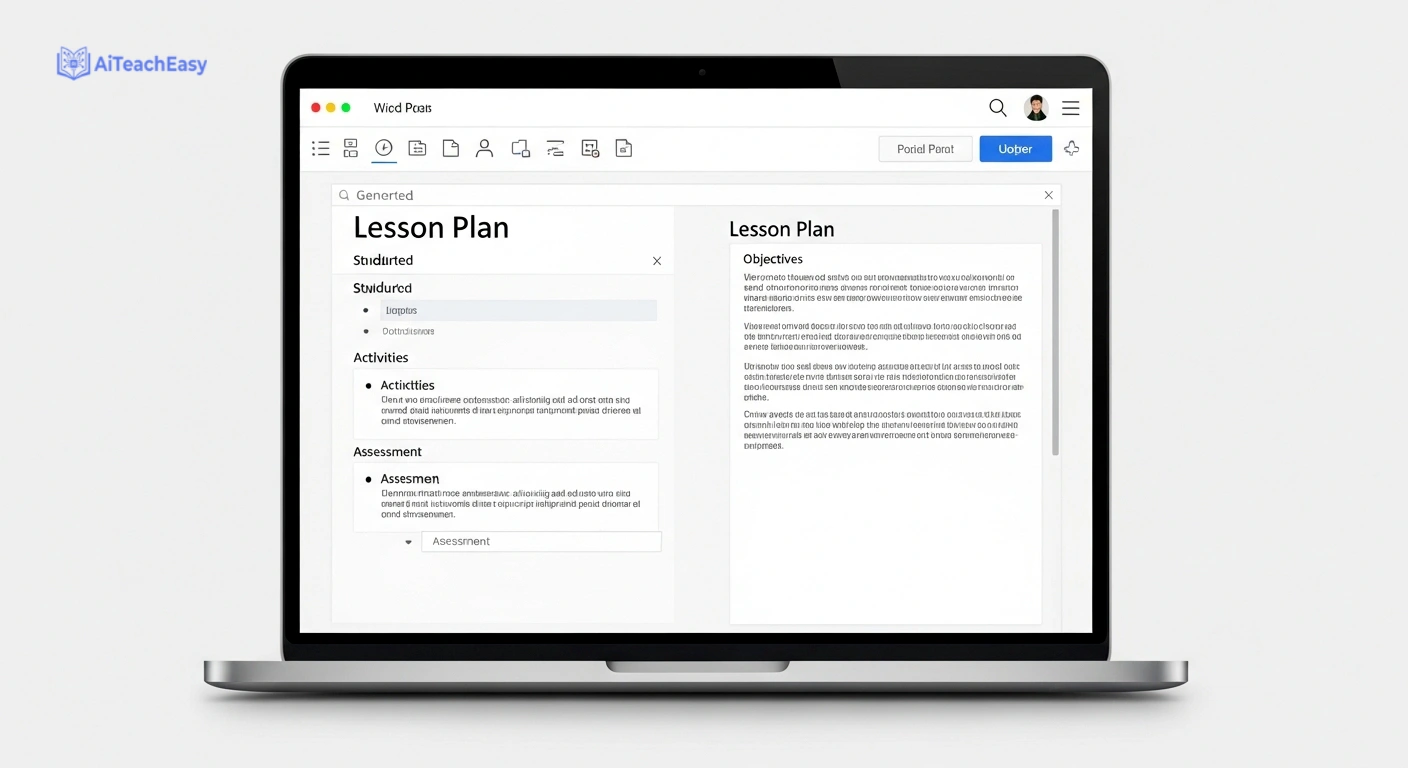
Best For: Teachers already working within the Microsoft 365 ecosystem who want AI lesson plan generator functionality without leaving their existing workflow.
Real Classroom Test: “Draft a lesson plan on the American Revolution for 8th grade inside a Word document.”
Copilot produced a structured lesson plan directly within Word — formatted, ready to edit, and saved to OneDrive automatically. No tab-switching, no copy-pasting between platforms. The content quality was competent rather than outstanding. For a teacher whose entire professional workflow already runs through Teams, SharePoint, and Outlook, the integration alone saves meaningful time.
For teachers using Microsoft tools to manage broader workloads, pairing Copilot’s planning capabilities with dedicated AI productivity tools for teachers can make a noticeable difference to how much time you spend on administrative tasks overall.
Key Features:
- Works natively inside Word, Teams, OneNote, and Outlook
- Generates lesson plans, meeting summaries, parent communication, and assignment feedback
- March 2026 update: educator-specific prompt templates for curriculum planning added
- Integrates with school calendars and Microsoft assignment tools
- Available through existing Microsoft 365 Education licenses at many schools
Pricing: Check with your school’s IT department — many institutions already have Copilot access through their 365 Education license.
Speed Test: Slightly slower than dedicated AI lesson plan generators, but the absence of platform-switching compensates.
Quality Test: Functional. The value is in the workflow integration, not the output ceiling.
Usability Test: Natural for teachers already in the Microsoft ecosystem. Less intuitive for those who aren’t.
Where It Stumbles: Copilot is a generalist AI assistant applied to education — not an education-first AI lesson plan generator. It lacks the curriculum depth of MagicSchool AI or Eduaide and has no dedicated differentiation or IEP generation features.
The Verdict: If your school runs on Microsoft 365, activating Copilot for lesson planning is a logical step — the friction-free integration saves real time. If you’re choosing AI lesson plan generators from scratch, the dedicated tools higher on this list produce stronger educational output.
[Insert GIF: Teacher entering a lesson prompt and a full structured plan appearing in real time]
[Insert screenshot: Side-by-side output comparison of MagicSchool AI vs Eduaide for the same planning prompt]
Where AI Lesson Plan Generators Actually Fall Short — The Honest Version
Most reviews of AI lesson plan generators stop at “here’s what it produces.” After 30 days of depending on these tools, I want to go further — because I noticed consistent failure patterns across all of them, not just the weaker ones.
Cultural context is reliably absent from AI lesson plan generators. Every tool on this list generates plans for a broadly imagined, culturally neutral classroom. That classroom doesn’t exist. A lesson on “community helpers” reads very differently in a rural school in Pakistan than in a London primary. A history lesson on colonialism lands differently depending on who is in the room. The AI doesn’t know your students’ backgrounds, their community references, or the cultural weight of certain topics. You do. That knowledge has to come from you during the editing stage.
Differentiation in AI lesson plan generators is usually surface-level. Most tools produce differentiation that amounts to simplified vocabulary and reduced steps. Real differentiation means understanding the specific reasons a student is struggling, their actual prior knowledge gaps, and the particular scaffold that will help them access the content. None of these AI lesson plan generators can do that. They can give you a framework — you supply the professional knowledge that makes it meaningful. For students with more complex needs, our guide to AI tools for special needs students covers tools that go deeper on genuine accessibility support.
Over-scaffolding is a more common failure than under-scaffolding. Across my 30-day test, AI lesson plan generators consistently provided too much support rather than too little. Every activity was pre-explained. Every concept was preceded by guided examples. For many learners, this removes the productive struggle that drives long-term retention. A heavily scaffolded plan isn’t a safe plan — it’s a low-challenge one. Teachers need to actively identify where to remove support, not just add it.
The deeper point: AI lesson plan generators are excellent at structure and breadth. They struggle with specificity, cultural relevance, and contextual judgment. Use them to reduce the administrative load of planning. Reserve your professional attention for the decisions that genuinely require a teacher.
How to Choose the Right AI Lesson Plan Generator for Your Classroom
Three questions. Answer them honestly and the decision largely makes itself.
Question 1: What planning task costs you the most time each week?
Full lesson structure → MagicSchool AI or Eduaide. Differentiated reading materials → Diffit. Interactive delivery → Curipod. Language teaching activities → Twee. Presentation slides → Curipod or check out our full guide on AI lecture slide creators for a broader comparison. If you can’t pinpoint one specific pain point, start with MagicSchool AI’s free tier and see which features you actually use.
Question 2: How comfortable are you with AI tools right now?
New to AI lesson plan generators → MagicSchool AI, Diffit, or Almanack. All have low learning curves and don’t require strong prompting skills. Comfortable with AI and want more control → Add ChatGPT to your workflow for complex, custom planning tasks. Already deep in the Microsoft ecosystem → Copilot is worth activating through your existing license.
Question 3: What is your actual budget for this?
Zero budget → MagicSchool AI free tier, Eduaide free tier, and Diffit free tier together cover the vast majority of planning needs. If you want additional free tools across your broader workflow, our guide to free AI tools with no signup required is a useful companion. Willing to invest → MagicSchool AI Pro when you’re consistently hitting free tier limits, or TeachMate AI and LessonPlans.ai for specific formatting needs.
Best AI Lesson Plan Generator by Use Case
Best AI lesson plan generator for elementary teachers: Diffit combined with MagicSchool AI. Diffit handles leveled reading materials and vocabulary scaffolds. MagicSchool AI handles full lesson structure, differentiation suggestions, and parent communication. Together they cover the core elementary planning workflow without any cost.
Best AI lesson plan generator for high school teachers: Eduaide.Ai. The content rigor, multi-perspective generation, and standards depth suit secondary academic subjects in a way that most other AI lesson plan generators don’t.
Best free AI lesson plan generator: MagicSchool AI free tier — genuinely functional, not a stripped-down teaser. Eduaide’s free tier is a strong second option, particularly for secondary teachers who prioritize content depth over breadth of features.
Best overall AI lesson plan generator: MagicSchool AI. Depth of educator-specific tools, output consistency, institutional safety compliance, and ease of use. Nothing else I tested comes close as a complete package.
Frequently Asked Questions About AI Lesson Plan Generators
What is the best free AI lesson plan generator for teachers in 2026?
MagicSchool AI offers the strongest free tier of any dedicated AI lesson plan generator currently available. The free plan gives access to a meaningful range of features — not just lesson generation but rubrics, differentiation suggestions, and parent communication. Eduaide.Ai is a strong free alternative, particularly for secondary teachers who prioritize content depth over breadth.
Can AI lesson plan generators write a complete lesson plan?
Yes — with caveats. The best AI lesson plan generators produce complete, structured plans including learning objectives, activities, timing, and assessment prompts. What they don’t produce is cultural specificity, knowledge of your individual students, or the pedagogical judgment that adjusts a plan mid-lesson. AI-generated lesson plans need a teacher’s editing pass before use. Think of them as strong first drafts, not finished products.
How much time do AI lesson plan generators actually save?
Most teachers I’ve spoken to report saving two to four hours per week once they’ve built a consistent workflow around their chosen AI lesson plan generator. The biggest savings come in the first draft stage — generating a structured plan in 60–90 seconds instead of 30–45 minutes from scratch. Editing time varies, but the total is consistently lower than writing from nothing.
Is it worth paying for an AI lesson plan generator?
For most teachers, the free tiers of MagicSchool AI and Eduaide.Ai cover the majority of planning needs without any cost. Paid plans become worth considering when you’re consistently hitting daily generation limits, need advanced collaboration features, or want to use the tool across a whole department. Start free and upgrade only when you feel genuinely constrained.
Are AI lesson plan generators safe to use in schools?
The plans themselves are planning documents and don’t interact directly with students. The key consideration is data safety when entering student-specific information. MagicSchool AI is one of the few AI lesson plan generators that explicitly addresses FERPA compliance — important for US schools. UK schools should consult their Data Protection Officer before entering student-related information into any external tool. Most lesson planning tasks don’t require student data at all, which simplifies the compliance question considerably.
What’s the difference between using ChatGPT and a dedicated AI lesson plan generator?
A dedicated AI lesson plan generator like MagicSchool AI understands lesson plan structure, common curriculum frameworks, and educational terminology without you having to explain it. ChatGPT gives you more flexibility but requires you to supply that context through your prompts. Dedicated AI lesson plan generators are faster and more reliable for standard planning tasks. ChatGPT is more powerful for customized, unconventional, or highly specific requests.
Do students use AI lesson plan generators too?
Not typically for lesson planning — but students are increasingly using AI tools for their own study tasks. If you’re curious about what tools your students are likely using, our guide on hidden AI tools students are using is an eye-opening read. Understanding their AI habits helps you plan and assess more effectively.
Conclusion: Which AI Lesson Plan Generator Should You Use?
Best overall AI lesson plan generator: MagicSchool AI. Thirty days of testing didn’t shake this conclusion. The breadth of educator-specific tools, the consistency of output quality, and the institutional safety compliance make it the most complete AI lesson plan generator for K–12 teachers currently available. The free tier is a real product — not a teaser designed to push you toward a purchase. Start there.
Best free AI lesson plan generator for secondary teachers: Eduaide.Ai. For subject teachers who care about content rigor, Eduaide produces plans that reflect genuine subject knowledge — not just lesson structure. The co-planning feature added in early 2026 makes it particularly effective for department-level curriculum work.
If I were building a planning workflow from scratch, I’d use MagicSchool AI as the foundation, add Diffit for differentiated materials, and bring in ChatGPT when I needed something more customized than either dedicated tool could produce. That stack is free, it covers the majority of what weekly planning actually demands, and it takes less than a week to get comfortable with.
Good lesson planning is only one part of what takes up a teacher’s time, of course. The other major time costs tend to be grading, feedback, and classroom management. Our guides on AI grading tools for teachers, AI feedback generators, and AI classroom management tools for teachers cover the tools worth considering in each of those areas.
The AI lesson plan generators on this list are real, practical tools — not future tech. The time savings are significant. The professional judgment is still yours — and that’s exactly as it should be.
About the Author
Prof. Irfan is an educator and academic researcher with over a decade of experience in higher education. He writes at aiteacheasy.com about AI in education, learning strategies, and the practical tools that help students and teachers perform at their best. His goal is straightforward: close the gap between knowing and doing for every student and educator he works with.
Explore more: Best free homework helper tools | AI tools for exam preparation | AI lecture summary tools | Best free AI presentation tools