
AI Teaching Presentation Tools 2026
If you’ve ever stayed up late trying to fix slide alignment, searching for the “perfect” visual, or rewriting bullet points for clarity—you’re not alone.
I’ve been there.
Over the last few years, I’ve tested dozens of AI teaching presentation tools (and yes, I’ll still use that term—but naturally, not forcefully). Some were game-changers. Others… honestly, wasted my time.
In this guide, I’ll show you what actually works, what doesn’t, and how these tools fit into real classrooms—especially when dealing with differentiated instruction, asynchronous learning, and even IEP requirements.
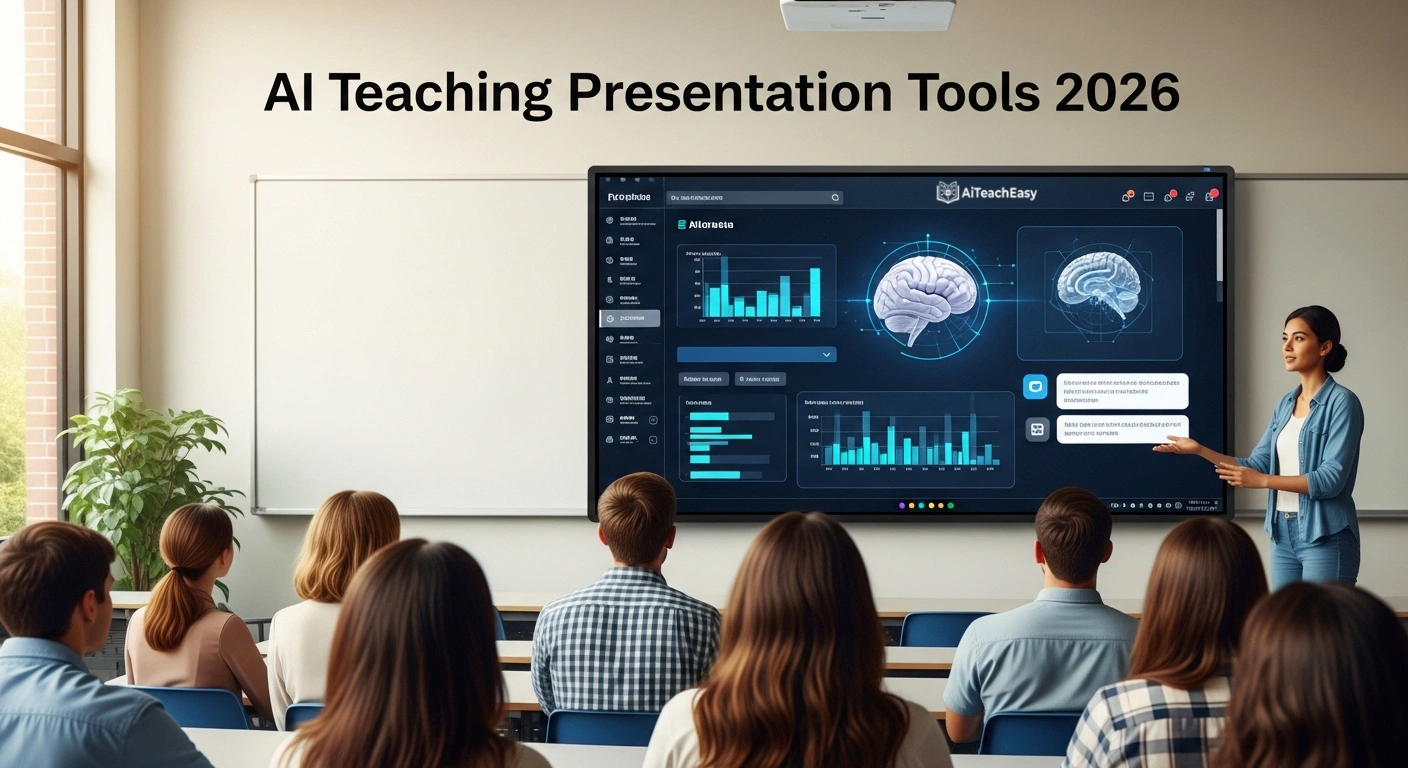
Table of Contents
What Are AI Teaching Presentation Tools?
At their core, these are AI-powered slide generators and presentation platforms designed to help educators turn ideas into structured, visual lessons—fast.
Instead of starting from a blank slide, you:
- Enter a topic
- Paste your notes
- Or even upload a lesson plan
And the system builds a presentation for you.
But here’s the key:
They’re not just about speed. They’re about clarity, engagement, and adaptability.
Why Teachers Are Switching to AI Presentation Software
Let me say something slightly controversial:
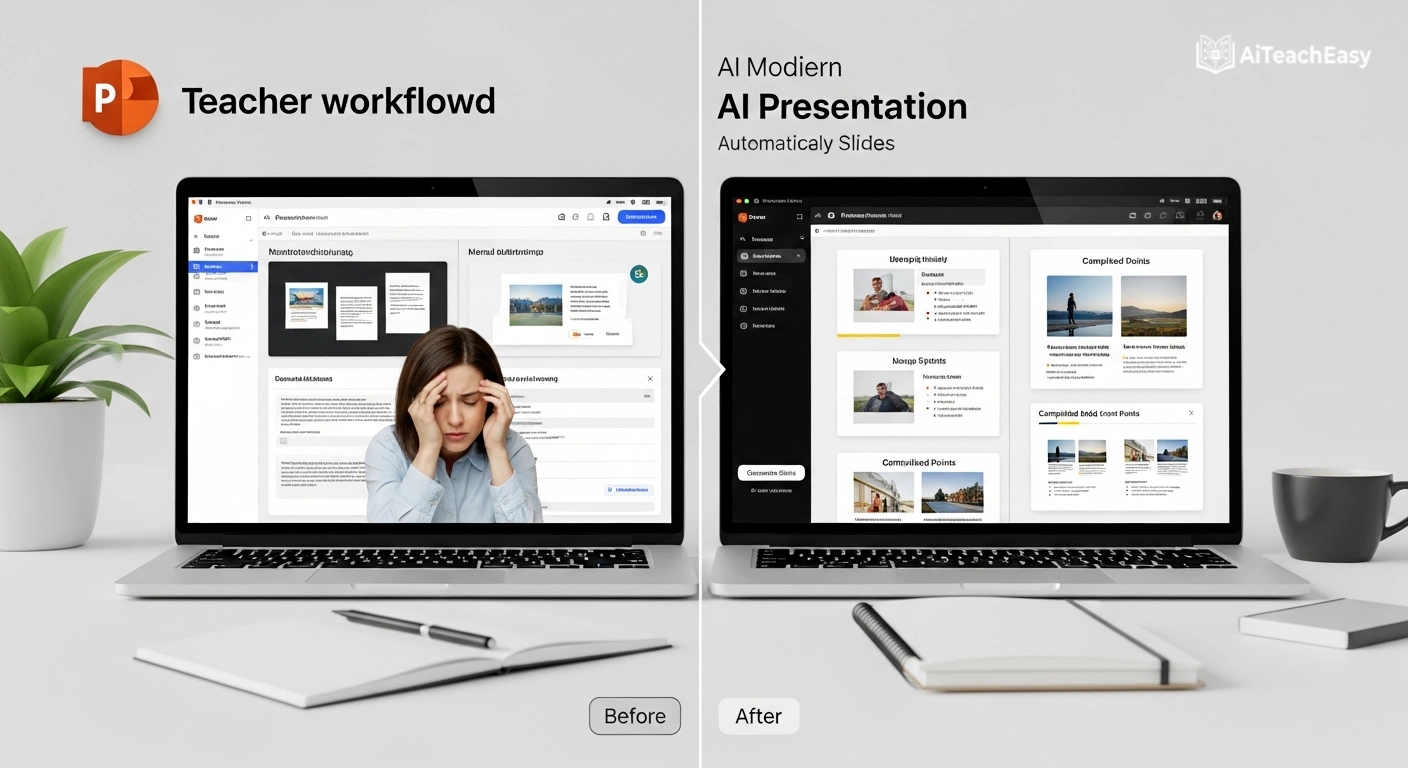
The problem isn’t that teachers lack creativity.
The problem is time.
Modern classrooms demand:
- Personalized learning paths
- Visual explanations
- Engaging storytelling
- Compliance with accessibility standards
And that’s where these platforms shine.
They help with:
- Differentiated instruction → Adjust content for multiple student levels
- Asynchronous learning → Create self-paced lessons
- OER integration (Open Educational Resources) → Pull in free, reusable content
- Student data privacy → Many tools now follow GDPR/FERPA standards
Best AI Teaching Presentation Tools (2026 Comparison Table)
Here’s a clean, practical comparison of the most useful tools right now:
| Tool | Best For | Key Strength | Pricing | Link |
|---|---|---|---|---|
| Tome AI | Story-driven lessons | Narrative-style slides | Free + Paid | https://tome.app |
| Gamma AI | Fast generation | Docs → slides instantly | Free + Paid | https://gamma.app |
| Canva AI | Visual engagement | Templates + Magic Design | Free + Pro | https://canva.com |
| Beautiful.ai | Clean structure | Auto formatting | Paid | https://beautiful.ai |
| SlidesAI | Google users | Direct integration | Free + Paid | https://slidesai.io |
| Pitch | Collaboration | Team editing + analytics | Free + Paid | https://pitch.com |
My Honest Experience With These Tools (What Actually Works)
1. Tome AI – Great… but needs guidance
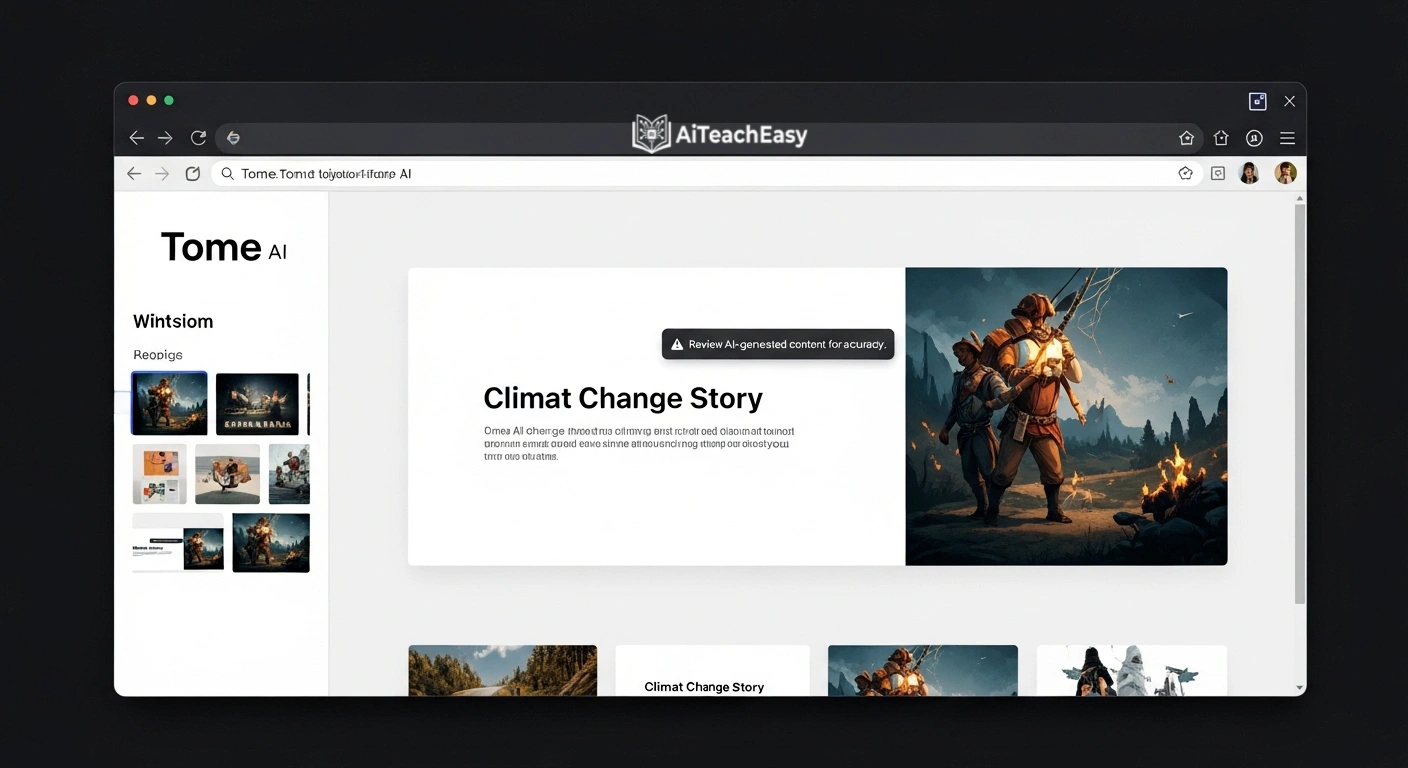
I used Tome last month for a lesson on the French Revolution.
Instead of dry bullet points, it created a narrative flow—almost like a documentary.
But here’s the catch:
If you don’t guide it properly, it fills slides with very generic “stock-style” visuals.
My tip:
Always refine prompts and replace images manually.
2. Gamma AI – My go-to for speed
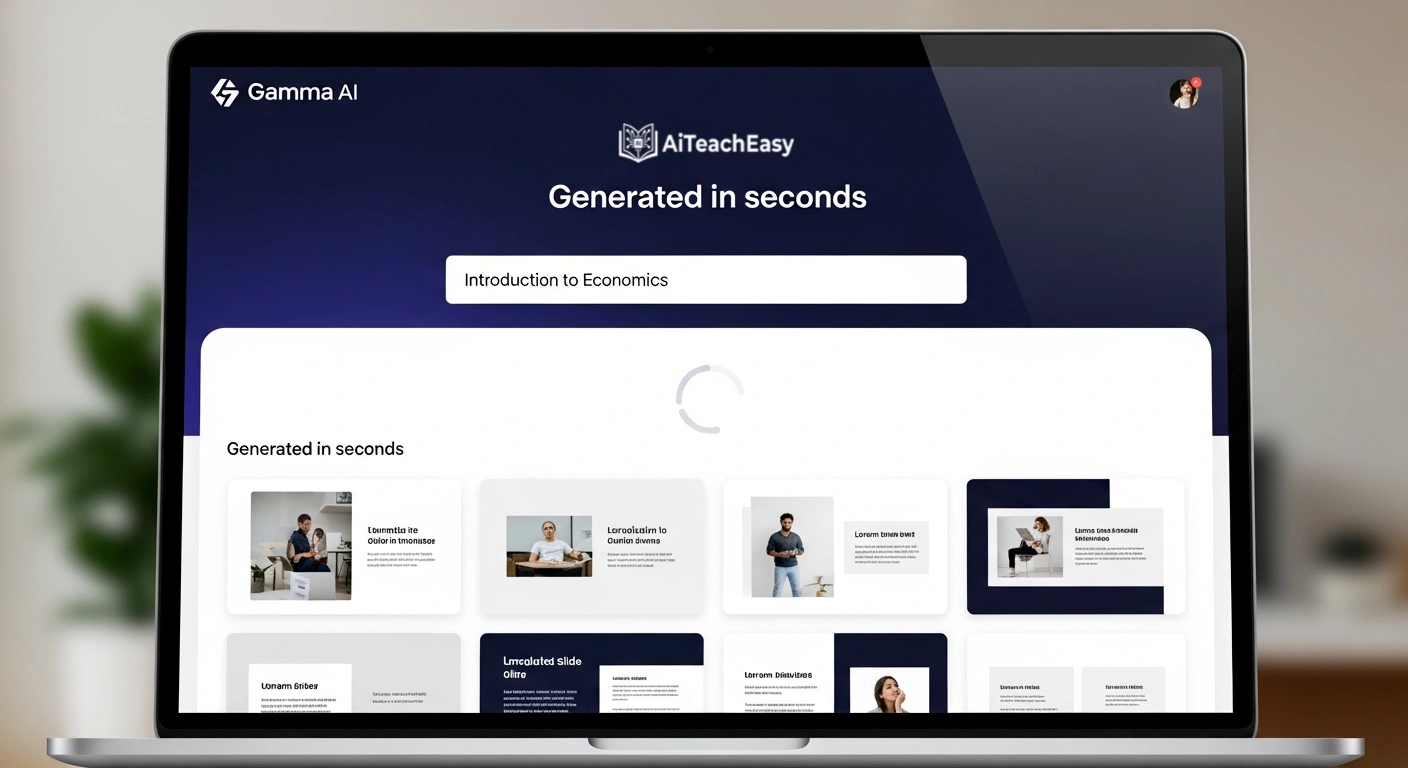
When I’m short on time, Gamma is my default.
You paste text → it becomes a full presentation.
But once, it hallucinated a statistic in a science lecture. That moment reminded me:
AI is fast. Not always accurate.
So always review content—especially for academic subjects.
3. Canva AI – The only one students actually enjoy
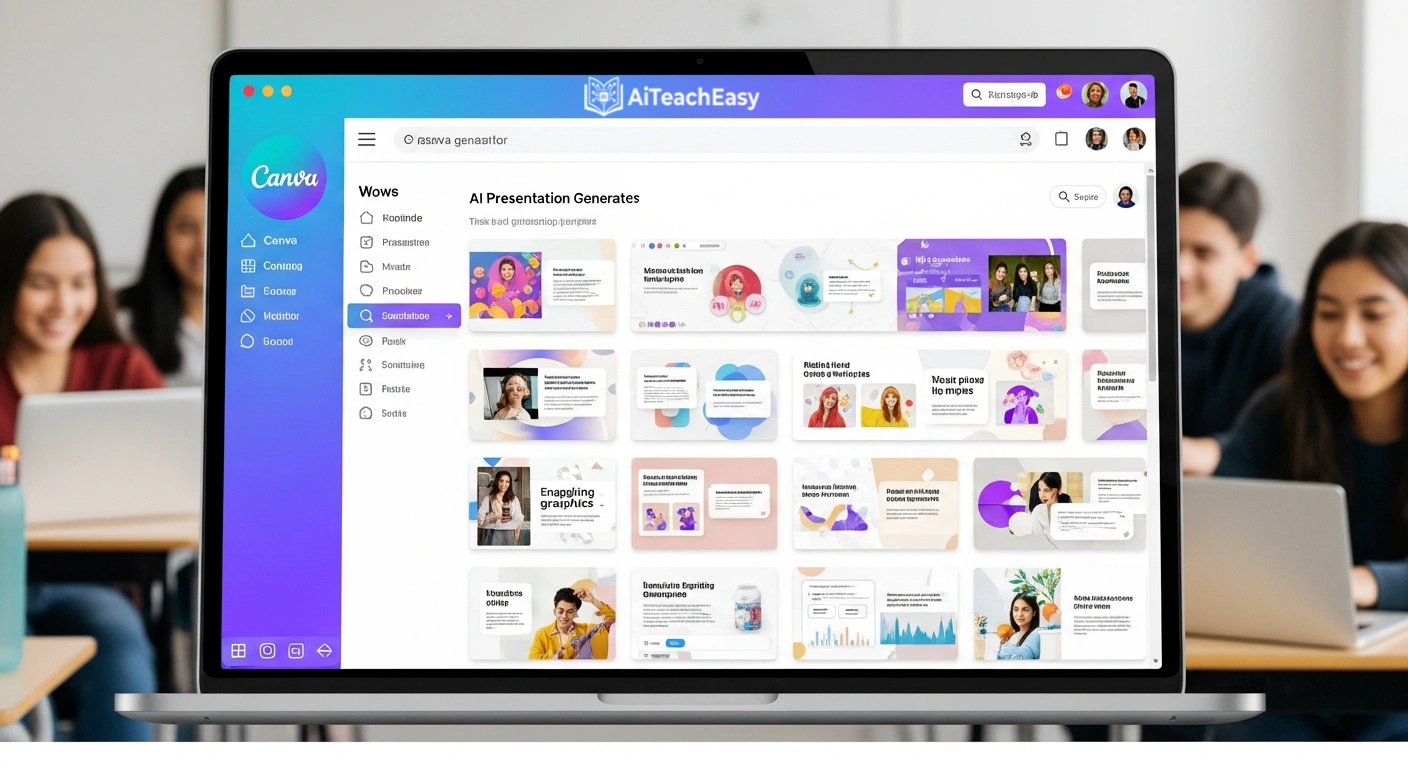
In my 10 years of teaching, Canva is the only platform where:
Students don’t mentally check out halfway through a presentation.
Its visuals are clean, modern, and less “corporate.”
Perfect for:
- Younger audiences
- Visual learners
- Social-media-style learning
4. Beautiful.ai – Looks perfect, feels rigid
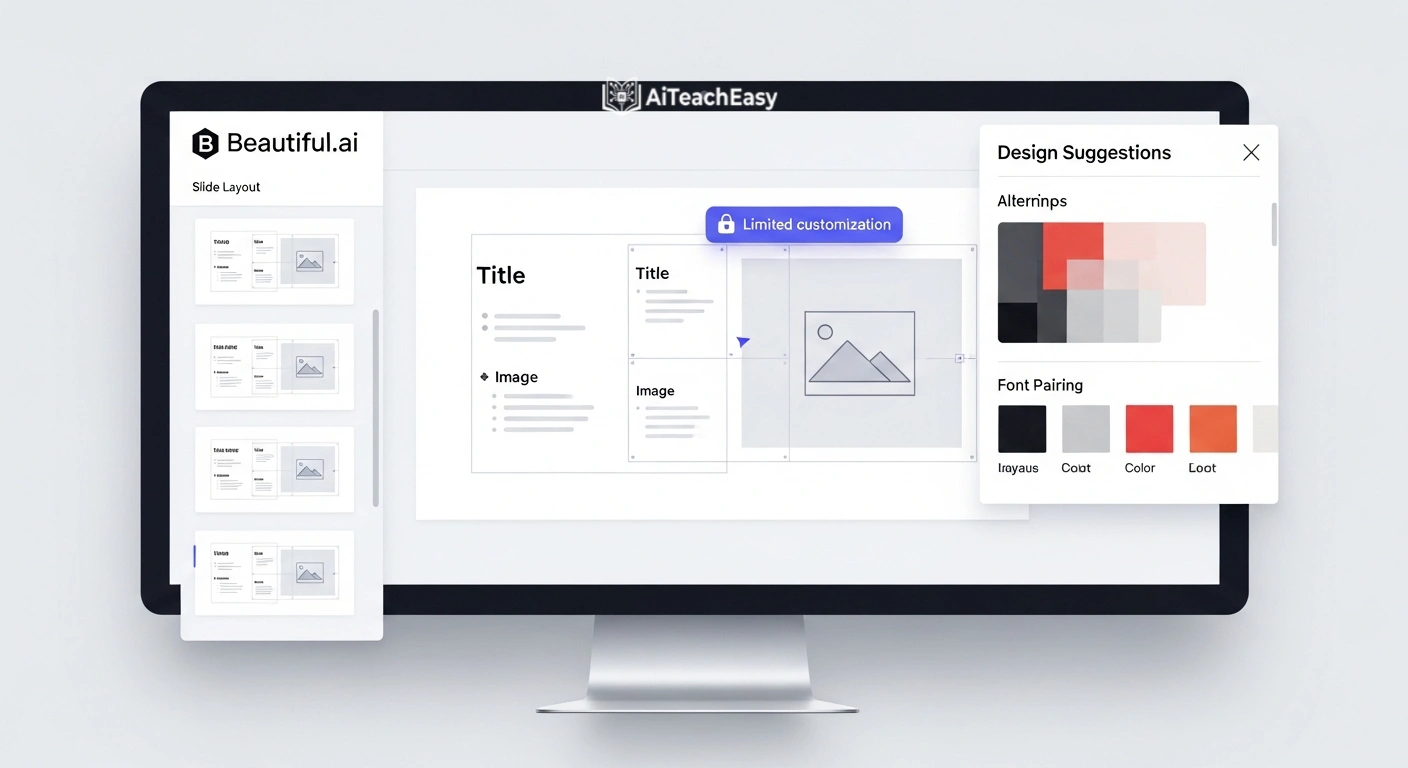
This tool is impressive… but a bit strict.
It forces design consistency, which is great—but sometimes limits creativity.
Best for:
- Formal lectures
- Academic presentations
- Conferences
5. SlidesAI – Simple but effective
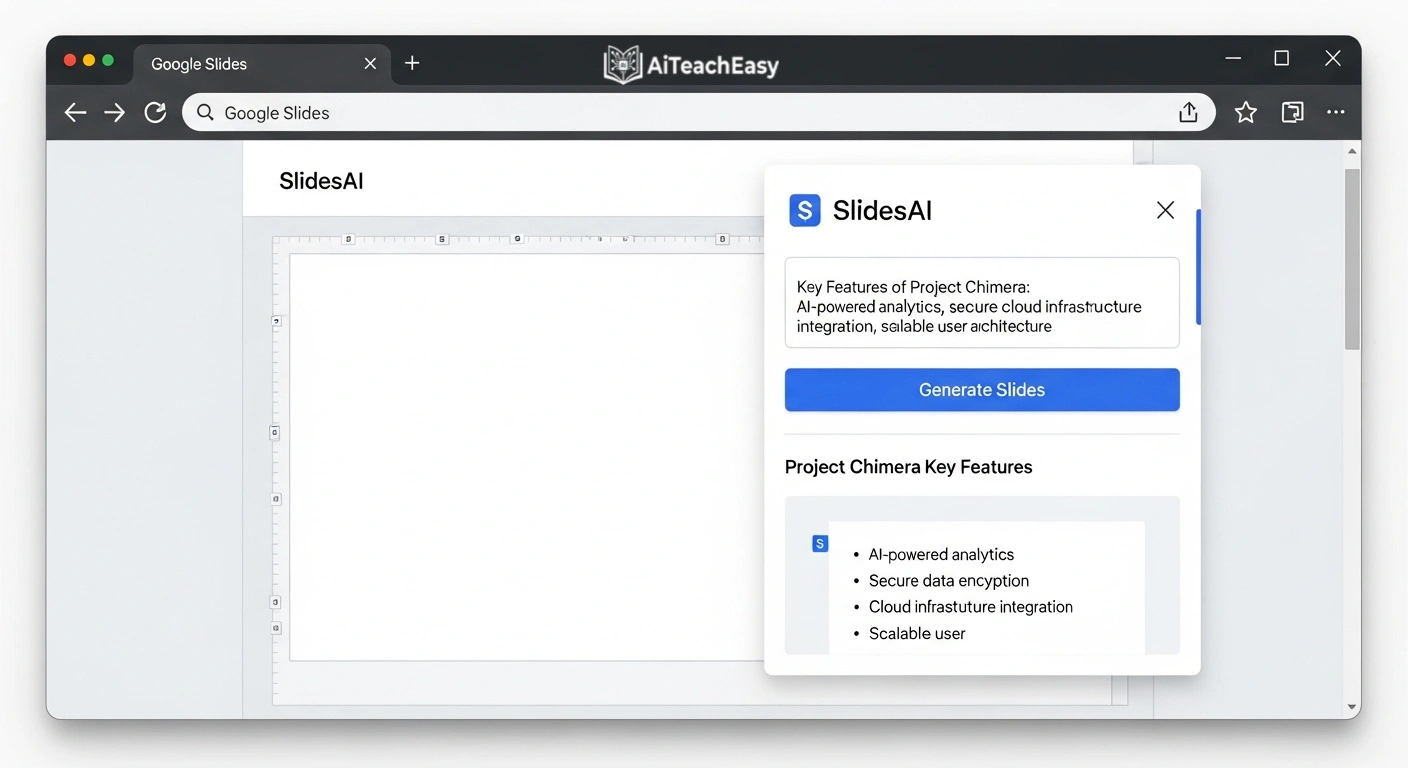
If you’re already in Google Slides, this is a no-brainer.
It’s not flashy. But it saves time.
6. Pitch – Built for teams
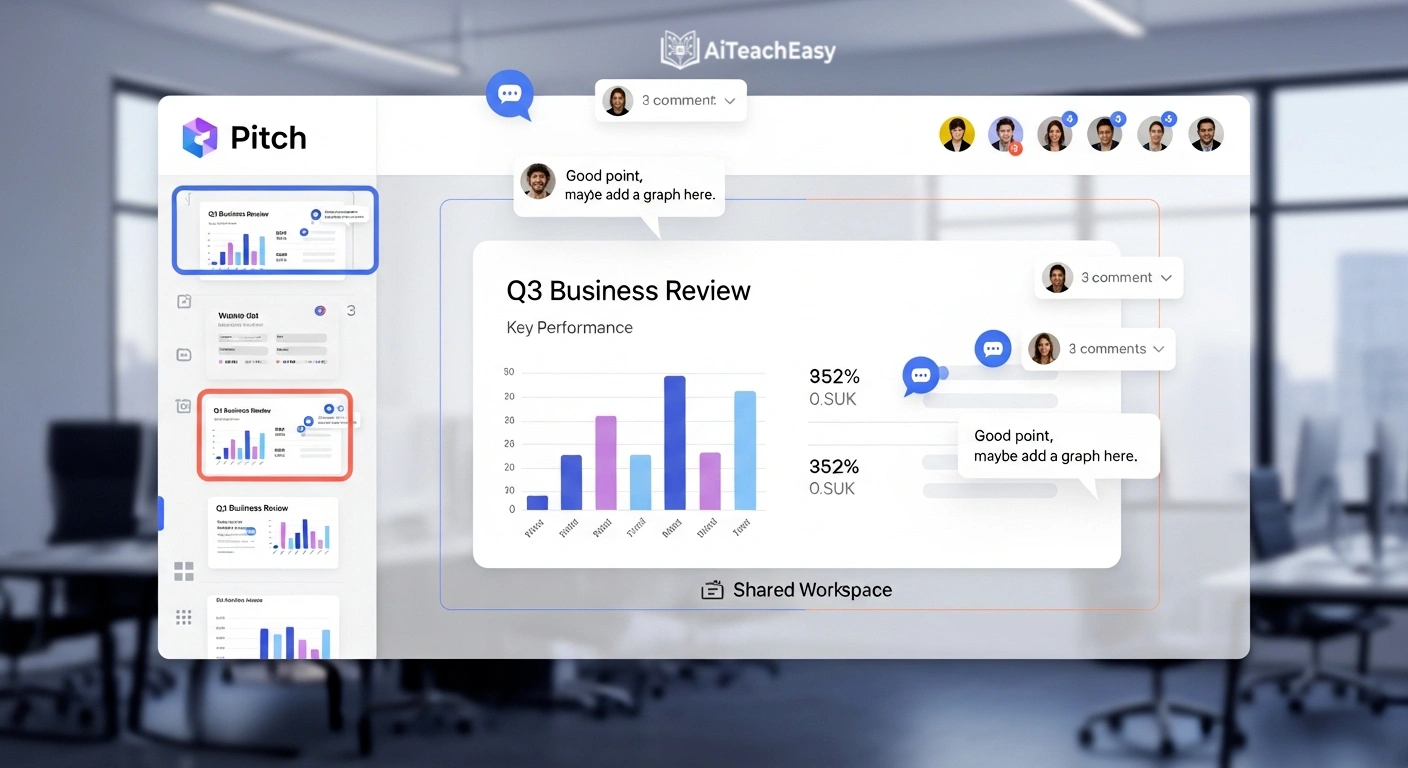
If you’re working in a school system or team environment, Pitch is powerful.
Real-time editing + analytics = useful insights into engagement.
How These Tools Fit Into a Complete Teaching System
Presentation tools alone are not enough.
The real magic happens when you combine them with a full AI teaching stack:
- Improve productivity with 👉 AI productivity tools for teachers
- Save time daily using 👉 AI time management tools for teachers
- Create structured content with 👉 AI report writing tools for teachers
- Automate evaluation via 👉 AI grading tools for teachers
And for student support:
Even admin work becomes easier with tools like:
👉 Student result sheet generator
Real Classroom Benefits (Not Just Marketing Claims)
1. Better Engagement
Students respond more to visuals than text-heavy slides.
2. Faster Lesson Creation
What used to take 2 hours now takes 20 minutes.
3. Support for Special Needs Students
AI helps adapt materials for:
- IEP-based learning
- Visual learners
- Slow-paced learners
Also explore 👉 AI tools for special needs students
Mistakes Teachers Should Avoid
Let’s be real—AI is not magic.
Avoid these:
- ❌ Trusting AI content without checking
- ❌ Overloading slides with animations
- ❌ Ignoring student feedback
- ❌ Using generic prompts
A Failure Story (Because Not Everything Works)
I once created a full biology presentation using an AI slide generator.
Looked amazing.
But during class, a student asked a question—and I realized:
One of the diagrams was completely wrong.
That moment changed how I use these tools.
Now I follow one rule:
AI creates. I verify.
Data Privacy & Ethical Use
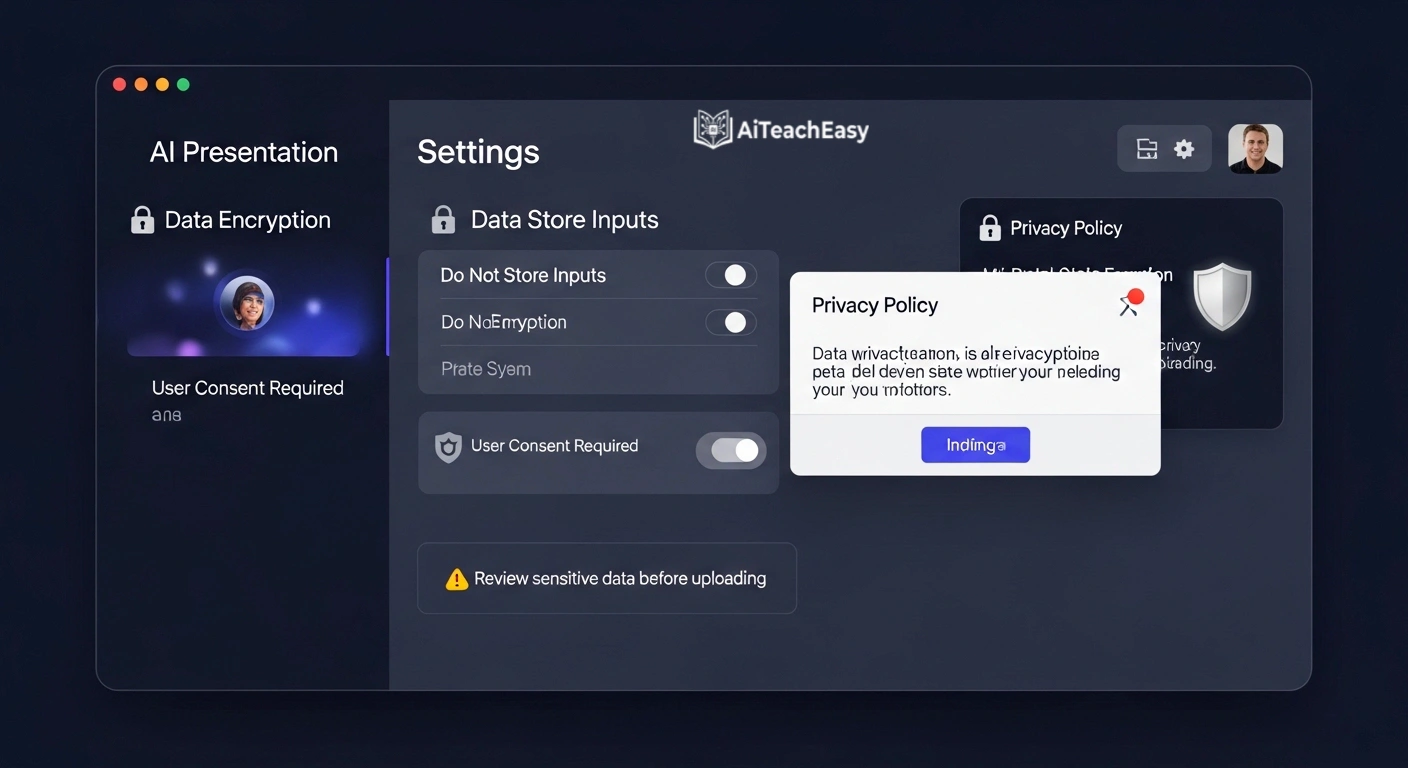
This is important.
When using AI tools in education:
- Ensure compliance with student data privacy laws (FERPA/GDPR)
- Avoid uploading sensitive student data
- Prefer tools with clear privacy policies
FAQ
Can AI presentation tools handle technical subjects like math or medicine?
Yes, but accuracy depends on the tool. Always verify outputs for specialized topics.
Are these tools suitable for asynchronous learning?
Absolutely. They help create self-paced, structured lessons for remote education.
Do AI tools replace teachers?
No. They assist teachers by saving time and improving delivery.
Final Thoughts (From Real Experience)
After years in education, here’s my honest take:
AI won’t make you a better teacher.
But it will give you more time to be one.
Use it wisely. Edit everything. Add your human touch.
That’s where the real impact happens.
About the Author
Professor Irfan
10+ Years of Teaching Experience
Professor Irfan has spent over a decade in education, specializing in digital learning strategies, AI integration, and student engagement systems. His work focuses on practical teaching improvements—not just theory.