
AI Feedback Generators (2026)
Why Feedback Still Feels Impossible
If there’s one part of teaching that consistently drains time and energy, it’s feedback. Not because it’s intellectually difficult—but because doing it well at scale is incredibly demanding.
Every teacher wants to give feedback that is specific, encouraging, and aligned with each student’s needs. But when you’re reviewing dozens—or even hundreds—of assignments, maintaining that level of personalization becomes nearly impossible. Over time, even the most thoughtful feedback starts to feel repetitive.
That’s exactly where AI feedback generators began to change my workflow.
Not by replacing my professional judgment, but by helping me structure, refine, and scale it.
And after using these tools extensively, one thing became clear:
The real value of AI in education is not speed—it’s the ability to deliver consistent, personalized feedback without burnout.

Table of Contents
What This Guide Covers
This guide focuses specifically on AI feedback generators—tools designed to help teachers create structured, meaningful, and pedagogically sound feedback.
We’ll cover:
- Essay feedback strategies
- Assignment-level comments
- Report card writing
- Behavioral and participation insights
👉 If you’re looking for grading automation, check out:
best AI grading tools for teachers
👉 For broader teaching workflows:
AI content tools for teachers (separate topic)
What Are AI Feedback Generators?
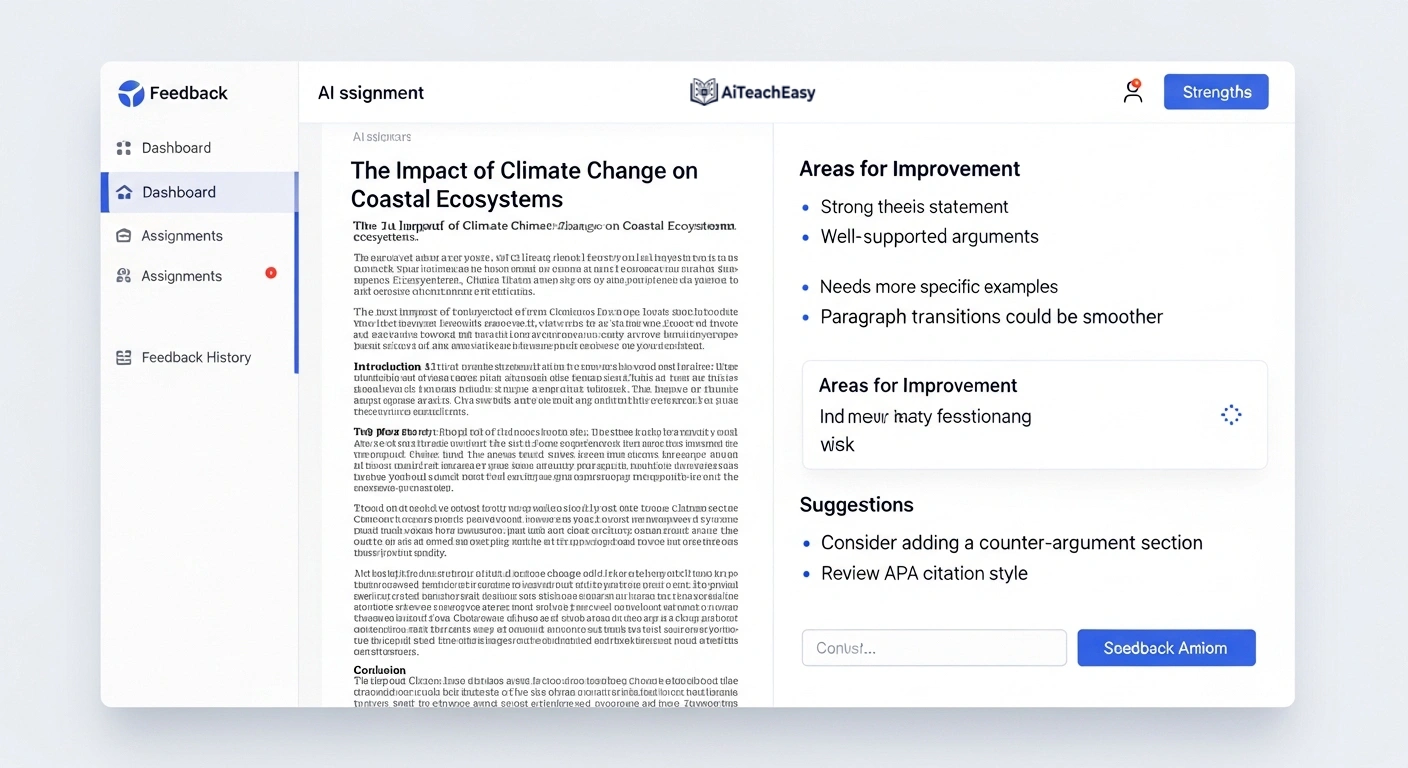
AI feedback generators are tools that assist teachers in transforming their evaluation into clear, structured, and actionable feedback.
Instead of writing everything manually, you can:
- Input student work
- Define rubric criteria
- Set tone and grade level
- Generate feedback instantly
However, it’s important to understand a key limitation:
AI does not replace teacher judgment—it enhances how that judgment is communicated.
This distinction is critical, especially when aligning feedback with constructive alignment, where learning objectives, instruction, and assessment must all work together.
Why Feedback Is Evolving in 2026
Education has changed rapidly, and student expectations have shifted with it. Today’s learners expect fast, relevant, and personalized feedback that helps them improve—not just a final grade.
At the same time, teachers are managing:
- Larger class sizes
- Increased administrative workload
- Digital-first learning environments
This has pushed feedback into two critical roles:
- Formative assessment → ongoing feedback that guides learning
- Summative assessment → final evaluation of performance
AI tools are particularly powerful for formative assessment, where speed and iteration matter most. They help identify learning gaps early, enabling teachers to foster a growth mindset instead of focusing only on final outcomes.
Best AI Feedback Generators (2026)
| Tool | Best For | Key Strength | Privacy Level | Pricing | Official Website |
|---|---|---|---|---|---|
| ChatGPT | Flexible feedback & prompting | Highly customizable responses, supports detailed feedback generation | Medium (depends on how data is used) | Free + Paid | ChatGPT |
| MagicSchool AI | Teacher workflows | 50+ built-in tools for lesson planning, feedback, and classroom tasks | High | Free + Paid | MagicSchool AI |
| Gradescope | Structured grading & feedback | AI-assisted grading with rubric alignment and pattern detection | High | Paid (institutional) | Gradescope |
| Turnitin AI | Writing feedback & originality | Plagiarism detection + AI-powered writing insights and feedback tools | High | Paid (institutional) | Turnitin |
| Eduaide AI | Lesson + feedback generation | Curriculum-aligned content, planning, and feedback assistance | Medium | Free + Paid | Eduaide AI |
How I Use AI Feedback in Real Classrooms (Safe Workflow)

Here’s the exact workflow I use—and recommend.
Step 1: Review the Work Manually
I always begin by reading the student’s work myself. I identify strengths, misunderstandings, and intent before involving AI.
⚠️ Step 1.5: Anonymize the Data (Critical Step)
Before using any AI tool, remove:
- Student names
- Email addresses
- IDs or personal identifiers
This step is essential for compliance with privacy standards (FERPA/GDPR). It also demonstrates responsible AI use in real classrooms.
Step 2: Input Structured Context
I provide:
- Student response
- My evaluation notes
- Rubric or criteria
Step 3: Generate Feedback Using AI
The AI converts my raw thoughts into structured feedback aligned with the rubric.
Step 4: Edit and Humanize
This is the most important step. I refine tone, adjust nuance, and ensure the feedback reflects the student’s individuality—not just the rubric.
Advanced Prompting
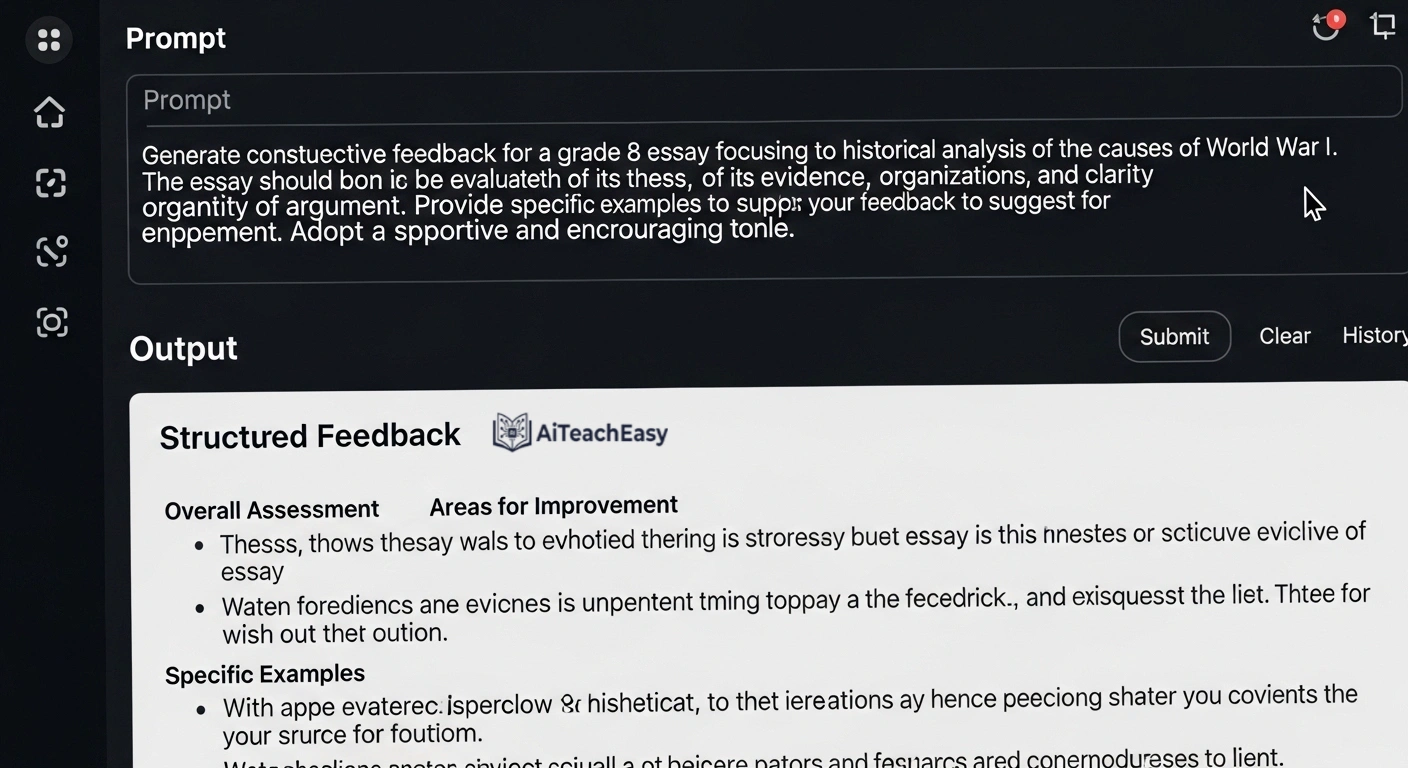
Basic prompts produce generic results. High-quality feedback requires structured prompting.
Weak Prompt
“Give feedback on this essay.”
Strong Prompt
“Provide feedback for this Grade 8 narrative essay based on the rubric.
Include:
- One strength in dialogue
- One improvement for pacing
- One reflective question
Tone: encouraging but honest.
Do not assign a grade.”
This level of detail ensures alignment with formative assessment goals.
Types of Feedback You Can Generate
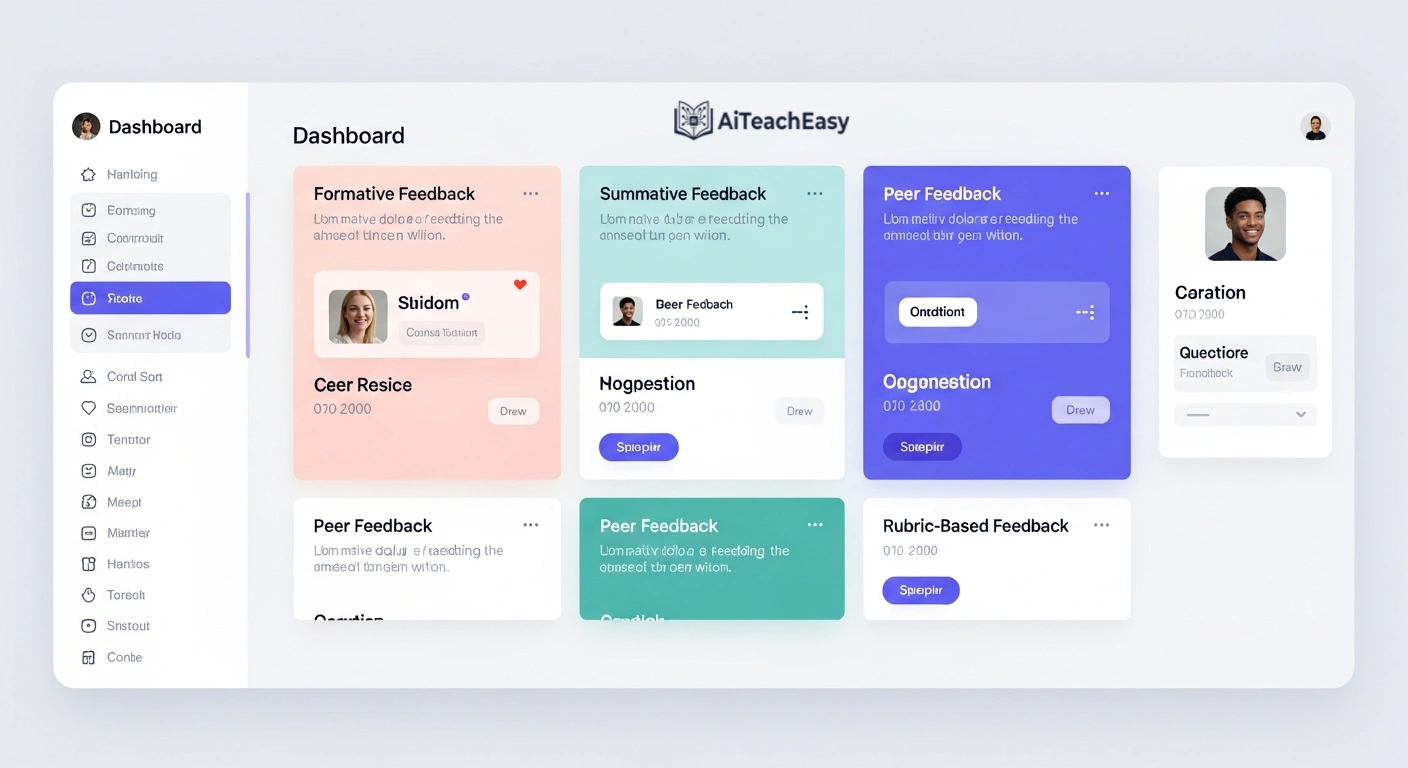
1. Essay Feedback
AI tools can go far beyond grammar correction. They can analyze argument structure, coherence, and alignment between thesis and conclusion.
For example, during formative assessment, AI can highlight whether a student’s argument develops logically or breaks midway—allowing early intervention rather than waiting for summative grading.
2. Assignment Feedback
Instead of repetitive comments like “Good work” or “Needs improvement,” AI can generate explanatory feedback.
This helps students understand:
- Why something is correct
- Where they went wrong
- How to improve
This shift turns feedback into a learning tool, not just an evaluation.
3. Report Card Comments (Expanded Value)
Writing report card comments manually is one of the most time-consuming tasks teachers face.
AI can help summarize an entire term’s performance using a structured format often called the “positive sandwich”:
- Start with a strength
- Address an area for growth
- End with encouragement
For example, instead of writing generic comments, you can generate:
“Ali demonstrates strong conceptual understanding in mathematics. To continue progressing, he should focus on showing step-by-step reasoning in problem-solving. With consistent effort, he is well-positioned for continued success.”
👉 For deeper workflows, see:
AI report writing tools for teachers
4. Behavioral and Participation Feedback (Expanded Value)
Behavioral feedback is often overlooked—but it plays a key role in student development.
AI can help generate comments related to:
- Collaboration
- Participation
- Effort and consistency
More importantly, it allows you to frame feedback in a growth mindset approach, focusing on improvement rather than criticism.
For example:
“Sara actively participates in group discussions and shows respect for peers. Developing stronger listening skills during collaborative tasks will further enhance her teamwork.”
👉 Explore tools here:
AI classroom management tools for teachers
A Real Failure Story (Important Insight)
I once used AI to generate feedback for a creative writing assignment. The result was technically perfect—but it completely missed the student’s originality.
It focused heavily on structure while ignoring creativity.
That experience reinforced a critical truth:
AI understands rules. Teachers understand students.
Since then, I always adjust feedback to reflect individuality—not just rubric compliance.
Benefits of Using AI Feedback Generators
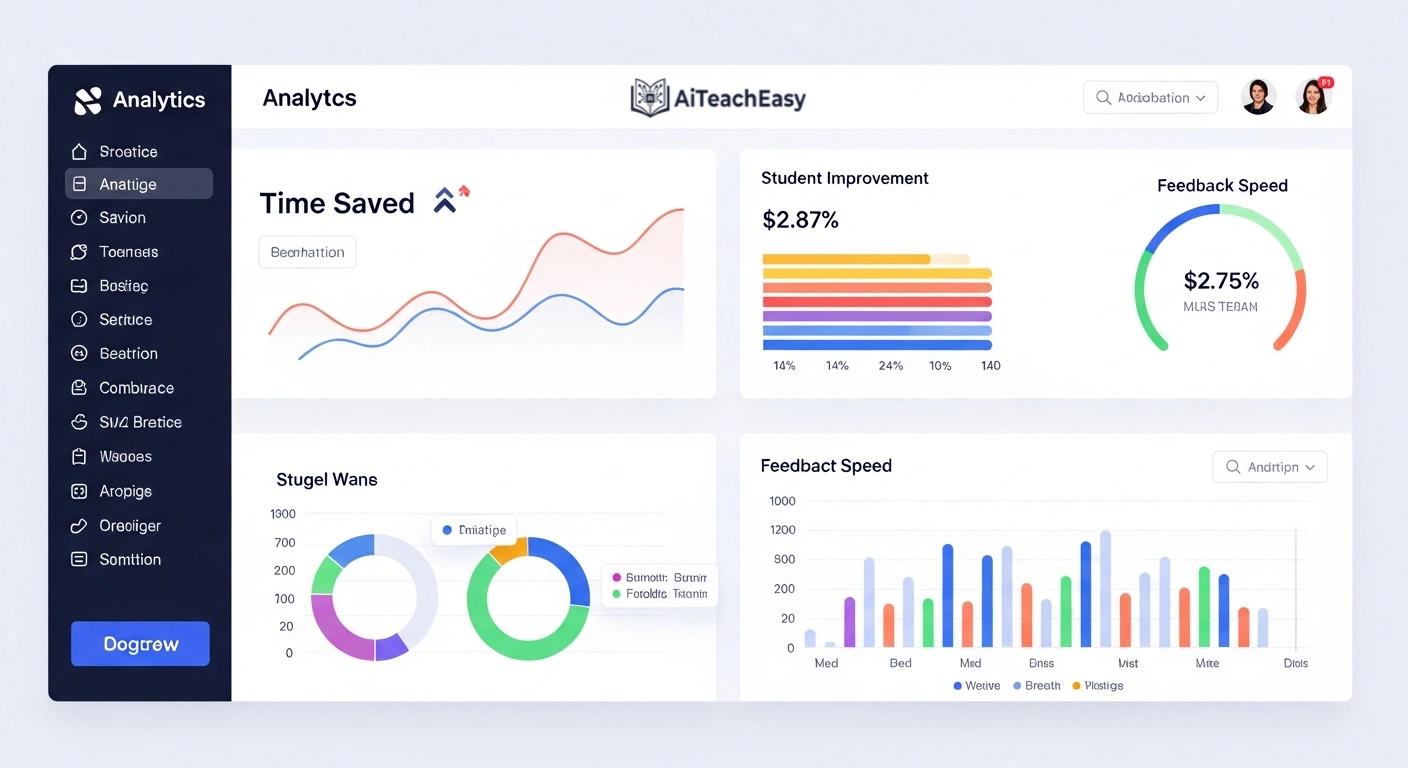
When used correctly, these tools offer more than just time savings.
They:
- Improve consistency across all students
- Support differentiated instruction
- Enhance formative assessment cycles
- Reduce teacher burnout
Most importantly, they allow teachers to focus on teaching—not typing.
Common Mistakes to Avoid
- Using generic prompts → leads to generic feedback
- Copy-pasting without editing → removes human voice
- Over-reliance on AI → weakens professional judgment
The solution is simple:
Use AI as an assistant—not a replacement.
Data Privacy
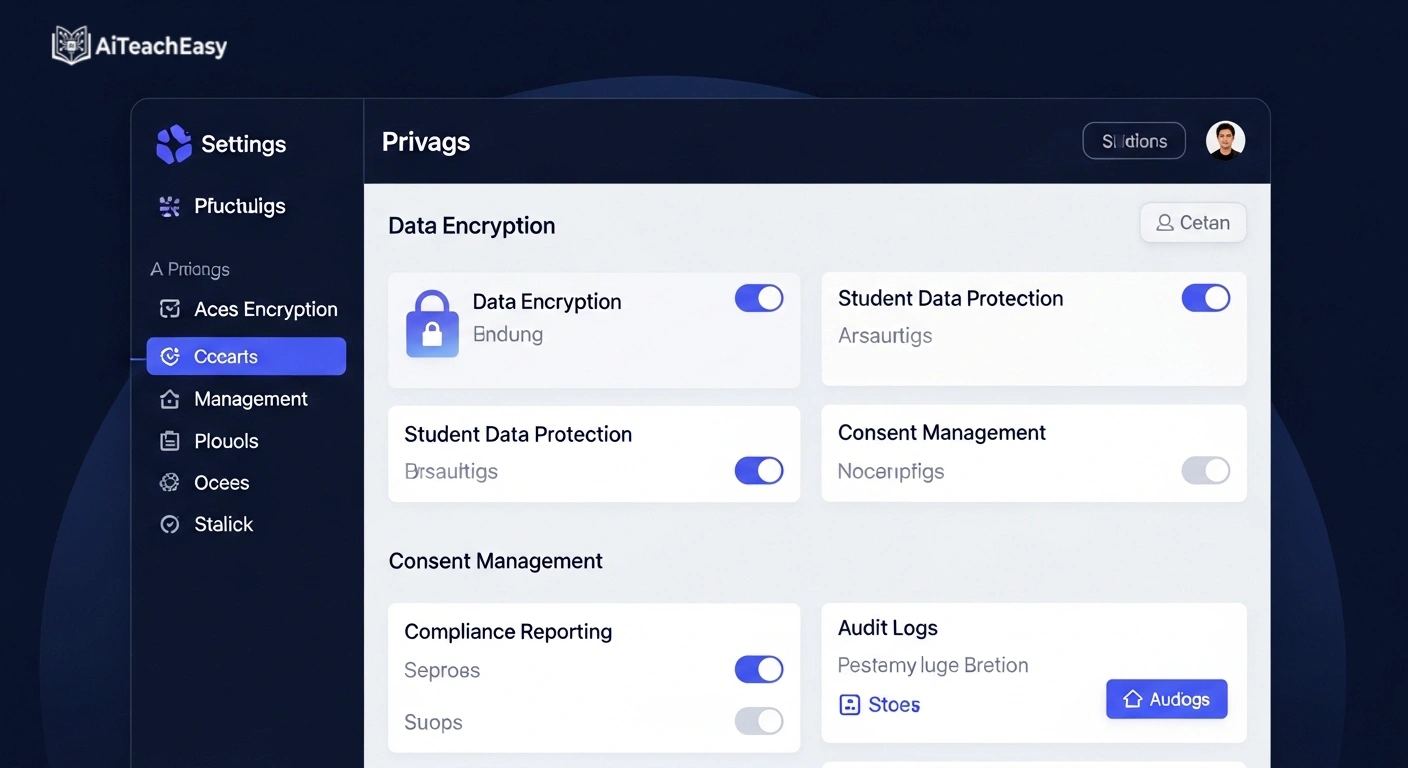
Always remember:
Never upload:
- Student names
- Personal data
- Sensitive academic records
Always:
- Anonymize data
- Use trusted platforms
- Review policies
👉 Safer tools:
privacy-first AI tools for students
FAQs
Can AI summary tools handle technical subjects like math or medical lectures?
Yes—but only with advanced models and well-structured prompts. Technical subjects require precise input and careful review to ensure accuracy.
Can AI replace teacher feedback?
No. It enhances efficiency but cannot replace human understanding, empathy, and context.
Is AI feedback reliable?
Generally yes—but it must always be reviewed before sharing with students.
Can feedback be personalized?
Absolutely. High-quality prompts allow deep personalization aligned with student needs.
Final Thoughts
AI feedback generators will not make you a better teacher on their own.
But they will:
- Save your time
- Improve consistency
- Strengthen formative feedback cycles
And most importantly—they give you more time to focus on what truly matters:
Your students.
About the Author
Professor Irfan
10+ Years of Teaching Experience
Specializing in AI-powered education, Professor Irfan helps teachers integrate modern tools into real classrooms while maintaining quality, engagement, and human connection.