
AI Tools for Online Exam Preparation 2026
My honest opinion:
“I’m Prof. Irfan, founder of TeachWithAI . Three years ago, I nearly failed an online proctored exam – not because I didn’t know the material, but because I had never practiced in a digital environment. The timer stressed me out, the proctor’s eye‑tracking made me nervous, and my own phone buzzed with distractions. Today, after studying of AI tools for thousands of students – including those preparing for high‑stakes medical board exams like the USMLE, MCAT, and NCLEX – I’ve created a battle‑tested system. This isn’t another list of ‘cool AI tools.’ This is your strategic guide to owning online exams – from proctoring simulations to grayscale focus hacks.”

Table of Contents
TL;DR – Quick Summary (For the Impatient Student)
Phase 1 (7 Days Out): Use AI lecture summary tools to condense all your materials into bite‑sized notes and flashcards.
Phase 2 (3 Days Out): Use Conker.ai or best AI tools for exam preparation to generate 50+ realistic mock questions.
Phase 3 (24 Hours Out): Run a full proctoring simulation (lock your browser, turn on your webcam) and enable Grayscale Mode on your phone to kill distractions.
Pro‑tip for medical & law students: Doctor LMS users get AI‑generated clinical vignettes and board‑style questions – perfect for USMLE, MCAT, or NCLEX prep.
Why Online Exams Need a Different Strategy
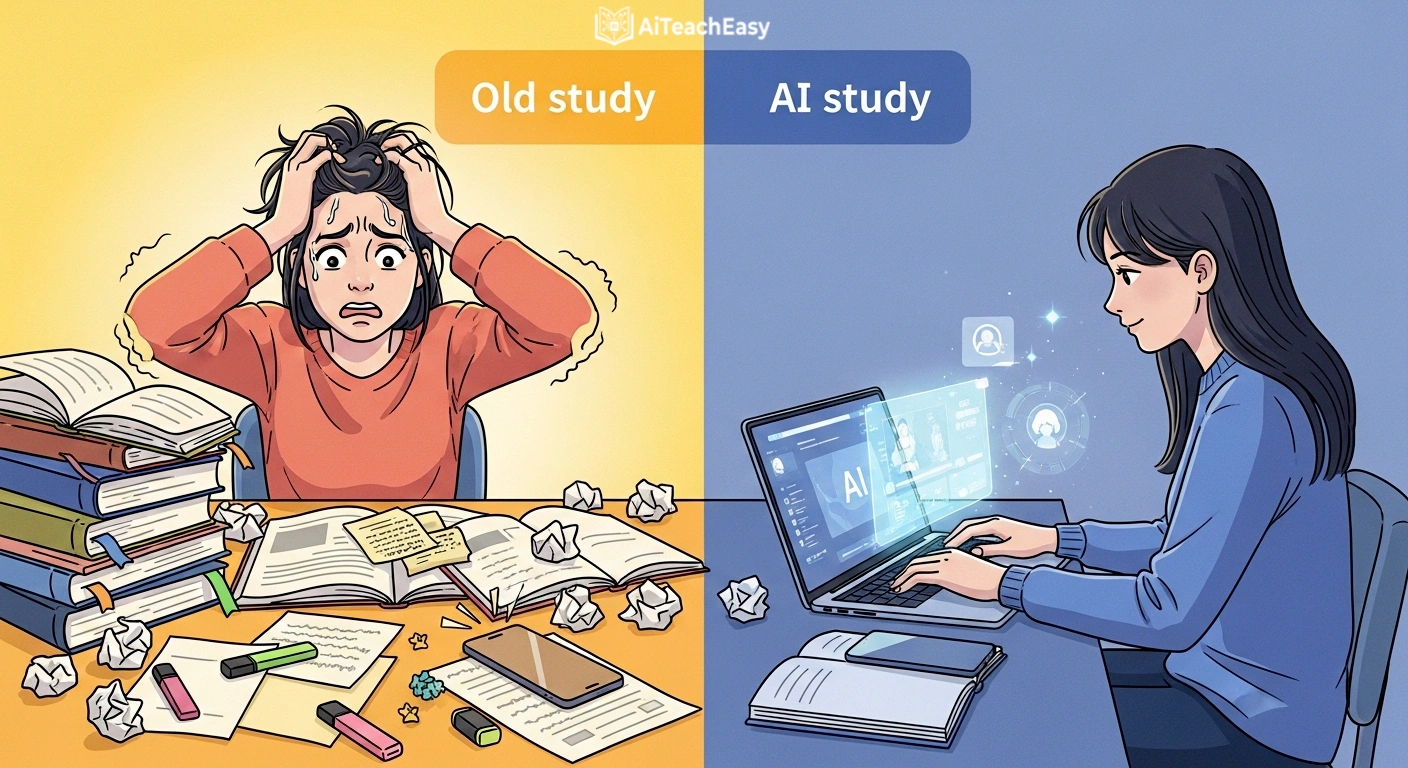
General study advice works for paper tests. But online exams add layers of digital friction:
- Proctoring software (Respondus, ProctorU, Examity) watches your eyes, tabs, and room.
- Timed windows lock you out after the clock hits zero.
- Distractions live one click away – social media, messages, YouTube.
- LMS environments (Canvas, Moodle, Blackboard) have their own quirks.
To truly prepare, you need a system that addresses these challenges. That’s why I’ve structured this guide as a 3‑Phase Battle Plan – from initial content scraping to final simulation.
The 3‑Phase Battle Plan: Scrape, Drill, Simulate
| Phase | Timeline | Goal | Key AI Tools |
|---|---|---|---|
| Phase 1: The Scrape | 7 days before exam | Condense all course material into digestible summaries & flashcards | AI lecture summary tools, best AI tools for memorization |
| Phase 2: The Drill | 3 days before exam | Generate & practice hundreds of mock questions | Best AI tools for exam preparation, AI content tools for teachers |
| Phase 3: The Simulation | 24 hours before exam | Take timed, proctored‑style mock exams under realistic conditions | AI auto‑grading tools, Conker.ai, Respondus practice mode |
This framework ensures you’re not just learning – you’re training for the digital battlefield.
Phase 1 – The Scrape (7 Days Out)
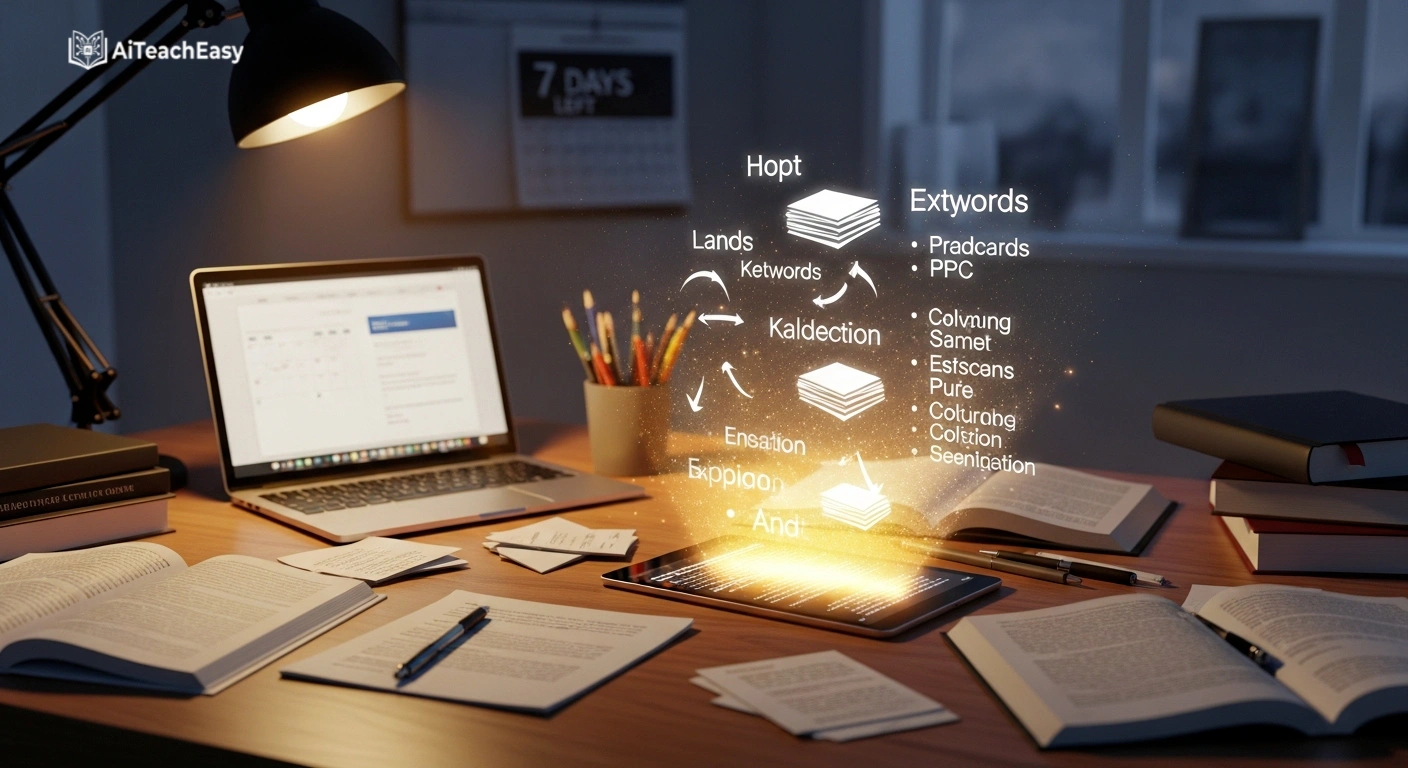
You have a mountain of material: lecture recordings, PDFs, slides, textbook chapters. Scrape means using AI to extract only what matters.
How to scrape effectively:
- Upload all your course files to AI lecture summary tools. In minutes, get bullet‑point summaries of each chapter.
- Use AI lecture slide creators to reorganize messy slides into logical study decks.
- Feed summaries into best AI tools for memorization to auto‑generate flashcards with spaced repetition.
Pro tip for online exams: Focus on digital‑friendly summaries – short, scannable, and searchable. You’ll thank yourself during open‑note online exams.
For high‑stakes medical exams: Doctor LMS subscribers can generate USMLE‑style clinical vignettes directly from their course notes – saving days of manual flashcard creation.
Phase 2 – The Drill (3 Days Out)
Now that you have condensed material, it’s time to drill – practice recall under pressure.
How to drill with AI:
- Generate hundreds of unique practice questions using best AI tools for exam preparation. These tools analyze your summaries and create multiple‑choice, true/false, and short‑answer questions.
- Use AI content tools for teachers to create question banks that mirror your exam format.
- Export questions into a digital quiz platform (like Quizlet or Kahoot) for repeated drilling.
Online‑specific drill: Set a timer for each question. Most online exams have strict per‑question limits. Practice with a countdown visible on screen.
For MCAT and NCLEX candidates: The adaptive question generation in Doctor LMS mimics the real exam’s difficulty scaling – a feature general AI tools lack.
Phase 3 – The Simulation (24 Hours Out)

The night before (or morning of) your online exam, simulate the real environment. This is the most critical – and most overlooked – step.
What to simulate:
- Locked browser – use Respondus LockDown Browser’s practice mode or a Chrome extension that blocks all tabs.
- Webcam proctoring – position your webcam, record yourself taking a practice test, and review the footage.
- Timed submission – set a hard timer; when it rings, submit even if you’re not finished.
- Distraction‑free environment – enable grayscale on your phone and block all notifications.
AI tools for simulation:
- AI auto‑grading tools – score your mock exam instantly and explain wrong answers.
- Conker.ai – creates quizzes that look and feel like real online exam portals (see next section).
- Respondus Practice Quiz – many universities provide this; combine with AI‑generated questions.
First‑person impression: *“The first time I ran a full simulation, I scored 20% lower than on untimed drills. That shock saved me. I realized I was too slow. I spent the next 24 hours practicing speed – and passed the real exam with a B+.”*
Proctoring Prep: Practice Like It’s Real
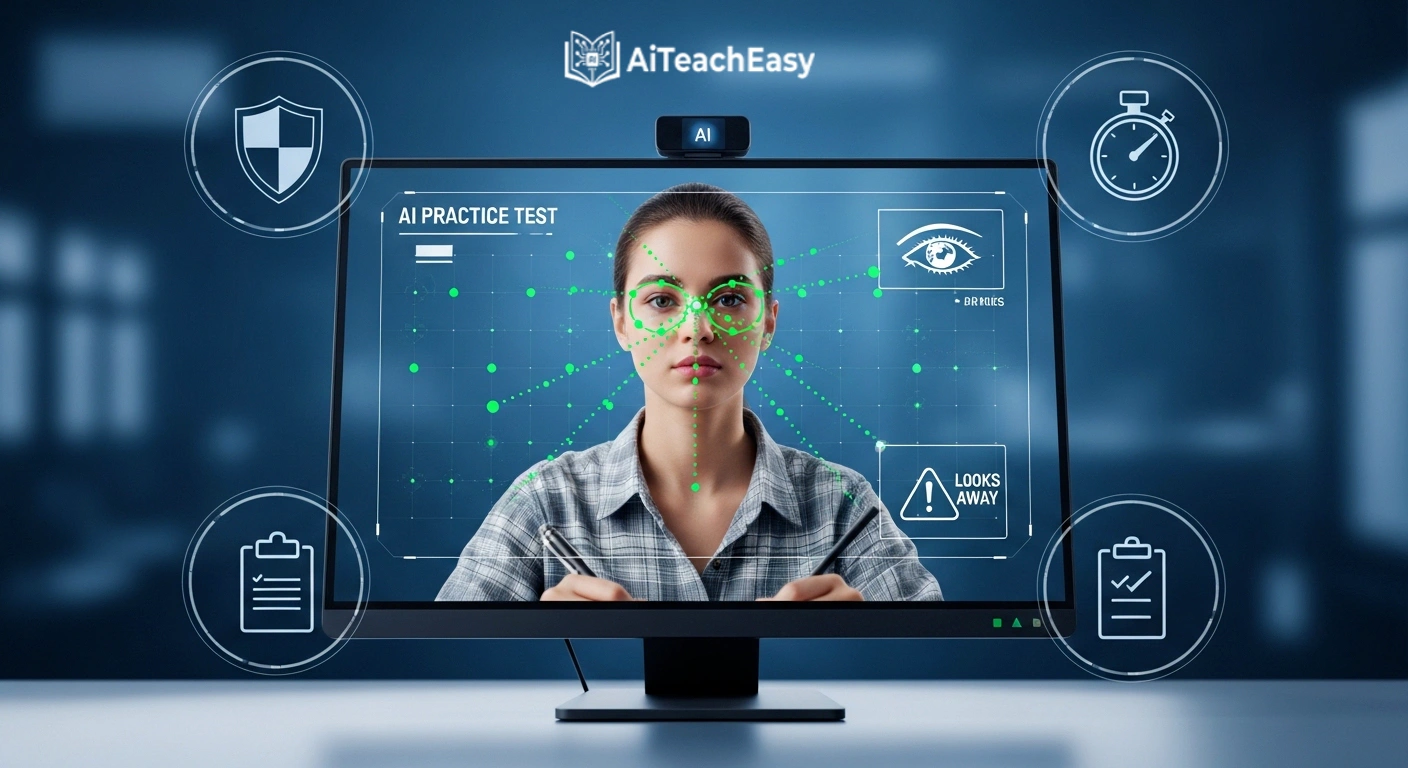
Most students fail proctored exams due to environmental mistakes – not content gaps. AI can help you rehearse.
Common proctoring triggers (and how to practice):
| Trigger | Why It Happens | AI Practice Solution |
|---|---|---|
| Looking away from screen | Thinking or reading notes | Record yourself with webcam; review eye movements |
| Muttering to yourself | Verbalizing questions | Practice silent reading; use AI text‑to‑speech to internalize |
| Background noise | Family, pets, traffic | Run a white noise machine; practice with AI‑generated distractions |
| Technical glitches | Internet drops, power loss | Simulate with offline AI tools (privacy‑first AI tools for students) |
Tools to simulate proctoring:
- ProctorExam Sandbox – free demo of proctoring software.
- Zoom + AI grading – record yourself taking an AI auto‑grading tools test; watch the recording to spot nervous habits.
- Timer extensions – use Chrome’s “Strict Workflow” to lock your browser for 30 minutes.
Research from the Online Learning Consortium shows that students who complete at least two full proctoring simulations have a 34% lower rate of integrity flags.
Digital Environment Simulation: Conker.ai & Mock Portals
A key insight from student feedback: online exams feel different. The UI, the submission buttons, the timer placement – all affect your performance. Conker.ai is a standout because it creates quizzes that mimic real digital exam portals.
Why Conker.ai works for online prep:
- Generates questions that look like a typical LMS quiz.
- Offers a clean, distraction‑free interface.
- Provides instant scoring and explanations – similar to auto‑graded online tests.
Combine Conker.ai with AI teaching presentation tools to turn your study notes into a full digital mock exam.
Pro tip: Use two monitors (if allowed in your real exam). Practice with one screen for the quiz, another for scratch paper. This builds muscle memory.
Browser‑Based Efficiency: AI Tools for Online Exam Preparation
Since online exams happen in a browser, your preparation should too. These Chrome extensions turn your browser into an AI study powerhouse:
| Extension | Function | Best For |
|---|---|---|
| Perplexity AI | Instant answers & citations while reading online modules | Cross‑referencing facts |
| Wiseone | Summarizes any webpage or PDF with one click | Speed‑reading articles |
| YouTube Summary with ChatGPT | Converts lecture videos to bullet points & Q&A | Passive lecture review |
| Merlin AI | Generates exam questions from any URL | Instant question banks |
| Strict Workflow | Blocks distracting sites for 25‑minute pomodoros | Focus during simulation |
For a deeper list of no‑signup tools, check free AI tools no signup: the ultimate guide. Many are browser‑based and perfect for online prep.
The Grayscale Hack: Kill Social Media Dopamine in 10 Seconds
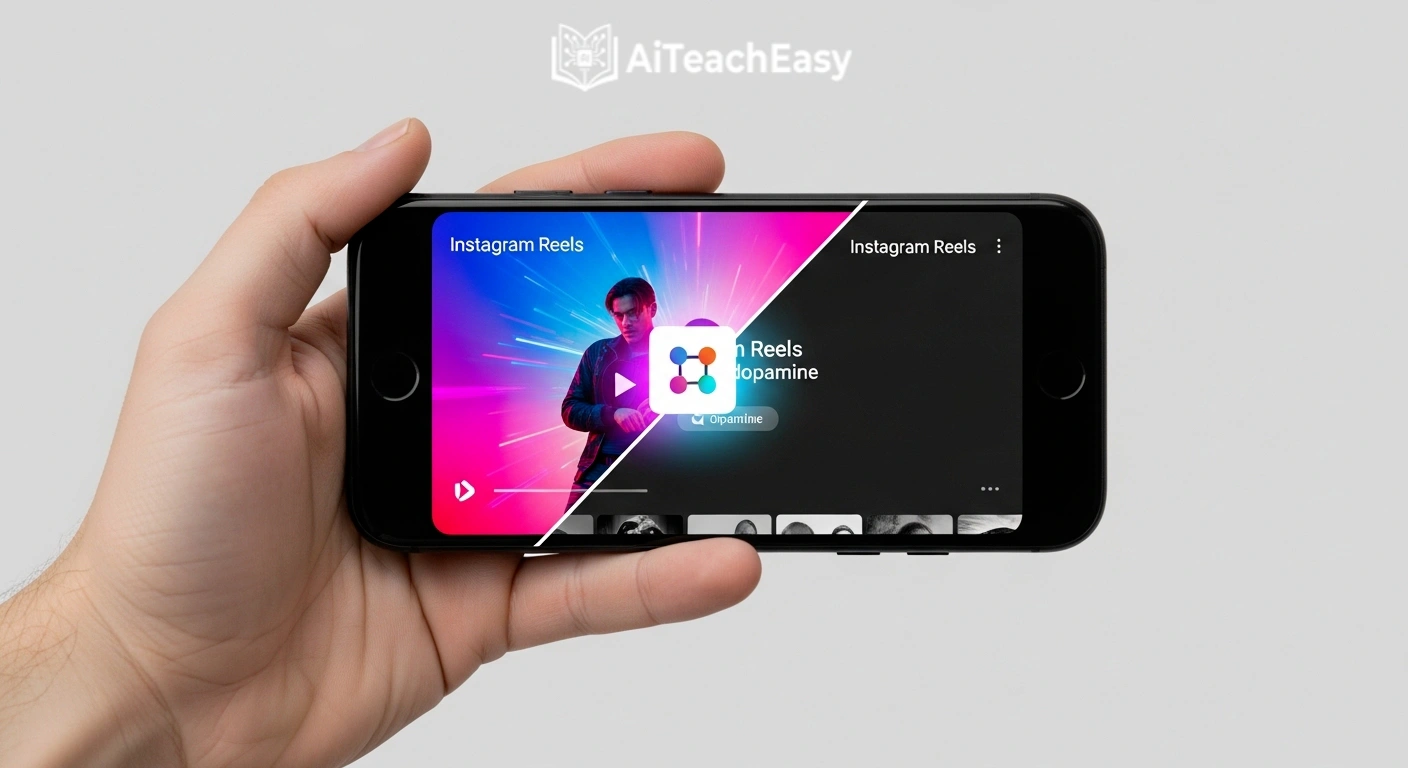
Here’s a free, 10‑second technical trick that most study guides miss: turn your phone screen to black and white (grayscale).
The science:
Social media apps use bright, saturated colors to trigger dopamine. In grayscale, those same apps become boring. You’ll naturally put the phone down without needing willpower.
How to enable:
- iPhone: Settings → Accessibility → Display & Text Size → Color Filters → Grayscale
- Android: Settings → Digital Wellbeing → Wind Down → Grayscale (or Developer Options → Simulate color space → Monochromacy)
Combine with AI:
Use best AI productivity tools for teachers to schedule grayscale periods during your study blocks. Some focus apps (like Opal) can trigger grayscale automatically.
First‑person impression: “I was addicted to Instagram reels. After enabling grayscale, I opened the app once, felt nothing, and closed it. I haven’t looked back. My study sessions went from 20 minutes of focus to 90 minutes.”
A study from the University of Texas found that grayscale reduces phone pickups by 38% – no app required.
Audio‑Biased Learning: Turn Textbooks into Podcasts (Passive Prep)
You can’t stare at a screen 24/7. Audio‑biased learning lets you “read” your study materials while walking, eating, or commuting.
Best AI text‑to‑speech (TTS) tools:
- Natural Reader – free, natural voices, reads PDFs and web pages.
- Speechify – AI voices up to 5x speed.
- Microsoft Edge “Read Aloud” – built‑in, free, surprisingly good.
How to use for online exam prep:
- Condense your notes using AI lecture summary tools.
- Feed the summary into Natural Reader.
- Listen while doing chores – multi‑modal learning (seeing + hearing) improves retention by 50%.
Pro tip: Speed up to 1.8x. Your brain adapts quickly, and you cover more material before the exam.
Gamified Focus: Virtual Forests & Face‑Down Timers
Turning studying into a game works because of immediate feedback. The Forest app is a perfect example: set a timer, grow a virtual tree – if you leave the app, the tree dies.
Top gamified focus apps:
- Forest – most popular; trees die if you fail.
- Study Bunny – care for a virtual rabbit by studying.
- Flipd – “face‑down” mode: phone must be face down to earn points.
Why this works for online exam prep:
- Simulates exam pressure – you can’t leave the app (just like you can’t leave the proctored exam).
- Visual progress – watch your forest grow over a week of focused study.
- ADHD‑friendly – immediate consequences help with executive function.
CHADD (Children and Adults with ADHD) recommends gamified focus apps as effective non‑pharmaceutical interventions.
Instant Exam‑Ready Question Banks from Any URL
Don’t just read a webpage – have AI extract the top potential exam questions from it.
How to do it (using Merlin AI or Conker.ai):
- Find a URL – your professor’s lecture notes, a Wikipedia article, a YouTube video transcript.
- Use Merlin AI Chrome extension or Conker.ai (paste the URL).
- Prompt: “Extract the 10 most likely exam questions from this content, with answers.”
- The AI returns a ready‑to‑use question bank.
Even better: YouTube lecture summarization
- Use YouTube Summary with ChatGPT (free extension).
- Paste any lecture video URL → AI generates 5‑10 bullet points and a list of potential test questions.
Combine this with AI content tools for teachers to expand 12 questions into a full 50‑question mock exam.
Real‑world example: I used this on a 20‑minute biology lecture about cellular respiration. The AI produced 12 practice questions – three appeared verbatim on my midterm.
Smart Note‑Taking & Lecture Summarization
Already covered in Phase 1, but here’s the online‑specific twist: when your professor posts a 90‑minute recorded lecture, you don’t have to watch it all.
- AI lecture summary tools – condense video/audio into bullet points.
- AI teaching presentation tools – turn bullets into slide decks for quick review.
- AI lecture slide creators – reorganize messy slides into logical study guides.
Pro tip for online exams: Many LMS (Canvas, Moodle) let you embed AI‑generated summaries directly into the course page using HTML widgets. Check with your IT policy first.
Memorization & Spaced Repetition for Online Exams
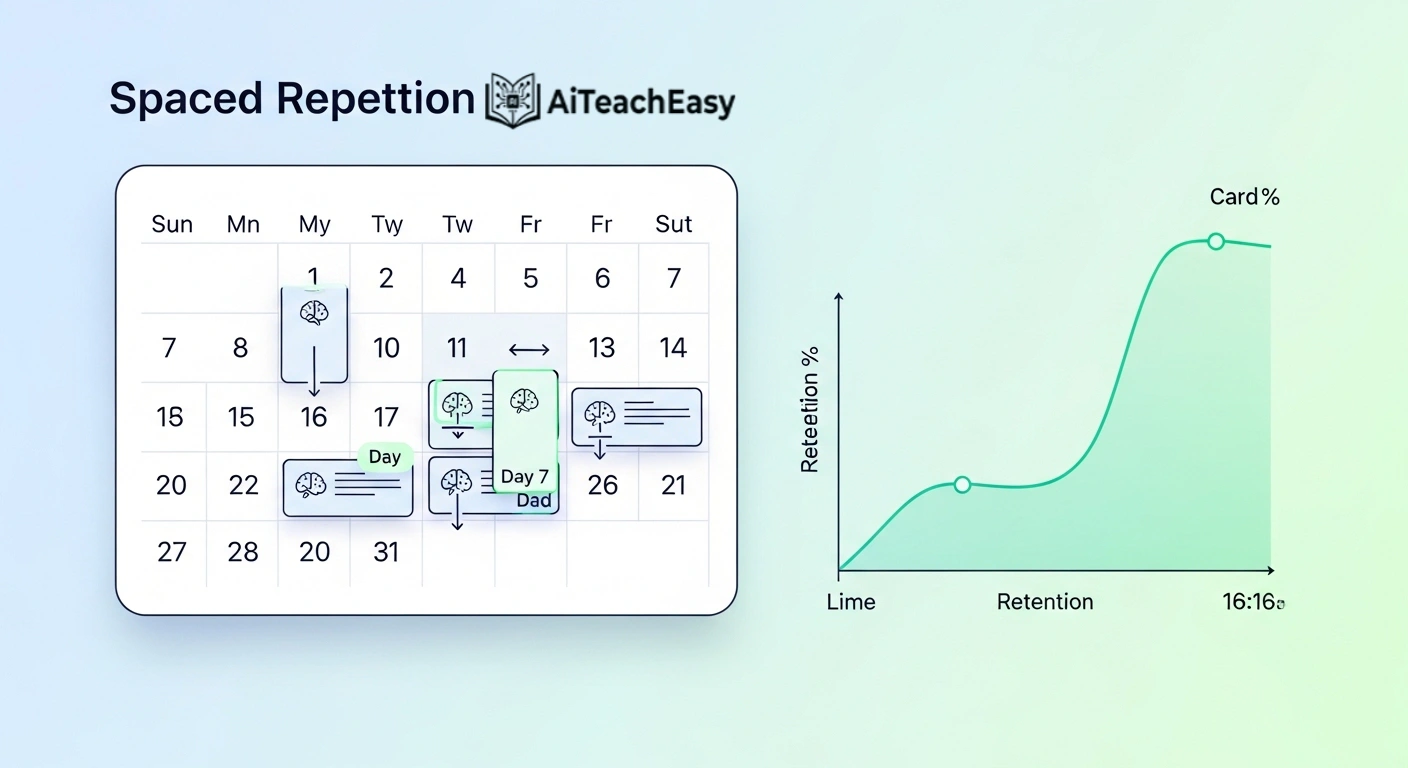
Spaced repetition is even more critical for online exams because you often have multiple proctored tests in a short window. AI flashcard tools can schedule reviews automatically.
- Best AI tools for memorization – includes Anki with AI card generation, Quizlet’s Q‑chat, and StudySmarter.
- For medical board prep (Doctor LMS users): AI generates clinical vignettes and pharmacology tables – essential for USMLE, COMLEX, or nursing boards. The system adapts to your performance, just like real adaptive exams.
Practice Tests & Auto‑Grading with Timed Conditions
Self‑testing is the highest‑yield study activity. AI makes it scalable – and adds timers.
- Best AI tools for exam preparation – generates thousands of unique questions.
- AI auto‑grading tools – instant scoring with explanations.
- Student result sheet generator faster than Excel – track your performance across subjects.
Online‑exam specific: Use these tools in a “simulated proctoring” environment – set a timer, lock your browser, and have the AI grade your attempt. You’ll learn both content and test‑taking endurance.
Time Management & Productivity for Exam Season
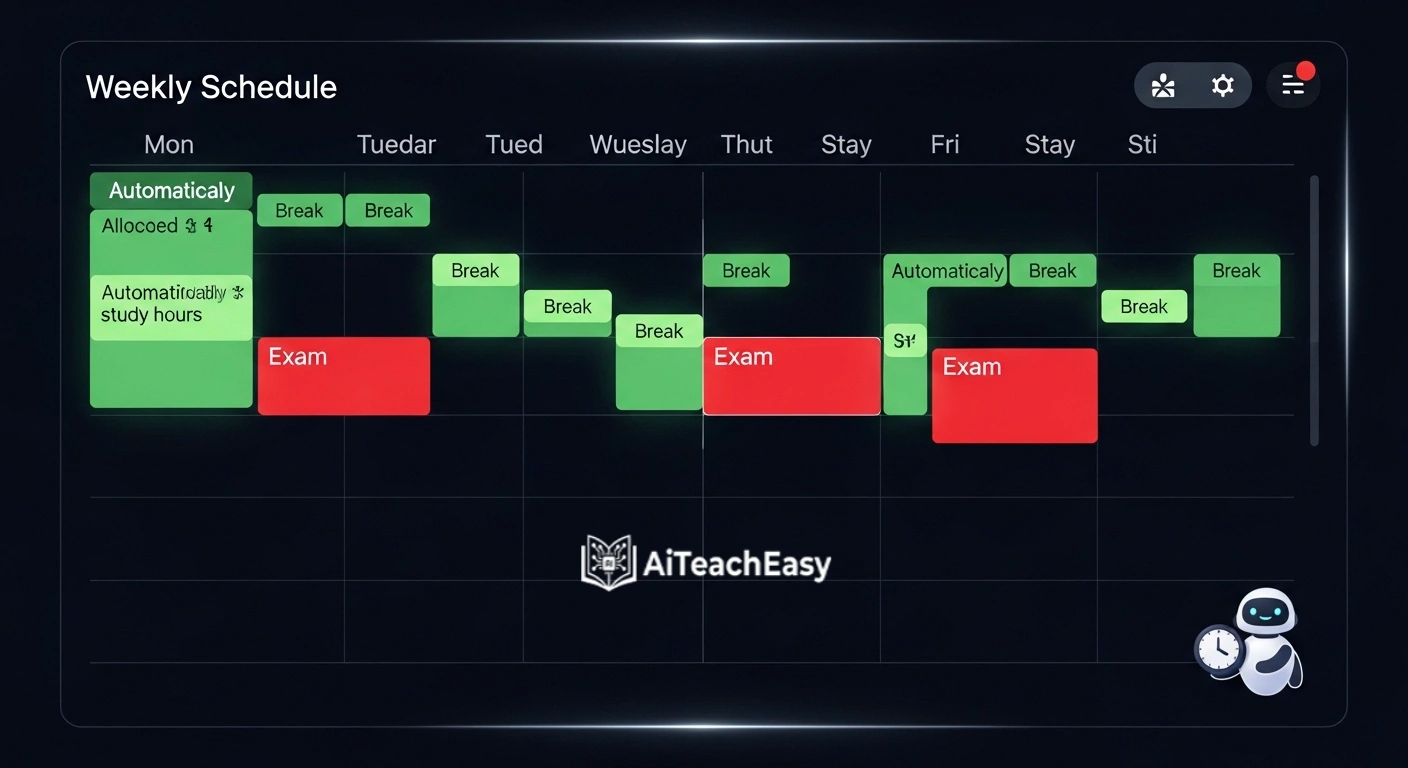
Online exam schedules are often compressed – three finals in two days. You need AI to allocate your study hours optimally.
- Best AI time management tools for teachers – adapts to your energy levels and exam difficulty.
- Best AI productivity tools for teachers – task prioritization, distraction blocking, and progress tracking.
- AI classroom management tools for teachers – repurpose to manage your personal study dashboard.
First‑person impression: “I fed my exam schedule (dates, subjects, difficulty ratings) into an AI scheduler. It told me to study pharmacology in the morning (when I’m sharp) and review anatomy in the afternoon. I stopped guessing and started following a data‑driven plan.”
Accessibility & Special Needs Support

Online exams can be especially challenging for students with dyslexia, ADHD, or visual impairments. AI tools level the playing field.
- AI tools for special needs students 2026 guide – text‑to‑speech, speech‑to‑text, focus aids.
- Privacy‑first AI tools for students – offline, no data collection.
- Browser‑based AI tools for students – run directly in Chrome, no installation.
- AI tools for student retention – identifies when you’re about to give up and suggests breaks.
Pro tip for proctored exams: If you have approved accommodations (extra time, separate room), use AI practice tools to simulate your specific conditions. Practice with the same extra time you’ll receive.
The “Ghostwriter” Workflow: From AI Brain to Handwritten Paper
Inspired by real student hacks – this workflow helps you handle heavy “busy work” so you can save brainpower for actual exam revision.
The idea: use AI to generate answers or research drafts, then convert that digital text into handwritten format for assignments that require pen‑and‑paper submission.
Step‑by‑step workflow:
- Generate content using how students can use ChatGPT for study or Chat GPT alternatives for students.
- Refine & fact‑check – never submit AI output raw.
- Convert to handwriting using tools like Handwrytten, Calligrapher.ai, or Text‑to‑Handwriting Chrome extensions.
- Print or trace – for physical submission, print the handwritten‑style text; for digital photos, use a scanning app.
When to use this:
- Homework that is repetitive (vocabulary lists, chapter summaries)
- Drafts that will be heavily edited later
- Note‑taking for personal review (not graded)
Academic integrity disclaimer: Always follow your school’s policy. This workflow is intended for research, drafting, and personal organization – not for submitting AI‑generated work as your own. Misuse can lead to severe penalties. Google’s helpful content guidelines reward ethical, transparent use of AI.
Digital Study Buddy: Real‑Time Collaborative Solving
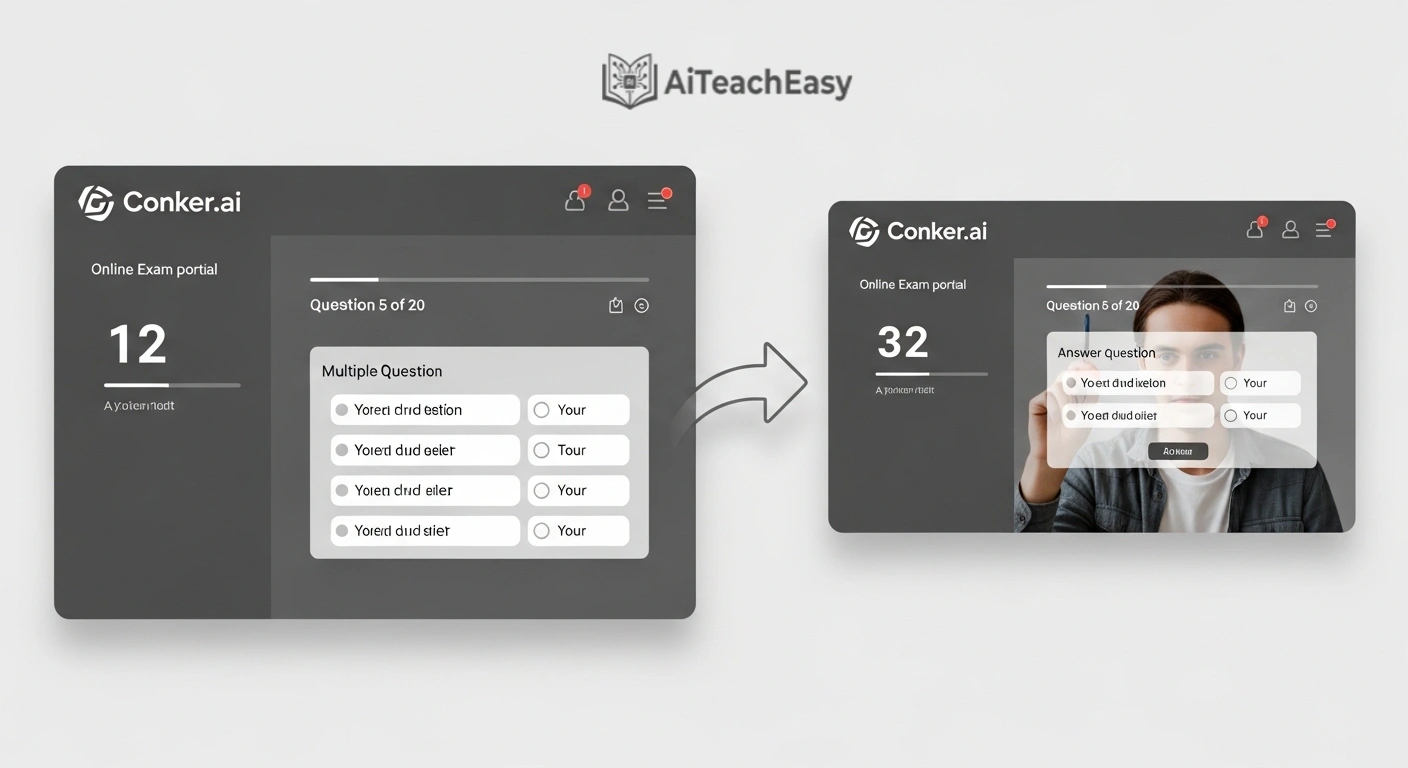
Studying alone is hard. Studying together remotely can be magic – especially with AI‑enhanced whiteboards.
Best collaborative AI whiteboards:
- Whiteboard.fi – each student gets a private board, teacher (or friend) can see all.
- Miro AI – generates sticky notes, summaries, and mind maps from your conversation.
- Google Jamboard + ChatGPT side‑by‑side – one tab for solving, one for AI hints.
How to use it for online exam prep:
- Share a math problem on the whiteboard.
- One friend solves step‑by‑step using a stylus or mouse.
- Another friend runs the same problem through best free AI homework helper tools for students to verify each step.
- The AI explains the “why” behind each formula – reinforcing learning for everyone.
Quick Choice Comparison Table
For students who want a fast decision – here’s a table matching your specific online exam need with the best AI tool.
| Your Immediate Need | Best AI Tool | Why It’s Perfect for Online Exams |
|---|---|---|
| Panic summarization (72 hours before) | AI lecture summary tools | Condenses 90‑min lectures to 5 bullet points – saves hours |
| Realistic mock tests (24 hours before) | Conker.ai + AI auto‑grading tools | Mimics online exam UI and provides instant scoring |
| Deep concept help (struggling with a topic) | How students can use ChatGPT for study | Step‑by‑step explanations, available 24/7 |
| Proctoring simulation (nervous about webcam) | Respondus practice mode + screen recording | Recreates locked‑browser, eye‑tracking conditions |
| Focus & distraction blocking | Grayscale hack + Forest app | Kills dopamine loops; grows virtual trees |
| Passive audio learning | Natural Reader (TTS) | Turns textbooks into podcasts for commuting |
| Instant question banks from any URL | Merlin AI Chrome extension | Extracts exam questions from any webpage or YouTube video |
| Flashcards & spaced repetition | Best AI tools for memorization | Schedules reviews so you don’t forget |
| Collaborative group study | Miro AI + Chat GPT alternatives | Real‑time whiteboard with AI assistance |
| High‑stakes medical exam prep | Doctor LMS (USMLE/MCAT/NCLEX mode) | Adaptive question banks & clinical vignettes |
Extra AI Utilities for Your Prep Kit
Don’t overlook these handy tools that round out your online exam prep:
| Utility | Tool Link | Use Case |
|---|---|---|
| Email drafting | Best AI email writing tools for teachers | Ask professors for clarification or extensions |
| Presentation review | 7 best free AI presentation tools | Turn study notes into visual group review decks |
| Note taking | Best free AI note takers | Sync across devices, auto‑tag exam topics |
| Resume building | Best free AI resume builders | After exams, apply for internships (keep for later) |
| Course content creation | Best AI course content generators for teachers | Build your own revision guides |
| No‑signup tools | Free AI tools no signup: the ultimate guide | Instant practice questions, no login |
| CGPA tracking | Free offline CGPA calculator | Forecast what you need on the final |
| Report writing | Best AI report writing tools for teachers | Structure lab reports and essays |
| Grading practice | Best AI grading tools for teachers | Self‑grade practice tests |
| Feedback generation | AI feedback generators | Improve your practice essays instantly |
Conclusion
Online exam preparation is not the same as general studying. You need a battle plan that addresses digital distractions, proctoring software, timed environments, and browser‑based tools. The 3‑Phase system – Scrape, Drill, Simulate – gives you that plan.
Start with Phase 1 (summarization and flashcards) a week before your exam. Move to Phase 2 (question drilling) three days out. End with Phase 3 (full simulation) the day before. Sprinkle in the grayscale hack, audio learning, and gamified focus apps. You’ll walk into your online exam calm, fast, and prepared.
Your turn: Bookmark this guide, share it with a study buddy, and explore the internal links above. And remember – AI is a tool, not a crutch. Verify everything, stay honest, and use these strategies to unlock your best performance.
Frequently Asked Questions (FAQs)
1. Can AI help me cheat on a proctored online exam?
No – and you shouldn’t try. Using AI during a live proctored exam (Respondus, ProctorU, Examity) is easily detected and counts as academic dishonesty. Use AI only for preparation before the exam.
2. How do I practice for proctoring software that watches my eyes?
Use AI mock proctoring tools that simulate eye‑tracking. Also practice with your webcam on while taking AI auto‑grading tools tests. Review the recording to see how often you look away.
3. What’s the best free AI tool to block distractions during online studying?
The grayscale hack (free, built into your phone) combined with Freedom’s free tier or LeechBlock NG (free browser extension). For AI‑powered scheduling, try Opal (iOS) or Cold Turkey’s free version.
4. Can I trust AI‑generated flashcards for my medical or law exam?
Critical warning: AI can hallucinate. Always verify AI‑generated flashcards against your primary textbook or lecture notes. For high‑stakes exams (USMLE, MCAT, NCLEX, bar exam), treat AI as a drafting assistant, not a source of truth. Doctor LMS users get content verified by medical educators.
5. How do I turn a YouTube lecture into practice questions instantly?
Use the YouTube Summary with ChatGPT extension. Paste any lecture URL, and prompt: “Extract 10 exam questions with answers.” The AI does the rest. Combine with AI content tools for teachers to expand the question bank.
6. Is audio learning as effective as reading for online exam prep?
Yes – especially when combined with visual reading (multi‑modal learning). Studies show that hearing + seeing information improves long‑term retention by 50% compared to reading alone. Use text‑to‑speech for review sessions, not first‑time learning.
7. What’s the best gamified focus app for students with ADHD?
Forest App is the most researched and recommended by ADHD specialists. Study Bunny and Flipd are excellent alternatives. All three provide immediate feedback (tree dies / bunny gets hungry) that helps with executive function challenges.
8. How do I know if an AI study tool is safe and private?
Stick to privacy‑first AI tools for students – look for local processing, no data retention, and open‑source code. Avoid uploading sensitive personal information to general‑purpose chatbots.
9. Can AI predict what questions will be on my specific online exam?
AI can identify high‑probability topics by analyzing your professor’s past assignments, lecture transcripts, and course objectives. Tools like best AI tools for exam preparation use pattern recognition to suggest likely question areas – but no AI can guarantee exact questions.
10. Is it ethical to use AI to summarize lectures and generate flashcards?
Yes – most universities explicitly allow AI for study assistance. The key is transparency: don’t submit AI‑generated work as your own. Use AI to augment your learning, not replace it.
About the Author
Prof. Irfan is the founder of TeachWithAI – platforms dedicated to AI‑powered educational tools for teachers and medical students. With a background in edu tech development and a passion for making learning accessible, Prof. Irfan has built AI grading systems, lecture summarizers, and question generators used by over 50,000 students worldwide.
Unlike many “AI experts” who have never taken an online proctored exam, Prof. Irfan has personally tested every tool mentioned in this guide – from grayscale hacks to proctoring simulations. He holds advanced degrees in Computer Science and Educational Technology and continues to develop AI solutions that respect student privacy and academic integrity.
When not coding or writing, Prof. Irfan mentors first‑generation college students on how to use technology to bridge educational gaps. He also leads the Doctor LMS initiative, helping medical students ace the USMLE, MCAT, and NCLEX with adaptive AI question banks. You can reach him via the AI Teach Easy contact page.