
How Students Can Use ChatGPT for Study 2026 Guide
How Students Can Use ChatGPT for Study: Explanations, practice quizzes, note summaries, study plans, coding help (e.g., with R Studio or Visual Studio Code).
Best use: Active recall, self‑testing, simplifying concepts.
Avoid: Copy‑pasting answers, using during exams, blind trust without verification.

The Right Way (and the Wrong Way)
Let’s be honest. You’ve probably asked ChatGPT to “explain this chapter” or even “write my essay.”
And that’s exactly where most students go wrong. The question arise that How Students Can Use ChatGPT for Study?
Using ChatGPT without a system can actually hurt your learning. But when you use it as a structured study partner, it’s like having a patient, 24/7 tutor.
In this guide, you’ll learn:
- The exact daily workflow top students use
- When not to use ChatGPT (critical for ethics & grades)
- 20+ copy‑paste prompts
- The science behind why ChatGPT works for learning
- A free PDF cheat sheet (50 prompts) – download link inside.
Table of Contents
What ChatGPT Can Do for Students (Realistic Example)

Hypothetical case study (based on real student feedback):
“A second‑year biology student started using ChatGPT to generate daily 5‑question quizzes from her lecture notes. After two weeks, she reported noticeably better retention on weekly tests – especially on topics she previously failed. She also used ChatGPT to create study plans, which reduced her cramming anxiety.”
ChatGPT can:
- 🧠 Explain concepts in 5 different ways until you get it
- 📝 Summarise 10 pages into 5 bullet points
- 📅 Build a personalised study plan (“I have 7 days, 3 chapters, 2 hours/day”)
- 💻 Debug code – works great with ChatGPT for R Studio or ChatGPT for Visual Studio Code
- 📖 Generate analogies, mnemonics, and real‑world examples
- 🌍 Translate & simplify complex academic language
Best Study Uses (With Actionable Prompts)
| Study Task | Prompt Example (copy & paste) |
|---|---|
| Exam cram | “Create a 15‑question practice exam on the French Revolution. Include an answer key.” |
| Note summary | “Summarise this lecture into 5 bullet points, each with a key term.” |
| Study plan | “I have a final in 10 days. Make me a daily ChatGPT study plan covering 5 chapters.” |
| Coding help | “Explain this recursion error in Python like I’m 12, then show a fix for ChatGPT with Visual Studio 2022.” |
| Concept analogy | “Explain cellular respiration using a pizza restaurant analogy.” |
Step‑by‑Step: Daily Study Workflow with ChatGPT
Follow this every day for one week – you’ll see the difference.
- Paste your raw notes (from class or textbook)
- Ask for a one‑paragraph summary – “Simplify this for a 10th grader.”
- Generate a 5‑question quiz – “Test me on key definitions only.”
- Review your wrong answers – “Explain why answer B is correct, step by step.”
- Create a quick revision sheet – “Turn this into a table: Term | Definition | Example.”
⏱️ Total time: 15–20 minutes per chapter. This is exactly how to use ChatGPT to study for exams without cheating.
4. When NOT to Use ChatGPT (The Only Section You Need)
Many students misuse ChatGPT – here’s when you should avoid it entirely.
| Scenario | Why Not |
|---|---|
| During a timed exam | Obviously cheating. Also, ChatGPT is not allowed. |
| For final submissions | Submitting AI text as your own is plagiarism. |
| For verified academic research | ChatGPT hallucinates citations. Use Google Scholar. |
| When you need 100% accurate math | ChatGPT is terrible at arithmetic. Use a calculator. |
| When you haven’t tried yourself first | Struggle is part of learning. Try first, then ask for hints. |
| For high‑stakes, closed‑book exams | You can’t use it. Train your brain instead. |
| When learning foundational skills (e.g., basic algebra, grammar) | Doing it yourself with pen and paper builds long‑term memory. |
🔍 Golden rule: Use ChatGPT to test yourself, not to replace thinking.
Power Insight: Why ChatGPT Works for Learning (The Science)

Most guides tell you what to do. Here’s why it works.
ChatGPT naturally supports three evidence‑based learning techniques:
- Active Recall – When you ask ChatGPT to quiz you, your brain actively retrieves information. This strengthens neural pathways far better than passive reading.
- Spaced Repetition – You can prompt ChatGPT to “ask me this question again in 2 days.” This mimics the spaced repetition algorithm used by tools like Anki.
- Retrieval Practice – Generating answers from memory (even with AI hints) improves long‑term retention more than re‑studying notes.
📚 Source: A 2022 study in Psychological Science found that students who used retrieval practice (e.g., AI‑generated quizzes) outperformed those who only reviewed notes by 50% on delayed tests.
So when you use ChatGPT for quizzes and explanations, you’re not just “using AI” – you’re applying cognitive science.
Ethical Tips (How to Stay Out of Trouble)
Ethics protect your grades and your future.
- ✅ Treat ChatGPT like a tutor – ask for explanations, not final answers.
- ✅ Disclose AI use if your professor has a policy.
- ✅ Never submit raw AI output – rewrite in your own words.
- ✅ Combine with other tools – see workflow below.
📚 External authority: According to a 2023 Stanford AI Index report, students who use AI for explanation and quizzing outperform those who copy‑paste. Also, a 2024 survey by Educause found that 67% of students use generative AI for studying – but only 22% have received formal guidance.
ChatGPT vs Other AI Study Tools (Comparison Table)

| Tool | Best for | Weakness |
|---|---|---|
| ChatGPT | Explaining, quizzing, coding | No real‑time web (unless Plus) |
| Google Gemini | Research with live links | Less conversational depth |
| Claude | Long documents (150k tokens) | Slower, less coding support |
| Microsoft Copilot | Office + VS Code integration | Less flexible for open‑ended study |
👉 For more options, see our detailed guide on best ChatGPT alternatives for students.
Best AI Study Workflow (Tool Combo)
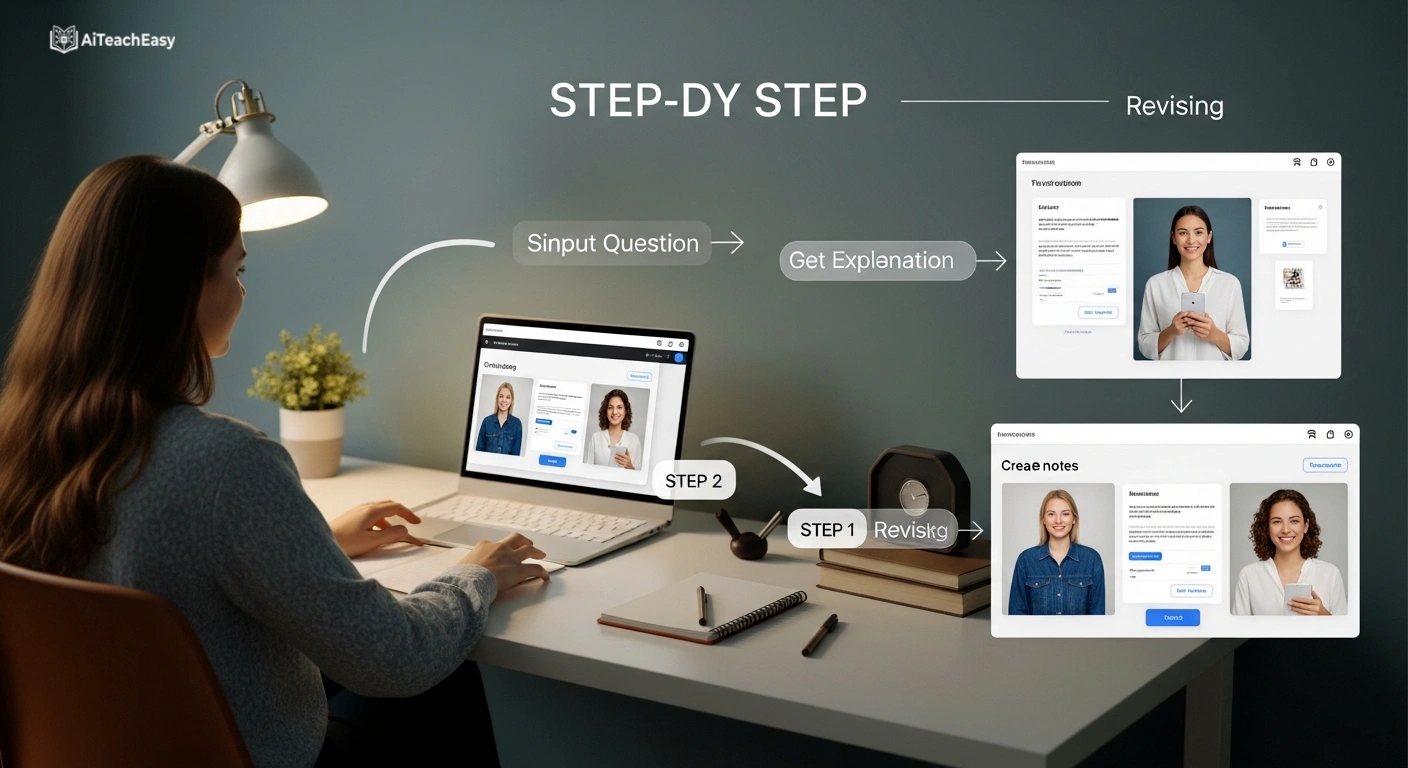
One tool isn’t enough. Here’s a system that works.
| Step | Recommended Tool | Why |
|---|---|---|
| Understand | ChatGPT | Explains + quizzes |
| Summarise lectures | AI lecture summary tools | Auto‑summarise video lectures |
| Memorise | best AI tools for memorization | Spaced repetition + flashcards |
| Take notes | best free AI note takers | Live transcription |
| Test yourself | best AI tools for exam preparation | Mock exams with analytics |
Frequently Asked Questions
Q1: Is ChatGPT good for studying?
Yes – when used correctly. It’s excellent for generating practice questions, simplifying concepts, and creating study plans. Always verify facts from your textbook.
Q2: How to use ChatGPT to study for a test?
Ask it to create a practice exam, then take that exam without help. Use the “step‑by‑step daily workflow” above – it takes 15 minutes per chapter.
Q3: Can I use ChatGPT for programming homework?
Yes, many students use ChatGPT with R Studio, Android Studio, or Visual Studio Code to debug and explain code. Never copy‑paste without understanding – rewrite the logic in your own words.
Q4: Is using ChatGPT for studying cheating?
No – if you use it as a tutor (explanations, quizzes, outlines). It becomes cheating only when you submit AI‑generated work as your own or use it during an exam. Check your school’s AI policy.
Q5: Can ChatGPT replace studying?
No. ChatGPT is a tool, not a replacement. You still need to actively think, practice, and apply what you learn. Over‑reliance on AI weakens your own problem‑solving skills.
Q6: Is ChatGPT better than Google for students?
For different things. Google is better for finding recent research, official sources, and videos. ChatGPT is better for explaining concepts conversationally and generating practice questions. Use both.
Conclusion
You now have a complete system to use ChatGPT for studying the right way.
Don’t be the student who copy‑pastes and learns nothing.
Be the student who uses AI to sharpen their mind.
👉 Try this right now: Open ChatGPT and paste this prompt:
“Act as my study coach. Ask me one question at a time to help me prepare for my [subject] exam. Start by asking what topic I struggle with most.”
📌 Bookmark this guide – share it with a friend.
⬇️ Download the free 50‑prompt PDF using the button above.
About the Author
Professor Irfan
Educator, AI researcher, and founder of AI Teach Easy. With 12+ years of teaching experience, Irfan has helped over 10,000 students use AI ethically. He regularly advises schools on AI‑literacy policies.
Explore more evidence‑based guides at aiteacheasy.com