
Best AI Content Tools for Teachers
If you’re a teacher in 2026, one thing is clear:
You’re not just teaching anymore… you’re constantly creating content.
Every day, you’re expected to produce:
- Lesson plans
- Worksheets
- Quizzes
- Reports
- Feedback
- Activities
And let’s be honest…
The real workload isn’t teaching.
It’s everything that happens before and after the class.
That’s exactly why I started exploring the best AI content tools for teachers—not because it was trendy, but because I needed a way to survive the workload without burning out.
After testing dozens of tools (some great, some terrible), I’ve put together this complete, experience-based guide.
Table of Contents
What This Guide Covers (And What It Doesn’t)
Before we dive in, let’s structure things properly (this helps both readers and SEO).
This guide focuses on content creation tools like:
- Lesson plans
- Worksheets
- Quizzes
- Reports
- Teaching materials
👉 If you’re specifically looking for presentation-focused tools, check out my detailed guide on
AI lecture slide creators (separate topic, separate strategy).
This helps avoid confusion and ensures each topic is deeply covered.
What Are AI Content Tools for Teachers?
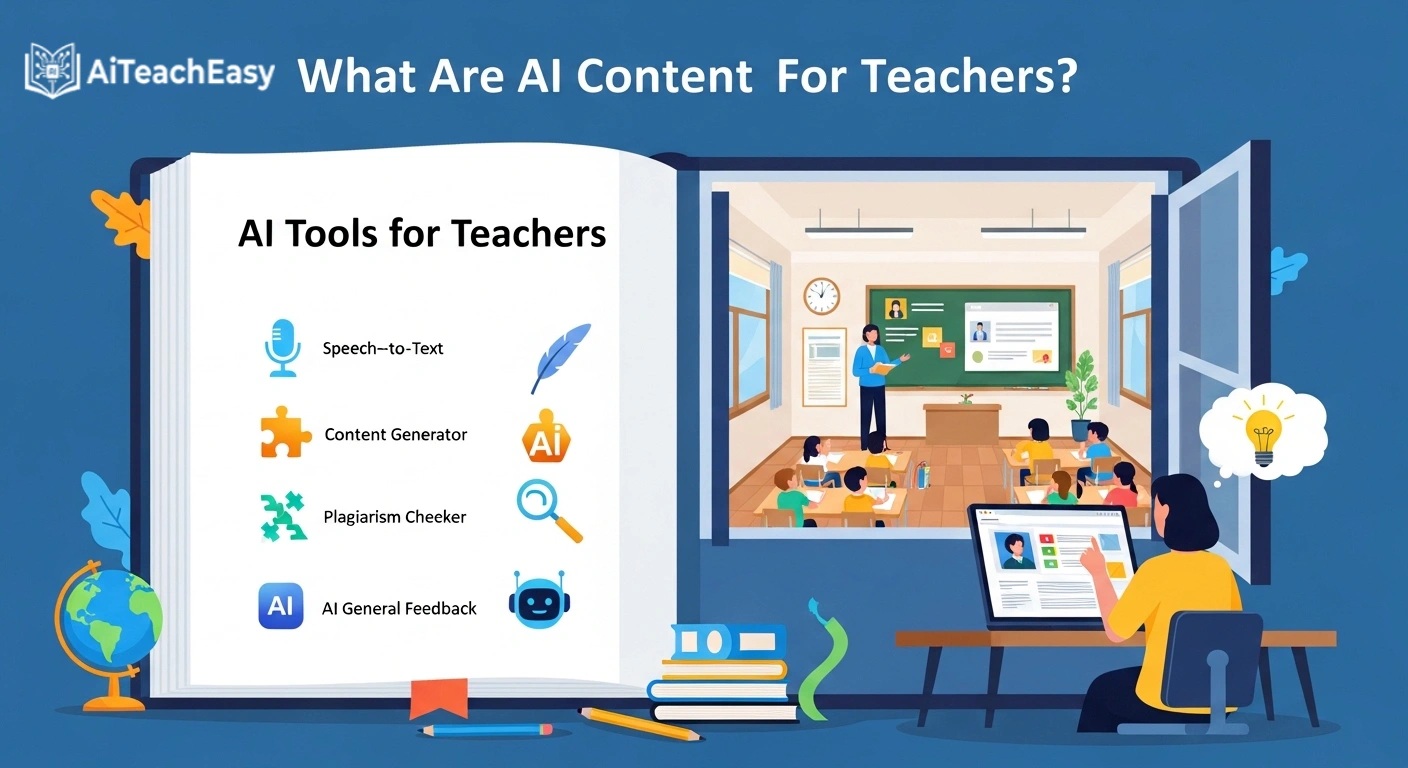
The best AI content tools for teachers are platforms that help educators generate, organize, and improve teaching materials using artificial intelligence.
Instead of starting from zero, you:
- Input your topic
- Add instructions
- Define your student level
And the tool generates a structured draft.
But here’s the truth:
AI doesn’t replace your teaching ability.
It removes the repetitive work around it.
Why Teachers Need These Tools More Than Ever
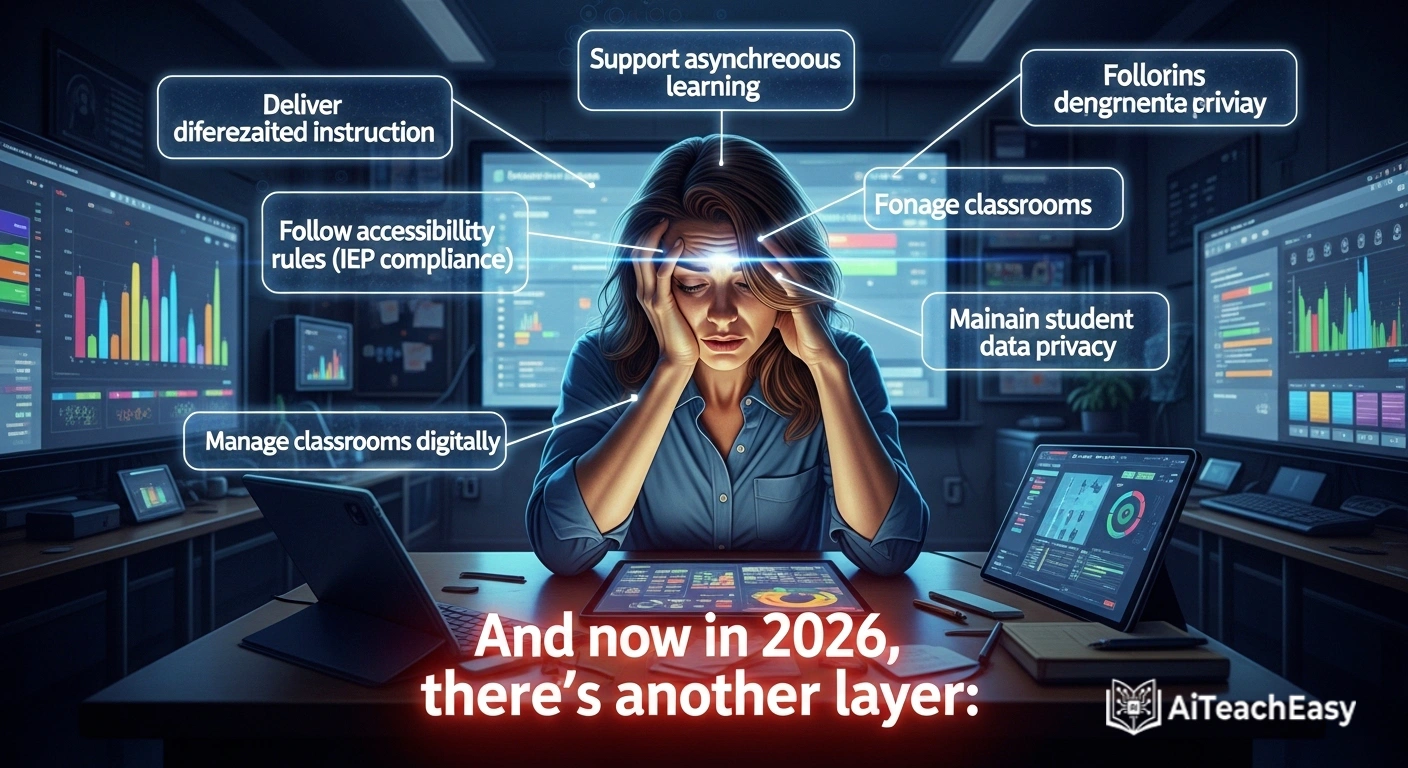
Teaching today is more complex than ever.
You’re expected to:
- Deliver differentiated instruction
- Support asynchronous learning
- Follow accessibility rules (IEP compliance)
- Manage classrooms digitally
- Maintain student data privacy
And now in 2026, there’s another layer:
🔥 AI + LMS Integration
Modern tools are evolving into AI agents that can:
- Sync with Google Classroom
- Connect with Moodle or Canvas
- Auto-generate assignments
- Track student progress
This is no longer “future tech”—it’s already happening.
Top Tools Every Teacher Should Try
Here’s a practical breakdown of the most useful platforms:
| Tool | Best For | Key Strength | Link |
|---|---|---|---|
| ChatGPT | All-in-one content | Flexible generation | https://chat.openai.com |
| MagicSchool AI | Teacher workflows | Education-specific tools | https://magicschool.ai |
| Eduaide AI | Lesson planning | Curriculum alignment | https://eduaide.ai |
| Diffit | Differentiation | Adjust reading levels | https://diffit.me |
| Quizizz AI | Assessments | Quiz generation | https://quizizz.com |
| Canva AI | Visual content | Design + education | https://canva.com |
| Curipod | Interactive lessons | Engagement tools | https://curipod.com |
How I Actually Use AI in My Daily Teaching Workflow

Let’s move beyond theory.
Here’s what I actually do.
Step 1: Planning Lessons Quickly
I combine AI tools with structured systems.
For example:
- ChatGPT → brainstorming
- Eduaide → structured planning
But I don’t rely only on AI.
I cross-check with productivity systems like
👉 best AI productivity tools for teachers
This combination saves hours.
Step 2: Creating Teaching Materials
Once planning is done, I move to content.
I generate:
- Worksheets
- Explanations
- Examples
For writing-heavy tasks, I often use tools similar to those discussed in
👉 best AI report writing tools for teachers
Step 3: Managing Time Efficiently
Time is everything.
I personally rely on strategies similar to
👉 AI time management tools for teachers
Because without time management, even the best tools won’t help.
Step 4: Creating Assessments
For quizzes and tests, I use AI to generate:
- MCQs
- Short questions
- Practice tests
This works well alongside
👉 AI grading tools for teachers
Step 5: Supporting Students
AI tools also help students directly.
For example:
- Memory improvement → AI tools for memorization
- Exam prep → AI tools for exam preparation
- Homework → AI homework helper tools
My Favorite Apps for Differentiating Instruction
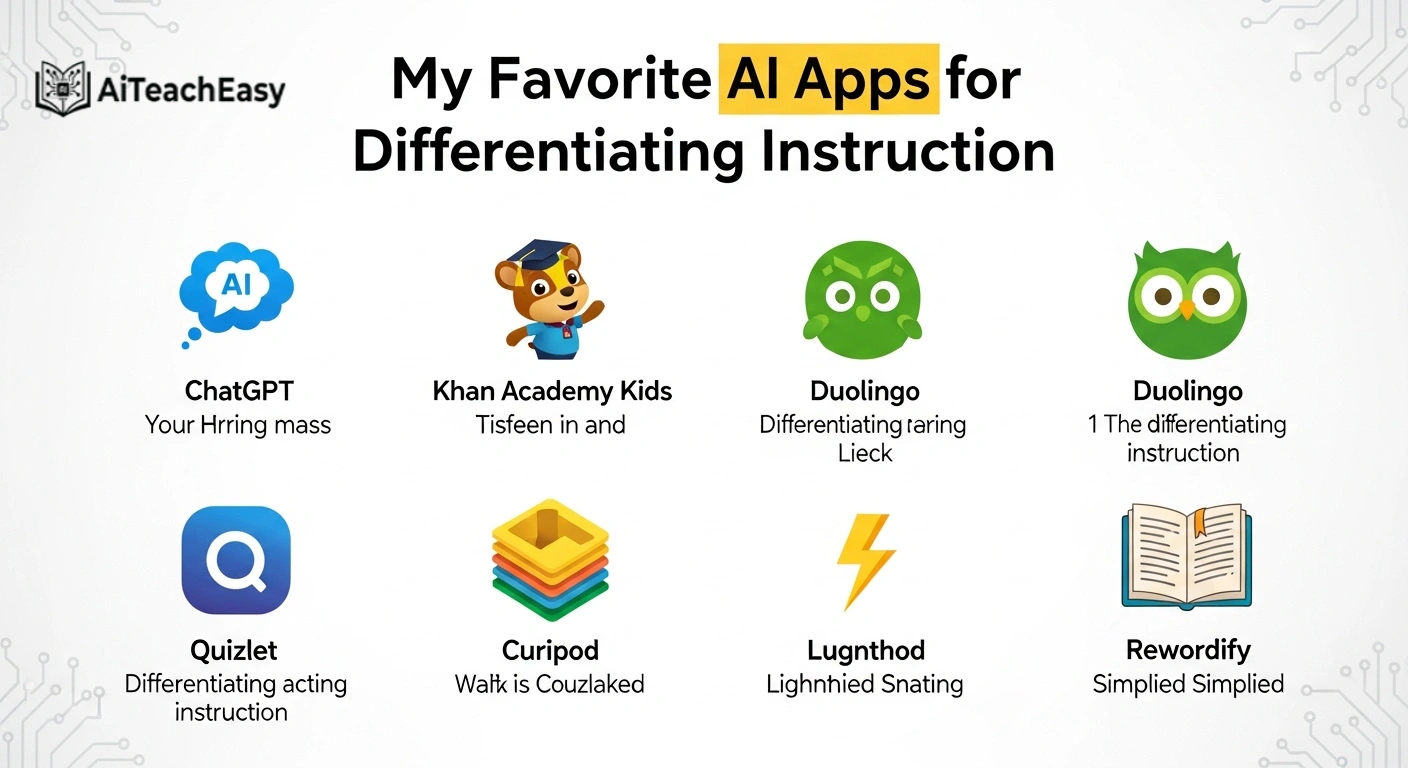
Differentiation used to take hours.
Now it takes minutes.
Diffit – My top recommendation
It allows you to:
- Adjust reading levels
- Simplify complex topics
- Create multiple versions of content
Also useful with
👉 AI tools for special needs students
Prompting Like a Pro
Most teachers make one mistake:
They write weak prompts.
Basic Prompt (Not Good)
“Create worksheet on fractions”
Advanced Prompt (Better)
“Create a worksheet for grade 7 students on fractions, including word problems and real-life examples.”
Pro Prompt (2026 Standard)
“Create a worksheet for grade 7 students on fractions. Include 3 difficulty levels.
Constraint: Do not use mixed numbers. Ensure answers are in simplest form. Avoid confusing wording.”
That one change improves output dramatically.
A Real Failure Story (Different Experience)
Let me share something real.
I once generated a worksheet using AI for English class.
Everything looked perfect.
But when I gave it to students:
- It used British spelling (colour, centre)
- My students were used to American spelling
It created confusion.
That’s when I realized:
AI doesn’t always match your teaching context.
Now I always add:
“Use American English spelling”
or
“Use simple student-friendly language”
How AI Fits Into Your Full Teaching System
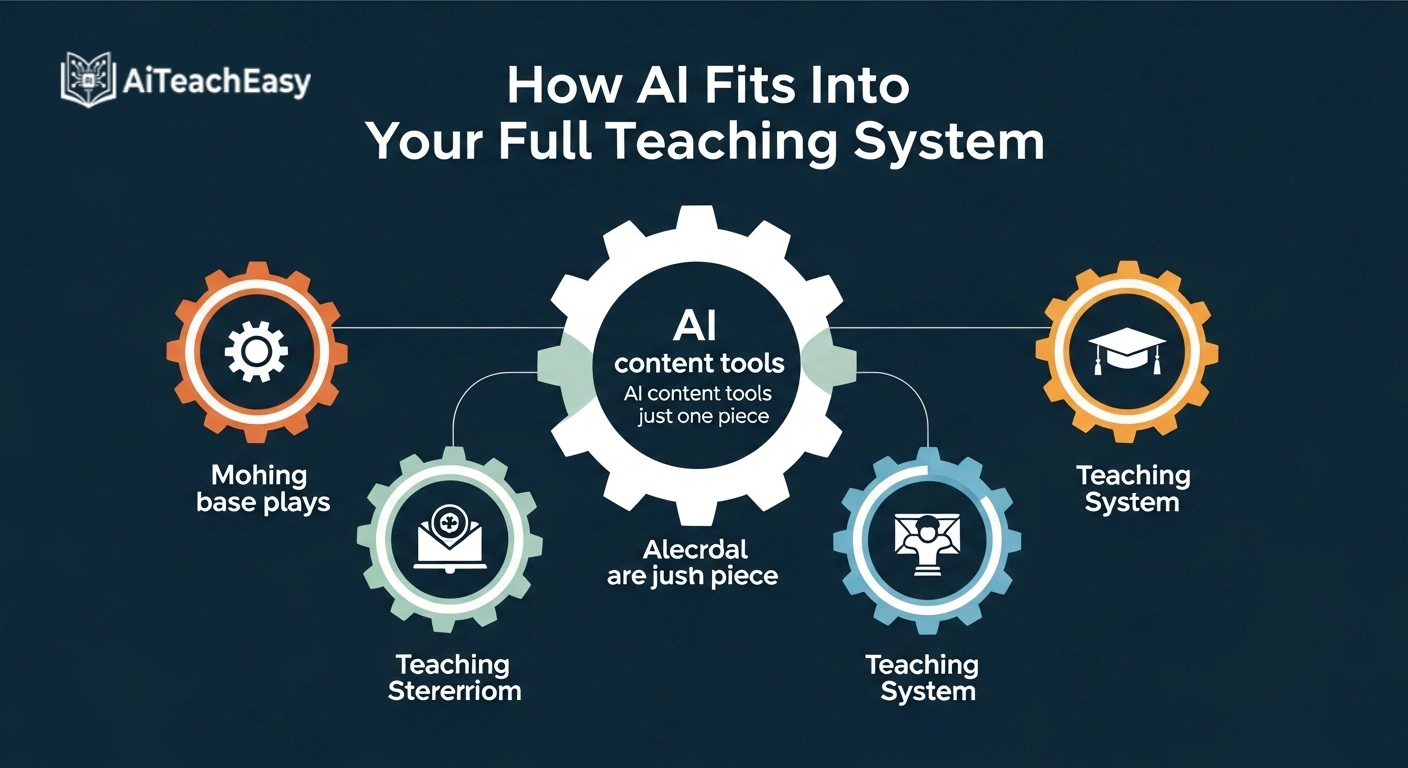
AI content tools are just one piece.
To build a complete system, combine them with:
For administrative tasks:
Benefits of Using AI for Teaching Content
1. Saves Time
Hours → Minutes
2. Improves Structure
Organized content instantly
3. Scales Your Teaching
Multiple versions easily
4. Enhances Engagement
More interactive materials
Common Mistakes Teachers Make
Avoid these:
- ❌ Using vague prompts
- ❌ Trusting AI blindly
- ❌ Not reviewing outputs
- ❌ Ignoring student level
Data Privacy (Very Important)
When using AI:
- Don’t upload student data
- Use trusted tools
- Follow privacy rules
For safer options, explore:
👉 privacy-first AI tools for students
Free vs Paid Tools: What Should You Choose?
If you’re starting:
- Use free tools first
- Test workflows
You can explore options like:
👉 free AI tools with no signup
Or browser-based tools:
👉 browser-based AI tools for students
Supporting Students Beyond Content
AI is not just for teachers.
Students benefit too:
- Note-taking → best free AI note takers
- CGPA calculation → free offline CGPA calculator
FAQs About AI Content Tools for Teachers
1. What are the best AI content tools for teachers?
ChatGPT, MagicSchool AI, Canva AI, and Diffit are among the most effective options.
2. Can AI tools create full lesson plans?
Yes, but they should always be reviewed and customized.
3. Do AI tools support differentiated instruction?
Yes, especially tools like Diffit that adjust content levels.
4. Are AI-generated worksheets reliable?
They are helpful drafts, but always require teacher review.
5. Can AI tools integrate with LMS systems?
Yes, many tools in 2026 support integration with platforms like Google Classroom.
6. Are AI tools safe for student data?
Yes, if used responsibly without sharing sensitive information.
7. What are the best free options available?
You can explore free tools listed in
👉 free AI tools guide
Final Thoughts (From Real Experience)
After years of teaching, here’s my honest opinion:
AI won’t make you a better teacher.
But it will:
- Save your time
- Reduce your stress
- Improve your workflow
And that gives you something more valuable:
Time to actually teach.
About the Author
Professor Irfan
10+ Years of Teaching Experience
Professor Irfan specializes in AI-powered education, helping teachers integrate modern tools into real classrooms while maintaining quality, engagement, and human connection.