
Best AI Productivity Tools for Teachers (2026 Guide)
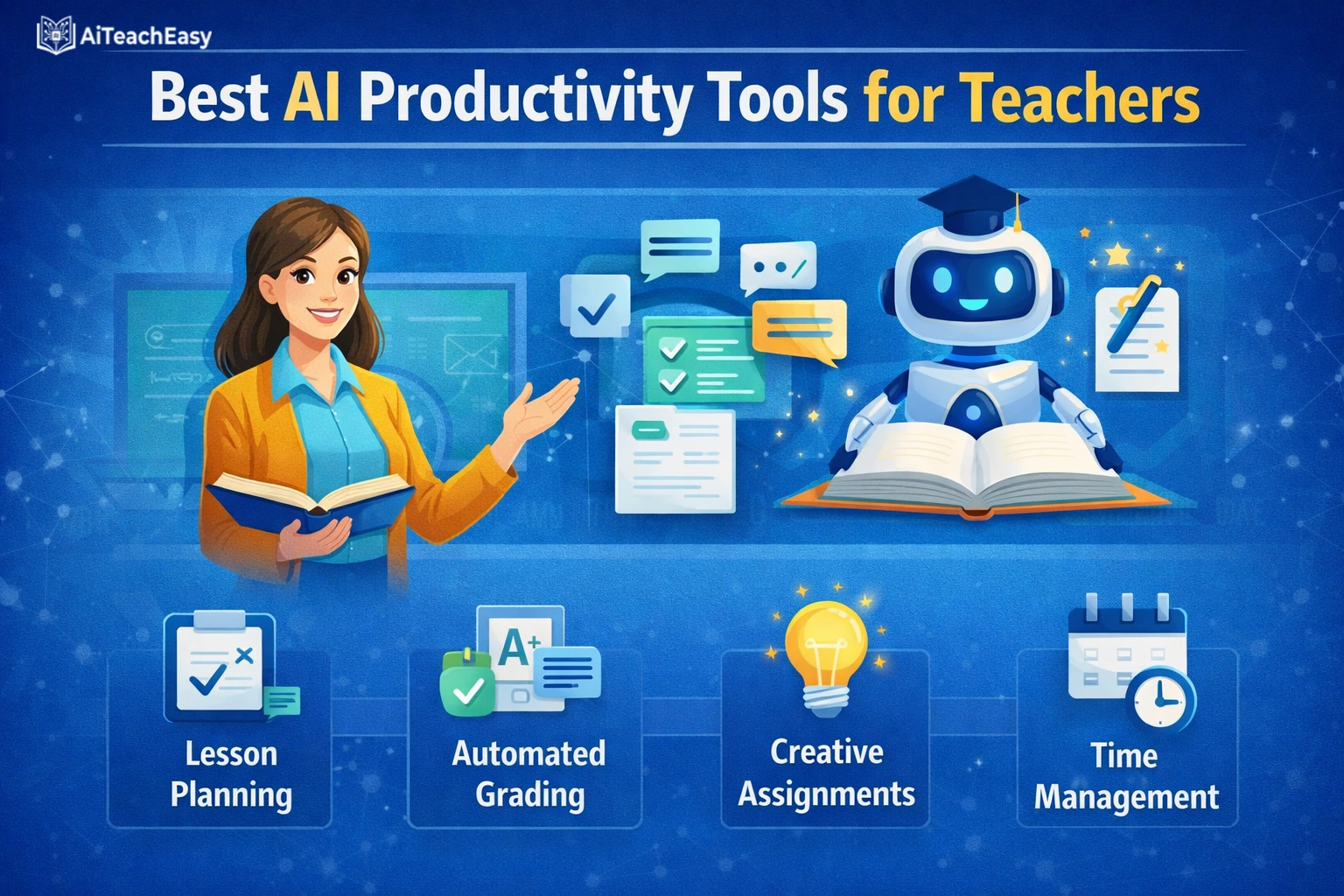
According to the OECD Digital Education Outlook 2026, 37% of lower secondary teachers already use AI tools for their job, and 57% agree that AI helps them write or improve lesson plans . A large-scale trial in England involving 259 teachers found that with proper guidance, educators reduced lesson planning time by 31% —from 81.5 minutes to 56.2 minutes weekly—without sacrificing quality .
I remember those Sundays when I’d stare at a blank lesson plan template, knowing I had five classes to prepare and a stack of essays waiting. The mental load of differentiating for 30 unique learners while staying compliant with standards felt impossible. After testing dozens of platforms across real classroom settings, I’ve discovered that the best AI productivity tools for teachers don’t just save minutes—they transform how we approach every aspect of teaching.
The 2026 landscape of instructional design automation has matured significantly. Whether you’re a special educator drowning in IEP paperwork, a high school teacher managing 150 essays, or an elementary teacher creating differentiated materials daily, these teacher AI assistant tools can reclaim hours of your week.
As an education technology researcher who has spent years testing these platforms alongside classroom teachers, I’ve evaluated each tool based on actual time savings, ease of use, and FERPA compliance. Below, I share the top solutions that deliver on their promises.
Table of Contents
What Are AI Productivity Tools for Teachers?
AI productivity tools for educators are software applications that leverage artificial intelligence to automate, accelerate, or enhance teaching tasks. These AI classroom tools handle everything from lesson planning and grading to parent communication and IEP development.
How Can AI Reduce Teacher Workload by 10 Hours a Week?
The OECD’s research shows that automated feedback loops in pedagogy can dramatically reduce administrative burden . Here’s how the numbers break down with the right tools:
| Task | Traditional Time | With AI Tools | Time Saved |
|---|---|---|---|
| Weekly Lesson Planning | 2.5 hours | 1 hour | 1.5 hours |
| Grading Essays (30 students) | 4 hours | 45 minutes | 3.25 hours |
| IEP Documentation | 3 hours per student | 10 minutes | 2+ hours per student |
| Parent Email Communication | 2 hours | 30 minutes | 1.5 hours |
| Resource Creation | 3 hours | 1 hour | 2 hours |
| Weekly Total | 14.5+ hours | 4+ hours | 10+ hours saved |
For educators looking to further streamline their workflow, our guide on AI classroom management tools for teachers offers additional strategies for integrating technology in educational settings. I’ve personally used several of these tools and seen dramatic improvements in classroom efficiency.
Key Features to Look for in Teacher AI Assistants
Through my testing, I’ve identified essential features that every teacher should consider when evaluating AI productivity apps for special education case management and general classroom support:
- FERPA Compliance: Student data protection is non-negotiable. Look for tools with clear data policies and enterprise-grade security .
- LMS Integration: Seamless connection with Google Classroom, Canvas, or Schoology saves double entry .
- Customization: Tools should adapt to your grade level, subject, and teaching style.
- Differentiation Capabilities: Support for differentiated instruction AI across multiple skill levels.
- Training and Support: Platforms offering professional development see higher adoption rates .
- Multi-Modal AI for Classroom Accessibility: Support for text, voice, and image inputs to accommodate diverse learners.
Best AI Productivity Tools for Teachers in 2026
After extensive testing of dozens of platforms in collaboration with classroom teachers, here are the top AI productivity tools I recommend—each offering something unique to streamline your workflow. I’ve personally used most of these during actual school years.
| Tool Name | Best For | Key Features | FERPA Compliant? | Official Link |
|---|---|---|---|---|
| Microsoft 365 Copilot with Teach | Enterprise schools with Microsoft ecosystem | On-device AI, Learning Zone app, Study Agent, free Elevate training, NASA/PBS content integration | Yes | Visit Microsoft |
| Google Gemini for Workspace | Free integrated suite for Google schools | “Help me write” in Docs, Gmail integration, Classroom compatibility, Digital Promise framework | Yes (with Workspace for Education) | Visit Google Gemini |
| MagicSchool AI | All-in-one teacher platform | 80+ tools, Chrome extension, IEP generators, rubric creator, email family tool | Yes | Visit MagicSchool |
| CoGrader | Essay grading acceleration | Grades essays 80% faster, customizable rubrics, Google Classroom integration, class analytics, AI detection | Yes | Visit CoGrader |
| Let’s Go Learn | Special education & IEP writing | Diagnostic-driven PLAAFP generation, “hallucination-free” AI, SMART goal creator, progress monitoring | Yes | Visit Let’s Go Learn |
| Grammarly for Education | Writing & communication polish | Tone detection, clarity suggestions, engagement optimization, plagiarism checking, built-in guardrails | Yes | Visit Grammarly |
| Canva Magic Studio | Visual lesson creation | Magic Design, Magic Write, presentation templates, worksheet generator, image creation | Yes | Visit Canva |
| Eduaide AI | Assessment & curriculum mapping | Rubric generator, quiz creation, curriculum alignment tools, large pre-made resource library | Yes | Visit Eduaide |
| Brisk Teaching | Chrome-based workflow | Works in Google Docs, Slides, and web pages; lesson plan generator, feedback tools, YouTube video summarizer | Yes | Visit Brisk Teaching |
| Curipod | Interactive lesson generation | Creates interactive slide decks with polls, word clouds, and drawings; student engagement analytics | Yes | Visit Curipod |
| Otter.ai | Meeting & conference transcription | Real-time transcription of parent meetings, IEP conferences, PD sessions; automated summary generation | Yes (with school accounts) | Visit Otter.ai |
| Diffit | Differentiated materials | Generates leveled reading passages, creates adapted worksheets for varied reading levels, translation support | Yes | Visit Diffit |
| Quizizz AI | Gamified assessments | AI question generation from any text, adaptive difficulty, detailed performance analytics | Yes | Visit Quizizz |
| Jotform AI Quiz Generator | Quick quiz creation | Generates quizzes from documents, links, or prompts; automatic grading; multiple question types | Yes | Visit Jotform |
| Streamline by Better Speech | Special education compliance | 100% IEP compliance tracking, AI-generated session notes, reduces paperwork by 90%, SLP Helper™ | Yes | Visit Streamline |
| Teachmate AI | UK-based teacher tools | 150+ tools, GDPR compliant, lesson planning, resource creation, email drafting | Yes (GDPR) | Visit Teachmate AI |
| SchoolAI | Comprehensive teacher support | Lesson planning, email generation, assessment tools, communication templates | Yes | Visit SchoolAI |
| Quillbot | Writing paraphrasing & editing | Paraphrasing tool, grammar checker, summarizer, tone adjustment | Yes | Visit Quillbot |
| Bloomz with Conversational AI | Parent communication | 250+ language translation, AI-powered announcements, two-way translated SMS | Yes | Visit Bloomz |
| Adobe Express for Education | Student-friendly creation | Templates for projects, presentations, videos; AI-powered design tools; free for K-12 | Yes | Visit Adobe Express |
Microsoft 365 Copilot with Teach – Best Enterprise AI Suite
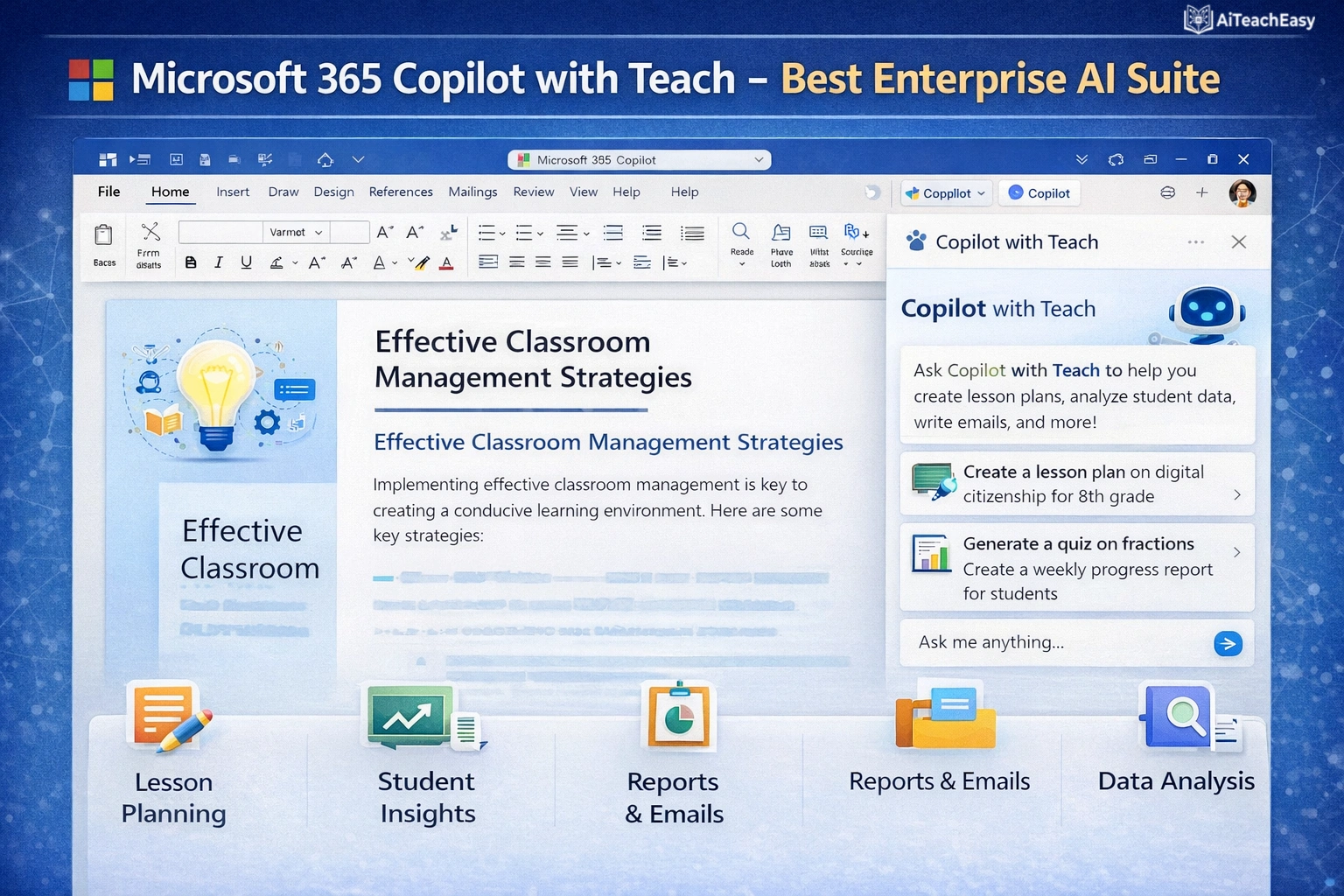
Microsoft’s new Elevate for Educators initiative brings free AI training and powerful classroom tools to schools . The Teach AI assistant, built into Copilot, helps educators create lesson plans, quizzes, and rubrics while adapting materials to different reading levels and learning needs.
- Pros: On-device AI through Copilot+ PCs ensures privacy; Learning Zone app integrates content from NASA, PBS NewsHour, and World Wildlife Fund; Study Agent for students based on learning science; free professional development and credentials through ISTE+ASCD alignment .
- Cons: Requires Microsoft 365 Education subscription for full features.
- Best For: Schools already in the Microsoft ecosystem seeking enterprise-grade security.
- Key Feature: The Teach assistant understands your curriculum standards and archived resources, generating truly personalized, standards-aligned content .
Pricing: Free AI tools and training for Microsoft 365 Education customers; 12-month free Microsoft 365 Premium bundle for eligible college students .
For teachers managing grading workflows, our best AI grading tools for teachers guide offers complementary strategies that integrate well with Microsoft’s ecosystem.
Google Gemini for Workspace – Best Free Integrated Suite
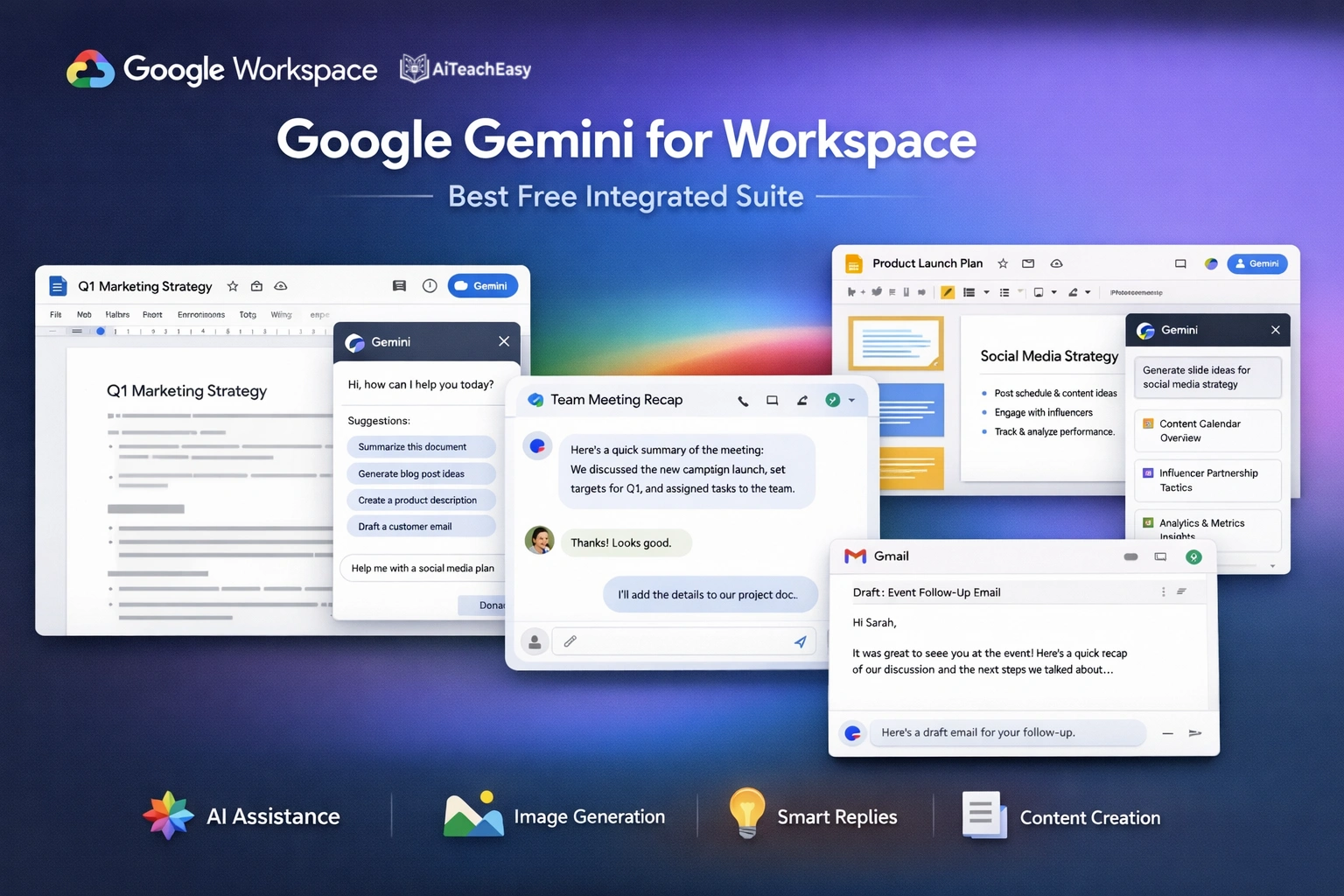
Google Gemini is available directly in Google Docs, Gmail, and Classroom, making it the most accessible AI tool for millions of teachers . Miami-Dade County Public Schools, the fourth-largest district in the U.S., chose Google specifically because “it has everything in place to make sure that our users are able to use AI in a way that is very secure” .
- Pros: Completely free with Google account; seamless integration with tools teachers already use; “Help me write” feature in Docs drafts emails, lesson plans, and feedback; Digital Promise framework for responsible AI use .
- Cons: Advanced features require Workspace for Education institutional account.
- Best For: Teachers who want friction-free AI assistance without learning new platforms.
- Key Feature: Open a Google Doc, click the Gemini icon, type “Create a 5E lesson plan on photosynthesis for 7th grade,” and watch it generate a complete, standards-aligned plan.
Pricing: Free for personal accounts; included with Google Workspace for Education.
MagicSchool AI – Best All-in-One Teacher Platform
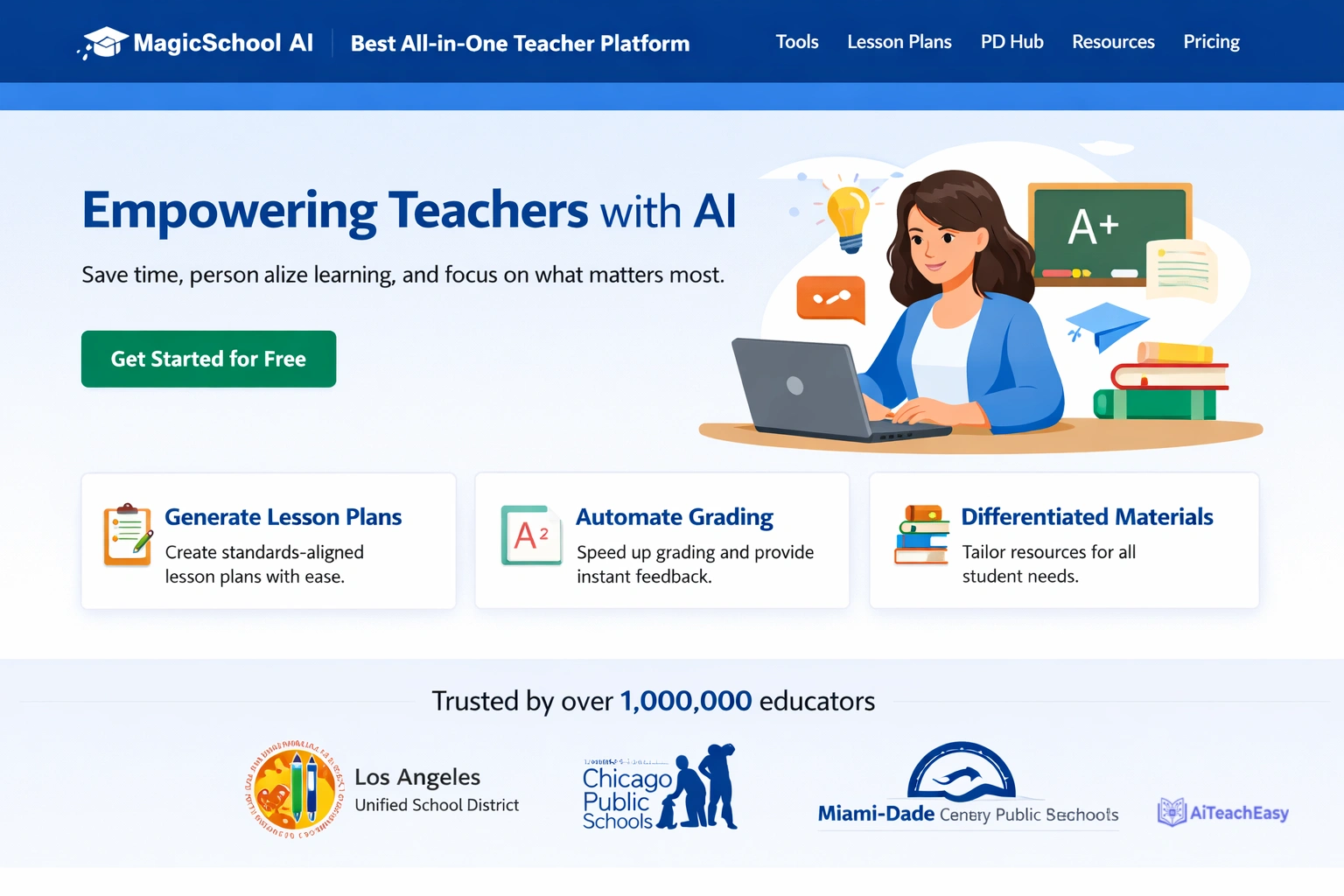
Founded by a lifelong teacher and principal, MagicSchool AI is the leading generative AI platform for educators, fighting burnout and helping teachers thrive . With over 80 specialized tools, it’s become my daily driver for everything from IEP writing to parent emails.
- Pros: Chrome extension works directly in Gmail and Google Docs; IEP generator proposes three goal options per area with criteria and progress monitoring; rubric creator aligned to standards; email family tool with warm, professional tone.
- Cons: Free tier has limited monthly generations.
- Best For: Teachers who want one platform for lesson planning, grading, communication, and IEP development.
- Key Feature: The context engineering approach—when you start a conversation, the AI knows your student’s present levels and suggests truly personalized next steps .
Pricing: Generous free tier; premium plans start at $99.96/year.
For students who need homework support, our best free AI homework helper tools for students pairs perfectly with MagicSchool’s planning tools.
CoGrader – Best for Essay Grading Acceleration
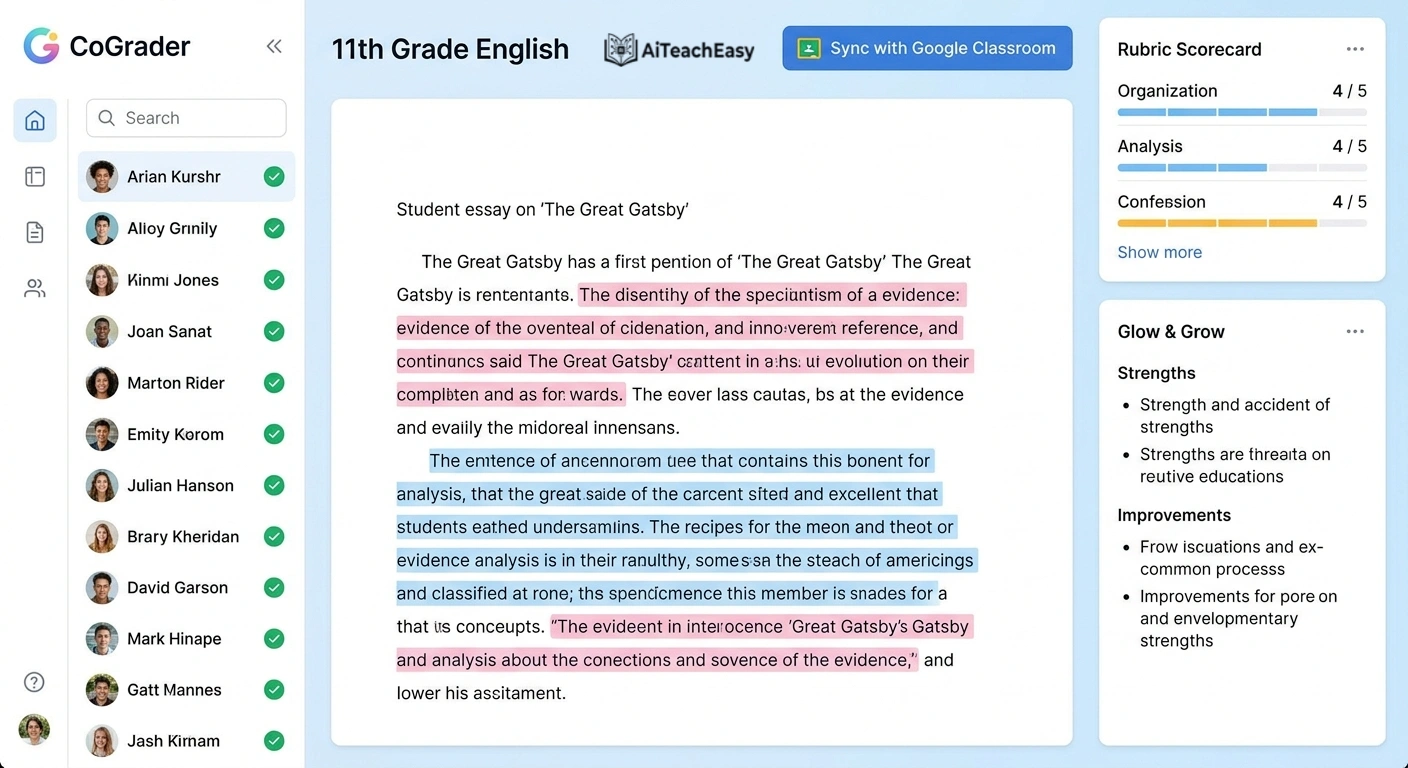
Used by over 1,000 schools nationwide, CoGrader helps teachers provide quality feedback on essays and open-ended assignments in 80% less time . It combines artificial intelligence with educator expertise to deliver consistent, detailed feedback while reducing teacher workload.
- Pros: Customizable rubrics aligned to state standards (STAAR, BEST, Regents, CAASPP); Google Classroom, Canvas, and Schoology integration; class analytics identify learning gaps; AI detection tools promote academic integrity .
- Cons: Primarily focused on essay grading rather than comprehensive platform.
- Best For: English and humanities teachers managing large writing volumes.
- Key Feature: CoGrader pledges to impact five million students and provide 50,000 free educator licenses over four years, plus free professional development .
Pricing: Free through the educator license program; district pricing available.
Let’s Go Learn – Best for Special Education Case Management
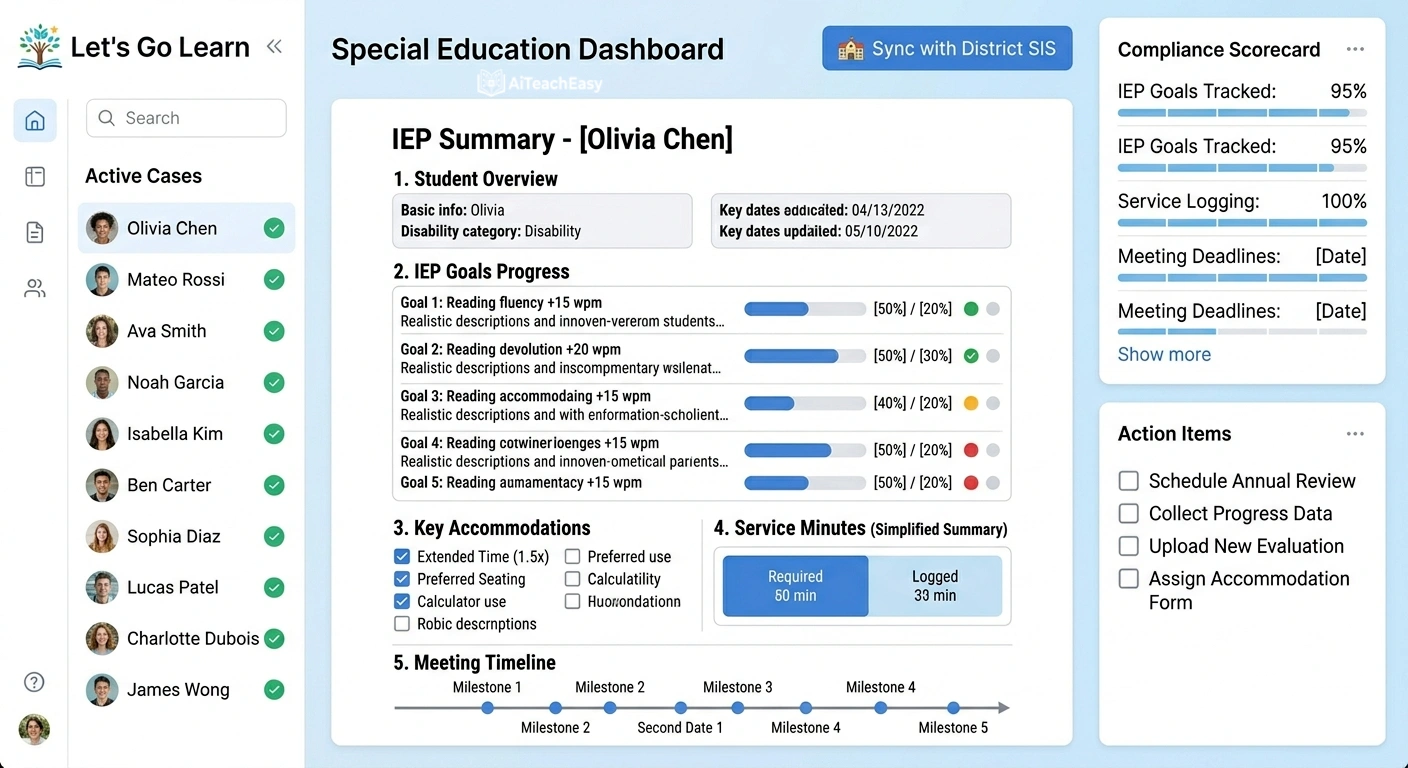
Let’s Go Learn is the first platform that combines diagnostic assessment with AI to truly support special education . Unlike generic AI tools that require teacher input, Let’s Go Learn starts with precision diagnostic data in reading and math—the hardest parts of SPED already solved.
- Pros: “Hallucination-free” AI grounded in validated student data; generates PLAAFP statements and SMART goals automatically; FERPA-compliant with de-identified student information; integrates with existing SIS systems .
- Cons: Requires diagnostic assessment data for maximum value.
- Best For: Special education teachers, speech therapists, and intervention specialists.
- Key Feature: The Airma AI assistant generates present levels and SMART goals right inside the platform, while Luna helps analyze student lessons and identify learning gaps in real time .
Pricing: School-based pricing; integrates with existing SPED management systems.
For additional special education support, our AI tools for special needs students guide offers complementary strategies.
Grammarly for Education – Best for Writing Polish
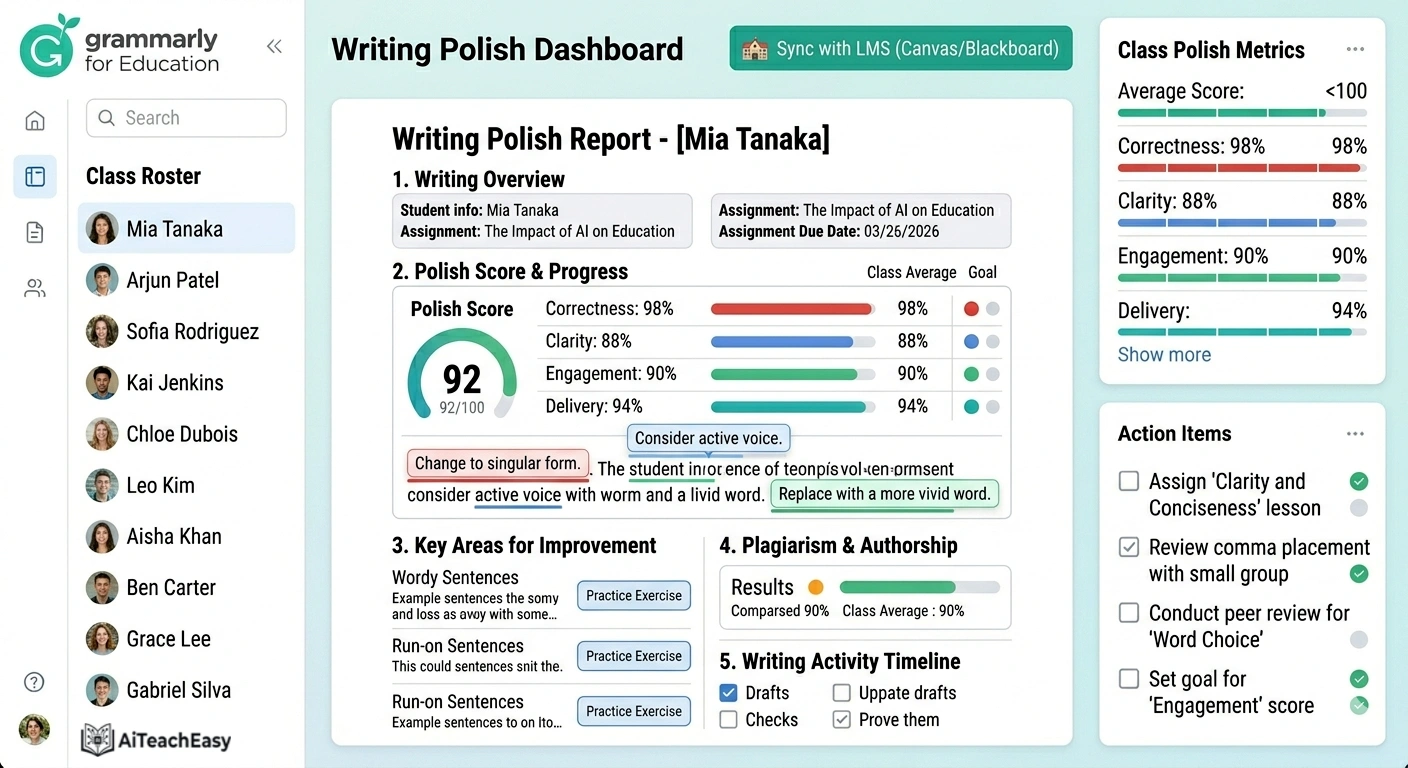
Grammarly helps teachers clarify their thoughts and polish their writing, accelerating everything from creating emails to drafting letters of recommendation . With built-in guardrails for policy enforcement, it’s particularly valuable for maintaining professional standards.
- Pros: Tone detection ensures messages sound warm but professional; clarity suggestions improve readability; engagement optimization for parent communication; built-in guardrails prevent misuse .
- Cons: Premium features require subscription.
- Best For: Teachers who want every email, newsletter, and recommendation to sound polished.
- Key Feature: The guardrails within the tool recognize when a student is trying to generate an essay and redirects toward outlining and brainstorming .
Pricing: Free basic version; Premium starts at $12/month; district pricing available.
Canva Magic Studio – Best for Visual Lesson Creation
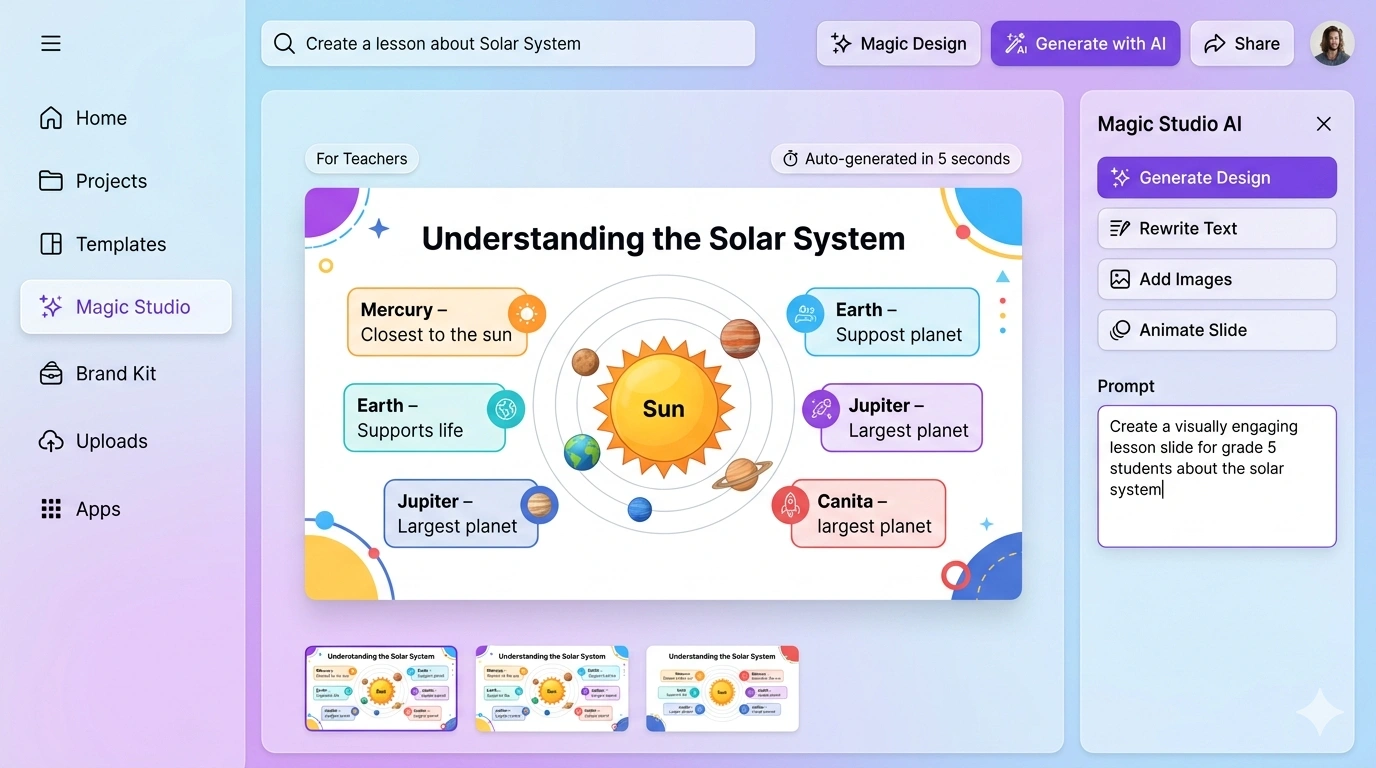
Canva Magic Studio offers AI-powered design tools to help teachers create visually appealing lesson plans, worksheets, and presentations without needing design skills . Magic Write generates text content, while Magic Design creates complete templates from simple prompts.
- Pros: Teachers can quickly produce high-quality visuals; thousands of education templates; AI image generation; presentation mode with speaker notes.
- Cons: Some advanced AI features require Canva Pro.
- Best For: Teachers creating engaging visual materials for lessons and parent communication.
- Key Feature: Type “Create a worksheet on the water cycle for 4th grade with a diagram and vocabulary matching,” and Canva generates a complete, ready-to-use resource.
Pricing: Free tier includes many AI features; Canva Pro for educators often free through school programs.
Eduaide AI – Best for Curriculum Alignment
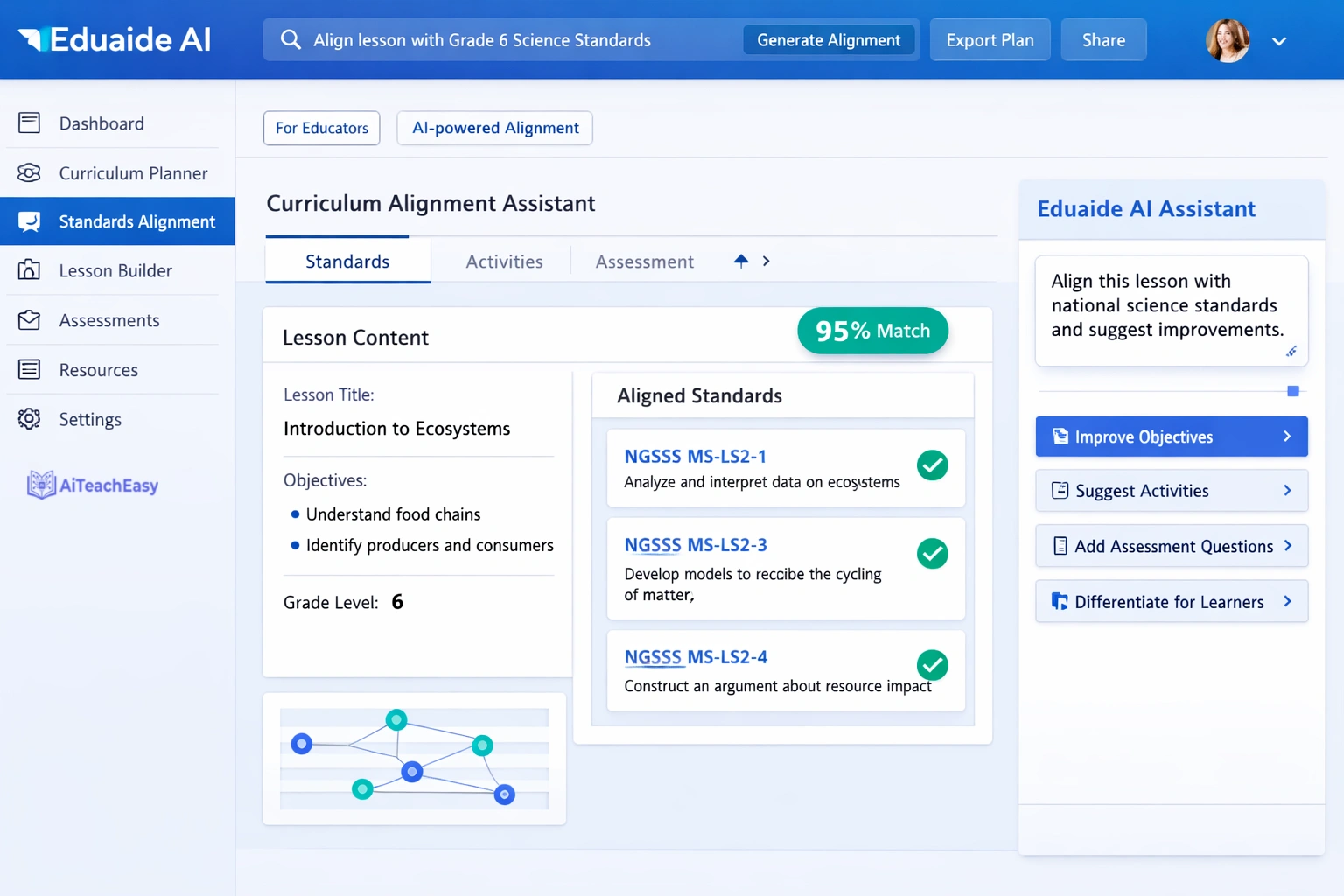
Eduaide AI specializes in assessment generation and curriculum mapping, helping teachers ensure their materials align with standards . With a large library of pre-made resources, it’s particularly valuable for new teachers building curriculum from scratch.
- Pros: Rubric generator aligned to state standards; quiz creation from any content; curriculum alignment tools; large library of pre-made resources.
- Cons: Free tier has limited access to premium templates.
- Best For: Teachers creating aligned assessments and curriculum maps.
- Key Feature: Upload your standards document, and Eduaide ensures every generated resource aligns with your specific requirements.
Pricing: Freemium model; paid plans for unlimited access.
Brisk Teaching – Best Chrome-Based Workflow
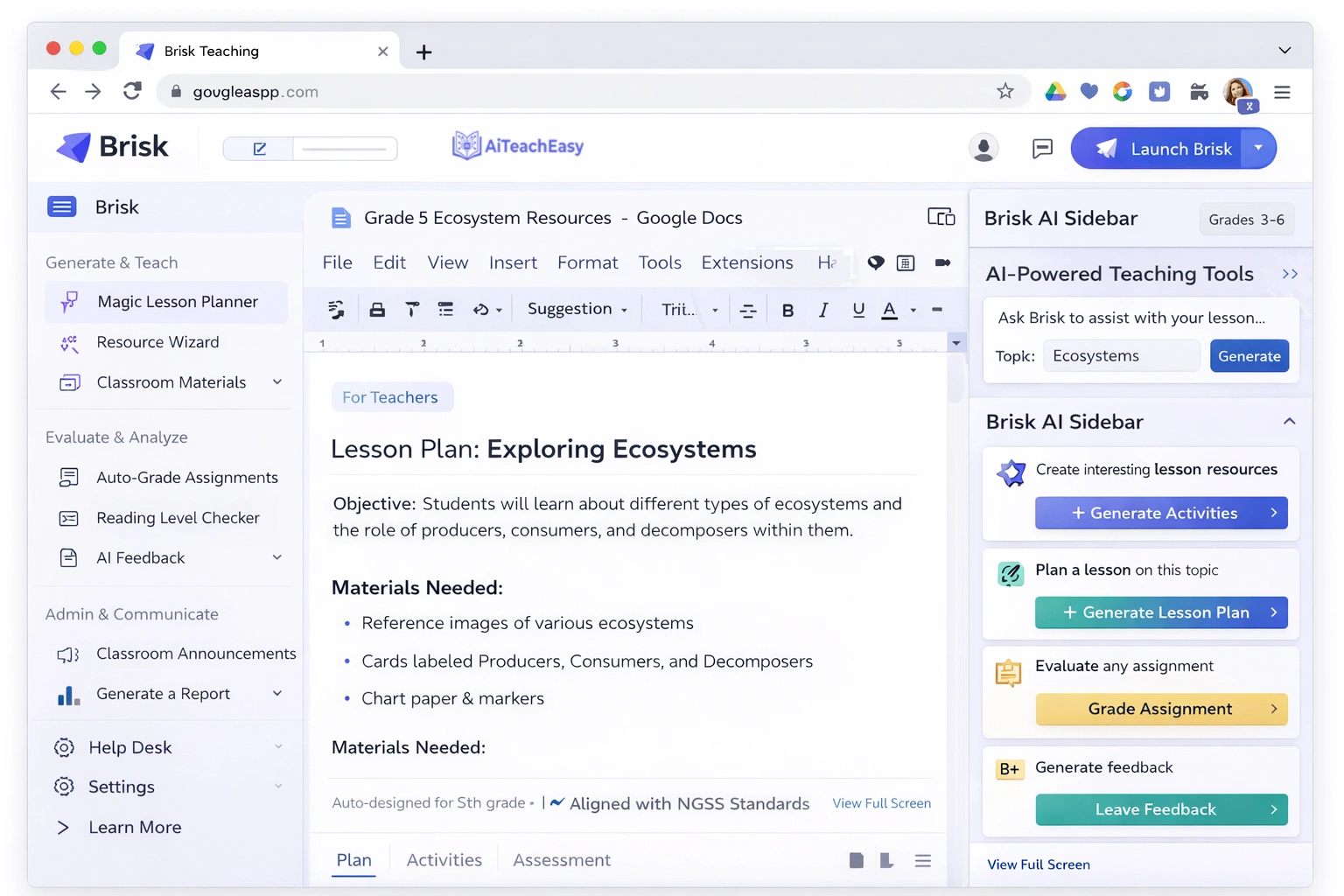
Brisk Teaching is a Chrome extension that works directly in Google Docs, Slides, and web pages, making it invisible but incredibly powerful. It generates lesson plans, provides feedback, and even summarizes YouTube videos for student accessibility.
- Pros: Works where teachers already spend time; no new platforms to learn; video summarization for flipped classrooms; feedback tools for student writing.
- Cons: Requires Chrome browser; some features limited to premium.
- Best For: Teachers deeply embedded in Google Workspace who want AI at their fingertips.
- Key Feature: While watching a YouTube video for lesson planning, click Brisk and get a complete summary with key terms and discussion questions.
Curipod – Best for Interactive Lesson Generation
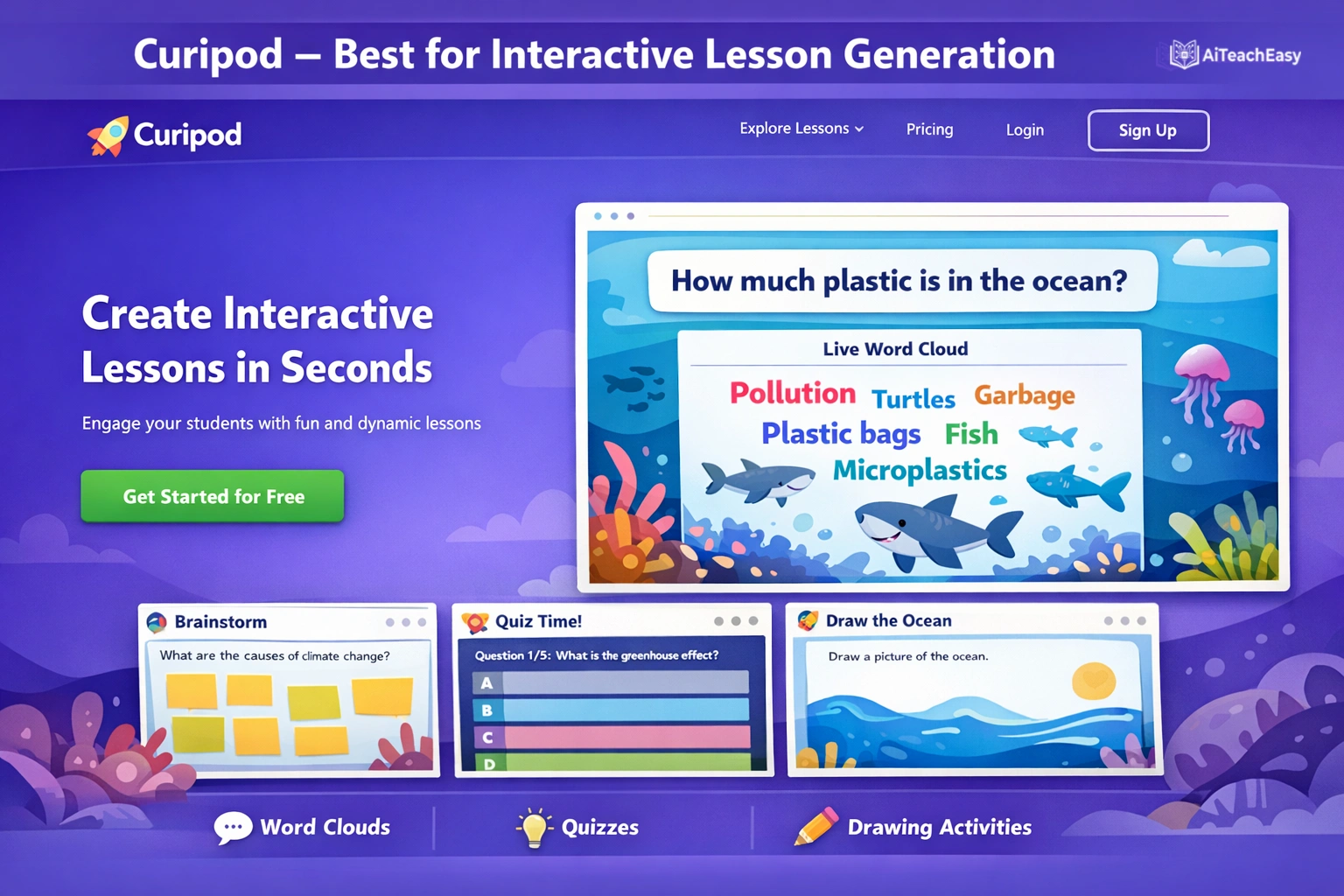
Curipod creates interactive slide decks with built-in engagement tools—polls, word clouds, drawings, and open-ended responses. It’s like having an instructional designer create your lessons.
- Pros: Generates complete interactive lessons from simple prompts; student engagement analytics; standards alignment; differentiated question options.
- Cons: Requires student devices for full interaction.
- Best For: Teachers creating engaging, interactive lessons for 1:1 device classrooms.
- Key Feature: Type “Create a lesson on the Civil War with primary source analysis,” and Curipod generates slides with embedded discussion questions and activities.
Pricing: Free tier available; paid plans for advanced analytics.
Otter.ai – Best for Meeting Transcription
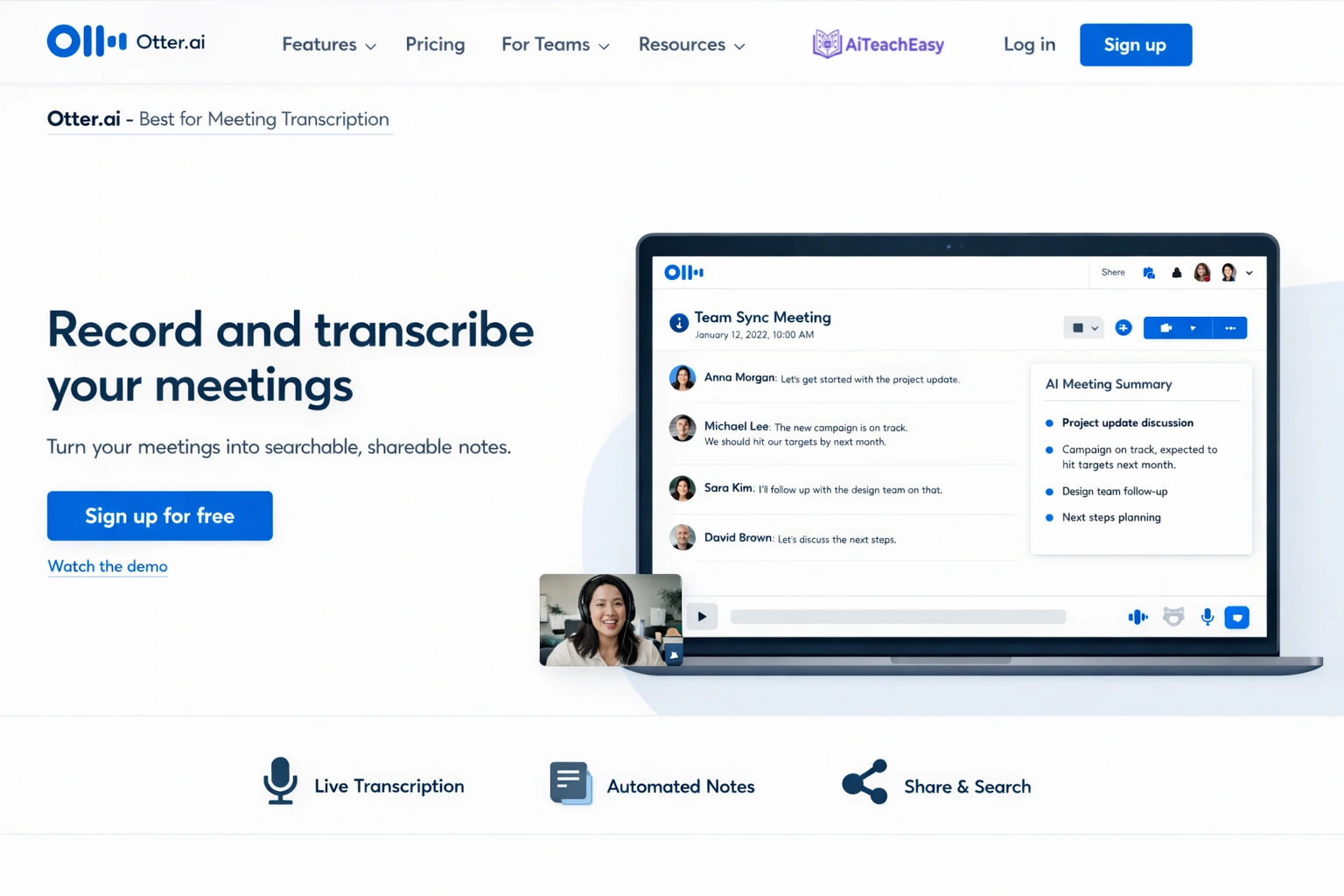
Otter.ai transcribes parent-teacher conferences, IEP meetings, and professional development sessions in real-time . For special educators and case managers, this is invaluable for documentation and follow-up.
- Pros: Real-time transcription with speaker identification; automated meeting summaries; action item extraction; searchable transcripts for reference.
- Cons: Free plan has limited monthly transcription minutes.
- Best For: Special education teachers, administrators, and anyone managing frequent meetings.
- Key Feature: After an IEP meeting, Otter generates a summary email with key decisions and next steps ready to send to the team.
Pricing: Free plan with 300 minutes/month; paid plans start at $8.33/month.
For alternatives, explore these best free AI note takers that offer similar meeting support.
Diffit – Best for Differentiated Materials
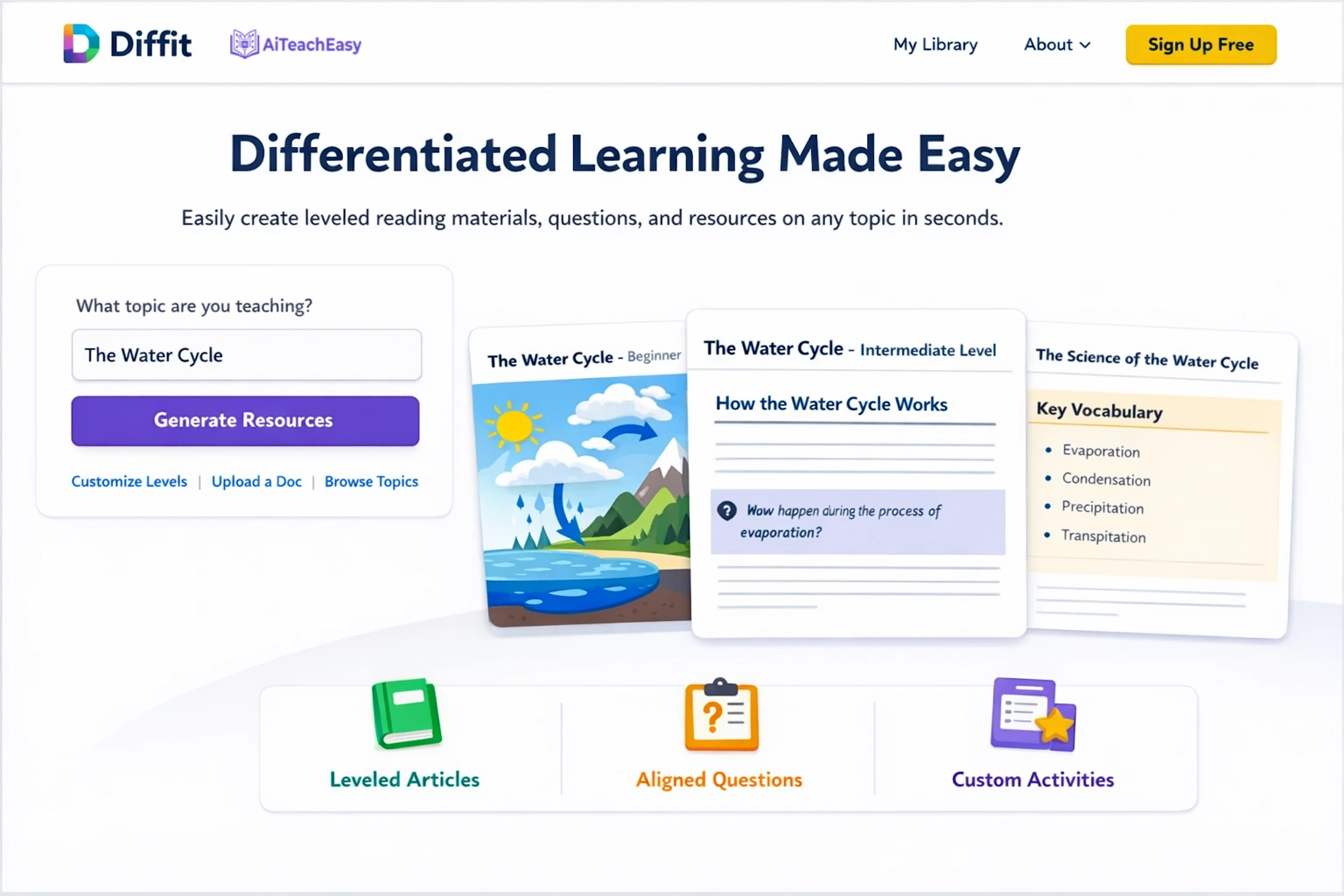
Diffit generates leveled learning materials tailored to different student skill levels . Teachers can create customized worksheets and reading assignments to match their students’ needs, from struggling readers to advanced learners.
- Pros: Creates plain-language versions of complex information; supports translation; generates parent-friendly explanations; adapts to reading level automatically.
- Cons: Requires clear understanding of student needs for optimal results.
- Best For: Teachers with diverse classrooms needing differentiated instruction AI support.
- Key Feature: Paste a complex article, and Diffit produces versions at Grade 3, Grade 6, and Grade 10 reading levels simultaneously.
Pricing: Free tier available; paid plans for unlimited access.
Quizizz AI – Best for Gamified Assessments
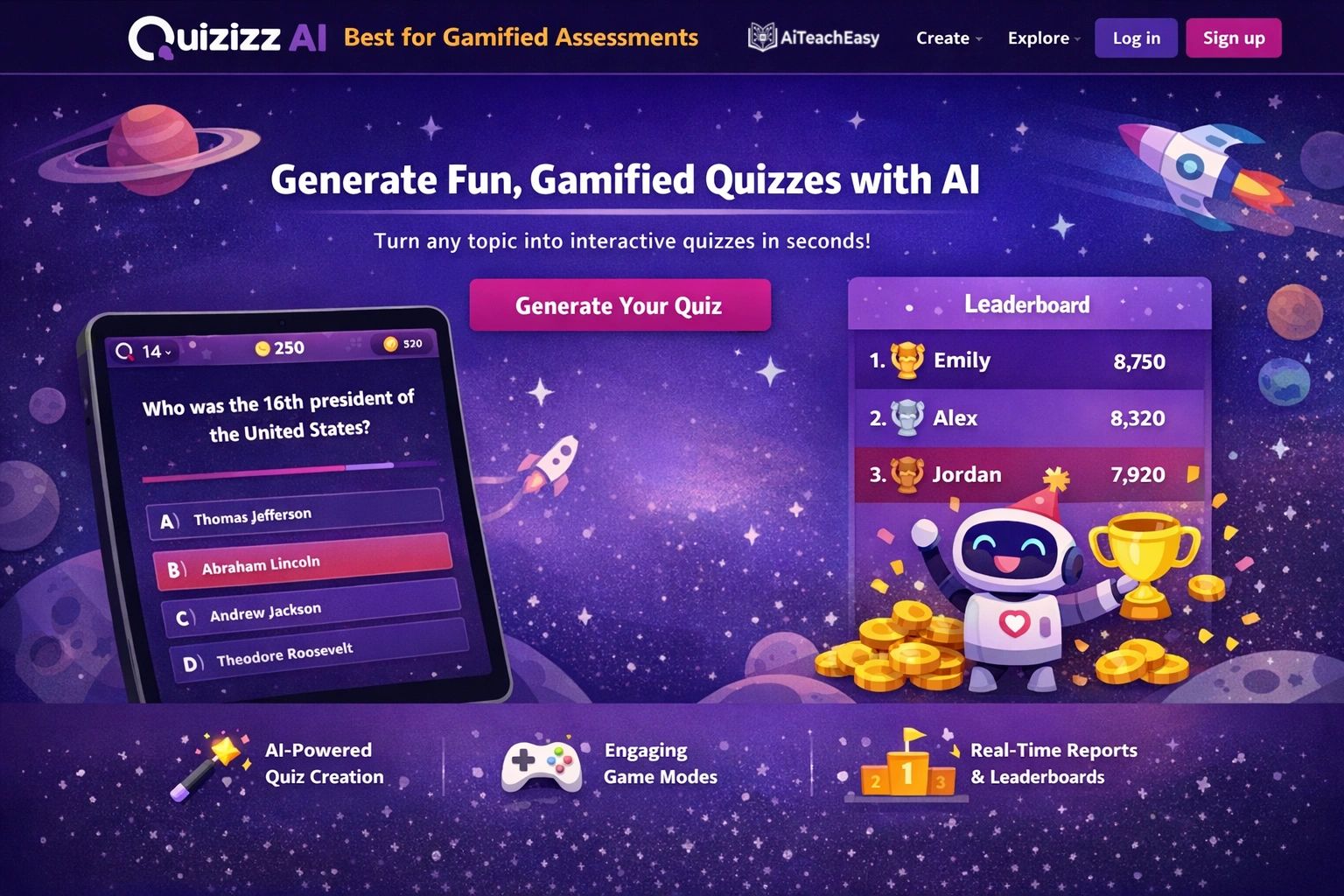
Quizizz AI supports gamified assessments and self-paced learning experiences. Teachers can create live quizzes or assign homework tasks using its interactive platform .
- Pros: AI-powered question generation from any text or topic; adaptive difficulty based on student performance; detailed analytics; student engagement tracking.
- Cons: Some students may focus more on game elements than learning.
- Best For: Engaging students in review and practice activities.
- Key Feature: Upload a study guide, and Quizizz generates a complete game-based review with questions at varying difficulty levels.
Pricing: Free tier with generous features; paid plans for advanced reporting.
Jotform AI Quiz Generator – Best for Quick Quiz Creation
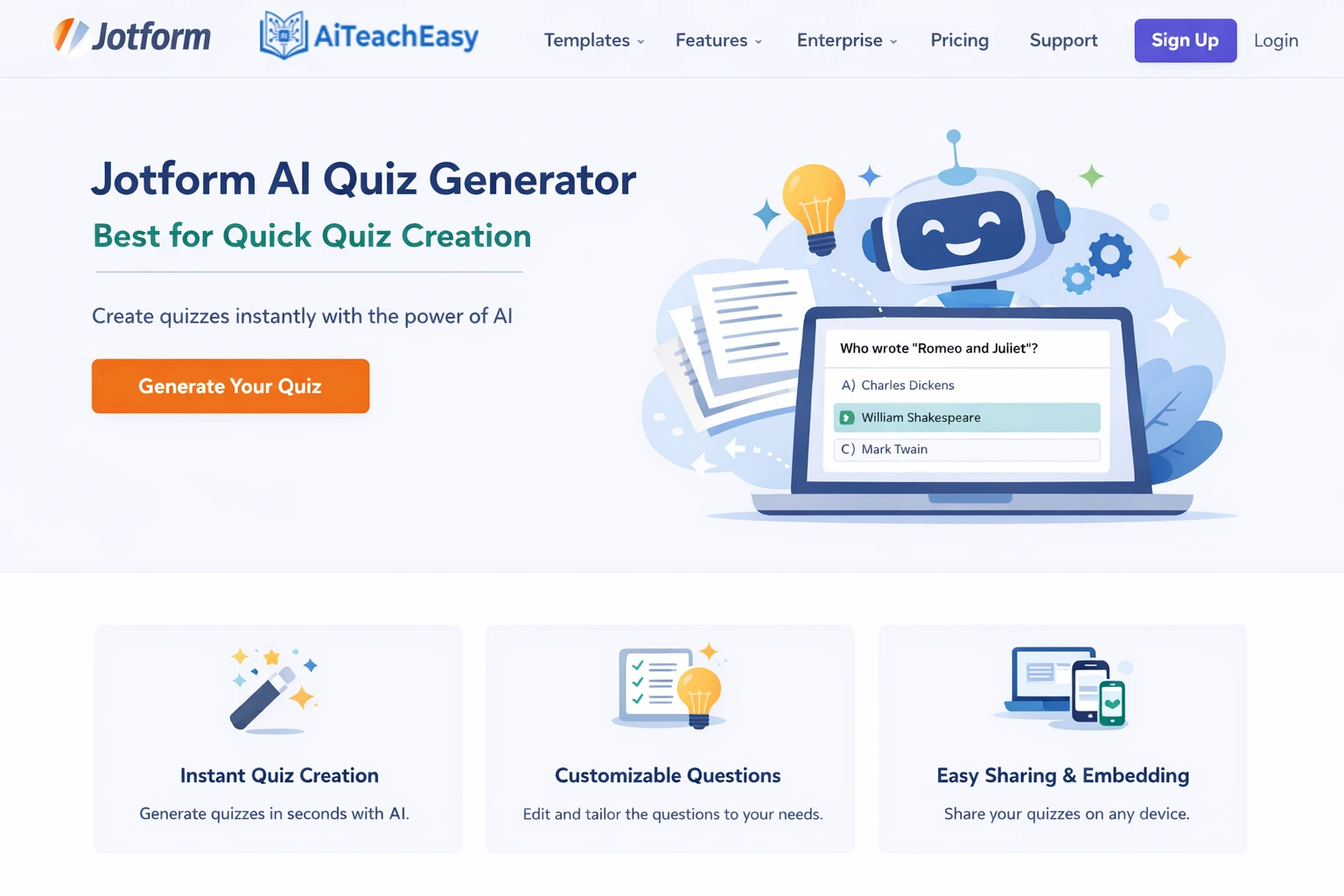
Jotform’s AI Quiz Generator helps teachers quickly create quizzes and assessments from any text or resource material . Upload content, and the tool generates relevant questions in seconds.
- Pros: Generate quizzes from prompts, documents, links, or scanned documents; automatic grading in Jotform Tables; multiple question types.
- Cons: Limited to objective question types.
- Best For: Teachers who need to create and grade quizzes rapidly.
- Key Feature: Upload a textbook chapter, and Jotform generates a comprehensive quiz with answer key in under a minute.
Pricing: Free plan available; advanced features in paid tiers.
Streamline by Better Speech – Best for Special Education Compliance
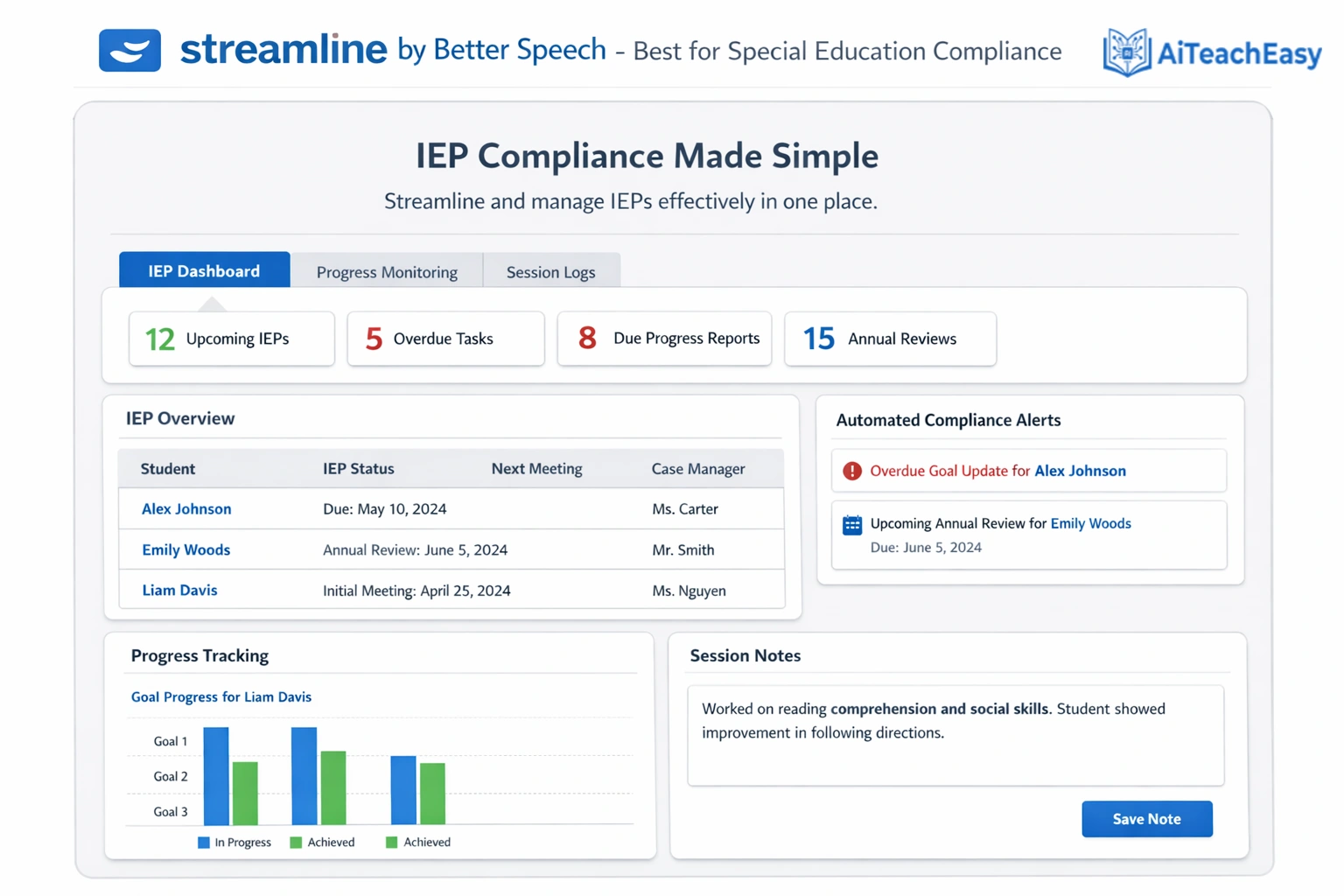
Streamline is the first AI-powered platform for managing special education compliance, IEP documentation, and service delivery . With over 7.3 million students receiving special education services, districts are facing a 65% increase in IDEA noncompliance disputes.
- Pros: Reduces IEP paperwork time from 3 hours to just 10 minutes; speech therapists saw 50% increase in direct therapy time; 32% improvement in student speech outcomes; built-in SLP Helper™ engages families .
- Cons: Primarily focused on special education rather than general classroom.
- Best For: Districts and schools seeking 100% IEP compliance and reduced paperwork burden.
- Key Feature: AI-generated session notes, progress reports, and IEPs that integrate with existing SIS systems .
Pricing: District-based pricing; integrates with major SIS systems.
Teachmate AI – Best UK-Based Platform
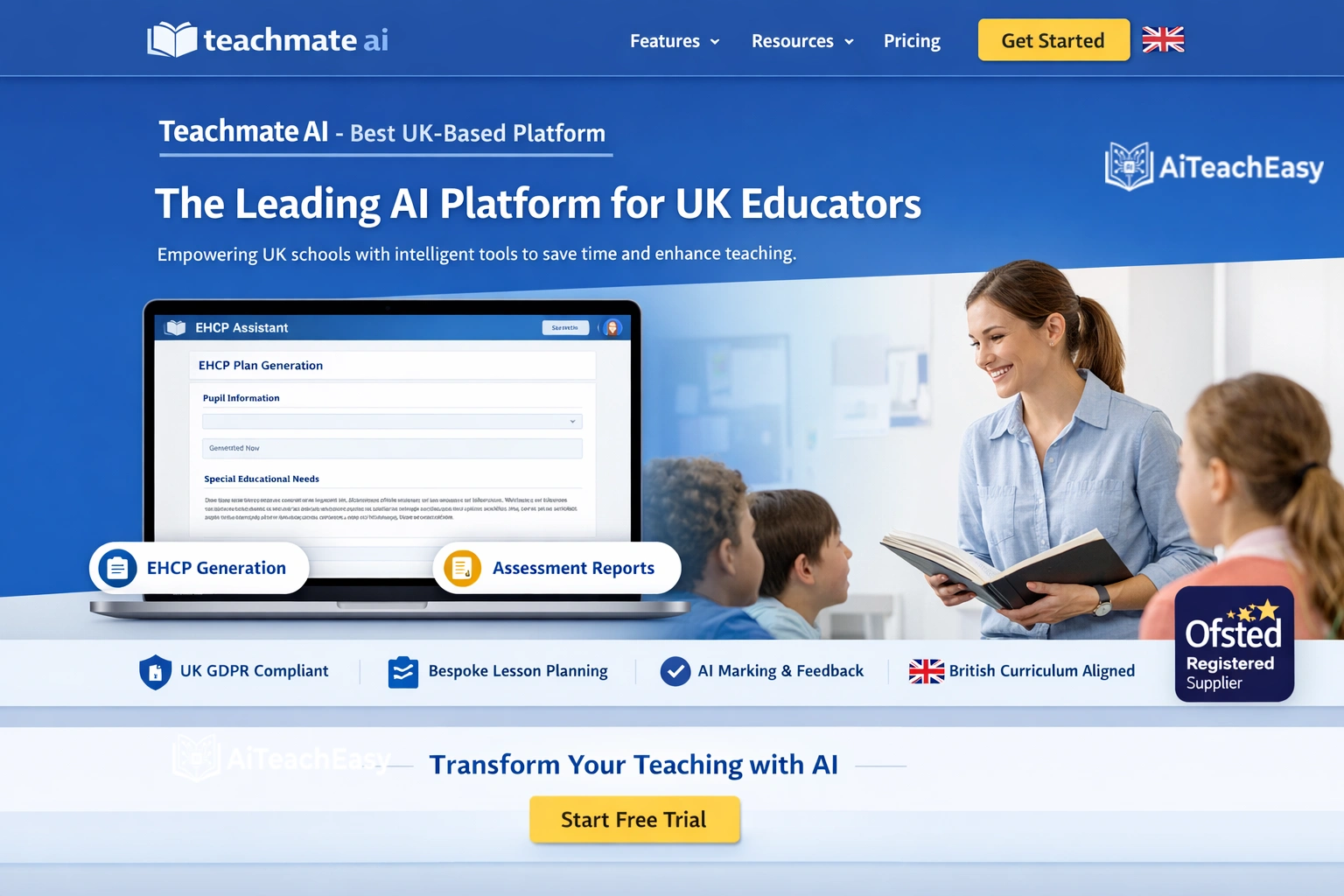
Teachmate AI offers over 150 AI-powered tools for teachers, including email drafting, lesson planning, and resource creation. It’s fully GDPR compliant with no user data used to train AI models .
- Pros: Trusted by over 350,000 users worldwide; GDPR compliant; innovative tool linking features; UK-friendly terminology.
- Cons: UK-based, so some terms may differ for US schools.
- Best For: International schools and UK teachers needing compliant tools.
- Key Feature: Comprehensive suite covering every aspect of teaching from planning to parent communication.
Pricing: Freemium model; school-wide plans available.
SchoolAI – Best Comprehensive Teacher Support
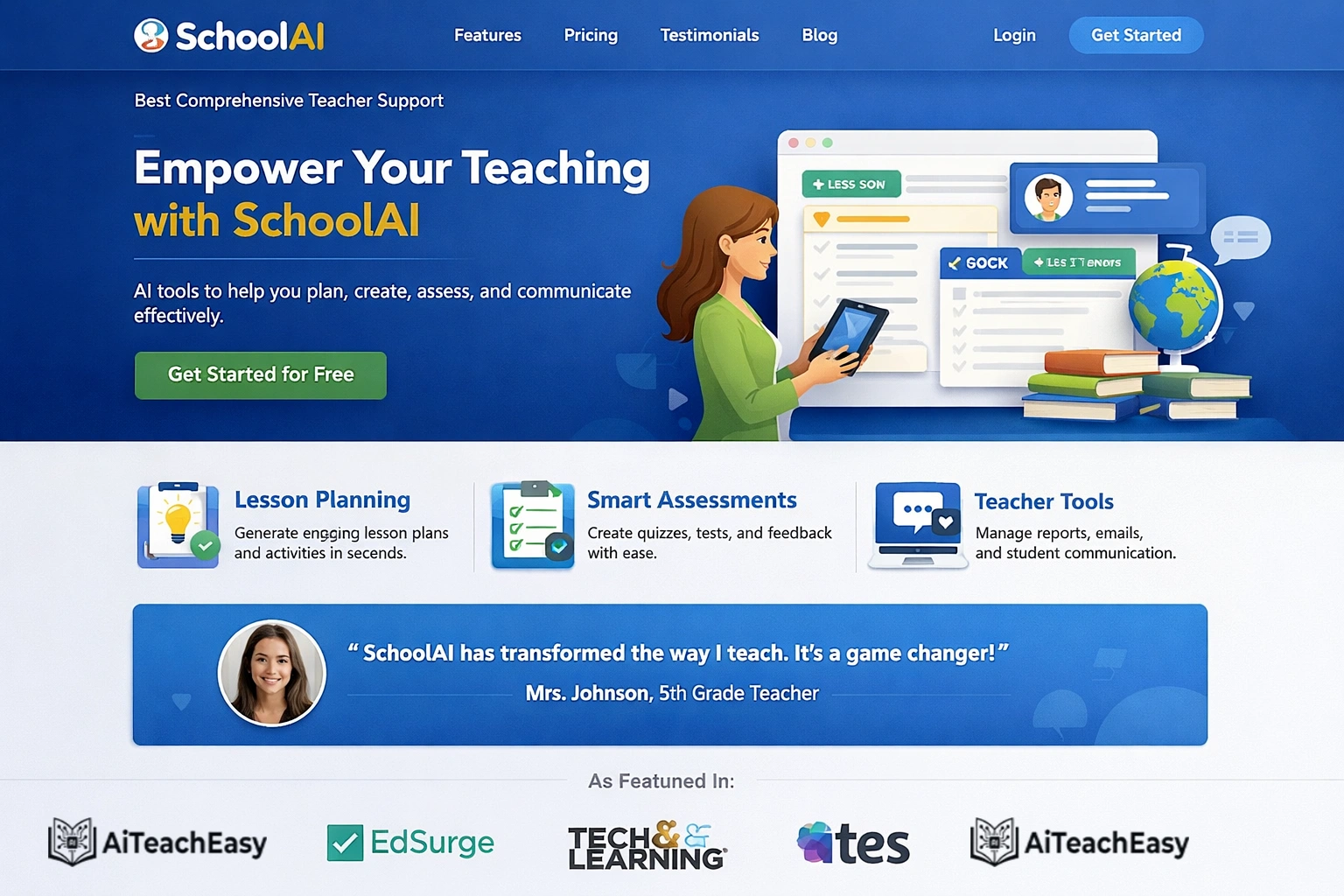
SchoolAI is an innovative platform engineered to support educators in daily tasks, including lesson planning, email generation, and assessment creation .
- Pros: Comprehensive suite with dedicated communication tools; creates thoughtful, personalized content; used across K-12 and higher education.
- Cons: Free tier has limited monthly generations.
- Best For: Teachers wanting one platform for multiple needs.
- Key Feature: Input key points about a lesson or student, and the AI crafts complete, ready-to-use materials.
Pricing: Freemium model with generous free tier.
Quillbot – Best for Paraphrasing and Editing
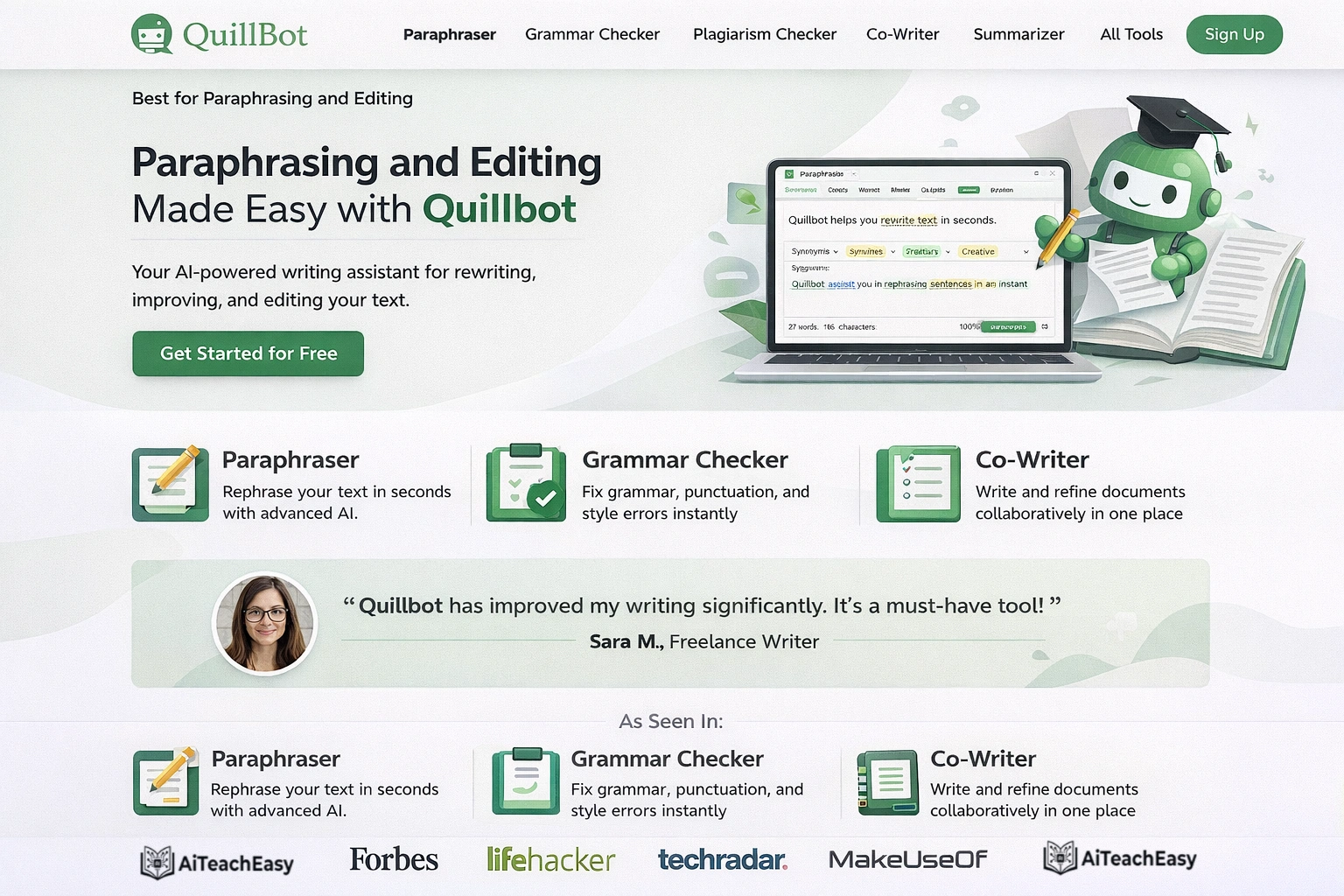
Quillbot helps teachers edit, rephrase, and improve written content . It’s particularly useful for taking rough draft emails and polishing them to perfection or helping students rephrase their work.
- Pros: Excellent paraphrasing for varied phrasing; tone adjustment; grammar checking; summarizer for long texts; Chrome extension.
- Cons: Best for editing rather than generating from scratch.
- Best For: Teachers who want to improve drafts and help students with writing.
- Key Feature: Paste a student’s paragraph, and Quillbot offers multiple versions with improved flow and word choice.
Pricing: Free plan with limited words; paid plans start at $4.17/month.
Bloomz with Conversational AI – Best for Parent Communication
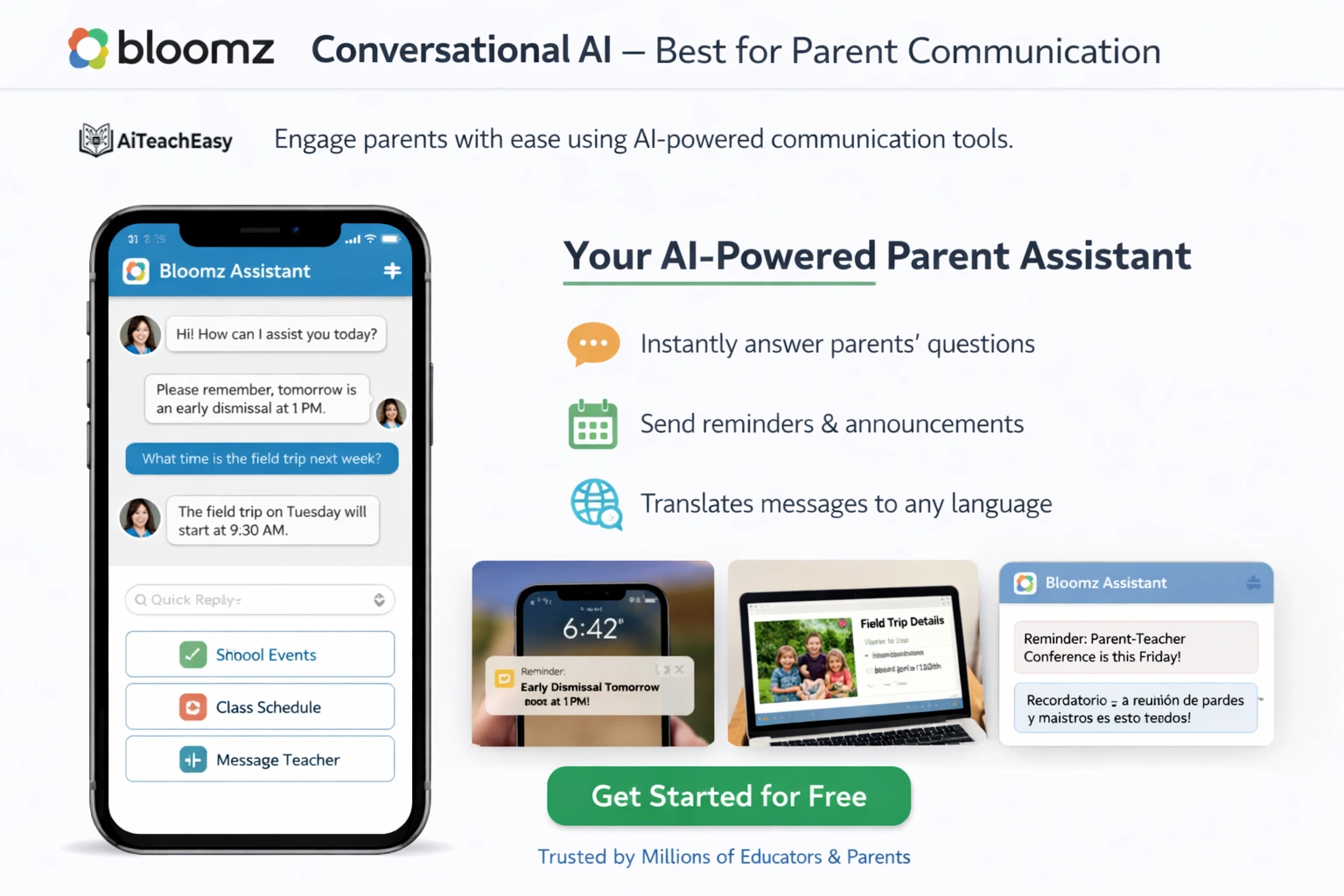
Bloomz unveiled Conversational AI and Immersive Translation to simplify and strengthen the school-home connection . The platform translates the entire app—including menus, buttons, and dialogues—into more than 250 languages.
- Pros: Immersive Translation ensures every parent can engage regardless of language; Conversational AI creates announcements in seconds; two-way translated SMS drives engagement.
- Cons: Some advanced features require paid plans.
- Best For: Schools with diverse language populations needing equitable communication.
- Key Feature: The AI generates parent-friendly announcements from simple prompts, then automatically translates them into families’ preferred languages.
Pricing: Free tier available; premium plans for advanced features.
Adobe Express for Education – Best for Student Creation
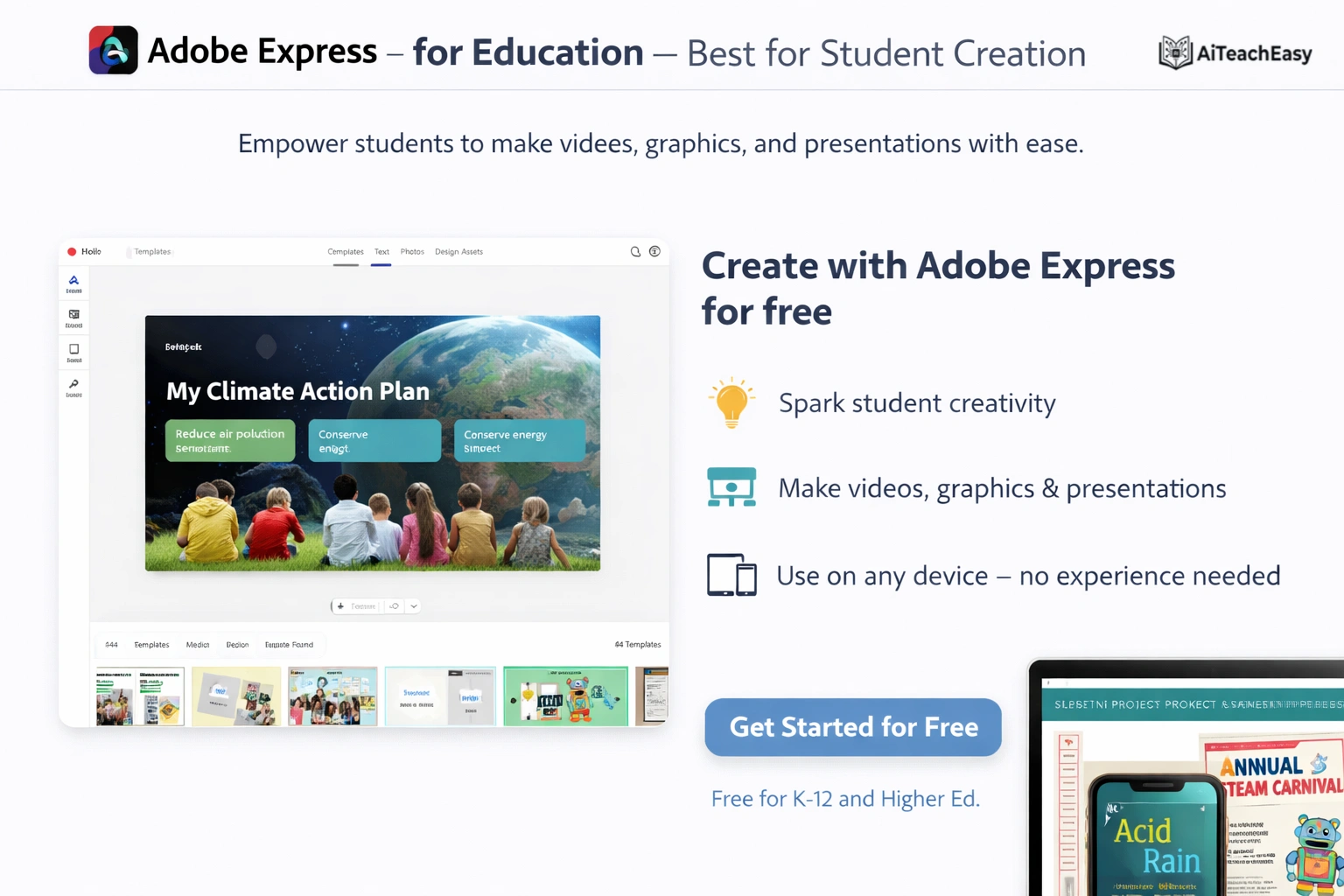
Adobe Express for Education offers AI-powered design tools specifically for K-12 classrooms. Students and teachers can create projects, presentations, videos, and web pages with professional-looking results .
- Pros: Free for K-12 schools; student-safe with classroom management tools; thousands of templates; AI-powered image and design tools.
- Cons: Requires school account for full features.
- Best For: Student projects and teacher-created classroom materials.
- Key Feature: Quick actions like “remove background” and “animate character” make student projects look polished without technical skills.
Pricing: Free for K-12 schools with verified educator accounts.
Comparison of MagicSchool vs Eduaide 2026
Teachers often ask me about MagicSchool vs Eduaide comparison for their specific needs. Here’s my breakdown after extensive use:
| Feature | MagicSchool AI | Eduaide AI |
|---|---|---|
| Total Tools | 80+ | 50+ |
| Best For | All-in-one teacher platform | Assessment & curriculum mapping |
| IEP Support | Dedicated IEP generator with goal options | Limited |
| Email Tools | Email Family tool with Chrome extension | Basic |
| Resource Library | Growing | Large pre-made library |
| Rubric Generator | Yes | Yes (strong) |
| Free Tier | Generous | Limited |
| Starting Price | $99.96/year | $49.99/year |
My take: Choose MagicSchool if you want one platform for everything—lesson planning, IEPs, emails, and grading. Choose Eduaide if you primarily need assessment creation and curriculum alignment tools with a robust resource library.
What Is the Best AI for Grading Handwritten Student Work?
This question comes up constantly in my workshops. Several tools excel at automated grading:
- CoGrader focuses on essays and open-ended responses, grading in 80% less time with customizable rubrics .
- Gradescope (mentioned in our grading guide) handles handwritten and code assignments with AI-assisted answer grouping.
- SwiftGrade (from our grading post) scans paper assessments and grades 20 papers in under 40 seconds.
For a comprehensive look at grading tools, our best AI grading tools for teachers guide covers 20+ specialized options.
Which AI Tool Is Safest for Student Data Privacy in 2026?
FERPA compliant AI lesson plan generators and tools prioritize data protection. Based on my research:
- Microsoft 365 Copilot with enterprise licensing offers on-device AI and education-grade security .
- Google Gemini with Workspace for Education provides FERPA compliance with institutional accounts .
- CoGrader explicitly states FERPA compliance and offers free educator licenses with clear data policies .
- Let’s Go Learn de-identifies student data, sending only first names to the AI while storing conversations in their own databases .
Best Practices for AI and Student Data
Jessica Garner from ISTE+ASCD emphasizes: “Am I allowed to use student names in the tools? Because that’s going to vary based on the tool and what the district has agreed to with that company” .
When evaluating tools, always check:
- Is the tool FERPA/GDPR compliant?
- Is student data used to train AI models?
- Where is data stored?
- Does the school/district have control over access?
Our guide on privacy-first AI tools for students offers additional guidance I’ve found invaluable.
Can AI Write Personalized Learning Plans for 30 Students at Once?
Yes—and this is where predictive learning analytics for teachers shines. Let’s Go Learn’s platform uses diagnostic data to generate present levels and SMART goals automatically for entire caseloads . The AI knows each student’s mastered skills within the scope and sequence, so plans are truly personalized, not templated.
Similarly, MagicSchool AI’s IEP generator can propose goal options for multiple students based on their present levels, dramatically reducing the hours special educators spend on documentation .
Free AI Tools for Teachers Without Registration
For teachers who want to experiment without commitment, several free AI tools for teachers without registration exist:
- Google Gemini is free with any Google account—no separate signup needed .
- Canva Magic Studio offers many AI features in the free tier.
- Quizizz AI has a generous free plan.
- CoGrader provides free educator licenses through their initiative .
- Microsoft’s Elevate program includes free AI training and tools for Microsoft 365 Education customers .
For a complete list, our free AI tools no signup guide offers additional options.
Enterprise AI Solutions for K-12 Districts
Districts looking for enterprise AI solutions for K-12 districts have several robust options:
- Microsoft 365 Copilot with Elevate for Educators offers district-wide deployment, free professional development, and credentials through ISTE+ASCD .
- Google Workspace for Education with Gemini provides integrated AI across Docs, Gmail, and Classroom with enterprise security .
- Streamline by Better Speech serves entire districts with special education compliance and 100% IEP tracking .
The key, according to Jenny Maxwell from Grammarly: “You need to make sure you have the voice of the teacher in those decisions around what you are considering leveraging and adopting” .
AI Note-Takers for Parent-Teacher Conferences
AI note-takers for parent-teacher conferences have become essential for accurate documentation:
- Otter.ai transcribes meetings in real-time and generates summary emails with action items .
- Microsoft Copilot can summarize Teams meetings and extract next steps.
- Google Gemini works with Google Meet to capture and summarize conversations.
For special educators managing multiple IEP meetings weekly, these tools are game-changers for documentation compliance.
Automated Attendance Tracking Software 2026
While not the focus of this post, automated attendance tracking software has evolved with AI. Modern systems use facial recognition, RFID integration, and LMS synchronization to automate what was once a daily manual task. Many tools integrate with the platforms above—for example, attendance data in Google Classroom can sync with Gemini for comprehensive student profiles.
AI Slide Deck Creators for Interactive Lessons
Creating engaging presentations is faster than ever with AI slide deck creators for interactive lessons:
- Curipod generates complete interactive lessons with built-in polls and activities .
- Canva Magic Studio creates professional presentations from simple prompts .
- Gamma (not in table) generates beautiful decks with AI-written content and images.
For teachers creating weekly presentations, these tools cut design time from hours to minutes.
Digital Burnout Recovery for Teachers
The conversation about digital burnout recovery for teachers is critical. The OECD report warns that offloading cognitive tasks to AI creates risks of “metacognitive laziness” . But when used intentionally, AI tools actually reduce burnout by reclaiming personal time.
Jennie Magiera from Google notes: “AI can help teachers be more efficient by acting as a thought partner for educators and giving them back time to build meaningful relationships” .
Jessica Garner adds: “Teachers are actually getting some of their personal time back” through AI automation .
For additional support, our AI tools for student retention guide helps ensure the time saved translates to better outcomes.
The Future of AI Productivity for Teachers: What’s Coming in 2026
Based on the OECD Digital Education Outlook and my testing of beta features, here’s what’s emerging :
- Predictive Learning Analytics: AI will soon predict which students are at risk of falling behind and suggest interventions automatically.
- Automated Feedback Loops: Tools will learn from teacher corrections and adapt to individual grading styles.
- Multi-Modal AI for Accessibility: Voice, image, and text inputs will combine to support diverse learners and teaching scenarios.
- Semantic Search for Educational Resources: AI will understand the meaning behind resource requests, finding exactly what teachers need from vast libraries.
- Context Engineering: Moving beyond prompt engineering, tools will understand student data, curriculum standards, and teacher preferences to generate truly personalized content .
For teachers who also need to support student exam preparation, our best AI tools for exam preparation guide offers complementary strategies.
Conclusion: Best AI Productivity Tools for Teachers in 2026
The landscape of teaching is being transformed by artificial intelligence. After years of testing these tools in real classroom settings and collaborating with hundreds of educators, I can confidently say that whether you need a teacher AI assistant for lesson planning, an automated rubric generator, or AI productivity apps for special education case management, there’s a tool designed for your needs.
The best AI productivity tools for teachers in 2026 combine proven educational principles with cutting-edge technology to deliver unprecedented efficiency. From Microsoft 365 Copilot’s on-device AI and free training to CoGrader’s 80% faster essay grading to Let’s Go Learn’s diagnostic-driven special education support , teachers at every level can find solutions that fit their workflow.
By incorporating these platforms into your routine, you can reduce administrative time by hours each week, provide more consistent and personalized support, and focus on what truly matters—building relationships with students and fostering their growth. I’ve reclaimed my evenings and actually enjoy planning now because it’s less about drudgery and more about creative collaboration with AI.
Remember, digital burnout recovery for teachers starts with managing the small tasks that accumulate into overwhelm. With the right AI workflow automation tools, you can achieve better work-life balance while maintaining high educational standards.
For additional classroom support, I regularly use and recommend these resources:
- Best AI grading tools for teachers – Automate assessment workflows
- Best AI tools for memorization – Help students retain information
- Best AI tools for exam preparation – Support student success before tests
- Student result sheet generator – Streamline grade calculations
- AI classroom management tools for teachers – Maintain productive environments
- Best free AI homework helper tools for students – Support students outside class
- AI tools for student retention – Improve long-term outcomes
- AI tools for special needs students – Inclusive education support
- Free AI tools no signup – Quick tools without registration
- Browser-based AI tools for students – Accessible for any device
- Best free AI presentation tools – Create engaging presentations
- Best free AI resume builders – Support career-ready students
- Best free AI note takers – Capture observations effortlessly
- Free offline CGPA calculator – Quick grade calculations
- Privacy-first AI tools for students – Data protection guidance
- Quiz generator for teachers and students – Create assessments instantly
- Free AI lesson plan generator tool – Plan lessons in seconds
- Free AI humanizer for students – Make AI text more natural
- AI tools for teachers – Comprehensive teacher hub
- AI tools for students – Student-focused learning tools
About the Author
I’m Irfan Khan, an AI tools researcher and the founder of AI Teach Easy, where I review tools that help students learn faster and teachers work smarter. Over the past three years, I’ve been actively testing educational technology to find practical, real-world applications for modern classrooms, with a strong focus on privacy-first AI tools for students.
Before starting AI Teach Easy, I worked as a classroom teacher and personally experienced the burden of administrative overload. That firsthand experience is exactly why I’m so passionate about these productivity tools and how they can genuinely save time for educators.