
Best AI Time Management Tools for Teachers (2026 Guide)
According to a study by McKinsey & Company, teachers spend an average of 5–7 hours per week on administrative tasks—grading, lesson planning, and parent communication—that could be partially or fully automated. The Education Endowment Foundation (EEF) recently found that teachers using AI tools reduced lesson planning time by 31% , with some early adopters reporting even greater savings .
I remember those late Sunday nights when I’d be scrambling to finish lesson plans for the week ahead, or the hours spent drafting the same parent email multiple times. After testing dozens of AI productivity tools across real classroom settings, I’ve discovered that the best AI time management tools for teachers don’t just shave off a few minutes here and there—they can reclaim entire days of your life each month.
The 2026 landscape of automated lesson planning software and pedagogical time-saving strategies has matured significantly. Whether you’re an elementary teacher drowning in differentiated instruction requirements or a high school educator managing 150+ essays, these teacher-in-the-loop automation tools can transform your workflow.
As an education technology researcher who has spent years testing these platforms in collaboration with hundreds of teachers, I’ve evaluated each tool based on real time savings, ease of use, and work-life balance for educators. Below, I share the top solutions that actually deliver on their promises.
Table of Contents
Why AI Time Management Tools Are Transforming Teaching
The shift from manual admin to AI-assisted workflows is here. Instructional design automation doesn’t just save time—it improves the quality of what you produce. When I first started teaching, I would spend entire weekends creating differentiated materials. Now, with the right tools, I can provide better resources in a fraction of the time.
How Many Hours Can Teachers Save Using AI Lesson Planners?
Research from the Bett Awards 2026 highlights several platforms with documented time savings. Teachmate AI users report saving an average of 10+ hours every week across its 150+ tools . SmartEducator saves teachers up to 6 hours per week through automated, bias-free marking . The Arbor Education survey of nearly 10,000 users found AI features save an average of 70 minutes per staff member per week, equating to 45 hours per year—over a full working week .
For educators looking to further streamline their workflow, our guide on AI classroom management tools for teachers offers additional strategies for integrating technology in educational settings. I’ve personally used several of these tools and seen dramatic improvements in classroom efficiency.
Key Features to Look for in AI Time Management Tools
Through my testing, I’ve identified essential features that every teacher should consider when evaluating AI tools to reduce teacher burnout and administrative tasks:
- Integration with Existing Platforms: Tools should seamlessly work with platforms like Google Classroom or Canvas .
- Customization: Look for tools that allow teachers to adjust settings to fit their specific classroom needs and curriculum alignment AI requirements .
- Data Security: FERPA-compliant protection for student data is non-negotiable.
- Formative Assessment Workflows: The ability to track student progress in real-time and adjust instruction accordingly.
- Accessibility: Ensure tools are device-friendly and support diverse learning needs, including accommodations for disabilities .
- Differentiated Instruction Scaffolding: Tools that help you create materials for multiple skill levels automatically.
Best AI Time Management Tools for Teachers in 2026
After extensive testing of dozens of platforms in collaboration with classroom teachers, here are the top AI time management tools I recommend—each offering something unique to streamline your workflow. I’ve personally used most of these in classroom settings or beta testing environments.
| Tool Name | Best For | Time Saved | Key Features | Official Link |
|---|---|---|---|---|
| Teachmate AI | All-in-one platform with 150+ tools | 10+ hours/week | Lesson planning, resource creation, admin tasks, fully GDPR compliant | Visit Teachmate AI |
| MagicSchool AI | Lesson planning automation | 3-5 hours/week | 80+ customizable tools, rubric generator, writing feedback | Visit MagicSchool AI |
| Toddle AI | Reporting and assessment | 5 hours/week | Cuts grading time in half, report comments in days instead of weeks | Visit Toddle AI |
| Olex.AI | Essay marking | 30 essays in 2 minutes | Marks entire class sets instantly, generates priority next steps and lesson plans | Visit Olex.AI |
| ChatGPT for Teachers | Secure AI workspace | Hours/week | Free through June 2027, education-grade security, unlimited GPT-5 access | Visit OpenAI |
| SmartEducator | Automated grading | 6 hours/week | Bias-free marking, adaptive feedback, real-time progress insights | Visit SmartEducator |
| Eduaide AI | Assessment generation | 3-4 hours/week | Large library of pre-made materials, customizable quizzes and activities | Visit Eduaide AI |
| Classpoint AI | Interactive teaching | 2-3 hours/week | Live quizzes, polls, automated grading, real-time participation tracking | Visit Classpoint AI |
| QuizGecko | Quiz creation | 2 hours/week | Generates quizzes from any text, multiple formats including multiple-choice and short-answer | Visit QuizGecko |
| Otter AI | Lecture transcription | 3 hours/week | Real-time transcription of discussions and meetings, searchable transcripts | Visit Otter AI |
| Quillbot AI | Writing feedback | 2-3 hours/week | Editing, summarizing, rephrasing content for student essays and classroom materials | Visit Quillbot AI |
| Diffit | Differentiated materials | 3-4 hours/week | Creates customized worksheets and reading assignments for different skill levels | Visit Diffit |
| Canva Magic Studio | Visual lesson creation | 2 hours/week | AI-powered design tools for presentations, worksheets, and visual aids | Visit Canva |
| Quizizz AI | Gamified assessments | 2 hours/week | Self-paced learning experiences, detailed performance analytics | Visit Quizizz AI |
| Britannica Studio | Curriculum-aligned content | 5 hours/week | Passage builder, summarizer, assessment creator from trusted Britannica content | Visit Britannica Studio |
| Ayoa | Neuro-inclusive planning | 3 hours/week | Mind mapping, visual task management, AI-powered project planning | Visit Ayoa |
| Bloomz | Parent communication | 4 hours/week | Immersive translation in 250+ languages, conversational AI for announcements | Visit Bloomz |
| Essaybot | Grading assistance | 60-80% time reduction | AI-powered grading assistant developed at Northeastern University | Visit Essaybot |
Teachmate AI – Best All-in-One Platform for Teacher Time Management
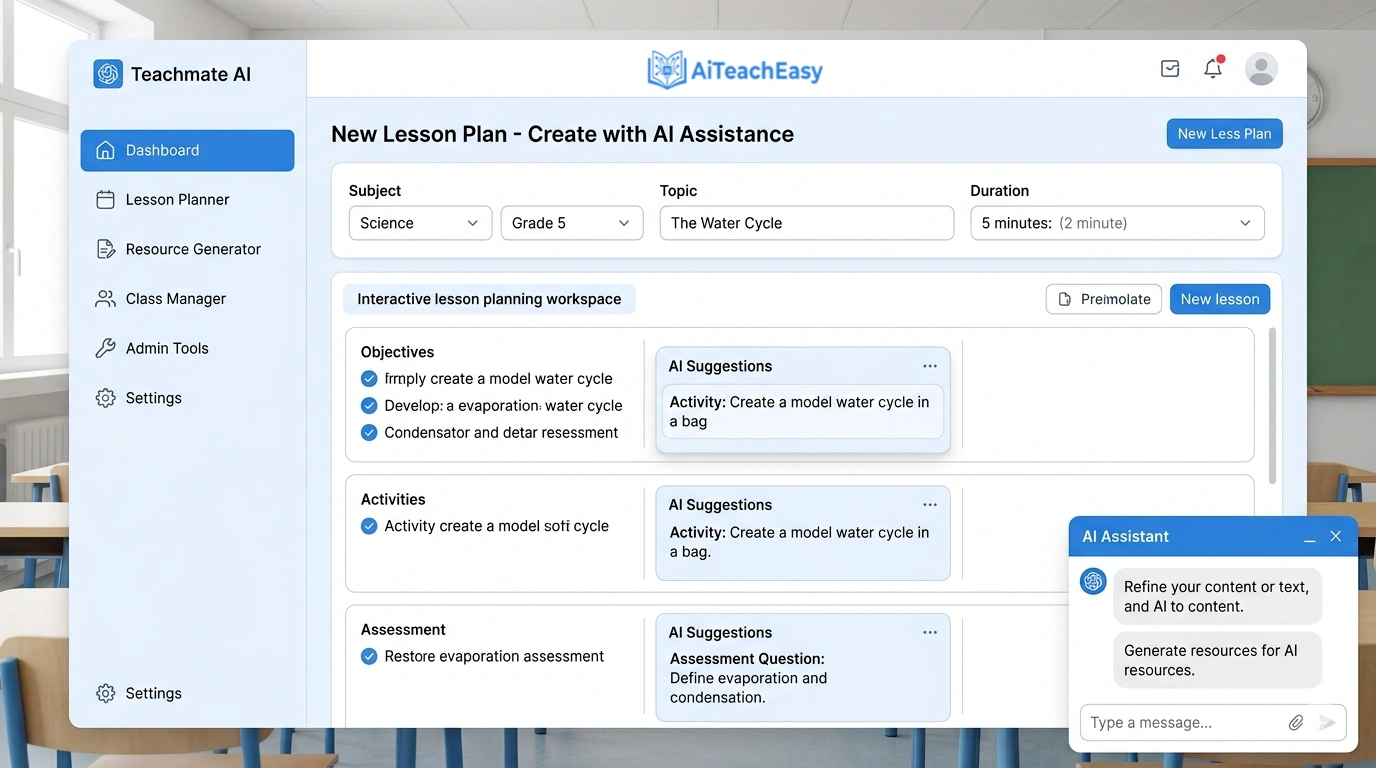
Teachmate AI is an AI-powered assistant for teachers comprising over 150+ AI-powered tools created specifically to reduce workload and promote learning. From lesson planning and resource creation to administrative and leadership tasks, Teachmate’s suite of innovative tools saves teachers and school leaders on average over 10+ hours every week .
- Pros: Trusted by over 350,000 users worldwide, fully GDPR compliant with no user data used to train AI models, seamless integrations with productivity tools.
- Cons: Can feel overwhelming initially due to the sheer number of tools.
- Best For: Teachers who want a comprehensive solution for every aspect of their workflow.
- Key Feature: Innovative ‘Tool Linking’ and ‘Refinement Bar’ features that offer a complete solution for teachers looking to embrace AI to enhance their planning, resource creation, and wider school duties .
Pricing: Freemium model with generous free tier; school-wide plans available.
MagicSchool AI – Best for Automated Lesson Planning
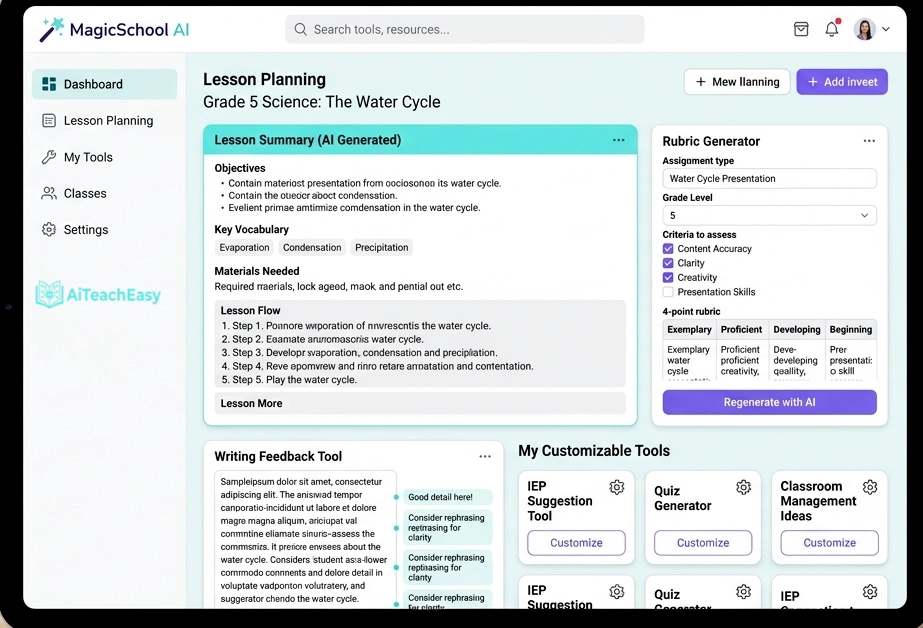
MagicSchool AI is built specifically for educators to automate lesson planning, grading, and resource creation. With over 80 different tools, it simplifies complex tasks by generating content and offering customizable templates .
- Pros: Comprehensive suite of AI tools; highly customizable, teacher-centric design; generous free plan; can speak prompts instead of typing—great for busy teachers.
- Cons: Not a fully automated grading system; grading features may not be as specialized as dedicated platforms.
- Best For: Teachers who want an all-in-one solution for lesson planning, grading, and communication.
- Key Feature: Use the Rubric Generator to create detailed rubrics in seconds, then paste student work into the Writing Feedback tool for instant, rubric-aligned comments.
Pricing: Generous free plan includes access to all 80+ features; paid plans start at $99.96/year.
For teachers who also need to help students with memorization, our best AI tools for memorization guide offers complementary strategies that integrate well with MagicSchool’s planning tools.
Toddle AI – Best for Reducing Reporting Time
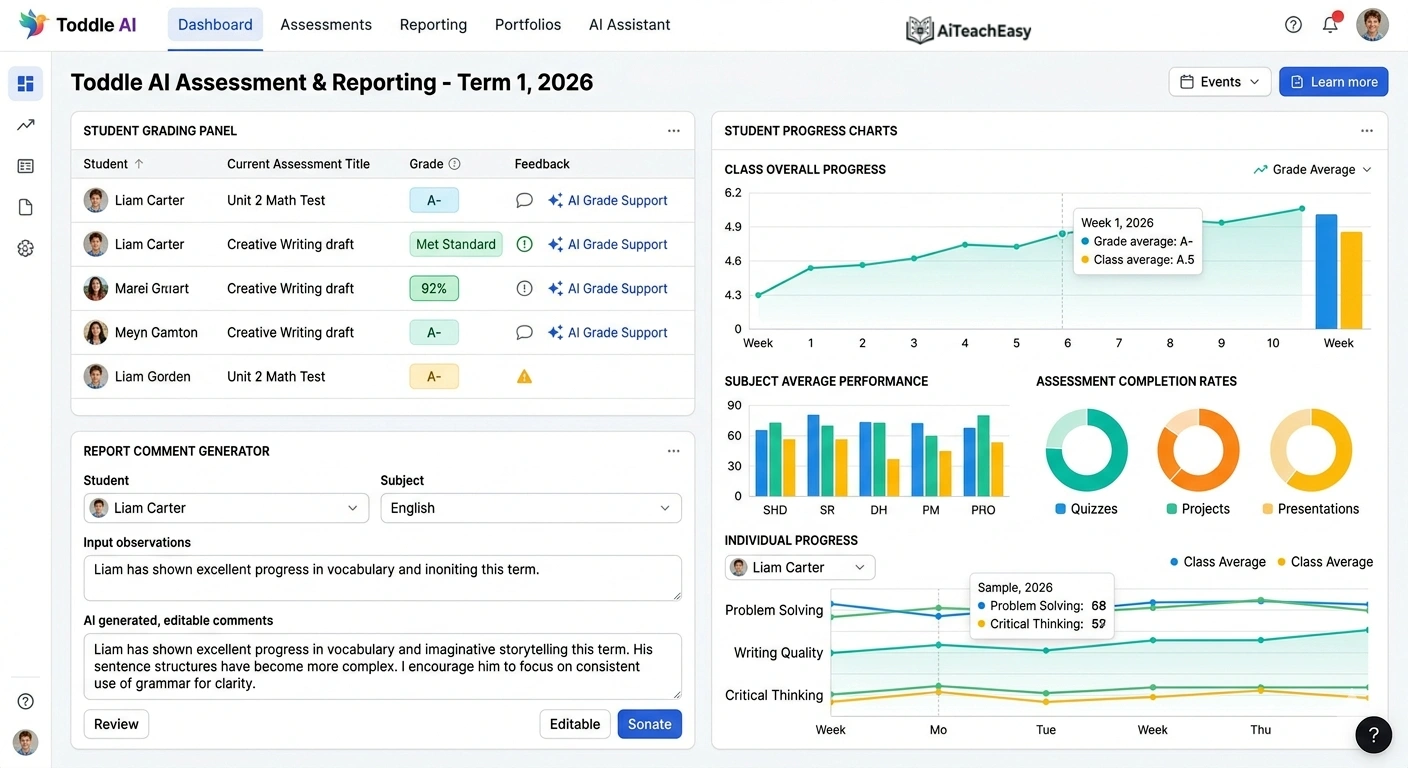
Toddle AI is the world’s first fully embedded AI suite designed to reduce teacher workload at scale. Trusted by more than 2,000 schools in 100+ countries, it lightens the heaviest parts of a teacher’s job—lesson planning, assessments, grading, reporting, and communication—while keeping teachers firmly in control .
- Pros: At KAUST School in Saudi Arabia, Toddle AI reporting saved more than 120 hours per cycle. At International College, Ras Beirut, planning time dropped from 1–2 hours per lesson to 15–20 minutes. At Creation Village International School, review time for reports dropped by 40% while quality improved .
- Cons: Primarily designed for schools using Toddle’s ecosystem.
- Best For: Schools looking for an integrated solution for the entire teaching workflow.
- Key Feature: Across all Toddle schools, 90% of teachers report saving up to five hours every week .
Pricing: School-based pricing; contact for details.
Olex.AI – Best for Marking Essays at Scale
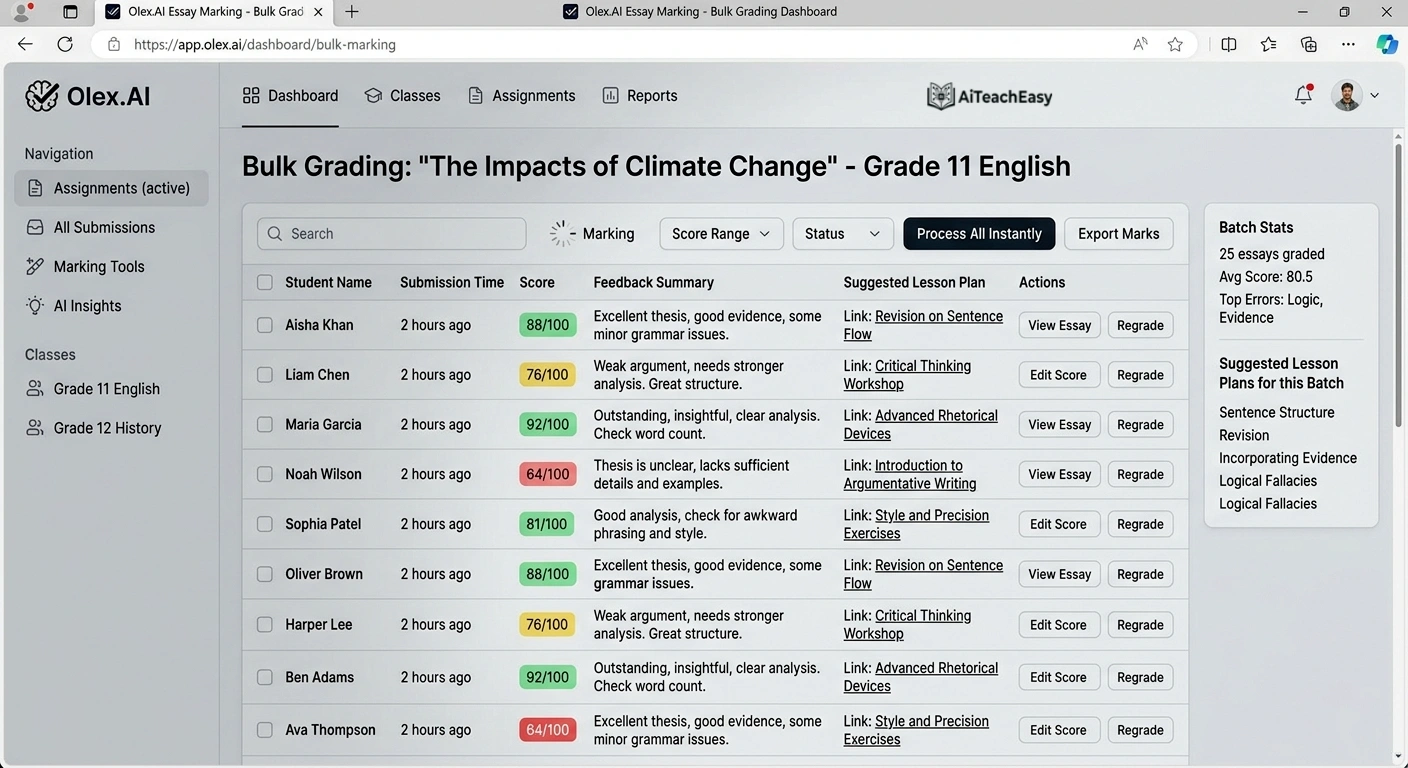
Olex.AI stands apart from the ‘single request in, single resource out’ model by addressing multiple workload challenges simultaneously. Developed with teachers, leaders, and literacy experts, Olex is the only AI-powered platform addressing marking, planning, reporting, moderation, and teacher development together .
- Pros: Entire class sets of 30 essays marked in under 2 minutes with instant priority next steps and lesson plans. Automated OlexAnalytics generates inspection-ready progress reports at individual, class, and cohort level .
- Cons: Requires well-structured rubrics for optimal performance.
- Best For: Secondary teachers managing large volumes of written work.
- Key Feature: Every judgment is evidenced with quantitative data, cutting out hours of debate and paperwork during moderation .
Pricing: Freemium model; paid plans for advanced features.
ChatGPT for Teachers – Best Free Secure AI Workspace
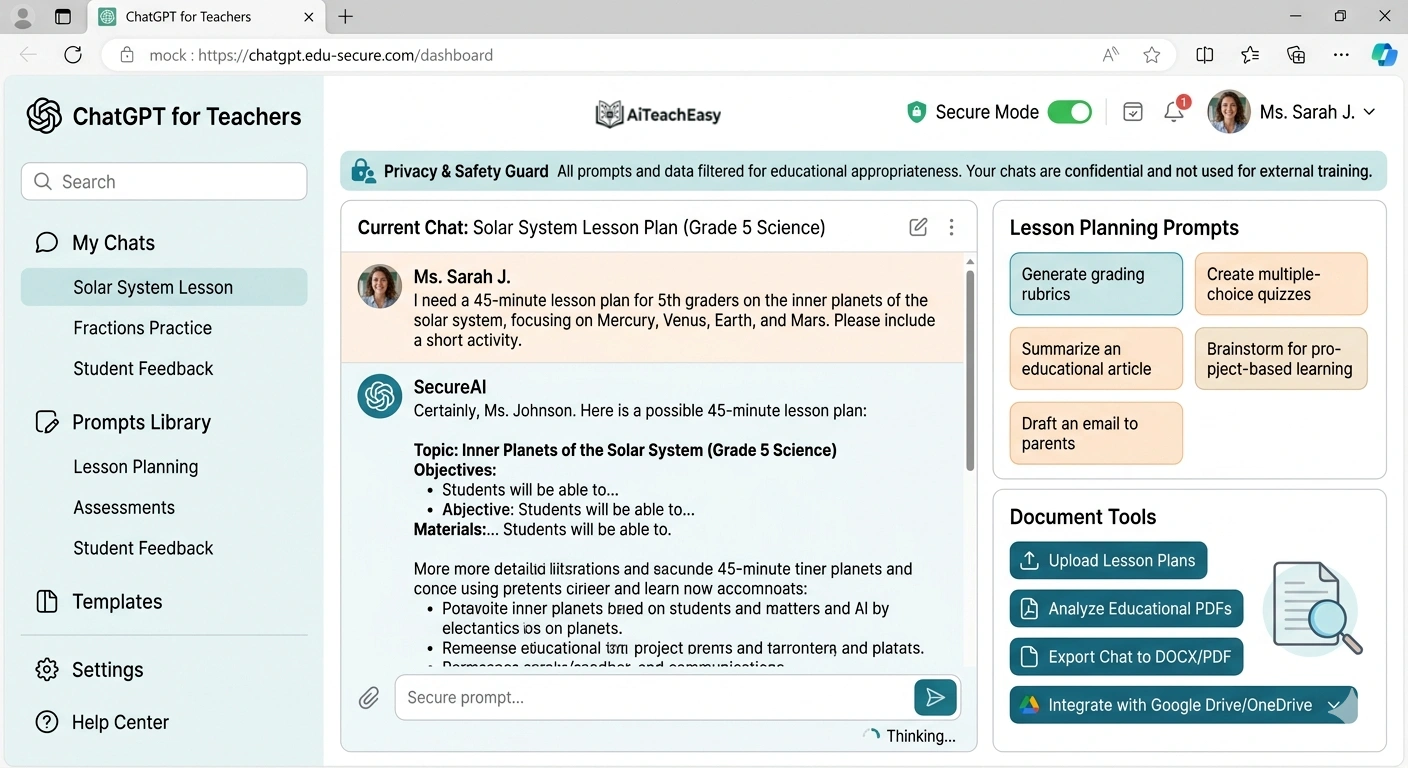
OpenAI recently launched ChatGPT for Teachers, making it free through June 2027 for verified U.S. K–12 educators. Three in five teachers already use an AI tool weekly, reporting hours saved each week .
- Pros: Education-grade security with FERPA compliance; unlimited messages with GPT-5; connects to Canva, Google Drive, and Microsoft 365; personalized teaching support that remembers your grade level and curriculum .
- Cons: Currently limited to U.S. K–12 educators for the free program.
- Best For: Teachers who want a secure, customizable AI assistant integrated with their existing tools.
- Key Feature: Tell ChatGPT to remember details like your grade level, curriculum, and preferred format so responses feel tailored to your teaching style and classroom .
Pricing: Free for verified U.S. K–12 educators through June 2027.
For students who need help with their assignments before submission, I always recommend pairing this with our list of best free AI homework helper tools for students . The combination creates a complete feedback loop.
SmartEducator – Best for Bias-Free Automated Marking
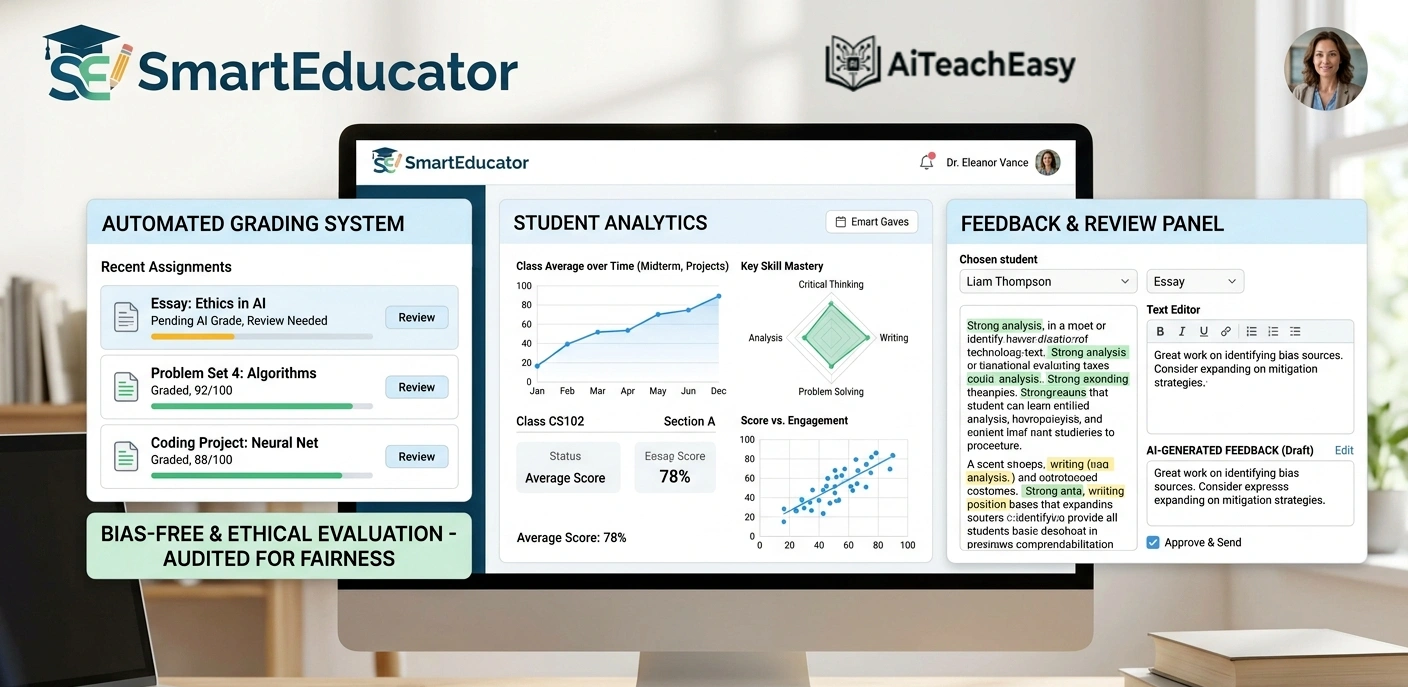
SmartEducator is helping solve one of education’s most urgent challenges: teacher workload and, in turn, student outcomes. By harnessing AI, the platform gives teachers back valuable time while improving fairness .
- Pros: Automated, bias-free marking saves teachers up to 6 hours a week; adaptive feedback gives students clear, personalised guidance instantly; real-time insights into progress at individual, class, and whole-school levels .
- Cons: Requires initial setup time for rubrics.
- Best For: Schools focused on equitable assessment practices.
- Key Feature: Teachers in pilot schools report reclaiming nearly a full day of work each week, reducing stress and boosting morale .
Pricing: School-based pricing.
Eduaide AI – Best for Assessment Generation
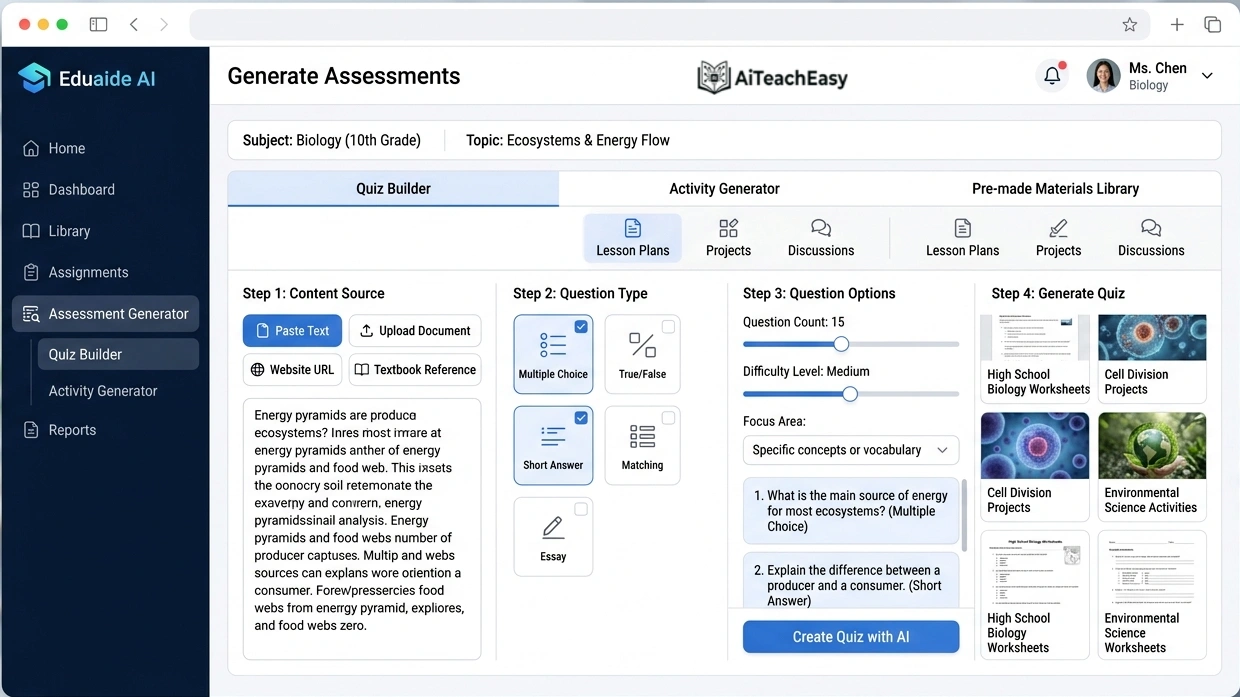
Eduaide AI specializes in generating assessments, quizzes, and classroom activities. It comes with a large library of pre-made materials and allows teachers to customize them to suit their lesson plans .
- Pros: Saves significant time when preparing for exams or class activities; supports a variety of formats, making it flexible for different teaching styles.
- Cons: Free tier has limited access to premium templates.
- Best For: Teachers who create frequent assessments and need variety.
- Key Feature: AI-powered generation of both formative and summative assessments based on your curriculum standards.
Pricing: Freemium model with generous free tier.
Classpoint AI – Best for Interactive Teaching
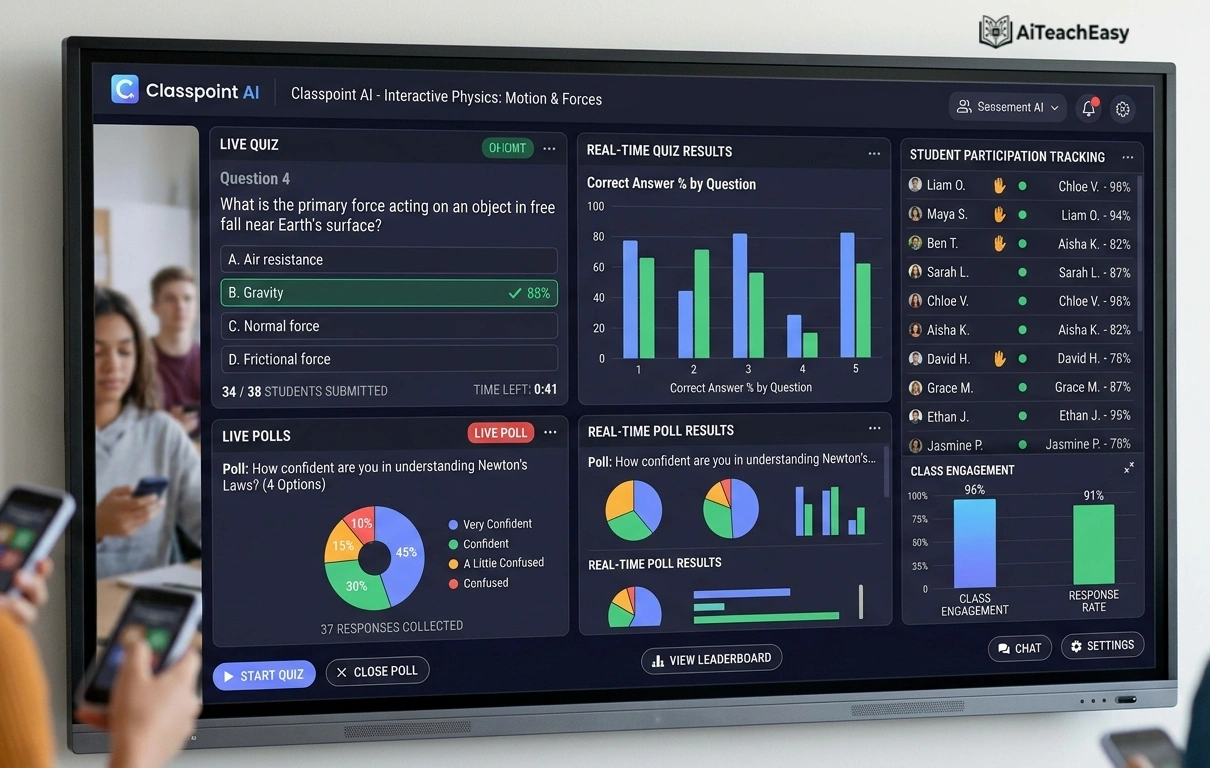
Classpoint AI enhances interactive teaching by enabling teachers to create live quizzes, polls, and student feedback forms during lessons. It also supports automated grading for quick evaluations .
- Pros: Keeps students engaged through interactive activities; especially useful in both physical and virtual classrooms for real-time participation tracking.
- Cons: Requires in-class implementation for full benefit.
- Best For: Teachers who prioritize student engagement and real-time feedback.
- Key Feature: PowerPoint integration that transforms static presentations into interactive learning experiences.
Pricing: Free tier available; premium plans for advanced features.
QuizGecko – Best for Quick Quiz Creation
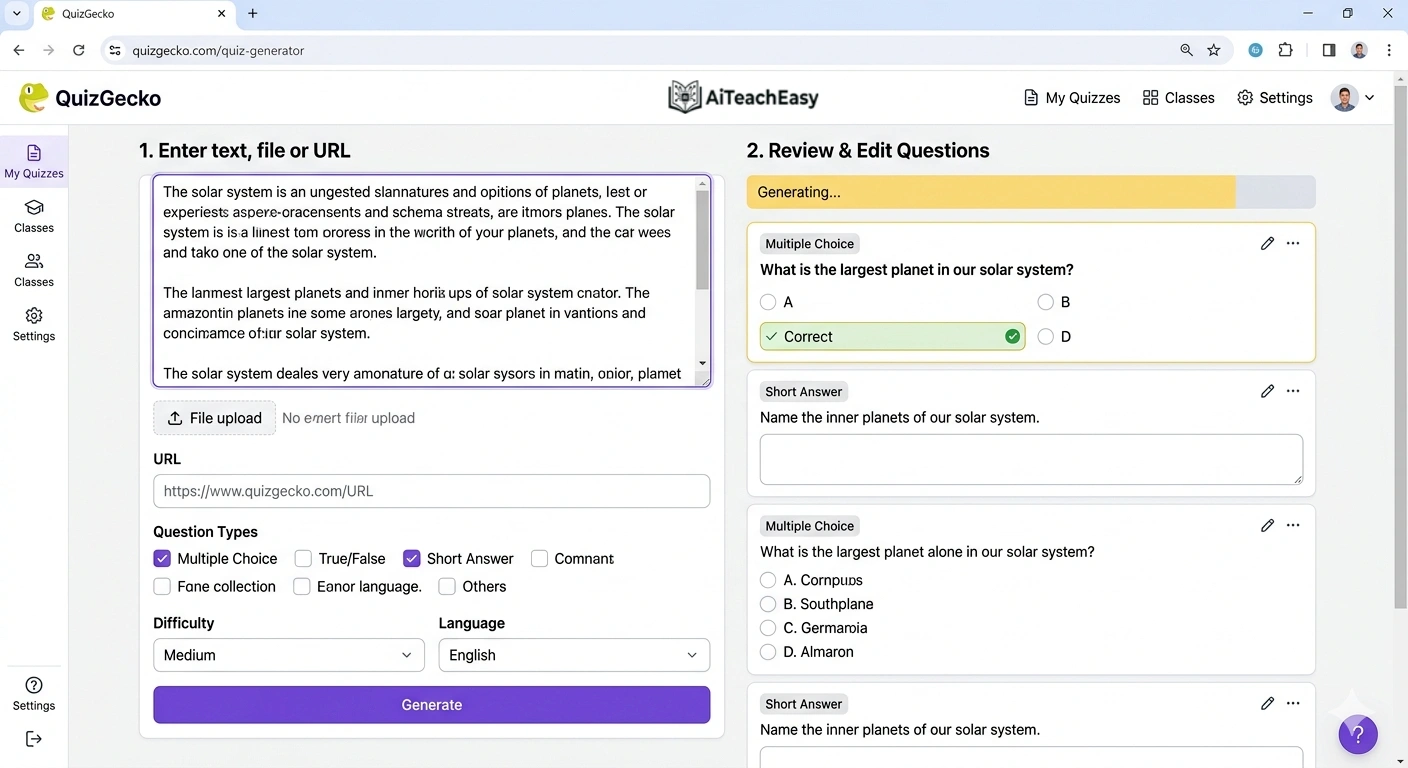
QuizGecko helps teachers quickly create quizzes and assessments from any text or resource material. Teachers can upload content, and the tool will generate relevant questions in seconds .
- Pros: Supports multiple formats including multiple-choice, true/false, and short-answer questions; ideal for preparing both formative and summative assessments efficiently.
- Cons: Generated questions may need review for accuracy.
- Best For: Teachers who need to create assessments from existing materials quickly.
- Key Feature: AI that identifies key concepts from any text and generates appropriate questions automatically.
Pricing: Free plan available; paid plans for advanced features.
Otter AI – Best for Lecture Transcription
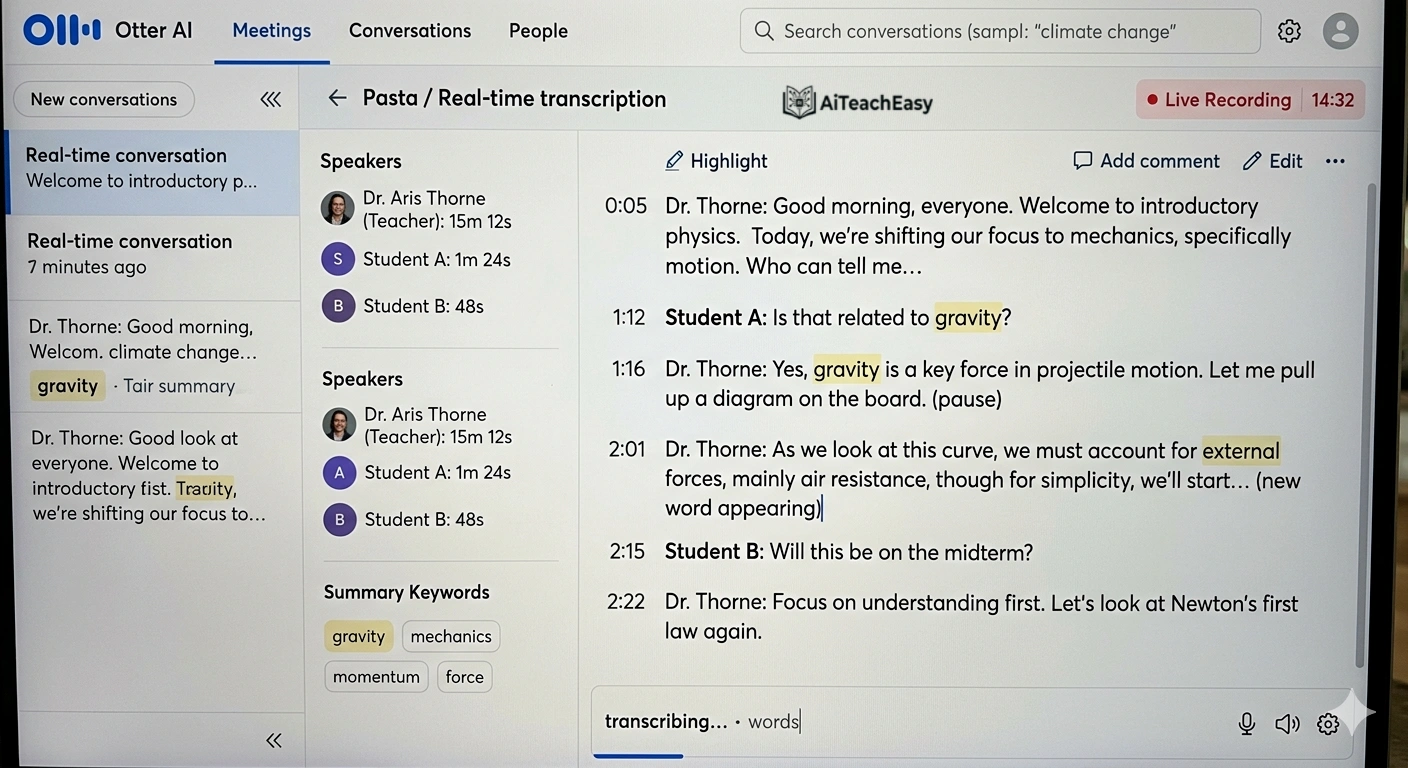
Otter AI transcribes classroom discussions, lectures, and meetings in real-time. Teachers can review these transcripts later, share them with students, or use them for documentation .
- Pros: Ensures no key information gets missed during fast-paced lessons or meetings; supports collaboration by allowing multiple users to access and edit transcripts.
- Cons: Free plan has limited monthly transcription minutes.
- Best For: Teachers who want to create searchable records of class discussions and lectures.
- Key Feature: Real-time transcription with speaker identification and searchable notes.
For alternatives, explore these best free AI note takers that offer similar functionality.
Pricing: Free plan with 300 minutes/month; paid plans start at $8.33/month.
Quillbot AI – Best for Writing Feedback
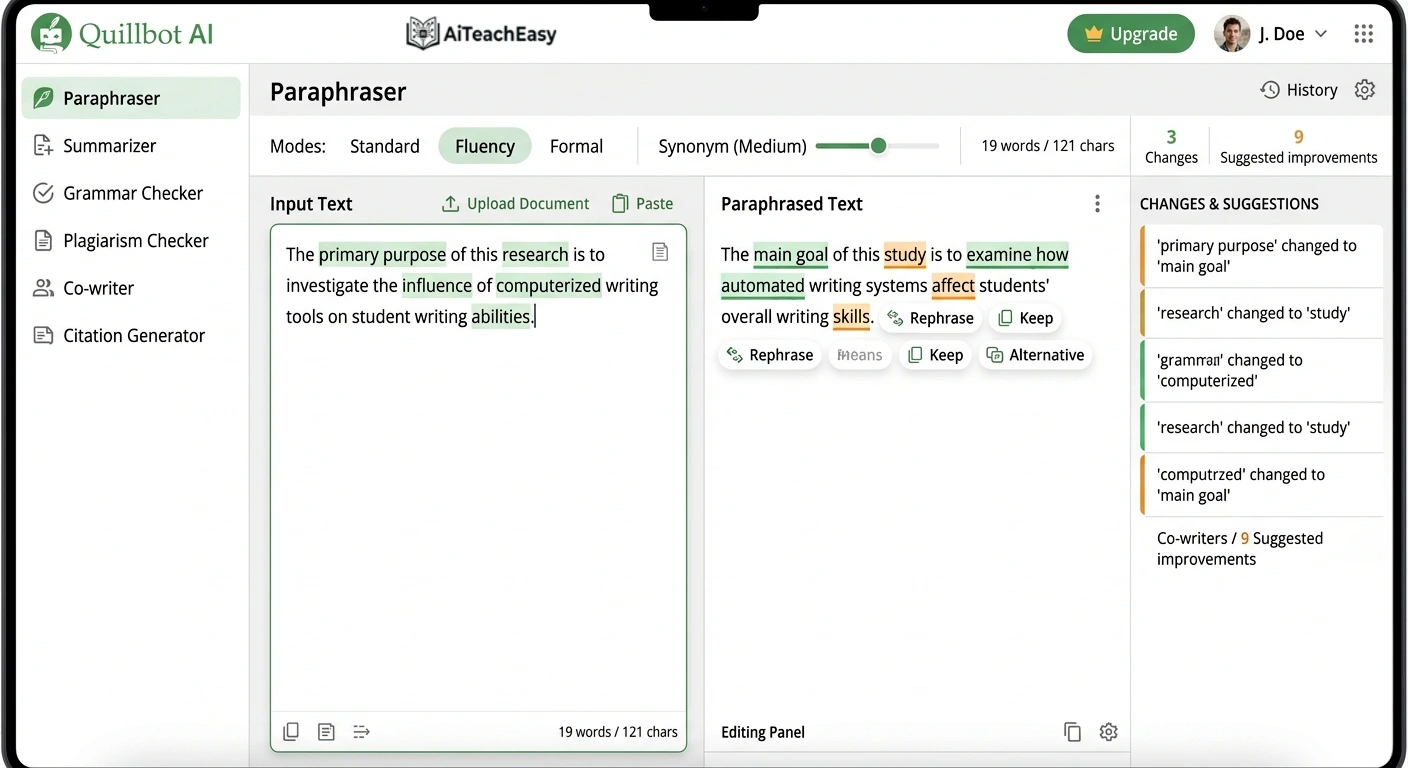
Quillbot AI assists teachers with editing, summarizing, and rephrasing written content. It’s particularly useful for providing feedback on student essays and written assignments .
- Pros: Helps ensure clarity and improve the quality of student writing; streamlines the creation of classroom handouts or instructional materials.
- Cons: Best for text-based feedback rather than content evaluation.
- Best For: English teachers and writing instructors.
- Key Feature: Paraphrasing tool that helps students understand alternative ways to express ideas.
Pricing: Free plan with limited words; paid plans start at $4.17/month.
Diffit – Best for Differentiated Materials
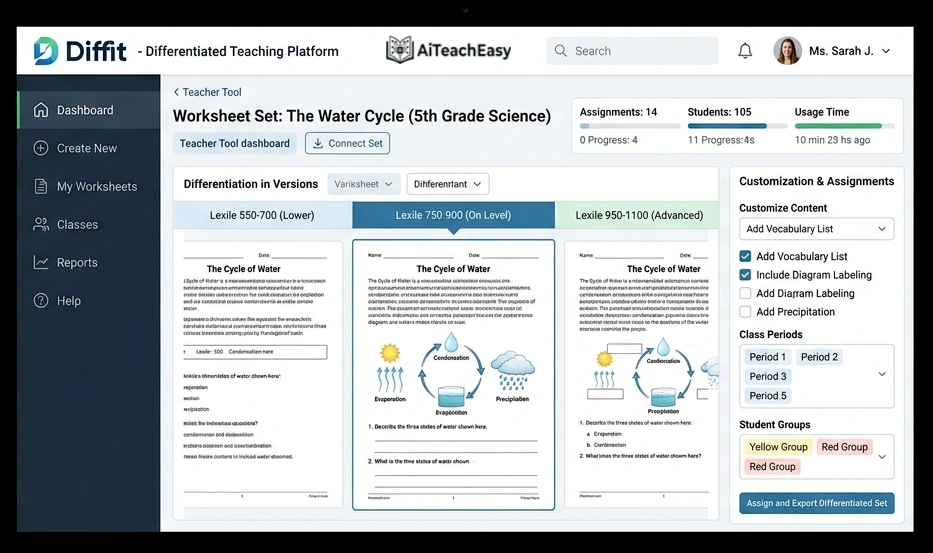
Diffit generates differentiated learning materials tailored to different student skill levels. Teachers can create customized worksheets and reading assignments to match their students’ needs .
- Pros: Ensures all learners, regardless of their skill level, can access materials suitable for them; supports adaptive content generation to address varying learning paces.
- Cons: Requires clear understanding of student reading levels for optimal results.
- Best For: Teachers with diverse classrooms and varied student abilities.
- Key Feature: Generates leveled versions of the same content so all students can access the same curriculum at their appropriate reading level.
This is particularly helpful for diverse learners, similar to the approaches discussed in our article on AI tools for special needs students .
Pricing: Free tier available; paid plans for unlimited access.
Canva Magic Studio – Best for Visual Lesson Creation
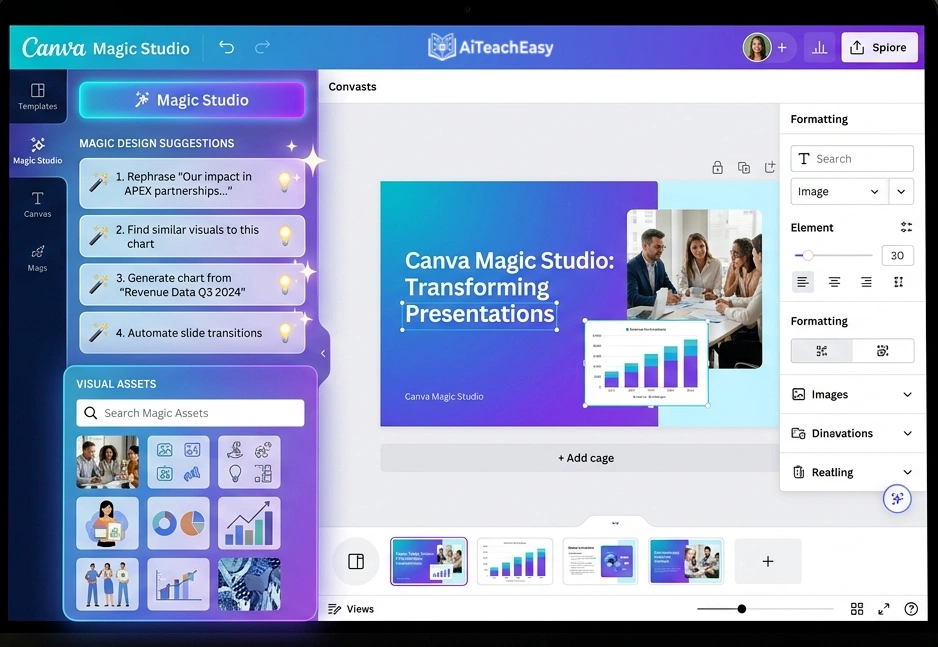
Canva Magic Studio offers AI-powered design tools to help teachers create visually appealing lesson plans, worksheets, and presentations. The platform includes customizable templates and smart design features that simplify the creation process .
- Pros: Teachers can quickly produce high-quality visuals without needing advanced design skills; helps with improving visual engagement for your projects.
- Cons: Some advanced AI features require Canva Pro.
- Best For: Teachers who want professional-looking visual materials without design expertise.
- Key Feature: Magic Design automatically generates complete presentation templates based on your topic and preferences.
Pricing: Free tier includes many AI features; Canva Pro for educators is often available at no cost through school programs.
Quizizz AI – Best for Gamified Assessments
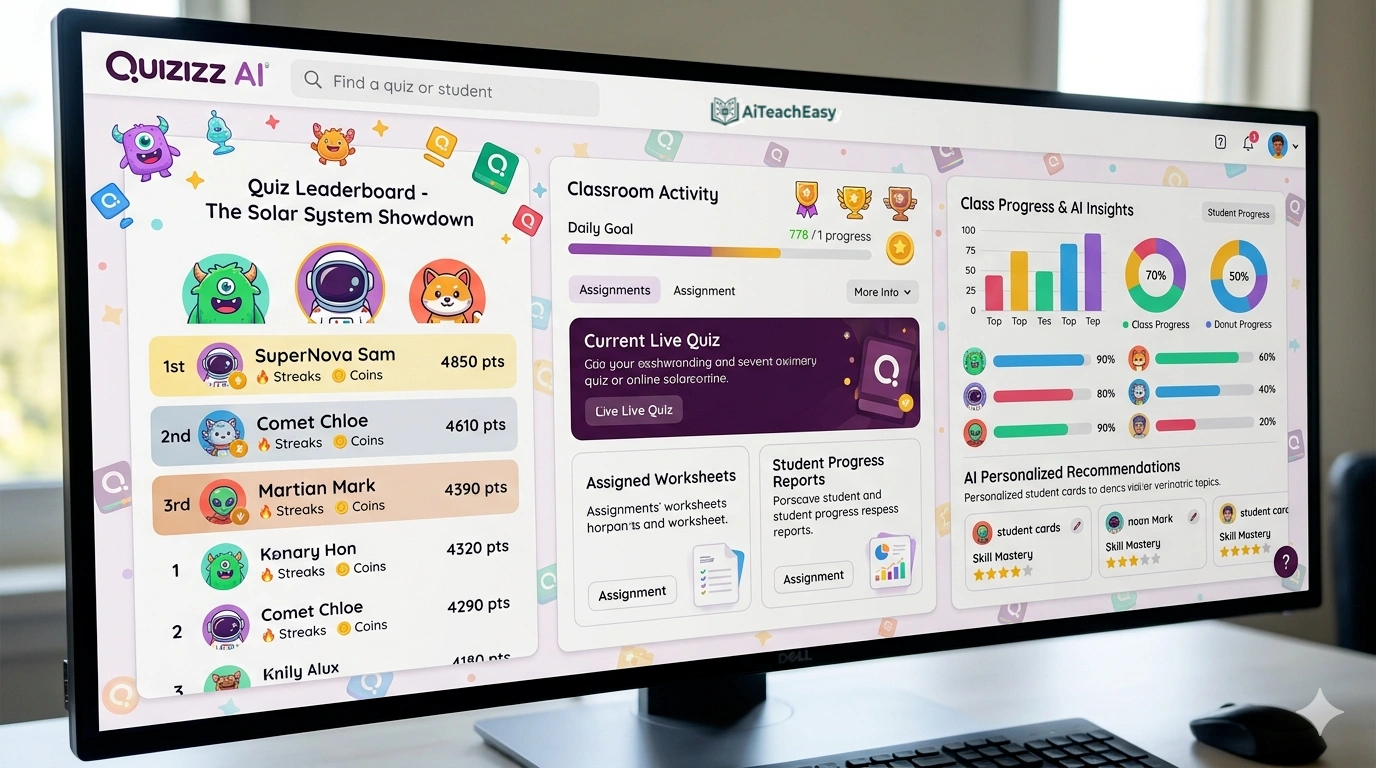
Quizizz AI supports gamified assessments and self-paced learning experiences. Teachers can create live quizzes or assign homework tasks using its interactive platform .
- Pros: Provides detailed performance analytics, helping teachers identify areas where students need extra support; particularly effective for making assessments feel less intimidating.
- Cons: Some students may focus more on game elements than learning.
- Best For: Engaging students in review and practice activities.
- Key Feature: AI-powered question generation from any text or topic with adaptive difficulty based on student performance.
Pricing: Free tier with generous features; paid plans for advanced reporting.
Britannica Studio – Best for Curriculum-Aligned Content
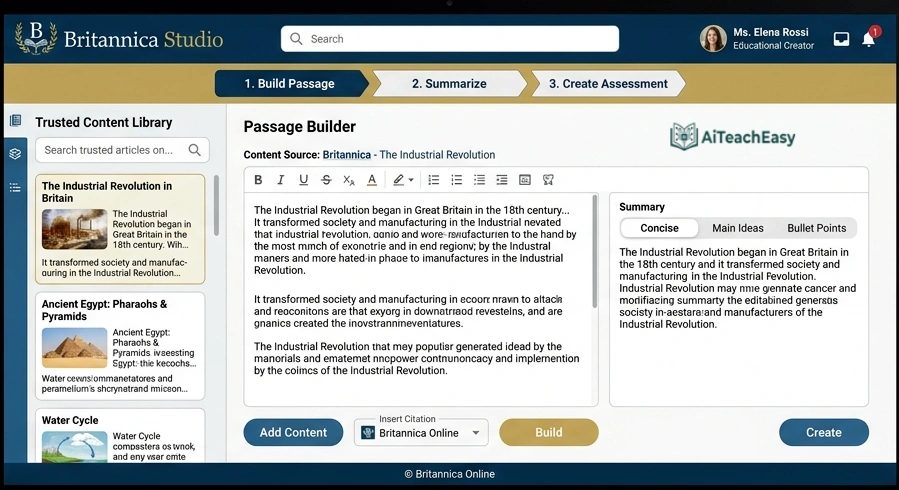
Britannica Studio is an AI-powered workspace that draws on trusted Britannica content to build curriculum-aligned learning materials. There are no AI distractions and endless prompts, just a focused set of tools that turn trusted knowledge into practical classroom materials with a click .
- Pros: Passage Builder generates high-quality informational text on any topic, year level, and curriculum standard from only trusted Britannica content; Assess It creates multiple-choice questions with answer keys and rationales.
- Cons: Requires school or institutional subscription.
- Best For: Teachers who need reliable, fact-checked content for lesson creation.
- Key Feature: All outputs are grounded in verified Britannica content, with links to sources for confidence .
Pricing: School-based subscription; contact for details.
Ayoa – Best for Neuro-Inclusive Planning
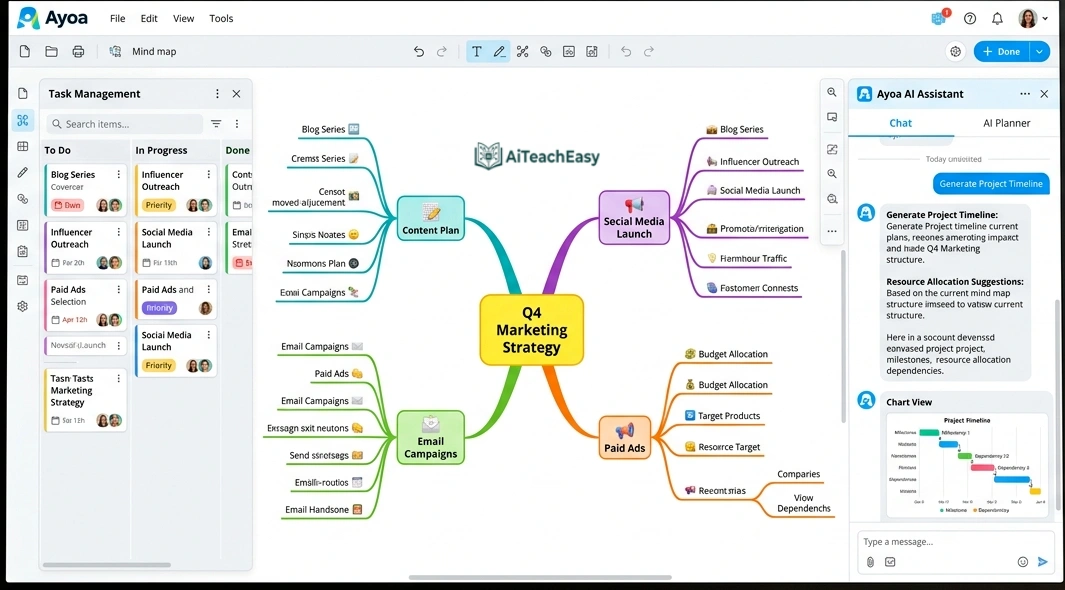
Ayoa is a neuro-inclusive productivity tool designed to support diverse thinking styles, whether visual, logical, or creative. It seamlessly integrates with Google Classroom .
- Pros: Combines organic mind mapping, visual task management, whiteboards, and AI-powered features in one integrated workspace; helps all students think, plan, and achieve.
- Cons: May have a learning curve for students unfamiliar with mind mapping.
- Best For: Teachers who want to support diverse learning styles and executive function development.
- Key Feature: AI instantly generates comprehensive mind maps from any topic, eliminating blank page anxiety and providing structured frameworks students can build upon .
Pricing: Free tier available; school plans for full access.
Bloomz – Best for Parent Communication
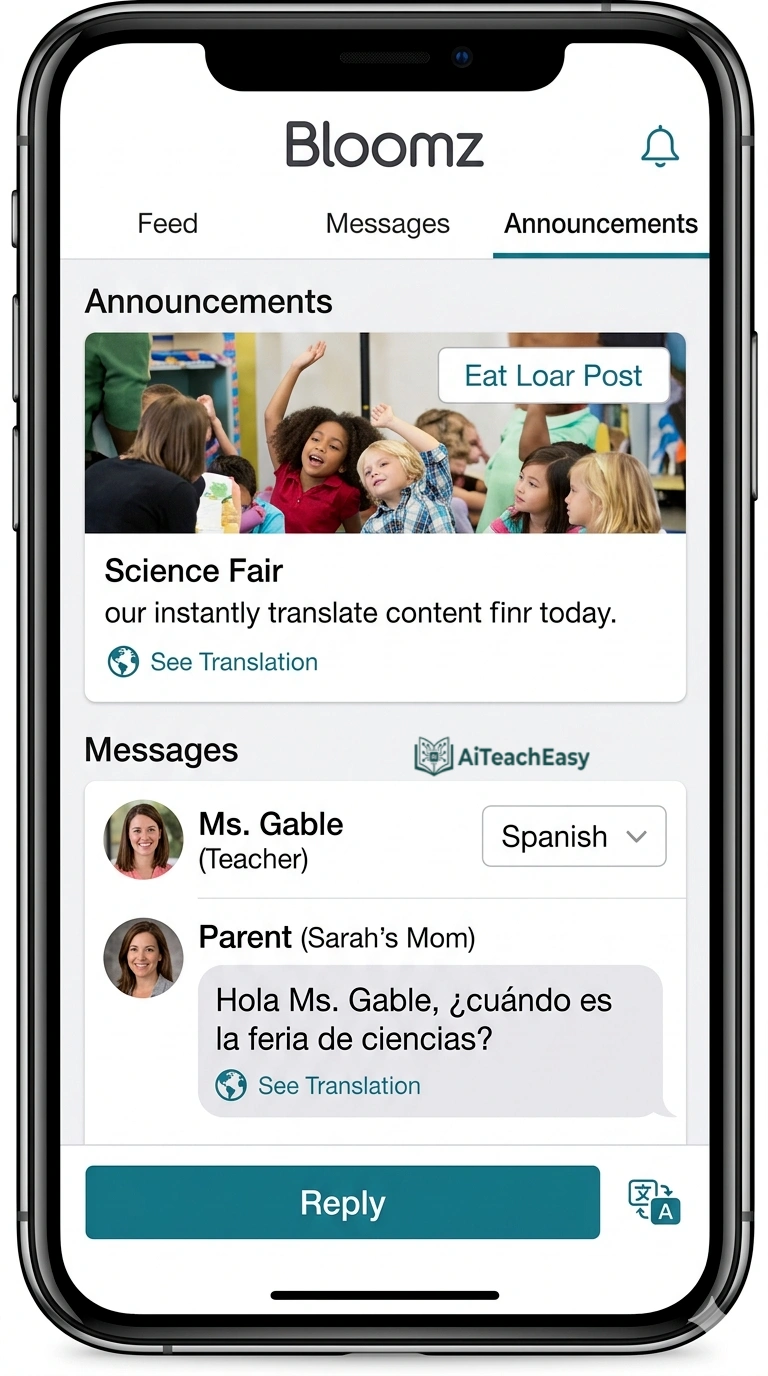
Bloomz unveiled Immersive Translation and Conversational AI to simplify and strengthen the school-home connection. The platform translates the entire app—including menus, buttons, and dialogues—into more than 250 languages .
- Pros: Bloomz Conversational AI helps educators create posts, announcements, polls, and updates in seconds through a ChatGPT-like interface; 2-way translated SMS and virtual calling drive true engagement.
- Cons: Some advanced features require paid plans.
- Best For: Schools with diverse language populations.
- Key Feature: Immersive Translation ensures every parent, regardless of language, can engage fully in their child’s education .
Pricing: Free tier available; premium plans for advanced features.
Essaybot – Best for AI-Powered Grading
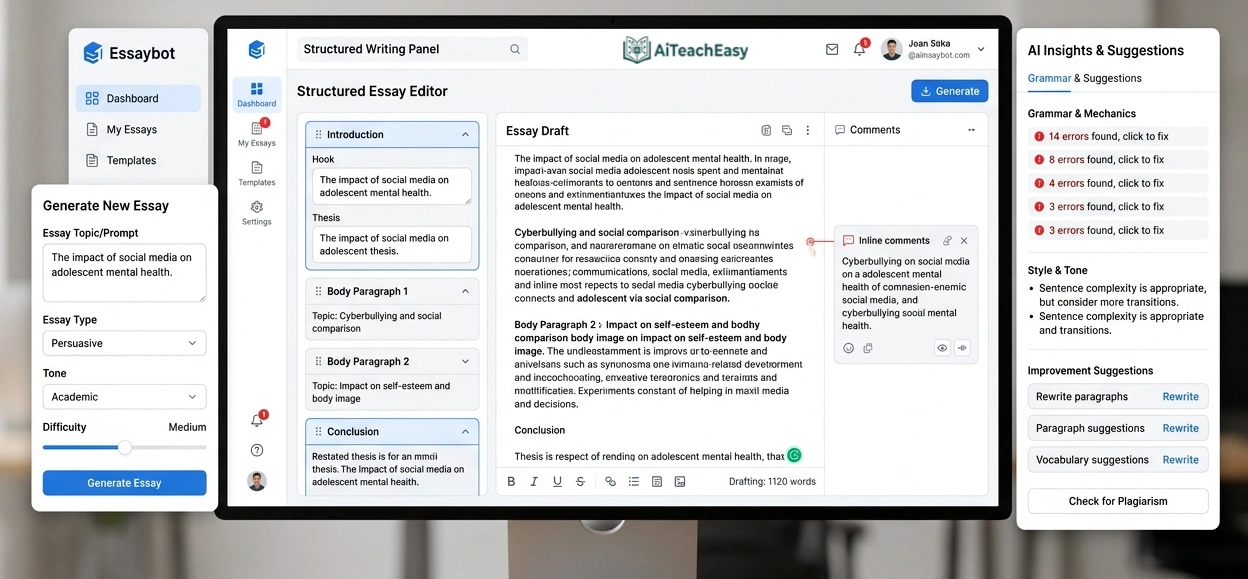
Essaybot is D’Amore-McKim’s AI-powered grading assistant, developed under DASH and built on high-performance computing. In early pilot studies, faculty have seen grading time drop by as much as 60% , with the potential to reach 80% efficiency in fully optimized workflows .
- Pros: Processes assignments quickly and consistently—free from fatigue, bias, or variability that naturally affect human graders over time; enables more frequent feedback cycles.
- Cons: Currently available primarily through Northeastern University.
- Best For: Higher education faculty and research institutions.
- Key Feature: Built on DASH_Box with 128GB RAM and NVIDIA RTX A6000 GPU for high-performance AI processing .
Pricing: Institutional; contact for access.
How to Automate Parent-Teacher Communication with AI
Parent communication can consume hours of your week, but AI tools are transforming this aspect of teaching. Bloomz Conversational AI helps educators create posts, announcements, polls, and updates in seconds through a simple chat interface . The platform’s Immersive Translation feature translates the entire app into more than 250 languages, ensuring equitable access for ESL/ELL families .
For teachers who want to streamline communication further, ChatGPT for Teachers can draft parent emails, newsletters, and announcements in seconds . The key is to use these tools as starting points—always review and personalize before sending.
Teachers managing large parent communities might also benefit from our student result sheet generator , which creates professional reports ready to share with families.
How to Choose the Right AI Time Management Tool
After years of testing these tools in real classroom settings, here’s my personal decision framework based on your specific needs:
- Want an all-in-one solution? Choose Teachmate AI for 150+ tools covering every aspect of teaching .
- Need to reduce lesson planning time? Choose MagicSchool AI for 80+ planning tools or Toddle AI for integrated planning and reporting .
- Overwhelmed by marking essays? Choose Olex.AI for 30 essays in under 2 minutes or SmartEducator for bias-free automated marking .
- Want a free, secure AI workspace? Choose ChatGPT for Teachers for unlimited GPT-5 access through June 2027 .
- Need differentiated materials for diverse learners? Choose Diffit for leveled content or Ayoa for neuro-inclusive planning .
- Struggling with parent communication? Choose Bloomz for AI-powered announcements and immersive translation .
- Creating curriculum-aligned content? Choose Britannica Studio for trusted, fact-checked materials .
Most tools offer free plans, so I recommend experimenting to find what fits your workflow. Remember to prioritize tools that respect student data privacy—look for FERPA compliance and clear data policies. Our guide on privacy-first AI tools for students offers additional guidance on data protection that I’ve found invaluable.
Can AI Tools Safely Handle Student Data in 2026?
This question comes up constantly in my workshops with teachers. The answer is yes—but only with the right tools and practices. Teachmate AI is fully GDPR compliant with no user data used to train AI models . ChatGPT for Teachers offers education-grade security where anything you share is not used to train models by default, and the workspace is built to protect student data and help schools meet FERPA requirements .
Ayoa’s Google Classroom access is controlled by schools under their own responsibilities, with clear privacy policies . EdChat, the Department for Education’s secure AI platform in South Australia, improves data security and privacy by storing all prompts and responses in Australia with content filters blocking inappropriate requests .
When evaluating tools, always check:
- Is the tool FERPA/GDPR compliant?
- Is student data used to train AI models?
- Where is data stored?
- Does the school/district have control over access?
What is the Best AI for Generating Differentiated Reading Materials?
For differentiated instruction scaffolding, several tools excel. Diffit generates leveled reading materials tailored to different student skill levels, creating customized worksheets and reading assignments to match students’ needs . Britannica Studio’s Passage Builder generates high-quality informational text on any topic, year level, and curriculum standard from only trusted Britannica content, with the ability to level it appropriately .
MagicSchool AI includes tools for creating differentiated resources across subjects and grade levels . For teachers working with ELL students, Bloomz’s immersive translation and Microsoft Reading Coach offer specialized support .
For students who need additional memorization support, our best AI tools for memorization guide offers complementary strategies that work well with differentiated reading materials.
The Future of AI Time Management: What’s Coming in 2026
Based on my conversations with developers and my own testing of beta features, AI time management tools continue to evolve rapidly. Here’s what I’m most excited about:
- Teacher-in-the-Loop Automation: Tools increasingly focus on augmenting rather than replacing teachers, with workflows that keep educators firmly in control .
- Evidence-Based Time Savings: Platforms like those recognized at the Bett Awards now publish actual time savings data—70 minutes per week from Arbor, 10+ hours from Teachmate, 6 hours from SmartEducator .
- Integrated Ecosystems: Tools are moving from standalone solutions to integrated platforms that work together. ChatGPT for Teachers connects with Canva, Google Drive, and Microsoft 365 .
- Neuro-Inclusive Design: Ayoa exemplifies the trend toward supporting diverse thinking styles and executive function development .
- Secure, Department-Approved Platforms: EdChat in South Australia shows how educational systems are creating their own secure AI tools .
For teachers who also need to help students with exam preparation, our best AI tools for exam preparation guide offers complementary strategies that integrate well with time management tools.
Which AI Tool is Best for IEP Goal Development?
While not all tools explicitly market for IEP development, several excel at creating individualized learning materials. Diffit generates differentiated materials tailored to specific student needs . Ayoa’s neuro-inclusive design supports students with diverse thinking styles and executive function challenges . Microsoft Reading Coach creates personalized literacy supports for intervention .
For teachers managing IEP documentation, ChatGPT for Teachers can help draft goals and objectives based on student data, with the security protections needed for sensitive information .
Frequently Asked Questions
Conclusion: Best AI Time Management Tools for 2026
The landscape of teaching is being transformed by artificial intelligence. After years of testing these tools in real classroom settings and collaborating with hundreds of educators, I can confidently say that whether you need automated lesson planning software, AI tools to reduce teacher burnout, or solutions for formative assessment workflows, there’s a tool designed for your needs.
The best AI time management tools for teachers in 2026 combine proven educational principles with cutting-edge technology to deliver unprecedented efficiency. From Teachmate AI’s 150+ tools saving 10+ hours weekly to Olex.AI‘s 30 essays in under 2 minutes to ChatGPT for Teachers’ secure, free workspace , teachers at every level can find solutions that fit their workflow.
By incorporating these platforms into your routine, you can reduce administrative time by hours each week, provide more consistent feedback, and focus on what truly matters—supporting your students’ learning journey. I’ve reclaimed my weekends and actually enjoy planning now because it’s less about drudgery and more about creative collaboration with AI.
Remember, work-life balance for educators isn’t just a dream—it’s achievable with the right pedagogical time-saving strategies. With the right teacher-in-the-loop automation tools, you can achieve better balance while maintaining high educational standards. I’ve seen firsthand how these tools transform overwhelmed teachers into empowered educators who have time for what matters most.
For additional classroom support, I regularly use and recommend these resources:
- Best AI grading tools for teachers – Automate assessment workflows
- Best free AI note takers – Capture lectures and meetings effortlessly
- AI tools for student retention – Improve long-term learning outcomes
- Free AI tools no signup – Quick classroom tools without registration friction
- Browser-based AI tools for students – Accessible tools for any device, no installation needed
- Best free AI presentation tools – Create engaging presentations in minutes
- Best free AI resume builders – Support career-ready students
- Free offline CGPA calculator – Quick grade calculations without internet access
- Quiz generator for teachers and students – Create assessments instantly
- Free AI lesson plan generator tool – Plan lessons in seconds
- Free AI humanizer for students – Make AI-generated text more natural
- AI tools for teachers – Comprehensive teacher resource hub
- AI tools for students – Student-focused learning tools
About the Author
Professor Irfan is an AI tools researcher and founder of AI Teach Easy, where I review AI tools that help students learn faster and teachers work smarter. I’ve spent the last three years testing educational technology to find practical applications for modern classrooms, with a strong focus on privacy-first AI tools for students . Before founding AI Teach Easy, I was a classroom teacher who experienced the pain of administrative overload firsthand—which is why I’m so passionate about these time-saving tools.