
The Best Free to Use AI Humanizer for Students & Teachers
AI writing tools are great for speed, but sometimes the results feel robotic and stiff. Our AI to Human converter instantly rewrites those cold, automated sentences into warm, conversational language that actually sounds like you. Whether you need content for school, work, or your blog, we make it easy to understand and a pleasure to read.

What Is an AI Humanizer?
An AI humanizer is a tool that edits and rewrites text created by artificial intelligence to make it sound more natural, expressive, and human. It fixes AI writing when it feels too robotic, repetitive, or formal.
People often use AI humanizers for:
School and academic papers
Workplace and business messages
Marketing and ads
Company guides and documents
Automated tasks
Why People Use AI Humanizers
Students and professionals use humanizing tools for several key reasons:
Easier to Read: It cleans up clumsy sentences and awkward phrasing so the text flows naturally.
The Right Tone: It changes the writing style to match your needs, whether you want it to sound professional, casual, persuasive, or academic.
Avoiding AI Checkers: It rewrites the text so it is less likely to trigger AI detection programs like Turnitin or GPTZero.
Saving Time: It edits large amounts of text quickly, eliminating the need to rewrite everything manually.
Uniform Voice: It ensures that different team members or documents maintain the exact same style and language.
For businesses that write a lot, these tools help speed up production. Integrating automation makes creating and polishing text much more efficient.
Best Free AI Humanizers in 2026
1. Paraphraser.io
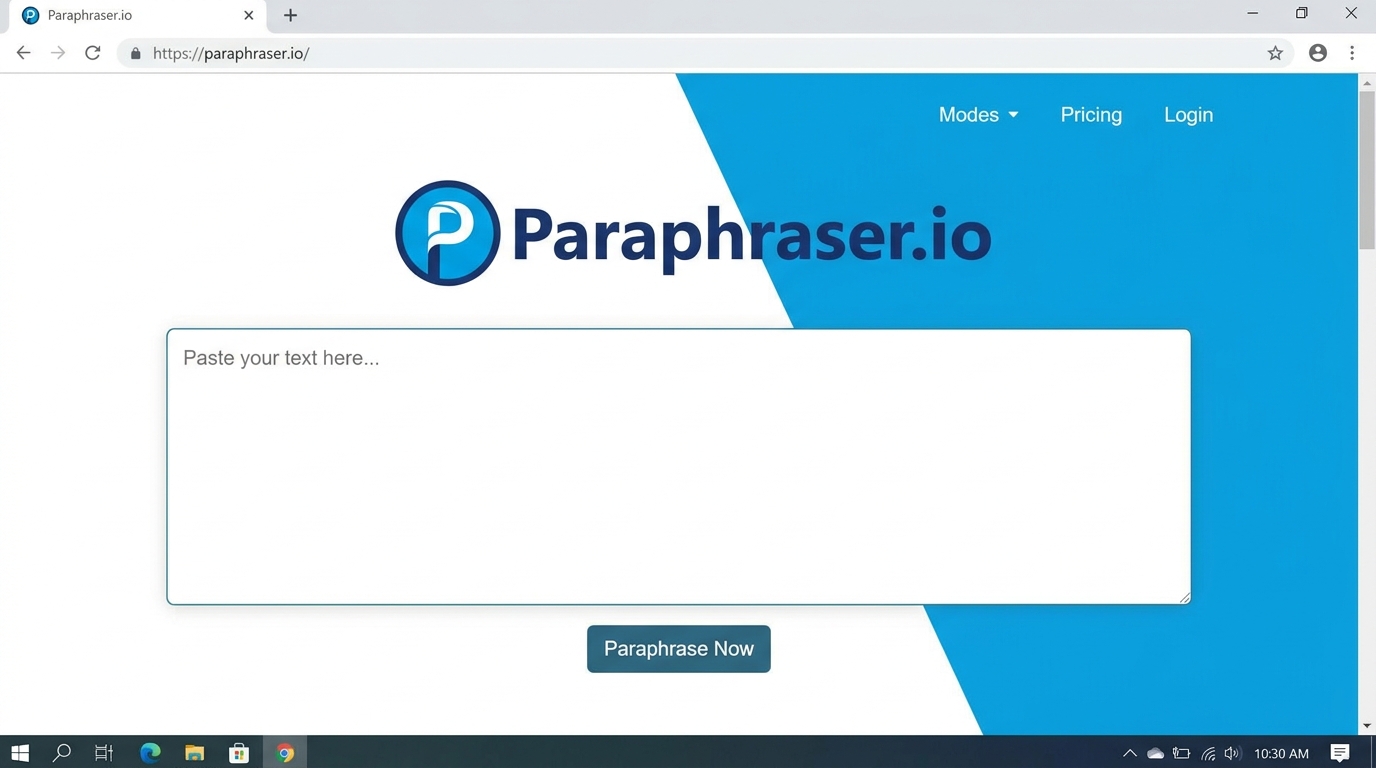
Ideal for: School and university assignments
Paraphraser.io provides several rephrasing options, including Standard, Creative, and Fluency modes. The platform is straightforward to navigate, making it a practical choice for students who want to clean up their essays and research papers.
Advantages:
Offers various tone options
Available for free
Works with a wide range of languages
Disadvantages:
Sentences can sometimes sound clunky or unnatural
Lacks advanced, deep editing features
2. QuillBot
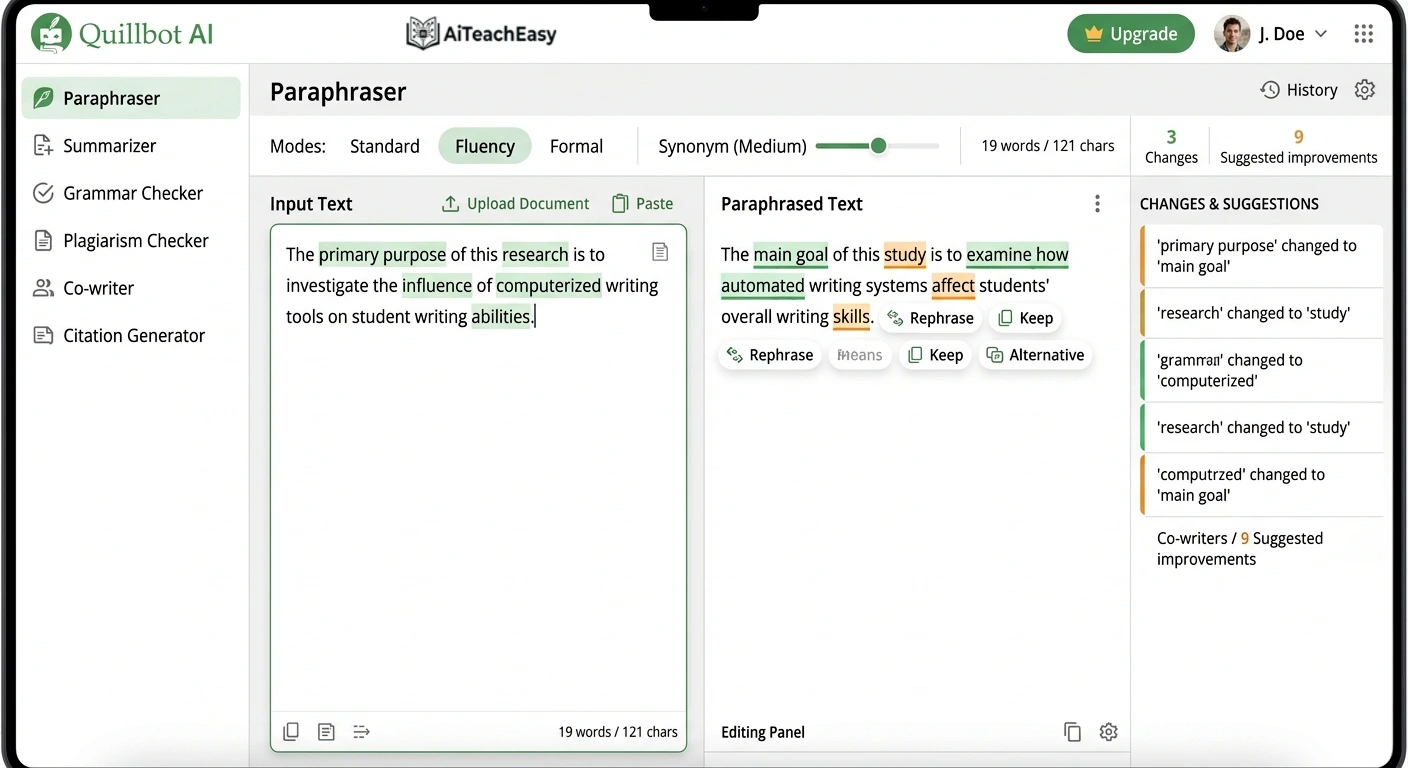
Ideal for: General writing and everyday editing
QuillBot stands out as a popular option because of its simple layout and wide array of helpful features, including a text rephrasing tool, a grammar checker, and a built-in summarizer.
Advantages:
Provides multiple writing styles (such as Formal and Creative)
Includes helpful tools to fix grammar and spelling errors
Fits well for both school essays and workplace projects
Disadvantages:
The free version comes with strict text limits
The most advanced tools are locked behind a paid subscription
3. Undetectable.ai
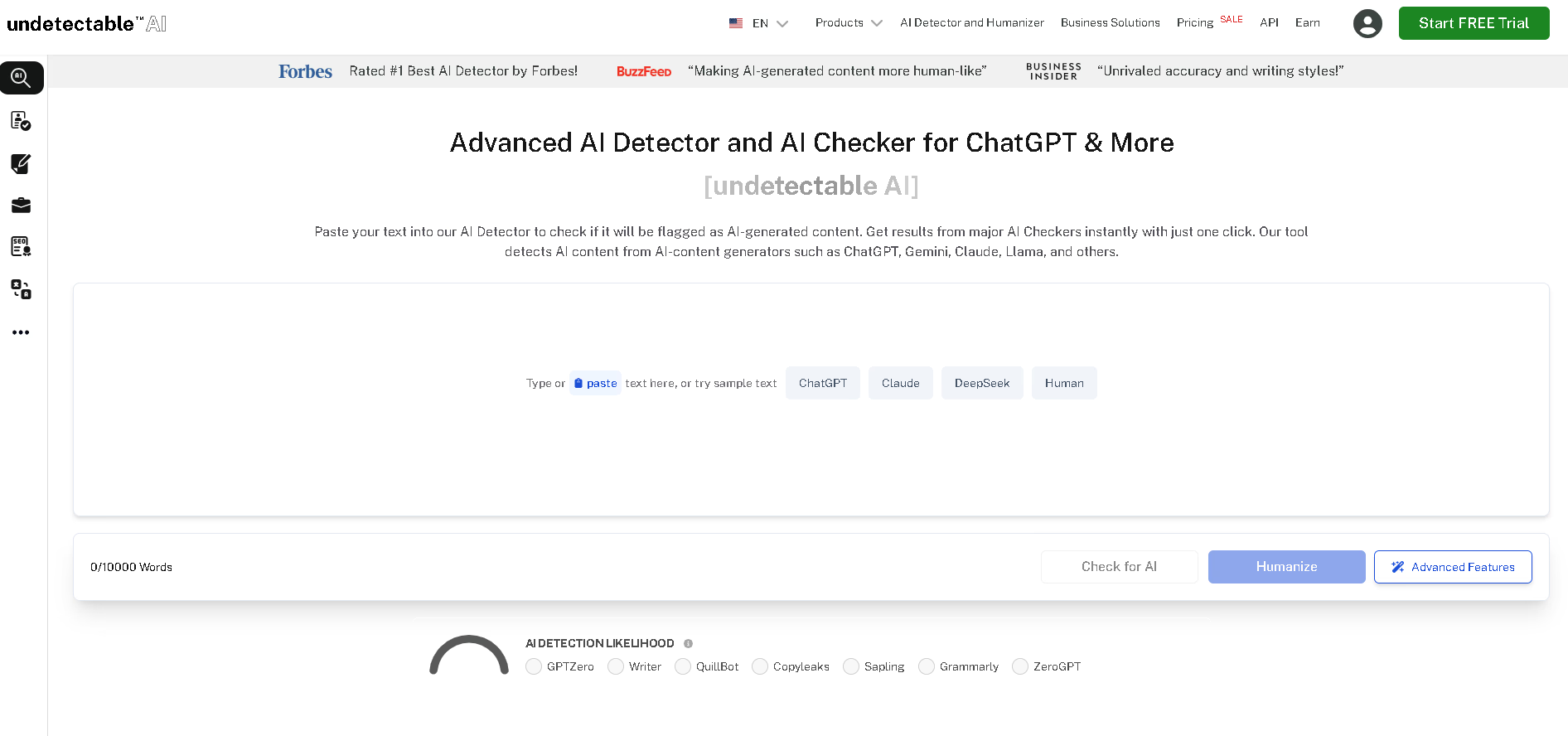
Ideal for: Slipping past AI checkers
Undetectable.ai is built specifically to help your text clear AI tracking scans. It is a great option for polishing professional business documents and school projects that require high originality scores.
Advantages:
Restructures text to sound organic and human
Works well for critical or sensitive topics
Effectively alters common AI writing patterns
Disadvantages:
The free trial offers very limited word counts
You must register an account before you can use it
4. HIX.AI
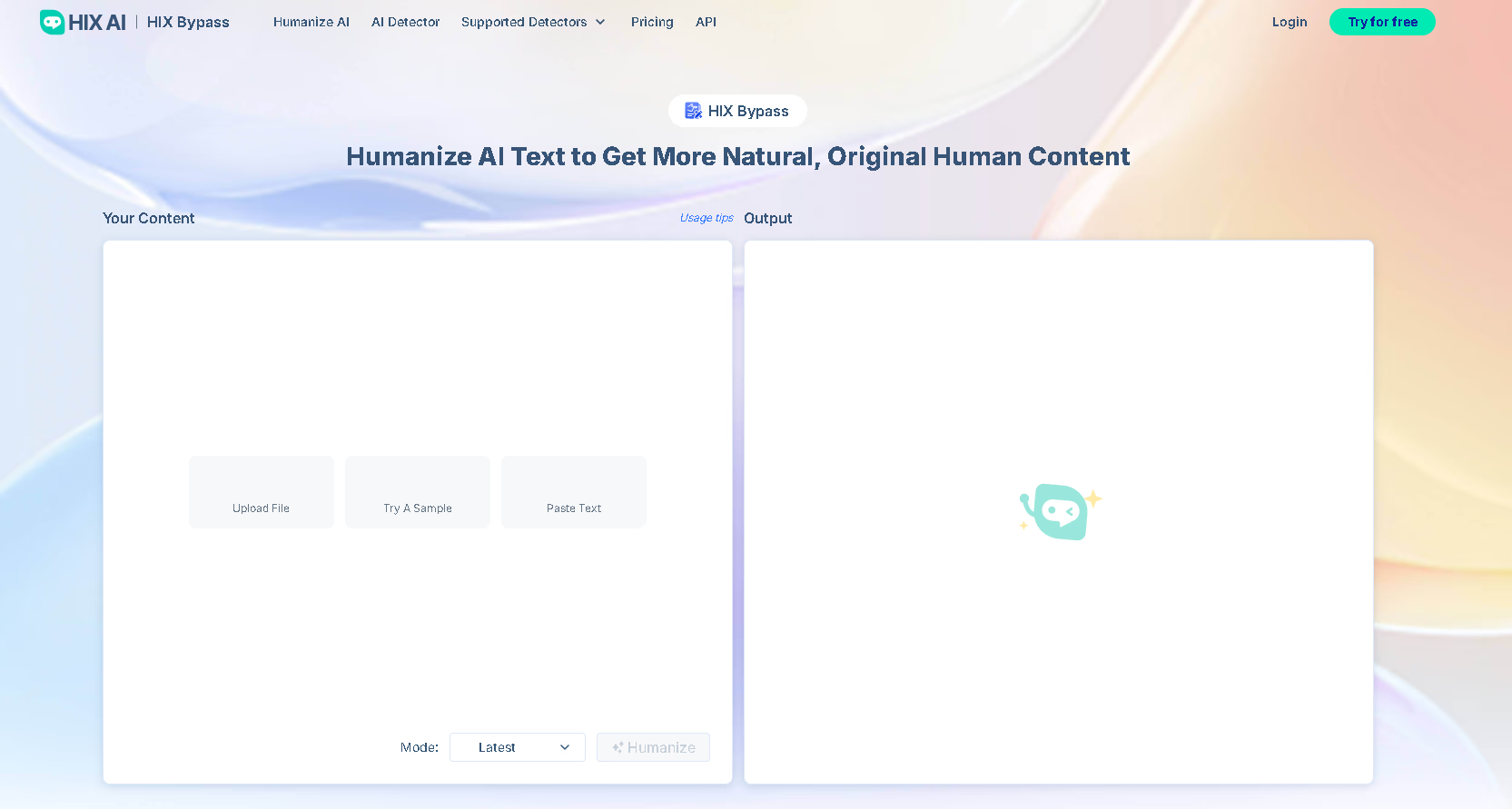
Ideal for: Workplace and business emails
HIX.AI is quickly becoming popular in corporate settings, offering a well-rounded AI humanizer explicitly fine-tuned for professional messaging.
Advantages:
Tailored for workplace and corporate styles
Generates results very quickly
Clean and modern layout
Disadvantages:
The free version is heavily restricted
Better features require a paid subscription
How AI Humanizers Assist in Education
While many students use AI tools, the initial text they generate often feels robotic. Humanizing platforms refine this raw content so it flows naturally and reads appropriately for assignments.
Typical Ways Students Use These Tools:
Enhancing Essays: Rewriting AI-assisted drafts to ensure the wording sounds unique and authentic.
Refining Group Projects: Polishing text for presentation slides so it is engaging and clear for an audience.
Tailoring Writing Styles: Adjusting the tone to fit academic research summaries or creative stories.
These platforms also make learning more accessible for students with disabilities or those facing language barriers by breaking down complex sentences into simpler, easier-to-read phrasing.
How AI Humanizers Help at Work
Workplace communication needs to be precise, professional, and easy to read. AI humanizers upgrade corporate writing without slowing down your workflow.
Common Workplace Uses:
Automated Reports: Refining the tone and clarity of data-driven summaries.
Emails and Memos: Polishing quick drafts generated by AI helpers.
Customer Service: Enhancing standard support responses to make them feel warmer and more personal.
Companies can also embed these humanizing features directly into their own secure, self-hosted AI infrastructure to maintain strict data privacy.
Moving Beyond ChatGPT: Model Choices and Pipelines
While ChatGPT remains the most popular option, there are several powerful alternatives with unique strengths:
Claude (Anthropic)
Gemini (Google)
Mistral AI
Cohere’s Command R+
Stack AI agents
Linking these models with humanizing software allows teams to build highly fast, customized content systems.
AI Agents: Automating the Editing Process
The next step in text production relies on autonomous AI agents. These smart systems handle the entire pipeline from start to finish:
Drafting the initial content.
Applying humanizing rules to fix the flow.
Formatting the text into clean templates or documents.
Distributing the final product across various company networks.
With the right setup, businesses can completely automate daily writing tasks while keeping a natural, uniform voice.
Tips for Getting the Best Results
Humanizers work best when integrated with other tools like CRMs, document builders, and support platforms. They ensure that all automated internal and client-facing text reads naturally.
| Strategy | Why It Matters |
| Never Skip Proofreading | Even advanced tools need a quick human check to fix logical flaws and subtle details. |
| Experiment with Settings | Try different rewriting styles to see what connects best with your specific readers. |
| Identify Your Audience | Keep your tone intentional, whether you are writing an academic paper or a corporate update. |
| Maintain Your Own Voice | Use these platforms to support your work, never as a total replacement for your own thinking. |
Elevate Your Writing
AI humanizers are essential assets for students, teachers, and professionals alike. Combining them with automation keeps your messaging clear, authentic, and polished. You can easily integrate humanization steps into automated workflows or build custom, secure AI systems tailored to your needs.
Frequently Asked Questions
Everything you need to know about AI humanizers for school and work.
What is an AI humanizer and how does it work?
An AI humanizer is a software tool designed to rewrite machine-generated text (like drafts from ChatGPT) so that it sounds more natural, human, and expressive. It reads through robotic or repetitive phrasing, breaks down stiff structures, and replaces them with conversational language, smooth transitions, and varied tones.
Which free AI humanizer is best for students?
Paraphraser.io and QuillBot are excellent choices for students. Paraphraser.io offers straightforward, free access with multiple modes tailored for academic assignments. QuillBot stands out for its easy-to-use interface, built-in grammar checker, and text summarization options, though its free tier has specific character caps.
Can an AI humanizer help me bypass tools like Turnitin or GPTZero?
Yes, specific tools like Undetectable.ai are engineered precisely to alter standard AI writing patterns, helping the text register as original human writing. However, results vary depending on the complexity of the detection software, so it shouldn't be used blindly for academic misconduct.
How can business professionals use humanizing tools?
Professionals regularly use AI humanizers to improve enterprise workflows by:
- Polishing automated data reports for clarity.
- Refining AI-generated emails and corporate memos.
- Softening standard customer service replies to make them feel warm and authentic.
Are there limitations to using free AI humanizers?
Yes. Free versions frequently include strict word count limits, locked premium features (like advanced business or creative modes), and might occasionally result in clunky or awkward phrasing that requires quick manual adjustments.
Should I rely entirely on an AI humanizer to write my content?
No. You should always use humanizers to support and polish your work, rather than replacing your personal thought process. Even the most advanced platform requires final human proofreading to catch subtle logical errors, check facts, and guarantee the piece perfectly mirrors your unique voice.