10 Best Working AI Tools for Special Needs Students in 2026
This article is for informational purposes and does not receive affiliate compensation from the tools mentioned. It is based on independent research and classroom technology trends for 2026.
Every classroom is a tapestry of unique minds, but for students with learning barriers—whether in vision, reading, communication, or attention—the traditional “one-size-fits-all” approach can create walls instead of bridges. According to the CDC, approximately 1 in 6 children in the U.S. has a developmental disability (cdc.gov), highlighting the critical need for adaptable learning solutions.
However, access to these solutions is not uniform; the “Digital Divide” means many students lack the devices or high-speed internet needed to benefit from these advances, a challenge educators and policymakers are actively working to address in 2026. For a student with dyslexia, a page of text might feel like a moving puzzle. For a non-verbal child, expressing a simple need can be a daily struggle. Yet, this year marks a turning point where assistive AI education tools are no longer just supportive; they are transformative.
Today, accessible learning solutions powered by Artificial Intelligence are shifting the focus from accommodation to true independence. By leveraging machine learning and natural language processing, these tools foster inclusive education, ensuring that students with disabilities support is not an afterthought but a built-in feature of modern learning. This guide explores the top 10 AI accessibility education tools that are redefining the classroom experience for special needs students.
Table of Contents
Top 10 AI Tools at a Glance
- Proloquo2Go – AAC for Non-Verbal Communication
- Assistive Express – AI-Powered Communication Aid
- Dragon NaturallySpeaking – Voice-to-Text for Writing
- Gboard Voice Typing – Free Dictation Tool
- Speechify – Text-to-Speech for Dyslexia
- NaturalReader – Multi-Sensory Reading Assistant
- Khanmigo – AI Homework Helper & Tutor
- Seeing AI – OCR for Visual Impairments
- Choiceworks – Visual Schedules for Autism
- Otsimo – Therapeutic Learning for Autism
Why AI Tools Are Transforming Special Education
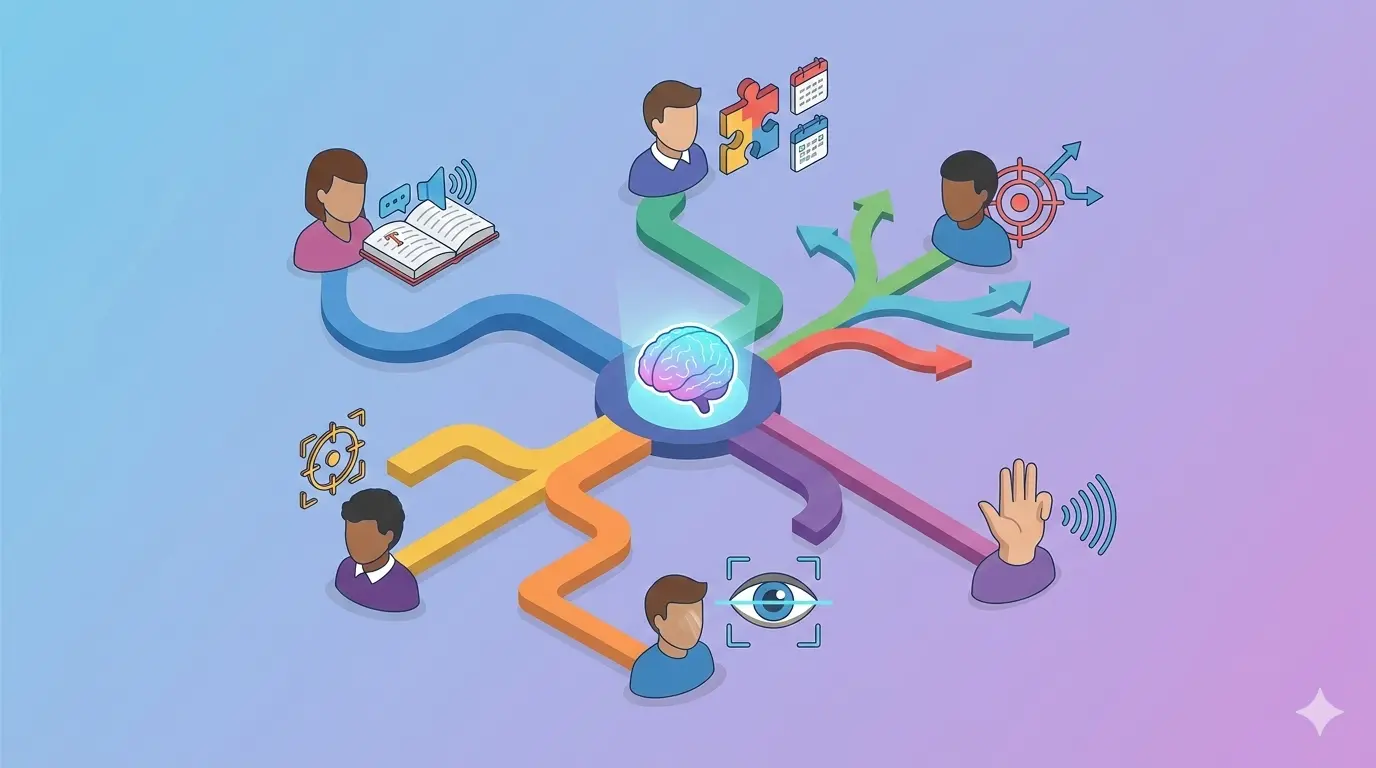
The power of AI lies in its ability to adapt. Unlike static worksheets or universal teaching methods, AI studies the user. It identifies patterns in how a student learns, stumbles, and succeeds. For educators and parents, this means moving away from generic support toward truly personalized learning.
Modern adaptive learning platforms are now sophisticated enough to support students with cognitive disabilities all the way down to the elementary school level, using machine learning to create personalized education plans for teenagers with ADHD. These systems analyze real-time data—if a student takes longer on fraction problems, the AI adjusts to offer more foundational practice before moving on. This is the essence of individualized instruction; it ensures that learning accessibility tools meet the student at their level, fostering confidence and reducing frustration through AI-powered education support .
AI Speech Recognition Tools for Non-Verbal Communication
What are AI speech tools for communication?
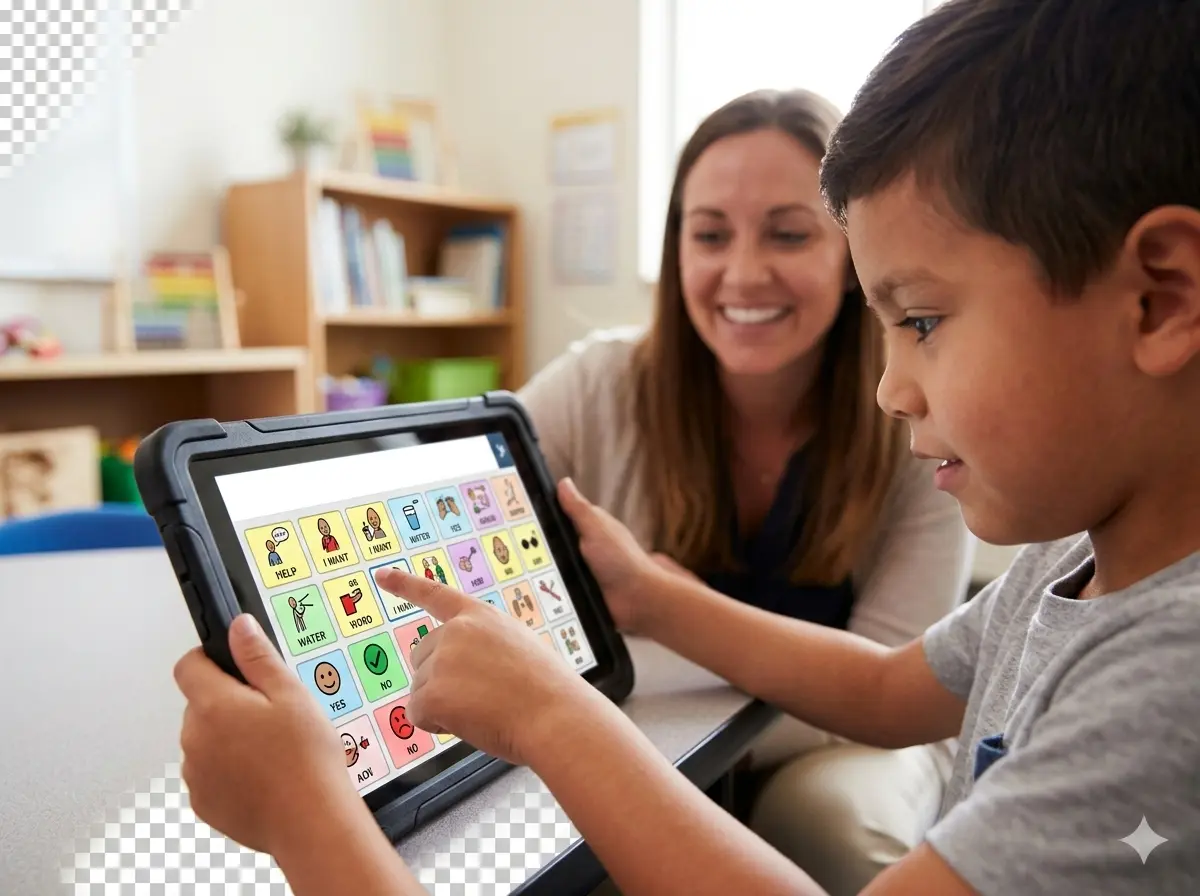
These are advanced Augmentative and Alternative Communication (AAC) apps that use AI to predict phrases, learn user routines, and interpret vocalizations, turning tablets into powerful voice-output devices.
For students facing nonverbal communication challenges, the inability to speak is not an inability to communicate. Speech recognition apps have evolved into sophisticated augmentative alternative communication devices that run on standard tablet computers.
Real-World Experience
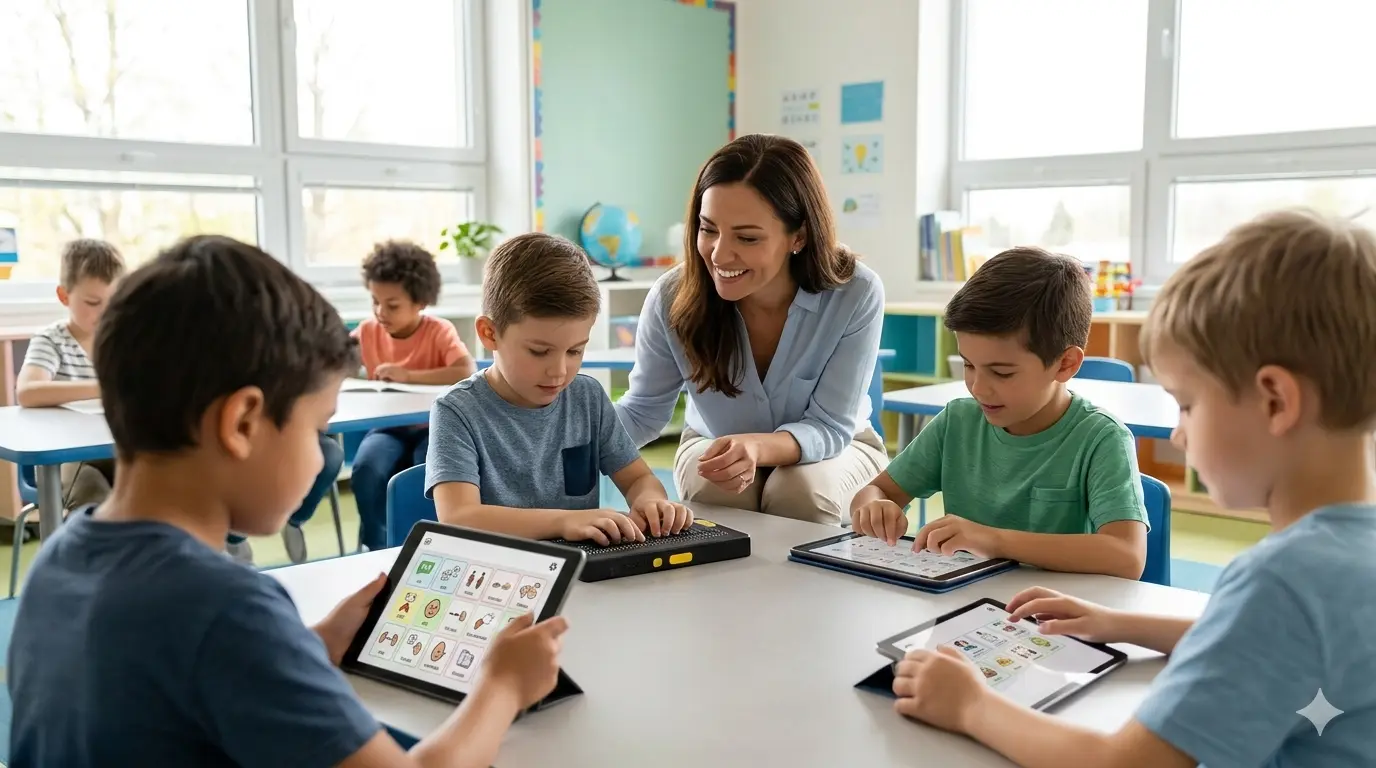
In many special education classrooms, teachers report a profound shift. One educator noted that a student who previously relied entirely on a teaching assistant to interpret picture cards can now independently construct sentences and answer questions using a dynamic AAC app on a tablet. This independence has transformed not just his academic participation, but his social confidence.
Modern AAC apps like Proloquo2Go and Assistive Express now use AI to predict not just words, but entire phrases based on context and user history. These communication assistance technology tools learn the user’s routine. If a student always asks for a specific snack after lunch, the app will surface that symbol or phrase proactively. By utilizing voice input learning, systems like Google’s Project Relate can interpret unintelligible vocalizations and convert them into clear speech or text, giving a voice to those who have been silenced by physical barriers.
A Note on Limitations & Pro-Tip
While transformative, these apps require consistent setup and customization by a speech therapist or caregiver to build an accurate vocabulary base. They are tools that amplify human effort, not replace it.
Start with just 5-10 core vocabulary words or symbols that are highly motivating for the student (like “eat,” “play,” or a favorite character) to build buy-in before expanding the library.
Voice-to-Text AI Tools for Writing Difficulties
What are voice-to-text tools?
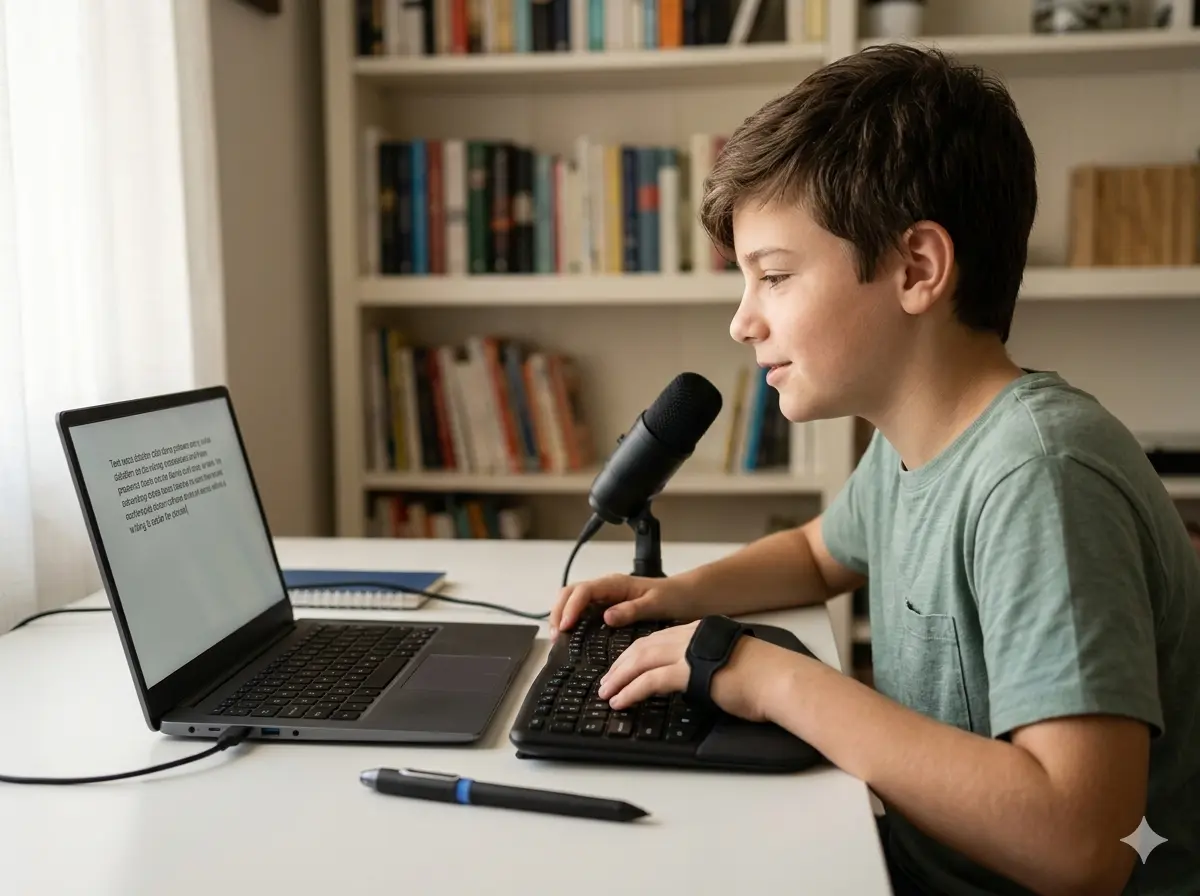
Software that converts spoken words into written text, allowing students to dictate essays, answers, and ideas, bypassing the physical act of typing or writing.
The gap between what a student knows and what they can produce on paper is often due to motor skills challenges or dysgraphia. Voice to text applications have become a game-changer for students with writing difficulties. In 2026, these tools have moved beyond simple dictation.
Real-World Experience
During homework sessions, many parents notice that voice-to-text tools drastically reduce frustration. A student with dysgraphia might spend an hour struggling to write a single paragraph by hand, but can dictate a full page of creative ideas in ten minutes using dictation software, without the emotional toll of worrying about spelling.
Students with dyslexia often think at the speed of speech (around 150 words per minute) but type painfully slow (under 40 words per minute). Modern speech-to-text software like Dragon NaturallySpeaking and Gboard Voice Typing acts as writing assistance AI, capturing complex ideas without the cognitive load of spelling and grammar. These motor skill accessibility tools allow students to dictate scientific terms or creative stories with high accuracy. By using dictation software for students, learners can bypass the physical act of writing and focus on the structure and quality of their ideas, leading to written output that truly reflects their intelligence.
A Note on Limitations & Pro-Tip
Voice-to-text tools still require proofreading for grammar and punctuation accuracy, as they can misinterpret homophones (e.g., “their” vs. “there”). Developing proofreading skills alongside dictation is essential.
Use the tool’s own read-back function to have the computer read the dictated text aloud. This makes catching errors easier for the student, as they can hear the mistake their eyes might miss.
AI Reading Assistants for Dyslexia and Reading Challenges
What are AI reading assistants?
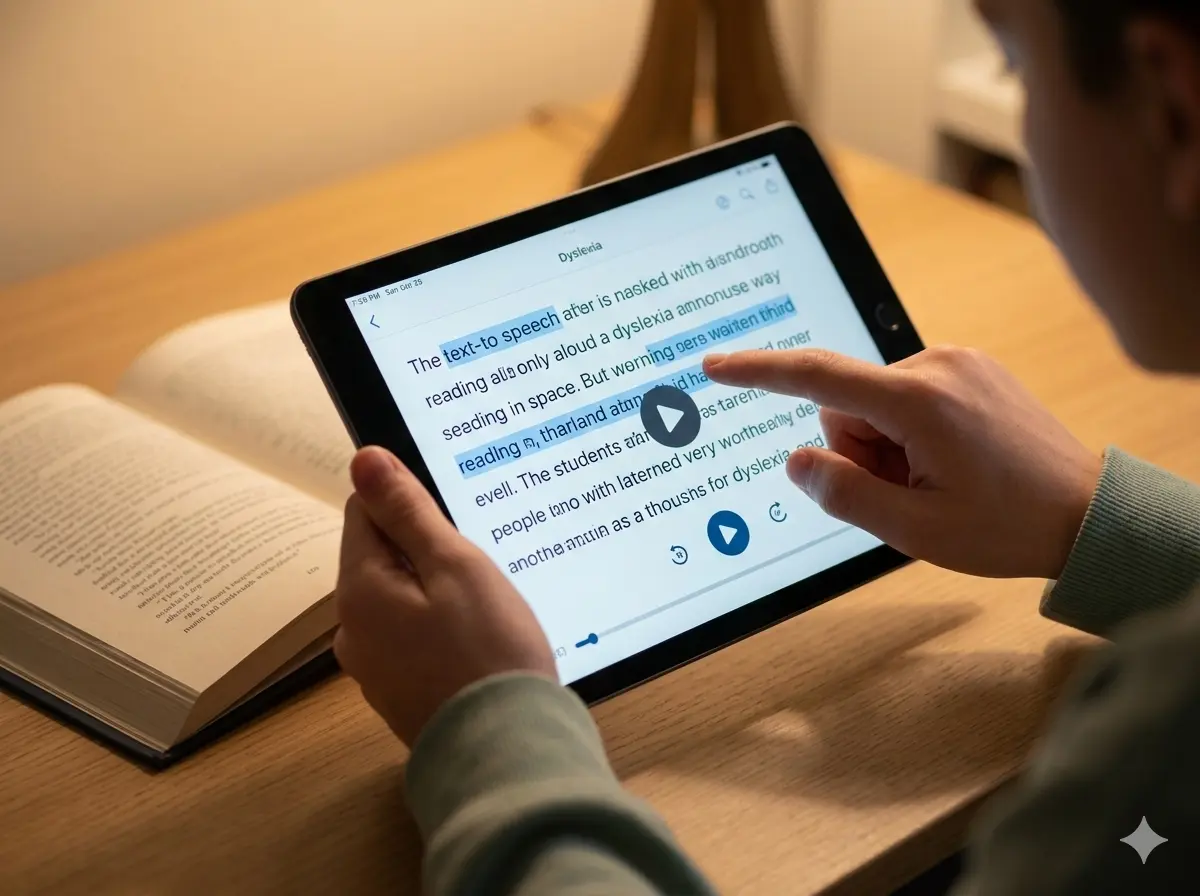
They are tools that convert text to audio with highlighted words, simplify complex vocabulary, and provide comprehension support for students with reading difficulties.
Reading is the foundation of learning, yet for students with dyslexia, it can be a source of immense anxiety. Assistive technology now excels at boosting reading comprehension for students in the middle grades and beyond. Text-to-speech readers like Speechify and NaturalReader have become multi-sensory, highlighting words visually as they are spoken aloud, which reinforces decoding skills. Studies suggest that multi-sensory reading tools can improve reading comprehension by up to 30% for struggling readers.
Real-World Experience
A middle school reading specialist observed that using immersive readers with synchronized highlighting helped a student with severe dyslexia finally decode multi-syllable words. The visual tracking of the text while hearing it aloud helped bridge the gap in his brain’s processing, leading to the first time he voluntarily picked up a chapter book.
The latest reading accessibility tools use AI to scan a page and identify complex passages. Microsoft’s Immersive Reader, integrated into many educational platforms, can provide simplified summaries or definitions without interrupting the flow. This dyslexia learning support extends to comprehension assistance software that asks predictive questions, ensuring the student is not just decoding words, but truly understanding the narrative or lesson. For more no-login options, check out our guide on Free AI Tools No Signup (2026) .
A Note on Limitations & Pro-Tip
Some students may become overly reliant on the audio component and disengage from decoding practice. Balanced use, with teacher guidance, is key to building independent reading skills.
Use the “highlighting” feature to have the student follow along visually for the first read-through, then try a second read-through with the audio off to practice decoding on their own.
Text Simplification & NLP Homework Helpers (Khanmigo)
What are AI homework helpers?
AI-powered tools that use natural language processing to break down complex texts, explain problems step-by-step, and adapt content to a student’s reading level.
Homework time can be a battleground for students with learning disorders. Natural language processing homework assistance tools are changing that by acting as a patient, always-available tutor. These systems specialize in text simplification algorithms to break down complex vocabulary understanding barriers.
Real-World Experience
A high school student with an intellectual disability used an AI homework assistant to tackle a biology chapter. The tool rephrased dense paragraphs about photosynthesis into simpler sentences. This allowed him to participate in class discussions for the first time, as he finally understood the core concepts his peers were debating.
When a student encounters a dense paragraph about the water cycle, AI paraphrasing tools like those found in Khanmigo or Curipod can rephrase it into simplified reading content without losing the scientific meaning. A homework AI assistant can guide a student through a math word problem step-by-step, translating the text into numerical equations. This easy language conversion helps students build confidence by ensuring they understand the “what” before they tackle the “how”.
A Note on Limitations & Pro-Tip
These tools are excellent for comprehension but should not be used to bypass critical thinking. Students still need to engage with the original material and verify the AI’s simplifications.
Use the “ask for a hint” feature rather than “give me the answer.” Have the student explain the AI’s hint back to you in their own words to ensure true understanding.
OCR & Visual Accessibility Tools for Visually Impaired Students (Seeing AI)
What are OCR accessibility tools?
Applications that use Optical Character Recognition to scan printed text, worksheets, or books and convert them into digital audio, braille, or large-print text.
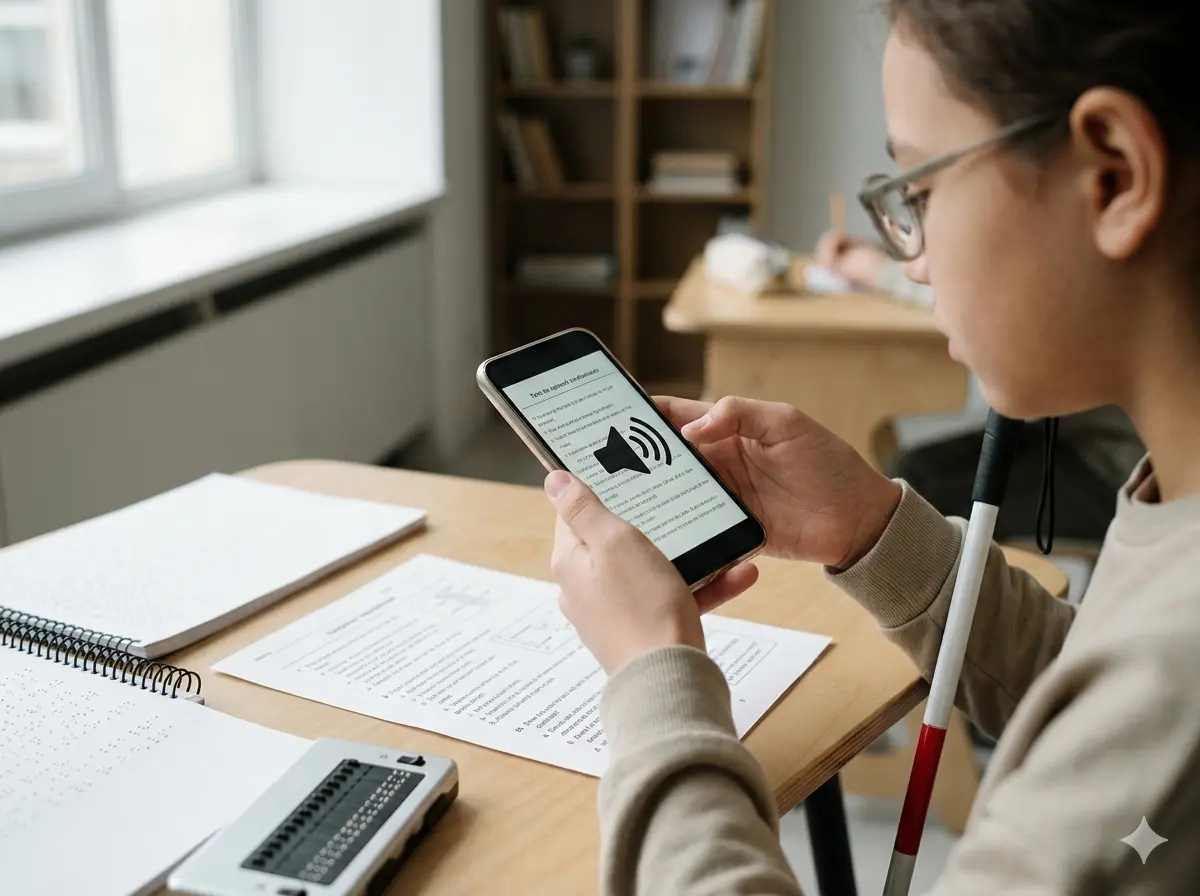
For students with visual impairments, accessing standard printed material is the primary barrier to education. OCR solutions (Optical Character Recognition) have evolved into dynamic document accessibility aids. Scan-to-read apps like Seeing AI (from Microsoft) and KNFB Reader powered by AI can now handle not just clean text, but also complex layouts, charts, and even handwritten notes.
Real-World Experience
A student with a degenerative vision condition uses an OCR app on her phone to independently complete worksheets in class. She simply takes a photo of the paper, and the app reads it aloud to her through an earpiece. Her teacher noted this independence has been crucial for her confidence and her ability to keep up with peers.
Advanced image-to-text AI tools are being trained to mimic low vision. This means the software can enhance contrast, enlarge specific areas, or read out text in a way that is optimized for the user’s specific type of visual impairments. These visual impairment study tools ensure that accessible digital documents are available to every student, turning a textbook into a listenable, searchable, and interactive resource. For tools that prioritize your data, see our list of Privacy-First AI Tools for Students (2026) .
A Note on Limitations & Pro-Tip
OCR accuracy can vary with poor lighting, unusual fonts, or handwritten text. A stable setup and good image capture technique are important for reliable performance.
Use a simple document holder or stand to keep the page flat and steady while capturing the image. Good, even lighting is just as important as the software itself.
Image Recognition & Visual Schedule AI Tools (Choiceworks)
What are visual schedule AI tools?
Apps that use images and AI to create interactive, predictable daily routines for students who benefit from structured environments, helping to reduce anxiety and improve transitions.
Routine and predictability are crucial for many special needs students, particularly those with autism. Image recognition technology now powers visual schedules that help with routine establishment. Instead of a static paper chart on the wall, routine planning apps like Choiceworks and RoutineFlow use pictures of the actual classroom or home to create interactive schedules.
Real-World Experience
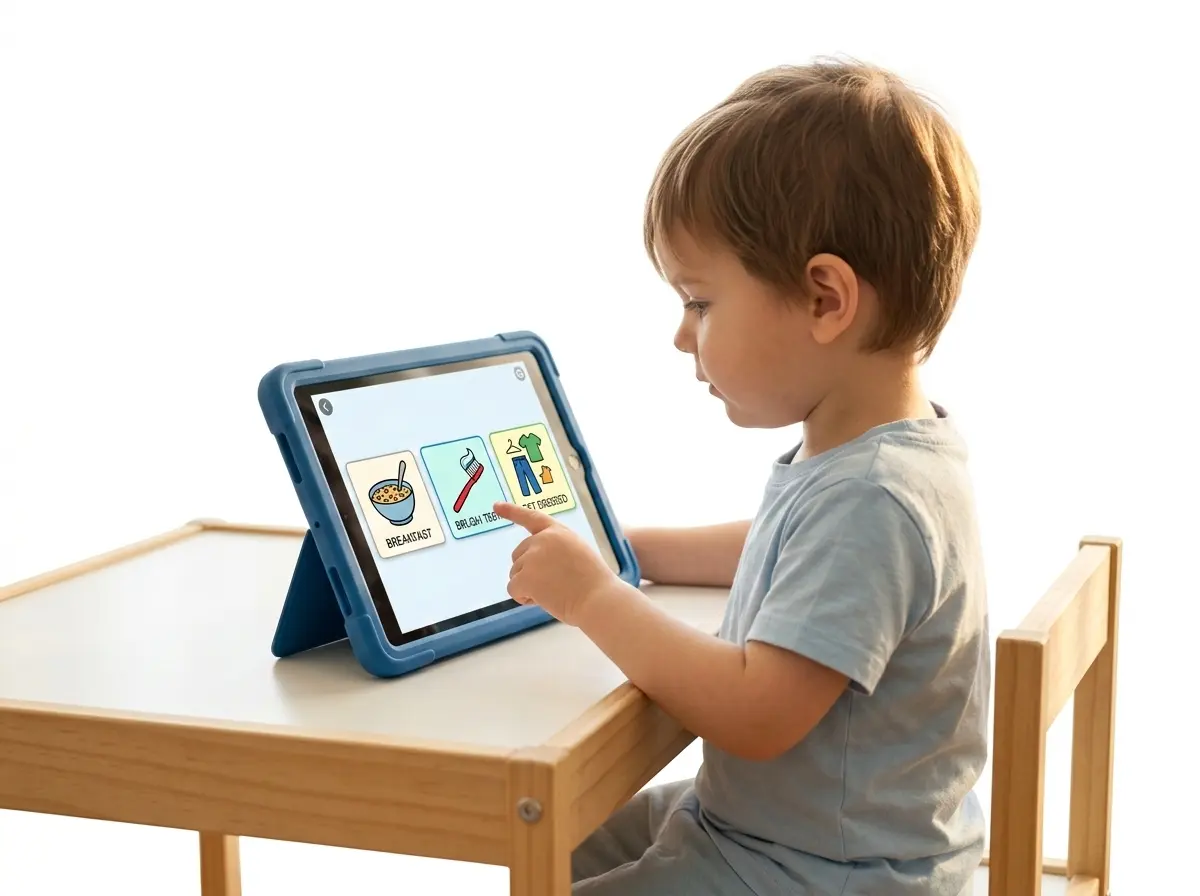
A special education teacher shared how a student with autism, who often had meltdowns during transitions, now uses a visual schedule app on a classroom tablet. He can see that after “math” comes “lunch” and then “recess.” The ability to check off each task and see the next one coming has drastically reduced his anxiety and behavioral incidents.
These visual learning systems allow students to check off tasks by taking a photo of their completed work. By providing structured learning support, these autism visual schedules reduce transition anxiety. The student knows exactly what comes next because they can see a digital representation of their day, which they can carry with them on a tablet, providing stability in an otherwise unpredictable world.
A Note on Limitations & Pro-Tip
Digital tools can sometimes be over-stimulating for students with sensory sensitivities. Starting with minimal visual elements and customizing the display is crucial for effectiveness
Begin with a “First-Then” board (e.g., “First math, then play”) instead of a full day’s schedule. This reduces visual clutter and focuses on the immediate transition.
AI Chatbots & Tutors That Reduce Study Anxiety (Khan Academy)
What are AI study bots?
Interactive, AI-driven chatbots that provide a judgment-free zone for students to ask questions, practice problems, and get instant feedback, specifically designed to reduce the pressure of learning.
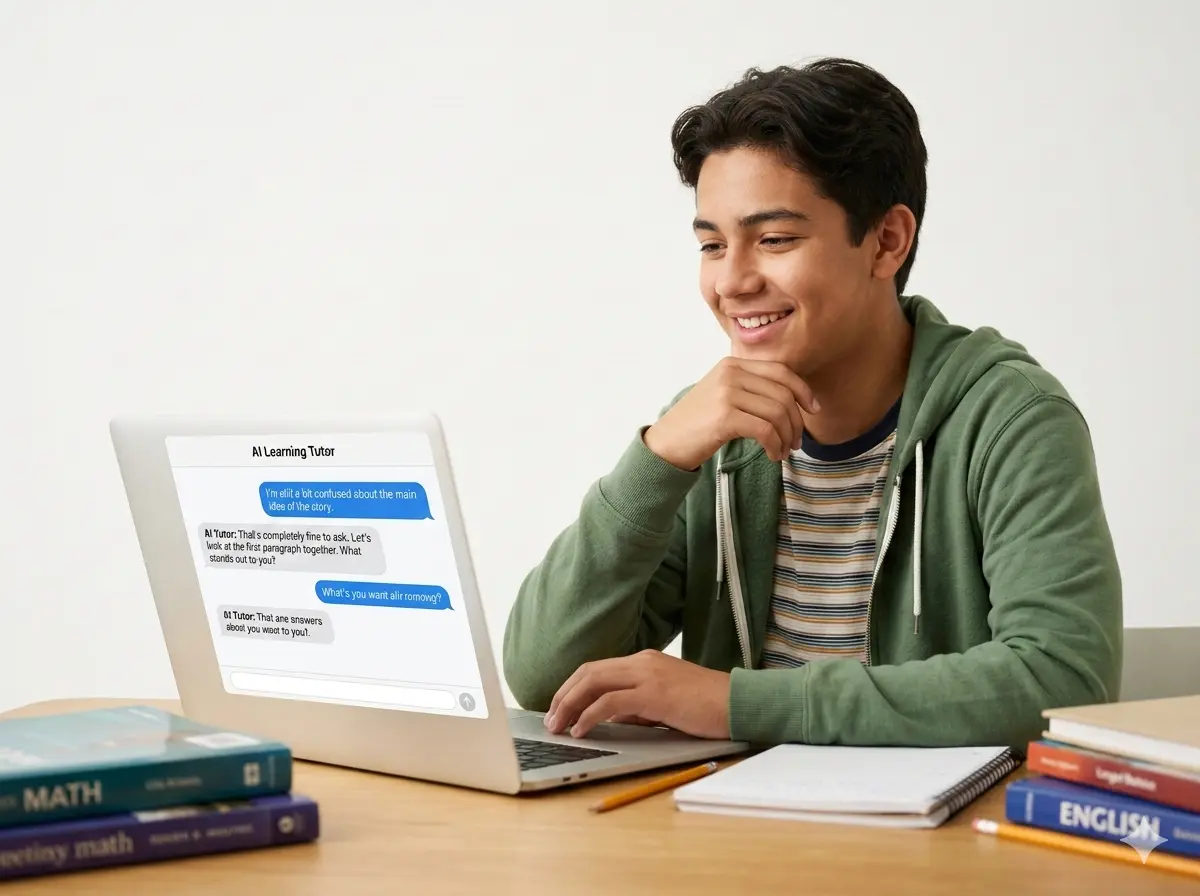
Math anxiety is a real and paralyzing condition. Chatbot tutoring systems are proving highly effective at reducing mathematics anxiety in special education settings. These bots offer a judgment-free zone where students can ask “silly” questions without fear of peer ridicule.
Real-World Experience
A high school special education teacher noted that a student with an intellectual disability, who refused to answer questions in class for fear of being wrong, began actively participating after using a gamified tutoring bot. The bot celebrated his small victories, like getting a single step correct, which built his confidence to try the next step.
To boost motivation engagement for students with intellectual disability in high school, platforms often incorporate gamification. These AI tutoring assistants act as interactive learning bots that celebrate small victories. By providing stress-free learning tools like Khan Academy’s AI tutor or Brainly, the focus shifts from the fear of being wrong to the joy of solving the puzzle. This form of personalized tutoring AI meets the student’s emotional needs just as much as their academic needs.
A Note on Limitations & Pro-Tip
AI tutors lack the nuanced empathy of a human teacher. They are best used as a supplementary practice tool, not a replacement for direct instruction and emotional support from educators.
Frame the AI tutor as a “practice partner” or “study buddy” rather than a teacher. This shifts the student’s mindset from being evaluated to simply exploring and practicing in a low-stakes environment.
AI Tools Supporting Students with Autism Spectrum Disorder
What are AI tools for autism?
Software and platforms that use AI to create predictable learning environments, teach social skills through simulated scenarios, and provide sensory-friendly, customizable educational content.
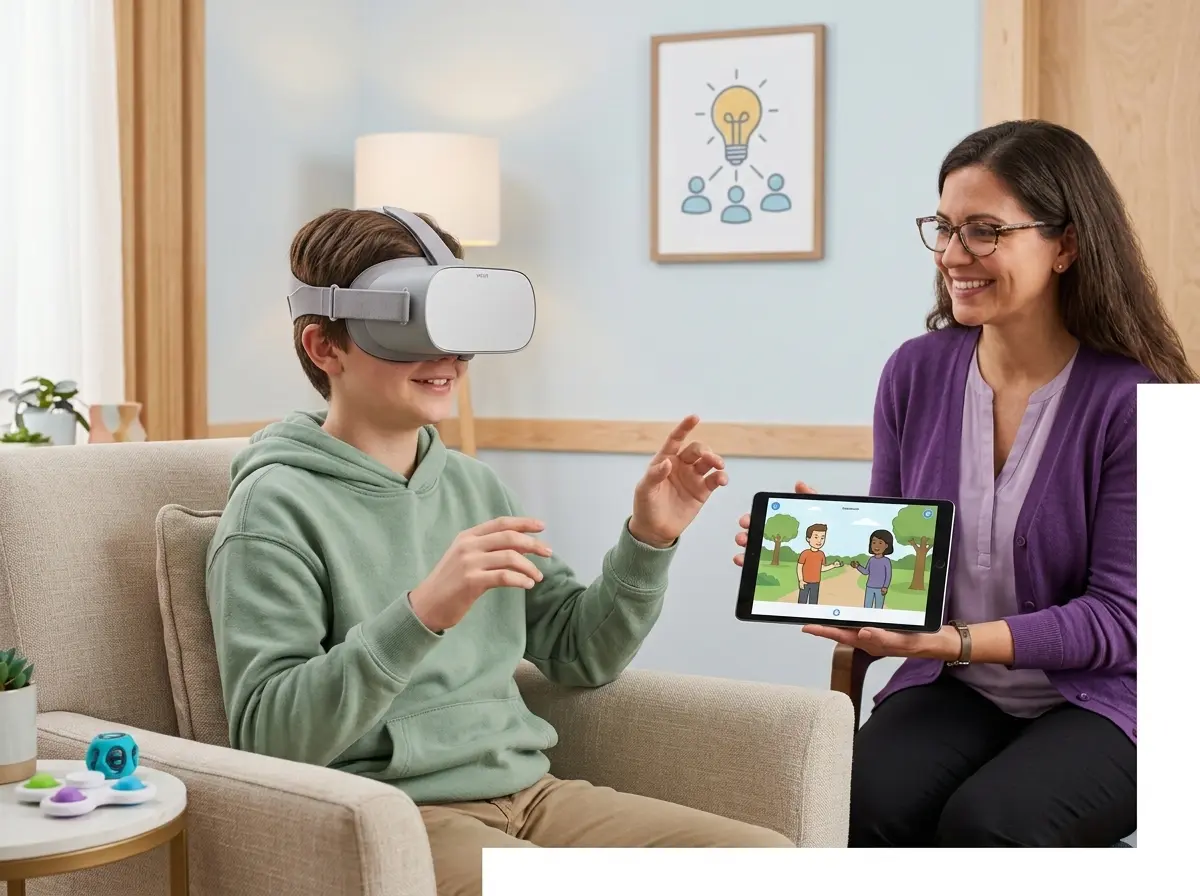
Selecting the best artificial intelligence software for a student with autism spectrum disorder requires a focus on both academics and social-emotional learning. In 2026, tools are increasingly using virtual reality to teach social skills to students with developmental delays.
Real-World Experience
A therapist working with a middle school student on the spectrum used a VR social skills platform. The student practiced ordering food in a virtual cafeteria. After several sessions in this safe, repeatable environment, he felt confident enough to try it in the real school cafeteria with a peer, a milestone his parents and teachers had been working towards for years.
These platforms create safe, controlled environments where a student can practice scenarios. Beyond social scenarios, tools like Otsimo focus on creating sensory-friendly education tools. They monitor the student’s stress levels (through typing speed or interaction patterns) and suggest a break or switch to a calming activity. This integration of social skills AI training and academic content creates truly structured learning environments that cater to the unique neurology of autistic learners.
A Note on Limitations & Pro-Tip
VR tools may require supervision and are not suitable for all sensory profiles. Some students may find the headsets uncomfortable or the simulations overwhelming. Gradual introduction is key.
Start with “pretend play” using the tablet version of a social scenario before introducing a VR headset. Let the student control the avatar to build a sense of safety and control.
How to Choose the Right AI Tool for Different Learning Needs
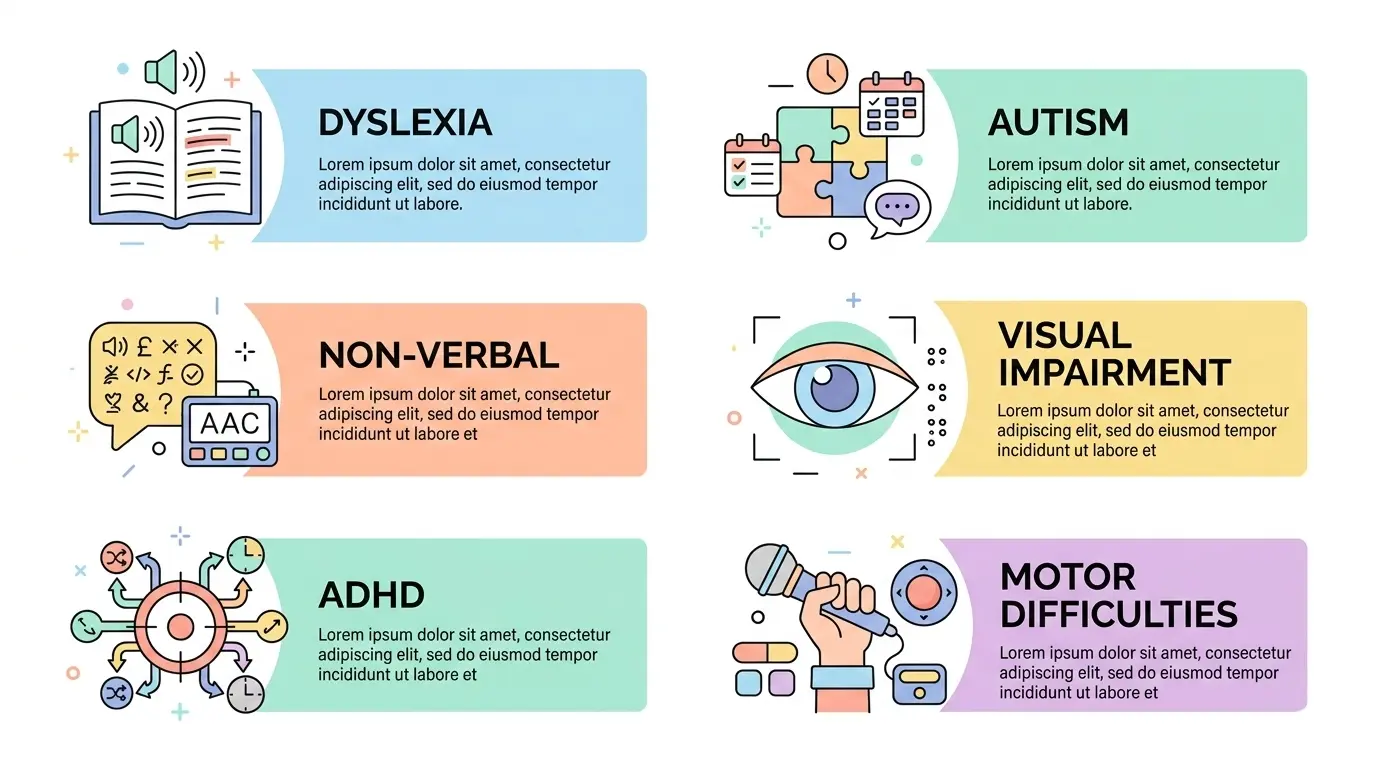
With thousands of apps and platforms available, choosing assistive technology can be overwhelming. The key is to conduct an accessibility evaluation based on the specific student learning needs assessment. Here is a quick guide based on the table above:
- For Visual Impairment: Prioritize tools with high-quality OCR and text-to-speech capabilities that integrate with screen readers (like Seeing AI).
- For Dyslexia: Look for assistive learning apps that combine speech-to-text for writing and text-to-speech for reading to create a seamless literacy loop (like Speechify or Immersive Reader).
- For Autism: Focus on adaptive study tools that offer visual schedules and social skills training in a sensory-friendly format (like Otsimo or Choiceworks).
- For ADHD: Seek out AI inclusive classrooms tools that break tasks into manageable chunks and minimize distractions.
- For Motor Difficulties: Ensure accessibility technology education tools have robust voice control and eye-tracking compatibility (like Dragon NaturallySpeaking).
Benefits of AI in Inclusive Education
The ultimate goal of these technologies is to create truly inclusive classrooms. When we remove the barriers to learning, we provide equal learning opportunities. AI acts as a great equalizer, allowing students with disabilities to access the same curriculum as their peers, often in the same classroom.
This fosters independent learning support. A student who once needed a one-on-one aide to read a worksheet can now independently scan and listen to it. This independence is critical for self-esteem and prepares all students for a world that values diverse ways of thinking and problem-solving. For teachers looking to integrate these tools, our AI Tools for Teachers guide is a great starting point.
Limitations & Responsible Use of AI Tools
Despite the promise, responsible use is paramount. We must advocate for ethical AI education that prioritizes student safety. Privacy is a major concern; these tools collect vast amounts of data on a child’s performance and behavior. Schools and parents must ensure that any tool they use complies with strict data privacy students standards, such as FERPA and COPPA.
Furthermore, these tools are aids, not replacements. Supervised AI learning is essential. A voice-to-text tool won’t teach grammar conventions, and a chatbot can’t replace the empathy of a human teacher. The goal is to use AI to handle the mechanical barriers so that educators can focus on the human elements: mentorship, encouragement, and deep conceptual discussion. Always test a tool yourself and monitor its use to ensure it is truly benefiting the student.