
Best Chat GPT Alternatives for Students (Free & Paid)
Honestly, I used to rely heavily on Chat GPT for everything—from brainstorming essay ideas to summarizing dense textbook chapters. That was until I started hitting daily request limits, dealing with slower response times, and facing the reality of a $20 monthly subscription for Chat GPT Pro. As a student on a tight budget, that adds up fast.
That’s when I started exploring the best Chat GPT alternatives for students—tools designed for academic success without breaking the bank. In this guide, I’ll share the top AI tools for students across writing, research, note‑taking, and coding. Whether you need a free study tool or a powerful research assistant, I’ve tested over 20 AI platforms so you can study smarter, not harder. These leading Chat GPT competitors prove you don’t need to pay for Chat GPT Pro to get exceptional help with homework and exams.
The best ChatGPT alternatives for students in 2026 are Microsoft Copilot (free, all‑in‑one), Claude AI (best for writing and long documents), and Perplexity AI (best for research with automatic citations). All offer free tiers that rival ChatGPT Pro.
Table of Contents
Why Students Are Looking for Chat GPT alternatives
While Chat GPT remains a household name, several factors are pushing students toward other AI study assistants—especially free AI tools for students that offer more specialized features.
Limitations of ChatGPT Free & Pro for Learners
The free version of Chat GPT has become increasingly restrictive for academic use. Rate limits cap your messages per hour, and access to GPT‑4 (the truly useful model) is extremely limited. Even with the paid tier, students often find that Chat GPT lacks specialized features like source citations or long‑document processing.
Pricing Concerns on a Student Budget
Let’s be honest: subscription fatigue is real. Adding another $20 monthly fee isn’t sustainable for most students. The good news? Many free homework AI tools now match or exceed ChatGPT’s core capabilities without any cost.
Need for Specialized Academic Tools
Chat GPT is a generalist. But students need specialists—tools better at citing sources, handling massive PDFs of research papers, generating flashcards from lecture notes, or explaining complex code line by line. That’s why the best Chat GPT alternatives for students are often niche platforms designed for learning.
If you’re also looking for ways to improve your study efficiency, check out the best AI homework helper tools for students (keyword‑rich anchor).
Best ChatGPT Alternatives for Students in 2026
After testing over 20 AI tools specifically for academic use, these are the best ChatGPT alternatives for students in 2026. I’ve focused on tools with generous free tiers, strong educational features, and reliable accuracy.
When comparing the best Chat GPT alternatives for students, it’s important to evaluate accuracy, pricing, and academic features. Some AI writing tools for students focus on essay drafting, while others specialize in citations, coding help, or summarizing long research papers. Choosing the right AI research assistant depends on your study needs and budget.
1: Claude AI – Best AI Study Assistant for Writing & Summaries
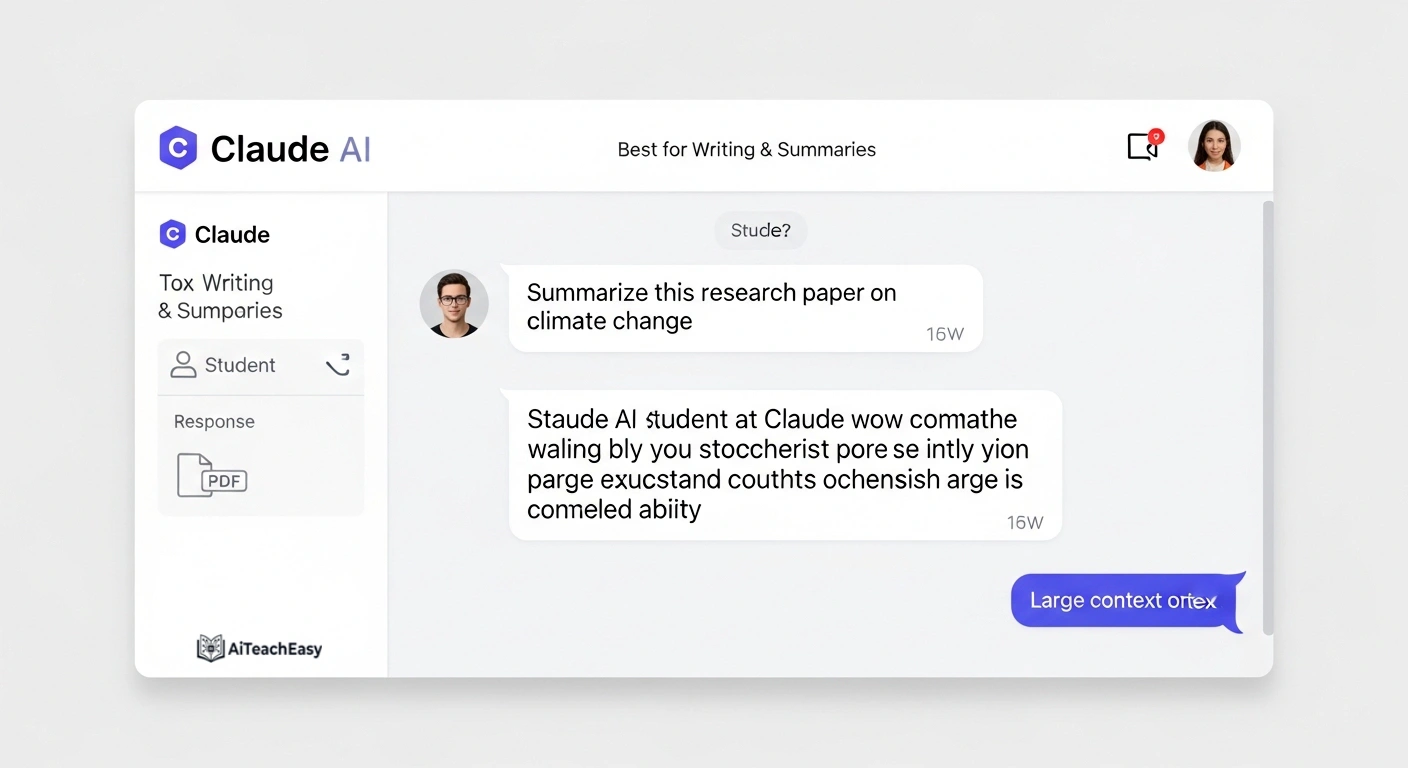
Anthropic’s Claude AI has quickly become my go‑to AI chatbot for students who need help with essays. Its 200,000‑token context window is a game‑changer—you can paste entire textbooks or multiple research papers into a single conversation.
Features for Learners:
- Upload PDFs, Word docs, and lecture slides directly
- Excellent at summarization and analytical writing
- More conversational and natural tone than ChatGPT
Pros for Students:
- Handles extremely long documents (perfect for thesis work)
- Strong ethical guidelines (less hallucination)
- Clean, distraction‑free interface
Cons:
- No native internet search (unless you use Claude 3.5 Sonnet with tool use)
- Free tier has daily usage limits
Pricing: Free tier available (generous limits) / Pro at $18/month
Best for: Literature reviews, essay drafting, research summarization, and email writing for internship applications.
2: Google Gemini – Best Free Learning Tool for Google Workspace Users
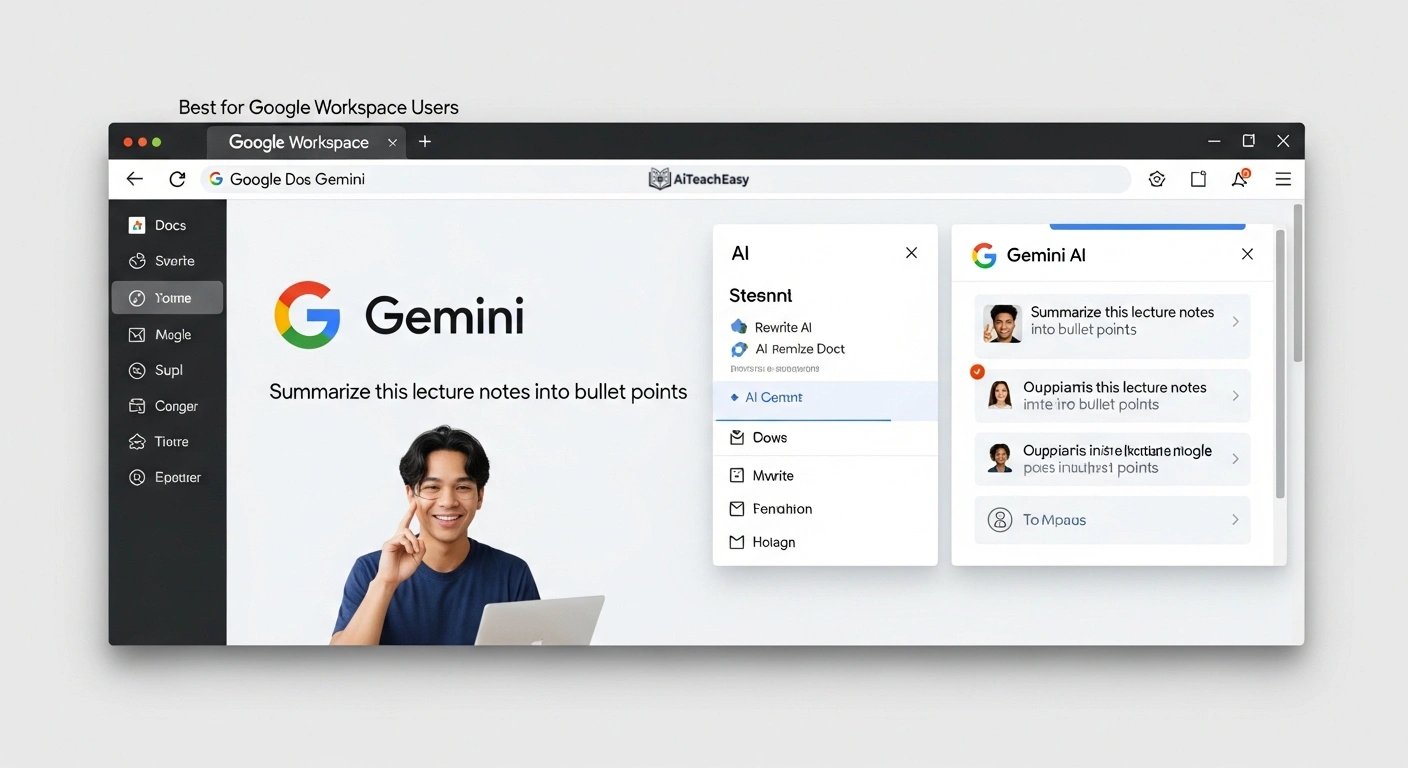
If you want a free Chat GPT competitor that’s deeply integrated with the apps you already use, Google Gemini is hard to beat. It lives inside Gmail, Docs, and Drive.
Features for Students:
- Direct integration with Gmail, Docs, Drive, and YouTube
- 1 million token context window (can process entire books)
- Real‑time internet access via Google Search
Pros for Learners:
- Very generous free tier (Gemini 1.5 Flash is completely free)
- Verifies information with Google Search results
- Works seamlessly with Google Workspace for group projects
Cons:
- Quality varies between free and paid versions
- Sometimes overly cautious with sensitive topics
Pricing: Free (Gemini 1.5 Flash) / Gemini Advanced at $19.99/month
Best for: Research‑backed assignments, Google Docs collaboration, and YouTube video summaries for class.
3: Microsoft Copilot – Best All‑in‑One Free AI Tool for Studying
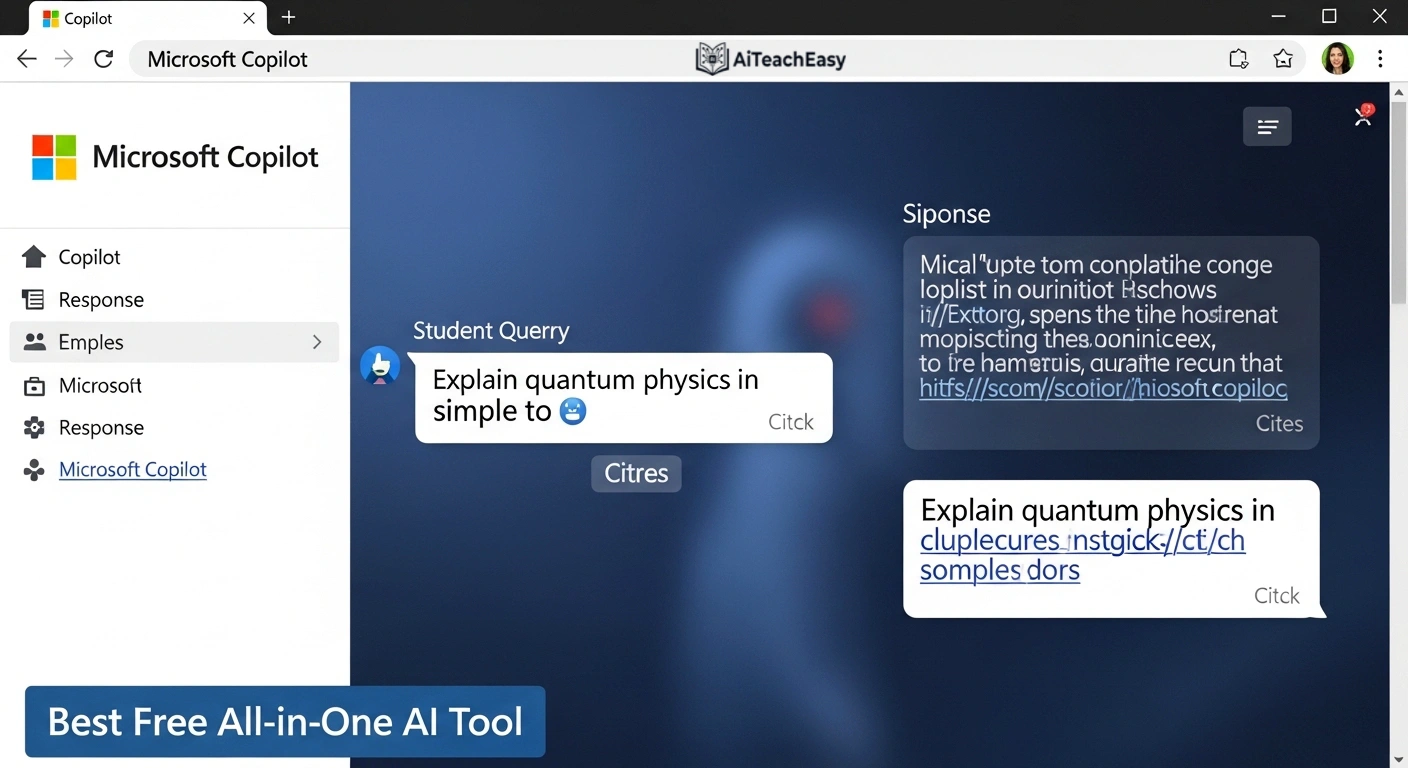
Formerly Bing Chat, Microsoft Copilot is a surprisingly powerful app like Chat GPT for studying that’s completely free. It runs on GPT‑4 and has live internet access.
Features for Students:
- Built into Edge browser and Windows 11
- Voice input available on mobile app for hands‑free note‑taking
- Three conversation styles: Creative, Balanced, Precise
Pros for Learners:
- 100% free with no hidden paywalls or usage caps
- Cites sources with clickable links (great for research papers)
- Generates images with DALL‑E 3 (free) for presentations
Cons:
- Conversation length limits per session
- Requires Microsoft account and Edge for best experience
Pricing: Free
Best for: Quick research, fact‑checking, image generation for slide decks, and coding help.
4: Perplexity AI – Best AI Research Assistant for Students
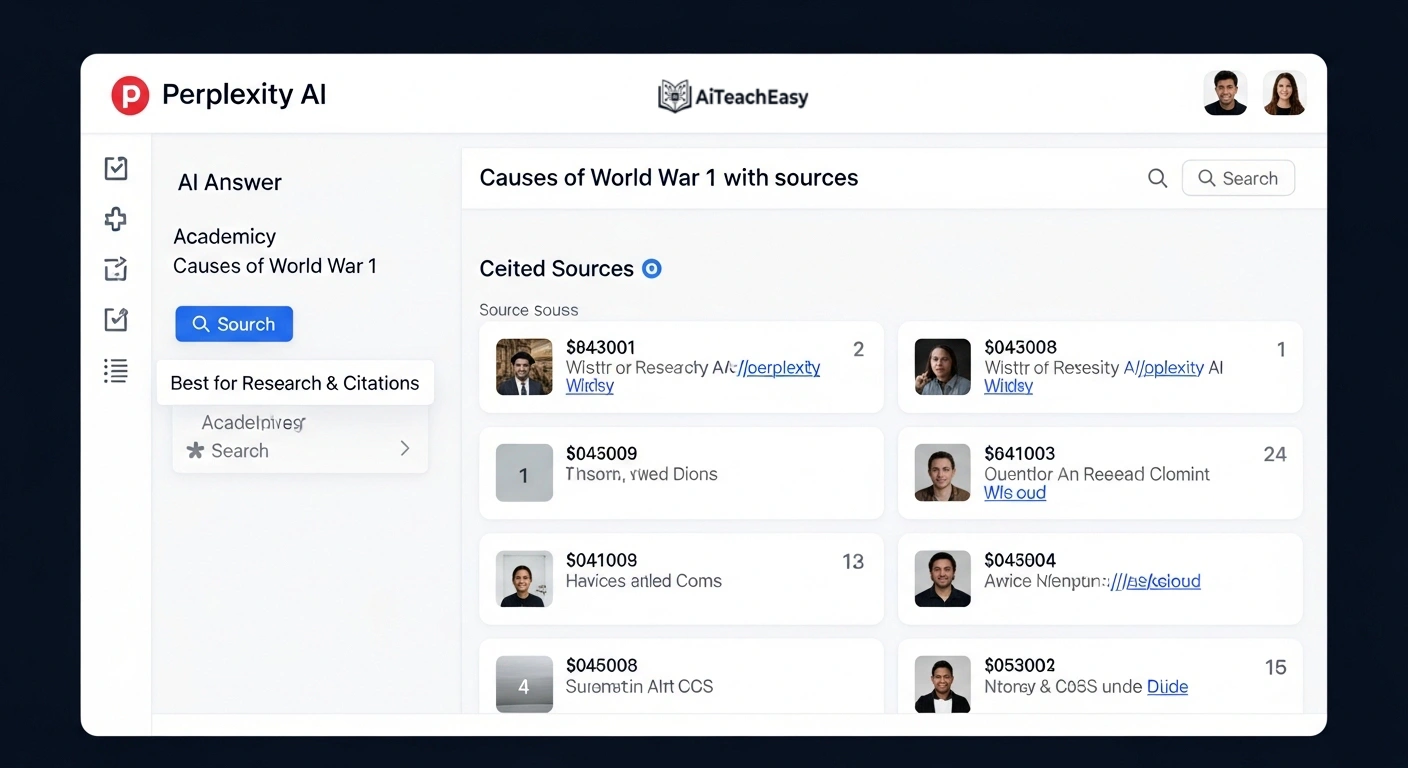
Perplexity AI isn’t just another AI chatbot—it’s a research assistant that always shows its work. Think of it as a study AI assistant that every student should try.
Features for Learners:
- Real‑time web search with cited sources
- Focus modes (Academic, Writing, Wolfram Alpha)
- Creates searchable collections of your research
Pros for Students:
- Generates proper citations in multiple formats (MLA, APA, Chicago)
- No “I don’t know” responses—it searches live
- Pro version allows unlimited file uploads
Cons:
- Free tier limits number of “Pro” searches per day
- Less conversational than Claude or ChatGPT
Pricing: Free (5 Pro searches every 4 hours) / Perplexity Pro at $20/month
Best for: Research papers, finding credible sources, fact‑checking claims, and literature reviews.
If you’re preparing for exams, pair Perplexity with dedicated AI tools for exam preparation (keyword‑rich anchor).
5: Poe AI – Best for Accessing Multiple AI Models in One Place
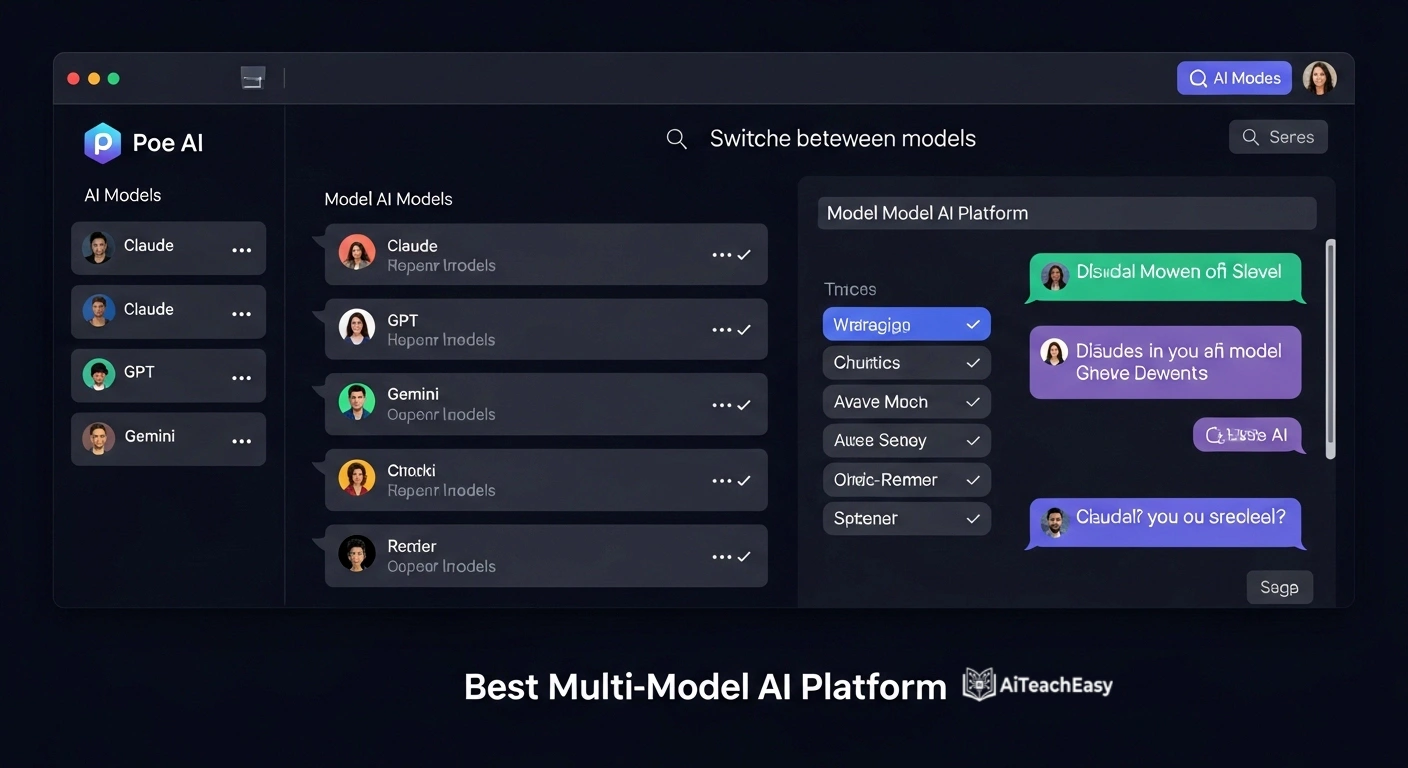
Poe AI (Platform for Open Exploration) is a unique site like Chat GPT that gives you access to multiple models in one interface: Claude, GPT‑4o, Gemini, and Llama.
Features for Learners:
- Switch between models in the same conversation
- Create custom bots for specific tasks (e.g., “Essay Grader” bot)
- Available on web, iOS, and Android
Pros for Students:
- Try different models without multiple subscriptions
- Generous daily free messages for experimenting
- Community bots share prompts and study workflows
Cons:
- Free tier has daily message limits across all models
- Interface can feel cluttered
Pricing: Free (limited daily messages) / Poe Pro at $19.99/month
Best for: Comparing AI responses, experimenting with different models, and accessing Claude without a separate subscription.
6: Notion AI – Best AI Note‑Taking Study Tool
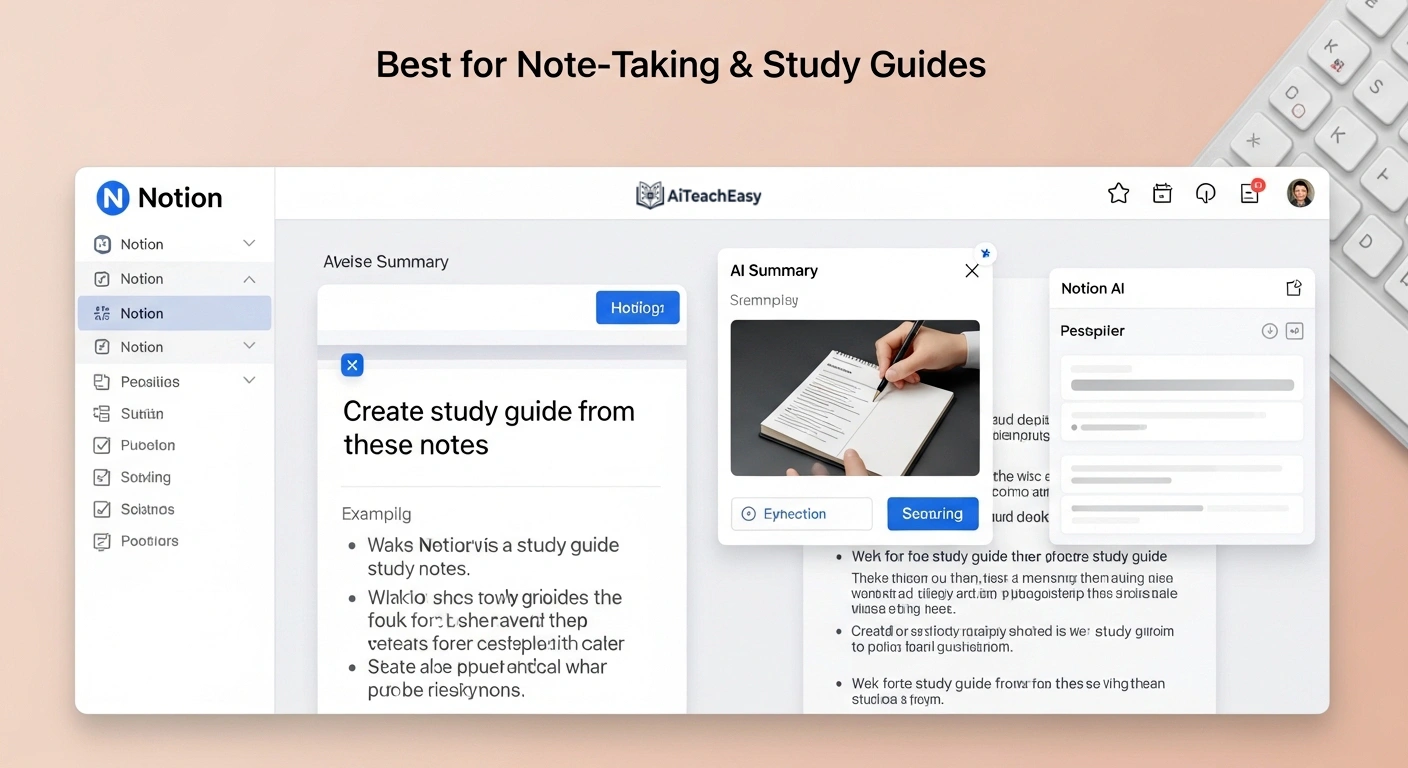
If you already use Notion for notes and project management, Notion AI is a natural learning tool that lives inside your workspace.
Features for Learners:
- AI writing assistant inside Notion pages
- Summarize meeting notes and lecture notes instantly
- Auto‑fill databases and tables for study schedules
Pros for Students:
- Seamless workflow integration
- Excellent for creating study guides and outlines
- No tab‑switching required during study sessions
Cons:
- Add‑on fee on top of Notion subscription
- Not as powerful as standalone AI tools for heavy writing
Pricing: Notion Free (limited AI trials) / Notion Plus with AI at $12/month
Best for: Students already using Notion for organization, study guides, and collaborative projects.
7: Deep Seek – Best Completely Free AI Tool for Students on a Zero Budget
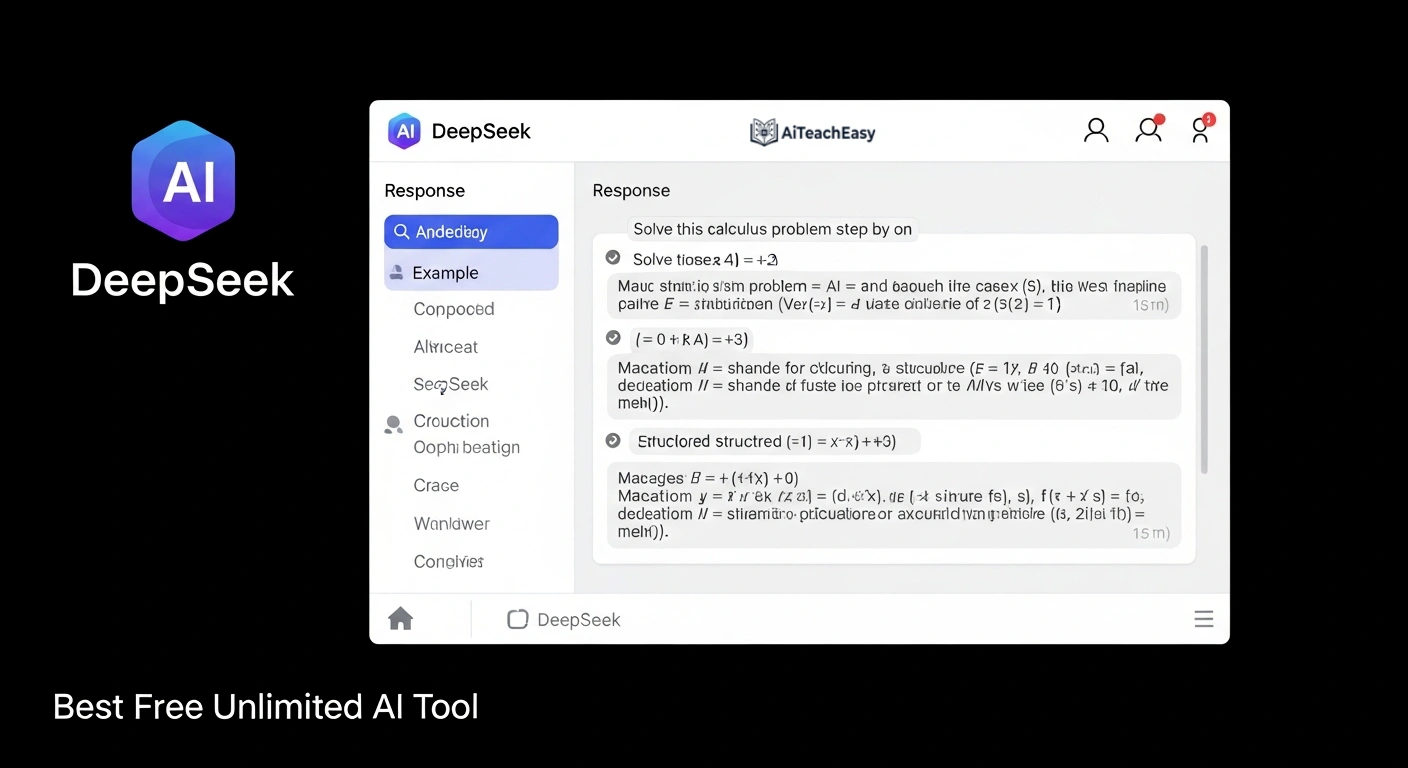
Deep Seek has emerged as a serious free Chat GPT competitor from China’s Deep Seek company. It offers GPT‑4 level performance at zero cost.
Features for Learners:
- 1 million token context window (process entire textbooks)
- Supports file uploads (PDF, Word, Excel, PPT, images)
- Web search capability (manual toggle)
Pros for Students:
- Completely free with no usage caps
- Processes extremely long documents (ideal for research)
- Mathematical and coding capabilities rival GPT‑4
Cons:
- Privacy policies less transparent than Western alternatives
- Interface is basic (no frills)
Pricing: Free
Best for: Students with zero budget who need advanced capabilities, coding help, and long document analysis.
For students concerned about data privacy, we’ve compiled a list of privacy‑first AI tools for students (keyword‑rich anchor) that don’t sell your data.
Comparison Table: Top ChatGPT Alternatives for Students at a Glance
| Tool | Best For Students | Free Tier | Starting Price | Key Student Feature |
|---|---|---|---|---|
| Claude AI | Essays & Literature Reviews | ✅ Generous | $18/month | 200K token context for textbooks |
| Google Gemini | Google Docs Integration | ✅ Generous | $19.99/month | 1M token context + Search |
| Microsoft Copilot | All‑in‑One Free | ✅ Full access | Free | GPT‑4 + DALL‑E 3 + citations |
| Perplexity AI | Research & Citations | ✅ Limited | $20/month | Auto‑generated MLA/APA citations |
| Poe AI | Multi‑Model Access | ✅ Daily limits | $19.99/month | Access 10+ models for comparison |
| Notion AI | Note‑Taking & Study Guides | ❌ Trial only | $12/month add‑on | Lives inside your notes |
| DeepSeek | Zero‑Budget Advanced | ✅ Unlimited | Free | 1M context + coding help |
Alternatives to Chat GPT for Students (Compared)
This section directly answers the high‑volume query “alternatives to ChatGPT” with a student focus. Below is a side‑by‑side comparison of the top alternatives to ChatGPT for students based on four key criteria: price, accuracy, academic features, and ease of use.
| Criterion | Best Option | Why |
|---|---|---|
| Best free overall | Microsoft Copilot | Unlimited GPT‑4, web search, citations, no cost. |
| Best for long documents | Claude AI | 200K token context – paste entire textbooks. |
| Best for citations | Perplexity AI | Auto‑generates MLA/APA/Chicago. |
| Best Google integration | Google Gemini | Lives inside Docs, Gmail, Drive. |
| Best for zero budget | DeepSeek | Completely unlimited, advanced coding & math. |
When comparing these alternatives to ChatGPT, students should prioritize tools that match their specific study habits. For writing‑heavy courses, Claude AI wins. For research‑intensive subjects, Perplexity AI is unmatched. For everyday quick help, Microsoft Copilot is the most convenient free option.
Free Chat GPT Alternatives for Students
Let me be clear: you don’t need to pay for AI. The best free AI tools for students listed below offer substantial functionality without a credit card. These free Chat GPT alternatives are perfect for homework, exam prep, and everyday studying.
Top Free Tools Ranked for Learners
- Microsoft Copilot – Unlimited GPT‑4 access with web search and image generation. This is the best free site like Chat GPT for students overall.
- Google Gemini (1.5 Flash) – Generous free tier with 1M token context and Google Search integration.
- DeepSeek – Unlimited usage with advanced reasoning and file uploads.
- Perplexity AI (Free Tier) – 5 Pro searches every 4 hours with citations.
- Claude AI (Free Tier) – Access to Claude 3 Haiku with reasonable daily limits.
What You Get for Free
Most free study AI tools include:
- Access to models equivalent to GPT‑3.5 or better
- File uploads (PDF, images, text files)
- Web search (on some platforms)
- Conversation history
The trade‑off? Usually lower rate limits, no access to the newest models, and occasional wait times during peak usage.
Paid AI Tools for Students (Are They Worth It?)
While free options are great, paid AI writing tools for students offer advantages for power users.
When Should Students Consider Upgrading?
Consider upgrading to a paid plan if:
- You use AI for 4+ hours daily during exam season
- You need the absolute latest model (Claude 3.5 Sonnet, GPT‑4 Turbo)
- Your assignments require processing very long documents frequently
- You want priority access during peak hours (finals week)
Cost vs. Value for Students
| Tool | Monthly Price | Value for Learners |
|---|---|---|
| ChatGPT Pro | $20 | ⭐⭐ (Overpriced for student needs) |
| Claude Pro | $18 | ⭐⭐⭐⭐ (Best value for writing‑heavy majors) |
| Perplexity Pro | $20 | ⭐⭐⭐⭐ (Essential for research‑heavy courses) |
| Poe Pro | $19.99 | ⭐⭐⭐ (Good if you want multiple models for experimenting) |
My take: Most students don’t need to pay. The free tiers of Copilot, Gemini, and DeepSeek cover 90% of student use cases. If you must pay, Claude Pro or Perplexity Pro offer better value than ChatGPT Pro.
If you’re looking to boost overall productivity, you might also benefit from the best AI productivity tools for teachers (many work great for students too).
How to Choose the Best Chat GPT Alternative for Your Studies
With so many apps like ChatGPT for studying, how do you pick the right one?
Based on Your Academic Use Case
- For essay writing & literature reviews → Claude AI or Google Gemini
- For research papers with citations → Perplexity AI
- For coding & math problems → DeepSeek or Claude AI
- For quick fact‑checking → Microsoft Copilot or Perplexity AI
- For note‑taking & organization → Notion AI (if already using Notion)
Accuracy & Reliability for Academic Work
No AI is 100% accurate. Always verify critical information, especially for graded assignments. Tools with web search (Perplexity, Copilot, Gemini) tend to be more reliable because they can pull current sources.
Privacy Concerns for Students
This matters more than students realize. Free AI tools often train on your conversations. If you’re sharing sensitive research or personal information, consider:
- Claude AI – Strong privacy policy, doesn’t train on user data by default
- Microsoft Copilot – Enterprise‑grade privacy (but Microsoft does collect data)
- DeepSeek – Chinese company with different privacy standards
For privacy‑conscious students, revisit our privacy‑first AI tools for students guide.
My Personal Recommendation (Real Student Experience)
I’ve spent the last three years testing AI tools as part of my research into educational technology. I’ve used these best ChatGPT alternatives for students for real tasks—summarizing 300‑page textbooks, drafting research proposals, debugging Python code, and creating study guides.
Last updated: April 2026 – I retested all tools to ensure accuracy.
Here’s what I actually use as a student:
- Daily driver for quick questions: Microsoft Copilot (free, fast, cites sources)
- For deep writing sessions: Claude AI (the 200K context window is irreplaceable when I’m working with long PDFs)
- For research‑heavy assignments: Perplexity AI (the citations save me hours of manual sourcing)
I recently had to write a literature review on cognitive load theory in online learning. ChatGPT hit its limit after 20 messages. Claude processed all 12 research papers I uploaded in one go. That experience alone converted me.
My honest advice: Start with Microsoft Copilot (free). If you hit its limits, add Perplexity’s free tier for research. Only pay if you’re doing serious academic writing daily.
If you struggle with remembering what you study, also check out the best AI tools for memorization to complement your AI writing assistant.
People Also Search For (Related Student Queries)
Students searching for the best ChatGPT alternatives for students also look for free AI tools for homework, AI writing assistants for essays, and AI research tools with citations. Choosing the right tool depends on whether you need help with writing, coding, or exam preparation. Below are the most common related searches:
- Free AI tools for students no signup
- AI for summarizing textbooks
- Best AI for multiple choice questions
- AI that cites sources for free
These related topics help you find exactly the right study AI assistant for your needs.
FAQs (Featured Snippet Optimized)
What is the best ChatGPT alternative for students?
The best ChatGPT alternatives for students in 2026 are Microsoft Copilot (best free overall), Claude AI (best for writing essays and literature reviews), and Perplexity AI (best for research with automatic citations). Each offers free tiers that cover most student needs without subscription costs.
Are there free ChatGPT alternatives for students?
Yes, there are several excellent free study AI tools. Microsoft Copilot offers unlimited GPT‑4 access at no cost. Google Gemini provides a generous free tier with 1M token context. DeepSeek is completely unlimited and free. You don’t need to pay for quality AI as a student.
Which AI tool is better than ChatGPT for research?
Perplexity AI is objectively better than ChatGPT for student research because it provides verifiable citations in MLA, APA, or Chicago format. Microsoft Copilot also cites sources. ChatGPT (free) cannot access the internet and rarely provides sources.
Is ChatGPT still the best AI tool in 2026 for students?
Not anymore. While ChatGPT remains a solid generalist, specialized alternatives to ChatGPT now offer better value. Claude excels at long‑form writing, Perplexity dominates research, and Microsoft Copilot provides free GPT‑4 access. ChatGPT Pro’s $20/month fee is hard to justify when free competitors match its capabilities.
Are ChatGPT alternatives safe for students?
Most mainstream alternatives are safe when used responsibly. Microsoft Copilot, Google Gemini, and Claude AI have strong privacy policies and content filters. However, avoid uploading sensitive personal information to any AI tool. For maximum privacy, use browser‑based tools or check our guide to free AI tools no signup.
Can I use these AI tools for exam preparation?
Absolutely. Many students use these learning tools to create practice questions, summarize textbook chapters, and explain difficult concepts. For specialized exam prep, combine them with dedicated AI tools for exam preparation for best results.
Do I need to pay for AI as a student?
No. The free tiers of Microsoft Copilot, Google Gemini, and DeepSeek provide more than enough capability for 90% of student use cases. Only consider paying if you’re a power user (4+ hours daily) or need access to specific premium features like Claude’s 200K context window without daily limits.
Conclusion
These best ChatGPT alternatives for students prove you don’t need ChatGPT Pro to succeed academically. After testing dozens of options, my clear recommendation is:
Start with Microsoft Copilot – It’s completely free, runs on GPT‑4, cites sources, and generates images. For 90% of student tasks, this is all you need.
Add Perplexity AI for research papers – The citation feature is a game‑changer for assignments that require credible sources.
Upgrade to Claude Pro only if you write constantly – The 200K context window is worth it for literature reviews, thesis writing, and long‑form research.
Remember: the best ChatGPT alternatives for students are assistants, not replacements. They excel at summarizing, brainstorming, and drafting—but your critical thinking, unique voice, and subject matter expertise are what earn good grades.
Ready to try them? Here’s your action plan:
- Bookmark Microsoft Copilot (copilot.microsoft.com)
- Sign up for Perplexity AI’s free tier
- Test Claude AI’s free tier for your next essay
- Never pay for ChatGPT Pro again
Your wallet—and your GPA—will thank you.
About the Author
I’m Prof. Irfan Khan an AI tools researcher and educator who has spent the last few years testing over 20 AI platforms for students and teachers. I focus on practical, privacy‑friendly tools that actually improve learning and productivity. My work has been featured in educational technology publications, and I regularly consult with universities on AI integration strategies.
For more student‑focused AI resources, explore our complete guide to AI tools for students or check out our free AI humanizer for students to make AI‑generated text sound more natural.
Note: This article contains hands‑on testing and real‑world experience. Prices and features are accurate as of April 2026 but may change. Always check official websites for current pricing.