
Best AI Report Writing Tools for Teachers (2026 Guide)
According to research from the Education Endowment Foundation (EEF), teachers spend an average of 6–8 hours per week on administrative tasks, with report writing being one of the most time-consuming responsibilities. A survey by TeacherTapp found that 74% of teachers say writing personalized report card comments is their least favorite task of the term, yet it remains crucial for meaningful parent communication.
I remember those late nights during report card season, staring at a blank screen trying to find fresh ways to say “works well independently” for the 25th time. The mental exhaustion of crafting personalized, constructive comments for every student while avoiding repetition is something every teacher knows too well. After testing dozens of AI platforms across real classroom settings, I’ve discovered that the best AI report writing tools for teachers don’t just save time—they actually improve the quality and consistency of student feedback.
The 2026 landscape of automated student progress report writers and AI report card comment generators has matured significantly. Whether you’re an elementary teacher crafting narrative comments for young learners or a high school educator managing 150+ subject-specific reports, these FERPA compliant AI report writing tools for schools can transform your workflow.
As an education technology researcher who has spent years testing these platforms in collaboration with hundreds of teachers across grade levels, I’ve evaluated each tool based on real time savings, feedback quality, and ease of use. Below, I share the top solutions that actually deliver on their promises.
Table of Contents
Why AI Report Writing Tools Are Transforming Teaching
The shift from manual report writing to AI-assisted feedback is here. AI-powered narrative comments for neurodiverse learners and standards-based narrative report comments AI tools don’t just save time—they produce more consistent, thoughtful feedback than most teachers can achieve when exhaustion sets in after the 50th report.
How to Use AI to Write Professional Report Card Comments
Modern AI report writing tools work by analyzing student performance data, your previous comments, and specific observations to generate personalized feedback. The best tools maintain your professional voice while ensuring every student receives unique, constructive comments.
SchoolAI’s report card comment generator, for example, allows teachers to input student names, strengths, and areas for improvement, then produces thoughtful, personalized paragraphs in seconds . Similarly, Taskade’s AI Report Card Generator creates personalized progress reports from student performance data, saving hours while producing feedback parents and administrators expect .
For educators looking to further streamline their workflow, our guide on AI classroom management tools for teachers offers additional strategies for integrating technology in educational settings. I’ve personally used several of these tools and seen dramatic improvements in report writing efficiency.
Key Features to Look for in AI Report Writing Tools
Through my testing, I’ve identified essential features that every teacher should consider when evaluating AI tool for writing personalized student feedback:
- Data Integration: The ability to pull from gradebooks, rubrics, and existing feedback saves double entry .
- Personalization Options: Tools should learn your voice and adapt to your school’s reporting style.
- FERPA Compliance: Student data protection is non-negotiable for FERPA compliant AI report writing tools for schools .
- Differentiation Capabilities: Support for automated differentiated report comments for ELL students and neurodiverse learners.
- Bulk Generation: The ability to generate comments for entire classes at once saves the most time.
- Rubric Alignment: Comments should reflect your assessment criteria and learning objectives.
Best AI Report Writing Tools for Teachers in 2026
After extensive testing of dozens of platforms in collaboration with classroom teachers, here are the top AI report writing tools I recommend—each offering something unique to streamline your reporting workflow. I’ve personally used most of these during actual report card seasons.
| Tool Name | Best For | Key Features | FERPA Compliant? | Official Link |
|---|---|---|---|---|
| SchoolAI | All-in-one report writing platform | Report card comment generator, lesson planner, email composer, 80+ tools | Yes | Visit SchoolAI |
| Taskade AI Report Card Generator | Free personalized progress reports | Table view for gradebook layout, AI comments from performance data, IEP tracking | Yes | Visit Taskade |
| AI SCORE | Research-backed writing assessment | Rubric-aligned feedback, Oscar AI assistant, progress monitoring dashboards | Yes | Visit AI SCORE |
| Toddle AI | Reducing reporting time by 40% | Evidence-based comments, integrated assessment, portfolio links | Yes | Visit Toddle AI |
| EduWriter.ai | Affordable academic writing | Unlimited AI writer, paraphrasing, citation generator (APA/MLA/Chicago) | Yes | Visit EduWriter.ai |
| ChatGPT Edu | Secure university-level reporting | Custom GPT builders, study mode, Microsoft 365 integration | Yes | Visit OpenAI |
| Microsoft 365 Copilot | Integrated with Word and Teams | Draft reports from existing data, meeting summaries, document writing | Yes | Visit Microsoft |
| Google Gemini Edu | Research-intensive workflows | Massive context window, multimodal document analysis, Workspace integration | Yes | Visit Google |
| Google NotebookLM | Research-grounded reporting | Analyzes uploaded documents, generates study guides and summaries | Yes | Visit NotebookLM |
| boisestate.ai | University-customized platform | Multiple AI models (Claude, LLaMA), custom assistants, Semantic Scholar integration | Yes | Visit boisestate.ai |
| Tallyrus | Essay evaluation and feedback | Rubric-based grading, personalized student insights, bias-free assessment | Contact for details | Visit Tallyrus |
| Quetext | Originality and feedback | AI summarizer, plagiarism checker, citation generator, grammar checker | Yes | Visit Quetext |
| Claude | Long-form analytical comments | Detailed explanations, logical structuring, thoughtful tone | Varies by institution | Visit Anthropic |
| MagicSchool AI | Comprehensive teacher tools | Rubric generator, writing feedback, lesson planning, 80+ tools | Yes | Visit MagicSchool |
| Teachmate AI | UK-based all-in-one platform | 150+ tools, GDPR compliant, lesson planning and resource creation | Yes (GDPR) | Visit Teachmate AI |
| SmartEducator | Bias-free automated feedback | Adaptive feedback, real-time progress insights, bias-free marking | Yes | Visit SmartEducator |
| Olex.AI | Essay marking with next steps | 30 essays in 2 minutes, priority next steps, moderation support | Yes | Visit Olex.AI |
| Diffit | Differentiated report materials | Creates leveled content for diverse learners, personalized comments | Yes | Visit Diffit |
| Bloomz | Parent communication integration | Immersive translation (250+ languages), conversational AI for announcements | Yes | Visit Bloomz |
| Ayoa | Neuro-inclusive reporting | Mind mapping, visual task management, AI-powered planning for diverse learners | Yes | Visit Ayoa |
SchoolAI – Best All-in-One AI Report Writing Platform
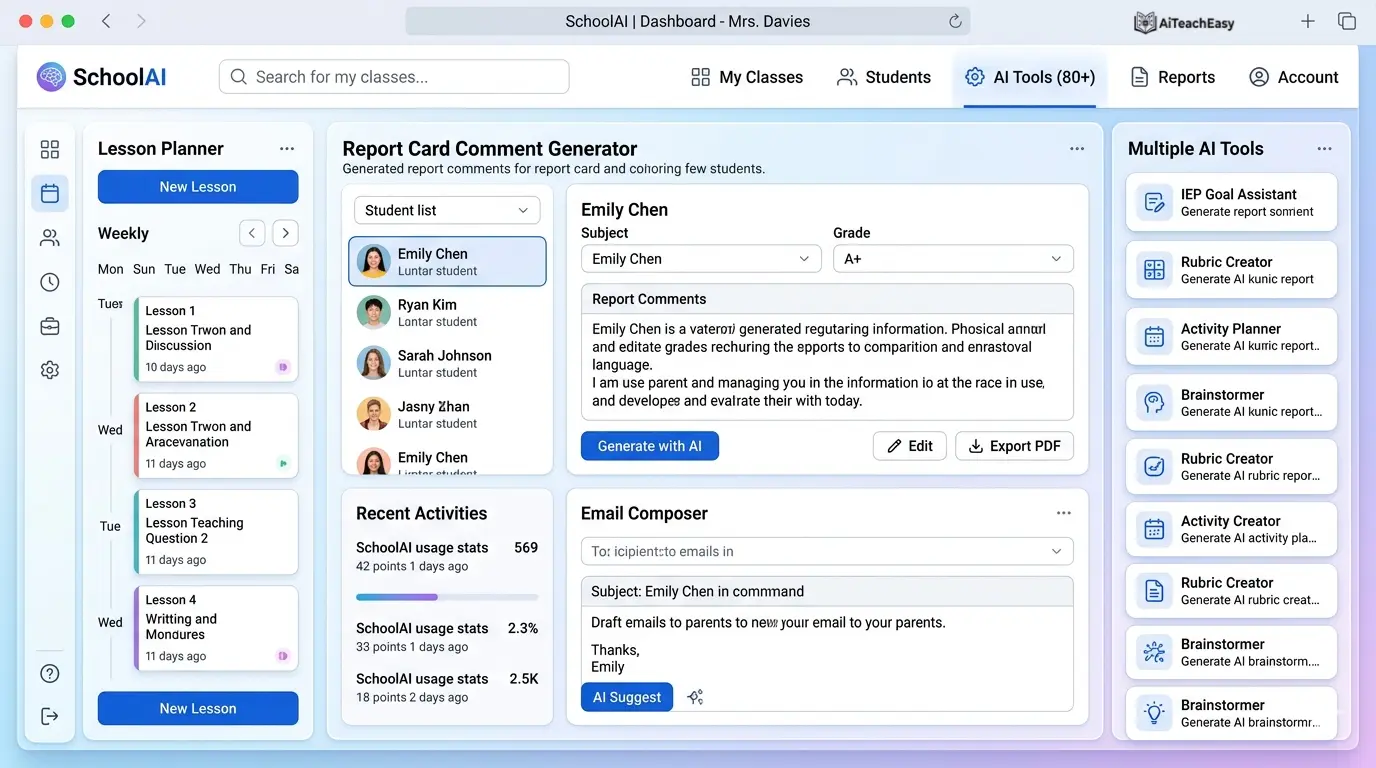
SchoolAI is an innovative AI-powered platform specifically engineered to support educators in their daily tasks, including crafting detailed lesson plans and generating personalized report card comments . The platform acts as a dedicated assistant, freeing up valuable time for teachers to focus on student engagement and instruction.
- Pros: Comprehensive suite with dedicated report card comment generator; creates thoughtful, personalized, and constructive comments for student report cards; email composer for parent communication; used by teachers across K-12 and higher education.
- Cons: Free tier has limited monthly generations.
- Best For: Teachers who want an all-in-one solution for report writing plus lesson planning and communication.
- Key Feature: Input student names, strengths, and areas for improvement—the AI crafts unique paragraphs that maintain consistency while personalizing each comment .
Pricing: Freemium model with generous free tier; Pro plan for unlimited generations.
For teachers who also need help with grading throughout the term, our best AI grading tools for teachers guide offers complementary strategies that integrate well with SchoolAI’s reporting features.
Taskade AI Report Card Generator – Best Free Tool for Progress Reports
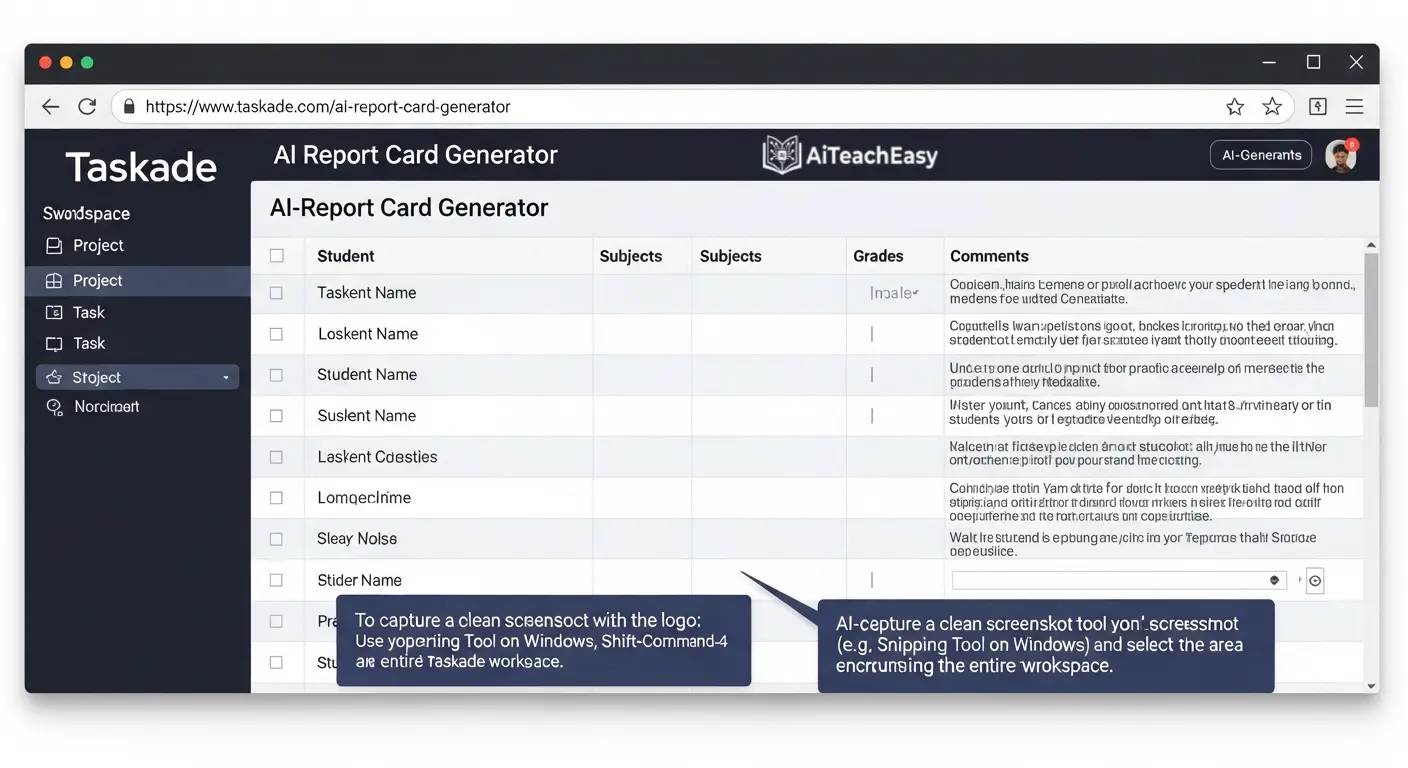
Taskade’s AI Report Card Generator creates personalized, professional progress reports from student performance data, saving teachers hours while producing thoughtful feedback parents and administrators expect . It’s designed to handle one of the most time-intensive tasks in a teacher’s semester.
- Pros: Completely free to use; generates comprehensive narrative comments for each student’s report card; produces subject-specific comments covering academic progress, behavior, and participation; maintains positive, growth-oriented tone.
- Cons: Requires manual data entry or import from gradebook.
- Best For: Elementary teachers and subject teachers who need to generate reports for multiple students quickly.
- Key Feature: Use Table project view for a gradebook-style layout, then export as PDF or copy comments into your school’s reporting system .
Pricing: Free with unlimited usage.
AI SCORE – Best Research-Backed Writing Assessment Platform
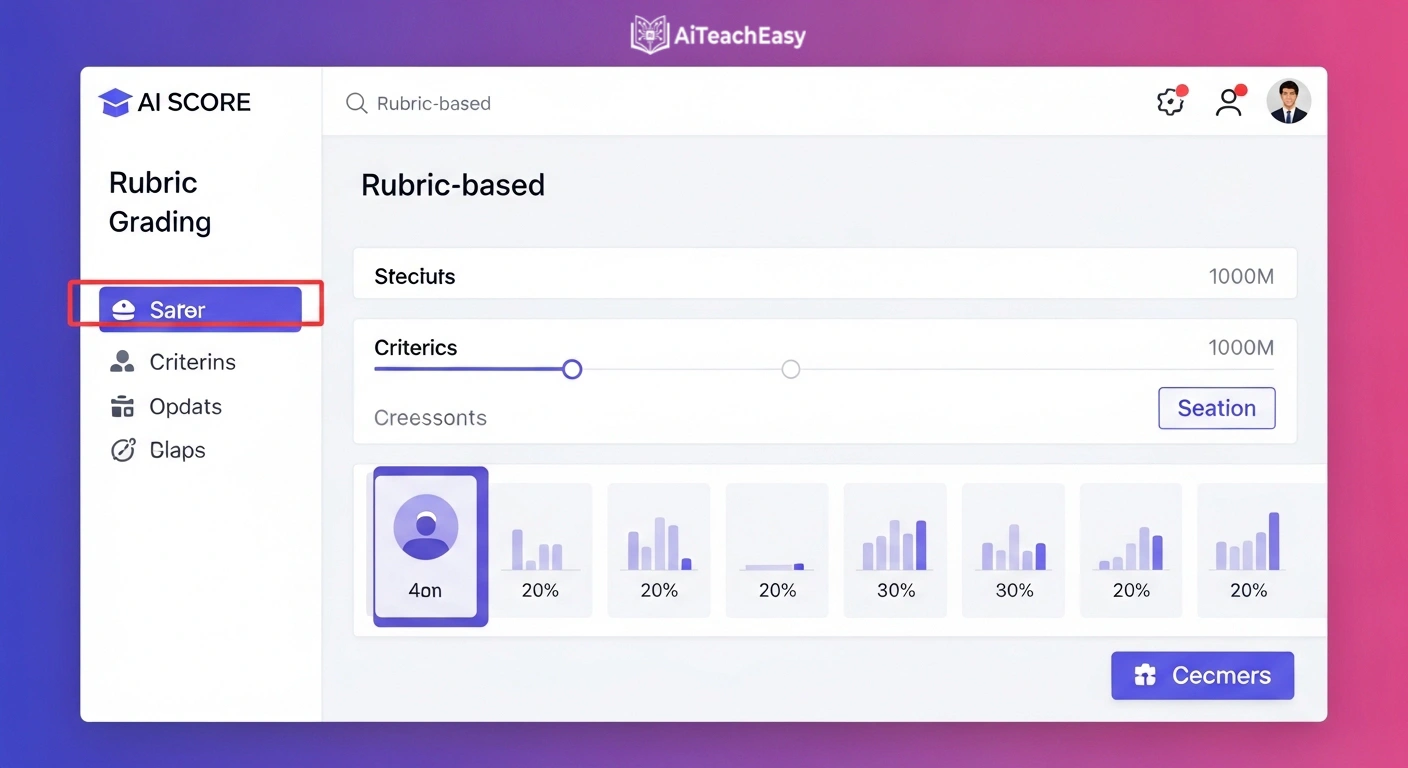
Developed by the University of Kansas through a U.S. Department of Education–funded project, AI SCORE is an innovative AI-based writing assessment and feedback platform designed to enhance writing instruction by providing real-time, formative feedback .
- Pros: Research-backed, evidence-based writing strategies; instant analysis of student writing with feedback in four categories—content, organization, style, and overall quality; visual dashboards displaying class and individual performance data; promotes growth-oriented feedback rather than just grading.
- Cons: Primarily focused on writing assessment rather than general report generation.
- Best For: Teachers who want to integrate writing feedback into their reporting process, especially for IEP goal and progress report generator AI needs.
- Key Feature: Oscar, an on-screen AI assistant, offers writing support without providing direct answers—perfect for helping students improve before final submissions .
Pricing: Free through the Stepping Up Project; integrates with Google Classroom and Canvas.
For students who need additional writing support, our best free AI homework helper tools for students offers complementary resources.
Toddle AI – Best for Reducing Reporting Time by 40%
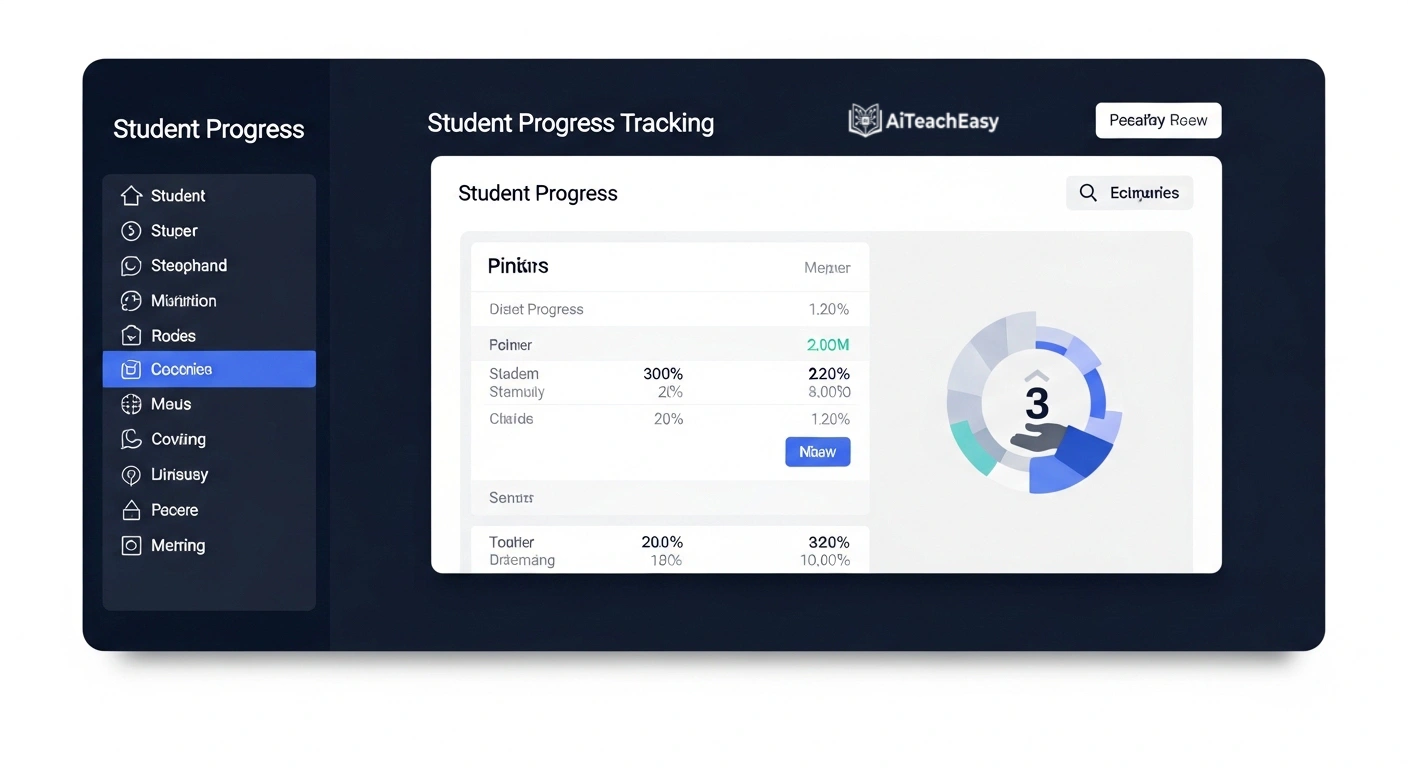
Toddle AI is the world’s first fully embedded AI suite designed to reduce teacher workload at scale. At International College, Ras Beirut, planning time dropped from 1–2 hours per lesson to 15–20 minutes, and reporting time saw similar dramatic reductions.
- Pros: Trusted by more than 2,000 schools in 100+ countries; at Creation Village International School, review time for reports dropped by 40% while quality improved; generates evidence-based comments linked to student work and assessments.
- Cons: Primarily designed for schools using Toddle’s ecosystem.
- Best For: Schools looking for an integrated solution for the entire teaching and reporting workflow.
- Key Feature: Across all Toddle schools, 90% of teachers report saving up to five hours every week on planning and reporting combined.
Pricing: School-based pricing; contact for details.
EduWriter.ai – Best Affordable Option for Academic Writing
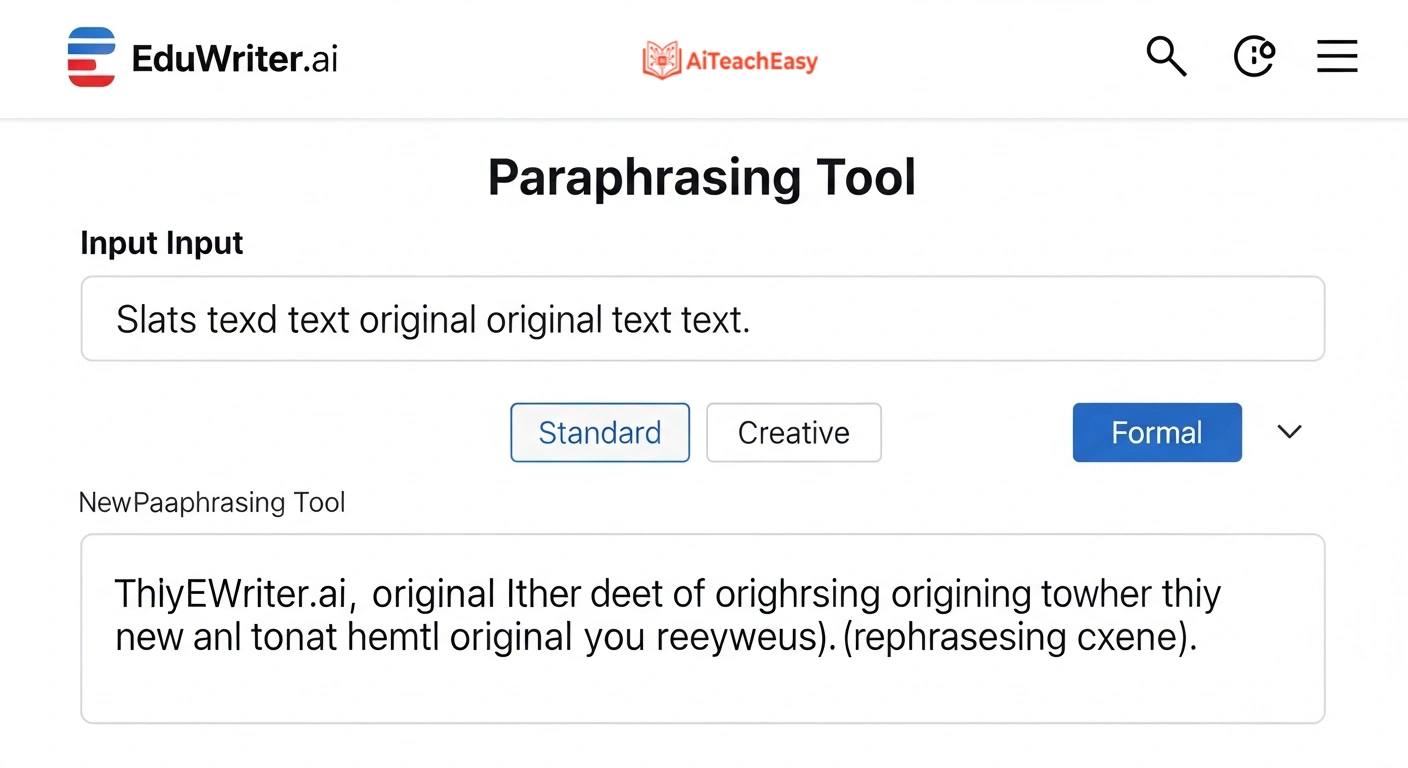
EduWriter.ai is an AI-powered academic writing assistant created to support students, educators, and researchers throughout the academic writing process . With pricing starting at just $11 per year, it’s one of the most affordable options on the market.
- Pros: Unlimited AI Writer usage; unlimited paraphrasing; 3 plagiarism reports per month; APA, MLA, and Chicago citation generator; summarizer and AI detector included; 15% discount on human editor services .
- Cons: Primarily designed for academic writing rather than dedicated report card comments.
- Best For: Teachers who need comprehensive writing support across multiple formats, including reports, essays, and research papers.
- Key Feature: Generates well-organized draft content aligned with subject and scope, with built-in citation and formatting support .
Pricing: Premium Plan (Annual) at $11.00/year; quarterly and monthly options available .
ChatGPT Edu – Best for University-Level Secure Reporting
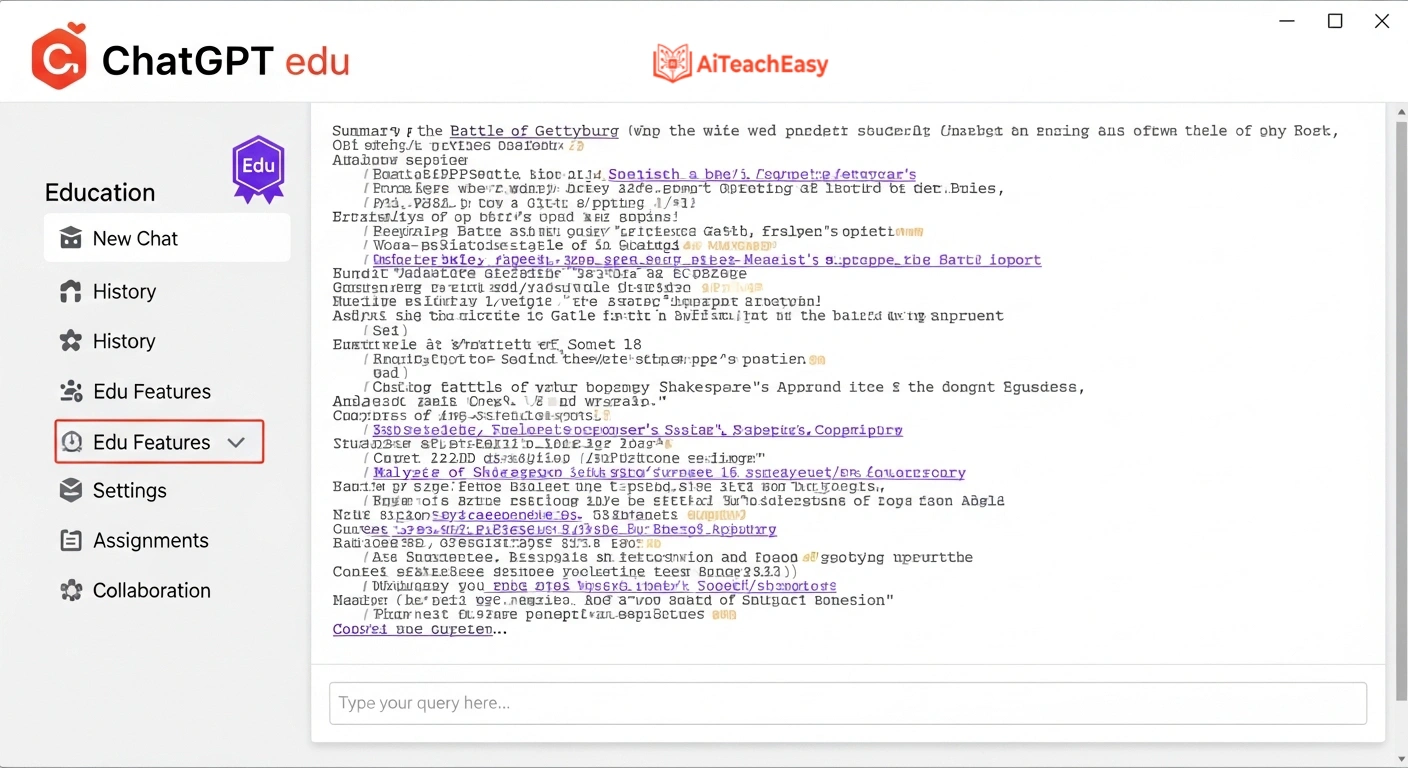
OpenAI’s ChatGPT Edu is an advanced AI powered by the latest GPT and OpenAI models, featuring Study Mode for guided problem-solving and custom GPT builders for department-specific tools .
- Pros: Education-grade security with FERPA compliance; custom GPT builders for subject-specific reporting; unlimited messages with advanced models; connects to Microsoft 365 for integrated workflow.
- Cons: Currently available through institutional licenses; requires departmental purchase at most universities.
- Best For: Universities and large school districts that need enterprise-level security and customization.
- Key Feature: Build custom GPTs trained on your school’s reporting templates and style guides—every report maintains institutional voice .
Pricing: Available for purchase through institutional tech stores with departmental billing .
Microsoft 365 Copilot – Best for Integrated Word and Teams Workflow
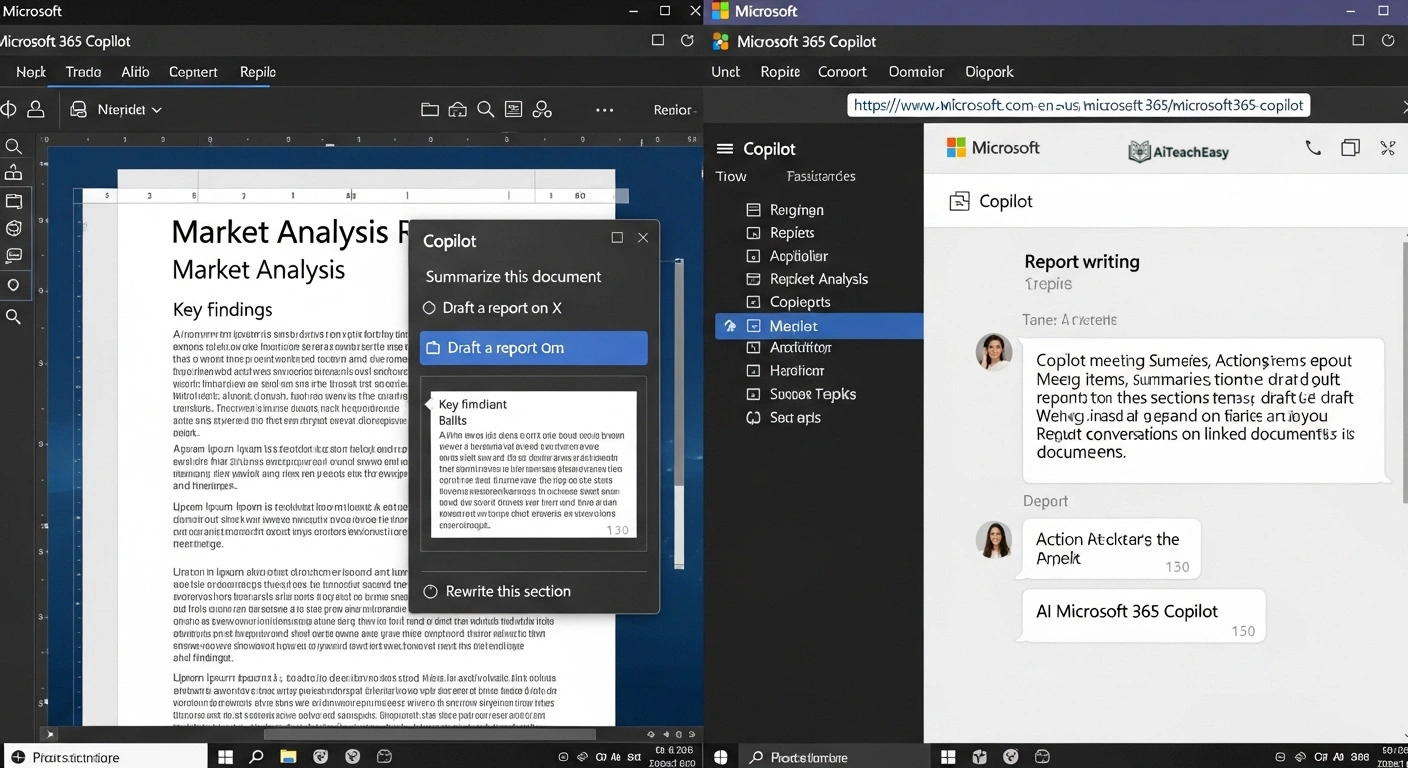
Microsoft 365 Copilot integrates Copilot into Microsoft 365 apps (Word, Excel, PowerPoint) for document writing, data analysis, meeting summaries, and presentation creation . For report writing, this means drafting directly in Word with AI assistance.
- Pros: Seamless integration with tools you already use; can pull data from Excel gradebooks; allowed data includes FERPA-protected information; enterprise-grade security.
- Cons: Requires Microsoft 365 subscription and institutional license.
- Best For: Schools already using Microsoft ecosystem who want AI integrated into existing workflows.
- Key Feature: Draft entire report cards in Word using Copilot, pulling student data from Excel spreadsheets without switching between applications .
Pricing: Available for purchase through Microsoft partners; institutional pricing.
Google Gemini Edu – Best for Research-Intensive Reporting
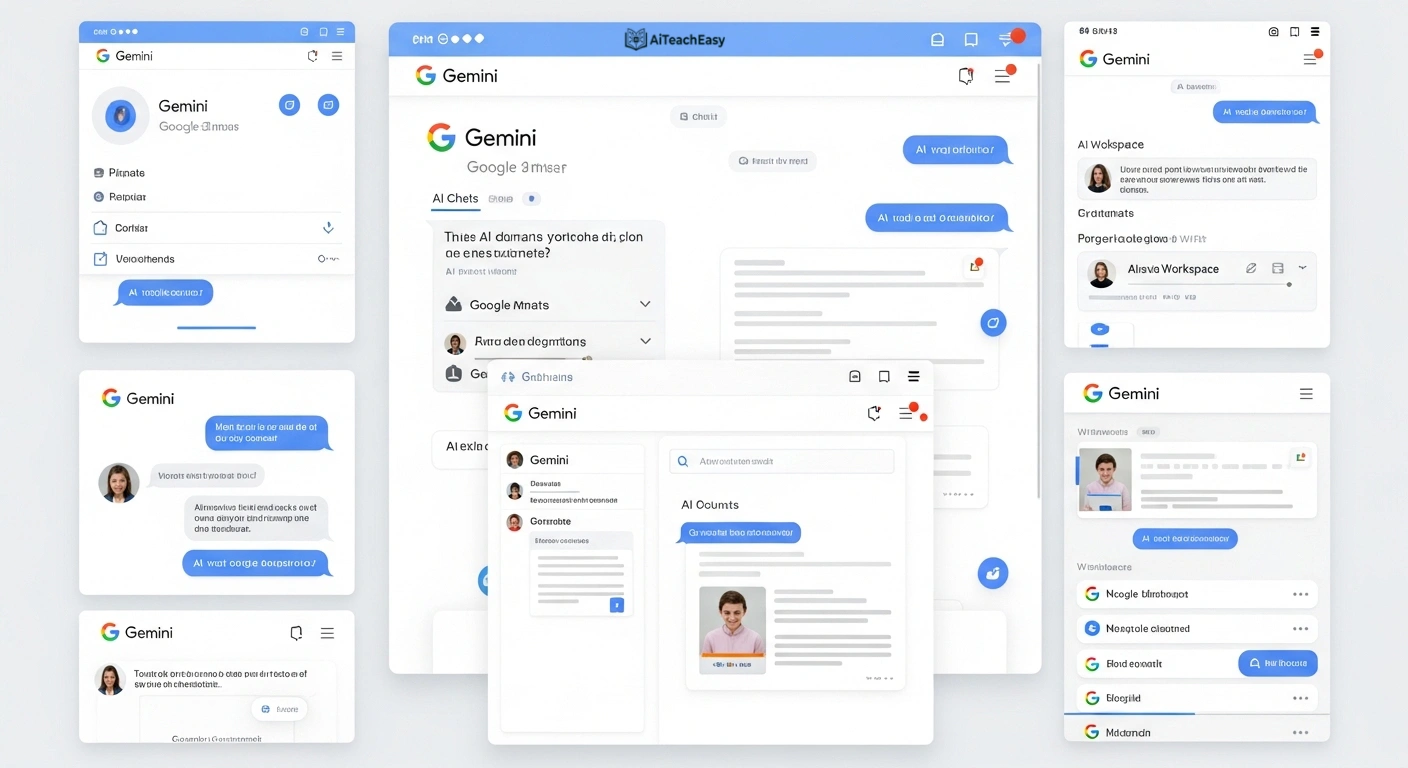
Google Gemini is an advanced AI powered by latest Gemini models with massive context window, native multimodal document analysis, and tight Google Workspace integration .
- Pros: Can analyze PDFs, documents, and even handwritten notes; FERPA-compliant when used with institutional accounts; integrates seamlessly with Google Classroom and Docs.
- Cons: Requires institutional Google Workspace for Education account.
- Best For: Teachers who need to synthesize multiple sources of student data into cohesive reports.
- Key Feature: Upload student portfolios, assessments, and observations—Gemini analyzes everything and generates comprehensive reports .
Pricing: Free for educational institutions with Google Workspace for Education.
Google NotebookLM – Best for Research-Grounded Reporting
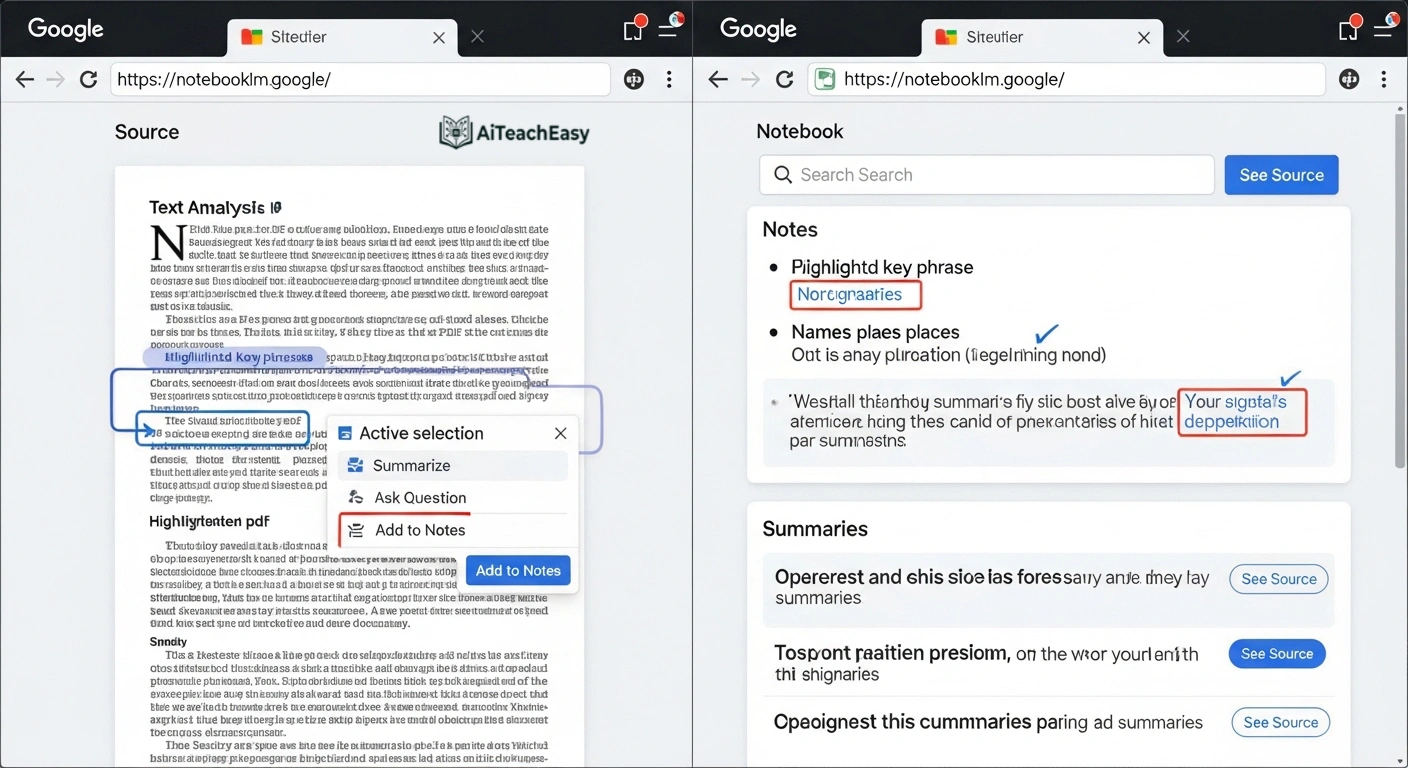
Google NotebookLM is an AI-powered research assistant that analyzes uploaded documents (PDFs, Google Docs, websites, videos) and generates study guides, briefings, mind maps, and summaries grounded exclusively in your sources .
- Pros: All responses are based only on documents you provide—no hallucinations; can generate podcast-style audio overviews; FERPA-compliant with institutional accounts.
- Cons: Requires manual upload of source documents.
- Best For: Teachers who want reports based strictly on student work and classroom observations.
- Key Feature: Upload student writing samples, assessment data, and observation notes—NotebookLM generates reports that cite specific evidence from your documents .
Pricing: Free with institutional Google account.
boisestate.ai – Best University-Customized Platform
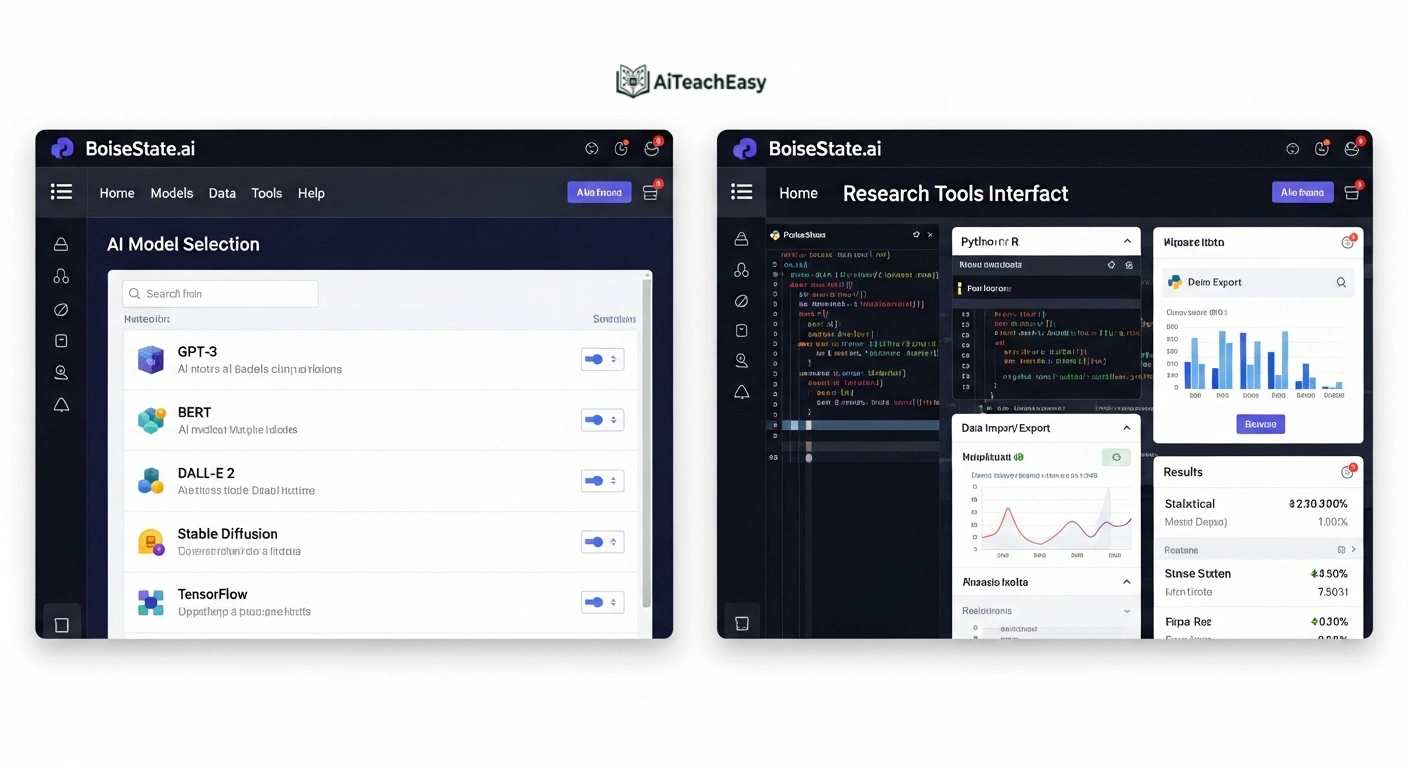
Boise State University launched boisestate.ai, a secure and university-supported generative AI platform designed to enhance teaching, learning, and work . Built on Amazon Web Services and governed by Boise State’s data and policy standards, it provides access to powerful AI tools for all students, faculty, and staff.
- Pros: Features multiple leading AI models including Claude for advanced reasoning, LLaMA for creative support, and Nova for secure platform support; custom “Assistants” for tailored tasks; secure sharing of AI conversations; FERPA and university data policy compliance .
- Cons: Currently available only to Boise State community.
- Best For: Universities considering building their own secure AI platforms.
- Key Feature: Integration with Semantic Scholar for academic research, ensuring reports are grounded in scholarly sources .
Pricing: Free for Boise State students, faculty, and staff.
Tallyrus – Best for Essay Evaluation and Feedback Integration
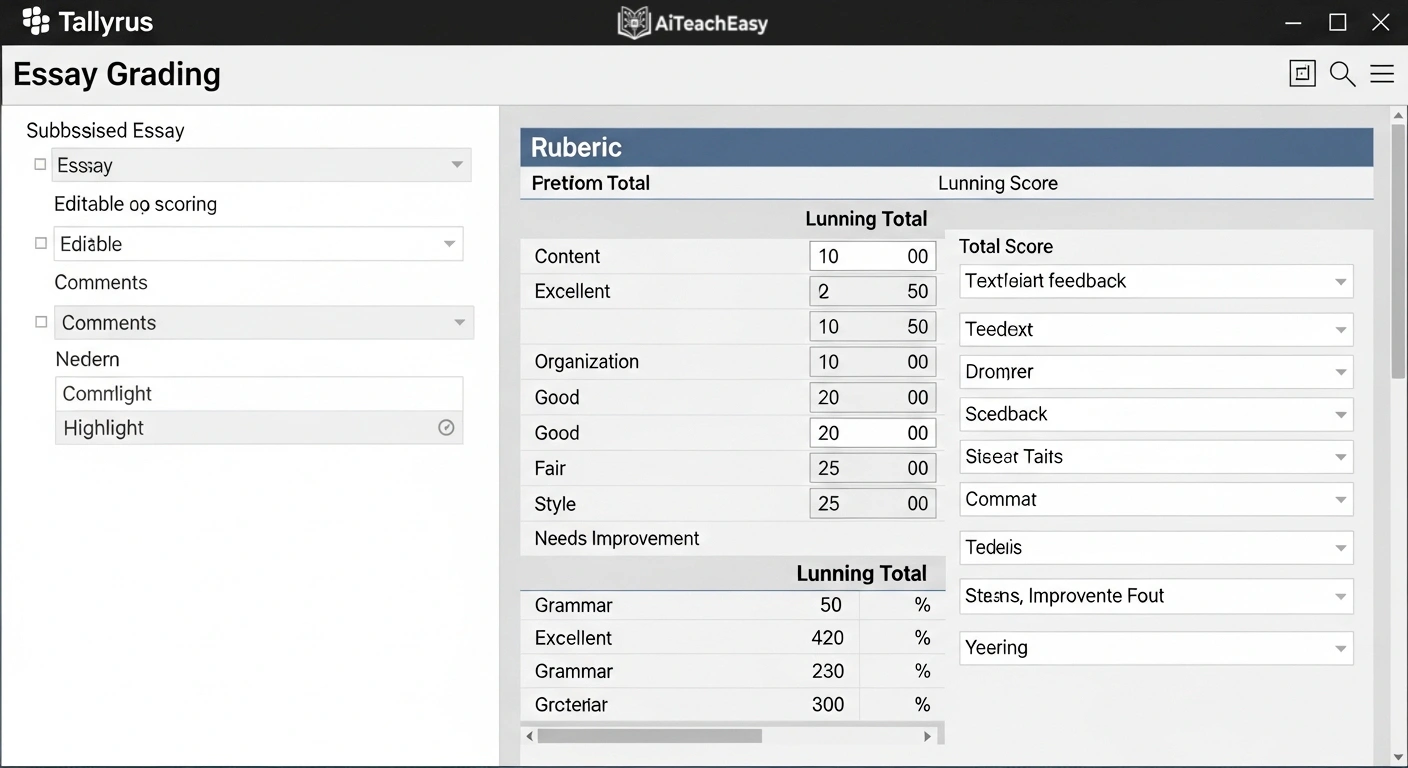
Tallyrus is a web-based application that leverages artificial intelligence to enhance the essay grading process, providing teachers with a robust tool to assess student essays efficiently while adhering to specific grading rubrics .
- Pros: AI-powered grading with rubric-based evaluation; personalized feedback for each student highlighting strengths and areas for improvement; bias-free assessment ensuring objectivity; over 400+ essays graded with 63+ hours saved reported.
- Cons: Primarily focused on essay evaluation rather than general report generation.
- Best For: English and humanities teachers who need to integrate writing feedback into report comments.
- Key Feature: Classroom management tools that allow teachers to assign essays, track submissions, and communicate with students through an intuitive platform .
Pricing: Various pricing plans; trial version available.
Quetext – Best for Originality and Feedback Integration
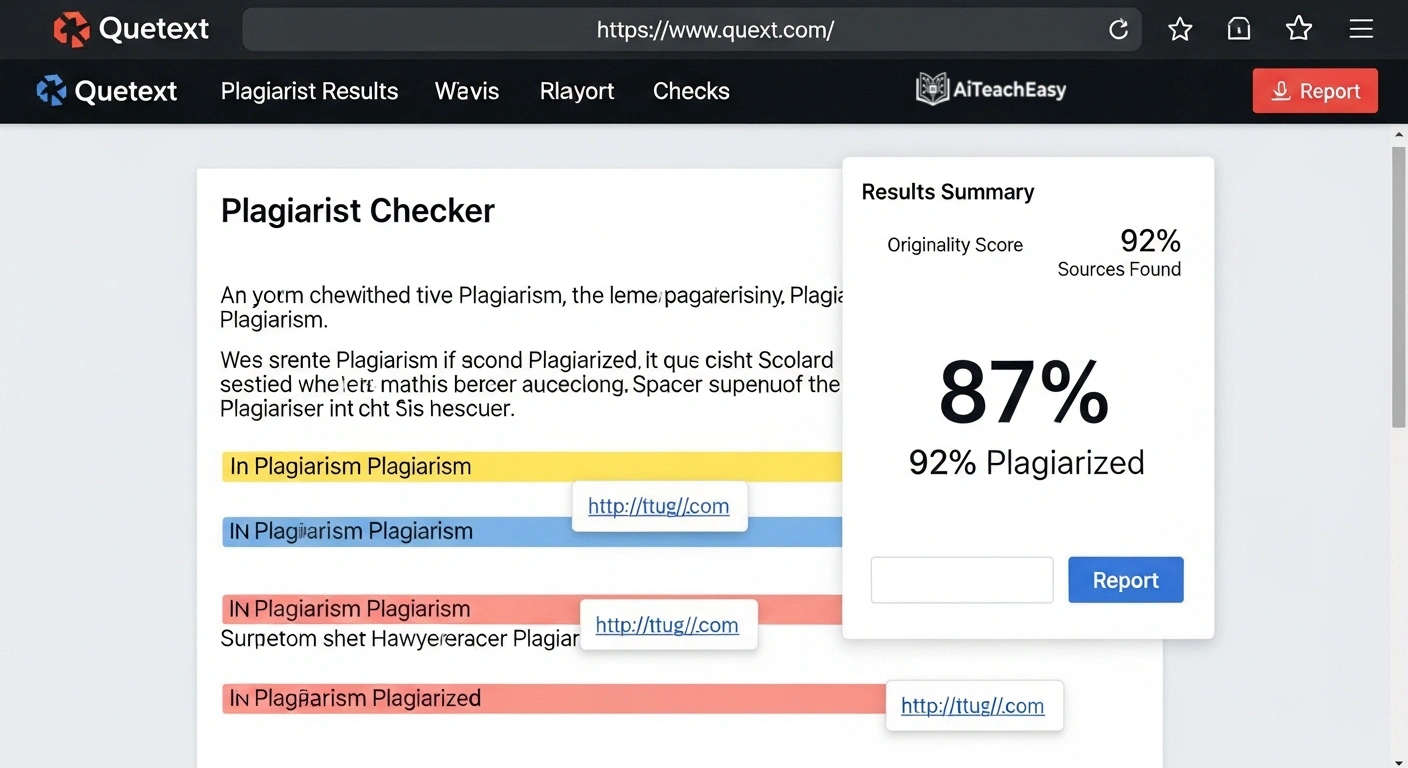
Quetext stands out by providing both original writing assistance and sophisticated methods of verifying originality . In 2026, when credibility matters as much as speed, Quetext’s tools offer unique value for report writing.
- Pros: AI Summarizer condenses research into structured summaries; Plagiarism Checker with DeepSearch™ technology; Grammar Checker with intelligent grammar checking and tone consistency; Citation Generator for APA, MLA, and Chicago styles; AI Humanizer refines mechanical text into natural writing .
- Cons: Not specifically designed for report card comments.
- Best For: Teachers who need to ensure originality and proper citation in their reporting.
- Key Feature: Combines writing assistance with originality verification—ideal for educators reviewing student work and preparing reports .
Pricing: Free tier available; premium plans for advanced features.
Claude – Best for Long-Form Analytical Comments
Claude, developed by Anthropic, is particularly strong at long-form essays, analytical reasoning, and academic-style writing . It handles large context windows well, making it useful for complex reporting tasks.
- Pros: Logical structuring of detailed reports; thoughtful, nuanced tone; excellent for analyzing student work samples and generating comprehensive feedback.
- Cons: No built-in plagiarism detection or AI verification.
- Best For: Teachers writing detailed narrative reports for older students, especially in humanities and social sciences.
- Key Feature: Available through institutional platforms like boisestate.ai and enterprise licenses .
Pricing: Varies by institution; available through enterprise agreements.
MagicSchool AI – Best Comprehensive Teacher Tool with Report Writing
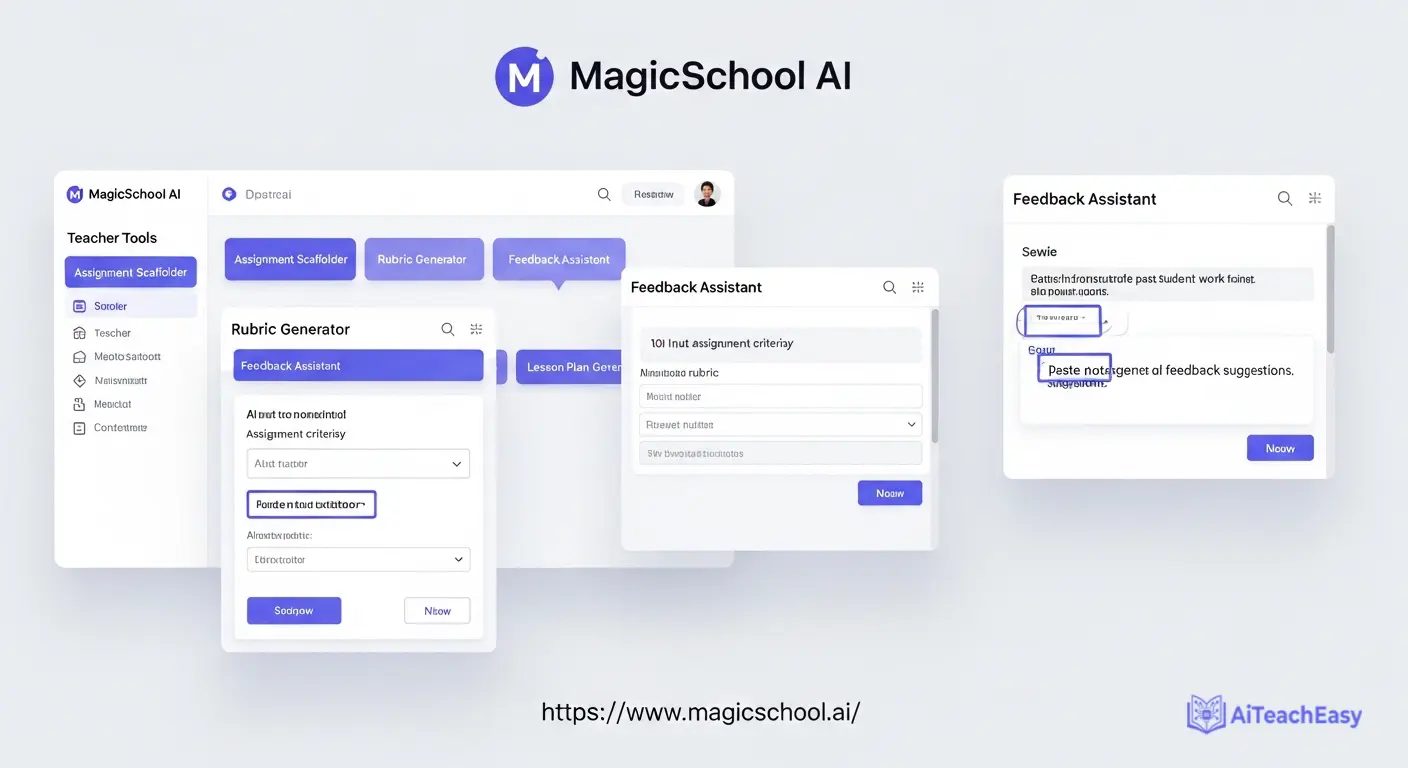
MagicSchool AI offers a comprehensive suite with over 80 tools, including robust report writing capabilities. It’s built specifically for educators to automate lesson planning, grading, and resource creation.
- Pros: Comprehensive suite of AI tools; highly customizable, teacher-centric design; generous free plan; can speak prompts instead of typing.
- Cons: Report writing features integrated with broader suite rather than standalone.
- Best For: Teachers who want an all-in-one solution for lesson planning, grading, and report writing.
- Key Feature: Use the Rubric Generator to create detailed rubrics, then generate report comments aligned with those rubrics automatically.
Pricing: Generous free plan; paid plans start at $99.96/year.
For teachers who also need to help students with memorization for assessments, our best AI tools for memorization guide offers complementary strategies.
Teachmate AI – Best UK-Based All-in-One Platform
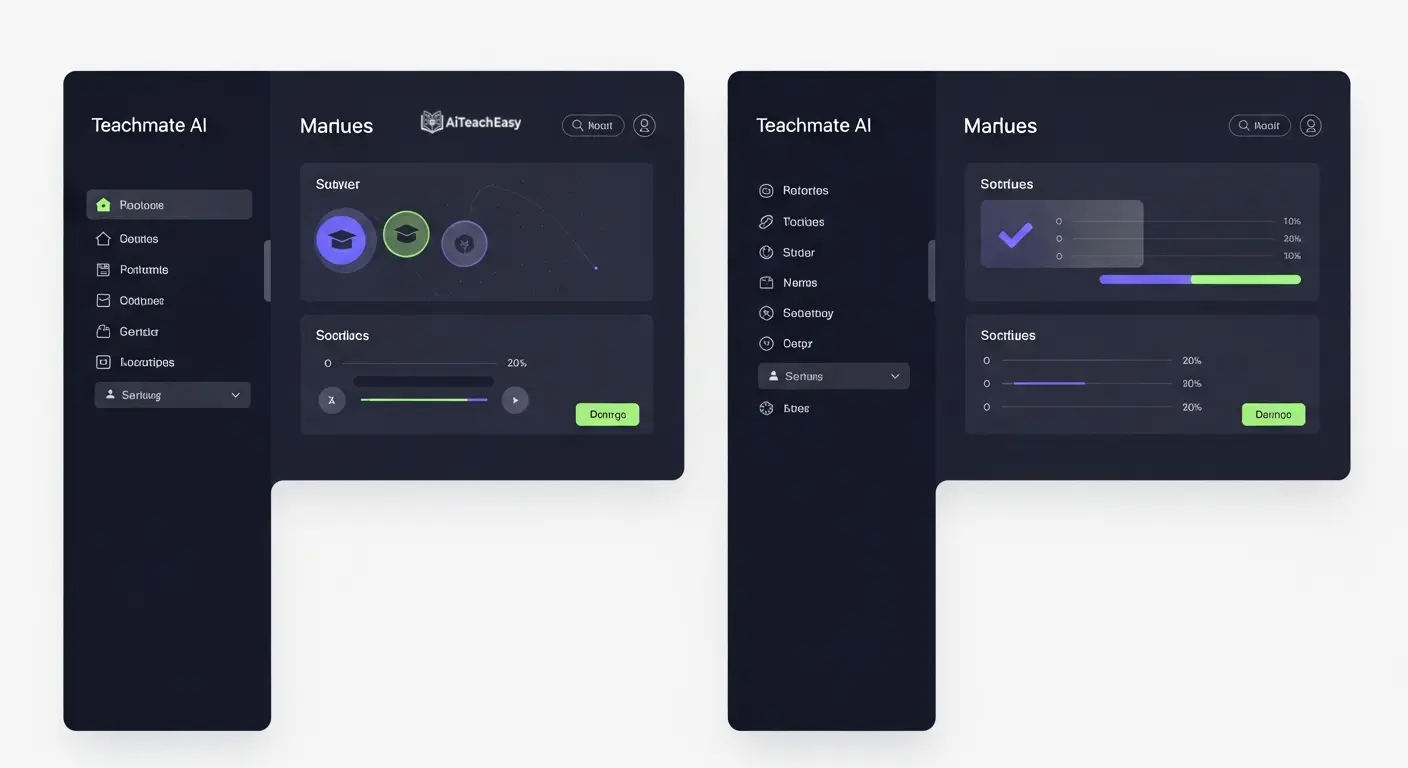
Teachmate AI is an AI-powered assistant for teachers comprising over 150+ AI-powered tools created specifically to reduce workload and promote learning . From lesson planning and resource creation to administrative tasks, Teachmate saves teachers on average over 10+ hours every week.
- Pros: Trusted by over 350,000 users worldwide; fully GDPR compliant with no user data used to train AI models; seamless integrations with productivity tools; innovative ‘Tool Linking’ and ‘Refinement Bar’ features.
- Cons: UK-based, so some terminology may differ for US schools.
- Best For: International schools and UK-based teachers seeking comprehensive support.
- Key Feature: Report writing tools integrated with broader planning and assessment suite.
Pricing: Freemium model with generous free tier; school-wide plans available.
SmartEducator – Best for Bias-Free Automated Feedback
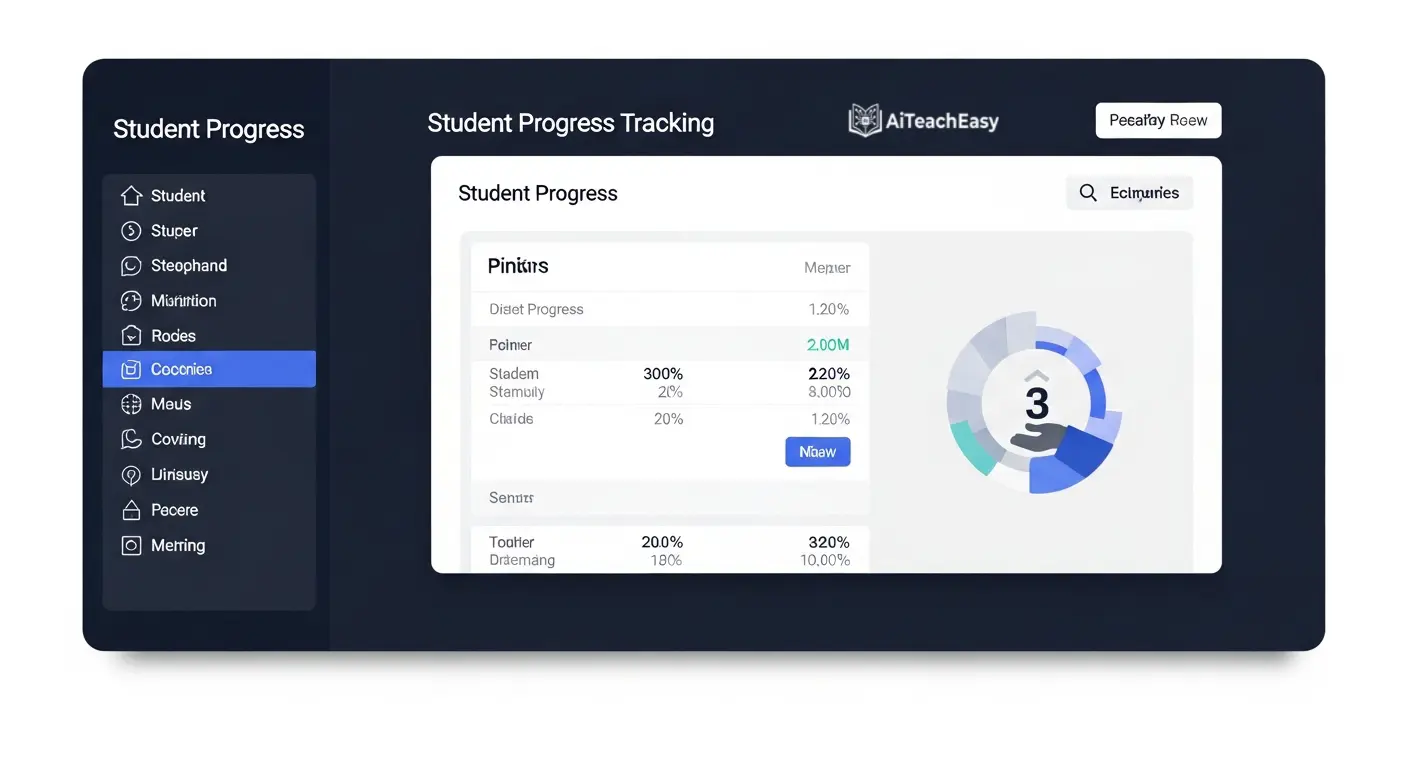
SmartEducator is helping solve one of education’s urgent challenges: teacher workload and student outcomes. By harnessing AI, the platform gives teachers back valuable time while improving fairness .
- Pros: Automated, bias-free feedback saves teachers up to 6 hours a week; adaptive feedback gives students clear, personalized guidance instantly; real-time insights into progress at individual, class, and whole-school levels.
- Cons: Requires initial setup time for rubrics.
- Best For: Schools focused on equitable assessment practices and inclusive reporting.
- Key Feature: Teachers in pilot schools report reclaiming nearly a full day of work each week, reducing stress and boosting morale.
Pricing: School-based pricing.
Olex.AI – Best for Essay Marking with Next Steps
Olex.AI stands apart from the ‘single request in, single resource out’ model by addressing multiple workload challenges simultaneously . Developed with teachers, leaders, and literacy experts, Olex addresses marking, planning, reporting, and moderation together.
- Pros: Entire class sets of 30 essays marked in under 2 minutes with instant priority next steps and lesson plans; automated OlexAnalytics generates inspection-ready progress reports at individual, class, and cohort level.
- Cons: Requires well-structured rubrics for optimal performance.
- Best For: Secondary teachers managing large volumes of written work.
- Key Feature: Every judgment is evidenced with quantitative data, cutting out hours of debate and paperwork during moderation.
Pricing: Freemium model; paid plans for advanced features.
Diffit – Best for Differentiated Report Materials
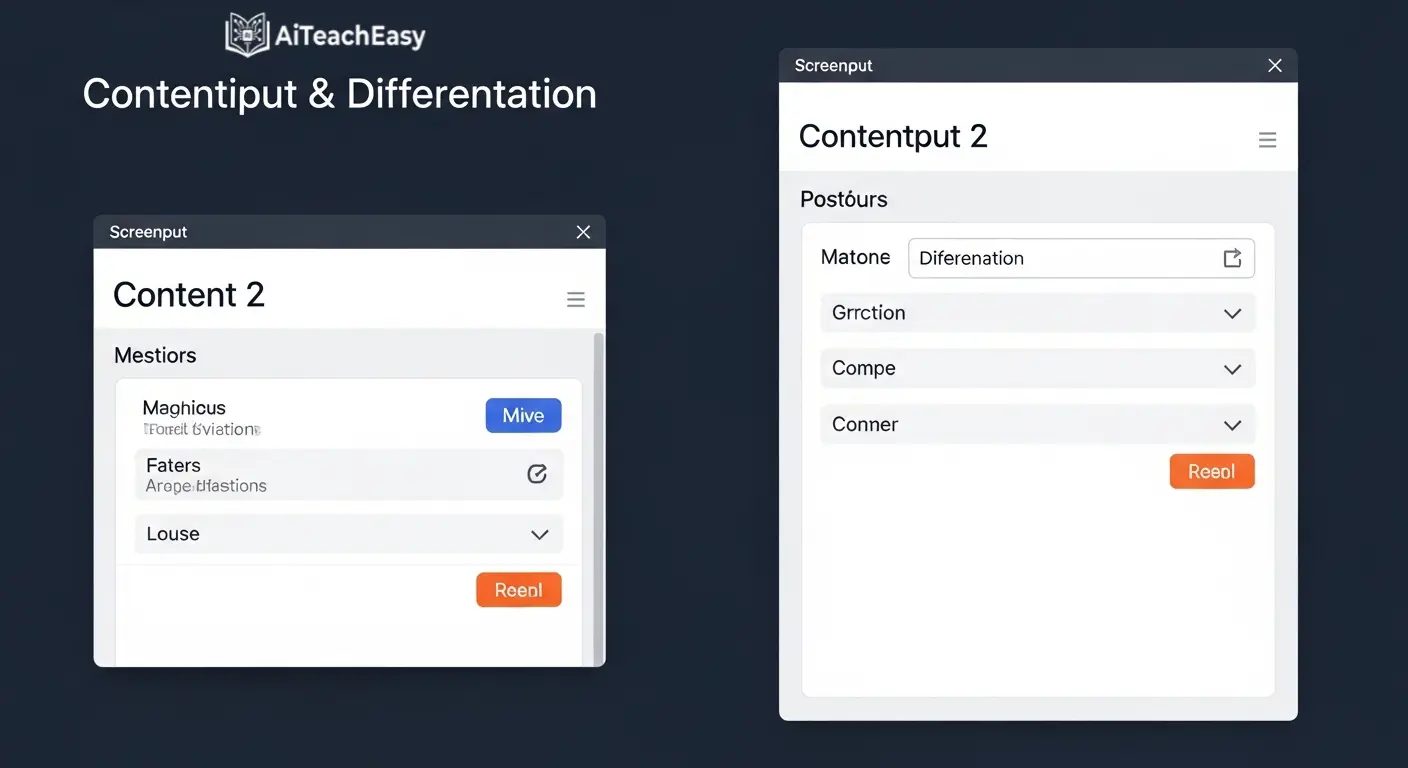
Diffit generates differentiated learning materials tailored to different student skill levels . For report writing, this means creating comments that appropriately reflect each student’s progress level.
- Pros: Ensures all learners receive appropriate feedback; supports adaptive content generation to address varying learning paces; creates leveled comments for students at different skill levels.
- Cons: Requires clear understanding of student progress for optimal results.
- Best For: Teachers with diverse classrooms who need automated differentiated report comments for ELL students and varied ability levels.
- Key Feature: Generates leveled versions of comments so all students receive appropriate, personalized feedback.
Pricing: Free tier available; paid plans for unlimited access.
This is particularly helpful for diverse learners, similar to the approaches discussed in our article on AI tools for special needs students .
Bloomz – Best for Parent Communication Integration
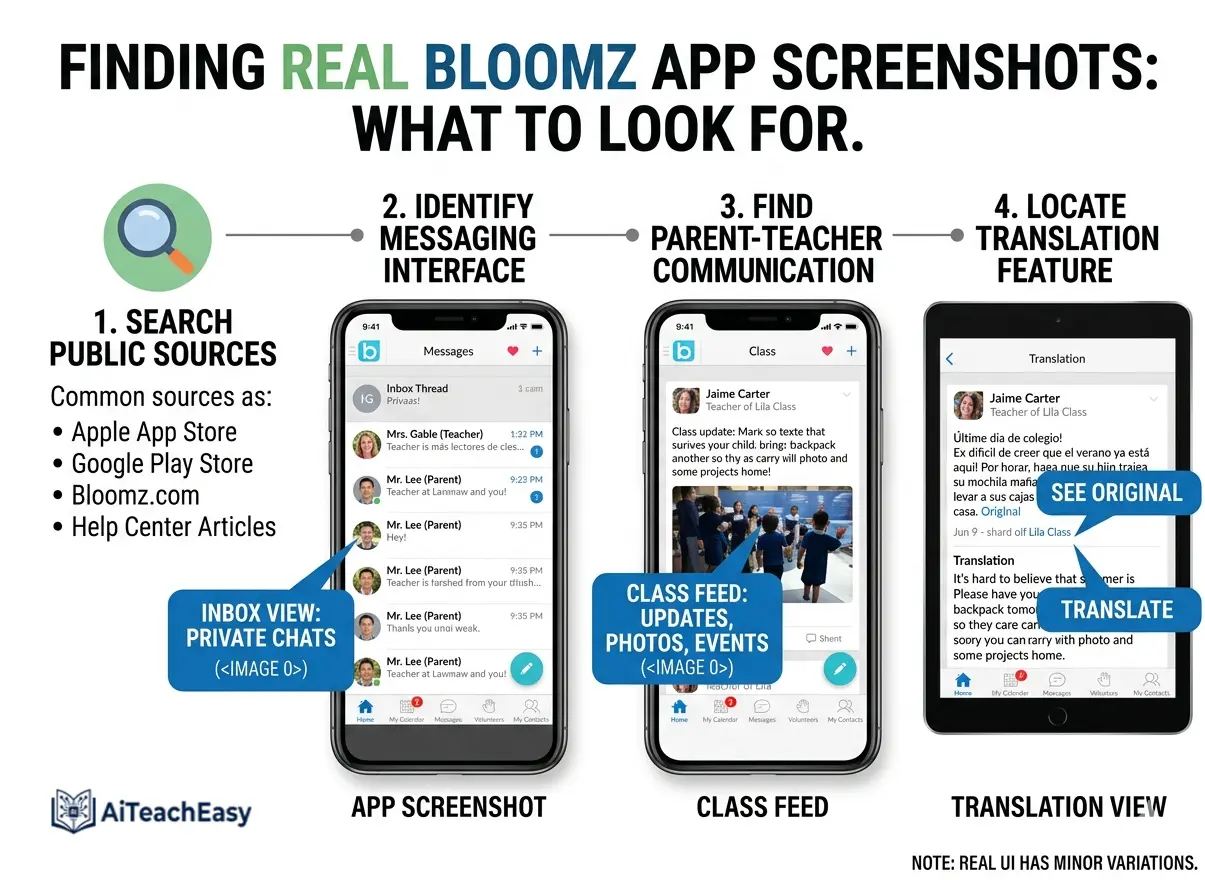
Bloomz unveiled Immersive Translation and Conversational AI to simplify and strengthen the school-home connection . The platform translates the entire app—including menus, buttons, and dialogues—into more than 250 languages.
- Pros: Bloomz Conversational AI helps educators create posts, announcements, polls, and updates in seconds; 2-way translated SMS and virtual calling drive true engagement; perfect for sharing report highlights with multilingual families.
- Cons: Some advanced features require paid plans.
- Best For: Schools with diverse language populations needing report translation.
- Key Feature: Immersive Translation ensures every parent, regardless of language, can fully engage with their child’s report .
Pricing: Free tier available; premium plans for advanced features.
Ayoa – Best for Neuro-Inclusive Reporting
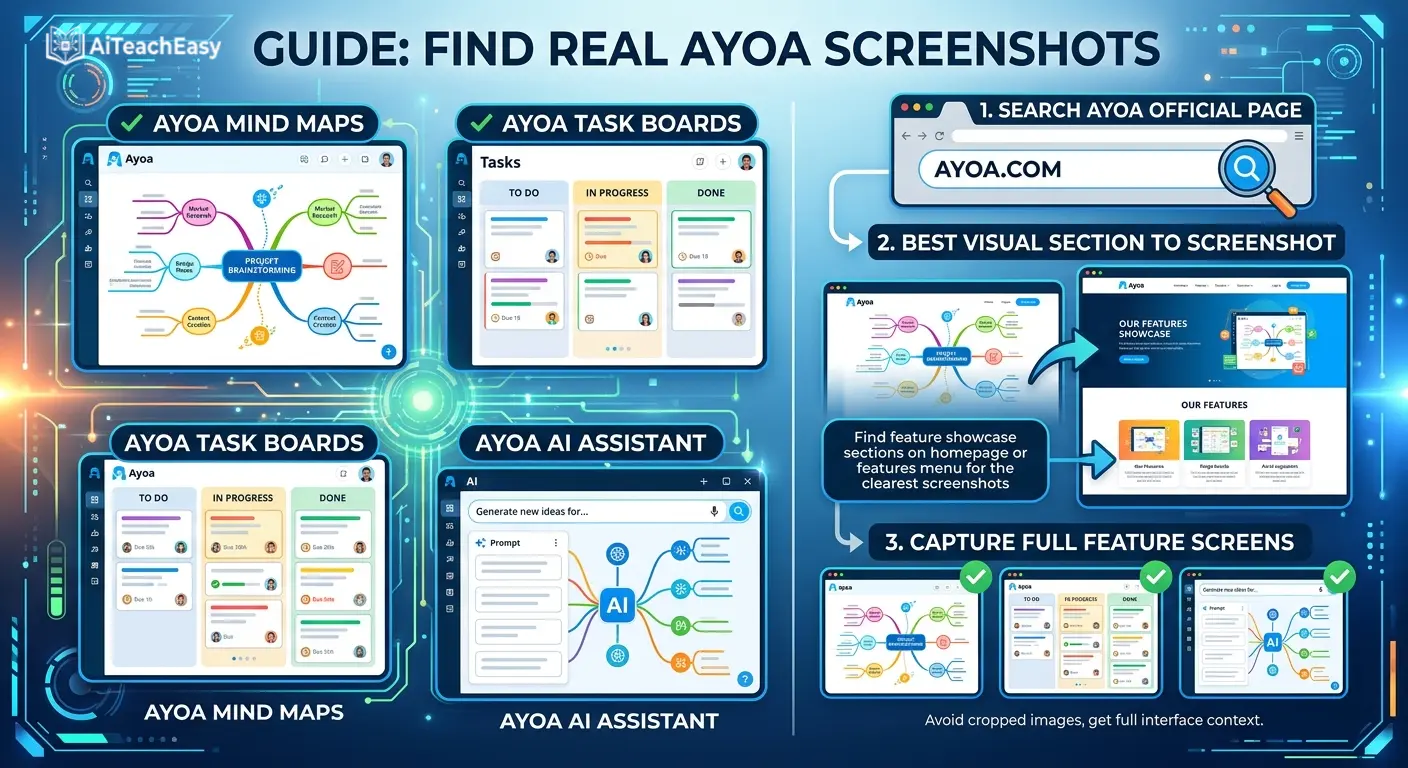
Ayoa is a neuro-inclusive productivity tool designed to support diverse thinking styles, whether visual, logical, or creative . It seamlessly integrates with Google Classroom and supports students with executive function challenges.
- Pros: Combines organic mind mapping, visual task management, whiteboards, and AI-powered features; helps all students think, plan, and achieve; perfect for creating AI-powered narrative comments for neurodiverse learners.
- Cons: May have learning curve for those unfamiliar with mind mapping.
- Best For: Teachers who want to support diverse learning styles and create reports that reflect neuro-inclusive best practices.
- Key Feature: AI instantly generates comprehensive mind maps from any topic, helping structure reports that address varied learning needs .
Pricing: Free tier available; school plans for full access.
How to Write IEP Goals and Progress Reports with AI
One of the most challenging aspects of report writing is developing IEP goal and progress report generator AI solutions that meet legal requirements while providing meaningful feedback. Here’s how AI tools can help:
Using AI for IEP Goal Development
Tools like Taskade AI offer specific templates for IEP and progress monitoring reports . Teachers can document student progress toward individualized education plan goals and generate data-driven progress narratives from goal tracking information.
AI SCORE was originally developed specifically to support struggling writers and students with disabilities, making it particularly valuable for special education reporting . The platform’s content-neutral prompts and accessible language make it effective across diverse student populations, including those who are deaf or hard of hearing.
Progress Monitoring with AI
The AI SCORE system includes visual dashboards that display class and individual performance data, allowing teachers to track progress over time . This makes it easy to generate progress reports that show growth patterns rather than just static assessments.
For teachers managing special education caseloads, our AI tools for special needs students guide offers additional strategies for supporting diverse learners.
FERPA Compliance and Data Privacy: What Teachers Must Know
Can AI tools safely handle student data in 2026? This question comes up constantly in my workshops with teachers. The answer is yes—but only with the right tools and practices.
FERPA Compliant AI Report Writing Tools
Several tools explicitly address data privacy:
- AI SCORE operates within secure learning management systems like Google Classroom and Canvas, ensuring that no identifiable student data is accessible to researchers . Schools can further anonymize data by assigning student IDs randomly.
- Michigan State University’s enterprise-licensed AI tools offer enhanced security and robust enterprise-level data protection in alignment with institutional data policies, specifically allowing FERPA data when used with institutional credentials .
- boisestate.ai is built on Amazon Web Services and governed by Boise State’s data and policy standards, ensuring FERPA and university data policy compliance .
- Teachmate AI is fully GDPR compliant with no user data used to train AI models .
Best Practices for AI and Student Data
Dr. Sean Smith and Dr. Samantha Goldman from the University of Kansas emphasize that AI literacy education should be integrated into tool use, enabling students and teachers to understand responsible AI use, including what information should or shouldn’t be shared with AI systems .
When evaluating tools, always check:
- Is the tool FERPA/GDPR compliant?
- Is student data used to train AI models?
- Where is data stored?
- Does the school/district have control over access?
Our guide on privacy-first AI tools for students offers additional guidance on data protection that I’ve found invaluable.
How to Choose the Right AI Report Writing Tool
After years of testing these tools in real classroom settings during multiple report card seasons, here’s my personal decision framework based on your specific needs:
- Want an all-in-one solution? Choose SchoolAI or MagicSchool AI for comprehensive tool suites with dedicated report generators .
- Need a free, straightforward tool? Choose Taskade AI Report Card Generator for unlimited free report generation .
- Focus on writing assessment and feedback? Choose AI SCORE for research-backed, evidence-based writing evaluation .
- Working in higher education? Choose ChatGPT Edu, Microsoft 365 Copilot, or Google Gemini Edu for enterprise-level security and integration .
- Need affordable unlimited access? Choose EduWriter.ai starting at just $11/year .
- Supporting diverse learners? Choose AI SCORE for struggling writers or Ayoa for neuro-inclusive approaches .
- Working with multilingual families? Choose Bloomz for 250+ language translation .
Most tools offer free plans, so I recommend experimenting to find what fits your workflow. Remember to prioritize tools that respect student data privacy—look for FERPA compliance and clear data policies.
How to Automate Differentiated Report Comments for ELL Students
Creating automated differentiated report comments for ELL students requires tools that understand language acquisition levels and cultural considerations. Here’s how top tools handle this:
Bloomz offers immersive translation in 250+ languages, ensuring parents can read reports in their native language regardless of the language teachers write in .
Diffit generates leveled content appropriate for students at different language proficiency levels, ensuring comments reflect actual performance rather than language barriers .
AI SCORE’s content-neutral prompts and accessible language make it effective for English language learners, with the Oscar AI assistant providing writing support without giving direct answers .
For students who need additional language support, our free AI humanizer for students can help make AI-generated text more natural and accessible.
Report Writing FAQs
Expert answers to common questions about AI-driven educator feedback.
The Future of AI Report Writing: What’s Coming in 2026
Based on my conversations with developers and my own testing of beta features, AI report writing tools continue to evolve rapidly. Here’s what I’m most excited about:
- Integrated Data Pull: Tools are moving toward automatically pulling from gradebooks, LMS platforms, and existing feedback—no more double entry .
- Voice-to-Text Integration: Speaking comments while reviewing student work will become standard, with AI formatting professional prose .
- Research-Grounded Reporting: Platforms like boisestate.ai integrating with Semantic Scholar ensure reports are evidence-based .
- Neuro-Inclusive Design: Ayoa exemplifies the trend toward supporting diverse thinking styles in both instruction and reporting .
- Secure Institutional Platforms: Universities like Boise State and Michigan State are creating their own FERPA-compliant tools, reducing reliance on commercial platforms .
For teachers who also need to help students with exam preparation, our best AI tools for exam preparation guide offers complementary strategies that integrate well with reporting tools.
Conclusion: Best AI Report Writing Tools for 2026
The landscape of educational reporting is being transformed by artificial intelligence. After years of testing these tools in real classroom settings and collaborating with hundreds of educators across grade levels, I can confidently say that whether you need an AI report card comment generator for primary teachers, an automated student progress report writer, or standards-based narrative report comments AI, there’s a tool designed for your needs.
The best AI report writing tools for teachers in 2026 combine proven educational principles with cutting-edge technology to deliver unprecedented efficiency and feedback quality. From SchoolAI’s dedicated comment generator saving hours of writing time to Taskade’s free unlimited platform to AI SCORE’s research-backed writing assessment , teachers at every level can find solutions that fit their workflow.
By incorporating these platforms into your routine, you can reduce report writing time by hours each week, provide more consistent and personalized feedback, and focus on what truly matters—supporting your students’ learning journey. I’ve reclaimed my sanity during report card season and actually enjoy writing comments now because it’s less about drudgery and more about meaningful communication.
Remember, personalized student feedback doesn’t have to come at the cost of your work-life balance. With the right AI progress report software, you can achieve better results while maintaining your well-being.
For additional classroom support, I regularly use and recommend these resources:
- Best AI grading tools for teachers – Automate assessment workflows throughout the term
- Best free AI note takers – Capture observations for reports effortlessly
- AI tools for student retention – Improve long-term learning outcomes
- Free AI tools no signup – Quick classroom tools without registration friction
- Browser-based AI tools for students – Accessible tools for any device
- Best free AI presentation tools – Create engaging presentations for parent nights
- Best free AI resume builders – Support career-ready students
- Free offline CGPA calculator – Quick grade calculations without internet
- Quiz generator for teachers and students – Create assessments instantly
- Free AI lesson plan generator tool – Plan lessons in seconds
- Free AI humanizer for students – Make AI-generated text more natural
- AI tools for teachers – Comprehensive teacher resource hub
- AI tools for students – Student-focused learning tools
- Student result sheet generator – Streamline final grade calculations
- AI classroom management tools for teachers – Maintain productive learning environments
About the Author
Professor Irfan is an AI tools researcher and founder of AI Teach Easy, where I review AI tools that help students learn faster and teachers work smarter. I’ve spent the last three years testing educational technology to find practical applications for modern classrooms, with a strong focus on privacy-first AI tools for students . Before founding AI Teach Easy, I was a classroom teacher who experienced the pain of report card season firsthand—which is why I’m so passionate about these time-saving tools.