
10 Best AI Lecture Slide Creators for Professionals
If you’ve ever spent hours building lecture slides—only to feel they still weren’t engaging enough—you’re not alone.
I’ve been teaching for years, and honestly, slide creation used to be one of the most time-consuming parts of my workflow. Formatting, structuring, visuals, explanations—it never ended.
Then I started using AI lecture slide creators.
And things changed.
Not perfectly. Not magically. But significantly.
This guide is not just a list of tools. It’s a real, experience-based breakdown of:
- What actually works
- What fails (yes, I’ll show that too)
- How to use these tools in real classrooms
- And how they fit into modern teaching systems like asynchronous learning, IEP-based instruction, and OER content usage
Table of Contents
What Are AI Lecture Slide Creators?
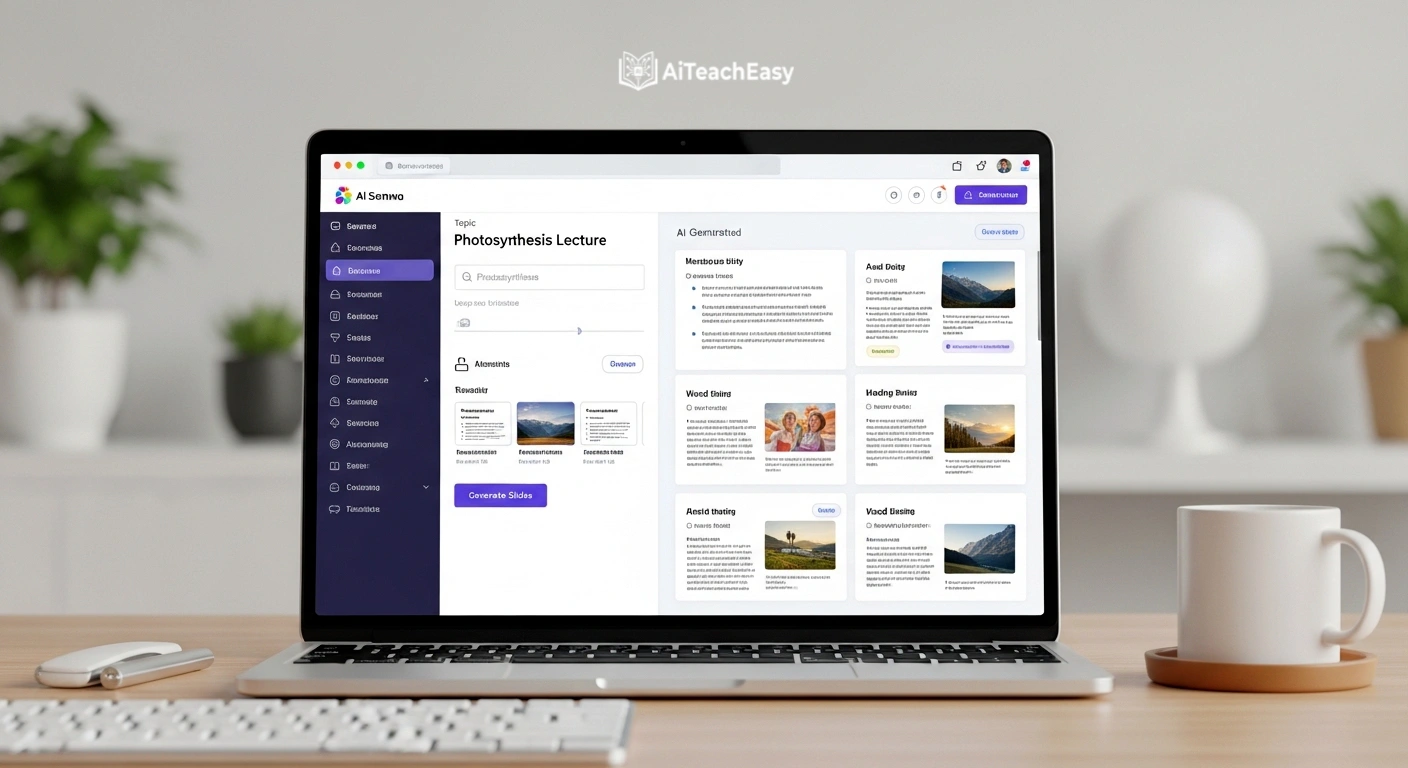
AI lecture slide creators are intelligent platforms that convert ideas, notes, or documents into structured lecture presentations automatically.
Instead of building slides manually, you:
- Enter a topic
- Upload notes or PDFs
- Or describe your lesson
And the AI generates:
- Slide titles
- Key points
- Visual suggestions
- Structured flow
But here’s the important part:
These tools don’t replace your expertise. They amplify it.
Why AI Lecture Slide Creators Matter in 2026
Teaching today is not what it was 5–10 years ago.
You’re expected to:
- Deliver engaging content
- Adapt for different student levels (differentiated instruction)
- Support remote and hybrid classes (asynchronous learning)
- Follow accessibility standards (IEP compliance)
- Protect student data (privacy regulations)
That’s a lot.
This is exactly where AI lecture slide creators come in.
They reduce workload while improving quality.
Best AI Lecture Slide Creators (2026 Comparison Table)
Here’s a practical comparison of top tools:
| Tool | Best For | Strength | Pricing | Link |
|---|---|---|---|---|
| Tome AI | Storytelling lectures | Narrative flow | Free + Paid | https://tome.app |
| Gamma AI | Fast slide creation | Text → slides instantly | Free + Paid | https://gamma.app |
| Canva AI | Visual lessons | Templates + design | Free + Pro | https://canva.com |
| SlidesAI | Google Slides users | Easy integration | Free + Paid | https://slidesai.io |
| Beautiful.ai | Clean structure | Auto formatting | Paid | https://beautiful.ai |
| Pitch | Team collaboration | Real-time editing | Free + Paid | https://pitch.com |
My Real Experience Using AI Lecture Slide Creators
Let’s move beyond theory.
Tome AI – Feels like storytelling (but not always accurate)
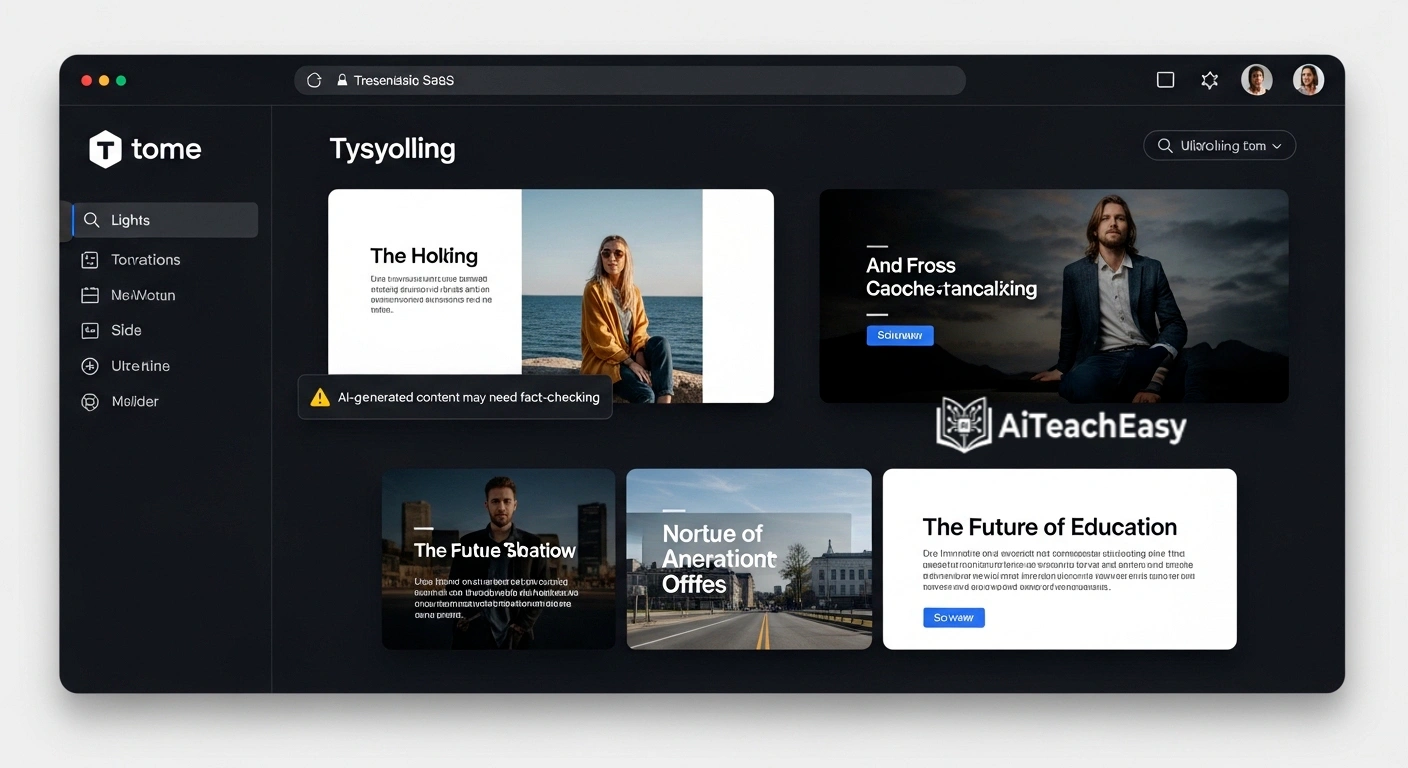
I used Tome for a history lecture.
It turned my notes into a story-driven presentation. Honestly, it felt like watching a documentary.
But…
One slide included a misleading historical reference.
That’s when I realized:
AI is creative—but not always correct.
Gamma AI – Fastest tool I’ve used
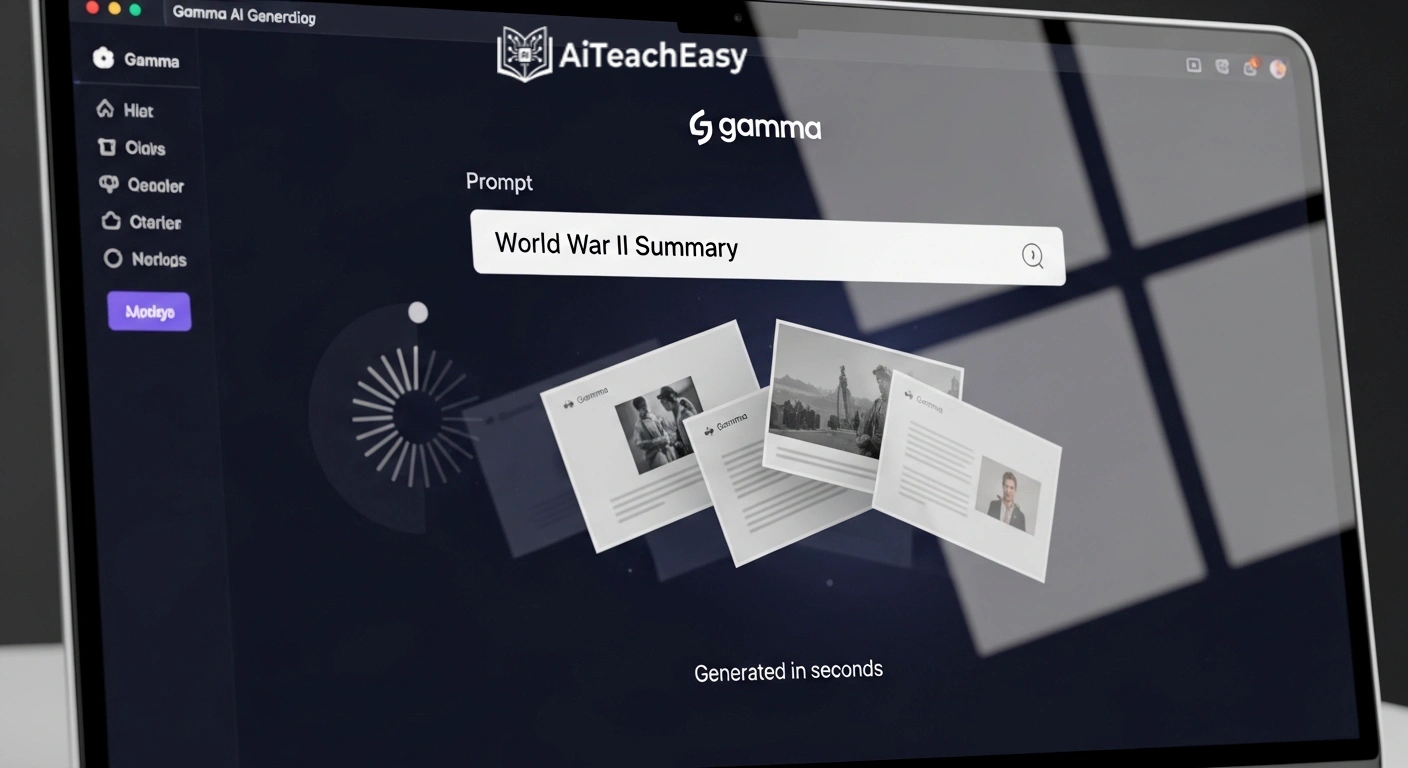
This is my go-to when I’m in a hurry.
Paste text → presentation ready.
But sometimes it:
- Oversimplifies concepts
- Misses deeper academic nuance
Still, for quick lectures, it’s excellent.
Canva AI – Students actually enjoy it
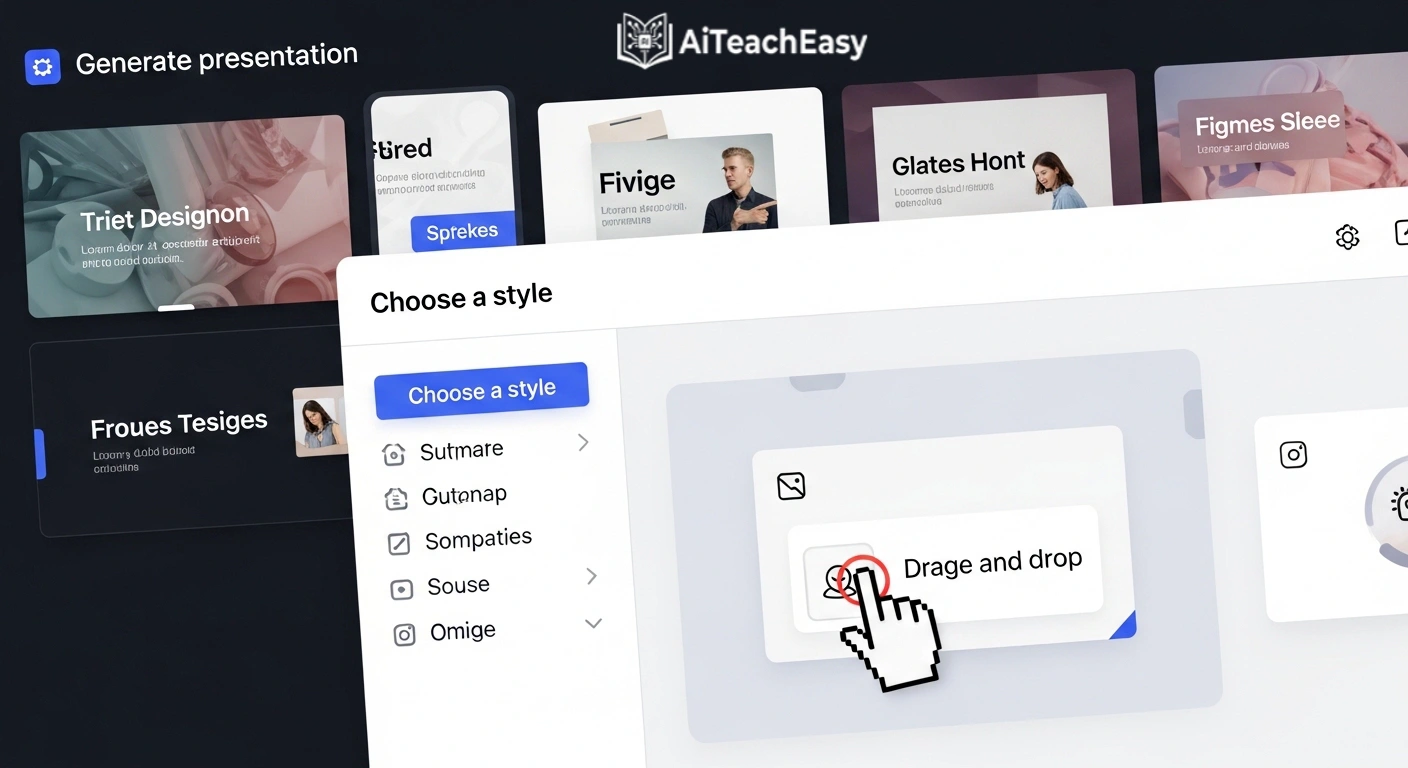
In my experience, Canva is the most “student-friendly” tool.
It’s the only one where students stay visually engaged till the end.
Great for:
- Visual learners
- School-level teaching
- Interactive lessons
SlidesAI – Simple but effective
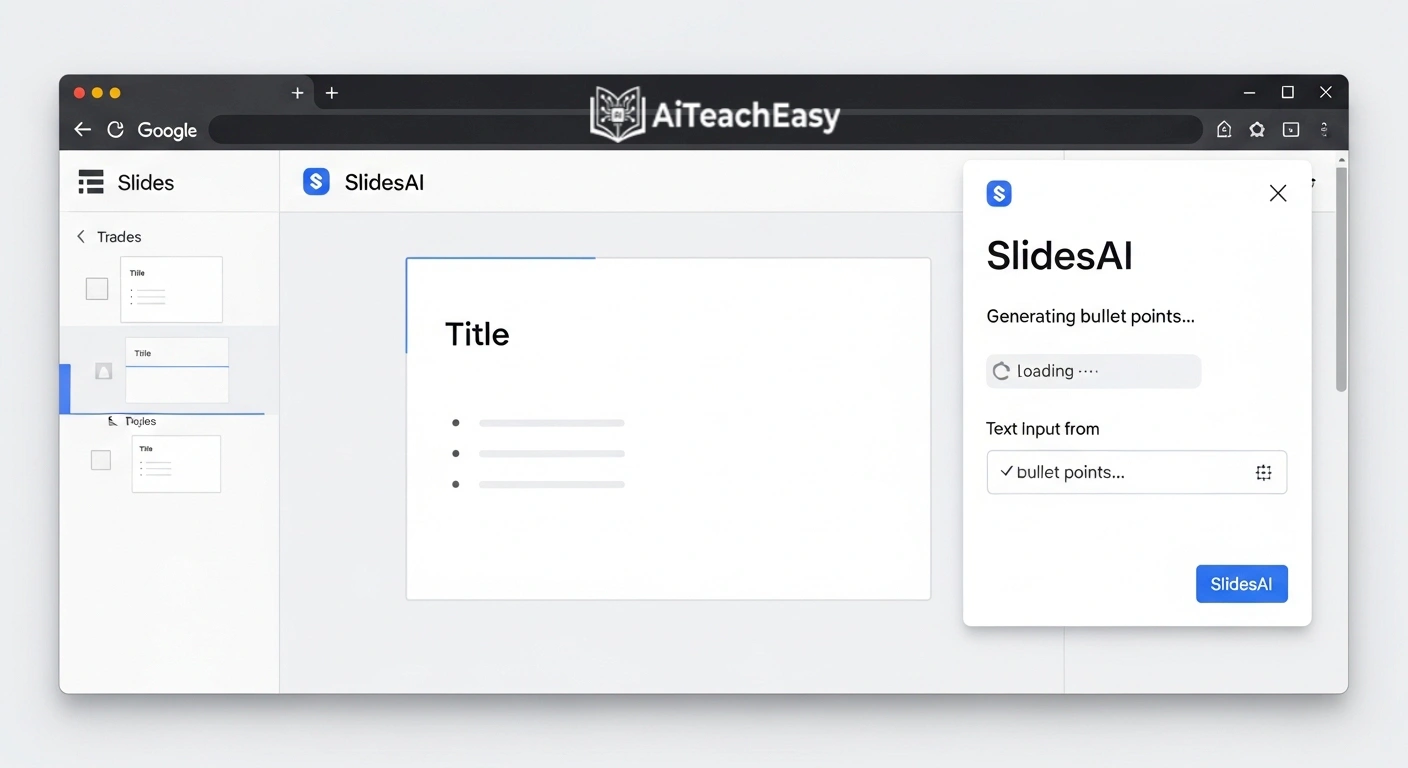
If you use Google Slides, this tool saves time.
No learning curve. Just works.
Beautiful.ai – Perfect structure, less flexibility
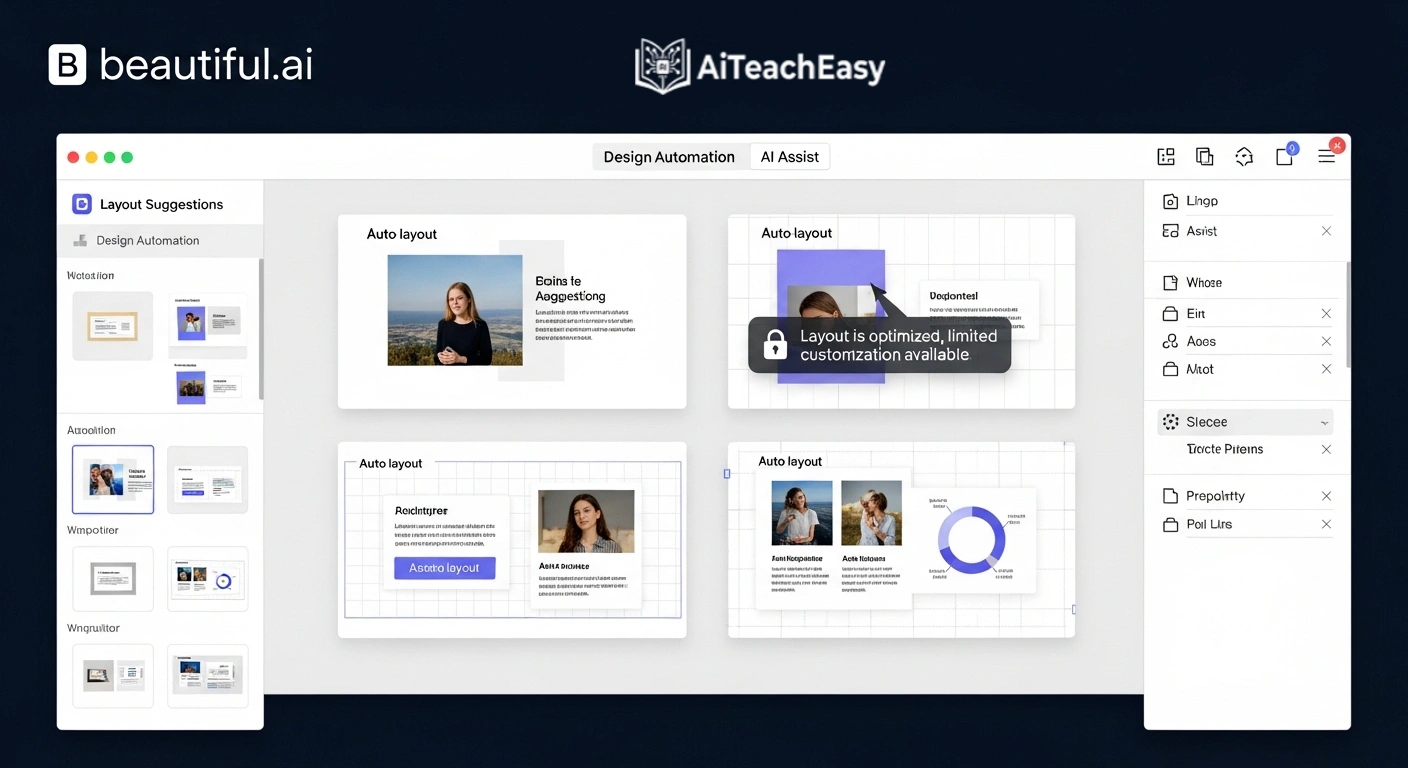
It makes everything look clean.
But sometimes too clean.
You may feel restricted creatively.
Pitch – Best for institutions
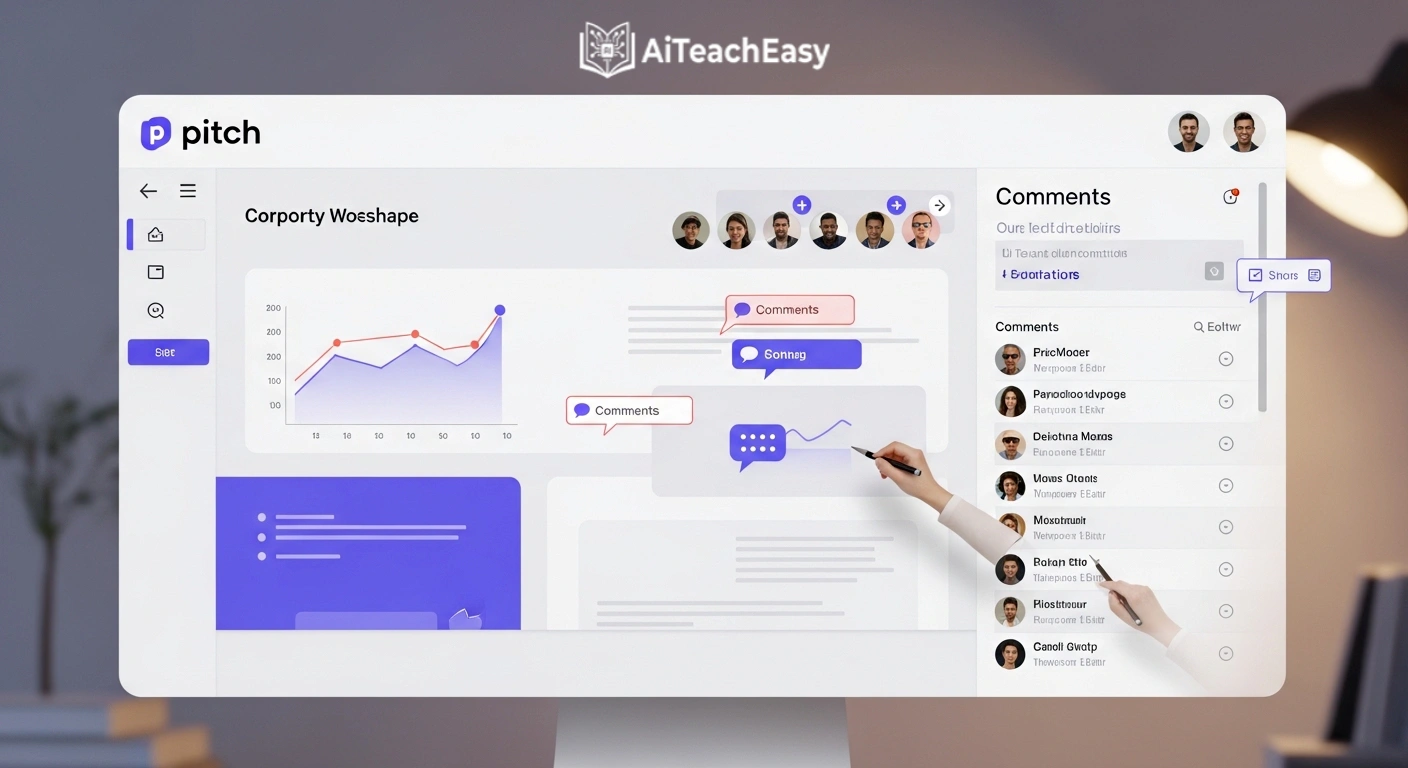
If multiple teachers collaborate, Pitch is powerful.
Real-time editing + analytics = useful for teams.
How to Use AI Lecture Slide Creators Effectively
Using AI lecture slide creators correctly is more important than the tool itself.
Step-by-Step Method
- Define your learning objective
- Input a detailed prompt (not just a topic)
- Generate slides
- Edit for accuracy
- Add real-life examples
- Adjust for student level
Prompt Example (Pro Tip)
Bad prompt:
“Photosynthesis presentation”
Good prompt:
“Create a 10-slide lecture on photosynthesis for 9th-grade students, including diagrams, real-life examples, and simple explanations.”
Integrating AI Slides with Your Teaching Ecosystem
AI slides are just one part of a bigger system.
For best results, combine with:
- 👉 AI productivity tools for teachers
- 👉 AI time management tools for teachers
- 👉 AI classroom management tools
To support students:
For evaluation:
Benefits of AI Lecture Slide Creators
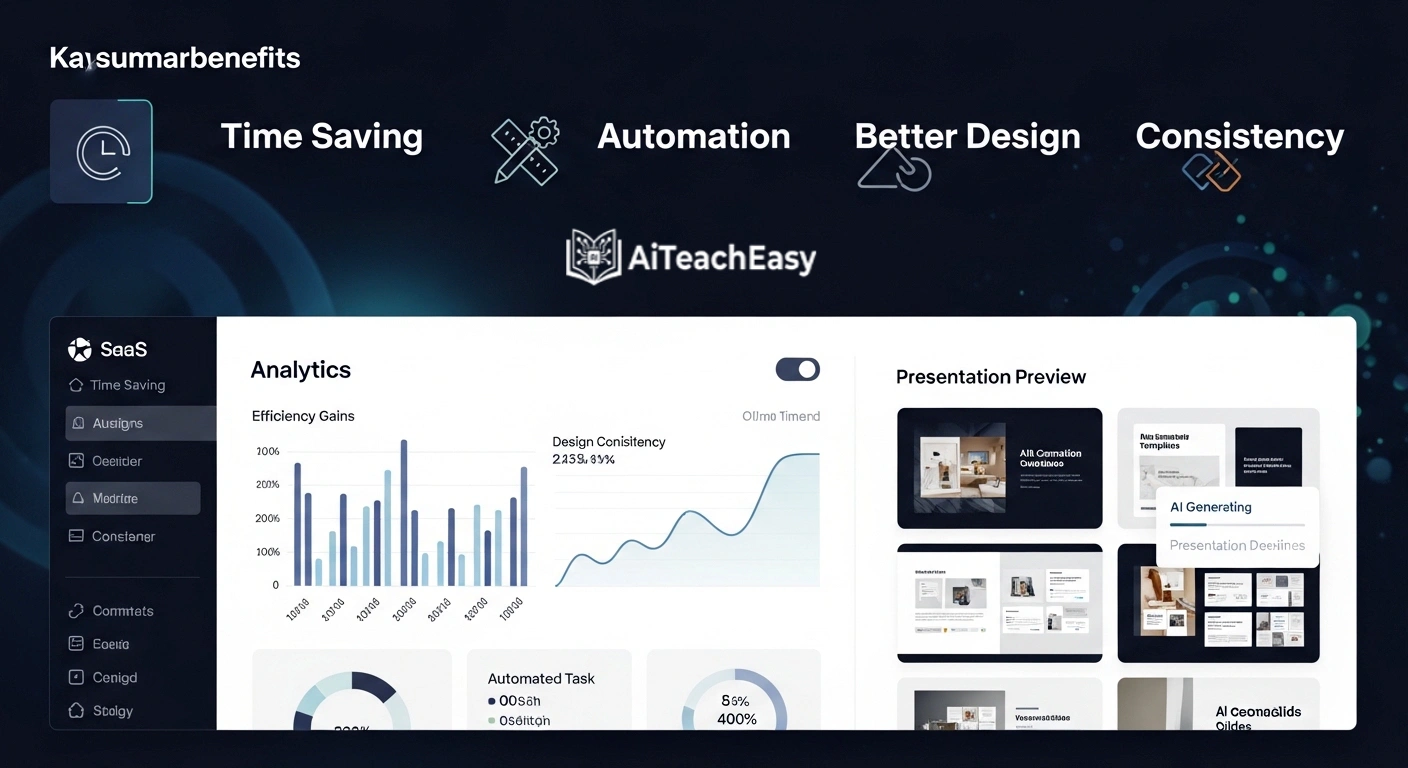
1. Massive Time Savings
Slides in minutes, not hours.
2. Better Engagement
Visuals + storytelling improve attention.
3. Personalized Learning
Adapt content for different levels.
4. Supports Special Needs
Useful for IEP-based adjustments.
Also explore 👉 AI tools for special needs students
Common Mistakes to Avoid
Even experienced teachers make these mistakes:
- ❌ Blindly trusting AI content
- ❌ Using generic prompts
- ❌ Ignoring student feedback
- ❌ Overloading slides
A Real Failure Story
I once created a chemistry lecture using an AI slide generator.
Everything looked perfect.
Until a student asked:
“Sir, isn’t this diagram wrong?”
He was right.
The AI had simplified the process incorrectly.
That moment taught me:
AI helps you start. It doesn’t finish the job.
Student Data Privacy Considerations
When using AI lecture slide creators, always:
- Avoid uploading student data
- Use tools with privacy policies
- Follow FERPA/GDPR compliance
Future of AI Lecture Slide Creators
Looking ahead:
- Real-time slide adaptation based on student reactions
- Voice-to-slide generation
- Fully personalized lessons per student
Education is moving fast.
AI is not optional anymore.
FAQs About AI Lecture Slide Creators
1. Can AI lecture slide creators handle advanced subjects?
Yes, but accuracy varies. Always review technical content.
2. Are AI lecture slide creators suitable for asynchronous learning?
Yes. They help create structured, self-paced lessons.
3. Do these tools support differentiated instruction?
Absolutely. You can adjust content for multiple learning levels.
4. Are AI-generated slides safe for student data?
Only if you use compliant tools and avoid uploading sensitive data.
5. Can AI lecture slide creators replace teachers?
No. They assist teachers—they don’t replace them.
6. What is the best free AI lecture slide creator?
Gamma and Canva offer strong free versions.
7. How accurate are AI-generated slides?
Moderately accurate. Always verify before teaching.
Final Thoughts (Honest Opinion)
After years of teaching, here’s my truth:
AI won’t make you a great teacher.
But it will give you:
- More time
- Better structure
- Stronger delivery
And that’s powerful.
About the Author
Professor Irfan
10+ Years of Teaching Experience
Professor Irfan specializes in AI-powered education, helping teachers integrate modern tools into real classrooms while maintaining human connection and teaching quality.