
Privacy-First AI Tools for Students (2026): Learn Securely with Local & Ethical AI
Why Your Data is the New Homework

Imagine submitting a personal essay to an AI for feedback, only to find your unique stories later influencing the tool’s public responses. This isn’t a hypothetical scare tactic; it’s a real risk embedded in the terms of service of many popular “free” tools.
For students, the stakes are uniquely high. Your academic work, search history, and intellectual curiosity form a digital footprint that could impact future opportunities. In 2026, you don’t have to trade privacy for productivity. This guide provides the framework and tools to build a secure, ethical AI study toolkit.
Quick Start: If you’re in a hurry, jump to our Quick-Start Evaluation Checklist or the Detailed Tool Comparison.
Table of Contents
Your 5-Point Checklist for Evaluating Any AI Tool
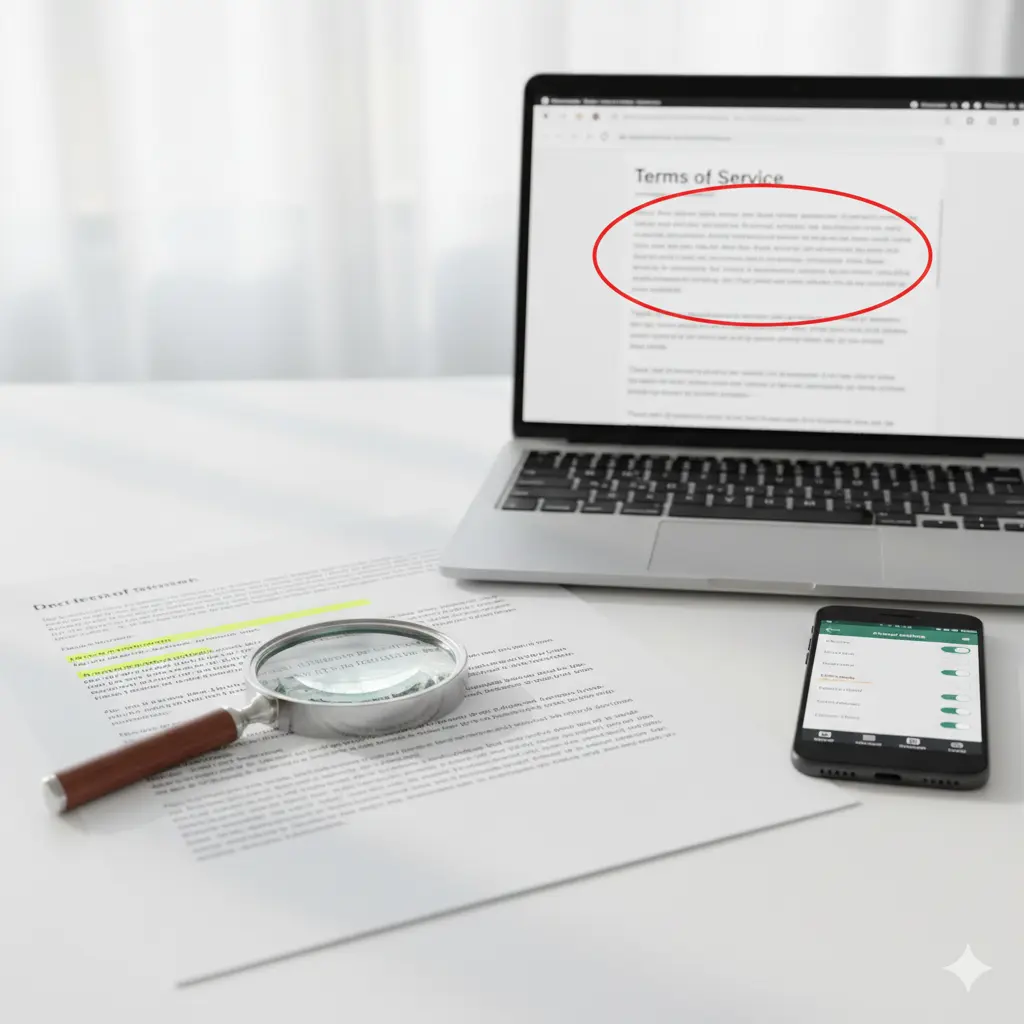
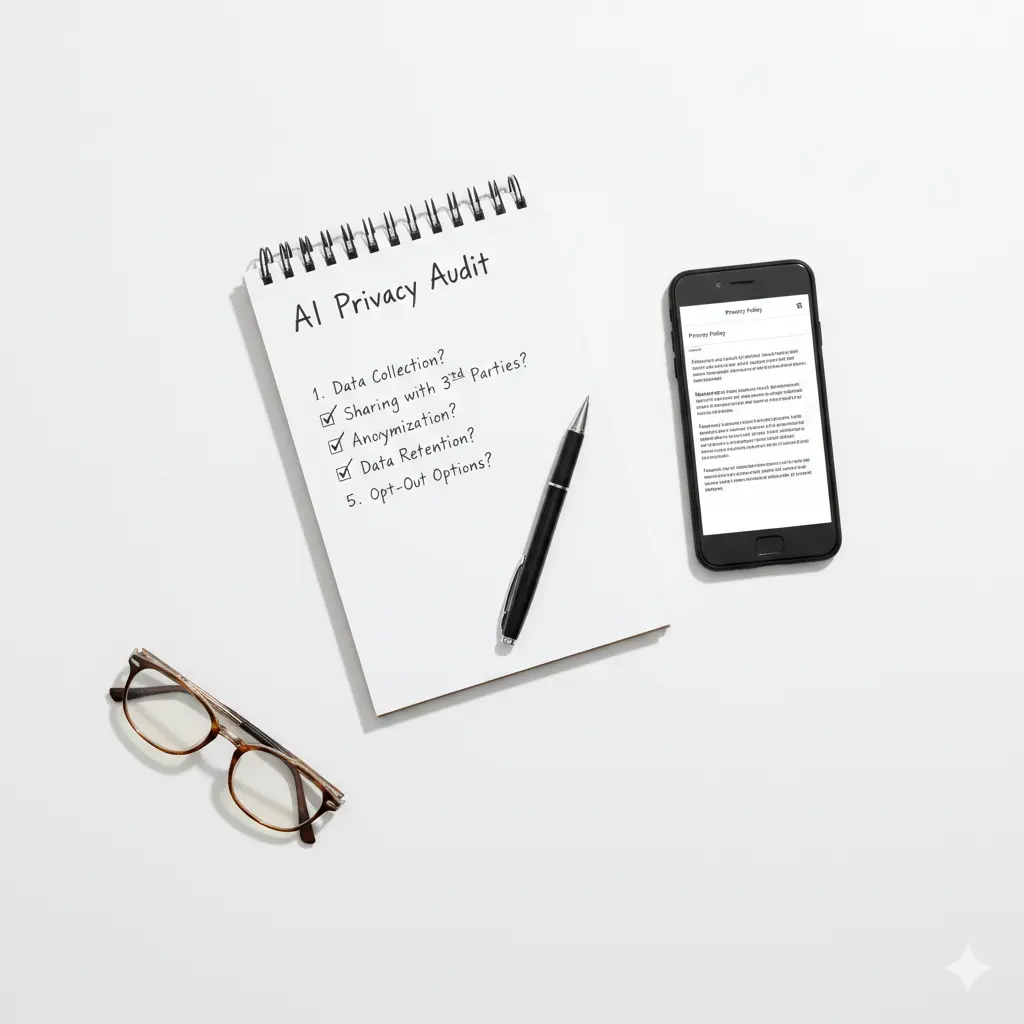
Before downloading any app, use this simple framework. Copy these questions and paste them into your notes to vet any tool in under 5 minutes.
🔍 The Student’s Privacy Audit: 5 Must-Ask Questions
- Where Does My Data Go?
- Ideal Answer: “Processed locally on your device” or “in encrypted cloud storage in [specific country] with strict access controls.”
- Red Flag: Vague terms like “on our servers” or “with global partners.”
- Is My Data Used to Train the AI?
- Ideal Answer: “No, user data is never used for model training.” Look for an explicit opt-out or disabled-by-default setting.
- Red Flag: Language like “to improve our services” without clarification.
- Who Else Gets Access to My Information?
- Ideal Answer: “We do not share data with third parties for advertising or marketing.”
- Red Flag: Long lists of “affiliates,” “analytics partners,” or “service providers.”
- Can I Delete My Data?
- Ideal Answer: “Yes, via account settings, with permanent deletion within [X] days.”
- Red Flag: No clear deletion method or data held “for legal purposes” indefinitely.
- What Independent Certifications Do You Have?
- Ideal Answer: Trust seals like the Student Privacy Pledge, 1EdTech TrustEd Apps Seal, or compliance with FERPA/GDPR.
- Red Flag: No mention of external privacy audits or certifications.
The 2026 Privacy-FirstBuild Your Privacy-First AI Toolkit for Students
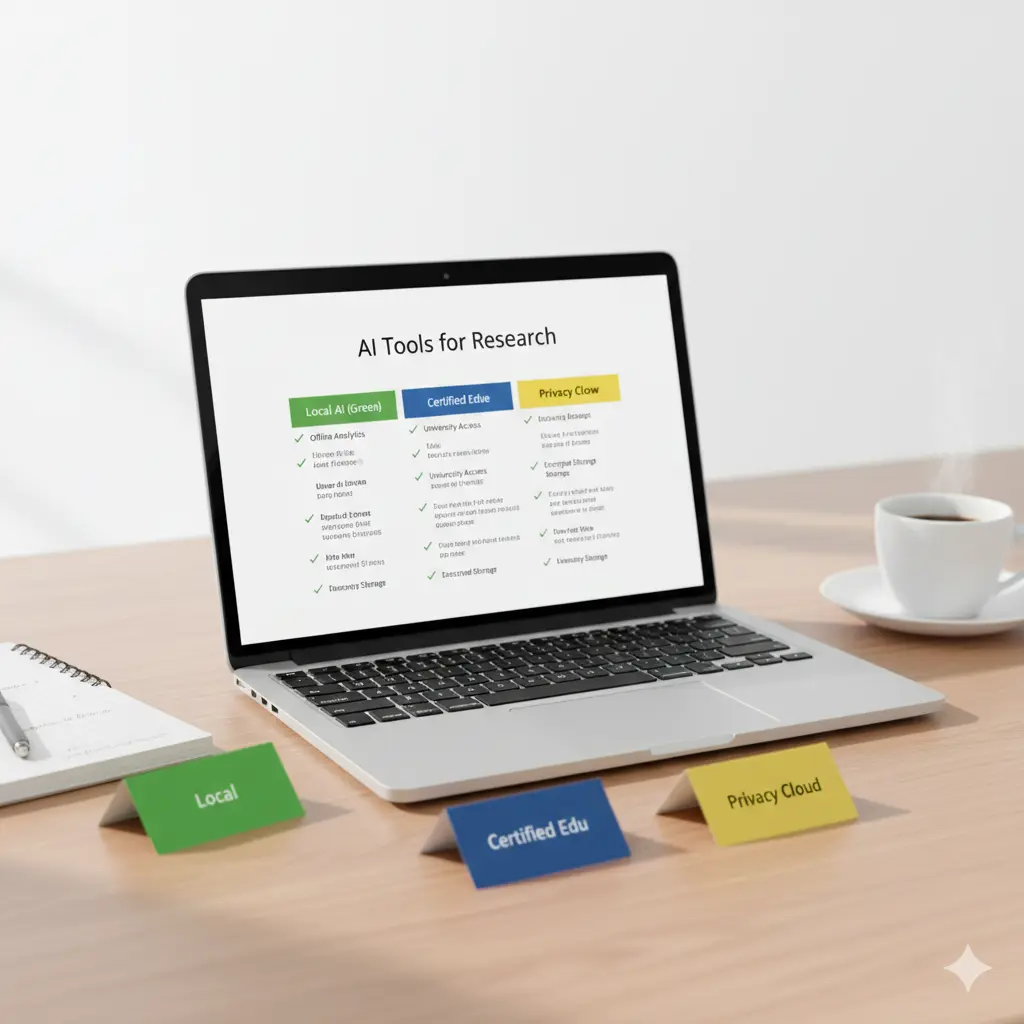
We’ve categorized the safest tools by their core privacy approach. Local AI offers maximum security for offline AI tutoring, while Certified Cloud tools provide power for school-wide use with strong student data protection.
📊 Comparison at a Glance: Safe AI Tools for Students
We’ve categorized the safest tools by their core privacy approach. Local AI offers maximum security for offline AI tutoring, while Certified Cloud tools provide power for school-wide use with strong student data protection.
| Tool & Category | Best For | Key Privacy Feature | Ideal For Student Use Case |
|---|---|---|---|
| Local / Offline AI — Maximum Security: Data Never Leaves Your Device | |||
| Local / Offline | Trying different AI models offline | 100% offline chats; no account or subscription needed. | Brainstorming essay ideas, drafting personal journals, studying in areas with no internet. |
| Local / Offline | Tech-savvy students & coders | Run powerful models like Llama 3 locally on your laptop. | Programming help, research summarization, writing long-form papers without cloud dependency. |
| Local / Offline | Recording and transcribing lectures | Offline speech-to-text; audio never uploaded. | Creating private, searchable transcripts of video lectures or study group meetings. |
| Certified Educational AI — School-Approved Safety: Contractually Safe & Vetted | |||
| Certified Edu | Teacher-led classroom activities | Signatory to Student Privacy Pledge; school owns all data. | Getting AI-generated feedback on assignments submitted through your teacher. |
| Certified Edu | Personalized academic tutoring | Non-profit mission; data used strictly for educational improvement. | Practicing math problems, getting step-by-step science explanations, and test prep. |
| Certified Edu | All-in-one study organization | Privacy-aware design focused on study productivity. | Managing study schedules, joining study groups, and using an AI tutor within a secure platform. |
| Privacy-Conscious Cloud Tools — Balanced Power & Privacy: Use with Clear Boundaries | |||
| Privacy Cloud | Starting research projects | Cites sources; optional “anonymous” mode; less prone to storing chat context. | Initial research for papers; finding scholarly sources without deep personal queries. |
🛡️ How to Build Your Secure AI Workflow: A Step-by-Step Guide
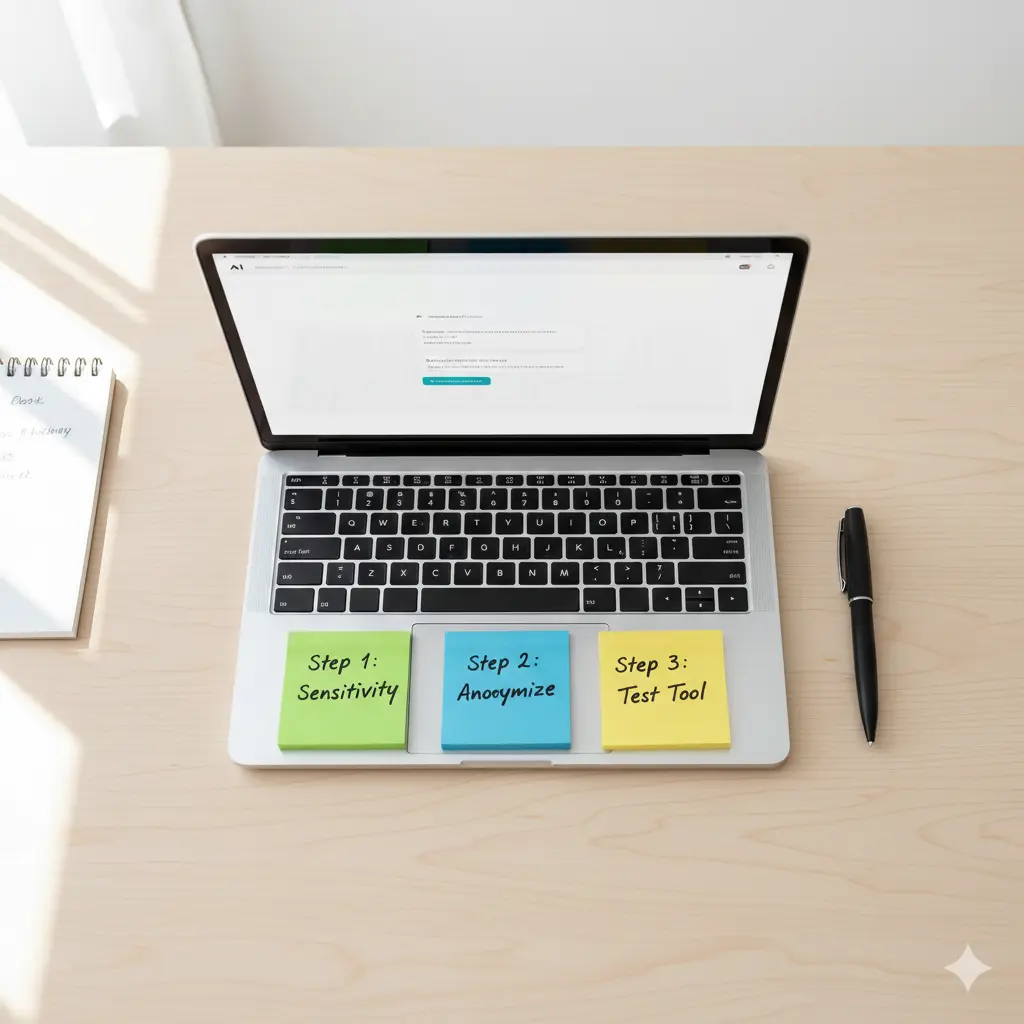
Follow this actionable plan to integrate ethical AI for schoolwork into your study habits—without compromising your privacy.
Segregate Your Tasks by Sensitivity
⏱️ 3 minutesNot all schoolwork needs the same level of privacy. Match your task to the right tool category from our browser-based AI tools guide.
- Personal journaling
- First drafts of application essays
- Notes on sensitive research topics
- Proprietary code
- Homework assignments
- Practice problems
- Peer-reviewed research queries
- Initial brainstorming for public topics
- Grammar checks on final drafts
- Searching for public facts
Pro Tip: Bookmark our AI Tools for Students page to quickly find the right tool for each sensitivity level.
Implement Basic Data Anonymization
⏱️ 2 minutesBefore using any cloud-based tool, take two minutes to scrub your text. This simple habit protects your identity even if data leaks occur.
- Replace names and specific places with generic terms like
[My University]or[Local Hospital]. - Remove unique personal identifiers and specific project titles.
- Use a simple text scrubber browser extension for a quick check—especially useful when using AI note-taking tools.
Choose and Test Your Core Tool
⏱️ 10 minutesSelect one local AI tool from our comparison table and run a quick test to ensure it meets your needs.
Example: Private Mind (or any local tool from our resume builder guide—privacy matters there too!)
Once you’re confident, explore more specialized tools in our presentation tools guide and teacher resources—all with privacy in mind.
📘 Continue Building Your Secure Toolkit
All internal links open in new tabs—explore our complete library of privacy-focused AI guides.
Navigating Risks and Your Rights
Common AI Privacy Risks in Education
- Data Leaks in EdTech: Even popular learning platforms have faced issues with collecting excessive student data. Always assume an app collects more than it explicitly states.
- The “Free” Cost: Remember, if you’re not paying, you and your data are often the product being sold for advertising or training.
- Persistent Profiles: Data from your 8th grade struggles could theoretically be used to train algorithms that shape opportunities presented to you in 12th grade.
Know Your Legal Shields
- FERPA (Family Educational Rights and Privacy Act): In the U.S., this law protects the privacy of your “education records.” Ask your school if an AI tool is FERPA-compliant.
- GDPR (General Data Protection Regulation): In the EU, this gives you strong rights to access, correct, and delete your personal data.
- SOPIPA (Student Online Personal Information Protection Act): A California law that prohibits edtech companies from using student data for targeted advertising.
🔒 Frequently Asked Questions (FAQ)
Everything students need to know about privacy-first AI tools, data protection, and secure studying in 2026.
Q: What is the most secure type of AI tool for students?
A: Local AI tools, like Private Mind or Ollama, are the most secure. They run entirely on your device, meaning your conversations, drafts, and data never leave your laptop or phone, offering true offline AI tutoring and complete data protection. For a full list, check our browser-based AI tools guide which includes privacy-focused options.
Q: Are “free” AI tools like ChatGPT safe for schoolwork?
A: Not for sensitive or personal work. Their standard policies often allow user data to train models. For schoolwork, always anonymize your text first (remove names, specifics) or use a privacy-first alternative. Assume anything you type can become public. Our AI tools for students page highlights safer alternatives for different use cases.
Q: How can I convince my teacher to use a safer AI tool?
A: Speak up and share resources. Politely ask about the tool’s privacy policy. Share articles or this guide. Suggest certified alternatives like Brisk Teaching or Khan Academy that are built for schools and have signed the Student Privacy Pledge. You can also show them our AI tools for teachers guide which includes privacy-respecting classroom options.
Q: What’s the single best step I can take today to protect my data?
A: Download one local AI app. Try Private Mind on your phone or Ollama on your laptop. Use it for your next brainstorming session. Experiencing a truly private AI interaction is the best education. For more recommendations, explore our best free AI note takers guide—many of those tools also prioritize privacy.
Remember: Your data is your digital footprint. Choose tools that respect it as much as you do.
Becoming an Ethical, Empowered Learner
The most powerful study tool isn’t the smartest one—it’s the one you can trust. By choosing privacy-first AI tools, you take control of your digital footprint and advocate for ethical technology.