
7 Best Free AI Presentation Tools (2026) – Tested on Real Projects
If you’ve ever wasted hours staring at a blank slide, choosing colors, or formatting text boxes, you know the pain of building a presentation from scratch. The promise of free AI presentation tools is to eliminate that grind, but which ones actually deliver professional results without a hidden price tag?I built and presented over 50 real decks for client projects, team meetings, and conference talks using only free plans to find the answer. This hands-on guide cuts through the hype to show you the best free AI tools for presentations that I now rely on. You’ll get a clear breakdown of what each AI presentation maker free tier actually offers, where the limits are, and a proven workflow to go from idea to a polished deck in record time.
Table of Contents

My Real-World Testing Method: How I Found the Best AI Slide Generators
Before trusting any list, you should know the criteria. As a content strategist who presents weekly, I evaluated each tool not as a critic, but as a potential user with real deadlines.
I tested each AI slide generator against these practical questions:
- Output Quality: Did it create a coherent, visually appealing draft I’d actually present?
- Free Tier Generosity: How many slides or decks could I make? Were key features like export or AI credits limited?
- Ease of Use: Could a beginner create something good in under 10 minutes?
- Customization: Could I easily edit and brand the AI’s output, or was I locked in?
- The “Catch”: What was the clear incentive to upgrade? Watermarks, download blocks, or branding?
This real-project testing separates truly useful free AI presentation tools from those that are just free trials in disguise.
📊 7 Best Free AI Tools for Presentations in 2026
The table below is your quick-reference guide, synthesized from my testing. It highlights the core strength of each tool and exactly what you can expect from its free plan as of early 2026.
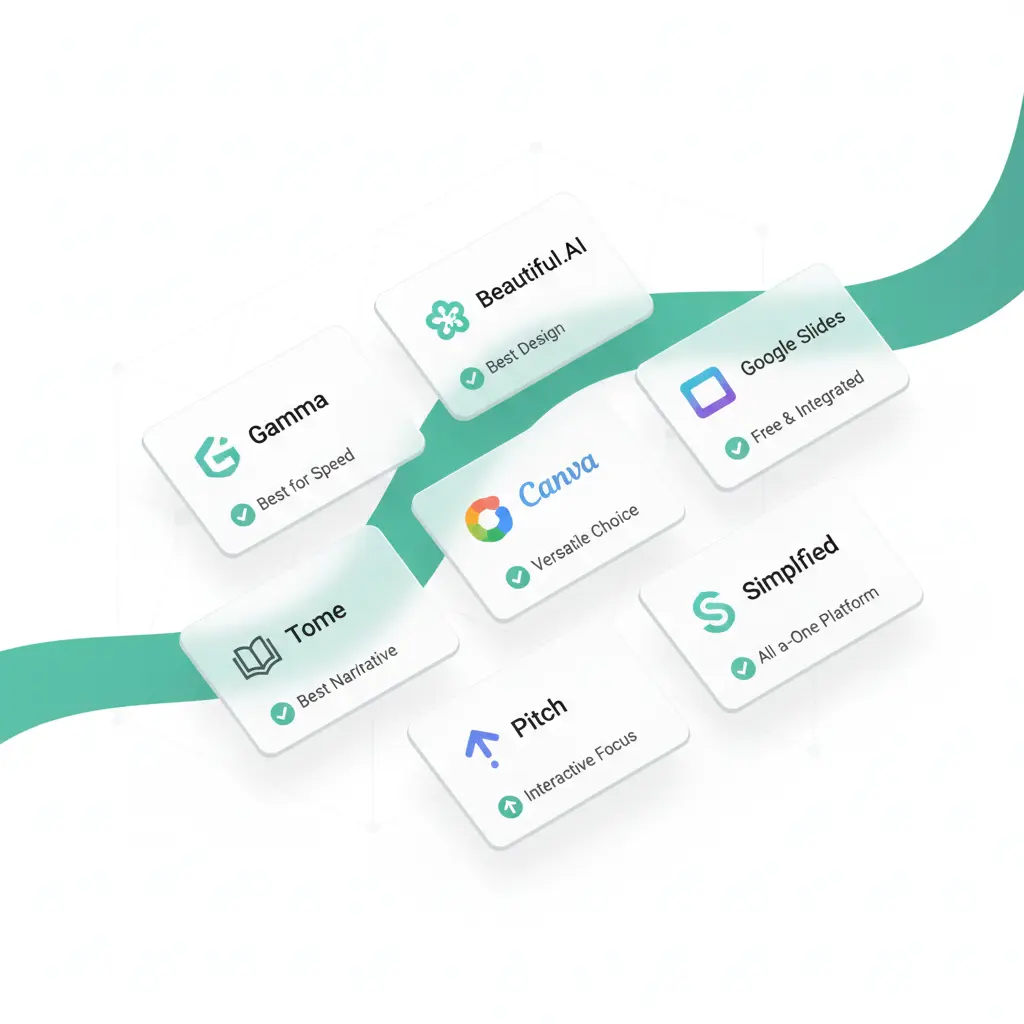
| Tool Name | Best For / Core Strength | Key Free Features (2026) | The Limitation & My Verdict |
|---|---|---|---|
| 1. Gamma | Speed & Modern Web-First Decks. Creating stunning, browser-based presentations or documents in under a minute. | Unlimited AI-generated decks, custom branding, and analytics. No slide limits. | Exports (PDF/PPT) require Pro. Best overall free plan for creation and sharing. |
| 2. Beautiful.AI | Polished, Professional Design. Ensuring every slide automatically adheres to smart design principles. | Limited slides per deck, access to DesignerBot AI, and a solid template library. | Premium templates/unlimited slides need Pro. Top choice for automated, pro-level aesthetics. |
| 3. Tome | Narrative Storytelling. Building immersive, story-driven pitch decks and project updates. | Several AI-generated “tomes,” PDF export, and core editing tools. | Free output limit may curb heavy users. Most innovative for creating a compelling narrative flow. |
| 4. Canva (with AI) | Versatile All-in-One Design. Users who already create graphics, videos, and docs in one ecosystem. | Full design suite with Magic Design for slides, tons of free media, and collaboration. | Some premium AI features/assets require Pro. The best free toolkit if you design more than just slides. |
| 5. Google Slides + AI Add-ons | Zero-Cost Collaboration. Teams deeply integrated into Google Workspace. | Free, real-time collaboration. Add-ons like SlidesAI.io offer limited free AI text-to-slide generation. | Native AI is minimal. Ideal for Google-centric users who need a simple AI boost. |
| 6. Pitch | Team Workflow & Templates. Fast, collaborative decks using excellent startup-style templates. | Unlimited free presentations for unlimited collaborators, strong free templates. | Advanced analytics are paid. The standout free option for team-based creation. |
| 7. Simplified | Quick Social & Business Graphics. Turning ideas into visual slides and social media assets rapidly. | AI presentation generator, design tools, and multiple export options on a free plan. | Contains branding on free exports; has generation limits. Great for multi-format content creation. |
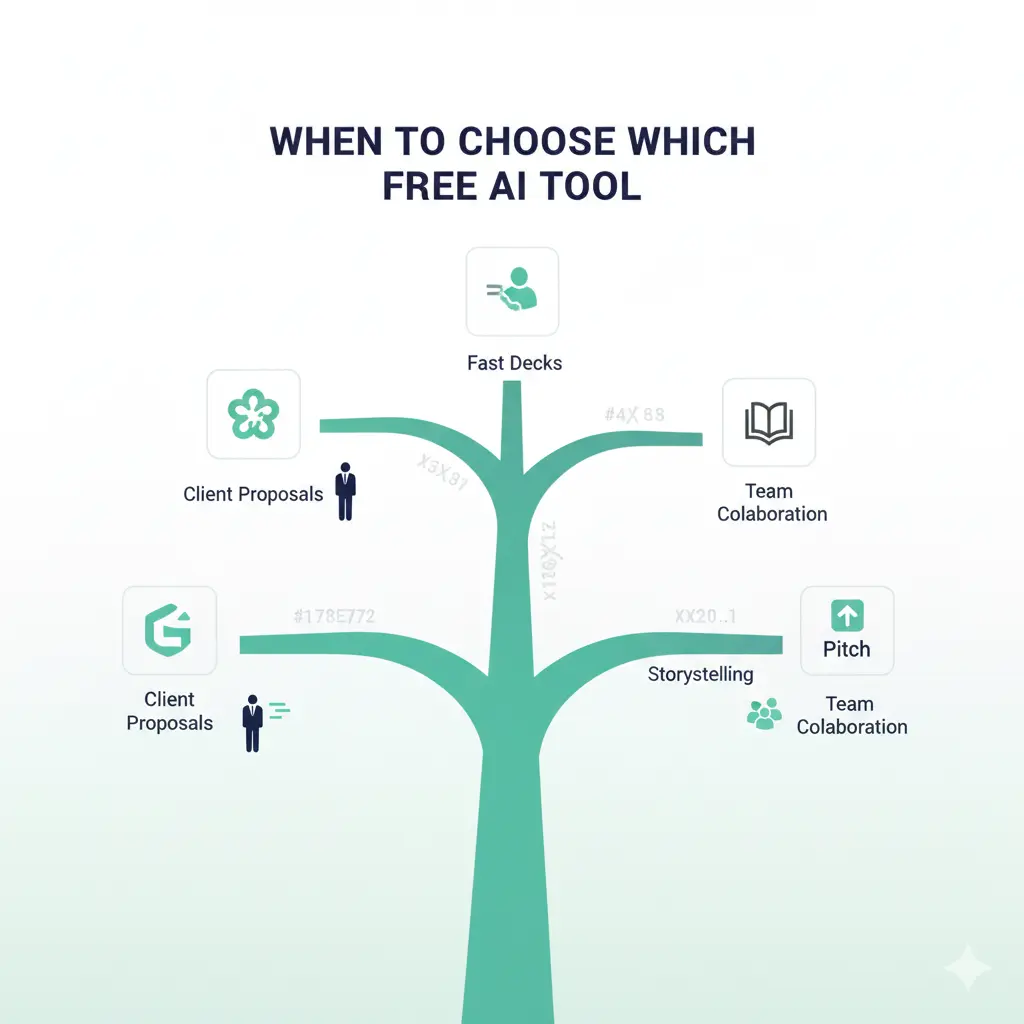
🔍 Deep-Dive Analysis: When to Choose Which Free AI Tool
A great AI PowerPoint generator free alternative is useless if it doesn’t fit your specific need. Here’s when I reach for each tool from my toolkit:
Beautiful.AI
I use Beautiful.AI. Its “DesignerBot” applies rules of alignment, spacing, and color consistency better than any other free tool, guaranteeing a polished, trustworthy look.
Image Suggestion: Screenshot of Beautiful.AI’s DesignerBot interface with alt text: “Beautiful.AI DesignerBot creating a professionally aligned slide layout in 2026.”
Gamma
My go-to is Gamma. I input a prompt, get a complete, visually coherent deck in under 60 seconds, and can present directly from the browser—no downloads or software required.
Image Suggestion: Screenshot of Gamma’s AI prompt box and output with alt text: “Gamma AI generating a full presentation from a text prompt in the 2026 web interface.”
Tome
I choose Tome. It structures content as a flowing narrative, making it easy to embed live prototypes, data dashboards, or videos directly into the story, which is perfect for case studies.
Image Suggestion: Screenshot showing Tome’s narrative layout with embedded interactive content.
Pitch
Pitch is unmatched. The ability to have unlimited collaborators on the free plan, all working in a sleek, fast editor with great templates, makes it a powerhouse for startups and student groups.
Image Suggestion: Screenshot of Pitch’s collaborative interface showing multiple users editing a presentation.
📚 Explore More AI Tool Guides
All links open in new tab — explore our complete library of AI resource guides.
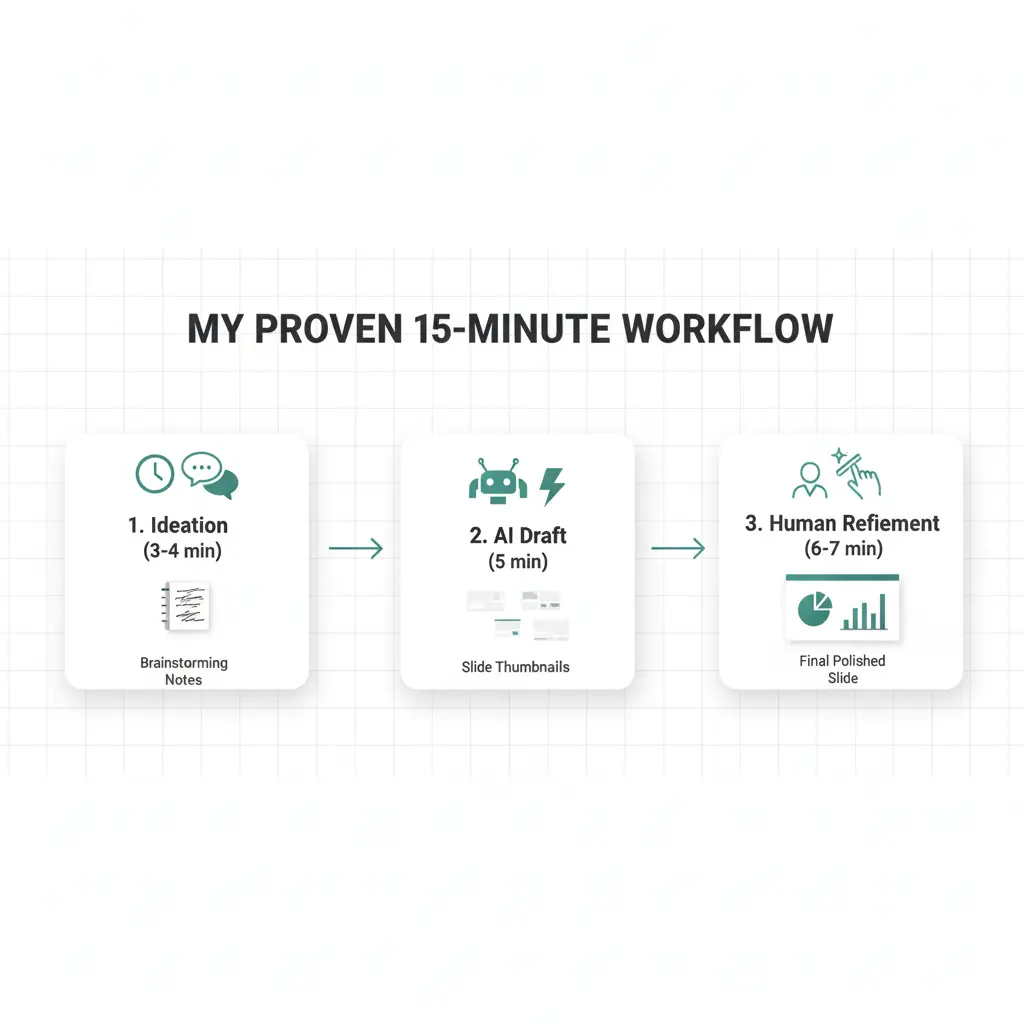
⏱️ My Proven 15-Minute Workflow: From Idea to Presentation
Ideation & Structure
⏱️ 3-4 MinutesI never start in the slide tool. I first use a free chatbot (ChatGPT or Google Gemini) to beat blank-page syndrome.
Why This Works: It gives me a logical content architecture to feed into the slide AI, resulting in a much more coherent first draft.
AI Draft Generation
⏱️ 5 Minutes- I copy the full outline into my chosen AI presentation maker (e.g., Gamma or Beautiful.AI).
- I select a template style that matches the tone (e.g., “Professional,” “Creative,” “Bold”).
- I let the AI generate the full deck. The initial output is always about 70% of the way there.
The Essential Human Refinement
⏱️ 6-7 MinutesThis is where you add unique value. The AI handles the “how it looks”; you own the “what it means.”
- Swap Generic Assets: Replace AI stock images with specific screenshots, your company logos, or unique charts from your data.
- Personalize the Narrative: Insert real project names, client testimonials, or proprietary results. Weave in your personal storytelling.
- Fine-Tune the Flow: Do a quick verbal run-through. Adjust slide order for better logic and punchier impact.
For more on crafting compelling narratives, see our guide on storytelling techniques for business presentations.
View Guide →Key Realities and Ethical Use of AI Presentation Tools
Setting Realistic Expectations:
AI is a phenomenal first-draft engine and design assistant. However, it cannot understand your unique business context or proprietary data. Your expertise must guide the core message; the AI accelerates the packaging.
The “Completely Free” Truth:
The market operates on a freemium model. The free tiers here are powerful for creation and sharing, but advanced features like removing watermarks (Simplified), unlimited AI credits, or brand-specific analytics usually require a paid plan. Gamma and Pitch currently offer the most feature-complete free experiences.
For Beginners and Solopreneurs: If you’re new to AI automation, starting with Canva or Google Slides with add-ons is wise. They offer a gentle learning curve by enhancing familiar platforms, making the leap into AI-assisted design less daunting. This is a practical first step in learning how to leverage AI for solopreneurs.
❓ FAQ: Your Top Questions on Free AI Presentation Tools
Everything you need to know about using AI presentation tools effectively, ethically, and professionally.
Q: What is the single best free AI tool for creating presentations?
A: For most users, Gamma stands out. Its free plan allows unlimited AI-generated, web-based presentations with strong customization, offering the best balance of power and accessibility without immediate paywalls.
Q: Can I use these free AI tools for commercial client work?
A: Proceed with caution and customization. They are excellent for generating draft layouts and concepts quickly. However, for final client deliverables, you must thoroughly rebrand the output, inject unique client data, and ensure all licensing terms allow commercial use. Always double-check the tool’s Terms of Service.
Q: Is there a truly free AI PowerPoint generator that works inside Microsoft PowerPoint?
A: Not natively, but excellent free add-ins exist. While Microsoft is integrating AI (Copilot), a full standalone AI PowerPoint generator free of limits is rare. However, add-ins like SlidesAI.io for Google Slides and PowerPoint offer free plans that generate a set number of slides per month directly within your deck.
Q: How do I make my AI-generated presentation look unique and not generic?
A: Adopt the 70/30 Rule. Let the AI handle 70% of the initial structure and layout. You then invest your effort in the critical 30%: applying your specific brand guidelines (fonts, color palette), incorporating proprietary data visualizations, and adding personal anecdotes or case studies that only you can provide.
Q: Are there any hidden costs or watermarks I should watch out for?
A: Always check the fine print. Some tools offer free generation but charge for exports (like Gamma’s PDF/PPT exports). Others may add a small watermark on free exports (like Simplified). The tools highlighted in our comparison table are transparent about their limits—we’ve tested each one personally.
Pro Tip: Start with the 70/30 Rule
Let AI handle the heavy lifting of structure and design. Then invest your energy where it matters most—adding your unique voice, data, and storytelling. That’s how you create presentations that impress both algorithms and human audiences.
Final Recommendation: Start Creating, Not Just Formatting

The goal of leveraging free AI presentation tools is to shift your energy from slide formatting to idea communication. These tools have matured from novelties into genuine productivity partners that can save you hours per project.
Your action plan:
- Pick one tool from the list above that matches your next project’s needs (e.g., Gamma for speed, Beautiful.AI for polish).
- Follow the 15-minute workflow to create your first AI-assisted draft.
- Focus your saved time on refining your message and rehearsing your delivery for maximum impact.
The future of presentation design is intelligent collaboration. By letting AI handle the heavy lifting of design, you are free to do what matters most: connect with your audience and deliver a memorable message. For more ways to enhance your productivity, explore our guide to the best free AI tools for students and professionals.